How to Build a Ban-Proof Affiliate Marketing Browser Setup
The right affiliate marketing browser setup isolates every ad account, tracking dashboard, and spy tool in its own fingerprinted profile with a matching residential proxy — so Facebook, Google, and TikTok never link your accounts together. Skip this step and one shared cookie or IP address can trigger a ban across your entire affiliate stack. This guide walks through the profile architecture, proxy choices, and daily workflow that keep multi-account affiliate operations running without interruption.
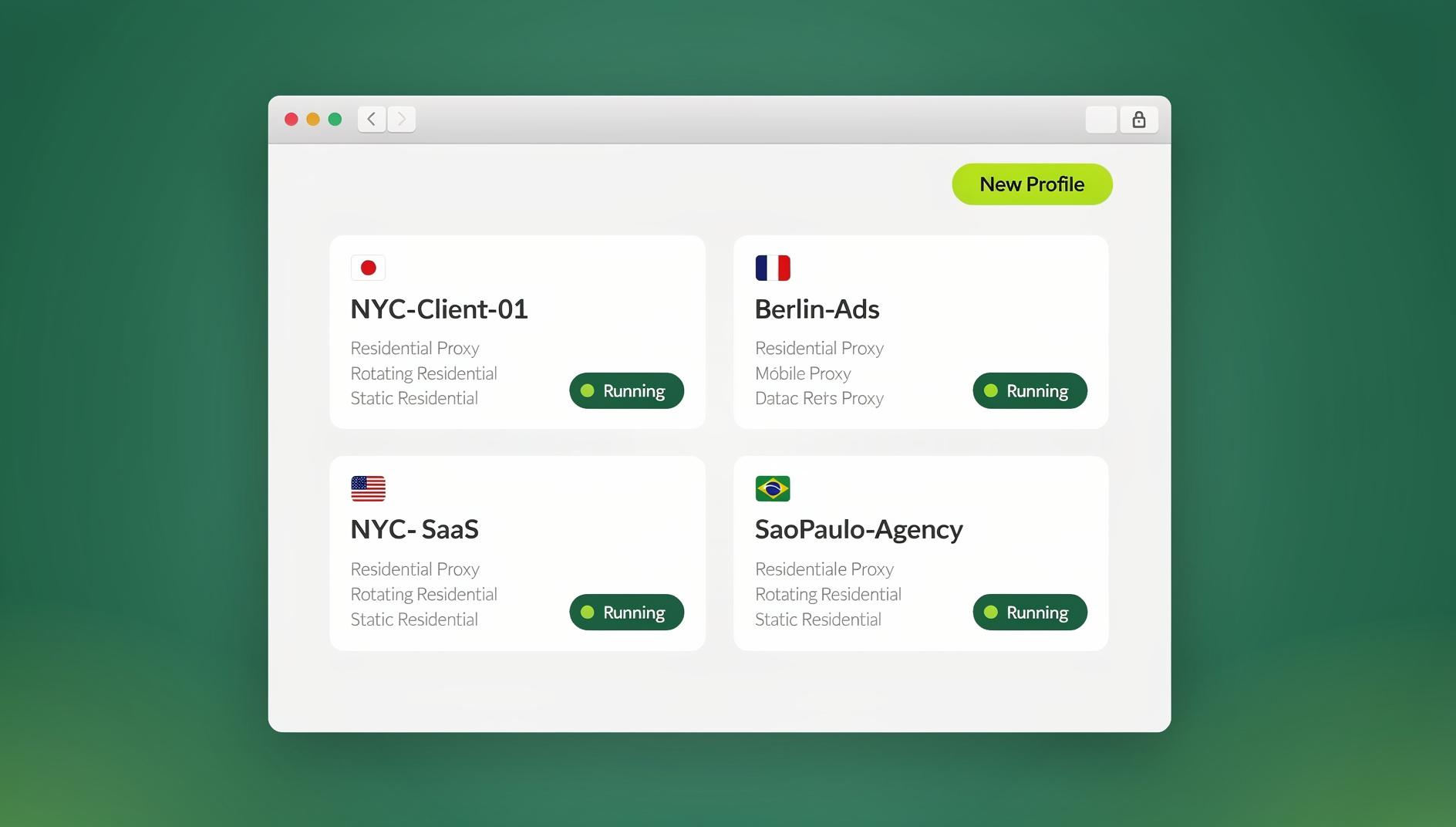

Why Affiliate Marketers Need a Dedicated Browser Setup
Affiliate marketing in 2026 means running multiple accounts at once, often across several platforms simultaneously:
- Multiple ad accounts — Facebook Ads, Google Ads, TikTok Ads (each platform limits one account per person)
- Multiple affiliate networks — MaxBounty, CJ Affiliate, Impact, ShareASale on different logins
- Multiple tracking dashboards — Voluum, ClickMagick, RedTrack across campaigns
- Multiple spy tools — AdSpy, PowerAdSpy, BigSpy for competitive intelligence
- Multiple landing pages — testing variants for different traffic sources
Standard browsers weren’t built for this. A single Chrome profile with several logged-in tabs still exposes one fingerprint and one IP to every platform you touch — which is exactly what ad networks look for when hunting for linked accounts.
The Core Problem: Browser Fingerprinting
Every browser exposes a unique fingerprint — a combination of IP address, browser version, screen resolution, installed fonts, timezone, canvas rendering, and dozens of other signals. Ad platforms and affiliate networks use this fingerprint to link accounts, even when you never enter the same password twice.
What Gets You Banned in Affiliate Marketing
| Action | Detection Method | Consequence |
|---|---|---|
| Multiple ad accounts from same browser | Browser fingerprint linking | All accounts suspended |
| Multiple accounts from same IP | IP correlation | Account flagged for review |
| Running cloaked pages while logged into an ad account | Cookie leakage between sessions | Immediate permanent ban |
| Affiliate fraud detected across accounts | Behavioural pattern analysis | All associated accounts purged |
| Same payment method across multiple accounts | Billing record cross-reference | Account cluster ban |
The Ideal Affiliate Marketing Browser Architecture
One Profile Per Identity
The golden rule: each “identity” — an ad account persona, a network login, a spy-tool account — lives in a completely isolated browser profile with:
- Unique browser fingerprint — different canvas, WebGL, screen resolution, and fonts
- Unique IP/proxy — a residential proxy matching the account’s registered location
- Isolated cookies and storage — no cookie sharing with other profiles
- Unique payment method — a different card per ad account (virtual cards work well)
- Unique email address — a dedicated inbox per account
Profile Organisation for Affiliates
Profile Structure:
├── FB Ads - Account 1 (US Proxy - California)
│   └── Extensions: Facebook Ads Manager, Pixel Helper
├── FB Ads - Account 2 (US Proxy - New York)
│   └── Extensions: Facebook Ads Manager, Pixel Helper
├── Google Ads - Account 1 (US Proxy - Texas)
│   └── Extensions: Google Ads Editor
├── TikTok Ads - Account 1 (US Proxy - Florida)
│   └── Extensions: TikTok Pixel Helper
├── Affiliate Network - MaxBounty
│   └── Extensions: Link redirect checker
├── Spy Tool - AdSpy
│   └── Extensions: None (keep clean)
└── Tracker - Voluum
    └── Extensions: None (keep clean)
Browser Tools Every Affiliate Marketer Needs
1. Anti-Detect Browser (Profile Manager)
The foundation of the whole setup. Options ranked by affiliate marketing suitability:
| Tool | Price | Affiliate Suitability | Fingerprint Quality |
|---|---|---|---|
| Send.win | 30-day free trial, Pro from $6.99/mo (billed annually) | ⭐⭐⭐⭐⭐ | Cloud-isolated per profile |
| Multilogin | €99/month | ⭐⭐⭐⭐⭐ | Excellent (Mimic + Stealthfox) |
| AdsPower | $9/month | ⭐⭐⭐⭐ | Good (dual browser engines) |
| Dolphin Anty | Free (10 profiles) | ⭐⭐⭐⭐ | Good (Chromium-based) |
| GoLogin | $49/month | ⭐⭐⭐ | Good (Orbita) |
Send.win runs each profile as an isolated cloud browser session by default, so you don’t need to manage local virtual machines to keep identities apart — and the same profiles are accessible through the native Sendwin Browser desktop app when you want them running locally instead.
2. Residential Proxy Service
Critical for affiliate marketing. Datacenter proxies are flagged almost immediately by Facebook and Google:
| Provider | Price | Notes |
|---|---|---|
| Bright Data | $8.4/GB | Largest pool, best for Facebook |
| Oxylabs | $8/GB | High quality residential IPs |
| Smartproxy | $7/GB | Good balance of quality and price |
| IPRoyal | $3/GB | Budget option, smaller pool |
| PacketStream | $1/GB | Cheapest, lower quality |
3. Click Tracking and Attribution
- Voluum: Industry standard, real-time tracking, direct integration with most ad platforms
- ClickMagick: Bot filtering, UTM parameter tracking, affiliate-friendly
- RedTrack: Strong for media buyers, good rule-based traffic distribution
- Bemob: Budget option, solid core features
4. Landing Page Tools
- ClickFunnels: Full funnel builder, affiliate tools built in
- Unbounce: Best A/B testing, AI-optimised copy suggestions
- Landingi: 300+ templates, good drag-and-drop editor
- HTML/JS custom pages: Maximum flexibility for cloaking setups
Ad Spy Setup in Dedicated Profiles
Why Spy Tools Need Isolated Profiles
Ad spy tools like AdSpy, BigSpy, and PowerAdSpy collect data by simulating user browsing. Running these tools in the same browser profile as your ad accounts risks:
- The ad platform detecting spy tool activity and linking it to your ad account
- Cookie pollution affecting what ads you see in your real account
- Fingerprint contamination from the spy tool’s extensions
Always run spy tools in a dedicated, clean profile — ideally with a different IP than your ad accounts.
Recommended Spy Browser Setup
Spy Tool Profile:
  - Browser: Fresh isolated profile or dedicated antidetect profile
  - Proxy: Residential IP (different city from your ad accounts)
  - Extensions: ONLY the spy tool extension
  - Logged in: To NO ad platforms (clean slate)
  - Purpose: Research only, never click or interact with tracked links
Cloaking Setup: Critical Browser Isolation
Cloaking — showing different content to ad reviewers than to real users — is a high-risk affiliate strategy. If you use cloaking, absolute browser isolation between your cloaked campaigns and your ad accounts is non-negotiable.
Cloaking Safety Rules
- Never access your cloaked page from an ad account profile — even once is enough to trigger detection
- Use a completely separate device for reviewing cloaked content if possible
- Test cloaking in isolated browser profiles with clean proxies far from your ad account IPs
- Never share proxies between cloaked landing pages and ad account management
Facebook Ads: Multi-Account Setup
Account Warming Protocol
- Day 1-3: Only browse Facebook naturally — no ad creation
- Day 4-7: Create a simple page, add a profile photo and a few posts
- Day 8-14: Set up Business Manager, add a payment method
- Day 15: Launch a first small campaign ($5-10/day budget)
- Week 3-4: Gradually increase budget if no restriction flags appear
- Month 2+: Normal operation — track spend limits and request increases
Facebook Signals to Avoid
| Signal | Risk | Prevention |
|---|---|---|
| Multiple account logins from same browser | 🔴 Very High | Isolated browser profiles |
| Frequent payment declines | 🔴 High | Use virtual cards with sufficient balance |
| Low-quality landing pages | 🟡 Medium | Policy-compliant, fast-loading pages |
| Rapid budget scaling | 🟡 Medium | Scale gradually (20-30% per 2 days) |
| VPN/datacenter IP usage | 🔴 High | Residential proxies only |
Browser Extensions for Affiliate Marketers
Beyond the antidetect layer itself, a handful of installed extensions do the daily heavy lifting — just keep them scoped to the right profile so they don’t cross-contaminate fingerprints:
| Extension | Purpose | Install In |
|---|---|---|
| Facebook Pixel Helper | Verify pixel fires on landing pages | Ad account profiles |
| Google Tag Assistant | Debug GTM and Google Ads tags | Google Ads profiles |
| Redirect Path | Trace URL redirect chains | Spy/research profiles |
| Hunter.io | Find email contacts for outreach | Dedicated outreach profile |
| Keywords Everywhere | See keyword data on Google search | Research profiles |
| SimilarWeb | Competitor traffic analysis | Research profiles |
Account Management Workflow
Daily Affiliate Browser Routine
Morning (Review Metrics):
  - Open each ad account profile separately
  - Review campaign performance (CTR, CPC, ROAS)
  - Pause underperforming ad sets
  - Export reports if needed

Midday (Optimisation):
  - Open spy tool profile
  - Research new angles and competitor ads
  - Create new ad creatives

Afternoon (Campaign Management):
  - Open ad account profiles to launch new campaigns
  - Upload new creatives
  - Set budgets and bids

End of Day:
  - Open tracker (Voluum/ClickMagick profile)
  - Analyse conversion data
  - Update campaign notes
Scaling Beyond a Handful of Accounts
Once you’re past 5-10 profiles, manual proxy assignment and profile-naming conventions stop scaling. Teams that scale affiliate campaigns successfully standardise on a proxy-per-profile system early, so adding the eleventh ad account is the same five-minute task as the first. Picking the right residential proxy browsers setup at this stage matters more than which antidetect tool you use — a great fingerprint means nothing if the IP behind it is a flagged datacenter range.
It’s also worth understanding the broader risks of running multiple accounts before you scale — the same fingerprint-linking mechanics that ban an affiliate’s ad account apply to any business running parallel logins on one platform, so the isolation habits in this guide protect more than just your Facebook Ads Manager.
Sharing Ad Account Access with Team Members
Agencies and affiliate teams often need to share ad account access without sharing login credentials. With session sharing, team members get access to pre-authenticated ad accounts without ever seeing the username or password — and without changing the fingerprint or IP that Facebook and Google expect from that profile.
🏆 Send.win Verdict
For affiliate marketers running multiple ad accounts, spy tools, and tracking dashboards, Send.win gives every identity its own isolated cloud browser profile — unique fingerprint, dedicated proxy slot, and separate storage — without juggling a fleet of local virtual machines. Team members can review campaigns or spy-tool research through shared sessions without ever seeing a password, and pricing stays predictable with a 30-day free trial and Pro plans from $6.99/month billed annually.
Try Send.win free today — start your 30-day trial and isolate your first ad account profile in minutes.
Frequently Asked Questions
Can I use one browser for all my affiliate accounts?
Not safely. Even using different tabs or incognito mode, your browser fingerprint remains the same. Ad platforms will detect that multiple accounts come from the same browser and link them. Use isolated profiles with unique fingerprints for each account cluster.
Do I need a proxy for each affiliate account?
Yes — especially for ad accounts. Facebook and Google are particularly aggressive about IP correlation. Use residential proxies matched to the account’s registered location. For affiliate network logins and research, mobile proxies offer the highest trust scores.
What’s a reasonable starting setup if I’m on a budget?
Start with Dolphin Anty’s 10 free profiles or Send.win’s 30-day free trial for browser isolation, paired with a cheap residential proxy provider like PacketStream ($1/GB). This gives you enough isolation for 2-3 ad accounts while you test your offers, before upgrading to a paid plan as you scale.
How do I avoid cookie leakage between profiles?
Use a proper antidetect browser or isolated cloud browser profiles — these provide complete storage isolation. Regular browser profiles and incognito windows share some data. Never rely on logout/login to separate sessions — always use separate profiles with separate storage.
Can Send.win handle both ad accounts and spy-tool profiles on one platform?
Yes. Because each Send.win profile is isolated by default, you can run ad account profiles, affiliate network logins, and spy-tool research profiles side by side without them sharing cookies, fingerprints, or IPs — exactly the separation this guide recommends.
Do I need a different browser entirely for cloaking versus regular affiliate work?
You don’t need a different piece of software, but you do need completely separate profiles and proxies. Cloaking review traffic must never touch the same fingerprint or IP as your ad account profiles, so treat it as its own isolated identity within your browser setup rather than a different app.
How much does a full affiliate browser stack cost per month?
Budget for three line items: the antidetect/isolation layer (free to roughly $50/month depending on profile count), residential proxy bandwidth ($1-8/GB depending on provider), and a tracker like Voluum or ClickMagick ($30-100/month). A lean 5-account setup can run under $100/month; a 20+ account operation typically lands closer to $300-500/month once proxy bandwidth scales up.
Conclusion
A proper affiliate marketing browser setup — isolated profiles, residential proxies, and clean session separation — is the difference between a sustainable affiliate operation and constant account bans. The investment in proper browser infrastructure pays for itself the first time it prevents an account suspension.
Start with one profile per ad account, use residential proxies matched to account locations, and never cross-contaminate your profiles. For teams, use session sharing to distribute access without credential exposure. Platforms like Send.win simplify this entire setup with isolated cloud browser profiles by default, alongside the native Sendwin Browser app for local use.