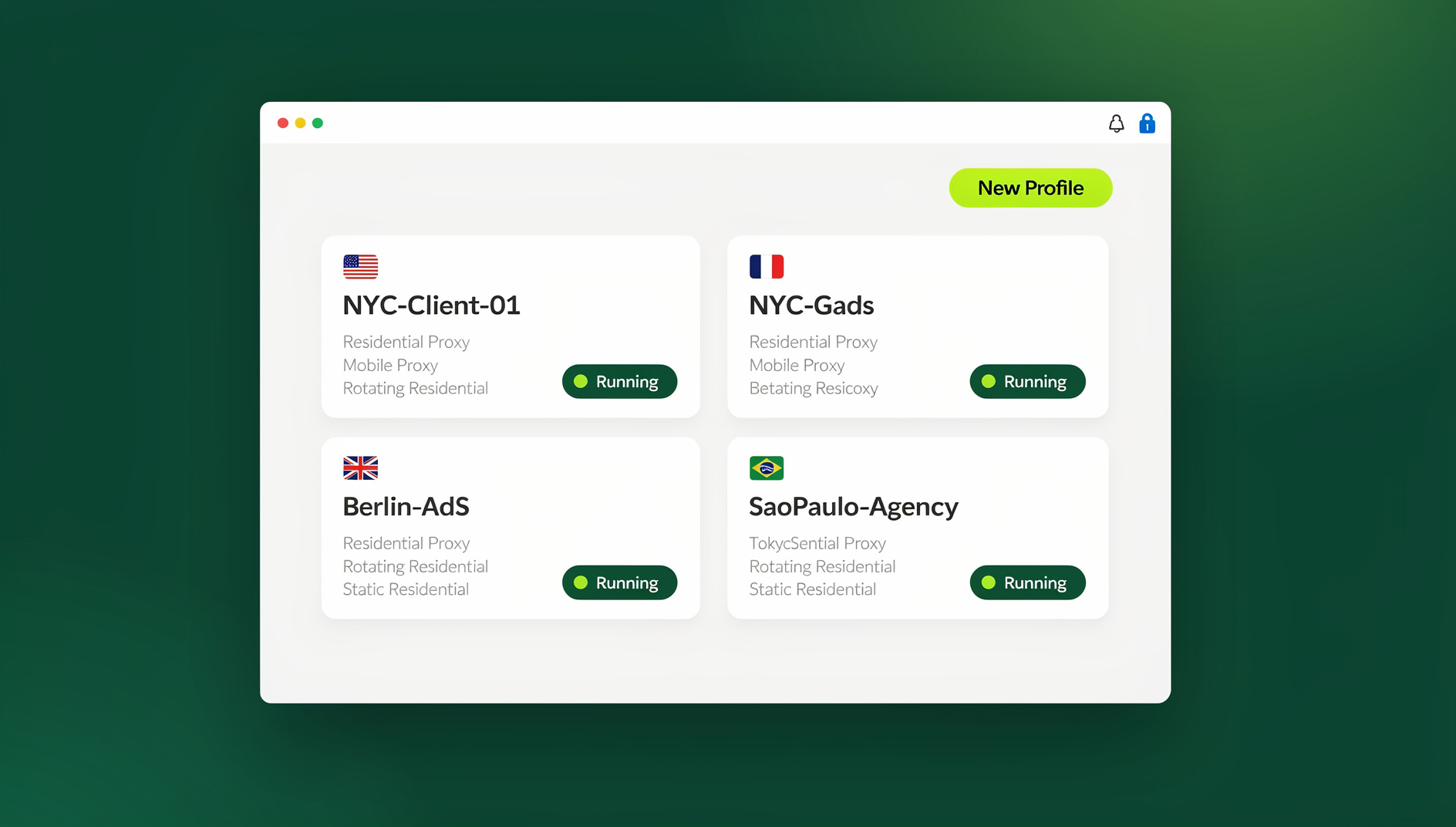
Application isolation is the security practice of running every app, browser profile, or account inside its own sealed environment so that a compromise, crash, or data leak in one can never spread to another. The strongest form of this moves the application off your device entirely — which is exactly how Send.win’s native Sendwin Browser and cloud browser sessions are built, isolating every profile at the browser, session, and network level.

What Is Application Isolation?
Application isolation is a security technique that separates applications from each other and from the host operating system, preventing a compromised or malicious application from affecting other programs or your system. Think of it as giving each application its own sealed room — what happens inside stays inside.
A single browser exploit, a poisoned extension, or one leaked cookie can compromise an entire workflow if everything shares the same environment. Application isolation is the defense layer that stops that spread, and it matters just as much to a solo freelancer juggling client logins as it does to an enterprise security team.
Why Application Isolation Matters
The Problem Without Isolation
On a standard computer, applications share resources freely:
- All applications access the same file system
- A compromised browser can read files and data from other applications
- Malware in one app can spread to the entire system
- Cookies and cached credentials bleed between tabs and accounts
- One vulnerable application puts everything on the device at risk
What Isolation Solves
- Malware containment: Even if malware executes, it can’t escape the isolated environment
- Data protection: Sensitive data in one application can’t be accessed by another
- System stability: A crash in one isolated application doesn’t affect others
- Privacy: Browsing data, cookies, and sessions are kept completely separate
- Zero-day protection: Unknown exploits are contained within the isolation boundary
Types of Application Isolation
| Type | How It Works | Isolation Level | Performance Impact | Best For |
|---|---|---|---|---|
| OS Sandboxing | Restricts app permissions at the OS level | Medium | Minimal | Mobile apps, browsers |
| Containerization | Lightweight OS-level isolation (Docker) | High | Low | Servers, microservices |
| Virtual Machines | Full hardware emulation | Very High | High | Maximum-security workloads |
| Native App Profiles | Local app isolates each profile’s storage and fingerprint, with encrypted cloud backup | High | Low | Daily multi-account browsing |
| Cloud Browser Sessions | The entire browser runs on remote servers; only pixels reach your device | Maximum | Network-dependent | High-risk browsing, zero-install access |
Application Isolation Techniques Deep Dive
1. OS-Level Sandboxing
Modern operating systems include built-in sandboxing:
- Windows Sandbox: Disposable, lightweight desktop environment for running untrusted software
- macOS App Sandbox: Mandatory for App Store apps — restricts file system, network, and hardware access
- Linux namespaces: Kernel-level isolation of processes, networking, and file systems
- Android sandbox: Each app runs as a separate Linux user with its own permissions
- iOS sandbox: Extremely strict app isolation with minimal inter-app communication
2. Container-Based Isolation (Docker)
Containers provide lightweight, portable isolation:
- Share the host kernel but isolate everything else (file system, processes, networking)
- Start in milliseconds vs. minutes for VMs
- Use minimal resources compared to full virtual machines
- Reproducible environments defined by Docker images
- Popular for spinning up disposable, isolated browser instances for testing
3. Virtual Machine Isolation
The strongest local isolation available:
- Full hardware abstraction: Complete OS-level separation
- Hypervisor enforced: Hardware-level security boundaries
- Qubes OS: Security-focused operating system using VM isolation for every task
- Whonix: Privacy-focused VM setup with Tor integration
Limitations: Heavy resource usage (RAM, CPU, storage), slow startup, complex management for anyone without systems administration experience.
4. Cloud-Based Application Isolation
Moving the application entirely off your device provides the strongest isolation available today:
- The application runs on remote infrastructure — nothing executes on your local machine
- Malware, exploits, and tracking scripts stay on the remote server
- Your device only displays pixels or a rendered stream — no untrusted code runs locally
- This is the model behind proper session isolation between different accounts or activities
Browser Application Isolation
The browser is the most critical application to isolate because it directly processes untrusted code from every website you visit.
Built-In Browser Isolation
- Chrome Site Isolation: Each site runs in a separate process (enabled by default)
- Firefox Fission: Similar site-per-process architecture
- Edge Application Guard: Opens untrusted sites in a Hyper-V container
- Sandboxed renderers: Browser rendering engines run with minimal OS permissions
These built-in protections isolate a site from other sites within the same browser install, but they don’t isolate one account or profile from another, and they don’t protect the underlying operating system if the browser itself is exploited. That gap is where dedicated isolation tools come in.
How Send.win Approaches Application Isolation
Send.win gives you two distinct ways to isolate your browsing, and it’s worth understanding the difference before picking one:
- Sendwin Browser (native desktop app): A downloadable application for Windows, macOS, and Linux. It’s local-first — your profiles, cookies, and fingerprints live on your machine — with encrypted cloud sync so the same profiles are available if you install Sendwin Browser on another computer.
- Cloud browser sessions: The browser runs entirely on Send.win’s cloud infrastructure. There’s nothing to install, and you’re billed by cloud browsing time — ideal for high-risk browsing, disposable testing, or accessing the web from a device you don’t fully trust.
Both modes give every profile its own isolated cookies, storage, and fingerprint, so accounts never bleed into each other. The cloud sessions push isolation the furthest, since the actual browser process never touches your hardware at all — the same principle enterprise remote browser isolation (RBI) tools rely on, just without the deployment overhead. If you want a side-by-side look at how these stack up against dedicated RBI vendors, this cloud browser isolation comparison breaks down the tradeoffs.
For teams that need to run scripted workflows, Send.win’s Automation API lets you drive isolated profiles with standard Selenium, Puppeteer, or Playwright scripts against the local Sendwin Browser install, so QA, scraping, and repetitive account tasks stay just as isolated as manual browsing. The Automation API is included starting on the Pro plan, not locked behind the top tier.
Enterprise Remote Browser Isolation (RBI)
Enterprise RBI solutions isolate browsing at the network level, and the concepts are the same ones powering Send.win’s cloud sessions:
- Pixel pushing: Only screen renders are sent to the user, no active content
- DOM reconstruction: A safe version of the page is rebuilt and sent to the user
- Network isolation: Web traffic never touches the corporate network directly
- DLP integration: Data loss prevention policies enforced at the isolation boundary
Application Isolation Use Cases
Security Testing
- Analyzing suspicious files in isolated containers
- Testing potentially malicious URLs safely
- Running vulnerability assessments without risking production systems
- Malware reverse engineering in contained environments
Multi-Account Management
Application isolation is essential for anyone doing serious multi-account management, especially sellers and agencies running several storefronts or ad accounts at once:
- Each account runs in a completely isolated profile
- No cookie leakage between accounts
- Different fingerprints per profile prevent platform detection
- Per-profile proxy support adds IP-level isolation on top of browser isolation
Development and Testing
- Running different versions of software simultaneously
- Testing in clean environments without pollution from other projects
- Reproducing customer environments for debugging
- CI/CD pipelines with isolated, automated browser sessions
Privacy
- Separating personal and work browsing
- Preventing cross-site tracking between isolated sessions
- Banking and financial activities in isolated environments
- Research on sensitive topics without it affecting your main profile
Comparing Isolation Solutions
| Feature | Docker | VM (VirtualBox) | Windows Sandbox | Sendwin Browser (native) | Sendwin Cloud Session |
|---|---|---|---|---|---|
| Setup time | Minutes | 30+ minutes | Seconds | Minutes (one-time install) | Seconds |
| Resource usage | Low | High (2-8GB RAM) | Medium | Low (lightweight native app) | None (runs in the cloud) |
| Isolation level | High | Very High | High | High (per-profile, encrypted) | Maximum (never touches your device) |
| Persistence | Configurable | Full | None (disposable) | Full (encrypted cloud sync) | Full (saved to your account) |
| Fingerprint isolation | Partial | Yes | No | Yes (per profile) | Yes (per profile) |
| Multi-device access | No | No | No | Yes (via cloud sync) | Yes (any device, any browser) |
| Team sharing | Complex | No | No | Built-in | Built-in |
| Automation support | Yes (scripted) | Yes | Limited | Yes (Automation API, Pro plan+) | Not applicable |
| Technical expertise | High | Medium | Low | None | None |
Implementing Application Isolation
For Personal Use
- Start simple: Use your browser’s built-in isolation (Chrome Site Isolation, Firefox containers)
- Add layers: Use separate profiles for different activities and accounts
- Go dedicated: Install Sendwin Browser or spin up a cloud session for activities that need true multi-account isolation
- For maximum: Use Windows Sandbox or a VM for running untrusted software
For Enterprise
- Deploy RBI or cloud sessions: Remote browser isolation for all high-risk web browsing
- Containerize workloads: Docker or Kubernetes for backend application isolation
- Use micro-VMs: Lightweight VMs for high-risk applications
- Endpoint protection: Combine isolation with EDR for defense in depth
- Policy enforcement: DLP and access controls at isolation boundaries
Security Best Practices
- Least privilege: Isolated applications should only have the permissions they need
- Network segmentation: Isolated applications should have restricted network access
- Regular updates: Keep isolation platforms and applications patched
- Monitoring: Log and monitor activity within isolated environments
- Defense in depth: Don’t rely on isolation alone — combine it with secure session sharing and other access-control practices when handing off accounts to teammates
🏆 Send.win Verdict
Application isolation is the single most effective defense against modern browser-based threats, and you don’t need a background in DevOps to get it. Send.win covers both ends of the spectrum: install the native Sendwin Browser for local-first, encrypted, per-profile isolation with cloud sync across your devices, or spin up a cloud browser session when you want the browser to never touch your machine at all. Either way, every profile gets its own cookies, fingerprint, and storage — with a 30-day free trial and no credit card required to try it.
Try Send.win free today — isolate your first profile in minutes, no card required.
Frequently Asked Questions
Does application isolation slow down my computer?
It depends on the technique. Cloud browser sessions have zero impact on your local machine since the browser runs remotely. The native Sendwin Browser and Docker containers add minimal overhead. Virtual machines can use significant RAM and CPU. Browser sandboxing built into Chrome or Firefox is nearly invisible performance-wise.
Can malware escape application isolation?
While rare, escape vulnerabilities do exist in containers and VMs. Cloud-based isolation provides the strongest guarantee because the application never runs on your hardware — even a successful exploit stays on the remote server and never reaches your device.
Is application isolation the same as browser isolation?
Browser isolation is a specific type of application isolation focused on the web browser. Application isolation is the broader concept and applies to any software — from databases to email clients to development tools.
Do I need technical skills to use application isolation?
Not necessarily. Send.win provides isolation without any technical setup — you download the native app or open a cloud session and start creating profiles. Docker and VMs require considerably more technical knowledge to configure and maintain.
What’s the difference between Sendwin Browser and a Sendwin cloud session?
Sendwin Browser is a native app you install on Windows, macOS, or Linux; your profiles live locally with encrypted cloud sync so they follow you to other installs. Cloud sessions run entirely on Send.win’s servers with nothing to install, and usage is metered by cloud browsing time rather than a local install.
Can I automate isolated browser profiles?
Yes. Send.win’s Automation API, available starting on the Pro plan, lets you connect standard Selenium, Puppeteer, or Playwright scripts to the local Sendwin Browser app, so scripted tasks run inside the same isolated profiles as your manual browsing.
Does Send.win offer a free trial?
Yes — Send.win offers a 30-day free trial with no credit card required. After that, Pro starts at $19/month ($6.99/month billed annually — 63% savings) with 150 profiles, 5GB of proxy bandwidth, and the Automation API. Team starts at $49/month ($20.99/month billed annually — 57% savings) with 500 profiles, 20GB of bandwidth, and 16 seats.
Is application isolation enough on its own?
No single control is a complete security strategy. Isolation should be combined with strong authentication, regular software updates, endpoint monitoring, and sensible access controls. Treat isolation as your strongest layer, not your only one.
Whether you choose containers, VMs, or a dedicated browser isolation tool, the underlying principle stays the same: never trust any single application with access to your entire system. For most individuals, agencies, and teams, the fastest path to real isolation is a purpose-built tool like Send.win — install Sendwin Browser for local-first isolation with cloud backup, or launch a cloud session when you want zero footprint on your own device.