One Login System for Every Social Media Account You Run
Multiple social media account management means running an organized system — account inventory, isolated browser sessions, a shared content calendar, and clear security rules — instead of juggling logins by memory. The exact stack differs by scale: a five-account creator needs a scheduler and Instagram’s native switcher, while a 20-account agency needs session isolation through Sendwin Browser, dedicated analytics, and documented handoff rules for every client profile.
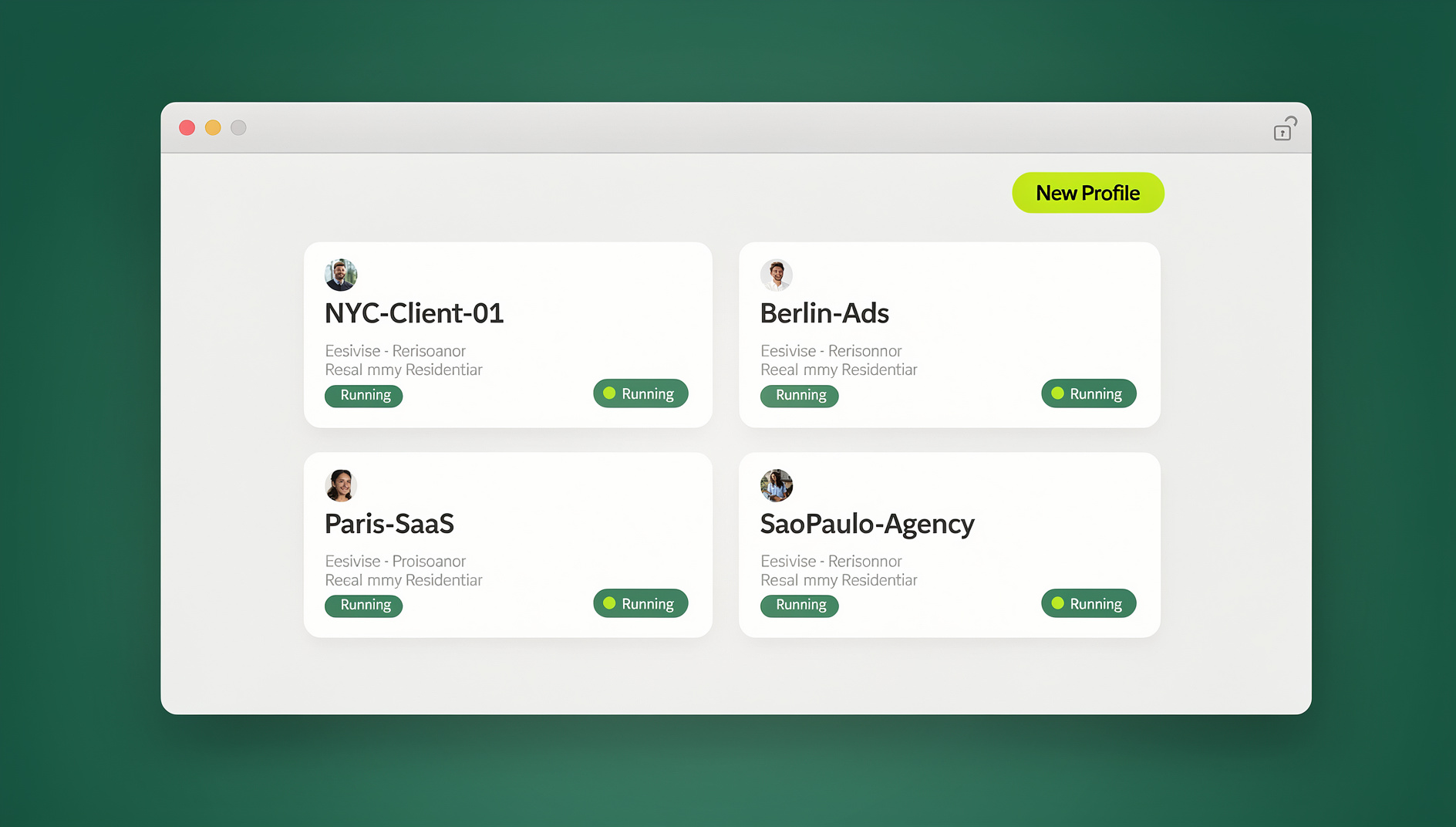

Running one account is easy. Running twenty across five platforms is a different job entirely — one that agencies, freelancers, franchises, and e-commerce brands all eventually have to formalize. This guide covers the full stack: the organizational system first, then the tools, then the platform-specific traps that catch people who skip straight to “just get an app.”
Who Actually Needs a Multi-Account System
- Agencies running client accounts across Instagram, Facebook, X, TikTok, and LinkedIn.
- E-commerce brands with separate profiles per storefront or market.
- Creators splitting a personal brand from fan pages or collaborative projects.
- Affiliate marketers testing campaigns across regions or niches.
- Franchises with a profile per location.
- Universities and nonprofits managing departmental pages.
The common thread across all of these is scale without proportional headcount — one person or a small team responsible for output that used to require an entire department. That’s exactly where ad hoc habits like memorized passwords, one shared laptop, or a sticky note with login details break down and start creating real security and account-health risk.
Step 1: Build an Account Inventory Before Choosing Tools
Tool selection comes second. First, list every account you manage in a shared spreadsheet:
| Column | Purpose |
|---|---|
| Platform | Instagram, Facebook, X, TikTok, LinkedIn, etc. |
| Handle | @username for the account |
| Owner/Client | Who the account belongs to |
| Primary admin | Who manages it day-to-day |
| Backup admin | Secondary access holder |
| 2FA status | Enabled or not |
| Session/proxy assignment | Which isolated profile and IP it uses |
| Notes | Posting cadence, special requirements |
Step 2: Group by Client or Brand
Cluster accounts into logical groups — by client for an agency, by storefront for e-commerce. This grouping decides how you structure everything downstream: calendars, reporting, and session assignment.
Step 3: Set a Posting Cadence per Group
Each group needs its own content calendar: posting frequency, content themes, and engagement windows per platform, tracked in a shared sheet or a tool like Notion.
The Three-Layer Tool Stack
No single app covers everything well. Effective multi-account managers combine three layers.
Layer 1: Content Scheduling
Use social media management tools for automated publishing across accounts. Most of these platforms also support approval queues, which start to matter the moment more than one person is allowed to publish under a client’s name.
| Tool | Best For | Platforms | Price From |
|---|---|---|---|
| Buffer | Budget scheduling | All major platforms | $6/mo |
| Later | Visual content planning | Instagram, TikTok, Pinterest, X | $25/mo |
| Hootsuite | Enterprise teams | All major platforms | $99/mo |
| SocialBee | Content recycling | All major platforms | $29/mo |
Layer 2: Session Isolation for Interactive Work
DMs, ad management, account settings, and Explore browsing all need a real logged-in session, not an API connection — which is where multi-login browsers come in. Send.win gives each account its own isolated profile through Sendwin Browser, the native desktop app, or a cloud browser session with no local install — unique cookies, fingerprint, and optional proxy per profile, so every account looks like a separate device to the platform. This is also the layer most teams put off too long, usually right up until the moment a flagged client account makes the decision for them.
Layer 3: Analytics and Reporting
- Sprout Social — cross-platform analytics with client-ready reports.
- Iconosquare — deep Instagram and Facebook analytics.
- Google Analytics — social traffic tracked at the website level.
- Native platform insights — free, built into each platform.
None of these tools replace judgment — a spike or drop in reach still needs a human to figure out why before anyone repeats it on purpose.
Platform-by-Platform Traps
The strictest platform for multi-account detection — it watches device IDs, IPs, and fingerprints closely. It’s also the platform most likely to demand a phone number or ID re-verification if it notices several sessions logging in with very similar patterns.
- Problem: five-account cap in the native app.
- Fix: isolated sessions through Sendwin Browser for anything beyond that.
- Problem: action blocks when switching accounts too fast.
- Fix: space account switches by 5-10 minutes.
Ties accounts to real identities and is aggressive about flagging duplicates. Even legitimate agencies report longer verification delays here than on any other platform, so budget extra setup time for new client accounts.
- Problem: ID verification requests on new accounts.
- Fix: use aged accounts and warm them up gradually.
- Problem: Business Manager limits per client.
- Fix: separate Business Manager per client, paired with session isolation so client accounts don’t cross-contaminate.
X (Twitter)
Allows multiple accounts but watches for coordinated behavior — several accounts posting identical content or targeting the same audience. Rate limits and posting caps are also applied per account, so coordinated bulk actions get throttled faster than the same actions spread across genuinely separate sessions.
- Problem: coordinated-behavior detection across accounts you control.
- Fix: differentiate content and engagement patterns per account.
TikTok
The algorithm is device-centric — multiple accounts on one device can pollute each other’s For You Page signal. Switching accounts too often on the same device can also reset the algorithm’s read on each account’s niche, which shows up as a temporary dip in reach.
- Problem: algorithm interference across accounts.
- Fix: isolated browser sessions for TikTok web access, one profile per account.
Limits users to one personal profile but businesses often run several Company Pages. Because there’s no equivalent of a business-only login, agencies typically end up with the client’s own personal profile holding admin rights over the Company Page.
- Problem: managing multiple Company Pages from one personal login.
- Fix: LinkedIn’s admin roles, plus separate sessions per client page for agencies.
Real-World Example: A 15-Account Agency Setup
Consider a three-person agency managing Instagram, Facebook, and X for five small-business clients — fifteen accounts total. In practice their stack looks like this: Buffer handles scheduled posts for all fifteen accounts under one paid plan, each client gets its own isolated Sendwin Browser profile so the account manager can log in and reply to comments without any session bleeding into another client’s account, and a shared spreadsheet tracks posting cadence, backup admins, and 2FA status per account. Nothing about this setup is exotic — it’s the same three-layer stack described above, just sized for fifteen accounts instead of fifty.
The part teams underestimate is the handoff. When an account manager leaves or a client is offboarded, revoking one shared Sendwin session takes seconds, whereas resetting a shared password across a Buffer login, a Facebook Business Manager seat, and an X account individually takes considerably longer — and each manual step is a chance to miss one.
A Realistic Daily Workflow for 20+ Accounts
The split below assumes a small team rather than a single person, but the proportions hold at almost any scale — engagement consistently takes longer than scheduling, and analytics is the first block people skip when time runs short.
Morning (1 hour): Review and Schedule
- Open your scheduler and review the day’s queued posts across every account.
- Make last-minute edits or approvals.
- Draft and schedule any reactive content.
Midday (1.5 hours): Engagement
- Cycle through each account’s isolated session — five minutes each.
- Reply to DMs and comments, engage with followers.
- Check for flagged or reported content.
- Like and comment on relevant posts in-niche for algorithm reach.
Afternoon (30 min): Analytics
- Check dashboards for performance trends.
- Note over- or under-performing posts.
- Update the content calendar based on what you find.
Weekly (2 hours): Content Batch
- Batch-create content for the coming week.
- Design graphics, edit video, write captions.
- Schedule everything in your publishing tool.
- Revisit hashtag and keyword strategy.
Security Practices That Actually Matter
| Practice | Why It Matters |
|---|---|
| Unique password per account | One breach shouldn’t compromise every account |
| Authenticator-app 2FA | SMS 2FA is vulnerable to SIM swaps |
| Password manager | Secure storage and sharing without plaintext |
| Session isolation | Stops platform-level account linking |
| Unique IP per account | Prevents IP-based linking between profiles |
| Regular access audits | Remove ex-team members promptly |
| Backup admin per account | Prevents lockout if the primary admin is unavailable |
Scaling From 5 to 50+ Accounts
At 5 Accounts
Instagram’s native switcher plus Buffer’s free tier covers most of it. Manual engagement is still realistic at this size.
At 10-20 Accounts
Session isolation, a paid scheduler, and a shared content calendar become necessary. Many teams bring on a part-time assistant for engagement at this stage.
At 20-50 Accounts
Dedicated staff for engagement and content, a project management tool like Asana or ClickUp to coordinate, mandatory per-account proxy assignment, and weekly reporting templates.
At 50+ Accounts
Enterprise platforms (Sprinklr, Khoros), custom automation, dedicated account managers per client, and documented SOPs for every process from content approval to incident response.
Common Mistakes to Avoid
- Treating every account the same. Each has its own audience and tone; generic cross-posting kills engagement.
- Neglecting engagement. Scheduling is half the job — algorithms reward genuine interaction.
- Skipping session isolation. One banned account can cascade into every account sharing its device fingerprint.
- Over-automating. Platforms are getting better at spotting unnatural behavior; balance automation with real interaction.
- No backup plan. If your main tool goes down, can you still post? Always keep a manual fallback.
Most of these mistakes share the same root cause: treating a multi-account operation like a slightly bigger version of a single account, rather than building the systems — inventory, isolation, cadence — that scale actually requires.
🏆 Send.win Verdict
Schedulers solve publishing. They don’t solve the part that actually gets accounts banned — shared fingerprints and shared IPs across profiles you’re logged into by hand. Send.win closes that gap with a dedicated, isolated session per account through Sendwin Browser or a no-install cloud session, starting at $6.99/month on the Pro plan (billed annually), with the Automation API included rather than reserved for a pricier tier.
Try Send.win free today — start your 30-day free trial, no credit card required.
Frequently Asked Questions
Is it legal to manage multiple social media accounts?
Yes. Each platform sets its own Terms of Service around multiple accounts — most allow several business pages but restrict personal profiles to one per person.
What’s the cheapest way to manage multiple social accounts?
Buffer’s free plan (3 channels) plus Send.win’s 30-day free trial gets you started at no upfront cost. As you grow, Send.win Pro at $6.99/month (billed annually) plus Buffer at $6/month covers a real multi-account setup for well under $15/month.
How do I stop accounts from getting linked and banned together?
Use session isolation — separate cookies and fingerprints per account — unique proxies per profile, and varied activity patterns. A multi-login browser handles most of this automatically.
Can I manage client accounts without seeing their passwords?
Yes. Facebook Business Manager lets clients grant access without sharing a password directly. For other platforms, session sharing through Send.win gives you access to a profile without ever exposing the underlying login.
How much time does managing 20 accounts take per day?
With the workflow above, plan on roughly 3 hours daily: an hour for scheduling, 1.5 hours for engagement, and 30 minutes for analytics — though actual time varies with posting frequency.
Does Send.win require installing a browser extension?
No — Send.win has no browser extension. It runs as Sendwin Browser, a native desktop app, or as a cloud browser session that opens in any browser with no install at all.
What’s the biggest mistake agencies make at 20+ accounts?
Skipping session isolation to save money early on. It’s cheap to add at 10 accounts and expensive to retrofit after a shared fingerprint gets several client accounts flagged at once.
What tools do small teams outgrow first?
Usually the shared spreadsheet and the shared, unisolated browser profile — in that order. A spreadsheet becomes unmanageable somewhere around 15-20 accounts, while a shared browser profile becomes a liability well before that, often around the 5-8 account mark once more than one person needs login access.
The system matters more than any single tool. Build the inventory, layer in scheduling, add session isolation once you’re past a handful of accounts, and revisit the setup every time you cross one of the scaling thresholds above.