What Is a TikTok Ads Browser?
A TikTok ads browser is a browsing environment that gives each TikTok Ads Manager account its own fingerprint, IP address, and cookie storage, so TikTok’s anti-fraud system reads every account as belonging to a separate person on a separate device. Media buyers, agencies, and e-commerce brands running more than one ad account need this isolation because TikTok links accounts on overlap alone — and one flagged account can drag every connected account down with it.
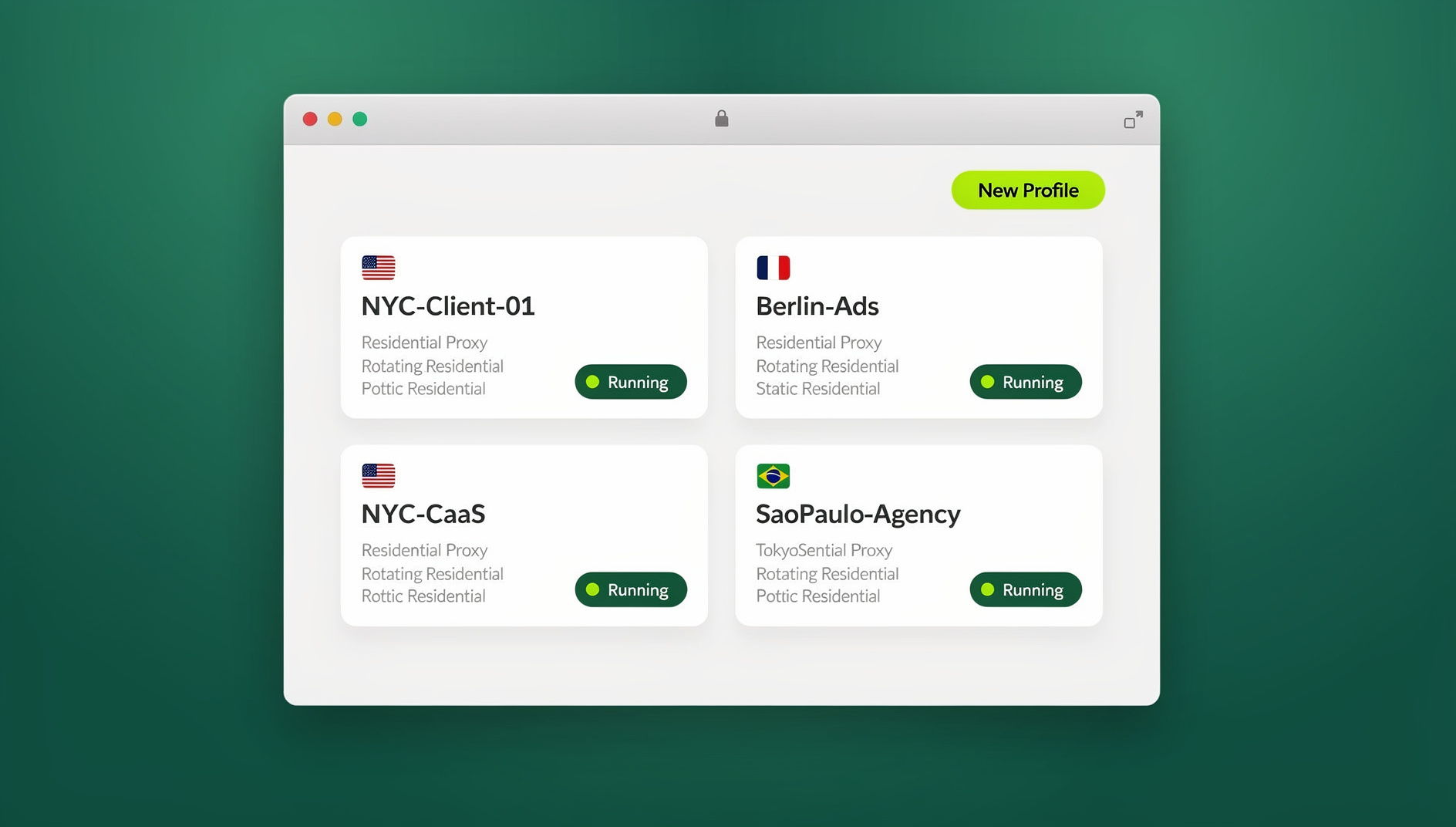

The risk isn’t hypothetical. TikTok’s ad platform is built around a single premise: one business, one account. The moment its systems detect two ad accounts sharing a browser fingerprint, an IP subnet, a payment method, or even a login pattern, it treats them as the same actor evading review — and the entire cluster can be suspended in one pass, often with no appeal that goes anywhere.
Why TikTok Bans Multi-Account Setups
How TikTok Detects Linked Ad Accounts
TikTok Ads Manager doesn’t rely on a single signal — it cross-references several at once, comparing every new login and campaign against a fingerprint of your device, network, and behavior:
| Detection Signal | What TikTok Checks | Using Regular Chrome | Using an Isolated Profile |
|---|---|---|---|
| Browser Fingerprint | Canvas, WebGL, fonts, plugins | Same across all accounts | Unique per profile |
| IP Address | Connection IP and subnet | Same IP for all accounts | Unique proxy per profile |
| Cookies | Tracking cookies across sessions | Shared across tabs | Isolated per profile |
| Hardware IDs | GPU, screen, device identifiers | Real hardware exposed | Spoofed per profile |
| Payment Methods | Credit cards, billing addresses | Often reused | Different per account |
| Login Patterns | Login timing, behavior | Sequential logins | Natural, staggered patterns |
What Happens When Accounts Get Linked
- One banned account bans all linked accounts — even if the others are fully compliant
- New accounts created from the same environment are pre-flagged before they even spend a dollar
- Appeals rarely succeed once TikTok has classified a cluster as a multi-account violation
- Ad spend and creative assets are lost with no recovery path
- Business continuity is disrupted, often during the exact campaign window that mattered most
How to Set Up a TikTok Ads Browser
Method 1: Cloud-Based Isolated Profiles (Recommended)
- Create a separate profile for each TikTok ad account
- Assign a residential proxy matching the ad account’s target region
- Verify fingerprint uniqueness — check canvas, WebGL, and user agent
- Log into TikTok Ads Manager inside the isolated profile
- Save the session so it persists between logins without re-entering credentials
Cloud browser platforms handle the first three steps automatically. Send.win runs every ad account inside its own isolated virtual browser profile, each with its own fingerprint and cookie jar, so you aren’t hand-configuring fingerprint settings every time you onboard a new client or launch a new account. You can run these profiles entirely in the cloud — with zero local install, billed by cloud browsing time — or through the Sendwin Browser, a native desktop app for Windows, macOS, and Linux that keeps profiles local-first with encrypted cloud sync. Either way, the isolation model is the same: separate fingerprint, separate proxy, separate cookies, per account.
Method 2: Multiple Chrome Profiles + VPN
- Create separate Chrome profiles for each account
- Use a different VPN server for each profile
- Limitation: Chrome profiles share the same underlying browser fingerprint — this method only isolates cookies, not the canvas/WebGL/font signature TikTok also checks.
- Risk: VPN IPs are frequently flagged by TikTok as datacenter ranges. Residential proxies are considerably safer.
Method 3: Virtual Machines
- Run each account in a separate VM (VirtualBox, VMware)
- Each VM presents a different OS-level fingerprint and IP
- Limitation: Resource-heavy — each VM typically needs 4GB+ of RAM just to stay responsive
- Practical limit: Most laptops can run 3-5 VMs simultaneously before performance collapses, which doesn’t scale for agencies managing dozens of TikTok ad accounts
TikTok Ads Browser Best Practices
Warming New Ad Accounts
New ad accounts need to be “warmed” before they carry any meaningful spend. Jumping straight to a large daily budget on a brand-new account is one of the fastest ways to trigger a manual review:
- Days 1-3: Browse TikTok organically inside the profile — watch videos, explore pages, follow a handful of accounts
- Days 4-5: Set up the ad account, add a payment method, and explore Ads Manager without launching a campaign
- Days 6-7: Launch your first campaign with a modest budget ($20-50/day)
- Week 2: Increase spend gradually — 20-30% per day, not in one jump
- Week 3+: Scale to full budget once the account shows a stable, unflagged performance history
Choosing the Right Proxy for TikTok Ads
| Proxy Type | TikTok Safety | Speed | Recommendation |
|---|---|---|---|
| Datacenter | High ban risk | Fast | Avoid for TikTok |
| Shared Residential | Moderate risk | Medium | Acceptable for testing |
| Dedicated Residential | Safe | Medium | Recommended |
| ISP / Static Residential | Very safe | Fast | Best for long-term accounts |
| Mobile (4G/5G) | Safest | Variable | Best for account creation |
Pairing the right proxy type with the right isolated profile matters as much as the browser itself — a dedicated residential or ISP proxy assigned per profile is what keeps the geography, timezone, and language of an account consistent over its entire lifetime.
Geographic and Identity Consistency
- Match proxy location to ad account region: US-targeted ads need a US proxy, not a UK or SEA one
- Keep the proxy consistent: Don’t rotate IPs between sessions on the same account
- Match timezone: Your browser’s timezone should align with the proxy IP’s geography
- Match language: Browser language should correspond to the proxy’s region, not your own default
Managing Multiple TikTok Ad Accounts at Scale
Structuring Accounts for Agencies
Agencies juggling several clients’ TikTok ad accounts need a clear one-to-one mapping between client, profile, proxy, and account — never shared:
Agency Setup:
├── Client A → Profile 1 (US proxy) → TikTok Ad Account #1
├── Client B → Profile 2 (UK proxy) → TikTok Ad Account #2
├── Client C → Profile 3 (CA proxy) → TikTok Ad Account #3
├── Backup Account → Profile 4 (US proxy) → TikTok Ad Account #4
└── Testing → Profile 5 (DE proxy) → TikTok Ad Account #5
This is essentially the same discipline behind managing every TikTok account from a single browser — the accounts stay logically separate even though they’re all reachable from one interface.
Team Collaboration Without Sharing Passwords
Agencies rarely have a single person driving every ad account. When multiple team members need access to the same TikTok ad account without weakening its isolation:
- Session sharing: Share account sessions without sharing passwords — team members open the already-logged-in profile directly
- Role-based access: Campaign managers and analysts can be given different permission levels on the same profile
- Audit trail: Track who accessed which account and when, which matters when something goes wrong at 2am
- Consistent identity: Every team member uses the same fingerprint and IP for a given account, rather than each logging in from their own machine
Warm-Up and QA Across Many Profiles
Once an agency is running dozens of accounts, manually clicking through the warm-up schedule for each one stops being realistic. Send.win has no automation interface — no API, SDK, headless mode or Selenium/Puppeteer/Playwright support on any plan — so warm-up browsing, scheduled logins, and QA checks across profiles stay a manual, per-profile task, while each profile keeps its own fingerprint and proxy untouched.
Recovering From a TikTok Ad Account Ban
Rebuilding After a Ban
- Don’t reuse any identifying information from the banned account
- Create a fresh browser profile with a new fingerprint
- Use a completely new proxy IP from a different subnet
- Register with a new email address and phone number
- Use a different payment method — new card, new billing address
- Warm the new account properly before running any real spend
- Start with different creatives — recycling banned ad content tends to get the new account re-flagged quickly
Preventing Future Bans
- Never access more than one ad account from the same browser profile
- Don’t share payment methods or phone numbers across accounts
- Comply with TikTok’s ad policies — content violations accelerate detection, isolation only buys you so much
- Keep spend scaling gradual — sudden spikes are one of the fastest ways to trigger manual review
- Build your setup around solid multi-account security practices from day one, rather than retrofitting them after a ban
TikTok Ads Browser Solutions Compared
| Feature | Regular Chrome | Chrome Profiles | GoLogin | Send.win |
|---|---|---|---|---|
| Fingerprint isolation | No | No | Yes | Yes |
| Cookie isolation | No | Yes | Yes | Yes |
| Built-in proxy support | No | No | Yes | Yes |
| Session sharing without passwords | No | No | Limited | Yes |
| Cloud sessions (zero local install) | No | No | No | Yes |
| Native desktop app option | N/A | N/A | Yes | Yes |
| Local automation API | No | No | Yes | No |
| Free trial | N/A | N/A | Limited | No (free cloud demo) |
On pricing, Send.win has no free trial. The Pro plan is $19/month or $83.88/year and includes 150 profiles and 5GB of proxy bandwidth — enough for a solo media buyer running several TikTok ad accounts. The Team plan is $49/month or $251.88/year and raises that to 500 profiles, 20GB of bandwidth, and 16 seats for agencies splitting access across a whole team. The first card purchase is covered by a 7-day money-back guarantee, and the only free option is the cloud demo at https://send.win/demo-browser/.
🏆 Send.win Verdict
If you’re running more than one TikTok ad account, isolation isn’t optional — it’s the only thing standing between a normal Tuesday and a mass ban wiping out every connected account. Send.win gives each account a genuinely separate fingerprint, proxy, and cookie jar, whether you’d rather run everything as zero-install cloud browser sessions or keep profiles local-first through the Sendwin Browser desktop app. For solo media buyers, the Pro plan’s 150 profiles and 5GB of proxy bandwidth cover most workloads; agencies juggling client accounts will want the Team plan’s 500 profiles, 20GB bandwidth, and 16 seats.
Try the Send.win cloud demo — a 3-minute preview without signup, or 10 minutes a day with a free account, so you can see full isolation on a real TikTok ad account before committing.
Frequently Asked Questions
How many TikTok ad accounts can I manage safely?
With proper browser isolation and a unique proxy per account, there’s no hard platform limit. Agencies commonly manage 20-50+ accounts simultaneously using isolated profiles. The key is zero overlap in fingerprints, IPs, and payment methods between accounts — the moment two accounts share any of those, TikTok can link them.
Will TikTok ban me for using an isolated or antidetect browser?
TikTok doesn’t ban accounts for the type of browser they’re accessed from — it bans accounts that violate advertising policy or appear to be evading the platform’s one-business-one-account rule. An isolated browser profile simply makes each account look like a distinct, natural user, which is exactly what TikTok expects to see from separate advertisers.
Can I run TikTok ads from a different country using proxies?
Yes, but your ad targeting, payment method, and proxy location need to stay consistent with each other. Running US-targeted ads from a UK proxy with a payment method billed in another country creates the kind of mismatch that can trigger a manual review.
What’s the biggest mistake people make with TikTok ad accounts?
Rushing account creation and scaling straight to a high daily spend. A close second is reusing browser profiles or proxies across multiple accounts — that’s the fastest route to a mass ban, since it hands TikTok the exact overlap signal it’s looking for.
Do I need a separate proxy for each TikTok ad account?
Yes. Sharing an IP between TikTok ad accounts is one of the primary signals TikTok uses to link and ban accounts together. Use one dedicated residential or ISP proxy per account, and don’t rotate it between sessions.
Is Send.win the same as using a VPN for TikTok ads?
No. A VPN only changes the exit IP for all of your traffic through one shared tunnel, while Send.win gives each TikTok ad account its own isolated profile — a distinct browser fingerprint, its own dedicated proxy, and its own cookie storage — so accounts never end up looking like the same person behind one connection.
What’s the difference between cloud sessions and the desktop app for TikTok ads?
Cloud browser sessions run entirely on Send.win’s servers and are metered by cloud browsing time, so there’s nothing to download — useful for quick access from any device. The Sendwin Browser desktop app runs locally with encrypted cloud sync, and it’s the option you’d use if you want to keep profiles local-first on Windows, macOS, or Linux.
Can I automate account warm-up for TikTok ads?
No. Send.win has no automation interface — no API, SDK, headless mode or Selenium/Puppeteer/Playwright support on any plan — so ad account creation, payment setup, and campaign launch steps are all done manually per account.
Conclusion
Running a successful TikTok ads browser setup comes down to complete isolation between ad accounts — unique fingerprints, dedicated proxies, separate payment methods, and disciplined account warming. The stakes are real: one detection event can cascade across every connected account, wiping out campaigns and ad spend overnight.
Send.win removes the manual setup work by giving every ad account a ready-made isolated profile — unique fingerprint, dedicated proxy, and either a zero-install cloud session or the native Sendwin Browser desktop app for local-first work. Create a profile, assign a proxy, log into your TikTok ad account, and you’re running with genuinely separate isolation from day one.