Why Sites Flag Your Browser as Inconsistent
What is device fingerprint mismatch? It is a consistency failure: the signals a site reads from your browser — user agent, platform, canvas, WebGL, fonts, timezone, screen size, IP — contradict each other, or contradict what that site saw on an earlier visit. A Windows user agent paired with Apple GPU strings is a mismatch. So is a Berlin timezone on a proxy exiting in São Paulo. The site rarely sees one broken value; it sees a story that does not add up.

📌 TL;DR Executive Summary
- Core Takeaway: A device fingerprint is rebuilt from many signals rather than stored as one cookie, and sites compare it as a vector, not a single hash.
- Key Risk/Challenge: A mismatch can trigger verification prompts, logouts, consent banners or payment declines, but a checker warning alone does not predict what a specific site will do.
- Recommended Solution: Audit one signal at a time, fix only the flagged contradiction, confirm IP location with a second lookup, and keep profile, proxy and timezone aligned.
A Fingerprint Is Rebuilt, Not Remembered
A cookie is a label a site stores in your browser. A device fingerprint is stateless: the site rebuilds it from hardware, software and network attributes on every visit. That is why it survives cookie deletion and an IP change, and why it drifts when your graphics driver, browser build or monitor changes.
Most risk systems do not reduce the fingerprint to one hash. They compare a multi-dimensional vector — dozens of values at once — against a baseline population and against your own previous visits. A mismatch is a distance problem, not a binary bad-device flag. One unusual value can sit inside a normal cluster; three values that disagree with each other stand out.
A shared canvas hash is therefore weak evidence of linkage. Canvas output clusters devices by configuration — GPU model, OS build, driver, installed fonts — rather than tagging each device uniquely. Two unrelated machines with the same GPU family and font set can return the same hash. Device fingerprint versus device ID is the useful distinction here: one is probabilistic, the other is assigned.
How a Mismatch Happens Under the Hood
Mismatches appear at three layers. Most guides cover only the first, which is why people edit canvas settings for a problem that starts at the network edge. Separating the layers is what makes the question what is device fingerprint mismatch answerable: a value can be correct in isolation and still contradict the layer beside it.
Layer 1: the JavaScript surface
Once a page runs, JavaScript can read identity strings, rendering output and environment values: User-Agent, navigator.platform, languages, timezone, screen resolution, color depth, canvas, WebGL renderer and vendor, audio output, installed fonts, media devices and timestamps. WebGPU, stable in Chromium 113 and later, adds adapter feature flags, compute pipeline timing and texture format matrices to that surface.
- Identity strings: a Windows User-Agent with “MacIntel” platform data is contradictory.
- Display values: a profile reporting 1920×1080 on a 1366×768 laptop claims a viewport larger than the physical panel.
- Locale and time: a Europe/Berlin timezone behind a proxy exiting in São Paulo needs no exotic scripting to spot.
- Rendering output: a driver update or a new extension that alters canvas output changes the hash without you touching a setting.
How Send.win Helps With What Is Device Fingerprint Mismatch
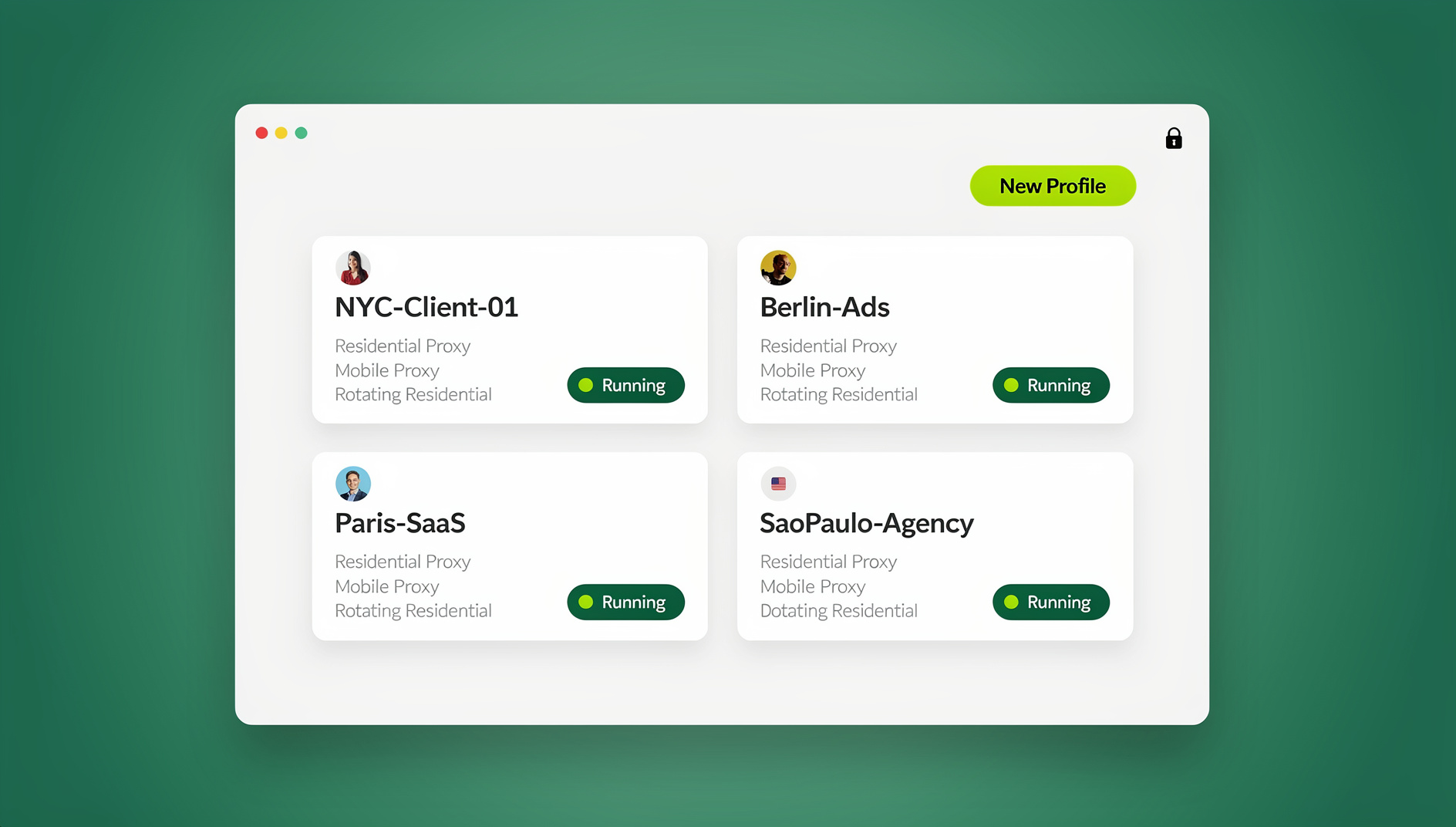
Send.win is a browser profile manager for professionals and teams: every account gets its own isolated browser profile.
- Isolated profiles – separate cookies, storage and sessions per profile
- Fingerprint protection – each profile keeps its own consistent browser fingerprint, so profiles never share one browser identity
- Desktop app + cloud browser – native app for Windows, macOS and Linux, or run profiles in the cloud with no install
- Residential proxies included – on Pro and Team, with timezone and locale matched to the proxy
- Team sharing – share a signed-in profile with a teammate without sharing the password
Try the free cloud demo — no install — or download the desktop app. Paid plans start at $19/month, and your first card purchase is covered by a 7-day money-back guarantee (see pricing).
Layer 2: the network path
Your IP, WebRTC candidates, DNS resolver and geolocation should tell the same story as your timezone and locale. IP location databases disagree often enough that one lookup is not proof: check the same address in a second tool before you rewrite a profile around a wrong country.
Layer 3: before JavaScript runs
TCP/IP stack signals and the TLS handshake arrive before any script. Initial window size, TTL, the DF bit and TCP option order can differ between a real desktop browser and a data-centre client even when both send an identical User-Agent. JA4, the successor to JA3, captures TLS 1.3 ClientHello data in transmission order — cipher suite order, ALPN order, extension order — and Cloudflare, Fastly and Akamai deploy it at wire speed. If your handshake looks like a Python library while your User-Agent claims Chrome, no canvas edit reconciles the two. TLS fingerprinting explained covers that handshake in detail.
Legitimate changes versus contradictions
A new monitor, a driver update or a browser upgrade genuinely changes your fingerprint. The site sees an unfamiliar device and may ask you to verify — that is expected behaviour, not a fault, and it settles once the new configuration stays stable. A contradiction is different: values that could never coexist on one real machine. Fix contradictions. Leave honest changes alone rather than forging a value the hardware cannot support.
What a Mismatch Costs You in Practice
A mismatch is a risk signal, not a verdict. Sites use it to decide whether to trust a session, ask for step-up verification, expire a login or show a consent prompt. The practical effect is friction: more codes, more logouts, more “we do not recognise this device” screens. The mechanism is the same one behind how device fingerprinting works in practice — the site compares the current session with what it already knows.
In agency work, that is what is device fingerprint mismatch usually looks like. A profile built on a 27-inch monitor is opened on a 13-inch laptop, and the resolution no longer fits the display. A teammate opens the same local profile from a different machine and the WebGL renderer changes. A proxy is rotated but the timezone is left behind. None of that is an attack; it is configuration drift, and it tells the same contradictory story a risk engine is built to notice.
Consistency is easier to hold when one profile carries one set of signals. In Send.win each profile keeps its own cookies, storage, sessions, fingerprint settings and proxy, and timezone, locale, WebRTC and geolocation follow the proxy’s exit IP automatically — so the drift above does not get created in the first place. For teams, a profile shared with a paid teammate opens already signed in without passwords changing hands, and cloud sessions run on Send.win’s server in Helsinki, Finland, rather than on a colleague’s laptop.
QA and support teams hit a quieter version. Testing a storefront or dashboard as a user in another region only works if the timezone and locale follow the proxy; otherwise you test the wrong locale and file a false bug against a build that was never at fault.
The UPI U66 overlap
Search for “device fingerprint mismatch” and you will also meet UPI error U66. That is a payments problem, not a browser configuration problem. U66 means the UPI app’s device binding no longer matches NPCI records, often after a phone change, a reinstall or a cloned device. The payment is usually declined before the debit. The fix is to re-register UPI on the device with SIM verification, bank OTP and PIN. If that fails, the NPCI helpdesk is 1800-120-1740, and after 30 days you can escalate to the RBI ombudsman portal. Do not apply browser-profile advice to a banking app.
The legal layer
Not every warning traces back to what is device fingerprint mismatch in the technical sense; some are consent triggers. GDPR Recital 30 treats online identifiers from devices, applications, tools and protocols as personal data when they can single out a person. Article 29 Working Party Opinion 9/2014 treated device fingerprinting as functionally equivalent to a cookie ID, and EDPB Guidelines 2/2023 confirmed that fingerprinting falls inside Article 5(3) ePrivacy. Prior consent is required unless the use is strictly necessary. Narrow anti-fraud and account-takeover checks can qualify; analytics, A/B testing, personalisation and advertising still need consent. A site asking you to accept cookies before it reads device signals may be doing exactly what the law requires.
The Mismatch Audit: Eight Steps
Knowing what is device fingerprint mismatch does not tell you which value to change, so work one variable at a time. A checker warning means the tool found something worth reviewing; it does not predict how a specific site will score you. BrowserScan, BrowserLeaks, Pixelscan and Whoer run different tests and may disagree about the same profile.
- Record a baseline. Open the profile and capture each panel: User-Agent, canvas, WebGL, timezone, language, IP and WebRTC. A screenshot beats memory when you retest.
- Read per parameter, not the overall score. A red row tells you where to look. It does not tell you the site will block you.
- Confirm the IP with a second lookup. If two tools place the address in different countries, do not rewrite the profile yet.
- Align timezone, locale, WebRTC and geolocation with the exit IP. Those four should agree with each other. Timezone fingerprinting explains why a correct IP with a stale timezone still reads as inconsistent.
- Check resolution against the physical display. A profile reporting 1920×1080 on a 1366×768 screen is a real set-up mismatch. Choose a resolution that fits the smallest screen you use.
- Check identity strings for coherence. A Windows User-Agent with “MacIntel” platform and an Apple GPU is contradictory. But “Intel Mac OS X” in the User-Agent, “MacIntel” for navigator.platform and an Apple M-series WebGL renderer can be a normal Chrome compatibility pattern on Apple Silicon. Do not “fix” a normal pattern.
- Review recent changes. A graphics driver update, a new extension or a browser update can shift canvas or WebGL output. Compare the extension list and driver date before you edit anything.
- Change one setting, save, retest. If the flagged row does not move, revert. If it moves, keep the change and go to the next row.
| Symptom | Likely cause | What to do |
|---|---|---|
| Windows User-Agent with Apple GPU strings | Profile template mixed OS values | Rebuild from one OS template; do not hand-edit single fields |
| Timezone differs from proxy location | Proxy rotated, profile not updated, or lookup database wrong | Verify with a second lookup, then align timezone and locale |
| Resolution larger than the screen | Profile created on a larger monitor | Set a resolution that fits the smallest display used |
| Canvas hash changed overnight | Driver update or new extension | Compare extension list and driver date; retest before editing |
| Challenge appears before the page renders | TCP/IP or TLS mismatch | Check the client stack, not JavaScript values |
| Checker warns, site works normally | Checker heuristic or strict threshold | Leave the profile alone; do not chase a score |
Common Mistakes That Create Phantom Mismatches
Most “mismatch” fixes make a profile less coherent, not more. These are the repeat offenders, and most come from misreading what is device fingerprint mismatch as a uniqueness problem.
- Chasing 100% uniqueness. A value no real machine shares is not more trustworthy. Artificial differences can look less natural than a common configuration, and a shared canvas hash is a cluster, not a link.
- Randomising canvas or audio on every launch. A value that changes each session contradicts your previous visit. Stability matters more than novelty.
- Editing settings you never customised. If a field sits at its default, leave it there. Fix the specific flagged signal, not the whole fingerprint.
- Trusting one checker. Different tools run different tests. A warning in one and a clean result in another is ordinary, not a dilemma.
- Using one local profile on two computers. Different GPUs and displays produce different WebGL and resolution values. That is a real mismatch even when the cookies are identical.
- Running an outdated browser core. A core that stops receiving updates eventually reports an old User-Agent while its TLS stack and JavaScript features move on. The contradiction is built in before you touch anything.
- Treating UPI U66 as a browser issue. It is an app-binding error. Re-register in the UPI app; do not edit canvas settings.
- Looking for a workaround instead of the platform’s process. If an account is restricted, use that platform’s own verification or appeal route. A fingerprint change is not an appeal, and a mismatch is not a reason to route around a check.
- Blaming the profile for a scripted client’s mismatch. If the handshake looks like a Python library while the User-Agent claims Chrome, no browser setting reconciles the two — the contradiction sits in the client stack itself. Send.win is a desktop and cloud browser built for people driving a real browser window by hand; it is not made for scripted traffic, so that case falls outside its scope entirely.
🏆 Send.win Verdict
Send.win does not promise that a site will never challenge a profile. What it does is remove the most common self-inflicted mismatches: one profile, one proxy, one timezone and one fingerprint kept consistent across sessions inside the browser engine, described for what it is — privacy protection, not a way around anyone’s checks. For agencies and teams managing accounts they own or are authorised to manage, that consistency is the useful part.
See Send.win plans — plans from $19/mo with a 7-day money-back guarantee on your first card purchase, or test the free cloud demo at 10 minutes a day.
Frequently Asked Questions
What does device fingerprint mismatch actually mean?
It means the signals collected from your browser contradict each other, or contradict what a site saw on an earlier visit. A Windows User-Agent with Apple GPU strings is one example; a timezone that does not match the proxy’s exit IP is another. The site is reacting to an inconsistent story, not to one isolated value.
Is a fingerprint warning a sign my account will be restricted?
No. A checker warning means the tool found something worth reviewing. It answers what is device fingerprint mismatch on this profile, not whether the account is safe, and it does not predict how a specific website will evaluate you. Treat it as a diagnostic hint and investigate the flagged parameter.
Why did my browser fingerprint change after an update?
Graphics driver updates, browser updates and new extensions can change canvas, WebGL or supported feature output. That changes the fingerprint without you editing any setting. Compare the extension list and driver date first, then retest before rebuilding the profile.
My proxy IP is correct but I still get verification prompts — why?
The IP may be right while the surrounding signals are not. Check timezone, locale, WebRTC and geolocation against the exit IP, then look at the TCP and TLS layers. A JavaScript-only checker can miss a client-stack contradiction that appears before the page renders.
Do two profiles with the same canvas hash look linked?
Not automatically. Canvas output clusters devices by configuration — GPU model, OS build, driver and fonts — so unrelated machines can share a hash. Linkage is a broader judgement across many signals and behaviour, not one matching value.
Is Intel wording on an Apple Silicon Mac a mismatch?
Often it is normal. Chrome on Apple Silicon can report “Intel Mac OS X” in the User-Agent, “MacIntel” for navigator.platform and an Apple M-series WebGL renderer. That combination is a known compatibility pattern, so do not change it just because a checker highlights the word Intel.
What is UPI error U66 device fingerprint mismatch?
It is a payments app-binding error, not a browser configuration issue. The UPI app’s device binding no longer matches NPCI records, often after a phone change, reinstall or cloned device. Re-register UPI on the device with SIM verification, bank OTP and PIN, and use the NPCI helpdesk if it persists.
Does GDPR require consent for browser fingerprinting?
In the EU, fingerprinting falls within Article 5(3) ePrivacy, and EDPB Guidelines 2/2023 confirm that reading device signals needs prior consent unless it is strictly necessary. Narrow anti-fraud and account-takeover checks can qualify as strictly necessary; analytics, personalisation and advertising generally do not.