Top Websites Like Browser.lol for Temporary & Sandboxed Browsing
The top websites like browser.lol for disposable, sandboxed, and multi-account web browsing include Send.win, Kasm Workspaces, Hyperbeam, Neverinstall, Silo by Authentic8, Shells.com, and Turbo.net Browser Sandbox. While Browser.lol offers quick, single-click temporary browser instances for basic link checking, modern online workflows demand persistent cookie storage, custom proxy integration, browser fingerprint isolation, and automation APIs. Below, we review the best Browser.lol alternatives, comparing their session persistence, anti-detection capabilities, streaming performance, and pricing models.
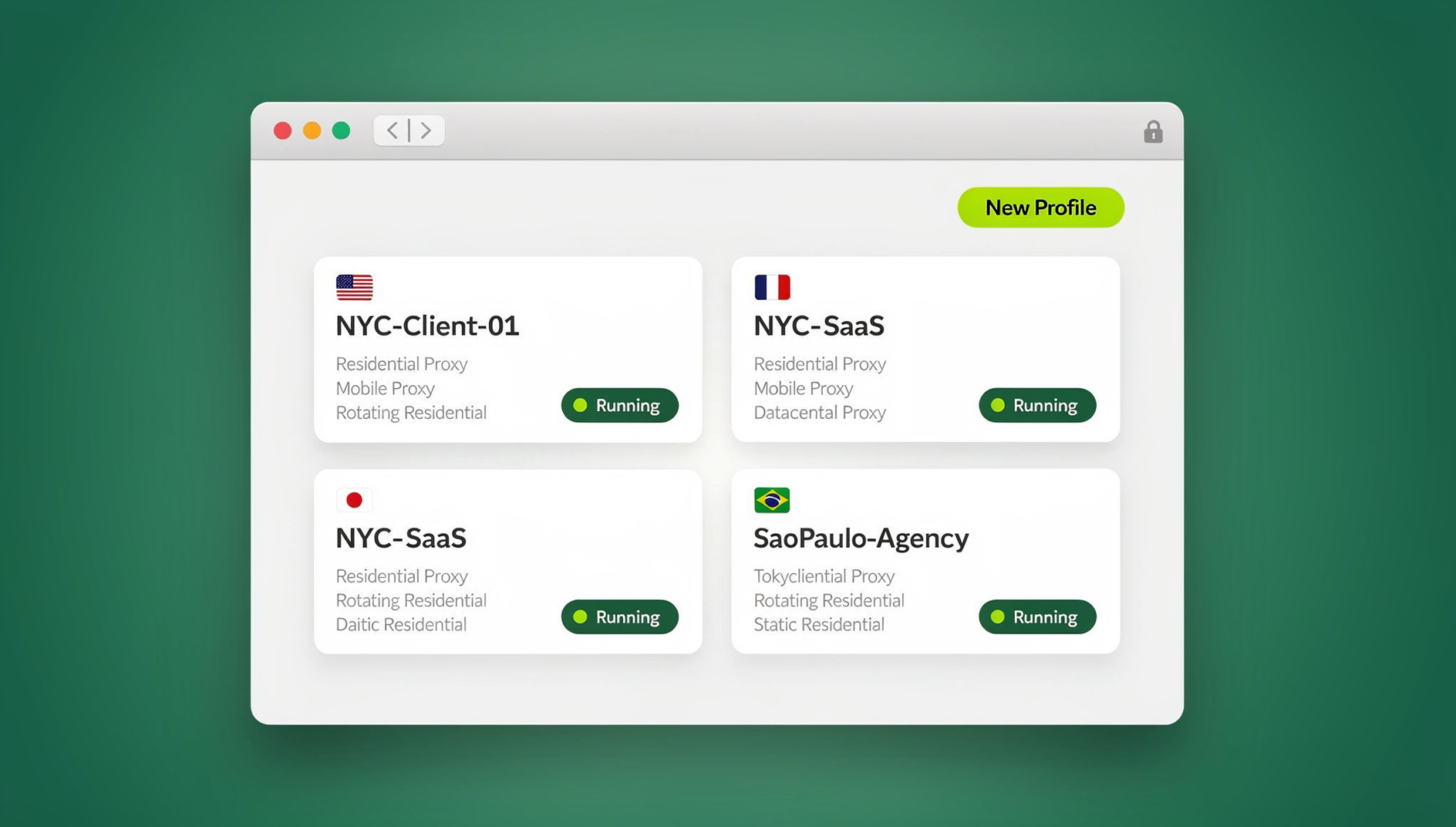

Disposable cloud browsers have revolutionized how security researchers, digital marketers, ethical hackers, and privacy-conscious users navigate the web. Platforms like Browser.lol gained massive traction because they allow users to spawn an ephemeral browser session in seconds without creating an account or downloading local desktop software. If you receive a suspicious link in an email or want to inspect web content without exposing your real local IP address, launching a disposable cloud browser creates an instant, air-gapped buffer between your personal device and potential online threats.
However, free ephemeral tools come with severe operational constraints. Most Browser.lol instances disconnect automatically after just a few minutes of inactivity, wipe all session cookies upon closing, offer zero custom proxy options, and run on crowded, shared server infrastructure. If you need to manage multiple social accounts, run automated web scrapers, or keep active login states across multi-day work sessions, you need a robust browser.lol alternative that combines cloud access with persistent session management.
Why Users Search for Browser.lol Alternatives
While Browser.lol excels at rapid, one-off web inspections, users frequently run into severe performance, security, and functional roadblocks when trying to incorporate it into professional daily workflows:
- No Session Persistence: Closing a Browser.lol session immediately purges all cookies, active sessions, saved passwords, and local storage data. You cannot save login states or resume ongoing multi-step tasks.
- Lack of Custom Proxy Routing: All browser traffic routes through default server IP addresses that are heavily flagged by Cloudflare, Akamai, and major web platforms. This leads to constant CAPTCHA loops, access blocks, or account suspensions.
- Zero Browser Fingerprint Customization: Ephemeral browser instances use identical hardware specs, canvas rendering parameters, and user-agent strings. They cannot bypass modern anti-bot systems or safely isolate multiple user accounts.
- Strict Time Limits & Inactivity Timeout Resets: Free cloud instances automatically terminate after 10 to 15 minutes of idle time, destroying unsaved research and work without warning.
- No Automation API Support: Developers cannot run headless browser automation frameworks like Puppeteer, Playwright, or Selenium inside disposable Browser.lol sessions.
How Send.win Helps With Websites Like Browser Lol
Send.win is an antidetect browser built for exactly this kind of work — every profile is a clean, isolated identity:
- Isolated profiles – unique fingerprint, separate cookies and storage per profile
- Stealth engine – canvas, WebGL, fonts, and audio spoofed at the engine level
- Desktop app + cloud sessions – native app for Windows, macOS, and Linux, or run profiles in the cloud with no install
- Built-in residential proxies – with automatic timezone, locale, and WebRTC matching
- Team features – share logged-in profiles with teammates without sharing passwords
Try the instant cloud browser demo — no install, no signup — or download the desktop app. The 30-day free trial needs no credit card, and paid plans start at $6.99/month billed annually (see pricing).
Feature Comparison: Websites Like Browser.lol
To help you choose the right platform for your security, privacy, or multi-account management needs, the comparison matrix below breaks down key capabilities across leading cloud browsing solutions:
| Platform | Best For | Session Persistence | Proxy Integration | Multi-Account Isolation | Automation API | Pricing Model |
|---|---|---|---|---|---|---|
| Send.win | Professional Multi-Account & Cloud Browsing | Encrypted Cloud Sync & Persistent Profiles | Native Manager (Residential / Mobile / Datacenter) | Advanced Fingerprint Spoofing & session isolation | Selenium, Puppeteer, & Playwright Supported | 30-Day Free Trial; Pro from $6.99/mo annual ($19/mo monthly) |
| Browser.lol | Quick Ephemeral Link Testing | None (Sessions wipe on close) | None (Default server IP only) | Basic Ephemeral Containers | None | Free (Ad-supported / Basic Premium) |
| Kasm Workspaces | Self-Hosted DevOps Sandboxing | Manual Container Volume Mounts | Manual Linux Server Networking | Container OS Isolation (No Fingerprint Controls) | Custom Linux Headless Scripts | Free Community Edition (Self-Hosted VPS costs apply) |
| Hyperbeam | Collaborative Co-Browsing & Media Streaming | Optional Room State Persistence | Basic Region Selection | Room-based Shared Sessions | Webhooks & API for App Embedding | Free Tier / Premium Hourly Usage |
| Neverinstall | Cloud App & Full Browser Streaming | Cloud Workspace State Saving | Integrated Cloud Gateway | Basic Desktop User Accounts | None | Free Plan / Subscription Tiers |
| Silo by Authentic8 | Enterprise Threat Intelligence & SOC Teams | Centralized Enterprise Cloud Storage | Corporate Proxy Routing | Enterprise RBI Policies & Air-Gapping | Enterprise API Integrations | Custom Enterprise Quote ($$$-$$$$) |
| Shells.com | Full Cloud Desktop VMs | Full VM Disk Persistence | System VPN / Proxy Setup | Separate VM Virtual Machines | Standard OS Automation Tools | From $4.95/month per VM |
Detailed Reviews of the Top 7 Browser.lol Alternatives
1. Send.win: The Premier Professional Cloud Browser Platform
Send.win stands out as the ultimate professional alternative for users who require the speed and protection of a sandboxed cloud virtual browser coupled with enterprise-grade multi-account isolation. Send.win offers complete operational flexibility through two distinct modes: the native desktop application (Sendwin Browser) for Windows, macOS, and Linux, and zero-install Cloud Browser Sessions accessible from any web browser.
Unlike ephemeral tools that discard your session data, Send.win securely saves your cookies, local storage, browser extensions, and active logins into separate, encrypted cloud profiles. Users can easily assign dedicated residential, mobile, or datacenter proxies using the built-in proxy manager, ensuring every profile maintains a distinct, geolocation-matched IP address. Furthermore, developers can leverage Send.win’s native Automation API (included on both Pro and Team tiers) to execute automated Puppeteer, Playwright, or Selenium scripts across hundreds of isolated profiles simultaneously.
2. Kasm Workspaces: Best for Self-Hosted Infrastructure
Kasm Workspaces is a containerized desktop streaming platform designed for organizations and tech enthusiasts who want to host their own cloud browser infrastructure. Utilizing Docker containers and KasmVNC streaming, Kasm renders browsers on a central server and streams lossless video frames back to client browsers. It is an excellent choice for homelabs and IT departments that need isolated security testing environments, though it requires dedicated server administration, Docker setup, and ongoing hosting costs.
3. Hyperbeam: Best for Synchronous Co-Browsing & Streaming
Hyperbeam (formerly known as Tutti) focuses on shared multi-user browser sessions. Instead of isolating an individual user, Hyperbeam creates a virtual browser instance inside a shared room where multiple participants can watch video streams, listen to sync audio, and browse websites together in real time. It is tailored primarily for social watch parties, virtual events, and collaborative web research rather than private multi-account management.
4. Neverinstall: Best for Cloud Application Access
Neverinstall brings desktop applications and full web browsers into the cloud. By running browser instances on high-performance cloud servers, Neverinstall allows users on low-spec hardware or Chromebooks to stream Chrome, Brave, or Firefox at high speeds. While great for bypassing local hardware constraints, it lacks specialized multi-account fingerprint spoofing and session isolation tools needed for managing multiple web identities safely.
5. Silo by Authentic8: Best for Enterprise Threat Intelligence
Silo by Authentic8 is an enterprise-grade Remote Browser Isolation (RBI) platform engineered for corporate cybersecurity teams, financial institutions, and government intelligence units. Silo executes all web code in an air-gapped cloud environment, converting web pages into secure vector streams before sending them to the user. It offers military-grade security and audit logging, but its high enterprise subscription pricing makes it unfeasible for individual marketers, agencies, or small businesses.
6. Shells.com: Best for Full Cloud Virtual Desktops
Shells.com provides full cloud-hosted virtual desktop machines (Windows and Linux) accessible from any browser or mobile device. Rather than isolating individual browser tabs, Shells gives you an entire virtual computer in the cloud. It is ideal for developers who need a persistent cloud development environment, though it demands more system overhead and setup time than specialized browser isolation tools.
7. Turbo.net Browser Sandbox: Best for Legacy Browser Testing
Turbo.net offers a containerized application platform that allows users to run different web browser versions (including legacy Internet Explorer, Chrome, and Firefox builds) inside isolated desktop sandboxes. It is widely used by QA software testers verifying website compatibility across legacy browser environments.
Ephemeral vs. Persistent Cloud Browsing: Which Do You Need?
Choosing between an ephemeral tool like Browser.lol and a persistent platform like Send.win depends entirely on your operational goals:
When to Use Ephemeral Browsing (Browser.lol, Basic Kasm)
- Opening a suspicious URL contained in a phish-testing email to verify safety without local risk.
- Previewing how a public webpage renders on a clean browser without local tracking cookies affecting the result.
- Conducting short, one-off security research without saving any session artifacts or personal credentials.
When to Use Persistent Cloud Browsing (Send.win)
- Managing multiple social media accounts (Facebook, Twitter/X, LinkedIn, TikTok) without triggering account linking or verification blocks.
- Running multi-store e-commerce operations on Amazon, eBay, Etsy, or Shopify across distinct IP locations.
- Connecting custom proxy browsers to ensure each client account maintains a consistent geographic location and browser fingerprint.
- Automating repetitive web actions using Selenium, Puppeteer, or Playwright scripts via a dedicated API.
- Collaborating across agency teams with shared browser session access and role-based team permissions.
How to Transition from Ephemeral Sandboxes to Send.win Profiles
Transitioning from temporary sandboxes like Browser.lol to persistent Send.win profiles is straightforward and requires zero infrastructure management:
- Start Your Free Trial: Create a Send.win account in under 30 seconds with no credit card required to access your 30-day free trial.
- Choose Your Execution Environment: Use zero-install Cloud Browser Sessions directly in your current web browser, or download the lightweight Sendwin Browser desktop client for native OS speed.
- Create & Customise Browser Profiles: Generate isolated profiles with customized browser fingerprints, OS parameters, user agents, and proxy settings tailored to your target platforms.
- Assign Proxy IPs: Connect your residential or datacenter proxy credentials via Send.win’s intuitive proxy manager to lock each profile to a fixed geographic location.
- Automate or Sync Across Devices: Use cloud sync to access your profiles from any device or hook up Puppeteer/Playwright scripts via the built-in Automation API to scale your tasks automatically.
Why Send.win Leads as the Ultimate Cloud Browser Solution
Send.win combines the security of isolated cloud browser execution with the convenience of persistent, multi-account identity management. Designed to eliminate the friction and risk of disposable sandboxes, Send.win offers:
- Dual Desktop & Zero-Install Cloud Execution: Use the native Sendwin Browser desktop client for ultra-fast local browsing or launch cloud browser sessions instantly from any web browser without installation.
- Advanced Fingerprint Protection: Automatically spoofs Canvas, WebGL, AudioContext, Navigator, and WebRTC parameters to prevent anti-bot systems from linking your accounts.
- Built-In Proxy Manager: Effortlessly assign residential, mobile, or datacenter proxies to individual profiles with automated IP rotation and geo-location matching.
- Native Automation API: Pro and Team plans feature full automation API access for Playwright, Puppeteer, and Selenium.
- Unbeatable Value & Transparent Pricing:
- 30-Day Free Trial: Full access to core features with zero credit card required.
- Pro Plan ($19/mo or $6.99/mo annual): Includes 150 isolated profiles, 5GB proxy storage, cloud sync, and Automation API.
- Team Plan ($49/mo or $20.99/mo annual): Offers 500 isolated profiles, 20GB proxy storage, Automation API, and 16 team seats.
- Scaling Add-ons: Add extra profiles at $0.05 per profile and additional proxy bandwidth at $6/GB.
🏆 Send.win Verdict
While Browser.lol works for quick, disposable link checks, its lack of session memory, missing proxy controls, and strict time limits make it unusable for professional workflows. Send.win is the premier alternative, offering zero-install cloud browser sessions, persistent multi-account isolation, custom proxy assignment, and a powerful Automation API starting at just $6.99/month.
Try Send.win free today — start your 30-day free trial with no credit card required and experience seamless cloud browser isolation.
Frequently Asked Questions
What are the best websites like Browser.lol?
The best websites like Browser.lol include Send.win, Kasm Workspaces, Hyperbeam, Neverinstall, Silo by Authentic8, Shells.com, and Turbo.net. Among these, Send.win is the top choice for persistent multi-account browsing, while Hyperbeam excels at shared video streaming and Kasm at self-hosted DevOps sandboxing.
Is Browser.lol safe for viewing suspicious links?
Yes. Ephemeral cloud browsers like Browser.lol render web content on a remote server, protecting your local hardware from drive-by downloads and malicious scripts. However, free public instances lack custom proxy configurations and may expose default datacenter IPs to tracking scripts.
Why do Browser.lol sessions disconnect automatically?
Browser.lol uses ephemeral containers designed for temporary link inspection. To conserve server resources, free sessions automatically terminate after 10 to 15 minutes of inactivity, wiping all cached data and open tabs.
Can I save my login sessions on Send.win?
Yes! Unlike disposable cloud browsers, Send.win securely encrypts and saves your cookies, session states, local storage, and login credentials in distinct cloud profiles, allowing you to pick up exactly where you left off from any device.
Does Send.win require downloading a desktop client?
No. While Send.win offers a high-performance native desktop client (Sendwin Browser) for Windows, macOS, and Linux, it also provides zero-install Cloud Browser Sessions that run directly inside your web browser.
How does Send.win prevent accounts from being linked or banned?
Send.win isolates every profile at the browser environment level. It spoofs hardware fingerprints (Canvas, WebGL, AudioContext, Client Hints) and integrates custom proxies so each profile appears as a completely independent physical device to web servers.
Can I use Selenium or Puppeteer with Send.win?
Yes. Send.win includes a native Automation API on both Pro and Team plans, allowing developers to connect Puppeteer, Playwright, or Selenium scripts directly to isolated browser profiles for automated web scraping and task execution.
How much does a Send.win subscription cost?
Send.win offers a 30-day free trial with no credit card required. Paid plans start at $6.99 per month (billed annually) for the Pro plan (150 profiles, 5GB proxy bandwidth, Automation API) and $20.99 per month (billed annually) for the Team plan (500 profiles, 20GB bandwidth, 16 team seats).
{
“@context”: “https://schema.org”,
“@type”: “FAQPage”,
“mainEntity”: [
{
“@type”: “Question”,
“name”: “What are the best websites like Browser.lol?”,
“acceptedAnswer”: {
“@type”: “Answer”,
“text”: “The best websites like Browser.lol include Send.win, Kasm Workspaces, Hyperbeam, Neverinstall, Silo by Authentic8, Shells.com, and Turbo.net. Among these, Send.win is the top choice for persistent multi-account browsing, while Hyperbeam excels at shared video streaming and Kasm at self-hosted DevOps sandboxing.”
}
},
{
“@type”: “Question”,
“name”: “Is Browser.lol safe for viewing suspicious links?”,
“acceptedAnswer”: {
“@type”: “Answer”,
“text”: “Yes. Ephemeral cloud browsers like Browser.lol render web content on a remote server, protecting your local hardware from drive-by downloads and malicious scripts. However, free public instances lack custom proxy configurations and may expose default datacenter IPs to tracking scripts.”
}
},
{
“@type”: “Question”,
“name”: “Why do Browser.lol sessions disconnect automatically?”,
“acceptedAnswer”: {
“@type”: “Answer”,
“text”: “Browser.lol uses ephemeral containers designed for temporary link inspection. To conserve server resources, free sessions automatically terminate after 10 to 15 minutes of inactivity, wiping all cached data and open tabs.”
}
},
{
“@type”: “Question”,
“name”: “Can I save my login sessions on Send.win?”,
“acceptedAnswer”: {
“@type”: “Answer”,
“text”: “Yes! Unlike disposable cloud browsers, Send.win securely encrypts and saves your cookies, session states, local storage, and login credentials in distinct cloud profiles, allowing you to pick up exactly where you left off from any device.”
}
},
{
“@type”: “Question”,
“name”: “Does Send.win require downloading a desktop client?”,
“acceptedAnswer”: {
“@type”: “Answer”,
“text”: “No. While Send.win offers a high-performance native desktop client (Sendwin Browser) for Windows, macOS, and Linux, it also provides zero-install Cloud Browser Sessions that run directly inside your web browser.”
}
},
{
“@type”: “Question”,
“name”: “How does Send.win prevent accounts from being linked or banned?”,
“acceptedAnswer”: {
“@type”: “Answer”,
“text”: “Send.win isolates every profile at the browser environment level. It spoofs hardware fingerprints (Canvas, WebGL, AudioContext, Client Hints) and integrates custom proxies so each profile appears as a completely independent physical device to web servers.”
}
},
{
“@type”: “Question”,
“name”: “Can I use Selenium or Puppeteer with Send.win?”,
“acceptedAnswer”: {
“@type”: “Answer”,
“text”: “Yes. Send.win includes a native Automation API on both Pro and Team plans, allowing developers to connect Puppeteer, Playwright, or Selenium scripts directly to isolated browser profiles for automated web scraping and task execution.”
}
},
{
“@type”: “Question”,
“name”: “How much does a Send.win subscription cost?”,
“acceptedAnswer”: {
“@type”: “Answer”,
“text”: “Send.win offers a 30-day free trial with no credit card required. Paid plans start at $6.99 per month (billed annually) for the Pro plan (150 profiles, 5GB proxy bandwidth, Automation API) and $20.99 per month (billed annually) for the Team plan (500 profiles, 20GB bandwidth, 16 team seats).”
}
}
]
}