What Is the Hubstudio Browser and Who Should Install It?
The Hubstudio browser is a desktop profile manager that stores separate browsing environments — each with its own cookies, storage, extensions, proxy and fingerprint settings — without capping how many you create. The practical limit sits elsewhere: third-party comparisons report its free plan allows 20 environment launches per day. The product is generous with storage and strict with throughput, and that split shapes every workflow you build on it.
📌 TL;DR Executive Summary
- Core Takeaway: Hubstudio stores unlimited environments for free (the vendor’s own claim), but aggregator-reported limits put launches at 20 per day — your real constraint is how often you can open a profile, not how many you can save.
- Key Risk/Challenge: The Local API on 127.0.0.1:6873 has no built-in authentication on most endpoints and hands out a CDP port with full browser control — useful for scripting, dangerous if that port is ever reachable from outside the machine.
- Recommended Solution: Count your daily relaunches before you commit, and lock down Hubstudio’s Local API before you point any script at it. If your team shares logins rather than code, use a browser profile manager built for sharing, like Send.win’s desktop app or cloud browser.
Hubstudio in Plain Terms: What You Actually Download
Hubstudio is a desktop application you install, not an extension and not a site you log into. The Windows client listed on download portals is v3.60.0, dated October 2026, as a 355 MB installer. A Linux build exists too, and a published walkthrough covers running it headless on a server through Xvfb.
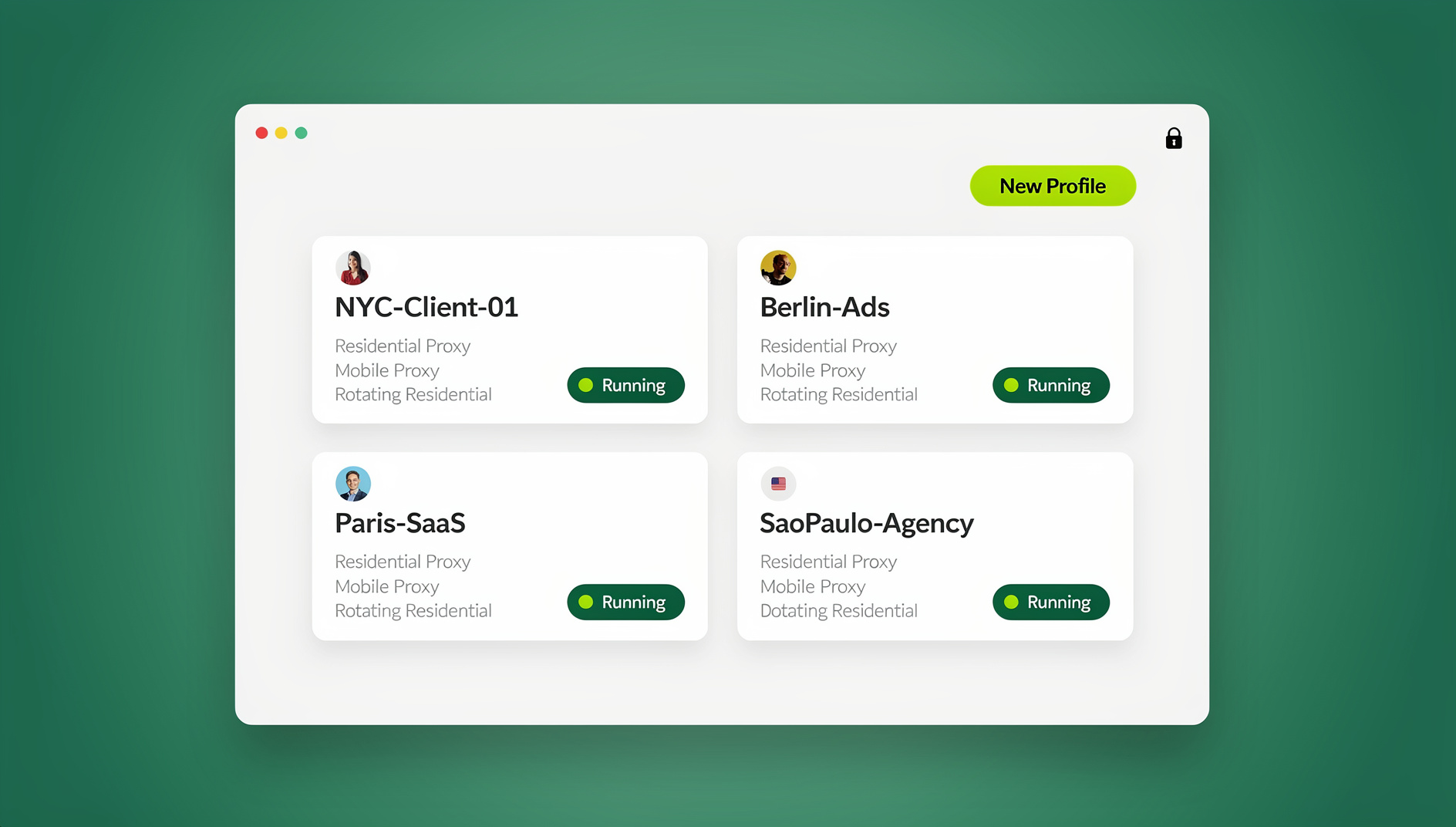
Every account you manage gets an environment. An environment is a saved bundle: cookies, local storage, extensions, user agent, WebGL vendor and renderer values, and its own proxy. Launching it assembles a browsing instance from those stored values, so the same environment presents the same configuration every time, and two environments on one machine share no logins, storage or extension state.
Hubstudio says environments can be created for Windows, macOS, Android and iOS types, and that you can move one between them without changing its fingerprint. Plugins uploaded once can be made available across every environment — useful when all your client accounts depend on the same tool.
The homepage markets environments as unlimited and permanently free and claims 15 million accounts protected. The first claim is checkable inside the client. Treat the second as marketing: no methodology is published.
The hubstudio.com and hubstudio.ai mix-up
Two unrelated products share the name. The fingerprint browser and its installers live on hubstudio.com; the help centre at hubstudio.ai describes an AI content studio with different onboarding. If a review you are reading talks about generating articles, it is not about the browser. Check the domain before you download anything.
How the Hubstudio Browser Works Under the Hood
Three layers matter: what the client stores, what it exposes locally, and what it hands to automation.
The stored layer
Each environment keeps a fingerprint record and a proxy record. The documented Local API can refresh a fingerprint, randomise a user agent, read WebGL vendor and renderer values, and import or export cookies — which tells you exactly which parameters Hubstudio treats as per-environment state. Those are the values worth spot-checking on a new profile, alongside the checks in this guide to browser fingerprinting APIs.
The local API layer
Hubstudio runs a Local API on 127.0.0.1:6873. Requests carry an app-id and app-secret; a team code applies to the separate cloud open API. Through it you can create, update and delete environments, push new proxy settings, import and export cookies, open and close browsers, arrange windows and read team usage counts.
Start an environment through the API and the response includes a CDP debugging port unique to that browser. Point Playwright, Puppeteer or Selenium at that port and you are driving that specific profile.
The command-line layer
A bundled hubstudio-cli targets macOS on Intel and Apple Silicon, Linux x64 and Windows x64. Commands map from API paths — /api/v1/env/list becomes env-list. It reads its key from --local-api-key or HUBSTUDIO_LOCAL_API_KEY, defaults to 127.0.0.1:6873, and finds the live port through an IPC channel: a named pipe on Windows, /tmp/Hubstudio-cli on macOS and Linux. The default HTTP timeout is 30 seconds and a timeout returns code 408. Environment listings cap at 200 records per page, which matters once your inventory grows. The vendor’s CLI guide documents every flag.
One more piece of context: the same portal documents a separate cloud phone product with ADB status, app install and shell-command endpoints, plus RPA and TikTok automation endpoints for batch posting and account-warming tasks. That is where the vendor positions the tool — scripted, high-volume operation, not only manual clicking.
Why the 20-Launch Cap Matters More Than the Profile Count
“Unlimited environments” describes storage. Launching is the metered action. Third-party comparisons put the free plan at 20 environment launches a day, and every reopen counts — closing a window to free memory and opening it again does not reset anything.
Run the arithmetic for a small agency. Six client accounts opened morning and afternoon is 12 launches. Add a QA pass across four regions and you are at 16 before lunch. Hubstudio’s Linux guide recommends 8 vCPU and 8 GB of RAM for roughly five concurrent environments, so concurrency is a hardware ceiling and launches are a daily one.
The free tier suits someone who works account by account through the day. It fights anyone whose job is opening many profiles repeatedly — a support team reproducing a bug in six regions, or an agency doing hourly checks across a roster.
Hubstudio vs Other Free Tiers: The Honest Comparison
Free-plan limits get repeated loosely in this category, so here is what the current figures actually say. Treat third-party numbers as a snapshot: aggregator pages are not vendor announcements and go stale.
| Free-tier detail | Hubstudio | AdsPower | ixBrowser | EasyBR |
|---|---|---|---|---|
| Stored profiles | Unlimited environments (vendor claim) | 2 profiles | 10 new environments per day | Not published |
| Daily launching | 20 launches per day (third-party reported) | Not published | 100 opens per day | Up to 5 windows at once |
| Environment types | Windows, macOS, Android, iOS | Desktop profiles with Canvas, WebGL and timezone controls | Local only, no cloud storage | Web-based manager |
| Team access | Admin, manager and employee roles, custom permissions, operation logs | Bulk operations on paid plans | 2 sub-accounts | 1 teammate |
| Automation | Local API, CLI, CDP ports, cloud open API | RPA features | Not published | Not published |
The pattern shows up side by side. Hubstudio wins on stored environments and automation surface. ixBrowser wins on daily opens. AdsPower’s free tier is tightest on profile count. EasyBR trades depth for a web interface you can reach from any machine. For the wider field, this Hubstudio alternative comparison puts the same products against a team-sharing workflow.
How to Set Up Hubstudio: A Practical Checklist
Work through these in order. Skipping step 5 is the most common reason a first login looks wrong.
- Confirm the domain. hubstudio.com is the fingerprint browser; hubstudio.ai is a different product entirely.
- Download the right build. The Windows installer is listed at 355 MB for v3.60.0 (October 2026). For a headless server, follow the Linux Xvfb walkthrough instead of installing a desktop environment.
- Register and verify. The email verification code is valid for 20 minutes, so have your inbox open before you start.
- Create one environment per authorised account. Name it by client and role — “Northline, store admin” — never by platform. You will thank yourself past fifty entries.
- Set the proxy before the first login. Attach it, then check that the timezone, locale and WebRTC values the environment reports match the exit IP’s location.
- Spot-check the fingerprint. Compare WebGL vendor and renderer plus the user agent with what that environment is supposed to present.
- Dry-run, then log in. Load a neutral page first, confirm the session behaves, then sign in to the account.
- Add teammates at the lowest useful role. Team sign-in codes expire after 10 minutes, so share them live rather than pasting them into chat hours earlier.
- Harden before you script. Set the Local API key, keep the API on localhost, and close environments when a job ends.
- Review operation logs weekly. They are the only reliable record of who opened which environment, and when.
Team Roles, Proxies and What to Settle Before You Scale
Hubstudio’s team model is role-based: admin, manager and employee tiers, custom permissions per role, group-based management for organising environments, and operation logs that record activity. That is enough structure for a small agency, provided you define who owns each environment rather than assuming it.
Two questions are worth asking support in writing before you onboard anyone. What happens to an environment when the member who created it is removed — does it stay with the team or follow the account? And how are shared environments locked when two people open the same one? Neither point is spelled out clearly in public documentation, and both matter at offboarding time.
Proxies are set per environment, and the Local API can push new proxy settings to one. Whether any bandwidth is bundled is not something the public documentation explains clearly, so ask the vendor rather than trusting an old review. Exit IP quality decides how a session behaves either way — this breakdown of why residential proxies matter covers shared, rotating and static addresses. Keep the acceptable-use line visible too: this category of tool is for accounts you own or are authorised to manage, and each platform’s rules apply on top.
Common Mistakes That Cost You Time or Access
- Reading “unlimited” as capacity. Unlimited stored environments with a 20-launch day means planning, not scaling.
- Leaving the Local API exposed. Most endpoints have no built-in authentication. One port forward turns a workstation into a shared control panel.
- Mixing up the two Hubstudio brands. Following hubstudio.ai onboarding while trying to install the browser wastes an afternoon.
- Two people in one environment. Simultaneous sessions in the same profile collide — cookies get overwritten, a form submits twice, a session drops.
- Automating before checking the rules. The API includes bulk posting and account-warming endpoints; whether you may use them depends on the platform, not the tool. Running more accounts than a platform permits gets them restricted, and the remedy is that platform’s own verification or appeal process, not a fresh environment.
- Ignoring the 200-record cap. Environment list calls return 200 records at a time. Sync without paging and your inventory silently truncates.
How Send.win Helps With Hubstudio Browser
Send.win is a browser profile manager for professionals and teams: every account gets its own isolated browser profile.
- Isolated profiles – separate cookies, storage and sessions per profile
- Fingerprint protection – each profile keeps its own consistent browser fingerprint, so profiles never share one browser identity
- Desktop app + cloud browser – native app for Windows, macOS and Linux, or run profiles in the cloud with no install
- Residential proxies included – on Pro and Team, with timezone and locale matched to the proxy
- Team sharing – share a signed-in profile with a teammate without sharing the password
Try the free cloud demo — no install — or download the desktop app. Paid plans start at $19/month, and your first card purchase is covered by a 7-day money-back guarantee (see pricing).
Where Send.win Fits in a Hubstudio-Style Workflow
If your day revolves around sharing client logins with teammates rather than scripting browsers, the constraint you care about is different. Send.win is a browser profile manager built for that: agencies managing client accounts, sellers with several storefronts, social media managers, and QA or support teams testing as different users and regions.
It runs two ways, and the distinction matters. Sendwin Browser is a native desktop app for Windows 10 and 11, macOS 12 and later, and Linux, built on Chromium. The cloud browser runs profiles on Send.win’s cloud server in Helsinki, Finland, from any device with nothing to install.
Each profile keeps its own cookies, storage, sessions, fingerprint settings and proxy, with fingerprint protection handled inside the browser engine so profiles do not share one browser identity — the same privacy approach Firefox or Brave take, applied per profile. Sharing is where it departs from Hubstudio: give a paid teammate a profile and it opens already signed in, no password changing hands, and you can share live cloud sessions. Cloud sync keeps logins with you across devices. Proxies are included on Pro and Team with metered bandwidth, or bring your own HTTP or SOCKS5, and timezone, locale, WebRTC and geolocation follow the proxy’s exit IP automatically.
The trade-off is deliberate. Send.win is a hands-on workspace: you open a profile in the desktop app or the cloud browser and work inside it yourself, and there is no programmatic control layer of any kind on any plan. If you need the Hubstudio CLI to drive browsers from code, Send.win is the wrong tool. If you need people working inside shared accounts without passing passwords around, it is the right one: 150 or 500 saved profiles, up to 50 open at once, 6 or 16 seats. For teams formalising this, the roundup of fingerprinting solutions for teams covers what to look for beyond seat counts.
There is no free trial of the desktop app. The free option is the cloud demo: a three-minute preview with no signup, or ten minutes a day with a free account.
🏆 Send.win Verdict
Hubstudio earns its place on stored environments and on the tooling it hands to code. Send.win solves the other half of the problem: profiles that stay isolated, teammates who open a client profile already signed in without a password ever changing hands, and a cloud browser running in the EU for the days you are not at your desk. It is a workspace built for people working inside profiles, not for code, and it says so.
See Send.win plans — Pro from $19/mo with residential proxies included, up to 50 profiles open at once, or start in the free cloud demo with nothing to install.
Frequently Asked Questions
Is the Hubstudio browser really free?
Stored environments are free: Hubstudio markets them as unlimited and permanently free, with paid extras on top. Third-party comparisons report the free plan caps launches at 20 environment opens per day, so free describes storage and access, not unlimited throughput. Confirm current limits with the vendor before you build a workflow on them.
How many Hubstudio profiles can I open per day?
Aggregator figures put the free plan at 20 environment launches per day, and every reopen counts toward that number. Concurrency is a separate ceiling set by hardware: Hubstudio’s Linux guide suggests 8 vCPU and 8 GB of RAM for about five simultaneous environments.
Does Hubstudio run in the browser, or do I need to install it?
You install it. The Windows client is listed as a 355 MB installer for v3.60.0 in October 2026, and a Linux build can run headless on a server through Xvfb. It is a desktop application, not a browser extension and not a website.
Can I automate Hubstudio environments with Playwright or Selenium?
Yes. Starting an environment through the Local API returns a CDP debugging port for that browser, so Playwright, Puppeteer and Selenium can attach to it, and the bundled CLI wraps the same endpoints. Secure the API first: most endpoints have no built-in authentication, and a CDP port grants full control of that browser.
How does Hubstudio’s team permission model work?
It uses admin, manager and employee tiers with custom permissions, group-based management for organising environments, and operation logs that record activity. Team sign-in codes expire after 10 minutes, so share them live. Ask support in writing what happens to an environment when its creator is removed, since that is not clearly documented.
Can I move an environment to another device without losing its fingerprint?
Hubstudio says environments can be moved between Windows, macOS, Android and iOS types without changing the fingerprint. Re-verify the parameters after any migration — WebGL vendor and renderer, user agent, and the proxy’s exit IP — before you sign in to a client account on the new machine.
Does Hubstudio include residential proxies or do I bring my own?
Proxies are configured per environment, and the Local API can push new proxy settings to one. Whether any bandwidth is bundled is not spelled out clearly in public documentation, so ask the vendor before you plan around it. Exit IP quality drives how a session behaves either way.
Is Hubstudio the same as the AI content tool at hubstudio.ai?
No. The fingerprint browser and its downloads are on hubstudio.com; hubstudio.ai hosts an AI content studio with different onboarding and a different help centre. Confirm the domain before you download an installer or follow a setup guide.