Which TLS Fingerprint Checker Shows What Your Browser Really Sends?
A TLS fingerprint checker reads the ClientHello your browser sends when a connection opens and turns it into a hash — usually JA3 or JA4 — so you can see which TLS stack the server sees. Page JavaScript cannot read it, because the handshake completes before the first byte of HTML arrives. Four of the seven tools below print that hash, one prints the raw cipher list behind it, and two check the other end of the connection.
📌 TL;DR Executive Summary
- Core Takeaway: A JA4 such as t13d1516h2_8daaf6152771_e5627efa2ab1 is readable without a lookup table — the prefix encodes TLS version, SNI, cipher and extension counts, and ALPN.
- Key Risk/Challenge: No page can read its own ClientHello, so browser-facing checkers need a server-side helper — and a proxy that terminates TLS can replace your handshake without telling you.
- Recommended Solution: Use ecdsa.com or tls-reputation.com for the hash, keep a dated baseline per profile, and re-check after every proxy or app change.
What a TLS Fingerprint Checker Sees in Your ClientHello
Every TLS connection opens with a ClientHello. It lists the TLS versions on offer, the cipher suites in preference order, the extensions, the key-exchange groups and the ALPN protocols the client will speak. None of that comes from your cookies, your user agent or your IP address. It comes from the TLS library compiled into the software: BoringSSL inside Chromium, OpenSSL inside curl, crypto/tls inside Go.
That is why the result describes software rather than a person. Every Chrome install of the same build on the same platform offers the same ClientHello, and so does every Go program built with the same compiler version.
How to read a JA4, part by part
JA4, published by FoxIO, splits the result into three underscore-separated parts, and the first one needs no lookup table. Take t13d1516h2_8daaf6152771_e5627efa2ab1:
- t — transport: t for TCP, q for QUIC.
- 13 — TLS 1.3.
- d — a domain name travelled in SNI; i means an IP address did.
- 15 — fifteen cipher suites offered.
- 16 — sixteen extensions.
- h2 — ALPN: h2 is HTTP/2, h1 is HTTP/1.1, 00 means no ALPN at all.
The two hashes carry the rest. The middle one hashes the sorted cipher-suite list; the last hashes the sorted extensions plus signature algorithms. Add one extension and only the final part moves — the locality is deliberate, so you can track on the prefix, the prefix plus cipher hash, or the whole string.
Why JA4 replaced JA3
JA3 came out of Salesforce in 2017 as an MD5 over selected ClientHello fields in a fixed order. JA4 sorts the cipher suites and extensions before hashing, which removes most of the noise. Browsers randomise extension order per connection and insert GREASE values under RFC 8701 precisely to break naive hashing; JA4 ignores both, so a given Chrome build returns the same string on every visit. It also works over QUIC, not just TCP — this is the short version of TLS fingerprinting explained.
FoxIO has extended the family since: JA4S for server responses, JA4H for HTTP headers, JA4L for latency, JA4X for X.509 and JA4SSH. Everything beyond JA4 sits under a licence that needs an agreement for commercial use, so read the JA4+ spec before you build a product on it.
Why a web page cannot read its own handshake
No browser API returns the ClientHello. By the time JavaScript runs, the TLS session is already established and the bytes live on the server that terminated it. Browser-facing checkers therefore need an intermediary: ecdsa.com reads a header Vercel’s edge stamps onto each request, a value a client cannot set. If a “TLS checker” only prints a canvas hash, it is not measuring the handshake at all.
7 TLS Fingerprint Checkers, Reviewed
Each entry says what the tool actually returns, because that is where most lists blur together: a cipher list, a JA3 hash, a JA4 string and a certificate chain are four different outputs.
1. ecdsa.com JA4 Checker
Load the page and it prints the JA4 of your own connection, read from the Vercel edge header. You can also paste a JA4 string or a raw ClientHello in hex and decode it. The site says it stores and logs nothing; its reference examples are headless Chrome 155 and curl with OpenSSL 3.6, alongside the FoxIO specification sample.
- Pros: full JA4 with a readable prefix; accepts pasted hashes and hex; no account, no install.
- Cons: it can only test the browser you opened it in, and it depends on Vercel adding the header.
Best for: a ten-second answer to “what JA4 does this browser send?”
2. tls-reputation.com
Returns JA3 and JA4 plus a reputation block. The probe at probe.tls-reputation.com:8443 answers curl, Python, Go and Node with JSON — tls_version, alpn, known, observed, and a reputation object with observations, unique_snis, spread and stability class. No key, no rate limit, open CORS. The site’s own example shows 26 observations across 10 unique SNIs, a spread of 0.855 and a stability class of “fixed”.
- Pros: works for anything that speaks TLS, browser or not; adds traffic context a bare hash lacks.
- Cons: reputation describes patterns, not a verdict — curl comes back with known set to null because it is not a recognised browser.
Best for: fingerprinting scripts and comparing a client against a real browser.
3. BrowserLeaks TLS Client Test
Lists every cipher suite your client offers and labels each one: recommended TLS 1.3 and 1.2 suites are marked, CBC and DHE variants are flagged. You get the ingredients instead of a hash. A 2026 review reports that BrowserLeaks now covers more than 20 fingerprinting surfaces including JA3 and JA4 — a vendor-reported count, so treat it as a claim. For a wider survey, see these browser fingerprint test tools.
- Pros: shows why a hash looks the way it does, and quickly exposes legacy CBC suites a current browser build would not offer.
- Cons: the TLS page returns no JA4 string, so you need a second tool for the hash.
Best for: spotting an old OpenSSL build sitting in the path.
4. Vercel’s x-vercel-ja4-digest Header
If your site runs on Vercel, every request arrives with x-vercel-ja4-digest set at the edge. Read it in an edge or serverless function and you have a continuous JA4 feed with no third-party tool in the loop. The code is two sections down.
- Pros: your own data on real visitors, logged next to the other request fields you already keep.
- Cons: Vercel only; users in the same region can share a digest, so it is weak as a per-user identifier; you have to write and host the endpoint.
Best for: teams that want JA4 in their own logs rather than a one-off lookup.
5. FoxIO JA4+ Reference Implementation
The upstream code for JA4, JA4S, JA4H, JA4L, JA4X and JA4SSH. Run it against a packet capture or your own server and you get hashes for both directions of a conversation. A separate 2026 GitHub project implements JA3, JA3S and a JA4 client fingerprint with raw TLS parsing and no external dependencies.
- Pros: authoritative, offline, and covers the server-side and HTTP layers the web tools skip.
- Cons: you supply the traffic and the runtime; commercial use beyond JA4 needs an agreement.
Best for: platform teams wiring fingerprints into their own pipeline.
6. IPFingerPrints SSL/TLS Certificate Checker
A server-side checker. Point it at a hostname and it reports the negotiated TLS version and cipher, the certificate subject and issuer, SANs, the validity window, fingerprints and the chain, downloadable as PEM or DER.
- Pros: fast confirmation of a host’s chain and expiry date.
- Cons: nothing about your browser’s ClientHello — the mix-up behind most “my TLS checker is broken” complaints.
Best for: checking the other end of the connection.
7. GRC Fingerprints
Compares your browser’s view of a site certificate with GRC’s own copy of it. The page reported checking 128 sets of fingerprints a day and more than 3 million sets checked for visitors; the counters are live but the page has been stable for years, so read them as a snapshot rather than a trend.
- Pros: shows a swapped or intercepted certificate without any setup.
- Cons: certificates only — no JA3, no JA4, no ClientHello.
Best for: a fast sanity check on the certificate your browser was served.
TLS Fingerprint Checker Comparison
| Tool | What it returns | JA3 / JA4 | Works for scripts | Cost / access | Best for |
|---|---|---|---|---|---|
| ecdsa.com JA4 Checker | Live JA4 of your connection; decodes a pasted JA4 or ClientHello hex | JA4 | No | No account, no install | Quick browser lookup |
| tls-reputation.com | JA3 + JA4 JSON with a reputation block | Both | Yes — curl, Python, Go, Node | No key, no rate limit | Scripts and traffic patterns |
| BrowserLeaks TLS Client Test | Cipher suite list with recommended, CBC and DHE labels | No hash on the TLS page | No | Free, no install, no account | Understanding the cipher list |
| Vercel x-vercel-ja4-digest | Request header carrying the JA4 Vercel computed | JA4 | Yes, server-side | Included with your deployment | JA4 in your own logs |
| FoxIO JA4+ reference | JA4, JA4S, JA4H, JA4L, JA4X, JA4SSH from captures or your server | Full family | Yes | Open source; licence beyond JA4 | Auditing both directions |
| IPFingerPrints SSL/TLS | Server certificate, chain, negotiated version and cipher | None | Server targets only | Not stated | Host certificate checks |
| GRC Fingerprints | Your browser’s view of a site certificate against GRC’s copy | None | No | Not stated | Interception sanity check |
Reading Your JA4 From Vercel’s Edge Header
Deploy this as an edge function, then open the URL in the browser you want to test. The response shows the JA4 Vercel calculated for that connection.
export const config = { runtime: 'edge' };

export default function handler(request) {
  const ja4 = request.headers.get('x-vercel-ja4-digest');
  const userAgent = request.headers.get('user-agent');

  return new Response(
    JSON.stringify({ ja4: ja4 ?? null, userAgent }, null, 2),
    { headers: { 'content-type': 'application/json' } }
  );
}
Log that header for a week and you have a baseline: the JA4 values real visitors arrive with, and the ones your own test clients produce. Anything that does not match a browser pattern stands out without a dashboard.
The hash is only one gate. Vercel Firewall’s challenge action runs JavaScript to verify a real browser, then issues a session valid for one hour; when it expires the client has to solve it again, and scripts and cURL cannot pass one at all. That is a stronger filter than a mismatched hash — worth reading in the Vercel Firewall docs.
Why Your JA4 Changes Behind Some Proxies and Not Others
A SOCKS5 or HTTP CONNECT proxy forwards bytes; TLS stays end-to-end between your browser and the site. The ClientHello is never rebuilt, so the JA4 you measure through the proxy matches the one you measure without it. Only the exit IP, and the timezone and locale derived from it, shift.
A proxy that terminates TLS is a different animal. Inspection appliances, some antivirus HTTPS-scanning features and TLS-terminating gateways complete the handshake themselves and open a second one to the origin. The site then sees the appliance’s TLS stack, often an older OpenSSL build offering suites a current browser does not. Your user agent still says Chrome; the handshake says something else. That split is a textbook device fingerprint mismatch.
So the diagnostic is simple: run the checker with the proxy attached, then run it again without. An identical hash means the tunnel is transparent. A different hash means something in the path is rebuilding the connection, and you should fix that before blaming the site for behaving oddly.
Why Certificate Checkers Answer a Different Question
You can spot the category in one glance at the form. A client-side checker has no target field: it measures the connection you just made. A server-side checker always asks for a hostname, because it connects outward and reports what came back. Only the first kind tells you what your browser, script or profile looks like on the wire.
Keep the two apart and the results stop confusing you: one answers “is this host presenting the certificate I expect”, the other answers “which TLS stack am I”.
Running the Same Check Across Many Browser Profiles
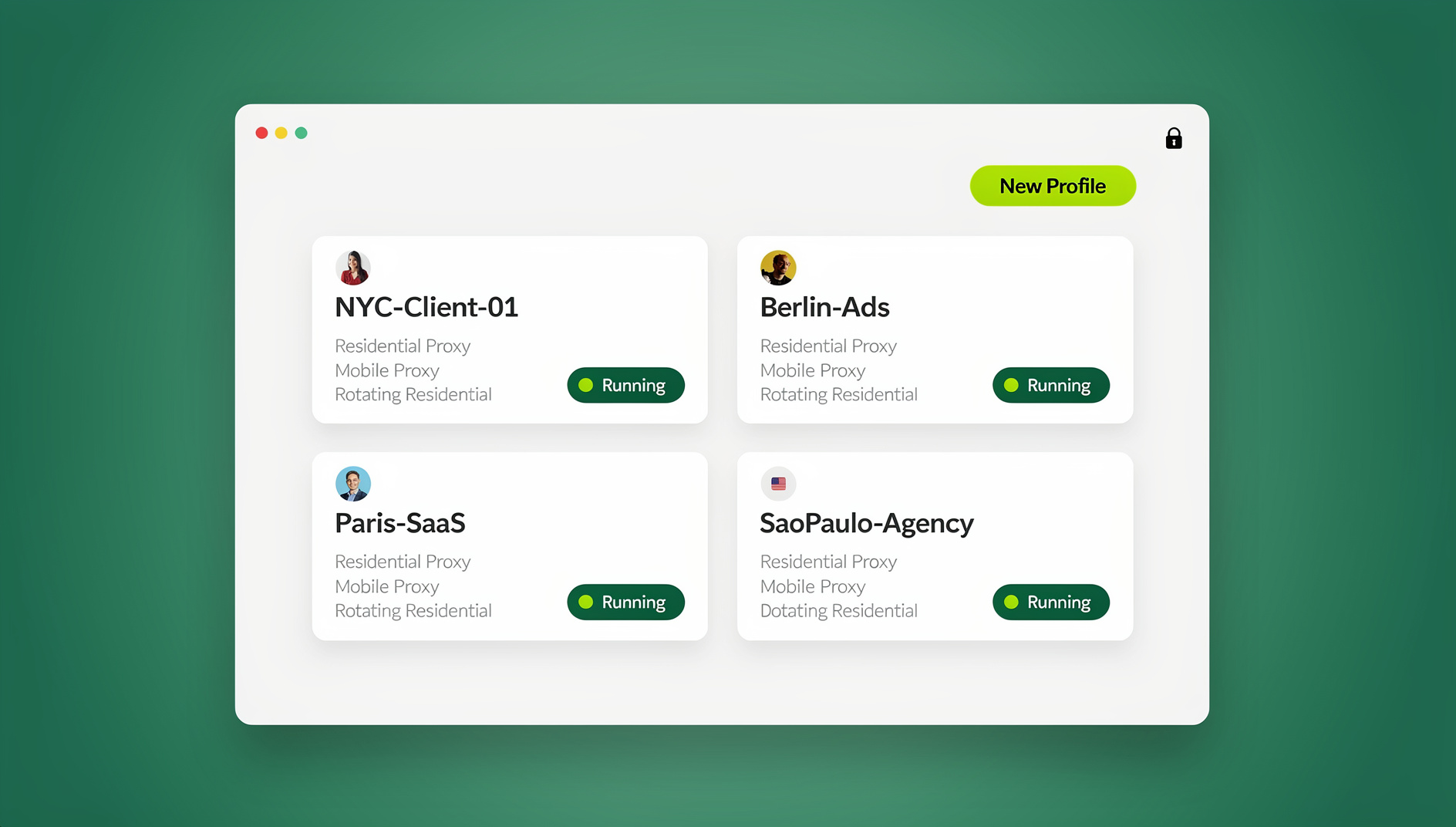
If you manage client accounts, the question is rarely about one browser. You need to know what each profile’s network path produces, and you need the checks not to bleed into each other. That is the layer Send.win covers: it is a browser profile manager, not a checker — it outputs no JA3 or JA4 — but each profile keeps its own cookies, storage, sessions, fingerprint settings and proxy, and up to 50 profiles can be open at once on any plan.
Open the checker inside each profile and you see the handshake that profile’s exit path produces. Residential proxies are included on Pro and Team, bring-your-own HTTP/SOCKS5 works too, and timezone, locale, WebRTC and geolocation follow the exit IP automatically, so the clock and language a page reads come from the same region as the traffic. A shared profile opens already signed in for paid teammates, and cloud sync carries logins across devices. The desktop app for Windows, macOS and Linux needs Pro at $19/mo or Team at $49/mo; the only free option is the cloud demo, at 10 minutes a day.
How to Read a Result Without Over-Interpreting It
Four habits keep a JA4 useful:
- It identifies software, not a person. Everyone on the same build and platform produces the same string, and Vercel’s community thread notes that users in the same region can share a digest.
- Consistency beats uniqueness. A Chrome user agent arriving with a Go TLS stack is a mismatch. Browser-profile-manager vendors call that gap an automation signal; treat it as vendor commentary rather than a published rule, and read up on JA3 fingerprinting for the older format’s limits.
- Hashes drift with versions. A browser update can add or drop an extension and shift the last part of the JA4, so date your baseline.
- One hash is one layer. TLS is a single line of evidence next to canvas, WebGL, fonts and timezone — none of which live in the handshake.
🏆 Send.win Verdict
Send.win does not appear as a checker above, because it is not one: it produces no JA3 or JA4 and it is a browser for people at a keyboard, not a measurement tool. It earns a mention because a TLS fingerprint only describes one profile’s network path, and Send.win is built for running many isolated profiles without mixing them up. Each profile carries its own cookies, storage, sessions, fingerprint settings and proxy, residential proxies are included on Pro and Team, and up to 50 profiles can run side by side — enough to open the same checker across a dozen client profiles and see which proxy path is rewriting handshakes and which is a clean tunnel.
See Send.win plans — Pro from $19/mo (150 profiles, 5 GB of proxy bandwidth) or Team from $49/mo (500 profiles, 20 GB), with a 7-day money-back guarantee on your first card purchase, or start with the free cloud demo.
Frequently Asked Questions
What is a TLS fingerprint and what is JA4?
A TLS fingerprint is a hash of the ClientHello a client sends when a connection opens — versions, cipher suites, extensions, groups and ALPN. JA4 is FoxIO’s current format, written as three underscore-separated parts with a readable prefix. It describes the TLS library behind a connection, not the person using it.
How do I see my browser’s JA3 or JA4?
Open a server-backed checker such as ecdsa.com’s JA4 tool, which reports what the server received rather than anything JavaScript can reach. For JA3 plus reputation data, the tls-reputation.com probe returns both as JSON. No page can print its own ClientHello from client-side code.
What is the difference between JA3 and JA4?
JA3, from 2017, is an MD5 over ClientHello fields in a fixed order. JA4 sorts the cipher suites and extensions before hashing and ignores GREASE values, so the result stays stable across connections, and it works over QUIC as well as TCP. JA4 also exposes counts and ALPN in a prefix you can read at a glance.
Why does my fingerprint change behind a proxy?
If the proxy only tunnels bytes, it should not change at all — TLS stays end-to-end. It changes when something terminates TLS and opens its own connection to the origin, such as an inspection appliance or antivirus HTTPS scanning. Compare runs with and without the proxy to tell the two apart.
Can a website read my ClientHello from JavaScript?
No. The handshake completes before any script executes, and no browser API exposes it. Sites that display your JA4 either compute it at the edge or on the server and pass it to the page, as Vercel does with the x-vercel-ja4-digest request header.
How do I fingerprint curl or a Python script?
Send a request to probe.tls-reputation.com:8443 from curl, Python, Go or Node and read the JSON: tls_version, alpn, JA3, JA4 and a reputation block. No key and no rate limit are involved. Expect fields like known to be null for curl, because it is not a recognised browser.
Which TLS fingerprint checker is free?
BrowserLeaks is free with no install and no account, and the tls-reputation.com probe needs no key and imposes no rate limit. The Vercel header arrives with any deployment on that platform. FoxIO’s reference implementation is open source, but commercial use beyond JA4 requires an agreement.
Is a TLS fingerprint a personal identifier?
No. It narrows the software stack, not the person — millions of devices share one JA4, and users in the same region can even share a Vercel digest. Treat it as one layer of evidence alongside IP, headers and browser-level signals, never as proof of who is on the other end.
How Send.win Helps With Tls Fingerprint Checker
Send.win is a browser profile manager for professionals and teams: every account gets its own isolated browser profile.
- Isolated profiles – separate cookies, storage and sessions per profile
- Fingerprint protection – each profile keeps its own consistent browser fingerprint, so profiles never share one browser identity
- Desktop app + cloud browser – native app for Windows, macOS and Linux, or run profiles in the cloud with no install
- Residential proxies included – on Pro and Team, with timezone and locale matched to the proxy
- Team sharing – share a signed-in profile with a teammate without sharing the password
Try the free cloud demo — no install — or download the desktop app. Paid plans start at $19/month, and your first card purchase is covered by a 7-day money-back guarantee (see pricing).