Why So Many People Need More Than One Facebook Account in 2026
Managing multiple Facebook accounts used to be a niche need for spammers and bad actors. In 2026, it’s the opposite — it’s a mainstream operational requirement for marketers running client campaigns, agencies juggling dozens of Pages, dropshippers testing ad creatives, community managers moderating multiple groups, and everyday users who simply want to separate their personal profile from a business or side-hustle presence. Facebook (and Meta’s broader ecosystem of Pages, Groups, Marketplace, and Ads Manager) is still the largest paid-social and community platform on the planet, and juggling several logins by hand — logging out, clearing cookies, switching between browser profiles — is slow, error-prone, and often triggers exactly the kind of account flags you’re trying to avoid.
This guide walks through what Facebook actually allows, why naive multi-account setups get flagged or banned, and a practical, step-by-step method for running multiple Facebook accounts safely in 2026 — including where a dedicated multi-login browser like Send.win fits into the workflow.
Is Managing Multiple Facebook Accounts Against the Rules?
The short answer: it depends on how you do it. Meta’s terms of service prohibit maintaining “duplicate” personal profiles intended to deceive, and they actively look for signals that many accounts are being operated by the same person from the same device in a way that looks like impersonation, spam, or coordinated inauthentic behavior. But Meta also explicitly supports legitimate multi-account structures for business use.
What Facebook Actually Restricts
- Creating multiple personal profiles that impersonate different real identities
- Using automation to mass-create or mass-friend from lookalike accounts
- Running accounts that repeatedly violate Community Standards from the same cluster of devices/IPs
- Evading a previous ban by spinning up a new account tied to the same fingerprint
What’s Explicitly Allowed
- One personal profile per real person, plus unlimited Pages managed through that profile or a Business Manager
- Business Manager / Meta Business Suite structures where multiple team members have delegated, permission-scoped access to shared Pages and ad accounts
- Agencies operating client accounts with proper delegated access rather than shared logins
- Multiple genuinely separate individuals (e.g., different employees, different real people) each running their own accounts from isolated environments
The distinction that matters is isolation and legitimacy, not the raw number of accounts. Ten Pages managed cleanly through delegated access is fine. Ten personal profiles logged in from the same browser fingerprint pretending to be ten different people is the pattern that gets flagged.
Why Facebook Flags Multi-Account Activity in the First Place
Facebook doesn’t need to see your face to suspect you’re running multiple accounts — it correlates dozens of quiet technical signals every session. Understanding these is the key to doing this safely.
1. Shared Browser Fingerprint
Every browser exposes a fingerprint — canvas rendering, WebGL output, installed fonts, screen resolution, timezone, hardware concurrency, and dozens of other data points that combine into a near-unique identifier. If five “different” Facebook accounts all share the exact same browser fingerprint, Meta’s detection systems connect the dots instantly, regardless of what name or profile photo is attached to each one.
2. Overlapping IP Addresses
Logging into multiple accounts from the same home or office IP, especially in quick succession, is one of the strongest correlation signals. Datacenter proxies and shared VPN exit nodes make this worse, since thousands of other flagged accounts may already be tied to the same IP range.
3. Behavioral Correlation
Even with different fingerprints and IPs, accounts that log in at the same times, post identical content, friend the same people, or navigate in identical click patterns still look connected. Facebook’s fraud models weight behavioral timing almost as heavily as technical fingerprints.
4. Cookie and Session Bleed
Using regular browser profiles or “incognito windows” doesn’t fully separate sessions — cached tokens, autofill data, and even browser extensions can leak identifying signals across tabs. True session isolation requires each account to run in its own sandboxed environment, not just a different tab.
The Right Way to Manage Multiple Facebook Accounts: Step-by-Step
Here’s the practical workflow that keeps accounts compliant, stable, and un-flagged — whether you’re running two Pages or fifty client accounts.
Step 1: Choose an Isolated Browser Environment
Stop switching accounts inside one browser. Instead, use a dedicated multi-login (antidetect) browser that gives each account its own isolated container — separate cookies, cache, local storage, and a unique, consistent fingerprint per profile. This is the single biggest lever for safe multi-account management, and it’s the reason tools built specifically for this — rather than plain Chrome profiles or incognito tabs — exist at all.
Step 2: Create One Isolated Profile Per Account
Spin up a dedicated browser profile for every Facebook account. Each profile should get its own randomized-but-consistent fingerprint (screen size, timezone, WebGL/canvas signature, fonts) so that it behaves like a genuinely different device every time you log back in — not a new random fingerprint each session, which is itself a red flag.
Step 3: Assign a Dedicated Proxy to Each Profile
Pair each profile with its own residential or mobile proxy, matched to a geography that makes sense for that account (e.g., a client’s target market). Never route two Facebook accounts through the same IP. A good multi-login platform bundles proxy management directly into the profile, so you’re not juggling a separate proxy service.
Step 4: Warm Up New Profiles Slowly
Don’t create a profile and immediately start posting or friending aggressively. Log in, browse the News Feed, scroll, like a few posts, and let the account accumulate normal-looking activity over several days before ramping up business use. Sudden bursts of activity on a brand-new profile is exactly the pattern automated detection looks for.
Step 5: Keep a Consistent Login Routine
Access each account from the same isolated profile every single time — same fingerprint, same proxy, same general login hours. Consistency is what makes an account look like it belongs to one real, stable person, even though you’re managing many.
Step 6: Share Access With Your Team Without Sharing Passwords
If an agency or team needs access to the same set of accounts, don’t distribute plaintext passwords over Slack or email. Use a platform that lets you share isolated browser profiles/sessions directly with teammates, with the ability to revoke access instantly if someone leaves the team.
Desktop App vs. Automation API vs. Cloud Browser: Which Send.win Mode Fits Your Facebook Workflow?
Send.win isn’t a single tool — it’s three distinct ways to run isolated browser profiles, and picking the right one depends on how you work day to day.
| Mode | What It Is | Best For |
|---|---|---|
| Desktop App | A native Windows, macOS, and Linux application installed on your machine, running each Facebook profile locally as an isolated browser instance | Solo marketers and small teams who work from one primary computer and want the fastest, most responsive experience |
| Cloud Browser Sessions | Profiles run entirely in the cloud — no desktop install required. You access sessions from any device with a browser, metered by monthly cloud browsing time on paid plans | Remote teams, agencies with staff on different devices, or anyone who needs to hop between a laptop, a work desktop, and a phone without re-syncing profiles |
| Automation API | Selenium, Puppeteer, and Playwright support on the Team plan, letting scripts drive isolated profiles programmatically | Agencies and power users automating repetitive tasks — scheduled posting, bulk Page checks, or QA across dozens of accounts — without manual clicking |
For most people managing multiple Facebook accounts, the Desktop app is where daily work happens. But if your team is distributed, or you want to check on client Pages from a laptop that isn’t your usual work machine, cloud browser sessions mean you’re not locked to a single installed copy — the profile, cookies, and fingerprint travel with you, accessible from any browser with no local install needed.
Setting Up Send.win to Manage Multiple Facebook Accounts (Walkthrough)
Option A: Running Profiles Locally With the Desktop App
- Download and install the Send.win desktop app for your operating system (Windows, macOS, or Linux)
- Create a new profile for each Facebook account and assign it a proxy — pick residential or mobile proxy locations matching where each account should appear to be based
- Log into the Facebook account inside its dedicated profile window
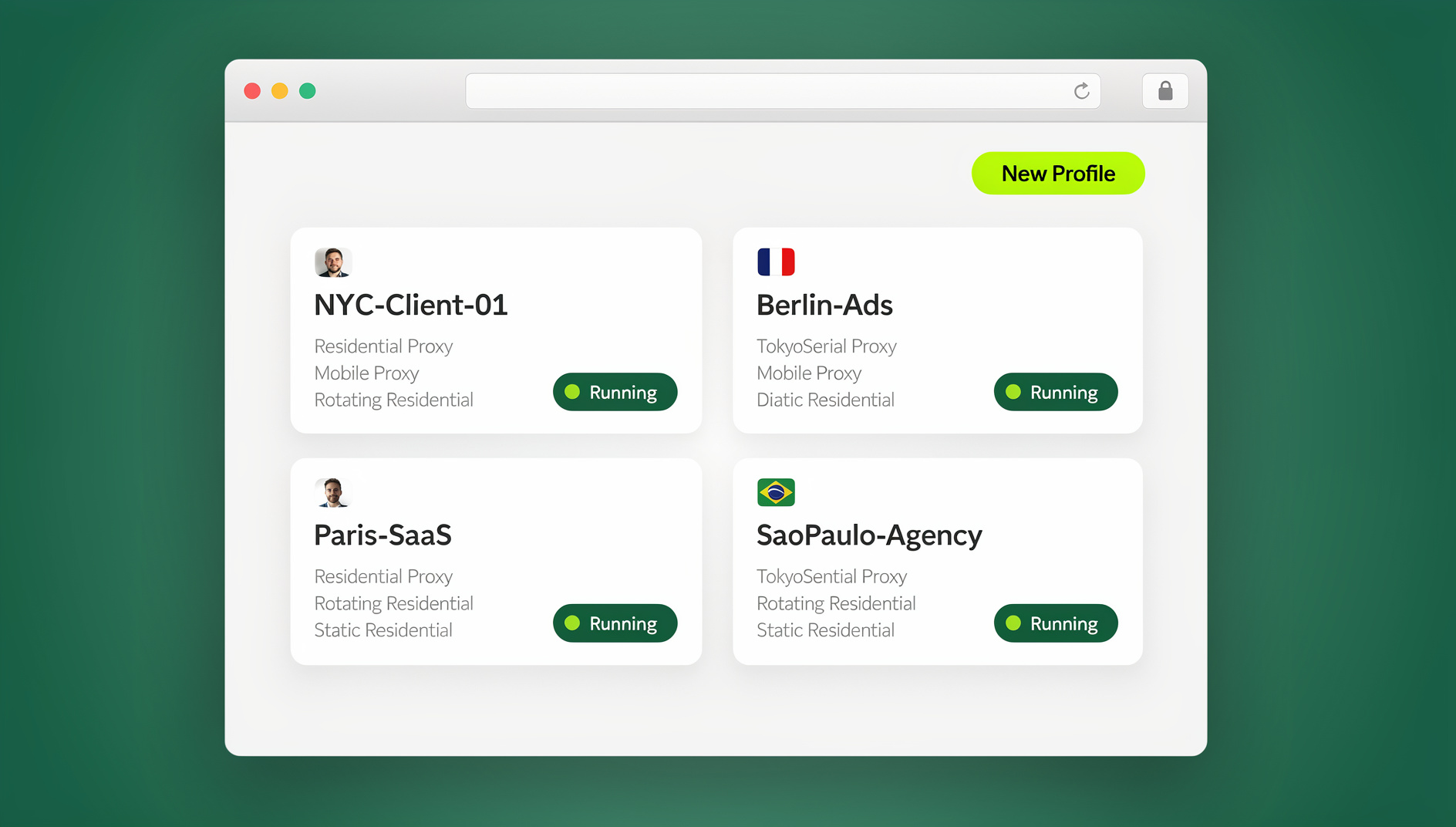
- Repeat for each additional account — every profile runs in its own isolated container with its own fingerprint, so switching between accounts is just clicking a different profile card, no logging out required
Option B: Running Profiles in the Cloud (No Install Needed)
If you’d rather not install anything — or you need to hand off access to a teammate on a different machine entirely — you can create sessions in Send.win’s cloud browser instead. The profile, its fingerprint, and its logged-in Facebook session all live in the cloud; you simply open a browser tab to reach it from any laptop or desktop, with cloud browsing time metered on your plan alongside cloud sync and profile sharing.
Option C: Automating Repetitive Tasks (Team Plan)
On the Team plan, the Automation API lets you drive these same isolated profiles with Selenium, Puppeteer, or Playwright scripts — useful for agencies that need to check dozens of Pages for policy compliance, pull engagement metrics, or run scheduled actions across many accounts without a human clicking through each one manually.
Common Mistakes That Get Facebook Accounts Banned
| Mistake | Why It Triggers a Flag | Fix |
|---|---|---|
| Reusing the same proxy across accounts | Shared IP links “different” accounts instantly | One dedicated proxy per profile |
| Using regular browser tabs/incognito | Shared fingerprint and cookie bleed across sessions | Dedicated isolated profile per account |
| Aggressive activity on new accounts | Sudden posting/friending spikes look automated | Slow warm-up period, gradual ramp-up |
| Sharing passwords over chat/email | No access control, no revocation, higher leak risk | Share isolated sessions directly, revoke instantly when needed |
| Logging in at identical times from identical patterns | Behavioral correlation across “separate” accounts | Vary routine slightly; treat each profile as its own person |
Facebook Multi-Account Management for Agencies and Teams
Agencies managing Facebook Pages and ad accounts for multiple clients face a compounding version of this problem — dozens of logins, several team members needing access, and a hard requirement to never let one client’s account bleed into another’s. The workflow that scales is: one isolated profile per client account, proxies matched to each client’s target geography, and permission-scoped sharing so a teammate can run a specific client’s account without ever seeing the password or being able to access unrelated accounts. When someone leaves the team, you revoke their access to that one profile — nothing else needs to change, and no passwords need to be rotated across the whole client roster.
This is also where a browser built for logging into multiple Facebook accounts earns its keep over a stack of Chrome profiles: team seats, shared cloud sessions, and centralized proxy assignment are built in rather than stitched together from separate tools.
What Does It Cost to Manage Multiple Facebook Accounts Safely?
Pricing for a dedicated multi-login browser is a small line item compared to the ad spend or revenue riding on the accounts it protects. Send.win currently offers a 30-day free trial with no credit card required, so you can test the full workflow — profiles, proxies, and cloud sessions — before committing.
| Plan | Price | What’s Included |
|---|---|---|
| Pro | $19/mo ($6.99/mo billed annually — 63% off) | 150 profiles, 5GB proxy bandwidth, cloud browser sessions |
| Team | $49/mo ($20.99/mo billed annually — 57% off) | 500 profiles, 20GB bandwidth, 16 team seats, Automation API (Selenium/Puppeteer/Playwright) |
Add-ons are available if you outgrow a plan’s limits: extra proxy bandwidth at $6/GB and extra profiles at $0.05 each.
🏆 Send.win Verdict
If you’re managing more than one or two Facebook accounts, the browser you use it in matters more than any single “safety tip.” Send.win gives every account its own isolated fingerprint, its own proxy, and its own session — whether you run it from the desktop app on your main machine, from a cloud browser session when you’re on another device, or programmatically through the Automation API on the Team plan. That’s the structural difference between accounts that survive and accounts that get flagged.
Try Send.win free today — start your 30-day trial, no credit card required, and set up your first isolated Facebook profile in minutes.
Frequently Asked Questions
Is it illegal to have multiple Facebook accounts?
No, it’s not illegal, but it can violate Meta’s Terms of Service if the accounts are personal profiles used to impersonate different identities. Business use through Pages, Business Manager, or properly isolated separate accounts for legitimate purposes is generally acceptable.
Can Facebook detect multiple accounts on the same device?
Yes. Facebook correlates browser fingerprints, IP addresses, cookies, and behavioral patterns across sessions. Using the same unmodified browser for several accounts makes detection almost certain, which is why isolated profiles with unique fingerprints and dedicated proxies matter.
What’s the safest way to manage multiple Facebook Business Pages?
Use Meta Business Suite for delegated Page access where possible, combined with an isolated browser profile per underlying account that manages those Pages, each with its own dedicated proxy.
Do I need a proxy for every Facebook account?
Yes, if the accounts should appear as genuinely separate. Sharing one IP across multiple accounts is one of the strongest signals Facebook uses to link accounts together.
What’s the difference between Send.win’s Desktop app and its cloud browser sessions?
The Desktop app is a native application you install on Windows, macOS, or Linux that runs profiles locally on that machine. Cloud browser sessions run the same isolated profiles remotely, with no install required — you reach them from any device through a browser, with usage metered as monthly cloud browsing time on paid plans.
Can I automate posting across multiple Facebook accounts?
Yes, on the Team plan, Send.win’s Automation API supports Selenium, Puppeteer, and Playwright, so you can script repetitive actions across isolated profiles rather than doing them by hand one account at a time.
How long should I wait before using a new Facebook account for business?
A gradual warm-up of at least several days to two weeks — light browsing and normal engagement before any business posting or outreach — significantly lowers the risk of an early flag compared to immediate heavy use.
Can my team share access to Facebook accounts without sharing passwords?
Yes. Instead of distributing plaintext credentials, share the isolated browser profile or cloud session directly with a teammate through team seats, and revoke access instantly if that person no longer needs it.