WebGL fingerprinting identifies your device by asking your graphics card how it renders 3D scenes, then hashing the results into an identifier that survives cookie deletion, private browsing, and even VPN switches because it depends on GPU hardware and drivers, not your IP address. Blocking WebGL outright breaks maps, games, and dashboards, so real protection means controlling what your GPU reports rather than switching it off — which is exactly the approach a purpose-built tool like Send.win takes.
What Is WebGL Fingerprinting?
WebGL (Web Graphics Library) is the browser API that lets sites render 3D graphics without a plugin — it powers everything from Google Maps’ terrain view to browser-based games. Tracking companies realized that the way a specific GPU, driver, and operating system combination renders a WebGL scene is subtly different from every other combination, and that those differences are consistent enough to serve as a device identifier.
Unlike a browser fingerprint built from software settings like language or time zone, a WebGL fingerprint is rooted in hardware. That’s what makes it so hard to shake: you can clear cookies, reinstall your browser, and rotate your IP, and the graphics card underneath stays the same.
How WebGL Fingerprinting Works
The Technical Process
When a page loads a WebGL fingerprinting script, it typically runs four steps:
- Query renderer info — read the GPU vendor and model string exposed by the
WEBGL_debug_renderer_infoextension. - Run a rendering test — draw a specific 3D shape, gradient, or shader with defined lighting and geometry.
- Read back the pixels — capture the rendered output as raw pixel data.
- Hash the result — combine renderer strings, capability parameters, and pixel output into a single identifier.
What Data Gets Collected
Hardware identifiers:
- Renderer string — your exact GPU model, e.g. “NVIDIA GeForce RTX 4070”
- Vendor string — the manufacturer (NVIDIA, AMD, Intel, Apple)
- WebGL version — WebGL 1.0 vs 2.0 support
- Shading language version — the GLSL version supported
Capability parameters:
- Maximum texture and viewport size
- Anti-aliasing and floating-point precision support
- Shader compiler limits
- The list of supported WebGL extensions (there are dozens)
Rendering variation:
- Different GPUs draw identical instructions with subtly different pixel output
- Driver versions change rendering behavior even on the same GPU model
- The operating system’s graphics stack introduces further variation
Why WebGL Fingerprints Are So Unique
WebGL fingerprints reach high uniqueness because several variables compound at once: thousands of GPU models exist, each GPU behaves differently across driver versions, and Windows, macOS, and Linux each handle graphics rendering differently. Combine GPU, driver, OS, and browser build, and you get a huge number of possible permutations — independent research has repeatedly found WebGL data alone can distinguish the large majority of users when paired with ordinary browser attributes.
WebGL Fingerprinting vs Canvas Fingerprinting
WebGL and canvas fingerprinting are both rendering-based tracking techniques, but they draw on different layers of your system:
| Aspect | Canvas Fingerprinting | WebGL Fingerprinting |
|---|---|---|
| Technology | HTML5 Canvas (2D) | WebGL (3D graphics) |
| Data source | Font rendering, 2D drawing operations | GPU hardware, 3D rendering pipeline |
| Typical uniqueness | High | Very high |
| Stability over time | Stable across sessions | Extremely stable — tied to hardware |
| Ease of spoofing | Moderate | Difficult without dedicated tooling |
In practice, detection systems rarely rely on just one. They combine canvas, WebGL, audio, and font signals into a single composite fingerprint, which is why protecting only one vector rarely holds up.
Who Uses WebGL Fingerprinting?
Advertising Networks
Ad tech companies use WebGL fingerprinting to track users across sites without cookies, build ad profiles that survive privacy tool cleanup, and identify the same person across “private” browsing sessions.
Fraud Prevention Services
Banks, payment processors, and e-commerce platforms use WebGL signals as part of device reputation scoring — flagging account takeover attempts, correlating fraudulent transactions to a device, and separating human traffic from bots.
Platform Multi-Account Detection
Marketplaces and social platforms — Facebook, Amazon, eBay, and others — use WebGL fingerprints to link accounts back to the same physical device, catch users evading suspensions, and enforce one-account-per-person policies even when the accounts use different logins, IPs, and browser profiles.
How to Test Your Own WebGL Fingerprint
Before trying to protect it, it helps to see what your browser is currently exposing.
Recommended Testing Tools
- BrowserLeaks.com/webgl — a detailed breakdown of your renderer, vendor, and extension data
- AmIUnique.org — shows how unique your combined fingerprint is against its dataset
- CreepJS — an advanced fingerprinting test that flags inconsistent or spoofed values
What to Check
- Renderer string — is your exact GPU model visible?
- Vendor — can the page identify your graphics manufacturer?
- Extensions — how many WebGL extensions does your browser expose?
- Consistency — do your reported values match a plausible real device, or do they look randomized and therefore suspicious?
WebGL Fingerprinting Protection Methods Compared
Browser Settings (Limited)
Firefox lets you set webgl.disabled to true in about:config, which disables WebGL completely — but it also breaks Google Maps 3D view, browser games, and any site with 3D visualizations. Chrome has no native toggle; you’d need a command-line flag, which isn’t practical for daily browsing.
Privacy Extensions (Partial)
Extensions like Canvas Blocker can randomize or block WebGL output, but randomization can itself look suspicious to detection scripts, and the extension’s own presence adds another data point to your fingerprint. Tracker-blocking extensions only stop scripts on their known-tracker list — WebGL remains fully accessible to any site not on that list.
Privacy-Focused Browsers (Better, but Imperfect)
Tor Browser disables WebGL by default and standardizes every user to an identical baseline fingerprint, but it’s slow and many sites block Tor exit traffic outright. Brave randomizes WebGL parameters per session, which helps against passive tracking but can break some sites, and the randomization pattern itself is sometimes detectable by sophisticated scripts.
Antidetect Browsers (Most Effective)
Purpose-built antidetect browsers take a different approach: instead of disabling or randomizing WebGL, they generate a complete, internally consistent hardware profile per browser profile — a plausible GPU vendor/renderer pair, matching extension list, and rendering output that all agree with each other. Sites see a normal-looking device instead of an obviously blocked or randomized one.
| Method | Protection Level | Site Functionality | Detection Risk |
|---|---|---|---|
| Disable WebGL | Very high | Broken on 3D-dependent sites | Low, but obviously blocked |
| Privacy extensions | Moderate | Occasional breakage | Medium |
| Brave randomization | Good | Mostly intact | Medium — pattern can be flagged |
| Antidetect browser (Send.win) | Very high | Full functionality retained | Low — consistent, plausible values |
How Send.win Protects Against WebGL Fingerprinting
Send.win runs each browsing profile in one of two isolated environments, and both keep your real GPU out of reach of any website:
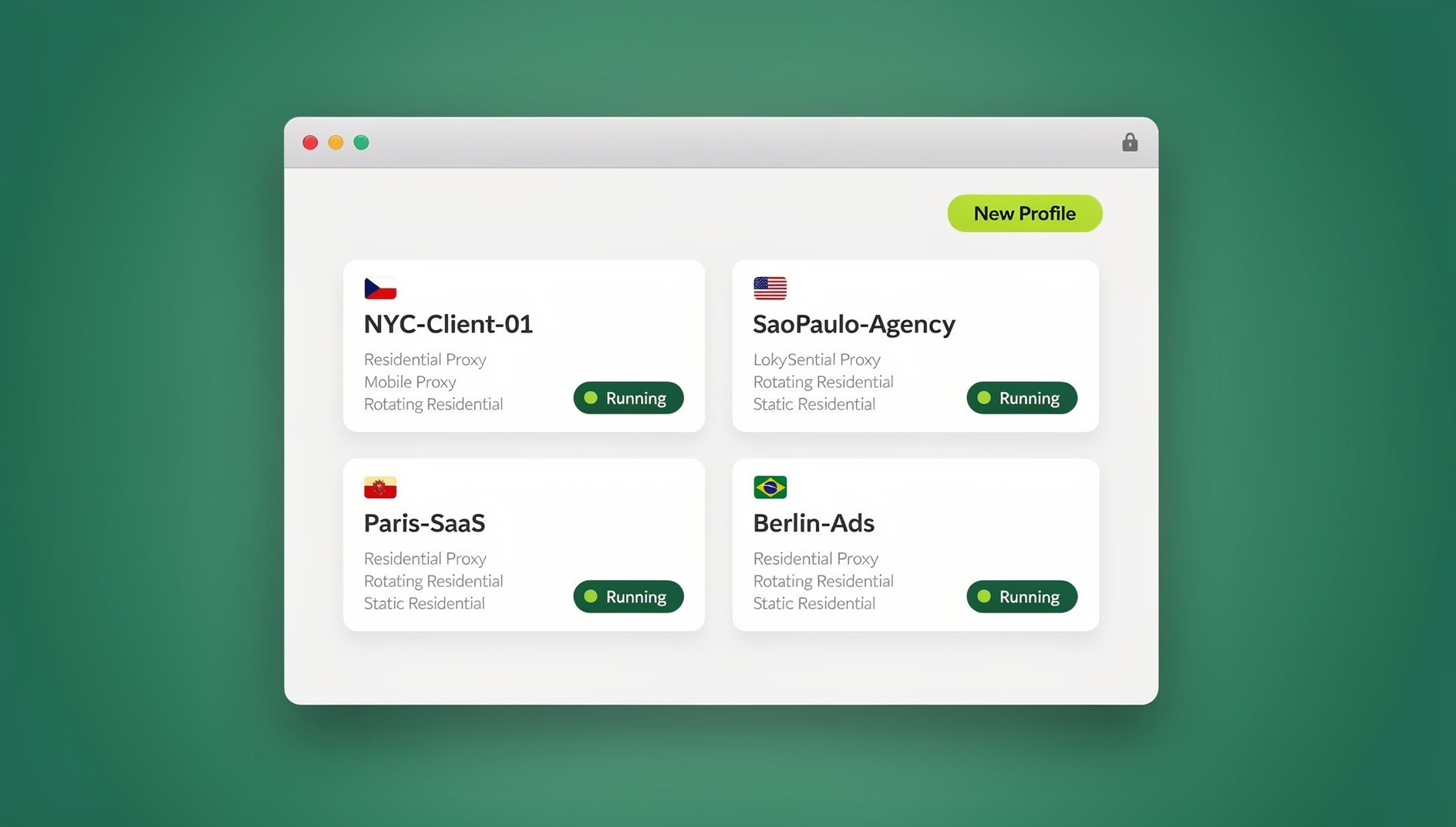
- Sendwin Browser — a native desktop app for Windows, macOS, and Linux. It’s local-first, with encrypted cloud sync, and each profile is assigned its own consistent, plausible hardware and WebGL parameters so sites see a stable device rather than your actual machine.
- Cloud browser sessions — run entirely on Send.win’s servers with zero local install. Any site you visit queries the cloud container’s GPU, never the hardware you’re actually sitting at. Cloud sessions are metered by cloud browsing time rather than tied to your desktop.
Either way, the profile’s WebGL renderer string, vendor, extension list, and rendering output stay consistent across sessions — a big part of why spoofing gets flagged elsewhere is inconsistency between those values, and Send.win generates them as a coherent set rather than randomizing pieces independently. WebGL protection is combined with canvas, audio, font, and other fingerprint vectors, so a single overlooked signal doesn’t undo the rest.
For teams that need to verify fingerprint consistency at scale or run repeatable QA against their own detection logic, Send.win’s Automation API — available starting on the Pro plan — lets you drive isolated profiles with standard Selenium, Puppeteer, or Playwright scripts running locally against the desktop app, so automated checks see the same consistent fingerprint a human session would.
Send.win offers a 30-day free trial with no credit card required. The Pro plan runs $19/month ($6.99/month billed annually — 63% savings) with 150 profiles, 5GB of proxy bandwidth, and Automation API access. The Team plan is $49/month ($20.99/month billed annually — 57% savings) with 500 profiles, 20GB of bandwidth, Automation API, and 16 seats for agencies or larger operations managing many profiles across a group.
WebGL Fingerprinting and Multi-Account Management
For anyone running more than one account on the same platform, WebGL is one of the hardest signals to work around with ordinary tools.
Why Standard Isolation Fails
- Separate browser profiles on the same machine still report the same GPU
- Proxies change your IP but do nothing to hardware-level fingerprints
- Private/incognito windows expose the identical WebGL signature as your normal window
- A VPN is irrelevant to graphics hardware detection entirely
The result: without a multi-account browser built to isolate hardware-level signals, every account you run from the same machine is linkable through WebGL alone, regardless of what you do with IPs or cookies.
Platform-by-Platform Risk
Facebook/Meta combines WebGL with canvas and behavioral signals to link Business Manager accounts that share a GPU signature and to catch ban-evasion attempts. Amazon pairs WebGL with IP and payment data, so multiple seller accounts running from the same hardware risk having every linked account suspended together. eBay runs its own layered detection that has exposed “stealth” selling accounts through hardware fingerprints alone, resulting in permanent selling restrictions.
Advanced WebGL Fingerprinting Techniques
Shader Precision Testing
Sites can test floating-point rendering precision directly. Different GPUs round shader calculations differently, producing patterns that are highly stable and genuinely difficult to fake convincingly.
Extension Enumeration
WebGL supports over fifty possible extensions, and no two GPU/driver combinations support quite the same subset — enumerating which ones are present narrows the field of possible hardware considerably.
Performance Benchmarking
Timing how fast a GPU completes a rendering task correlates with specific hardware tiers. Combined with renderer strings and extension data, benchmark timing helps confirm — or catch inconsistencies in — a claimed GPU identity.
Automated Detection in Test Pipelines
QA and anti-fraud teams increasingly run their own detection scripts through Selenium, Puppeteer, and Playwright to see how automation tooling behaves under WebGL scrutiny, since default headless configurations often expose telltale renderer strings. Testing against a controlled, consistent profile — rather than a default headless browser — is the only reliable way to know what a real detection system will see.
🏆 Send.win Verdict
WebGL fingerprinting is one of the most stable tracking signals in the browser because it’s rooted in your actual hardware, not settings you can toggle off. Disabling WebGL breaks the web; randomizing it looks suspicious. The only approach that holds up under scrutiny is giving every profile its own coherent, plausible hardware identity — which is what Send.win’s Sendwin Browser and cloud sessions do by design, whether you’re protecting personal privacy or running several accounts on the same platform.
Try Send.win free today — start your 30-day trial, no credit card required.
Frequently Asked Questions
Can I change my WebGL fingerprint?
Not with default browser settings alone. Your WebGL fingerprint comes from your GPU and drivers, so changing it genuinely requires either different hardware or dedicated spoofing tools like Send.win that generate a consistent, plausible alternative profile.
Does incognito or private browsing mode hide my WebGL fingerprint?
No. Private browsing only stops your browser from saving local history and cookies. Your GPU’s WebGL fingerprint is generated fresh every time and looks identical to your normal browsing window.
Are mobile devices affected by WebGL fingerprinting?
Yes. Mobile GPUs — Adreno, Mali, and PowerVR chips among them — are fingerprinted the same way, though there’s somewhat less hardware diversity on mobile than on desktop, so mobile fingerprints are typically a bit less unique on their own.
Can websites detect WebGL spoofing?
Poorly implemented spoofing — random values, mismatched renderer and extension combinations — is fairly easy for detection scripts to flag. Tools that generate internally consistent, plausible hardware profiles are much harder to distinguish from a genuine device.
How long does a WebGL fingerprint stay stable?
Typically for years. Unless you change your graphics card or install a major driver update, your WebGL fingerprint stays effectively constant across that entire time.
Does Firefox’s webgl.disabled setting actually protect me?
It removes the WebGL signal specifically, but it also breaks any site that depends on WebGL and can itself become a distinguishing signal, since very few real users browse with WebGL fully disabled.
Is WebGL fingerprinting legal?
In most jurisdictions, yes — but privacy regulations like GDPR and CCPA increasingly treat device fingerprints as personal data requiring disclosure and, in some cases, consent, which is why many sites now mention fingerprinting in their privacy policies.
Does using Send.win’s Automation API expose my real GPU during automated testing?
No. Automation API scripts (Selenium, Puppeteer, or Playwright) run locally against the Sendwin Browser desktop app and drive the same isolated profile a human session would use, so automated traffic sees the profile’s assigned hardware identity rather than your machine’s actual GPU.