6 Best Digital Banking Apps for Multiple Accounts
When you compare digital banking apps for managing multiple accounts, the strongest options split into two categories: banks like Mercury, Relay, and Novo that build unlimited sub-accounts natively into one login, and aggregation apps like Monarch Money, Copilot, and Empower that pull balances from accounts you already hold across different banks into one dashboard. The average American already holds 5.3 bank accounts, and freelancers, small business owners, and organized households routinely run 8-15 — so picking the right layer for your situation matters more than picking a single “best” app.
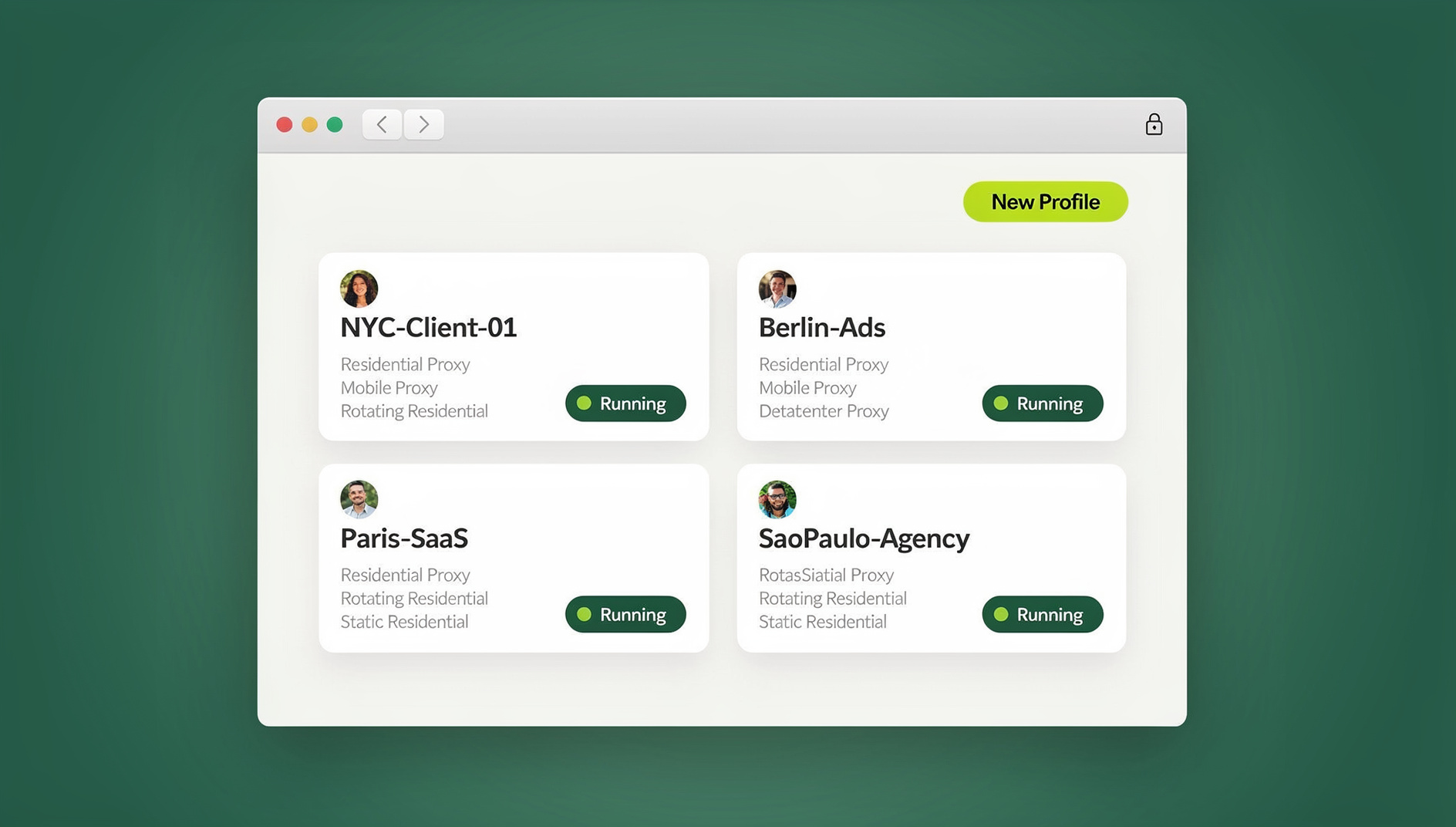

Why Multiple Bank Accounts Need Better Tools
Most banking apps are still designed around a single account. Switching between three separate banking apps just to check balances, move money, and review transactions fragments your financial picture and wastes real time every week. There are two ways to fix that: bank with an institution that supports multi-account management natively, or layer an aggregation tool on top of the accounts you already have.
Category 1: Banks With Native Multi-Account Support
1. Mercury
| Feature | Details |
|---|---|
| Account types | Business checking, savings, treasury |
| Sub-accounts | Unlimited, each with its own unique account number |
| Multi-entity | Manage multiple LLCs/corps from one login |
| Automation | Rule-based auto-transfers between accounts |
| API access | Full banking API for integrations |
| Pricing | Free (Tier 1), $35/mo (Tier 2), $350/mo (Tier 3) |
| Best for | Startups and small businesses running multiple entities |
Why it stands out: Mercury’s unlimited sub-accounts let you create separate “buckets” for tax reserves, payroll, operating expenses, and project funds — all inside one dashboard, with each sub-account carrying its own account number for incoming transfers.
2. Relay
| Feature | Details |
|---|---|
| Account types | Business checking, savings |
| Sub-accounts | Up to 20 checking accounts, 2 savings |
| Profit First | Built-in Profit First accounting methodology |
| Team access | Role-based access for bookkeepers and partners |
| Pricing | Free (Starter), $30/mo (Professional), $145/mo (Business) |
| Best for | Small businesses following Profit First budgeting |
Why it stands out: Relay is built around the Profit First methodology, automatically splitting incoming deposits into income, profit, owner’s pay, tax, and operating expense accounts based on percentages you set once and let run.
3. Novo
| Feature | Details |
|---|---|
| Account types | Business checking, savings (reserves) |
| Reserves | Unlimited reserve sub-accounts |
| Invoicing | Built-in invoicing and payment tracking |
| Integrations | QuickBooks, Xero, Stripe, Shopify |
| Pricing | Free |
| Best for | Freelancers and solo entrepreneurs |
Novo trades some of Mercury’s automation depth for a genuinely free plan with unlimited reserves, which is usually the better trade for a solo operator who doesn’t need multi-entity banking yet.
Category 2: Account Aggregation Apps
If your accounts are already spread across multiple banks and you want one unified view without switching institutions, aggregation apps provide a consolidated dashboard on top of what you already have:
4. Monarch Money
| Feature | Details |
|---|---|
| Account linking | Connects accounts from 11,000+ institutions |
| Net worth tracking | Real-time, across all linked accounts |
| Budgeting | Category-based budgets with rollover |
| Collaborative | Shared access for couples and partners |
| Pricing | $14.99/mo or $99.99/yr |
| Best for | Households managing accounts across several banks |
5. Copilot
| Feature | Details |
|---|---|
| Account linking | Banks, credit cards, investments, crypto |
| AI categorization | Machine-learning transaction classification |
| Investment tracking | Portfolio performance and allocation |
| Platform | iOS, macOS only (no Android or Windows) |
| Pricing | $14.99/mo or $69.99/yr |
| Best for | Apple users who want a premium financial dashboard |
6. Empower (formerly Personal Capital)
| Feature | Details |
|---|---|
| Account linking | Banks, brokerages, 401(k), IRA |
| Investment analysis | Fee analyzer, asset allocation, retirement planner |
| Net worth | Real-time dashboard |
| Pricing | Free dashboard; 0.49-0.89% AUM for advisory |
| Best for | Investors juggling multiple brokerage and retirement accounts |
Category 3: Business Owners With Multiple Entities
Business owners running several entities — LLCs, DBAs, subsidiaries — face a different challenge than an individual with too many personal accounts: finances need to stay strictly separated for legal and tax purposes, while the owner still needs visibility across every entity at once.
This split matters for banking choice too. Native sub-account banks like Mercury handle multi-entity structures cleanly because each entity typically needs its own EIN-linked account rather than a sub-account of another entity’s account — commingling here isn’t just messy bookkeeping, it can undermine the liability protection the separate entities exist to provide in the first place. An aggregation app then sits on top purely for visibility, pulling balances from each entity’s genuinely separate account into one dashboard the owner checks daily, without merging the underlying legal or financial structure.
A Quick Checklist Before You Link a New Account
- Confirm the app connects through a recognized aggregator (Plaid, MX, Finicity) rather than asking for your online banking password directly — a password prompt outside your bank’s own login page is a red flag.
- Check whether the account will be read-only or whether the app can also initiate transfers, and understand which permission you’re actually granting before you link it.
- Review what happens to linked data if you cancel the subscription — some apps retain historical transaction data, others purge it, and that difference matters if you’re using the export for tax records.
- For any account tied to a registered business entity, confirm the account is titled correctly (the LLC’s legal name, not the owner’s personal name) before linking, since aggregation apps will faithfully reproduce whatever titling error already exists on the account.
The Browser-Level Security Gap These Apps Don’t Cover
None of the six apps above solve a problem that sits one layer below the account itself: accessing multiple banking portals from the same browser creates its own security risk, regardless of how good the app’s dashboard is.
- Session conflicts: some banks terminate an active session the moment they detect another banking site open in the same browser.
- Cookie cross-contamination: shared cookies between banking tabs can trigger fraud-detection alerts even when the activity is entirely legitimate.
- Fraud flags: banks actively monitor browser fingerprints, and the same fingerprint touching 10 different business accounts is the exact pattern that triggers a manual review.
This is where a multi-account bank or an aggregation app can’t help you, because the risk lives in the browser layer, not the banking layer. Business owners using Send.win create multi-login browser profiles per banking relationship — “Entity A – Chase” runs completely isolated from “Entity B – Mercury,” with separate cookies, separate fingerprints, and separate sessions. That’s the same principle behind session isolation for social and ad accounts, applied to the higher-stakes case of business banking, and it prevents both cross-entity session interference and false fraud positives — without touching which bank or aggregation app you actually use.
Setting Up Automated Transfers Between Sub-Accounts
Native multi-account banks earn their keep through automation, not just the sub-account structure itself. A typical setup for a service business looks like this:
- Route 100% of incoming client payments into a main operating sub-account first, so nothing gets misallocated before it’s categorized.
- Configure a rule that skims a fixed percentage — commonly 15-30% — into a tax reserve sub-account the same day a deposit clears, rather than trying to set aside tax money manually at quarter-end.
- Auto-transfer a payroll percentage into a dedicated payroll sub-account a few days before your regular pay date, so payroll runs never compete with operating cash for the same balance.
- Sweep whatever’s left above a set operating buffer into a savings or profit sub-account monthly, following a Profit First-style cadence even if you’re not using Relay’s built-in version of it.
None of this requires touching multiple bank websites once it’s configured — the automation runs inside a single login. The friction shows up later, when you actually need to log into the underlying bank directly for something the automation doesn’t cover: a wire transfer, a dispute, a loan application. That’s the point at which the account itself stops being the bottleneck and the browser session accessing it becomes the thing worth thinking about.
Feature Comparison Matrix
| Feature | Mercury | Relay | Novo | Monarch | Copilot |
|---|---|---|---|---|---|
| Multi-account dashboard | Yes | Yes | Yes | Yes | Yes |
| Sub-accounts | Unlimited | 20 | Unlimited | N/A | N/A |
| Cross-bank aggregation | No | No | No | Yes | Yes |
| Auto-transfers | Yes | Yes | Yes | No | No |
| Investment tracking | No | No | No | Yes | Yes |
| API access | Yes | No | No | No | No |
| Free tier | Yes | Yes | Yes | No | No |
Choosing the Right App for Your Situation
For Freelancers and Solopreneurs
Start with Novo (free, unlimited reserves) or Relay (Profit First automation). Layer Monarch Money on top if you also want to see your personal and business accounts in one place.
For Multi-Entity Business Owners
Mercury is the clear choice — unlimited sub-accounts, multi-entity support, and full API access for custom integrations. Pair it with isolated browser profiles so each entity’s banking stays operationally separate even though you’re the one logging into all of them.
For Households With Complex Finances
Monarch Money gives the best household dashboard: shared access for couples, category budgeting, and net worth tracking across every linked account.
For Investors
Empower is strongest at investment analysis — fee optimization, asset allocation modeling, and retirement planning across multiple brokerage accounts at once.
🏆 Send.win Verdict
Mercury, Relay, Novo, Monarch, Copilot, and Empower each solve a different flavor of the multi-account problem — sub-accounts, aggregation, or investment tracking. None of them solve the browser-level risk of logging into several banking portals from one session, which is where fraud flags and session conflicts actually come from. Send.win gives every banking relationship its own isolated profile, run through the Sendwin Browser desktop app or a cloud browser session with nothing to install, so your accounts stay operationally separate no matter which banking app manages the money itself.
Try Send.win today — Pro plans from $19/mo or $83.88/yr, with a 7-day money-back guarantee on your first card purchase.
Frequently Asked Questions
Is it safe to link all my bank accounts to one aggregation app?
Aggregation apps use bank-level encryption (256-bit AES) and connect through secure APIs like Plaid, MX, or Finicity, with read-only access — they can’t move money or make changes to your accounts. The real security risk in managing multiple accounts is usually operational (session conflicts, fraud flags from browser fingerprints) rather than the aggregation app itself.
Can I manage business and personal accounts in one app?
Aggregation apps like Monarch Money and Copilot support linking both business and personal accounts in a single view. For legal and tax purposes, though, keep business and personal banking at separate institutions and maintain strict separation in your bookkeeping regardless of what the dashboard shows.
What if my bank isn’t supported by an aggregation app?
Most major banks and credit unions connect through Plaid integration, but smaller community banks or credit unions sometimes aren’t available. In those cases, manual account tracking or CSV import is usually the fallback.
Which is better for a small business: Mercury or Relay?
Mercury wins on scale — unlimited sub-accounts, multi-entity support, and a full banking API. Relay wins on structure if your business follows the Profit First methodology specifically, since that budgeting framework is built into the product rather than something you configure yourself.
Do I need a business bank account separate from my personal one?
Yes, for any registered LLC or corporation — commingling personal and business funds can pierce liability protection and complicates both bookkeeping and tax filing. Sole proprietors have more flexibility but still benefit from separation for tracking purposes.
Why does logging into multiple banking portals from one browser trigger fraud alerts?
Banks fingerprint the browser session accessing an account — device details, cookies, and behavioral signals combine into a fairly unique identifier. When that same fingerprint touches many different business or personal accounts in a short window, it matches the pattern banks flag for manual fraud review, independent of whether the activity is legitimate.
Can I use isolated browser profiles alongside an aggregation app like Monarch?
Yes — they solve different layers of the same problem. The aggregation app gives you the unified balance view; isolated browser profiles keep the underlying login sessions to each individual bank separate, so the convenience of one dashboard doesn’t come at the cost of tripping fraud detection on the banks themselves.
Conclusion
When you compare digital banking apps for managing multiple accounts, the right choice depends on which problem you actually have. Native multi-account banks — Mercury, Relay, Novo — are best for business owners who want sub-accounts and automation inside one institution. Aggregation apps — Monarch, Copilot, Empower — are best for a unified view across banks you already use. Either way, for anyone accessing several banking portals directly, Send.win’s isolated browser profiles close the gap these apps leave open: preventing the session conflicts and fraud-detection false positives that come from running multiple accounts through a single browser.