Can Any Fingerprinting Defense Survive a Private Window?
Browser fingerprinting solutions that work in incognito mode cannot rely on clearing storage, because a fingerprint is read from your GPU, fonts, canvas rendering and audio output — signals a private window never touches. What does work: normalizing those values so users look alike, adding deterministic noise per session and site, or giving each account its own isolated profile with one stable fingerprint. Cookie wipes and VPNs change none of the hardware values.

📌 TL;DR Executive Summary
- Core Takeaway: Incognito isolates cookies, localStorage, IndexedDB and history. Canvas, WebGL, audio, fonts and time zone stay identical, so the hash stays the same and stays linkable.
- Key Risk/Challenge: Values that reset on every page load present a new device each session, which invites extra verification on accounts you sign into daily. For account work, consistency beats randomness.
- Recommended Solution: Match the tool to the goal — browser-level noise or uniform values for casual privacy; one isolated profile per account, each with a stable fingerprint and a matching proxy, when you manage accounts you own or are authorized to run.
What a Browser Fingerprint Is — and What It Is Not
A fingerprint is a set of values a page reads through ordinary JavaScript and hashes into an identifier. Nothing is written to your disk for a site to collect later; the machine emits the values each time a script asks.
Cookies are state a site stores on you. A fingerprint is state you emit. Clearing the first does nothing to the second, which is why a returning visitor is still recognizable after a full history wipe — the client-side fingerprinting read is one-way from your machine’s point of view.
Rarity, not any single value, makes a fingerprint useful. Your screen resolution is common; your combination of resolution, GPU model, font list, canvas hash, audio hash and time zone probably is not. EFF’s Cover Your Tracks, launched in 2010 as Panopticlick, exists to show that combination — a PCMag writer who tested it was unique among more than 300,000 fingerprints collected in 45 days.
Stability is the second property. A 2017 Erlangen study tracked a participant whose fingerprint stayed identical for 263 days. A fingerprint is not a serial number; it is a probability statement that two visits came from one device, and confidence rises with every stable signal the collector reads.
How the Fingerprint Is Built Under the Hood
A dozen documented browser features are enough to build an identifier that survives a private window, a cookie purge and a restart.
Canvas: hashing the pixels your GPU draws
The script renders text and shapes into a hidden canvas, reads the pixels back and hashes them. GPU drivers, anti-aliasing, font hinting and the OS rendering path shift individual pixel values by a unit or two, and those shifts hash into completely different strings. Two machines on the same Chrome version and the same OS still produce different canvas hashes.
WebGL: the GPU introduces itself
WebGL exposes vendor and renderer strings naming the GPU manufacturer and model, then adds the output of a real 3D render. That hash stays stable until a driver update or OS upgrade changes the render path — which is when people notice their identity shifting on its own.
Audio: floating-point arithmetic as an identifier
The page runs a short Web Audio calculation — an oscillator routed through a compressor, for example — and hashes the output buffer. Floating-point behaviour differs slightly between CPU architectures and browser builds, so the audio hash is stable per machine.
Fonts, time zone and locale
Installed fonts are queried from the OS and passed to the site. Installing Office, Adobe apps or a design suite changes the list and therefore the fingerprint. Time zone takes one line of JavaScript and narrows your location even behind a VPN in another country:
// Readable by any page, with no permission prompt
const timeZone = Intl.DateTimeFormat().resolvedOptions().timeZone;
const locale = navigator.language;
const languages = navigator.languages.join(",");

console.log(timeZone, locale, languages); // e.g. Europe/Helsinki en-US en-US,en
Print a European time zone while your proxy exit IP geolocates to Virginia and the collector has a contradiction, which is worth more to a risk engine than any single unusual value.
Server-side scoring
Open-source FingerprintJS hashes attributes client-side and returns a visitor ID; its maintainers note lower accuracy than the commercial product. Fingerprint Identification processes more than 100 signals server-side and adds VPN and tampering detection. The direction is more signals, combined and scored, not one magic attribute.
| Signal | Where it comes from | What changes it |
|---|---|---|
| Canvas hash | Pixels rendered into a hidden canvas, read back and hashed | GPU driver, OS font rendering, browser build |
| WebGL hash | GPU vendor and renderer strings plus 3D render output | Driver update, hardware swap, graphics flags |
| Audio hash | Short Web Audio buffer hashed after processing | CPU architecture, browser math implementation |
| Font list | Fonts enumerated from the OS | Installing or removing apps that ship fonts |
| Time zone and locale | Intl.DateTimeFormat, navigator.language |
OS region settings, per-profile override |
| Screen and hardware | Resolution, colour depth, core count, memory hints | Monitor change, OS reinstall, some browser settings |
| HTTP and TLS headers | User agent, Accept headers, handshake order | Browser version, extensions, proxy stack |
Why Incognito Mode Does Not Stop Fingerprinting
Private browsing does one job: it isolates storage. Cookies, localStorage, IndexedDB and history are temporary or never written to disk. That protects you from the next person on the laptop and not at all from a script that never needed storage.
The GPU, the font list, the audio stack and the system clock are the same objects a page reaches in a normal window. FingerprintJS states plainly that its visitor identifier remains the same in incognito or private mode and after browser data is purged. Check it in two minutes: run a fingerprint test normally, then privately, and compare the components. That is the constraint every one of the browser fingerprinting solutions that work in incognito mode has to accept — nothing the script reads sits downstream of the window you opened.
One platform behaves differently. On iOS Safari in Private Browsing, WebKit restricts more storage-adjacent and timing-sensitive APIs, so some signals return lower-fidelity values and confidence scores drop. That is a partial effect on one platform, not a property of private windows generally, and it does not make the device anonymous.
The newest Chrome work does not change this. In November 2026 Google began testing real-time phishing and malware protection inside Incognito and Guest mode, closing a security gap there; it says nothing about fingerprinting. The mode’s scope was also the subject of a 2024 Google settlement of a class action seeking $5 billion, which accused the company of implying Incognito did more than isolate local storage.
Separate state from identity. Cookies and storage are state; the fingerprint is identity. Private windows separate state only, which is why incognito browser isolation covers less ground than most people assume.
Who Fingerprinting Actually Affects
For an ordinary reader the harm is cumulative recognition — ad measurement, price testing, fraud scoring and cross-site linking that happens before any consent banner is answered.
For people who manage several accounts the problem inverts. You do not want five storefronts or five client social profiles presenting one device identity, because the platform links them. You also do not want each login to look like a brand-new machine, because that reads as account takeover. You want one stable, plausible identity per account, held for months.
- Agencies and social media managers running client accounts across regions and languages. Meta’s official route for this is Business Manager roles, not separate logins from one laptop.
- Sellers with several storefronts on marketplaces that allow extra accounts only through approval — Amazon requires approval for a second seller account.
- QA and support teams reproducing what a customer in another country sees, time zone and locale included.
In all three cases the goal is authorized, documented access to accounts you own or manage, not a way round a platform’s limits. Where a platform caps how many accounts one person may hold, that cap is the rule and the approval route is the answer. A restricted or suspended account is fixed through the platform’s own appeal or verification process, never by presenting a different device.
Which Defenses Hold Up in 2026
Most advice on this stops at “use a VPN”. Compare instead what each approach changes at the engine level — the layer where browser fingerprinting solutions that work in incognito mode either succeed or do nothing at all.
| Approach | What it changes | Stability | Main trade-off |
|---|---|---|---|
| Brave (farbling) | Deterministic noise on Canvas and Web Audio, plus WebGL and other surfaces in stricter modes | Same value within a session and per site, different across sessions | Identity shifts between sessions; pages needing exact pixel or audio values can break |
Firefox privacy.resistFingerprinting |
Blocks many APIs, forces time zone and window size | Stable and uniform | Breaks some sites; you blend into a crowd instead of holding an identity |
| Tor Browser, Mullvad Browser | Designed so many users present identical values rather than noise | Highly uniform | Impractical for daily logged-in work accounts |
| Safari built-in protections | Restricts APIs, with extra limits in iOS Private Browsing | Stable but lower-fidelity | Single platform, little per-value control |
| VPN alone | IP address only | — | Time zone, locale, canvas and fonts still describe your real machine |
| Cookie and cache clearing | Stored state | — | No effect on any hardware-derived signal |
| Isolated browser profiles | Cookies, storage, sessions, fingerprint settings and proxy, per profile | Consistent per profile over time | You have to manage profiles deliberately |
Brave’s farbling is the best-documented browser-level approach: small deterministic noise, seeded per session and per eTLD+1, so a site sees the same farbled value within a session and a different one next time. Firefox goes the opposite way — block the APIs and force the values, protecting you by making you unremarkable. Tor and Mullvad Browser reach similar uniformity by design. Most browsers now lean on privacy-through-similarity, limiting values so users look alike; it holds on high-traffic sites and can break pages that need accurate values.
Why random noise breaks logged-in work
Farbling changes canvas and audio values between sessions by design. Good for a reader who never logs in, bad for someone who signs into the same client account every morning, because each session presents a device the platform has not seen before. Expect extra verification, re-authentication prompts or a risk flag that never quite clears.
A Practical Checklist for Testing Your Own Setup
- Take a baseline. Run EFF Cover Your Tracks in a normal window and note which components are marked unique.
- Repeat in a private window. Anything that matches is a signal incognito does not touch.
- Get a second opinion. AmIUnique colour-codes the attributes that differentiate you most, showing where your entropy actually lives.
- Compare tools before trusting one. Different testers read different surfaces, and this browser fingerprint test tools comparison lists which ones each checks.
- State your goal in one sentence. Blending in, or one stable identity per account? Everything after this depends on the answer.
- Align time zone, locale and language with the exit IP. Check the Intl time zone,
navigator.languageand whether the geolocation prompt resolves to the proxy’s city. - Check WebRTC and DNS leaks. A WebRTC candidate address that exposes your real network undoes a perfectly matched proxy.
- Re-test after any update. A driver update or a new app that installs fonts moves your hashes.
Common Mistakes That Undo Your Protection
Most failed setups fail for the same handful of reasons, and the same few mistakes quietly undo browser fingerprinting solutions that work in incognito mode.
- Treating incognito as a new identity. It changes storage, not hardware signals.
- Clearing cookies to “reset” a fingerprint. The next request rebuilds the same hash from the same GPU.
- Buying a VPN and stopping there. The IP changes; canvas, fonts and time zone do not.
- Stacking privacy extensions. Overlapping blockers break pages, slow the engine and leave traces of their own.
- Randomizing values for an account you log into. A device that changes identity every session looks like a takeover.
- Mismatching time zone to the proxy. A European clock behind a US exit IP is a contradiction a risk engine spots without any fingerprinting at all.
- Using a user agent switcher as the whole solution. The UA is one header; screen, GPU and time zone still contradict it.
- Mixing several accounts in one profile. Shared storage, shared fingerprint, linked accounts.
Where Send.win Fits
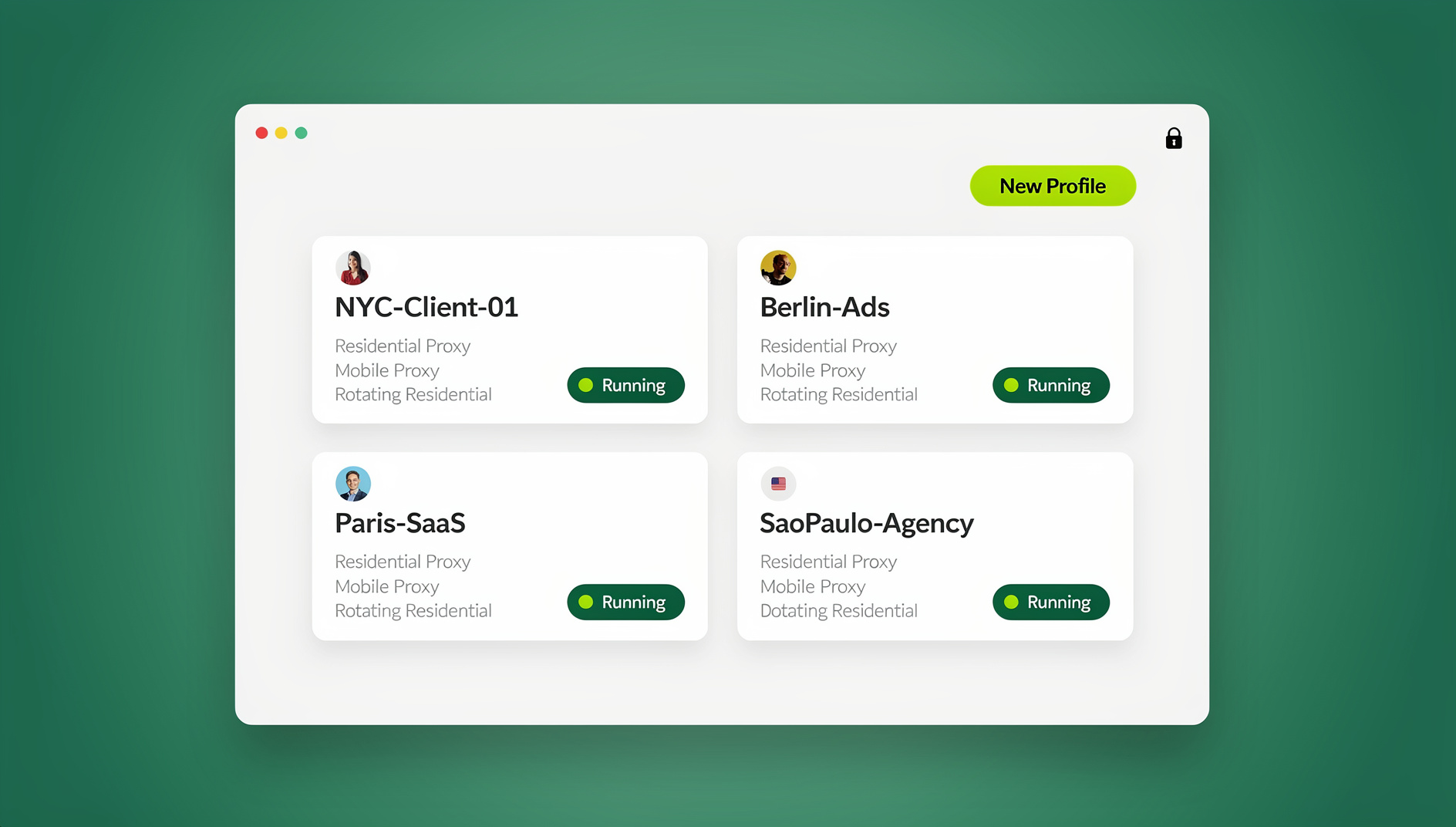
Send.win (Sendwin) is a browser profile manager, not a private window with extra steps. Each isolated browser profile carries its own cookies, storage, sessions, fingerprint settings and proxy, so profiles never share one browser identity. Fingerprint protection runs inside the browser engine and stays consistent per profile — the same idea as the protection in Firefox or Brave, applied per profile rather than browser-wide.
There are two ways to run those profiles, and the distinction matters:
- Sendwin Browser is a native desktop app for Windows 10/11 (64-bit), macOS 12+ (Apple Silicon and Intel) and Linux (AppImage/.deb). It is installed locally and built on Chromium.
- The cloud browser runs profiles on Send.win’s cloud server in Helsinki, Finland, from any device with nothing to install. Up to 50 profiles can be open at once on every plan.
Network handling is what resolves the contradiction problem. Time zone, locale, WebRTC and geolocation follow the proxy’s exit IP automatically, so an EU clock behind a US address does not arise. Residential proxies are included on Pro and Team with metered bandwidth, and you can bring your own HTTP or SOCKS5 proxy instead.
For teams, sharing a profile with a paid teammate opens it already signed in without a password changing hands, and cloud sync makes logins follow you between devices. This browser fingerprinting and browser isolation guide covers how profile boundaries contain state.
Two limits, stated plainly. Send.win is a hands-on tool: you open a profile and work in it yourself, the way you would in any Chromium window, so it suits account work done by people rather than scripted workflows. And it is licensed for accounts you own or are authorized to manage, in line with each platform’s terms.
When a profile manager is the right tool, and when it is not
For casual privacy while reading, a hardened browser such as Brave or Firefox in strict mode is simpler and free. When one identity has to persist for one account while three others each get their own, browser-level noise and private windows cannot express that, because they act on the whole browser. Separate profiles can.
🏆 Send.win Verdict
Incognito answers the wrong question. It isolates stored state and leaves the hardware signals that fingerprinting actually reads untouched, which is why a visitor ID survives a private window and a full data purge. Send.win takes the other route: instead of randomizing one browser so every session looks like a new machine, it gives each account its own isolated profile with its own consistent fingerprint, cookies, storage and proxy — and it keeps time zone, locale and WebRTC in line with the proxy’s exit IP instead of leaving you to reconcile them by hand. For a team managing client accounts, storefronts or regional QA, that is the difference between an arrangement you can document and one you are guessing at.
See Send.win plans — Pro from $19/mo (or $83.88/yr) with 150 isolated profiles and 5 GB of proxy bandwidth, Team at $49/mo with 500 profiles, 20 GB and 16 seats, both covered by a 7-day money-back guarantee on your first card purchase. Want to look first? The free cloud demo gives you 10 minutes a day in the cloud browser, with nothing to install and no card.
Frequently Asked Questions
Does incognito mode stop browser fingerprinting?
No. Incognito isolates cookies, localStorage, IndexedDB and history, while canvas, WebGL, audio, font and time zone values come from the same hardware and engine as a normal window. FingerprintJS states its visitor identifier stays the same in incognito and after browser data is purged. Private browsing protects you from the next person on the laptop, not from a script that never needed storage.
Why does a site still recognize me after I clear cookies?
Because the identifier it matched was never stored on your machine. The site hashed values derived from your GPU, fonts, audio stack and clock, saved that hash server-side, and compares it on your next visit. Clearing cookies removes the client-side half of the picture; the server-side half is untouched.
Is a VPN enough to change my browser fingerprint?
A VPN changes your IP address and nothing else. Your time zone is still readable through Intl.DateTimeFormat, your locale still reports your system language, and canvas and audio hashes still describe the same machine. A VPN that moves your exit IP to another country while your clock stays local creates a mismatch that is easier to flag than either signal alone.
Which browser blocks fingerprinting best in 2026?
Current guidance still names three: Brave’s fingerprinting protection, Firefox’s privacy.resistFingerprinting strict mode and Safari’s built-in protections. Brave adds deterministic per-session noise; Firefox and Tor-style browsers instead make users look alike by blocking APIs and forcing values. Which is best depends on whether you need to blend in or to hold a distinct, stable identity.
Why does my fingerprint change in iOS Safari Private Browsing?
WebKit restricts more storage-adjacent and timing-sensitive APIs there, so some signals return lower-fidelity values and a collector’s confidence score drops. The change is partial and platform-specific. It does not make the device anonymous, and it does not happen in private windows on desktop Chrome.
Do fingerprints stay stable across browser updates?
They drift, usually without warning. A GPU driver update changes WebGL render output, installing a design suite adds fonts, and a version bump alters the user agent and some rendering paths. That drift is normal, which is why you re-test after updates instead of trusting last year’s report.
Do browser fingerprinting solutions that work in incognito mode need to change my values every session?
Only if your goal is casual privacy across sites, which is what browser-level noise is for. If you manage accounts you own or are authorized to operate, you want the opposite: one stable fingerprint per account, held over months. Values that change every session read as a new device and invite extra verification rather than reducing it.
How Send.win Helps With Browser Fingerprinting Solutions That Work In Incognito Mode
Send.win is a browser profile manager for professionals and teams: every account gets its own isolated browser profile.
- Isolated profiles – separate cookies, storage and sessions per profile
- Fingerprint protection – each profile keeps its own consistent browser fingerprint, so profiles never share one browser identity
- Desktop app + cloud browser – native app for Windows, macOS and Linux, or run profiles in the cloud with no install
- Residential proxies included – on Pro and Team, with timezone and locale matched to the proxy
- Team sharing – share a signed-in profile with a teammate without sharing the password
Try the free cloud demo — no install — or download the desktop app. Paid plans start at $19/month, and your first card purchase is covered by a 7-day money-back guarantee (see pricing).