Yes, you can manage multiple Snapchat accounts in a single browser by using a session-isolation tool that keeps each login’s cookies, cache, and device fingerprint separate. Send.win does this through its native Sendwin Browser desktop app or through no-install cloud browser sessions, letting you switch between personal, business, and client Snapchat profiles without logging out or risking a ban.
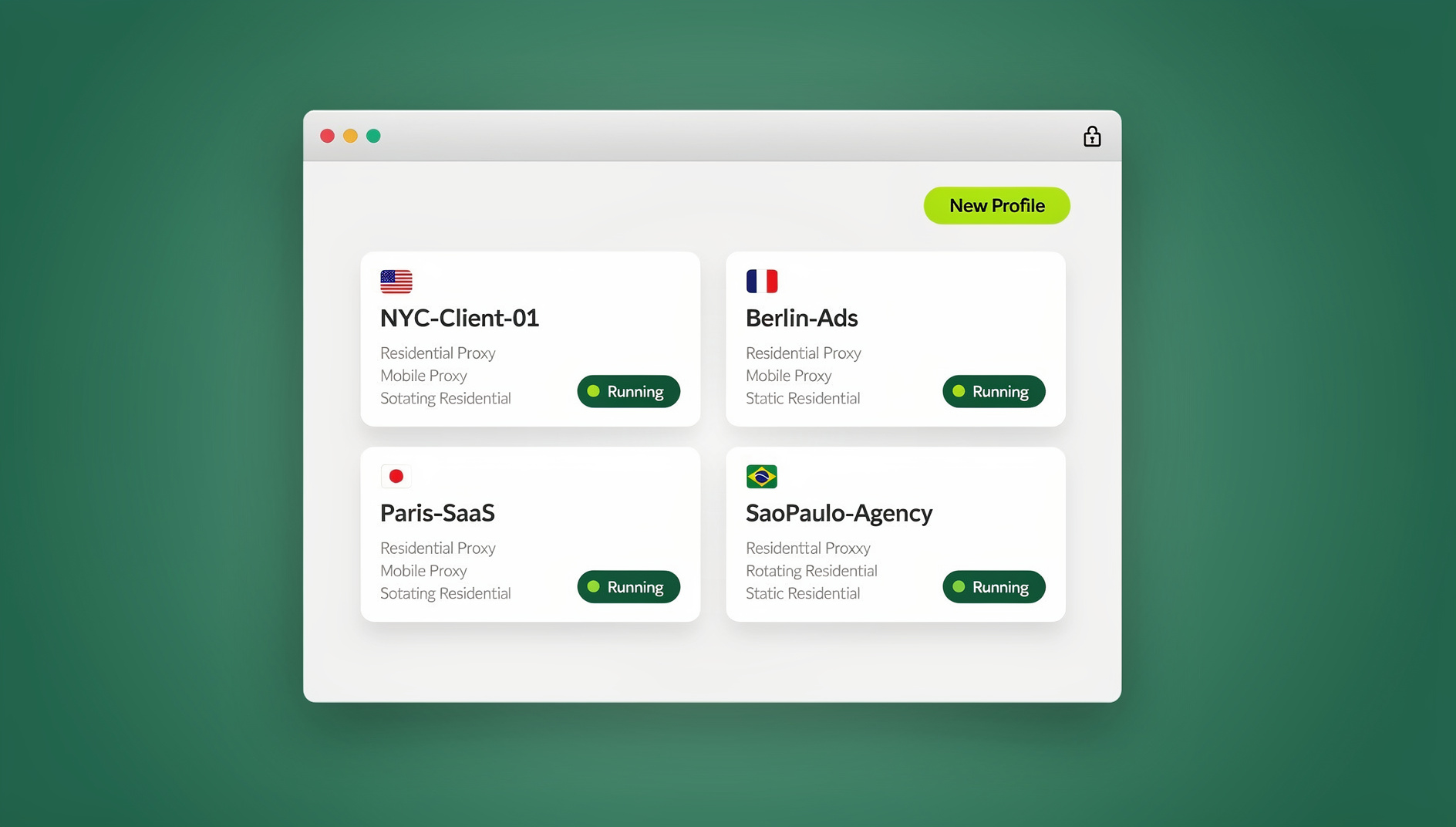
If you’re juggling a personal account, a brand account, and maybe a couple of client profiles, you already know the friction: Snapchat’s mobile app caps native switching at four accounts, and the web client at web.snapchat.com doesn’t support multiple simultaneous logins at all. This guide walks through why multi-account Snapchat management matters in 2026, the real risks of doing it wrong, and the methods people actually use to keep every account clean, separate, and ban-free — including a full walkthrough of how Send.win handles it.
Why Manage Multiple Snapchat Accounts in 2026?
Social media is no longer a single-account activity. There are an estimated 5.45 billion social media users worldwide — roughly 67.1% of the global population — and the average user maintains a presence on 6.83 different platforms. Many of those users don’t stop at one account per platform. A personal account stays private for close friends, a second account handles public stories or a side hustle, and a third might be dedicated to a brand, community, or client.
Snapchat’s mix of disappearing stories, AR lenses, and real-time chat makes it a natural fit for this kind of separation. A parent might want one account for family snaps and another for work updates. A social media manager might run separate Snapchat profiles for three different client brands. An influencer might split content across a main account, a niche account, and a backup. Pew Research has found that 53% of U.S. adults get at least some news from social media, and visual-first platforms like Snapchat play an outsized role in that shift toward quick, snackable updates.
Here’s the catch: Snapchat’s app added native support for switching between up to four accounts in a widely discussed 2026 update, but that convenience doesn’t carry over to the web version. If you want to manage Snapchat profiles from a desktop — which is far more practical for content planning, screen recording, or working alongside other browser tabs — you need a tool that can isolate each login so the accounts don’t collide.
The Rise of Multi-Account Usage: Data Insights
Global social media penetration has climbed to roughly 64% of the world’s population, up from about 50% in 2020, and Snapchat’s user base skews younger, with the 18-24 age bracket making up close to 30% of active users. That demographic is also the most likely to run multiple accounts for privacy reasons — a public-facing profile for stories, and a locked-down private one for close friends only.
Influencers and small businesses follow a similar pattern on a larger scale, often running two to five accounts apiece: one for sponsored content, others split by niche such as travel, fashion, or gaming. Average daily social media usage sits around 2.5 hours per person, and switching accounts inefficiently — logging out, clearing cookies, or juggling separate devices — eats directly into that time. People who move to a proper multi-account setup commonly report meaningful time savings simply from not re-authenticating every few minutes.
| Statistic | Approximate Value (2026) |
|---|---|
| Global social media users | 5.45 billion |
| Average platforms used per person | 6.83 |
| U.S. adults who get news from social media | 53% |
| Accounts natively supported in Snapchat’s app | Up to 4 |
| Average daily social media time per user | ~2.5 hours |
These numbers all point the same direction: as social media usage grows more fragmented across accounts and purposes, the tools people use to manage that fragmentation matter more than ever — especially on desktop, where multitasking and content production actually happen.
Challenges of Managing Multiple Snapchat Accounts on One Browser
Switching between Snapchat logins in a browser sounds simple until you actually try it. Snapchat’s web experience supports chats, story viewing, and lenses, but logging in and out repeatedly in the same browser tab creates real problems:
- Detection risk: Snapchat, like most platforms, flags unusual login patterns — the same device fingerprint suddenly logging into several unrelated accounts can trigger a review or a temporary lock.
- Cookie conflicts: A standard browser shares cookies and local storage across tabs by default, so logging into Account B can silently log you out of Account A.
- Time wastage: Manual logouts, password re-entry, and two-factor codes can add several minutes to every account switch — which adds up fast for anyone managing more than two profiles.
- Privacy exposure: Sharing a browser or device between accounts (or with teammates) risks exposing private chats, saved snaps, or draft content that was never meant to cross over.
Complaints about this exact friction show up constantly in Snapchat community forums — users note that without a dedicated tool, “it’s a hassle to keep stories separate” between accounts. For businesses the stakes are higher: losing access to a client’s Snapchat account because of a fingerprint mismatch or accidental cross-login can cost hours of recovery time and damage a client relationship.
This is exactly the gap that session-isolation tools and session isolation techniques are built to close — each account gets its own separate storage, so nothing bleeds between profiles.
Case Study: A Marketer’s Multi-Account Struggle
Consider Sarah, a social media manager handling Snapchat for three separate brands. Early on, she relied on her browser’s incognito windows to keep accounts apart, but incognito mode doesn’t actually isolate sessions from each other reliably, and she kept getting logged out mid-task. After switching to a proper multi-profile setup with isolated sessions and matched proxies, her account-switching overhead dropped dramatically, freeing her to focus on content instead of login troubleshooting. Her experience is typical — most of the friction people blame on “Snapchat being glitchy” is actually a browser session problem, not a platform problem.
Top Methods to Manage Multiple Snapchat Accounts in a Single Browser
There’s more than one way to solve this, ranging from free browser tricks to dedicated multi-session platforms. Here’s how the main options stack up for Snapchat specifically.
Method 1: Browser Extensions and Session Managers
Lightweight session-manager extensions (such as SessionHub-style tools) create isolated tabs so each one holds a separate login. The basic workflow:
- Install a session-manager extension from your browser’s extension store.
- Open Snapchat web in a new isolated session tab.
- Log into a different account per tab, avoiding overlap.
These are usually free and quick to set up, but they typically lack built-in proxy support and offer only basic fingerprint separation, which limits how safely they scale. They work reasonably well for two or three accounts but start to feel fragile once you’re managing several client profiles at once.
Method 2: Native App Switching and Emulators
On mobile, Snapchat’s own app now supports switching between up to four accounts natively. For desktop-style multitasking, some people run Android emulators (like BlueStacks) to open several app instances side by side. It works, but it isn’t really “browser management” — it’s a workaround that trades one set of limitations for another (heavier resource use, no proxy control, no session syncing).
Method 3: Dedicated Multi-Profile Tools — Where Send.win Fits
For anyone managing more than a couple of Snapchat accounts seriously — marketers, agencies, or influencers — a dedicated multi-profile tool is the more durable option. Products like GoLogin, AdsPower, and BitBrowser create separate browser profiles, each with its own fingerprint and (optionally) its own proxy, so every account looks like it’s coming from a genuinely different device.
Send.win takes a dedicated, purpose-built approach to the same problem, shipping as two distinct products: Sendwin Browser, a native desktop app for Windows, macOS, and Linux that’s local-first with encrypted cloud sync, and cloud browser sessions, which run entirely on remote servers with zero local install and are metered by cloud browsing time. Either way, each Snapchat profile gets its own isolated session — its own cookies, storage, and fingerprint — so switching between them doesn’t require logging out.
Here’s the practical setup:
- Pick a plan: Send.win has no free trial; plans start at $19/month for Pro or $49/month for Team, and your first card purchase is covered by a 7-day money-back guarantee. You can also preview it for free with the cloud demo at send.win/demo-browser before you buy.
- Pick a plan that fits your account count: The Pro plan runs $19/month or $83.88/year and includes 150 profiles and 5GB of proxy bandwidth. The Team plan is $49/month or $251.88/year with 500 profiles, 20GB of bandwidth, and 16 seats — a better fit if multiple teammates are each managing their own set of Snapchat accounts.
- Create a profile per Snapchat account: Name each profile clearly (for example, “Snapchat — Personal,” “Snapchat — Brand X”), point it at web.snapchat.com, and choose a region for the session.
- Attach a proxy if you need one: For accounts that should appear to log in from a specific country or that need consistent IPs, follow the steps for adding a proxy to a session before your first login.
- Log in and switch freely: Log into each Snapchat account inside its own profile. Since sessions are isolated, opening one doesn’t touch the others — no forced logouts, no cookie collisions.
Because Sendwin Browser syncs encrypted profile data to the cloud, you can also pick up the same set of Snapchat sessions from a different machine without re-authenticating everywhere. For agencies or teams, this same setup approach applies broadly — the general workflow for juggling several social media accounts in one place carries over directly to Snapchat.
| Tool | Price | Session Isolation | Proxy Support | Team Sharing |
|---|---|---|---|---|
| Send.win (Pro) | $19/mo ($6.99/mo annual — 63% off) | Yes — 150 profiles | 5GB bandwidth included | No (single user) |
| Send.win (Team) | $49/mo ($20.99/mo annual — 57% off) | Yes — 500 profiles | 20GB bandwidth included | Yes — 16 seats |
| GoLogin | From ~$24/mo | Yes | Built-in | Yes |
| AdsPower | From ~$9/mo | Yes | Built-in | Yes |
| Free session-manager extensions | Free | Basic | Limited/none | No |
Send.win’s edge here isn’t unlimited accounts — it’s the combination of a genuinely native desktop app, the option to skip local installs entirely with cloud sessions, and a profile allowance (150 on Pro, 500 on Team) that comfortably covers most individual and agency use cases without needing a custom enterprise plan.
Tips for Smooth Snaps, Stories, and Chats on Desktop
A few habits make multi-account Snapchat management noticeably smoother:
- Match proxies to account purpose: If an account is meant to represent a specific region or client location, keep its proxy consistent rather than rotating it constantly.
- Name every profile clearly: “Snapchat — Client A” beats “Session 4” once you’re past three or four accounts.
- Track your cloud browsing time: If you’re using cloud sessions rather than the desktop app, keep an eye on usage since cloud time is metered — the desktop app’s local sessions aren’t.
- Don’t skip backups: Snapchat’s web client doesn’t offer full chat history export the way the mobile app does, so back up anything important manually and regularly.
Real Example: An Influencer’s Workflow
Consider Alex, an influencer running three Snapchat accounts — one for daily personal stories, one for sponsored brand content, and one dedicated to community chats with top fans. With each account isolated in its own Send.win profile, Alex can have all three open side by side, post to each without re-logging in, and keep the sponsored account’s proxy consistent so it always appears to come from the same location. That kind of parallel workflow is what turns “managing three Snapchat accounts” from a daily chore into a five-minute routine.
🏆 Send.win Verdict
If you’re managing more than one or two Snapchat accounts, a real session-isolation tool beats incognito windows or basic extensions every time. Send.win gives you the choice between a native desktop app with encrypted cloud sync or a fully cloud-based session with no install at all, and either path keeps every Snapchat login cleanly separated — no cross-contamination, no unexpected logouts, no shared fingerprints. For solo creators, the Pro plan’s 150 profiles is more than enough room to grow; for agencies handling several clients’ accounts, the Team plan adds seats and headroom.
Try Send.win today — plans start at $19/month with a 7-day money-back guarantee on your first card purchase, and you can set up your first isolated Snapchat profile in minutes.
FAQ: Common Questions on Multi-Account Snapchat in 2026
Can you have multiple Snapchat accounts in one browser?
Yes. Snapchat’s web client doesn’t support multiple simultaneous logins on its own, but tools that isolate each session’s cookies and storage — like Send.win’s desktop app or cloud browser sessions — let you run several accounts in the same browser environment without conflicts.
Is it safe to manage multiple Snapchat accounts?
Generally yes, as long as each account is properly isolated and you follow Snapchat’s terms of service. The main risk comes from logging into unrelated accounts from what looks like the same device and fingerprint repeatedly — session isolation and, where appropriate, separate proxies reduce that risk significantly.
What are the best browser extensions for Snapchat multi-account management?
Basic session-manager extensions can handle two or three accounts for casual use, but they typically lack proxy support and only offer shallow session separation. Send.win is a native desktop app (Sendwin Browser) plus zero-install cloud browser sessions, both offering deeper isolation and features like encrypted cloud sync for the kind of scale casual session managers can’t handle.
How many Snapchat accounts can I switch between in 2026?
Snapchat’s own app supports switching between up to four accounts natively. On desktop, a multi-profile tool like Send.win removes that ceiling — Pro plans include 150 profiles and Team plans include 500, far beyond what the native app allows.
Does Snapchat’s web version support multiple logins natively?
No. Snapchat’s web client is built around a single active session per browser. Running more than one account at a time requires a third-party tool that creates separate, isolated sessions.
What does it cost to manage multiple Snapchat accounts with a tool like Send.win?
Send.win has no free trial. The Pro plan is $19/month or $83.88/year with 150 profiles and 5GB of proxy bandwidth, and the Team plan is $49/month or $251.88/year with 500 profiles, 20GB of bandwidth, and 16 seats. The first card purchase is covered by a 7-day money-back guarantee, and a free cloud demo is available at send.win/demo-browser.
Can I automate tasks across multiple Snapchat sessions?
Will using a multi-account tool get my Snapchat account banned?
Using a legitimate session-isolation tool to manage accounts you own or manage on behalf of clients is not, by itself, against Snapchat’s terms. Bans typically follow from spammy automated behavior, mass account creation, or policy violations — not from the mere fact of running separate, properly isolated sessions.
Wrapping Up: Managing Snapchat Across Multiple Accounts in 2026
Managing several Snapchat accounts from one browser doesn’t have to mean constant logins, cookie conflicts, or the risk of a lockout. Between session-manager extensions for light use and dedicated multi-profile tools for anything more serious, there’s a setup that fits your workload — and for most people juggling personal, business, or client Snapchat profiles, a tool with real session isolation like Send.win removes the friction entirely.
Ready to try it? Send.win plans start at $19/month at send.win — your first card purchase is covered by a 7-day money-back guarantee — and you can set up your first isolated Snapchat profile today.