How to Manage Multiple Facebook Accounts Without Tripping Bans
The safest way to manage multiple Facebook accounts is to give each one its own browser fingerprint, IP address, and cookie jar rather than reusing the same profile, device, or connection. Facebook links accounts through shared technical signals, not just shared logins, so isolation matters more than any single trick. This guide ranks five methods from basic to advanced, walks through setup step by step, and covers the account-health habits that keep every profile in good standing through 2026.

Why People Run More Than One Facebook Account
There are plenty of legitimate reasons to operate more than one Facebook profile, and understanding your own use case is the first step toward picking the right method.
Agencies and Marketing Teams
Agencies routinely run Facebook advertising for a dozen or more clients at once. Each client typically needs its own Business Manager, ad account, and page-admin login. Managing all of them from a single browser session creates one giant point of failure — if that session gets flagged, every client campaign stops at the same time.
Multi-Store E-Commerce Sellers
Sellers running several storefronts need a distinct Facebook Page, Shop, and ad account per brand so each one keeps its own audience data and creative identity instead of blending together.
Personal vs. Professional Separation
Teachers, healthcare workers, and public-facing professionals often want one account for friends and family and a completely separate one for public or work-related interaction.
Regional and Market Testing
Businesses expanding into new markets sometimes need accounts that appear to browse from a specific country so they can test localized creative and measure engagement from that audience honestly.
What Actually Gets Multi-Account Setups Flagged
Before picking a tool, it helps to understand exactly what Facebook is watching for.
Browser Fingerprinting
Facebook reads your browser fingerprint — the combination of screen resolution, installed fonts, GPU/WebGL renderer, timezone, language, and dozens of smaller signals. Two accounts that share an identical fingerprint get quietly linked, even if you never manually connected them.
Shared IP Addresses
Logging into several accounts from the same home or office IP is one of the fastest ways to get flagged. Facebook’s systems watch for accounts that consistently share a connection origin.
Cookies and Local Storage
Cookies and cached data can leak between sessions in the same browser. Log into Account A, then switch to Account B in the same window, and residual cookies can quietly connect the two. This is exactly why proper cookie management matters as much as fingerprint masking.
Behavioral Overlap
Even with clean technical isolation, Facebook’s automated review notices identical posting schedules, duplicated content, shared payment methods, and overlapping friend graphs.
Five Methods, Ranked From Basic to Advanced
Method 1: Facebook Business Manager (Official)
Business Manager lets you administer multiple Pages and ad accounts from a single login, which makes it the safest option because it’s Facebook’s own sanctioned workflow.
- Pros: fully compliant, free, supports team access
- Cons: limited to business pages and ads — it doesn’t cover multiple personal profiles
- Best for: agencies managing client Pages and ad accounts legitimately
Method 2: Separate Browser Profiles
Chrome and Firefox profiles give each account its own cookies, history, and login state.
- Pros: free, quick to set up
- Cons: still shares your IP address, fingerprints remain similar, doesn’t scale past 3-4 accounts
- Best for: 2-3 low-risk accounts
Method 3: Firefox Multi-Account Containers
Firefox Multi-Account Containers create isolated tabs inside one Firefox window, each with its own cookie jar, so you can stay logged into different accounts simultaneously.
- Pros: free, convenient tab switching, official Mozilla extension
- Cons: does nothing for fingerprint or IP address
- Best for: light multi-account use where fingerprint masking isn’t critical
Method 4: Antidetect Browsers
Purpose-built antidetect browsers create genuinely separate profiles, each with a unique canvas hash, WebGL signature, audio context, timezone, and language — the technical markers Facebook actually checks. Send.win takes this approach in two forms: the native Sendwin Browser desktop app for locally managed profiles, and cloud browser sessions that run entirely in the browser with no install, each with its own isolated fingerprint, IP, and clean cookie state. That combination is what makes session isolation reliable at scale instead of a manual chore.
- Pros: genuine fingerprint isolation, proxy support per profile, team sharing, scales to hundreds of profiles
- Cons: requires a subscription, a short learning curve for first-time setup
- Best for: marketers, agencies, and anyone running 5 or more accounts
Method 5: Virtual Machines
Running a separate VM per account gives hardware-level isolation, since each VM has its own OS, browser, and network stack.
- Pros: maximum isolation, distinct OS-level fingerprints
- Cons: heavy on resources, slow to spin up, expensive at any real scale
- Best for: high-security cases where cost isn’t a constraint
Step-by-Step: Setting Up Multiple Facebook Accounts
Step 1: Map Your Account Structure
Before creating anything, write down how many accounts you need and what each is for. For every account, note its purpose (personal, business, client), which Facebook features it needs (Pages, Groups, Ads, Marketplace), the region it should appear to browse from, and who on your team needs access.
Step 2: Build an Isolated Environment Per Account
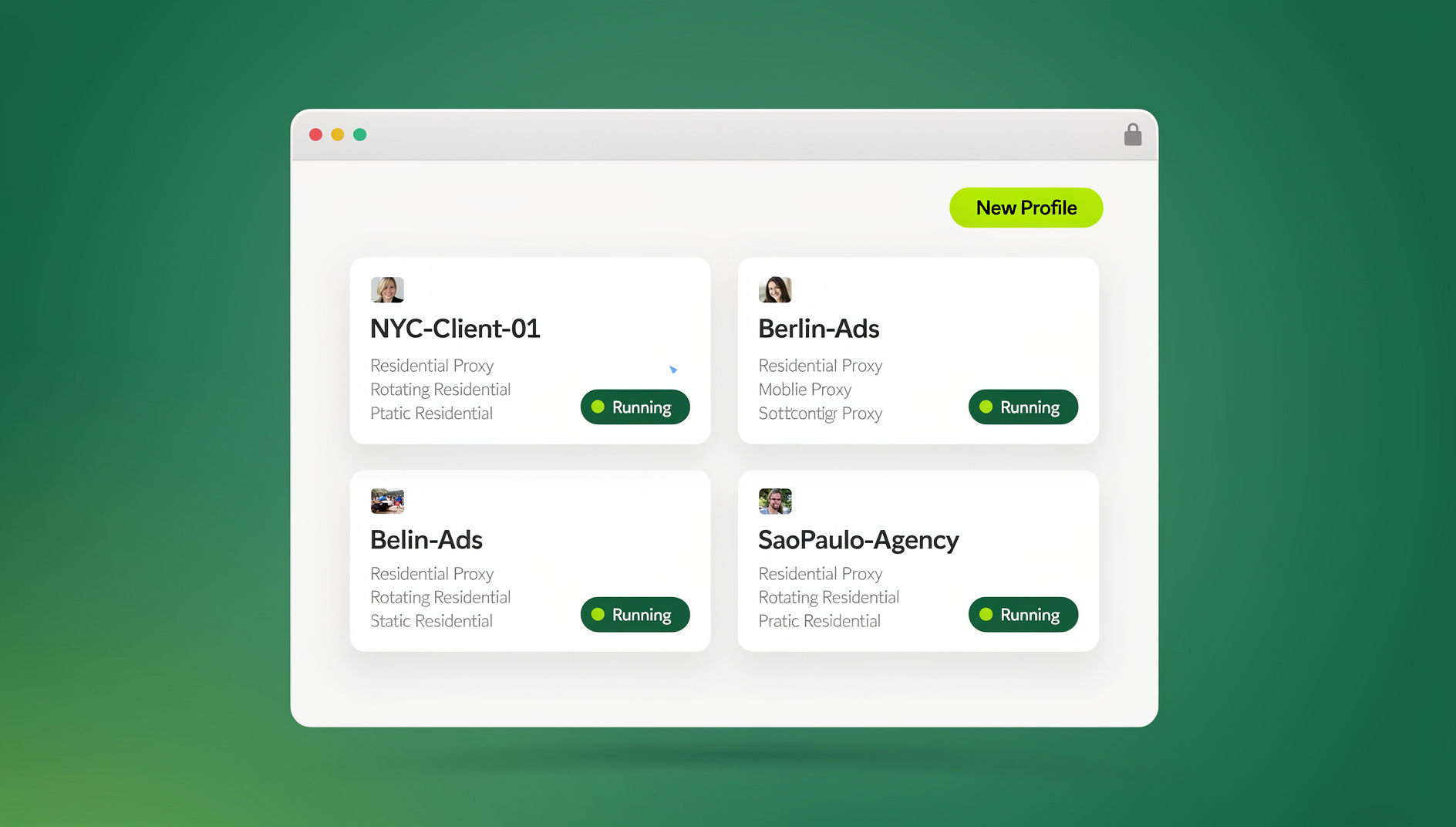
Give each account a dedicated profile with a unique fingerprint. In Send.win, that means creating a new session per account — either in the desktop app or as a cloud browser session — so each one automatically gets its own fingerprint, isolated cookies and local storage, its own proxy configuration, and independent browsing history.
Step 3: Assign Proxies
Pair each account with its own residential or mobile proxy matched to the region it should appear to be browsing from. Datacenter proxies are easily flagged on Facebook and should be avoided.
Step 4: Warm Up New Accounts
Don’t jump straight into ads or promotional posting on a new account. Warm it up first:
- Browse the news feed for 10-15 minutes daily
- Join a handful of relevant groups after the first week
- Add friends gradually — 5-10 per week
- Post occasional casual content
- Wait at least two weeks before creating a Business Page
- Wait three to four weeks before running any ads
Step 5: Keep Every Account Healthy
Ongoing maintenance matters as much as the initial setup:
- Log in regularly, at least every other day
- Rotate content formats — images, text, links, video
- Reply to messages and comments promptly
- Never duplicate content across accounts
- Use a different payment method for each ad account
Comparison: Multi-Account Tools for Facebook
| Feature | Browser Profiles | Firefox Containers | Generic Antidetect Browser | Send.win |
|---|---|---|---|---|
| Cookie isolation | ✅ | ✅ | ✅ | ✅ |
| Fingerprint masking | ❌ | ❌ | ✅ | ✅ |
| IP isolation | ❌ | ❌ | ✅ (with proxy) | ✅ (built-in proxy support) |
| Team collaboration | ❌ | ❌ | Varies | ✅ |
| No-install cloud option | ❌ | ❌ | ❌ | ✅ (cloud browser sessions) |
| Scalability | Low (3-4) | Medium (5-10) | High (50+) | High (150+ profiles on Pro) |
| Starting price | Free | Free | $50-300/mo | $6.99/mo (Pro, billed annually) |
Best Practices for Facebook Multi-Account Management
Give Every Account Its Own Content
Never copy-paste posts between accounts. Use different images, different phrasing, and different posting times — Facebook’s content-matching systems are good at spotting duplicated posts across accounts.
Lock Down Security Per Account
Turn on two-factor authentication with a different phone number or authenticator entry for every account, and store credentials in a password manager with a unique, strong password each. Never share a login session between accounts or access one from an unprotected network.
Vary Engagement Patterns
Don’t like, comment, or post at identical times across accounts. Engage with different content, follow different Pages, and join different groups so each profile reads like it belongs to a different person.
Choosing the Right Method for Your Account Volume
Not every setup needs the heaviest tool available. If you’re only running one client Page alongside your own, Business Manager alone probably covers it — there’s no reason to add another subscription for a single extra login. Once you cross into 3-4 accounts that need to look genuinely separate from each other, separate browser profiles or Firefox Containers start to strain, because the underlying IP address and fingerprint similarities are still there even though the cookies are split.
The real inflection point is usually around 5 accounts, or any number of accounts where getting flagged would mean losing real ad spend or client trust. At that point the cost of a session-isolation tool is small compared to the cost of a single banned ad account mid-campaign. Agencies managing 10 or more clients, and sellers running several storefronts under one roof, tend to standardize on antidetect browsers or cloud sessions for exactly this reason — the setup cost is fixed, but it’s amortized across every account you add afterward.
If your team is distributed, factor in collaboration too. A tool that only isolates fingerprints on one machine doesn’t help if three teammates each need to log into the same client’s account from different laptops — that’s when shared sessions with consistent fingerprints, rather than personal browser profiles, become the deciding factor.
Common Mistakes That Get Accounts Flagged
- Reusing a phone number: every account needs its own number for verification
- Identical profile photos: never reuse a profile or cover photo across accounts
- Shared payment methods: use a different card or account for each ad account
- Creating accounts too fast: space new account creation at least a week apart
- Skipping warmup: new accounts that jump straight into commercial activity get flagged quickly
- Cross-account interaction: never let your own accounts like, comment on, or share each other’s posts
- No proxy on shared Wi-Fi: always separate IP addresses with a proxy
🏆 Send.win Verdict
Facebook Business Manager is the right starting point for legitimate agency work, but the moment you need to manage multiple Facebook accounts that must look like they belong to different people, Send.win’s isolated sessions — via the Sendwin Browser desktop app or cloud browser sessions with no install — give each profile its own fingerprint, proxy, and cookie state without juggling separate hardware.
Try Send.win free today — start a 30-day trial, no credit card required.
Frequently Asked Questions
Can I have two Facebook accounts legally?
Facebook’s terms state each person should have one personal account, though you can manage multiple Pages and ad accounts through Business Manager. For genuine multi-profile use cases, isolated browser sessions provide the technical separation those setups need.
Will Facebook ban me for having multiple accounts?
Facebook disables accounts it detects as duplicates. The risk depends heavily on your setup — sharing a browser, IP address, or device across accounts makes detection easy, while proper session isolation dramatically lowers that risk.
What’s the best antidetect browser for Facebook?
It depends on your workflow. If you want built-in fingerprint isolation plus a cloud option with no install, Send.win covers both the native desktop app and cloud sessions. Evaluate any option against your account volume, team size, and budget before committing.
How many Facebook accounts can I manage safely?
With proper isolation — unique fingerprints, dedicated proxies, and real warmup — experienced marketers manage 50-100+ accounts. Quality of isolation matters more than raw quantity; start with 5-10 and scale once your process is solid.
Do I need proxies for multiple Facebook accounts?
Yes. Sharing an IP address across accounts is one of the most common detection triggers. Residential or mobile proxies from the target country give the best results — avoid free proxies and datacenter IPs.
Does Send.win use a browser extension?
No. Send.win runs as the native Sendwin Browser desktop app or as cloud browser sessions you access with no install — there’s no browser extension involved in either mode.
Can I automate posting across multiple Facebook accounts?
Send.win’s Automation API, available on the Pro plan, connects tools like Selenium, Puppeteer, and Playwright to your isolated profiles, so you can script repetitive tasks against each session the same way you would a normal local browser.
Conclusion
Learning to manage multiple Facebook accounts safely comes down to the right tools, careful setup, and consistent maintenance. Start with Business Manager for legitimate multi-Page work, then move to session isolation once you need accounts that genuinely look independent of one another.
Treat every account as its own identity — its own fingerprint, IP, content, and behavior pattern — and multi-account management stops being a risk and becomes a routine part of your workflow.