Can You Safely Manage Multiple Instagram Accounts?
Yes — you can manage multiple Instagram accounts safely by pairing Instagram’s own five-account switcher with genuine session isolation (separate fingerprints, IPs, and cookies) for any account that needs to look independent, plus a scheduling tool for content production. The native app alone links every account to the same device signal, which is fine for personal use but risky once accounts need to be unlinked from one another. Below is a full workflow for handling anywhere from 2 to 50+ accounts without tripping Instagram’s detection systems.

Instagram’s Built-In Multi-Account Support
How the Native Switcher Works
Instagram lets you add up to five accounts on one device. Tap and hold your profile picture at the bottom of the app to switch between them — each keeps its own feed, notifications, and message inbox.
Setting It Up
- Go to Profile → Menu (≡) → Settings and privacy
- Scroll down and tap “Add account”
- Choose “Log into existing account” or “Create new account”
- Enter credentials and authenticate
- Repeat for up to five total accounts
Where the Native Approach Falls Short
- Hard 5-account cap — you must remove one to add a sixth
- Linked identity — Instagram internally connects every account added to the same device
- Shared device signal — all five share the same device ID, IP address, and behavioral fingerprint
- Cross-suggestions — Instagram may recommend your other accounts to followers of any one of them
- Notification overload — five accounts’ worth of alerts on one phone gets noisy fast
Professional Methods for Managing More Accounts
Method 1: Meta Business Suite
Meta’s own management platform schedules posts, shows analytics, and manages messages across multiple Instagram business accounts and their linked Facebook Pages.
What it covers: content scheduling for posts, Stories, and Reels; a unified inbox for messages and comments; cross-posting to Facebook; basic analytics; ad management integration.
Best for: businesses managing their own branded accounts on a content calendar.
Method 2: Third-Party Scheduling Platforms
| Platform | Instagram Accounts | Key Feature | Starting Price |
|---|---|---|---|
| Hootsuite | 10-50+ | Enterprise analytics | $99/mo |
| Buffer | Unlimited (paid) | Clean scheduling UI | $5/channel/mo |
| Later | Unlimited (paid) | Visual content calendar | $25/mo |
| Sprout Social | 5-10+ | Team collaboration | $249/mo |
| Agorapulse | 10-25+ | Social inbox | $49/mo |
These tools schedule posts, analyze performance, manage comments, and track hashtags well — but none of them browse feeds interactively, handle DMs fully, or give you account-level session isolation.
Method 3: Browser-Based Session Isolation
For accounts that genuinely need to look unrelated — where Instagram shouldn’t be able to tell they’re run by the same person — session isolation is the piece scheduling tools can’t provide. A basic version is separate Chrome multi-account profiles, each logged into one account through the web interface.
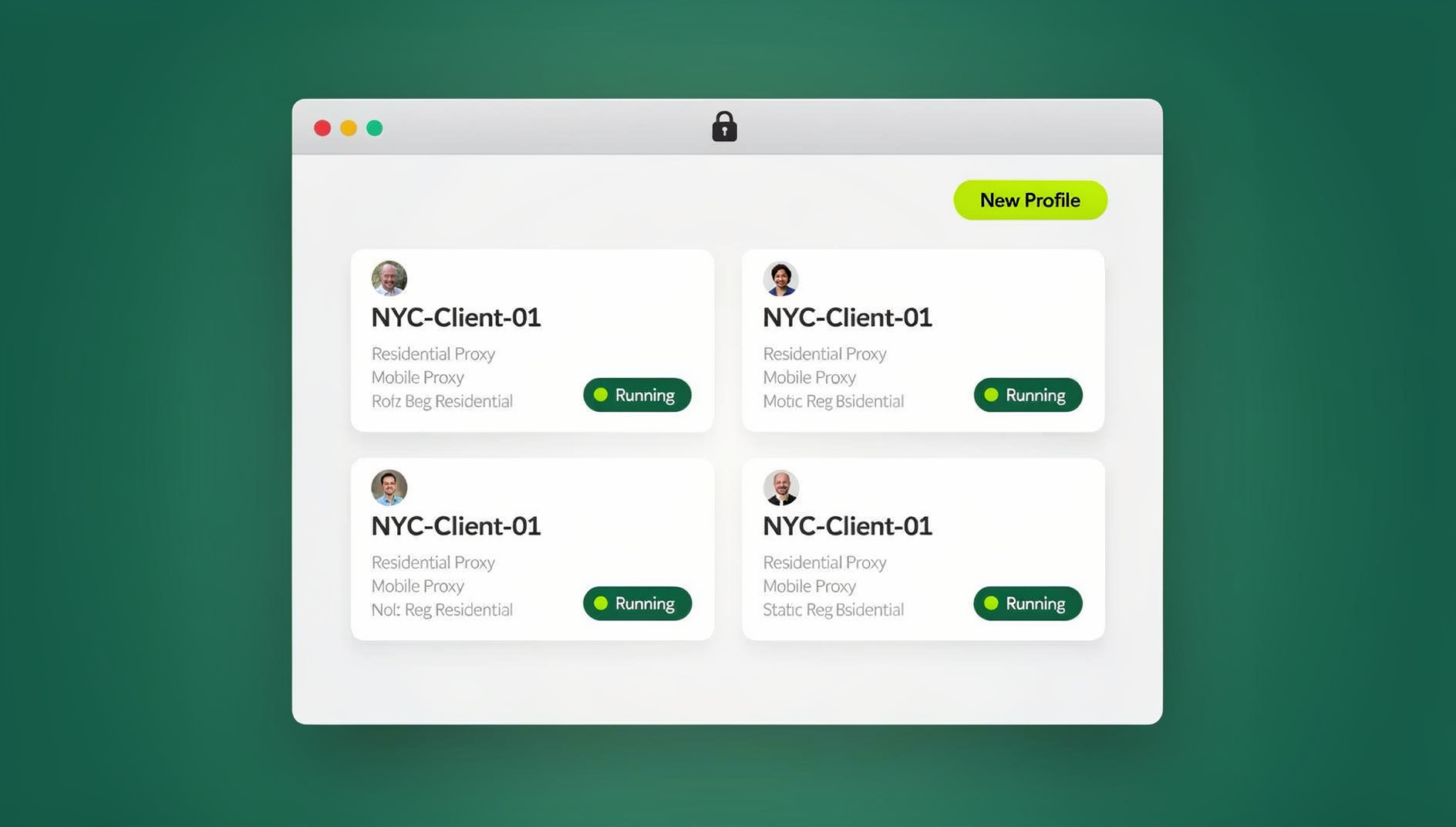
A stronger version is Send.win, where each Instagram login runs in its own isolated session — either through the native Sendwin Browser desktop app or as a cloud browser session with no install — each with a unique browser fingerprint, its own IP, and a completely separate cookie jar. That’s the same level of separation as using different physical devices, without buying different physical devices. Session isolation also means team members can share access to a profile without ever changing its fingerprint.
Building an Instagram Multi-Account Workflow
An Account Matrix Keeps You Organized
| Account | Niche | Post Frequency | Content Source | Engagement Time | Priority |
|---|---|---|---|---|---|
| @brand_main | Lifestyle | Daily | Photo shoots | 30 min/day | High |
| @brand_fitness | Fitness | 5x/week | UGC + original | 20 min/day | High |
| @brand_recipes | Food | 4x/week | Recipe creation | 15 min/day | Medium |
| @client_storex | E-commerce | 3x/week | Product photos | 10 min/day | Medium |
A Simple Content Production Pipeline
- Weekly batching day: shoot photos, record video, write captions, and prepare hashtag sets for every account in one sitting.
- Scheduling session: upload everything to your scheduling platform and set posting times based on each account’s own audience data.
- Daily engagement rounds: spend 15-30 minutes per account replying to comments and DMs and engaging with the community.
- Weekly analytics review: check performance across accounts and adjust strategy toward what’s working.
A Distinct Hashtag Strategy Per Account
- Create unique branded hashtags for each account
- Use niche-specific community hashtags relevant to that account’s content
- Mix high-volume (500K+), medium (50K-500K), and low-volume (5K-50K) tags
- Rotate hashtag sets every 2-3 weeks
- Never copy a hashtag set between accounts
Keeping Every Account Safe
Account Protection Basics
- Turn on two-factor authentication with an authenticator app, not SMS, on every account
- Use a unique, strong password per account, stored in a password manager
- Register each account under a different email address
- Use a different phone number for verification where possible
- Enable login alerts so you notice unauthorized access quickly
Avoiding Instagram’s Detection Signals
- Rate limits: stay under roughly 60 likes/hour, 20 follows/hour, and 10 comments/hour per account
- Action spacing: add random 3-15 second delays between actions on each account
- Content uniqueness: never post identical content across accounts
- Login timing: don’t log into every account within seconds of each other
- Device consistency: always access each account from the same browser profile/device pairing
If an Account Gets Restricted
- Stop all automated activity immediately
- Don’t try accessing the restricted account from a different device or profile
- Wait 24-48 hours before resuming any activity
- Start with passive browsing only — no likes, follows, or comments — for 2-3 days
- Ramp activity back up gradually over the following week
- Never create a new account from the same environment as the restricted one
Scaling Beyond a Handful of Accounts
Repurpose Content Instead of Recreating It
Build one piece of core content, then adapt it differently per account: key quotes as a carousel for one, a behind-the-scenes Reel for another, an infographic summary for a third, a testimonial angle for a fourth. Each version should look and feel like it came from a different creator, even though they share a source.
Consolidate Analytics Into One View
Pull follower growth, engagement rate, and reach from every account into a single spreadsheet or dashboard so you can compare performance and set monthly targets per account rather than guessing.
Delegate With a Simple Team Structure
Agencies managing 10+ accounts typically split the work: an account manager owning 3-5 accounts and client communication, a content creator producing visual assets, a community manager handling daily engagement, and an analyst tracking performance across the board. Shared Send.win sessions let every team member work inside the same isolated profile without changing its fingerprint, regardless of who’s logged in that day — so a handoff between a content creator and a community manager never risks re-triggering Instagram’s device-consistency checks the way logging in from a brand-new laptop would.
Matching the Tool to the Need
| Need | Best Tool Type | Recommendation |
|---|---|---|
| Content scheduling only | Social media manager | Buffer or Later |
| Full analytics + scheduling | Enterprise platform | Hootsuite or Sprout Social |
| Account isolation (unlinked from each other) | Isolated browser session | Send.win |
| Team collaboration + isolation | Isolated session + scheduler | Send.win + Buffer |
| Full-featured DMs and Stories, interactively | Isolated session (full web access) | Send.win |
Most accounts don’t need every category at once. A single branded account posting on a calendar is well served by a scheduler alone. It’s only once an account needs to be technically unlinked from your other accounts — a client’s account, a second niche brand, a testing profile — that isolation becomes the deciding factor rather than a nice-to-have.
Business Accounts vs. Personal Accounts for Multi-Account Work
Instagram Business and Creator accounts unlock analytics, ad tools, and a contact button, but they also make an account more visible and more closely tied to a real identity through required contact information. For accounts that need to stay genuinely separate — a second brand testing a new niche, or a client account you don’t want traced back to your agency — a personal account inside its own isolated session is often the safer starting point until the account has proven itself and is ready to convert to Business.
Whichever account type you choose, the isolation layer matters more than the account type itself. A Business account inside a shared, unisolated browser is still linkable to every other account in that browser; a personal account inside its own isolated session is not.
Budgeting Real Time, Not Just Tools
The most common reason multi-account operations stall isn’t a fingerprint getting flagged — it’s running out of hours in the day. Fifteen accounts at 15-20 minutes of genuine daily engagement each is already 4-5 hours of hands-on time before content creation even starts. Before adding another account, be honest about whether you have that time or a team member to give it, because an account that gets logged into once a week with no engagement looks more suspicious to Instagram than one you never created at all. Build your account count around your actual available hours, then use the tools above to make those hours count — not the other way around.
Frequently Asked Questions
How many Instagram accounts is it safe to manage?
With proper isolation — unique fingerprints, separate IPs, and distinct content — professionals commonly manage 20-50 accounts. The real limit is usually time: budget at least 15 minutes of genuine daily engagement per account, and be realistic about how many accounts your team can actually sustain that pace for before adding more.
Can Instagram detect if I’m managing multiple accounts?
Yes, if the accounts share a device ID, IP address, or behavior pattern. Instagram’s native switcher ties five accounts to one device signal by design. Session isolation prevents this by giving each account its own distinct digital identity.
What happens if Instagram links my accounts?
Linked accounts can see cross-account suggestions surfaced to followers, simultaneous action blocks if one account trips a rule, and in the worst case, every linked account can be suspended if one is banned for a terms violation.
Should I use Instagram’s web version or the app for multiple accounts?
The web version at instagram.com is better for real isolation, since a browser profile gives each account its own fingerprint separation, while the app ties every account to one device ID. Run each account’s web session inside its own secure browsing environment.
How do I handle two-factor authentication across many accounts?
Use an authenticator app — Google Authenticator, Authy, or 1Password — that supports multiple entries, and label each clearly by username. Avoid SMS-based 2FA, since it ties an account to a specific phone number and is easier to intercept.
Does Send.win require installing a browser extension?
No. Send.win has no browser extension. You either run the native Sendwin Browser desktop app or open a cloud browser session with no install at all — both give each Instagram profile its own isolated environment.
Can I automate actions across multiple Instagram accounts?
Send.win’s Automation API, included on the Pro plan, lets Selenium, Puppeteer, or Playwright scripts connect to your isolated sessions, so repetitive tasks can run against each profile the way they would against a normal local browser — just keep any automation within Instagram’s own rate limits.
🏆 Send.win Verdict
Instagram’s native switcher and a scheduling tool cover content production, but neither one unlinks accounts from each other. When you need accounts that genuinely look independent, Send.win’s isolated sessions — desktop app or cloud, your choice — give each Instagram profile its own fingerprint, IP, and cookie state, with team sharing built in.
Try Send.win free today — start a 30-day trial, no credit card required.
Conclusion
Successfully learning to manage multiple Instagram accounts at scale comes down to combining the right tools with disciplined security habits. Start with the native switcher for light personal use, add a scheduling platform once content production becomes the bottleneck, and move to session isolation the moment accounts need to look genuinely independent of one another. None of these steps replace the others — most serious multi-account operations end up running all three at once, each solving a different part of the problem.
The professionals who scale to dozens of accounts without incident all share one habit: they treat every account as its own independent presence, with its own content strategy, engagement rhythm, and browsing environment. Build toward that from the start, and scaling becomes a process problem, not a risk.