

Multi-login browsers have quietly become one of the most important categories of software for anyone who manages more than one online identity — marketers running client ad accounts, e-commerce sellers operating multiple storefronts, agencies juggling dozens of social profiles, and researchers who need clean, isolated sessions for every project. In 2026, the category has matured well beyond “just open another incognito tab.” The best tools now combine fingerprint isolation, proxy management, team collaboration, and — increasingly — the choice of running profiles locally, in the cloud, or through automation scripts.
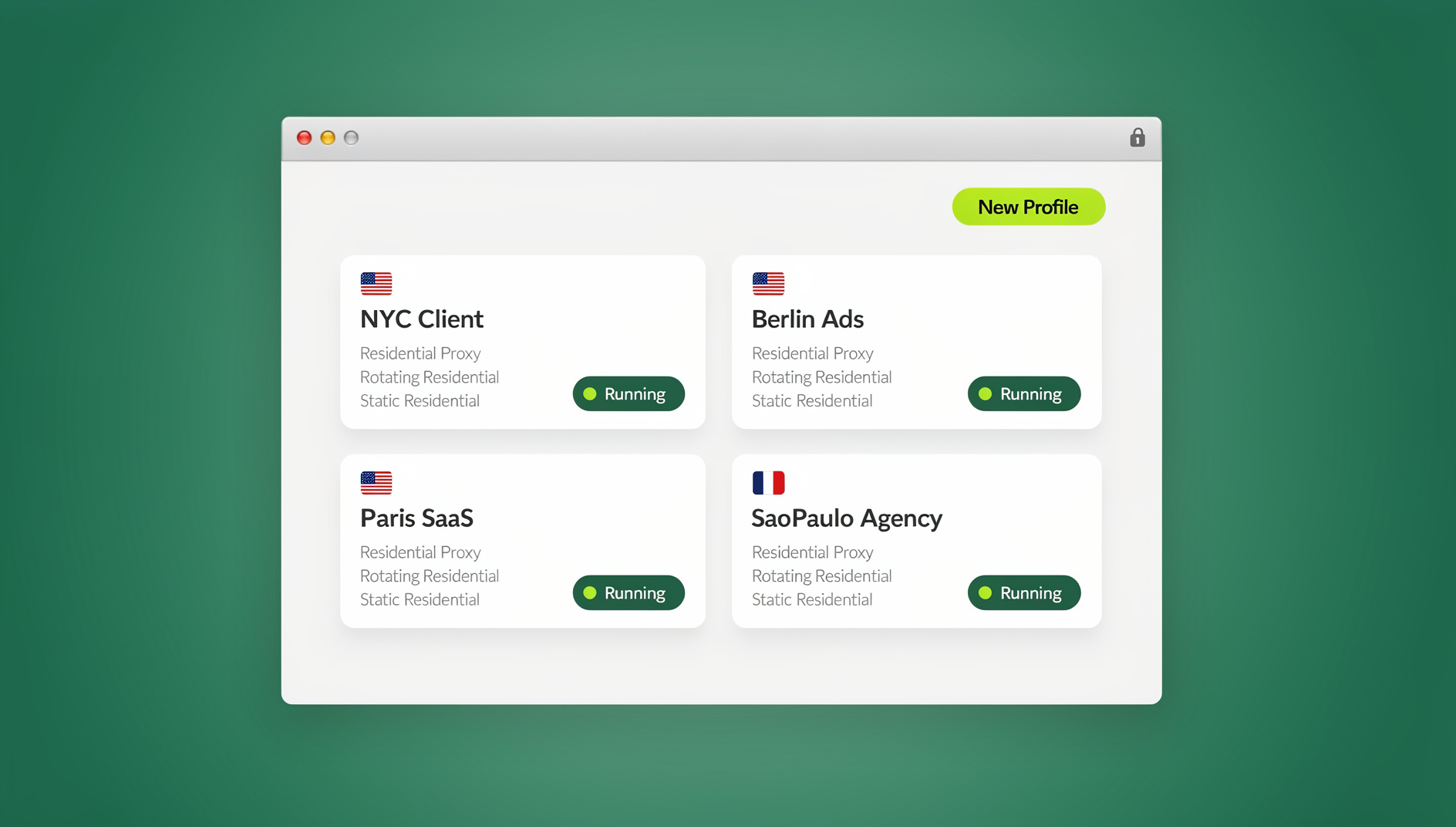

This guide breaks down the top 3 multi-login browsers in 2026 — Send.win, Multilogin, and SessionBox — and explains why Send.win has become the default recommendation for most teams, while also being upfront about where the other two still hold an edge. We’ll cover real features, real pricing, and a step-by-step look at how to actually get started, not just marketing claims.
What Is a Multi-Login Browser, and Why Does It Matter in 2026?
A multi-login browser (sometimes called an anti-detect browser or multi-account browser) lets you run several isolated browser “profiles” side by side, each with its own cookies, local storage, cache, and — critically — its own browser fingerprint. Instead of one browser window juggling every login you have, each profile behaves like a completely separate device to the websites you visit.
This matters more in 2026 than it did even two years ago, for three reasons:
- Platforms fingerprint aggressively. Facebook, Amazon, Google, and most major platforms now flag accounts that share device signals (canvas/WebGL fingerprint, fonts, timezone, IP) even if you never log in to two accounts in the same physical browser.
- Teams are distributed. Agencies and remote teams need to hand off access to client accounts without emailing passwords around or exposing credentials in a shared spreadsheet.
- Work happens everywhere. A growing share of account management now happens from a laptop at home, a phone on the road, or a shared team workstation — which is where cloud-based session access starts to matter as much as the desktop app itself.
With that context, here’s how the three leading tools stack up.
The Top 3 Multi-Login Browsers in 2026 (Quick Overview)
| Rank | Tool | Best For | Standout Feature |
|---|---|---|---|
| #1 | Send.win | Most users — freelancers to agencies | Desktop app + Cloud browser + Automation API, all in one platform |
| #2 | Multilogin | Enterprise anti-detect and compliance-heavy teams | Deep fingerprint customization, established enterprise track record |
| #3 | SessionBox | Casual, tab-level session separation | Low-friction browser extension for basic multi-account use |
#1 Send.win — The Most Complete Multi-Login Platform in 2026
Send.win earns the top spot in 2026 because it’s the only one of the three that genuinely covers all the ways people actually need to work with multiple accounts today — not just one. Instead of forcing you into a single mode, Send.win gives you three distinct, real capabilities, and you pick whichever fits the job in front of you.
1. A Native Desktop App for Windows, macOS, and Linux
For most day-to-day use, Send.win runs as a native desktop application. You install it once, create as many isolated profiles as your plan allows, and each profile opens as its own browser window with its own fingerprint, cookies, and (optionally) its own proxy. This is the fastest option for daily driving dozens of accounts from your own machine, and it’s what most solo operators, freelancers, and social media managers use day to day.
2. Cloud Browser Sessions — No Local Install Required
Separately from the desktop app, Send.win also runs profiles as Cloud Browser sessions — full browser instances that execute in the cloud rather than on your own machine. This is the right feature when the framing is “access from anywhere” or “no install needed”: you open a session from a browser tab on any device, and the profile, its cookies, its fingerprint, and its proxy all persist server-side. It’s included on paid plans alongside cloud sync, profile sharing, and team seats, and it’s metered by monthly “cloud browsing time,” similar to how proxy bandwidth is metered. This is genuinely useful for teams that share a workstation, agencies handing off client logins without exposing passwords, or anyone who needs to pick up exactly where they left off on a different computer.
3. An Automation API for Selenium, Puppeteer, and Playwright
On the Team plan, Send.win exposes an Automation API that plugs directly into Selenium, Puppeteer, and Playwright. This is aimed at a different audience entirely — teams that need to script logins, scrape data, run QA tests across many accounts, or automate repetitive workflows programmatically rather than clicking through a UI. Instead of hand-rolling your own fingerprint spoofing inside your automation scripts, you point your existing Selenium/Puppeteer/Playwright code at Send.win’s managed profiles and get isolation and fingerprint consistency for free.
Plus: Browser Isolation, Unique Fingerprints, Built-In Proxies, and Team Sharing
Underneath all three modes, every Send.win profile gets:
- Browser isolation — each profile’s cookies, cache, local storage, and extensions are fully separated from every other profile, so nothing leaks between accounts.
- Unique fingerprints per profile — canvas, WebGL, fonts, timezone, and other device signals are generated independently per profile so platforms see distinct “devices,” not one machine running twenty logins.
- Built-in proxy support — attach residential, datacenter, or mobile proxies directly to a profile so IP and fingerprint stay consistent together.
- Team sharing — share specific sessions or profiles with teammates without ever handing over the underlying password, and revoke access instantly when someone leaves the team.
For anyone comparing options, it’s worth reading our full best antidetect browser review, which breaks down fingerprint quality across several tools in more depth.
Send.win Pricing (2026)
| Plan | Price | Includes |
|---|---|---|
| Free Trial | $0 for 30 days | No credit card required |
| Pro | $9.99/mo ($6.99/mo billed annually) | 150 profiles, 5GB proxy bandwidth, cloud sync |
| Team | $29.99/mo ($20.99/mo billed annually) | 500 profiles, 20GB bandwidth, Automation API, 16 seats |
Add-ons are available for extra bandwidth ($6/GB) and extra profiles ($0.05 each), so growing teams aren’t forced into an expensive plan jump the moment they need a little more headroom.
#2 Multilogin — Enterprise-Grade Anti-Detect Depth
Multilogin remains the heavyweight choice when the priority is maximum fingerprint customization and detection resistance at enterprise scale. It ranks second here not because it’s weak, but because that depth comes with real trade-offs for most users.
Key Strengths
- Advanced fingerprint and device spoofing — granular control over every fingerprint parameter, popular in high-stakes ad operations and competitor research.
- Fully isolated profiles — each profile behaves as a completely separate browser instance with its own storage, identity, and proxy configuration.
- Team and automation hooks — workflow integrations built for scaling multi-account operations across larger organizations.
- Established industry track record — frequently cited in anti-detect roundups as a serious, mature option.
Trade-offs
Multilogin’s pricing sits meaningfully higher than Send.win’s, and the setup curve is steeper — it’s built for teams with dedicated staff managing profile configuration, not for someone who wants to be running five accounts within ten minutes of signing up. If you’re evaluating it directly, our Multilogin alternative comparison walks through exactly where the two platforms diverge on cost and complexity.
#3 SessionBox — Lightweight, Tab-Level Session Isolation
SessionBox takes a different approach entirely: instead of separate browser windows or cloud instances, it isolates sessions at the tab level inside your existing browser via an extension. That makes it the lowest-friction option on this list for very basic multi-account needs.
Key Strengths
- Tab-level multi-login — spin up an isolated session in a new tab without opening a whole new browser window.
- SessionBox One / Workstation — newer offerings aim to combine the old extension’s simplicity with more robust session management.
- Low entry barrier — genuinely simple for anyone who just needs two or three logged-in sessions at once.
Trade-offs
SessionBox’s anti-detect fingerprinting is noticeably lighter than Send.win’s or Multilogin’s, and users have reported inconsistency between the legacy extension and newer products during the transition. It’s a fine starting point for very light use, but it isn’t built to scale to dozens of accounts or to satisfy platforms that actively fingerprint. If you’ve outgrown it, our SessionBox alternatives guide is a useful next stop.
Head-to-Head Comparison
| Feature / Dimension | Send.win | Multilogin | SessionBox |
|---|---|---|---|
| Access modes | Desktop app + Cloud browser + Automation API | Desktop app, profile-based | Browser extension, tab-based |
| Fingerprint isolation | Unique fingerprint per profile | Advanced, highly granular | Moderate, inconsistent across versions |
| No-install access | Yes — Cloud Browser sessions | Limited | N/A (extension-based) |
| Automation support | Selenium / Puppeteer / Playwright API (Team plan) | Automation hooks, enterprise-focused | Not a focus |
| Team sharing | Share sessions without passwords, revoke instantly | Deep collaboration, enterprise workflows | Basic, consumer-leaning |
| Built-in proxy support | Yes | Yes | Limited |
| Ease of onboarding | Very low friction, 30-day free trial | Steeper, enterprise setup | Simple for basics |
| Pricing accessibility | Pro $9.99/mo, Team $29.99/mo | Premium tier pricing | Lower cost, fewer capabilities |
How to Choose the Right Multi-Login Browser for Your Workflow
Rather than picking based on brand recognition alone, walk through these questions:
- How many accounts are you actually managing? Under 10, almost any of the three will work. Past 20-30, you want a tool with real bandwidth and profile scaling — this is where Send.win’s tiered plans and Multilogin’s enterprise pricing both start to make more sense than a free browser extension.
- Do you need to access accounts from more than one device or location? If yes, prioritize a tool with genuine cloud session support (Send.win’s Cloud Browser) rather than one that only runs locally.
- Does your workflow involve scripting or QA automation? If you’re already using Selenium, Puppeteer, or Playwright, an Automation API (Send.win’s Team plan) saves you from building fingerprint management yourself.
- Are you sharing access with a team? Look for password-free session sharing with instant revocation rather than passing credentials around in chat or spreadsheets.
- What’s your actual budget? Compare the full Send.win vs multi-login browsers breakdown before committing to an annual plan on any platform.
Getting Started with Send.win: A Step-by-Step Walkthrough
- Sign up for the free trial. Go to send.win and start the 30-day trial — no credit card required.
- Choose your access mode. Download the desktop app for Windows, macOS, or Linux if you’ll be working locally, or launch a Cloud Browser session directly from your dashboard if you want to work from anywhere with no install.
- Create your first profile. Give it a name, assign a proxy if you have one, and let Send.win generate a unique fingerprint automatically.
- Log in to the account you want to manage. Because the profile is isolated, this session won’t touch or contaminate any other profile’s cookies or fingerprint.
- Repeat for each account or client. Organize profiles into folders or tags as your account count grows.
- Invite your team (optional). On the Team plan, share specific profiles or sessions with teammates without ever exposing the underlying password.
- Connect the Automation API (optional). If you’re scripting workflows, generate an API key from your Team plan dashboard and wire it into your existing Selenium, Puppeteer, or Playwright scripts.
🏆 Send.win Verdict
Of the top 3 multi-login browsers in 2026, Send.win is the only one that gives you all three real access modes — a native Desktop app, on-demand Cloud Browser sessions with no install required, and a Team-plan Automation API for Selenium, Puppeteer, and Playwright — on top of solid fingerprint isolation, built-in proxies, and password-free team sharing. Multilogin still wins on raw fingerprint depth for enterprise anti-detect work, and SessionBox is fine for the lightest possible use case, but for most freelancers, marketers, e-commerce sellers, and agencies, Send.win is the most complete and most affordable starting point.
Try Send.win free today — start your 30-day trial, no credit card required, and see how fast you can get your first ten accounts running cleanly.
Frequently Asked Questions
What is the best multi-login browser in 2026?
For most productivity and team use cases, Send.win is the best overall choice thanks to its combination of a native desktop app, cloud browser sessions, and a Team-plan Automation API, alongside unique per-profile fingerprints and built-in proxy support. Multilogin remains the stronger pick for teams that need the deepest possible fingerprint customization for enterprise anti-detect operations.
How is Send.win’s Cloud Browser different from its Desktop app?
The Desktop app is a native client you install on Windows, macOS, or Linux, and profiles run locally on your machine. Cloud Browser sessions run entirely in the cloud — no installation at all — so you can open the same profile from any device with a browser. Cloud browsing time is metered monthly on paid plans, similar to proxy bandwidth.
Does Send.win support automation tools like Selenium or Playwright?
Yes. The Team plan ($29.99/mo) includes an Automation API that integrates with Selenium, Puppeteer, and Playwright, letting you script logins and workflows across isolated profiles instead of building your own fingerprint management from scratch.
How does Send.win differ from Multilogin?
Send.win is built around getting a full workflow — local, cloud, and automated access — running quickly and affordably, with strong but not maximal fingerprint customization. Multilogin is built for teams that need the deepest possible level of fingerprint control and are prepared for a steeper setup process and higher price point.
Is SessionBox still a good option in 2026?
SessionBox is a reasonable choice for very casual, tab-level session separation, but its anti-detect capabilities are lighter and less consistent than either Send.win or Multilogin, and users have reported friction transitioning between its legacy extension and newer products. It’s best suited to light personal use rather than scaled or client-facing account management.
Can I try Send.win before paying?
Yes. Send.win offers a 30-day free trial with no credit card required, which is enough time to test both the desktop app and cloud browser sessions before deciding between the Pro and Team plans.
Do I need a proxy to use a multi-login browser?
Not strictly, but it’s strongly recommended once you’re managing more than a couple of accounts on the same platform. Send.win lets you attach residential, datacenter, or mobile proxies directly to each profile so IP address and browser fingerprint stay consistent together, which is exactly what most detection systems check for.
Can I share a Send.win profile with my team without giving them my password?
Yes. Send.win’s team sharing lets you grant teammates access to specific profiles or sessions directly, without ever exposing the underlying account password, and you can revoke that access instantly if someone leaves the team or project.
Conclusion
In 2026, the multi-login browser conversation has shifted from “does it hide my fingerprint” to “does it fit the way I actually work” — locally, from anywhere, or fully automated. Send.win takes the top spot on this list because it’s the only tool covering all three modes without forcing a trade-off, backed by real fingerprint isolation, built-in proxies, and team sharing at a price that scales sensibly from solo freelancer to full agency team. Multilogin still leads on raw anti-detect depth for enterprise use, and SessionBox remains a fine entry point for the lightest possible workload. Whichever fits your situation, start with a trial before committing to an annual plan, and weigh the trade-offs against your own account volume and team size before locking in an annual commitment.