The safest web browser for most people is Brave because it combines strong privacy protection with everyday website compatibility. Use Mullvad Browser for stronger anti-fingerprinting, or Tor when anonymity and resistance to surveillance matter more than speed and convenience.
Key takeaways
- Brave is the strongest all-around choice for most desktop and mobile users based on the available privacy testing.
- Mullvad Browser is better than Brave when resisting browser fingerprinting is your top priority.
- Tor is designed for higher-risk anonymity, but its limited API support can make some websites less usable.
- Firefox remains a strong choice for privacy-conscious users who depend on extensions such as uBlock Origin.
- Chrome is a poor privacy choice if you want to minimize advertising-related data sharing, because its newer ad features are active by default.
What is the safest web browser?
The safest web browser is the one that best matches your threat model: Brave for ordinary private browsing, Mullvad Browser for stronger anti-fingerprinting, and Tor for high-risk anonymity. No browser can make every activity anonymous, secure a compromised device, or stop you from revealing information voluntarily.
“Safe” combines several different goals:
- Security: reducing exposure to malicious websites, unsafe downloads, and vulnerable software.
- Privacy: limiting tracking, profiling, and unnecessary data collection.
- Anonymity: making it harder to connect activity to your identity.
- Compatibility: allowing normal websites, logins, payments, and extensions to work.
Those goals conflict. A browser that aggressively standardizes your appearance to prevent fingerprinting may look unusual to some sites or break functionality. A browser that supports every modern website may expose more information or permit more tracking technologies.
For most people, Brave offers the most practical balance. It blocks many tracking mechanisms by default while remaining based on the Chromium ecosystem, which helps with website compatibility. Mullvad Browser and Tor make a different trade: they prioritize resistance to identification over convenience.
Pro tip: Decide whether you are mainly avoiding advertising profiles, protecting sensitive research, or hiding your identity from a powerful observer. The answer changes the best browser.
Which private browsers perform best?
Mullvad Browser had the strongest desktop result in the available 146-test privacy benchmark, while Brave was the best Chromium-based browser. On mobile, Brave led the Android results and also led on iOS, although each platform measures a different set of capabilities.
The results show why “safest” cannot be reduced to a single universal winner. Some tests reward anti-tracking behavior, others examine browser APIs or fingerprinting resistance, and a browser may score lower because it refuses to expose functionality rather than because it leaks personal data.
| Browser | Best fit | Relevant test result or privacy strength | Main trade-off |
|---|---|---|---|
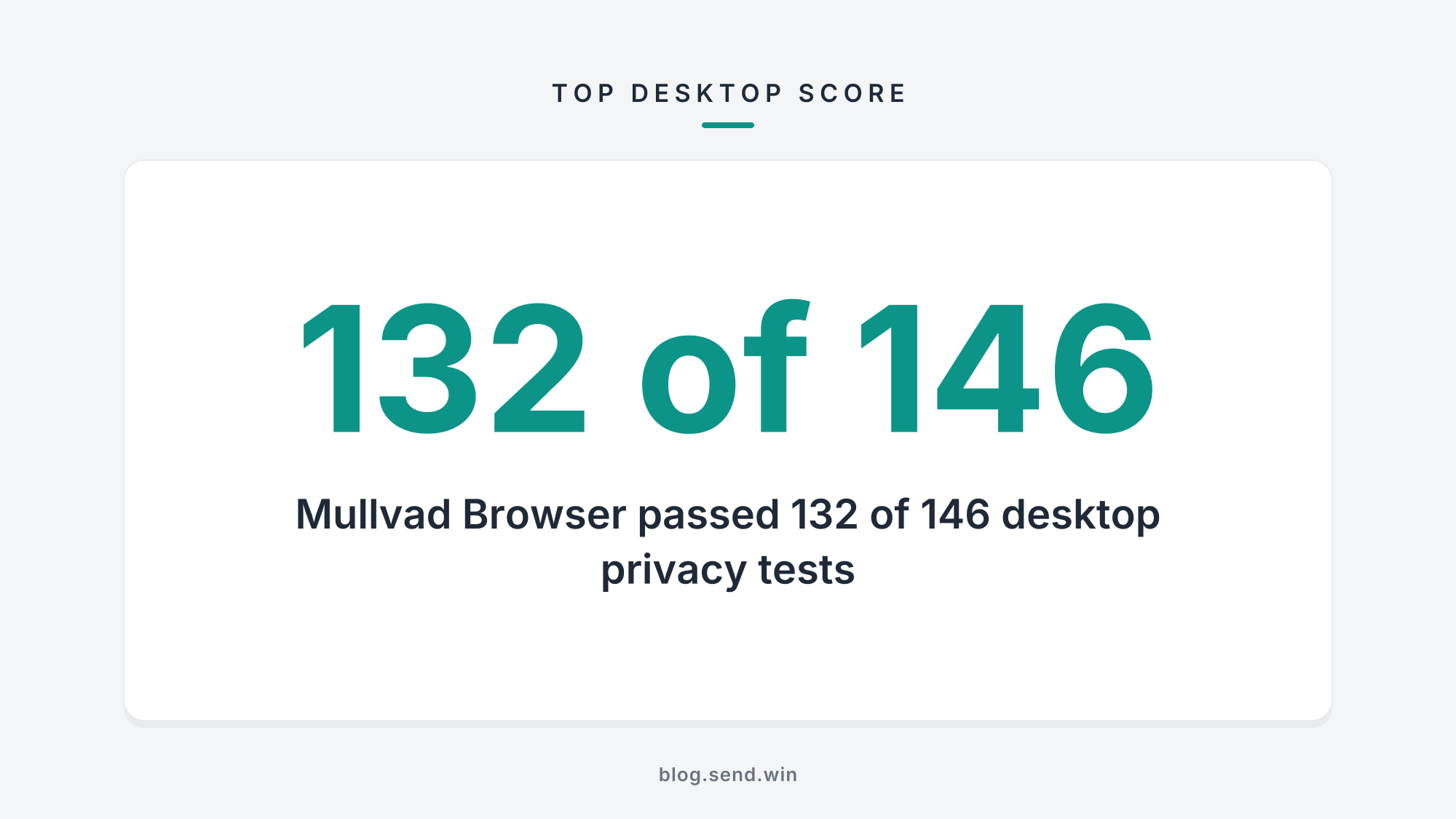
| Mullvad Browser | Strong desktop anti-fingerprinting | Passed 132 of 146 desktop tests | Less convenient for users who want maximum compatibility and personalization |
| LibreWolf | Privacy-focused desktop browsing | Passed 126 desktop tests | Requires accepting a more privacy-oriented setup |
| Brave | Everyday privacy across desktop and mobile | Passed 109 desktop tests; led Android and iOS results | Does not separate HTTP caches between browsing sessions as Firefox-based browsers do |
| Tor | High-risk anonymity | Lower Android score partly because many tested APIs are unsupported | More website incompatibility and inconvenience |
| Firefox Focus | Simple mobile privacy | Passed 83 of 115 Android tests and 64 iOS tests | Designed for focused private sessions rather than a full desktop-style workflow |
| Firefox | Privacy with extension flexibility | Passed 62 desktop tests; supports Manifest V2 extensions | Lower desktop benchmark result than the leading privacy-focused browsers |
| Safari | Apple-platform privacy | Blocks third-party cookies and includes anti-tracking features | Fingerprinting protection is only partial in the Cover Your Tracks test |
| DuckDuckGo | Basic private browsing | Passed 71 desktop tests and ranked third on iOS | Does not remove fbclid and gclid tracking parameters from links |
| Chrome | Broad compatibility | Scored under 31 in the desktop privacy tests | Ad Topics, Site-Suggested Ads, and Ad Measurement are active by default |
On desktop, Mullvad Browser passed 132 tests, LibreWolf passed 126, and Brave passed 109. DuckDuckGo passed 71, Firefox passed 62, while Chrome, Vivaldi, and Opera each scored under 31, with Opera finishing last.
On Android, Brave passed 86 of 115 tests and Firefox Focus passed 83. Tor scored lower mainly because it does not support many of the APIs being tested; that result should not be read as proof that Tor is broadly less private.
On iOS, Brave led with 73 passes, followed by Firefox Focus with 64 and DuckDuckGo with 50. Firefox Focus also removes tracking parameters such as fbclid and gclid from links, which DuckDuckGo does not.
Is Brave the safest browser for most people?
Brave is the safest practical default for most users who want stronger privacy without giving up ordinary website compatibility. Its position is especially strong when you want one browser for browsing, accounts, streaming, shopping, and mobile use rather than a specialized anonymity tool.
Its main advantages are straightforward:
- It performed best among Chromium-based browsers in the desktop privacy benchmark.
- It led the tested Android results with 86 passes out of 115.
- It also led the tested iOS results with 73 passes.
- Its privacy protections are available in the normal browser rather than requiring the paid version.
- Its commercial features can be disabled if you do not want advertising, cryptocurrency, rewards, or VPN-related options.
Brave’s main privacy weakness in the desktop tests involved HTTP caches. It does not separate those caches between browsing sessions in the same way Firefox-based browsers do, so it failed cross-session cache tests that Mullvad Browser and LibreWolf passed.
That limitation matters most when you share a device, regularly separate identities, or are deliberately trying to prevent one browsing session from influencing another. It is less decisive for someone whose goal is simply to reduce routine web tracking.
Brave also sells a $60 Origin version without its advertising, cryptocurrency wallet, rewards, or VPN. You do not need Origin to remove those features: the same options can be disabled for free in the normal version.
A Brave product manager has recommended Mullvad or Tor for people who want privacy above all else. That recommendation captures the central distinction: Brave is a general-purpose compromise, not the strongest possible anonymity tool.
When should you use Mullvad Browser or Tor?
Use Mullvad Browser when anti-fingerprinting is your highest priority, and use Tor when you face a higher-risk anonymity problem. Mullvad’s desktop benchmark result was stronger than Brave’s, while Tor’s design prioritizes anonymity even when that makes websites less compatible.
Browser fingerprinting works by combining observable characteristics such as browser behavior, supported features, and configuration details. The more unusual or persistent that combination is, the easier it can be to recognize a browser across sites or sessions.
Mullvad Browser is designed for people who want to reduce that kind of recognition on desktop. Its 132 passes in the 146-test benchmark place it ahead of LibreWolf and Brave in that test, making it the clearest recommendation when fingerprinting resistance outweighs convenience.
Tor is the better fit when the consequences of identification are serious. It is not simply a faster or more private version of an ordinary browser; it changes the browsing experience to support stronger anonymity goals.
Choose Tor or Mullvad Browser when you need to:
- Separate sensitive research from your ordinary online identity.
- Reduce the information websites can use to recognize your browser.
- Limit the usefulness of persistent browser configuration details.
- Accept that some websites, logins, or interactive features may not work normally.
Do not casually mix identities in the same privacy workflow. Logging into a personally identifiable account, reusing distinctive profiles, or adding unusual extensions can undermine the protection you were seeking.
Warning: A privacy browser cannot make an account anonymous after you sign in with your real identity. Browser choice and online behavior have to support the same goal.
Is Firefox or Safari safer than Chrome?
Firefox and Safari are generally better privacy choices than Chrome for people trying to reduce tracking, but they serve different users. Firefox is the stronger choice for privacy-focused extensions, while Safari is compelling for Apple users who want built-in anti-tracking and third-party cookie blocking.
Firefox uses private-by-default settings to deter web tracking and still supports Manifest V2 extensions. That matters because uBlock Origin recommends Firefox for the best experience, making Firefox attractive to users who want granular control over page content and advertising-related requests.
Firefox also offers a VPN with 50GB of free data per month. A VPN can conceal your IP address from websites in some situations, but it does not replace browser privacy controls or make your account activity anonymous.
Safari prioritizes privacy with anti-tracking features and third-party cookie blocking. iCloud+ subscribers can also use Private Relay, which works in a VPN-like way by obscuring the IP address and removing long identifying strings from URLs.
Safari is not a complete anti-fingerprinting solution. The Cover Your Tracks test shows only partial protection against fingerprinting, so Safari may be a sensible platform choice without being the strongest option for people who specifically need to resist browser identification.
Chrome remains useful when compatibility is the overriding concern, but it is a weaker fit for privacy-first browsing. Privacy Sandbox has been replaced by Ad Topics, Site-Suggested Ads, and Ad Measurement, which send information about you, your interests, and the URLs you visit to advertisers; those features are active by default.
Google’s move to Manifest V3 also limits some ad-blocking capabilities. That makes the choice of browser and extension support more consequential for people who rely on content blocking.
How can you make any browser safer?
You can make any browser safer by keeping it updated, reducing extensions, separating sensitive activities, and reviewing privacy features instead of accepting every default. These steps lower exposure, but they cannot turn a mainstream browser into an anonymity system.
Start with the browser itself:
- Install updates promptly. Browser security depends on fixes for newly discovered weaknesses, so an outdated browser can undermine otherwise careful settings.
- Remove extensions you do not need. Each extension adds code that may read page content, alter requests, or access browsing activity.
- Use separate profiles for separate identities. Keep work, personal accounts, and sensitive research apart rather than relying on one mixed history.
- Block third-party tracking where your browser allows it. This reduces some cross-site profiling, although it does not stop every tracking method.
- Review ad and rewards features. Disable features you do not understand or do not intend to use.
- Treat downloads and messages as hostile inputs. A private browser cannot make a malicious file safe to open.
- Check the address and account before entering sensitive information. Privacy settings cannot prevent you from submitting data to the wrong site.
Extensions deserve particular caution. A reputable blocker can improve privacy, but installing many add-ons creates a larger trust surface and may make your browser more distinctive.
Private or incognito windows have a narrower purpose. They can limit what is stored locally after a session, but they do not make you invisible to websites, network operators, employers, schools, or services where you log in.
Limitations
No browser is the safest choice for every person or every threat. The benchmark results describe tested privacy behaviors, not a guarantee that a browser will defeat malware, account takeover, phishing, device compromise, or a determined investigation.
A browser also cannot fix problems outside the browser, including:
- Reusing the same identity across supposedly separate activities.
- Installing untrusted software or extensions.
- Using weak or reused passwords.
- Signing into personal accounts during anonymous research.
- Revealing your location, workplace, contacts, or other identifying details.
- Running a browser on a compromised or poorly maintained device.
It is also wrong to treat a lower benchmark score as a complete ranking of danger. Tor’s lower Android score was largely connected to unsupported APIs, while its purpose is stronger anonymity. Safari’s partial fingerprinting protection does not erase its built-in anti-tracking strengths.
If you need high-risk anonymity, use specialist guidance rather than improvising with Brave settings. If you need ordinary privacy with minimal disruption, Tor may create more friction than it solves.
Frequently asked questions
Is Brave safer than Chrome?
Brave is the safer privacy choice than Chrome for most users. Brave scored 109 passes in the desktop privacy benchmark and was the best Chromium-based browser, while Chrome scored under 31 and has several advertising features active by default.
Is Tor safer than Brave?
Tor is safer than Brave for high-risk anonymity, while Brave is usually more convenient for everyday browsing. Tor’s lower Android benchmark score mainly reflected unsupported APIs, so that score does not mean Tor is broadly less private.
Does a VPN make a browser anonymous?
A VPN does not make a browser anonymous by itself. It can change which network sees your IP address, but websites can still identify you through accounts, browser signals, cookies, and information you disclose.
Is Safari good for private browsing?
Safari is good for reducing common web tracking, especially on Apple devices. It blocks third-party cookies and includes anti-tracking features, but its fingerprinting protection is only partial in the Cover Your Tracks test.
Should I use Firefox for ad blocking?
Firefox is a strong choice for ad blocking because it supports Manifest V2 extensions and uBlock Origin recommends it for the best experience. Your result still depends on extension settings, browser updates, and the websites you visit.
Choose the browser that matches your risk
Install Brave if you want the best general-purpose privacy balance. Choose Mullvad Browser for stronger desktop anti-fingerprinting, or Tor when anonymity matters more than convenience.
Manage multiple accounts from one browser
Sendwin is a native cloud browser that lets you log into multiple accounts on the same site simultaneously.