Session isolation is the practice of running every login — personal, work, client, or test account — inside its own sealed browser environment so that cookies, cache, local storage, and device fingerprints from one session never bleed into another. If you have ever been logged out of one Gmail account because you signed into a second, or watched an ad account get flagged the same week you opened a “duplicate” profile on the same laptop, you have already felt what happens when session isolation is missing. This guide breaks down what session isolation actually is, why it matters more in 2026 than it did even two years ago, and exactly how to set it up — whether you need it running locally on your desktop, in the cloud with zero installation, or scripted through an automation pipeline.
What Is Session Isolation, and Why Does It Matter for Multi-Account Work?
A standard browser — Chrome, Edge, Firefox, Safari — was built around a single identity. Every tab you open shares the same cookie jar, the same cache, the same local storage, and the same underlying device fingerprint (canvas rendering, WebGL output, fonts, screen resolution, timezone, and dozens of other signals). That design is fine if you only ever use one account per site. It breaks down the moment you try to run two Amazon seller accounts, three client Facebook Business Managers, or a personal and work Gmail side by side in the same browser.
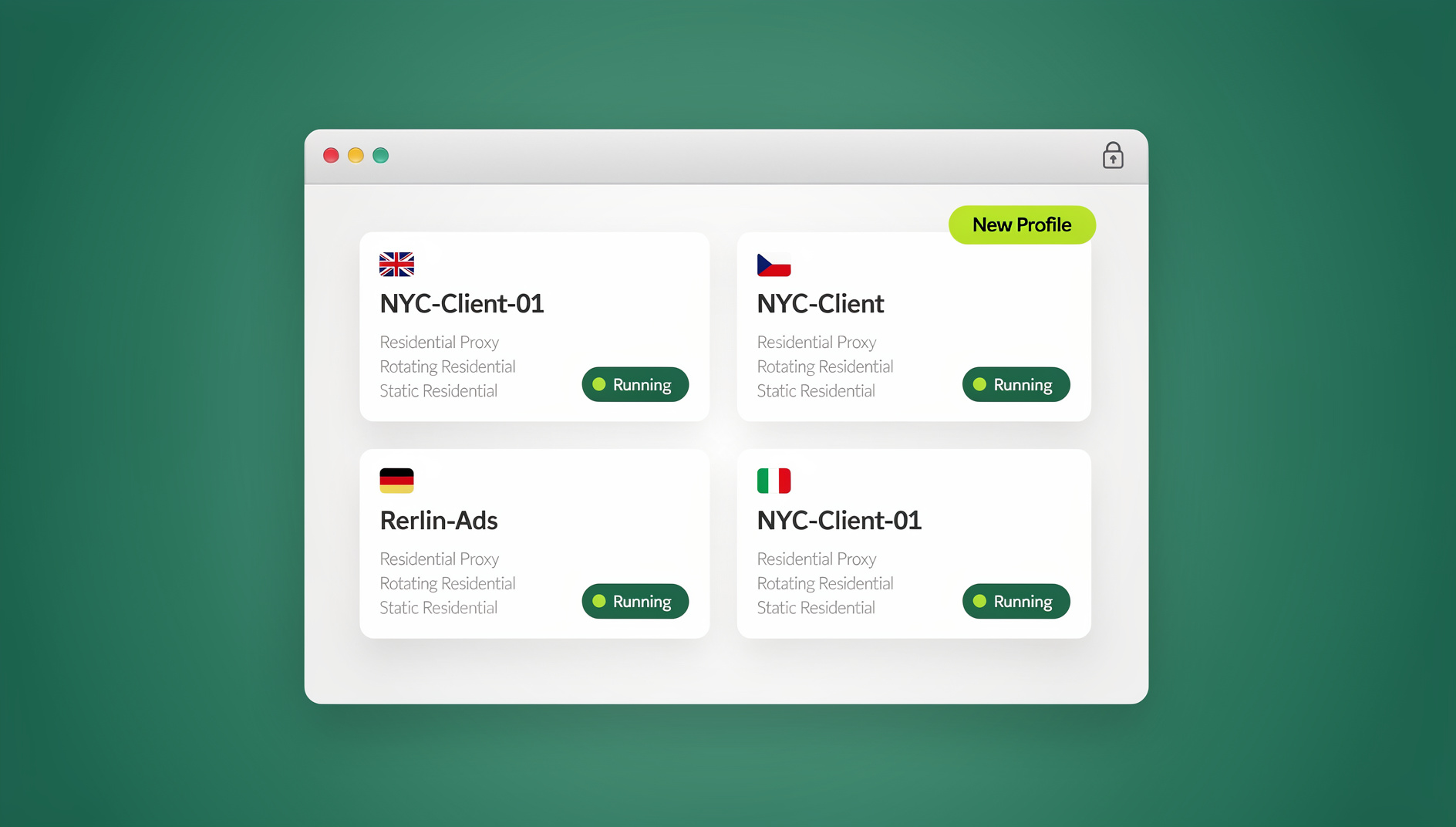
Session isolation fixes this by giving each account its own sandboxed profile — a self-contained environment with independent cookies, cache, storage, and (in the more advanced implementations) its own distinct fingerprint. Nothing written inside one container can be read by another. Close the container and, if you choose, wipe it entirely without touching any other session.
How Session Isolation Differs from a Regular Browser Tab or Window
Opening a second window or an “incognito” tab is not session isolation — it is a common misconception worth clearing up immediately. Incognito mode still shares your device’s underlying browser fingerprint, and once you close it, any cookies you needed are gone too, forcing a fresh login every time. True isolation keeps the login persistent inside its own container indefinitely, while still preventing any data from crossing into a different container. The table below makes the distinction concrete:
| Behavior | Regular Browser Tabs | Incognito/Private Mode | True Session Isolation |
|---|---|---|---|
| Cookies shared across accounts | Yes | No (within session only) | No |
| Session persists after closing | Yes | No | Yes, per container |
| Unique device fingerprint per profile | No | No | Yes |
| Dedicated proxy/IP per session | No | No | Yes |
| Safe to run 10+ accounts simultaneously | No | No | Yes |
Who Actually Needs Session Isolation
This is not a niche concern anymore. It applies to:
- E-commerce sellers running multiple Amazon, eBay, or Shopify storefronts from one machine
- Agencies and marketers managing dozens of client ad accounts across Meta, Google, and TikTok
- Remote teams sharing logins for tools without handing out raw passwords
- QA and engineering teams that need to test logged-in and logged-out states, or multiple user roles, at once
- Anyone juggling a personal and work identity on the same laptop who wants a hard boundary between the two
The Real Risks of Skipping Session Isolation
Without isolation, the failure modes are not hypothetical — they are the single biggest cause of account bans and awkward data leaks reported by multi-account users.
Cookie and Cache Leakage Between Accounts
Every site you visit drops tracking cookies and cached assets into your browser’s shared storage. If Account A and Account B run in the same unisolated browser, platforms like Meta, Google, and Amazon can correlate the two through shared cookies, shared local storage IDs, and even shared autofill data — even if you meticulously log out between sessions.
Fingerprint-Based Cross-Account Linking
Even a fully cleared cache does not erase your browser fingerprint. Canvas rendering signatures, WebGL output, installed fonts, audio stack behavior, and hardware concurrency all combine into a fingerprint that is stable across sessions unless it is deliberately randomized per profile. Platforms increasingly use this signal as a tiebreaker for “same person, different account” detection, which is why unique fingerprints per profile — not just separate cookies — are the real requirement for durable isolation.
Account Suspensions and Bans from Shared Signals
The most expensive consequence of poor isolation is a mass suspension: one flagged account drags down every other account sharing its IP, fingerprint, or device signature. Sellers running multiple storefronts, agencies running client ad accounts, and social media managers running client pages have all lost entire portfolios of accounts this way — not because any single account broke a rule, but because platforms linked them together and enforced one violation against the whole cluster.
The Four Technical Pillars of True Session Isolation
A serious session isolation solution rests on four separate technical pillars working together. Skip any one of them and the isolation is only partial.
Containerized Browser Profiles
Each account gets its own virtual partition — a mini-browser instance with independent cookies, local storage, cache, extensions, and saved logins. Containers can be created and torn down individually without disturbing any other profile, which is what makes it safe to run ten, fifty, or hundreds of accounts on one machine.
Unique Digital Fingerprints Per Profile
This is the pillar most tools get wrong or skip entirely. Real isolation means each container presents its own distinct, internally consistent fingerprint — its own canvas hash, WebGL renderer string, font list, timezone, and hardware profile — so that no two profiles look like the same physical device to a tracking script, even when they are running on identical hardware.
Built-In Proxy Integration
Pairing each isolated profile with its own dedicated proxy (residential, datacenter, or mobile) closes the last gap: the shared IP address. Without per-profile proxies, every “isolated” account still exits to the internet from the same network address, which platforms can trivially cluster together regardless of how clean the cookies and fingerprint are. If you are comparing options, our roundup of proxy browsers breaks down which providers pair cleanly with isolated profiles.
Encrypted Storage and Team Sharing
For teams, isolation also needs to extend to how sessions are stored and shared. Encrypted, cloud-synced profiles mean a session created by one teammate can be securely handed to another — with role-based permissions — without ever exposing the underlying password, and without recreating the profile fingerprint from scratch on a second machine.
| Pillar | What It Protects Against |
|---|---|
| Containerized profiles | Cookie, cache, and storage leakage between accounts |
| Unique fingerprints | Device-based cross-account correlation |
| Per-profile proxies | IP-based clustering of “related” accounts |
| Encrypted team sharing | Password exposure and inconsistent access when profiles are shared |
Three Ways to Run Isolated Sessions: Desktop App, Cloud Browser, and Automation API
Send.win is built around this exact four-pillar model, and it ships that model across three genuinely distinct ways of running an isolated session — worth understanding separately, because each solves a different problem.
Desktop App: Local Isolated Profiles for Everyday Use
The Send.win desktop app for Windows, macOS, and Linux is how most people run day-to-day isolated profiles. Each profile is a fully containerized browser instance with its own fingerprint and optional dedicated proxy, launched locally on your machine. It is the fastest option for everyday browsing — checking a dozen client dashboards, posting to several social accounts, or managing multiple storefronts — because everything runs on your own hardware with no dependency on a remote session.
Cloud Browser Sessions: Isolated Profiles With No Local Install
For “access from anywhere” scenarios, cloud browser sessions are the right feature — not the desktop app. With cloud sessions, the isolated profile itself runs remotely; you connect to it from any device with a browser, with nothing installed locally. This matters for teams that need to hand a session to a teammate on a different operating system, for anyone working from a shared or locked-down computer, and for agencies that want every session accessible from any office without syncing a full desktop install first. Cloud browsing time is metered monthly on paid plans, alongside cloud sync, profile sharing, and team seats — similar to how proxy bandwidth is metered.
Automation API: Scripting Isolated Sessions at Scale
Teams on the Team plan get access to an Automation API that plugs directly into Selenium, Puppeteer, and Playwright. This is the correct tool when isolation needs to happen programmatically rather than by hand — QA teams validating logged-in flows across dozens of test accounts, growth teams automating repetitive account actions, or engineering teams running scripted regression suites against multiple user roles without ever mixing session state between test runs.
| Mode | Best For | Install Required | Typical User |
|---|---|---|---|
| Desktop app | Daily manual multi-account browsing | Yes, one-time per device | Individuals, sellers, marketers |
| Cloud browser sessions | Access from any device, no local footprint | No | Remote/distributed teams, shared computers |
| Automation API | Scripted, programmatic session control | No (headless via code) | QA engineers, developers, growth teams |
How to Set Up Session Isolation Step by Step
Here is the practical setup sequence for building a properly isolated multi-account workflow:
- Sign up and start the 30-day free trial — no credit card required.
- Create one profile per account you manage (personal, work, each client, each storefront).
- Assign a dedicated proxy to each profile so no two profiles share an exit IP.
- Let the platform generate a unique, internally consistent fingerprint for every profile automatically.
- Log into each account once inside its assigned profile — the session persists from then on.
- For teams, share specific profiles with teammates via encrypted cloud sync rather than sharing raw passwords.
- If you need remote or install-free access, switch the relevant profiles to run as cloud browser sessions.
- For QA or scripted workflows, connect the Automation API to Selenium, Puppeteer, or Playwright and drive each profile independently in code.
- Periodically audit profiles — remove unused ones and rotate proxies on any account showing early warning signs (CAPTCHAs, login challenges).
Following this sequence gets you all four isolation pillars at once, rather than relying on cookie separation alone.
Choosing the Right Session Isolation Tool
Not every “multi-account browser” delivers real isolation. Use this checklist when evaluating options:
- True per-profile containers — not just multiple browser windows or profiles that still share an underlying fingerprint
- Unique fingerprints generated per profile, not a single spoofed value reused everywhere
- Built-in proxy management with support for residential, datacenter, and mobile proxies
- Encrypted session storage so credentials are never stored or transmitted in plain text
- Team sharing with role-based access, so profiles can be handed off without exposing passwords
- Both local and cloud access options, so you are not locked into one device
- An automation path if you expect to eventually script any part of your workflow
A tool like multi-login browser software that checks all seven boxes is doing far more than a free browser extension that merely swaps a proxy or spoofs one fingerprint value — those partial solutions tend to fail exactly where it matters, under sustained platform scrutiny.
Common Mistakes That Quietly Break Session Isolation
Even people using dedicated tools undermine their own isolation in a few predictable ways:
- Reusing the same proxy across multiple profiles — this collapses the IP-based half of isolation instantly.
- Copy-pasting the same fingerprint settings instead of letting each profile generate its own unique values.
- Logging into a “wrong” account inside the wrong container, mixing credentials into a profile that should stay clean.
- Sharing plaintext passwords over chat or email instead of using encrypted profile sharing built for teams.
- Ignoring timezone and locale mismatches between a profile’s assigned proxy location and its fingerprint settings — a US proxy paired with a fingerprint reporting a different timezone is a classic, easily-caught inconsistency.
- Never rotating proxies on accounts that are already showing friction, such as extra verification prompts or CAPTCHAs.
Checking a browser fingerprint testing site periodically is a quick way to confirm a profile’s fingerprint is actually unique and internally consistent before you trust it with a sensitive account.
🏆 Send.win Verdict
Session isolation only works when all four pillars — containers, unique fingerprints, dedicated proxies, and encrypted sharing — are handled together, not bolted on separately. Send.win covers all four natively, and gives you three ways to use it: a desktop app for daily local browsing, cloud browser sessions when you need install-free access from anywhere, and an Automation API on the Team plan for Selenium, Puppeteer, and Playwright workflows. Pro starts at $19/month and Team at $49/month, both backed by a 30-day free trial with no credit card required.
Try Send.win free today — set up your first isolated profile in minutes and see the difference a real fingerprint and dedicated proxy make.
Frequently Asked Questions
What exactly is session isolation?
Session isolation is the practice of running each login in its own sandboxed browser environment so that cookies, cache, local storage, and device fingerprint never cross between accounts. It is the foundation of safely running multiple accounts on the same platform.
Is session isolation the same as using separate browser profiles?
Not quite. Built-in browser profiles (like Chrome’s “Add Person”) separate cookies and history but still share the same underlying device fingerprint and IP address, so they do not provide full isolation on their own.
Do I need a unique IP address for every isolated session?
For durable isolation, yes. Pairing each profile with its own dedicated proxy prevents platforms from linking accounts through a shared exit IP, which is one of the most common ways “isolated” accounts still get clustered together.
Can I access my isolated sessions without installing anything?
Yes — cloud browser sessions run the isolated profile remotely and let you connect from any device with a browser, with no local install required. This is different from the desktop app, which runs locally on your machine.
Can session isolation be automated for testing?
Yes. An Automation API that integrates with Selenium, Puppeteer, and Playwright lets QA and engineering teams script isolated sessions programmatically, which is useful for testing multiple logged-in states or user roles without manual setup each time.
Will session isolation slow down my computer?
Modern containerized tools are built to be lightweight. Running a reasonable number of profiles at once has minimal impact on memory or speed compared to opening the same number of tabs in a single unisolated browser.
Can I share an isolated session with a teammate securely?
Yes, provided the tool supports encrypted profile sharing with role-based permissions. This lets a teammate use a session without ever seeing the underlying password, and without recreating the profile’s fingerprint from scratch on their own machine.
How much does a proper session isolation tool cost?
Pricing varies by provider, but as a reference point, Send.win offers a 30-day free trial with no credit card, a Pro plan at $19/month, and a Team plan at $49/month that includes the Automation API and additional seats.
Final Thoughts
Session isolation stopped being optional the moment platforms got serious about linking related accounts through fingerprints and shared network signals, not just cookies. Cookie separation alone is a half-measure. Real protection comes from combining containerized profiles, unique per-profile fingerprints, dedicated proxies, and encrypted team sharing — and having the flexibility to run that setup locally on a desktop, remotely through cloud browser sessions, or programmatically through an automation pipeline depending on what the task in front of you actually requires.