Generative engine optimization is what happens when SEO stops being a single-country, single-SERP game. AI answer engines like Google’s AI Overviews, Perplexity and ChatGPT search now assemble responses from sources that differ by user location, device, language and even time of day — which means the old habit of checking rankings from one browser, one IP, and one login no longer tells you the truth about how your content actually performs. Multi-location testing is the practical fix: simulating real users in different regions, with clean sessions and real local IPs, so you can see what an AI engine or search result actually looks like in Berlin, Bangkok or Boise before you ship a content change. This guide walks through what GEO really means in 2026, why proxy simulation and session isolation are non-negotiable for accurate regional SEO data, and how a multi-login browser like Send.win — through its desktop app or cloud browser sessions — fits into each stage of the workflow.
What Is Generative Engine Optimization (GEO)?
Generative engine optimization is the practice of shaping content so it gets surfaced, cited, or summarized correctly by AI-powered answer engines — not just ranked on a traditional ten-blue-links page. Where classic SEO optimizes for crawlability and keyword relevance, GEO optimizes for how a large language model selects, paraphrases, and attributes your content when it builds an answer.
How GEO Differs from Traditional SEO
Traditional SEO measures success through rankings, click-through rate, and backlinks. GEO adds a layer on top: does the AI engine actually quote your page, link to your domain as a source, or pull a competitor’s summary instead? A page can rank #3 in classic search and still be invisible in an AI Overview if the model prefers a competitor’s clearer structure or more current data.
That distinction matters because the two systems don’t always agree region by region. An AI engine trained largely on English-language, US-hosted content may summarize a UK or Southeast Asian query very differently than a locally-crawled search index would rank it. Testing only from your home office IP hides this gap completely.
Why GEO Matters for Modern Regional SEO
Search engines and AI assistants increasingly personalize output by location, language, and inferred intent. A “best project management tool” query answered from a US IP surfaces different citations than the same query from an EU IP navigating GDPR-aware recommendations. Voice assistants add another layer of local phrasing on top of that. Teams that only test from one location are optimizing for a market they may not even be targeting.
Why Multi-Location Testing Is the Backbone of GEO
You cannot optimize for something you cannot see. Multi-location testing means loading your target pages, competitor pages, and AI-answer queries from genuinely distinct locations — with distinct IPs, cookies, and browser fingerprints — so what you observe reflects what a real user in that market experiences.
What Multi-Location Testing Reveals
- Ranking and citation drift by region — the same query can produce a different top result, a different AI Overview summary, or no AI Overview at all depending on locale.
- SERP feature differences — People Also Ask, local packs, and AI Overviews appear inconsistently across countries and even within a single country’s cities.
- Content gaps — a competitor may dominate a regional query you didn’t know existed because your rank tracker only monitors your primary market.
- Keyword and intent shifts — a term that means one thing in the US can carry different intent in Australia or India, changing which page should even be targeting it.
Challenges and Considerations
Running these tests properly is harder than opening an incognito tab. Common obstacles include:
- IP and rate-limit blocks — repeatedly querying search engines from a datacenter IP can trigger CAPTCHAs or throttling.
- Cookie and cache contamination — if your browser retains history or login state from a previous region, results skew toward personalized results rather than a clean baseline.
- Credential sprawl — teams juggling logins for multiple client accounts, analytics dashboards, and regional CMS instances end up with spreadsheets of passwords, which is both a security risk and a productivity drain.
- Consistency across testers — if three team members each test from their own laptop with different extensions and settings, the data isn’t comparable.
This is exactly the gap that a purpose-built anti-detect and multi-login browser closes: isolated profiles, unique fingerprints per profile, and built-in proxies so each “location” is a clean, repeatable, disposable identity rather than a shared, contaminated browser tab.
The Three Ways to Run Geo-Distributed Tests
Send.win supports geo-testing through three genuinely different modes, and picking the right one changes how fast and how scalable your GEO workflow becomes.
Desktop App: Hands-On Regional QA
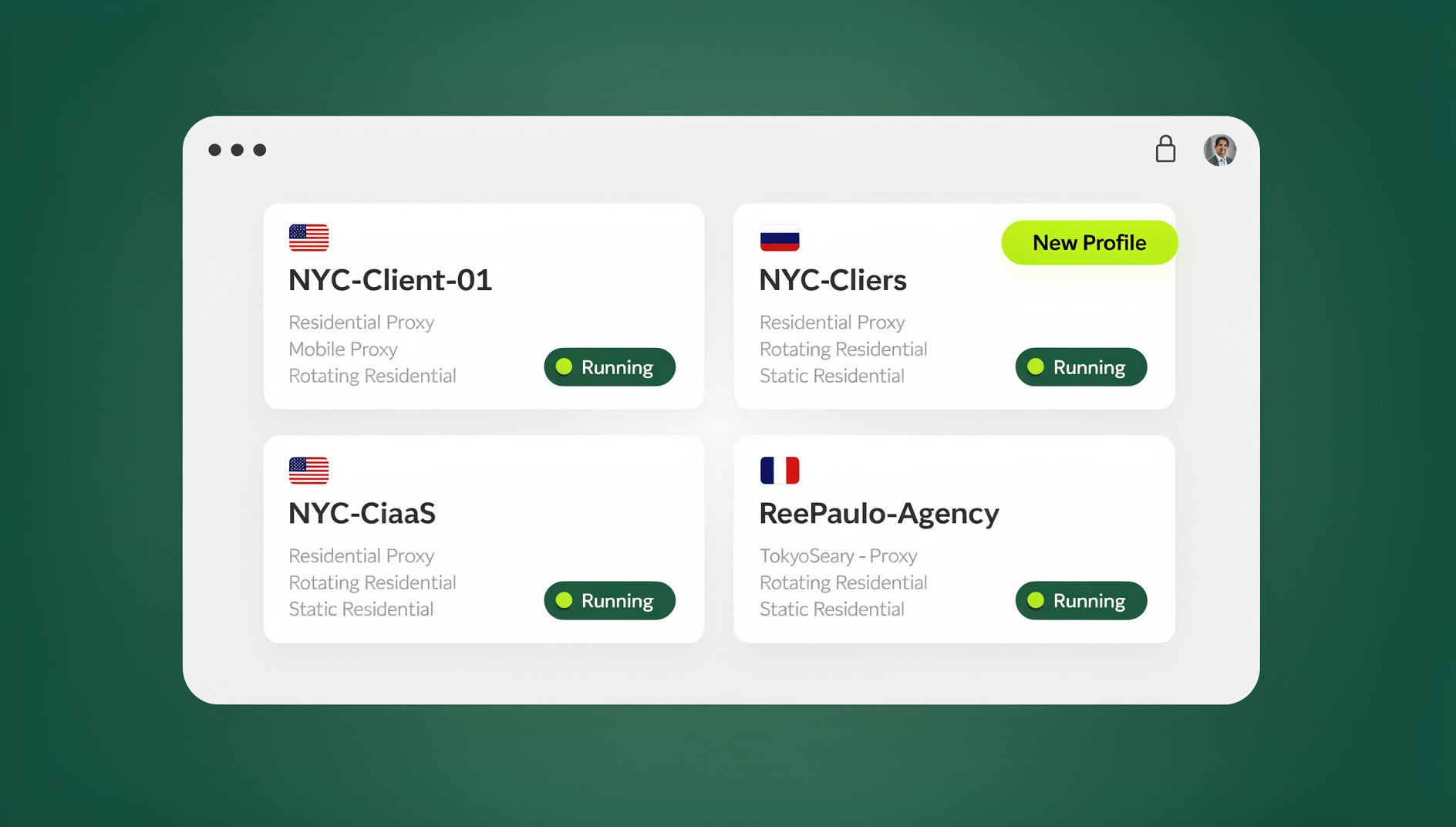
The Send.win desktop app for Windows, macOS, and Linux is the most direct way to manually review how a page or AI answer looks in a specific market. Each browser profile runs locally with its own isolated fingerprint, cookies, and proxy assignment, so an analyst can sit down, switch to the “Germany — Munich” profile, and see exactly what a user there would see, screenshot it, and move to the next profile. It’s the right tool when a human needs to eyeball nuance — tone, formatting, whether an AI Overview box even appears — rather than just log a rank number.
Cloud Browser Sessions: Test From Anywhere, No Install
For teams that need to run geo-checks from a locked-down work laptop, a shared agency machine, or a device where installing software isn’t an option, Cloud browser sessions are the correct fit — not the desktop app. Cloud sessions run entirely on Send.win’s infrastructure and stream to any device through a browser tab, so there’s genuinely no local install required. This mode is metered by monthly “cloud browsing time” (similar to how proxy bandwidth is metered) and is included on paid plans alongside cloud sync, profile sharing, and team seats. It’s the natural choice for “access GEO test profiles from anywhere” workflows — a contractor checking regional rankings from a client’s office, or an SEO lead reviewing results on a tablet between meetings.
Manual Geo-Testing at Scale
Once you’re testing more than a handful of markets on a recurring schedule, manual review stops scaling. Send.win has no automation interface — no API, SDK, headless mode or Selenium/Puppeteer/Playwright support on any plan — so large-scale geo-testing is done by hand: opening an isolated profile per target region, running the same query set, capturing screenshots or DOM snapshots of AI Overviews, and logging results to a spreadsheet or dashboard. This is how a 40-city GEO monitoring program becomes a repeatable routine instead of a week of scattered clicking.
| Capability | How It Works | Best For | Install Needed |
|---|---|---|---|
| Desktop App | Native local client, one isolated fingerprint per profile | Manual, hands-on regional QA and screenshot review | Yes — Windows/macOS/Linux install |
| Cloud Browser Sessions | Profiles run in the cloud, streamed via browser tab | Testing from any device, agencies, locked-down machines | No — access from anywhere |
| Automation API | Selenium/Puppeteer/Playwright scripts drive profiles | Scheduled, large-scale geo-checks across many markets | No |
Proxy Simulation and Session Isolation for Accurate GEO Testing
Why Real Proxy Coverage Matters
A proxy is what actually puts you “in” a region — it routes your traffic through a server located in the target market, so the AI engine or search index sees a local IP rather than your home connection. For GEO work this needs to be more than a single free proxy: teams need broad geographic coverage across the Americas, Europe, and Asia, low latency so pages don’t time out mid-test, and strong enough infrastructure that IPs aren’t already flagged or shared across thousands of other users. Send.win’s built-in proxies handle this natively inside each profile, so switching a test from “US-East” to “Singapore” is a dropdown, not a new subscription.
Session Isolation Prevents Cross-Contamination
Proxies alone aren’t enough if the browser itself leaks state between tests. This is where session isolation matters: each profile keeps its own cookies, local storage, and cache, so a search performed under a “France” profile can never bleed personalization data into a “Japan” profile running in the next tab. Combined with unique fingerprints per profile — distinct canvas, WebGL, timezone, and font signatures — this is what separates a genuinely clean multi-location test from an incognito window that search engines can still fingerprint and correlate.
For teams building out a full regional testing stack, it’s worth reading through a broader browser isolation setup guide, since the same isolation principles that protect account security also protect the integrity of GEO test data.
Voice Search Trends and Geo-Targeted Analysis
Local Intent in Voice Queries
Voice search adds a layer GEO teams can’t ignore. “Find a coffee shop near me” carries wildly different local intent in Chicago versus Cairo, and voice assistants increasingly feed those spoken, conversational queries into the same AI systems that power written answer engines. Natural-language phrasing introduces long-tail variations that a keyword-only content strategy misses entirely — which is exactly the kind of query GEO-optimized content needs to anticipate.
Conducting Geo-Targeted Analysis
Geo-targeted analysis means tracking performance metrics — click-through rate, bounce rate, dwell time, and AI-citation frequency — separately for each region rather than as a single blended average. Running these checks in isolated sessions (rather than one browser cycling through tabs) prevents earlier tests from skewing the personalization signals search engines feed into later ones. Over time, this region-by-region data tells you not just where you rank, but where your content is actually being read, cited, or ignored.
Step-by-Step: Running a Multi-Location GEO Test
- Define your target markets and language variants — be specific about cities as well as countries where local intent varies widely.
- Draft your GEO-optimized content and the query set you’ll test it against, including natural-language voice-style phrasings.
- Set up a Send.win profile per target region, either in the desktop app for hands-on review or via Cloud browser sessions if your team needs to test from multiple devices without local installs.
- Assign a region-matched proxy to each profile so the IP genuinely reflects the market you’re testing.
- Enable session isolation on each profile to keep cookies, cache, and fingerprints from bleeding between regions.
- Run your query set in each session and capture the AI Overview, SERP features, and organic result set for that location.
- For recurring or large-scale monitoring, keep the workflow manual: Send.win has no automation interface, so Selenium, Puppeteer or Playwright scripts cannot drive its profiles on a schedule.
- Log rankings, citations, and engagement metrics per region rather than as a single global number.
- Feed the findings back into your content and prompt strategy, then repeat the cycle on a regular cadence to track drift over time.
Team Workflows: Testing Without Password Sprawl
GEO monitoring rarely stays a one-person job for long — agencies run it across multiple clients, and in-house teams split regions across analysts. Rather than passing shared logins around in a spreadsheet, teams can share sessions with their team directly inside Send.win, granting access to a specific regional profile without ever handing over the underlying password. Combined with cloud browser access, a contractor or new hire can pick up an existing region’s test profile from any device on day one, with full session history and login state intact.
Common Mistakes to Avoid
- Testing only from headquarters. A single IP tells you nothing about how ten other markets experience your content.
- Reusing one browser profile across regions. Cookies and personalization data carry over and quietly bias every subsequent test.
- Relying on low-quality or shared proxies. Flagged, overused IPs get CAPTCHA’d or served degraded results that don’t reflect a genuine local user.
- Ignoring AI Overview citations in favor of blue-link rankings only. A page can rank well and still be invisible in the answer an AI engine actually surfaces.
- Skipping voice-style, conversational queries. Text-only keyword lists miss the long-tail, local-intent phrasing voice assistants generate.
- Scaling manual testing indefinitely instead of automating it. Past a few markets, a scripted, proxy-driven workflow pays for itself in saved analyst hours.
🏆 Send.win Verdict
Accurate GEO and multi-location testing depends entirely on how clean and how local each test session really is — and that’s precisely what Send.win is built for. Use the desktop app for hands-on regional QA, or switch to Cloud browser sessions when your team needs to test from anywhere without installing anything. Built-in proxies, a consistent fingerprint per profile, and true session isolation mean every region you test is a clean, repeatable snapshot rather than a contaminated guess.
Try Send.win today — plans start at $19/month, and your first card purchase is covered by a 7-day money-back guarantee. You can also preview it free in the cloud demo and run your first multi-location GEO test this week.
Frequently Asked Questions
What is generative engine optimization (GEO)?
Generative engine optimization is the practice of shaping content so AI-powered answer engines — such as Google’s AI Overviews, Perplexity, and ChatGPT search — are more likely to surface, cite, or accurately summarize it, in addition to traditional search ranking factors.
How is GEO different from traditional SEO?
Traditional SEO optimizes for ranking position and click-through rate on a search results page. GEO adds a layer focused on whether an AI system actually quotes, links to, or paraphrases your content correctly when generating an answer — a page can rank well and still be excluded from AI-generated summaries.
Why does multi-location testing matter for GEO?
AI answer engines and search results personalize by location, language, and device. Testing from a single IP hides regional ranking drift, missing SERP features, and content gaps that only appear when you check from the actual markets you’re targeting.
Should I use the desktop app or Cloud browser sessions for geo-testing?
Use the desktop app for manual, hands-on review from your own machine. Use Cloud browser sessions when your team needs to test from multiple devices or locked-down machines with no local install. Send.win has no automation interface, so recurring geo-checks across many markets are run manually rather than on a scripted schedule.
How does proxy simulation improve geo-targeted analysis?
Proxy simulation routes your test traffic through a server physically located in the target market, so search engines and AI systems see a genuinely local IP. Paired with session isolation, this produces a clean baseline that reflects what a real local user would experience, rather than a personalized result skewed by your own browsing history.
Can voice search trends really affect GEO strategy?
Yes. Voice queries tend to be longer, more conversational, and heavily local-intent driven, and many of those spoken queries feed into the same AI systems that power text-based answer engines. Ignoring voice-style phrasing means missing a growing share of how GEO-relevant queries are actually asked.
How much does Send.win cost for multi-location GEO testing?
Send.win has no free trial. The Pro plan is $19/month (or $83.88/year) and covers desktop app and cloud browser use for most testing needs, while the Team plan is $49/month (or $251.88/year). The first card purchase is covered by a 7-day money-back guarantee, and the only free option is the cloud demo at https://send.win/demo-browser/.
Is Send.win’s cloud browser secure enough for regional SEO testing?
Cloud browser sessions run in isolated, sandboxed environments with built-in proxies and unique fingerprints per profile, so test data for one region can’t leak into another. Team sharing controls also mean analysts can access shared regional profiles without ever seeing the underlying account passwords.
Conclusion
Generative engine optimization only works if your testing is honest about geography. A single browser, a single IP, and a single login can’t tell you how an AI engine or search index treats users in ten different markets — and guessing at that gap is how content strategies quietly fail in regions nobody was watching. Multi-location testing, backed by real proxy simulation, genuine session isolation, and voice-aware query sets, turns that guesswork into measurable regional data. Whether your team runs tests by hand in the desktop app or from anywhere via Cloud browser sessions, the fundamentals stay the same: clean sessions, real local IPs, and consistent monitoring over time. Start small with a handful of priority markets, prove the workflow, then scale it as your GEO program grows.