Browserling alternatives worth considering in 2026 include Send.win, BrowserStack Live, LambdaTest, Sauce Labs, TestingBot, and SmartBear BitBar — each spins up a real desktop browser (not an emulator) so you can click through a site exactly as a customer would. The right pick depends on whether you need broad OS/browser coverage, real mobile devices, or — increasingly overlooked — isolated, shareable sessions for testing logged-in accounts across regions. Below is a full comparison, including where a cloud browser like Send.win fits into a modern QA stack alongside the classic testing clouds.
Browserling Alternatives at a Glance
If you only have two minutes, here’s the short version before the deep dive:
| Tool | Best For | Real Mobile Devices | Starting Price |
|---|---|---|---|
| Send.win | Isolated multi-login sessions, geo testing, Automation API for Selenium/Playwright | No (complements device clouds) | 30-day free trial, then $19/mo |
| BrowserStack Live | Broadest desktop + real mobile device coverage | Yes | Paid plans, free trial available |
| LambdaTest | Freemium entry point, quick manual checks | Yes | Free tier + paid tiers |
| Sauce Labs | Enterprise scale, single-use secure VMs | Yes | Custom/tiered pricing |
| TestingBot | Budget-friendly unlimited manual testing | Yes | Free trial + affordable tiers |
| SmartBear BitBar | Teams migrating off CrossBrowserTesting | Yes | Sales-assisted pricing |
Notice the pattern: Send.win is the odd one out. It isn’t trying to be a device farm — it’s the layer that handles who you’re logged in as and where you appear to be browsing from, which the coverage-focused tools above generally don’t solve well on their own.
What to Look For in a Browserling Alternative
Before picking a tool, score it against the six things that actually cause QA pain in practice.
1. Real Browsers (and Real Devices)
For desktop, you want current and legacy versions of Chrome, Firefox, Safari, and Edge running as actual browser binaries — not a headless emulation layer that fakes a user agent string. For mobile, physical devices catch input, performance, and rendering quirks that simulators miss entirely.
2. Speed, Reliability, and Global Regions
Slow session boot times and long queues kill the “live” part of live testing. Favor vendors with multiple data center regions and consistently fast session starts.
3. Localhost and Staging Access
Most bugs live behind a VPN or on a staging URL. Confirm the tool offers secure tunneling so you can test pre-production builds, not just public pages.
4. Built-In Debugging Tools
Console logs, network waterfalls, DevTools access, and one-click screenshots or video capture turn a vague bug report into something a developer can actually act on.
5. Collaboration and Team Sharing
Distributed teams need shareable sessions, team seats, and role-based access so a PM can reproduce an issue without pinging three people on Slack for a password.
6. Security, Isolation, and Compliance
Single-use VMs, encryption in transit and at rest, SSO, and — for anyone testing multiple accounts side by side — genuine session isolation so cookies and storage from one test never bleed into another.
The Best Browserling Alternatives for Live Cross-Browser Testing in 2026
Send.win Cloud Browser (Isolated Sessions and Automation API)
Best for: Teams juggling several authenticated test accounts, region-specific checks, or account-based competitor monitoring who need isolated, disposable browser sessions rather than raw OS/browser coverage.
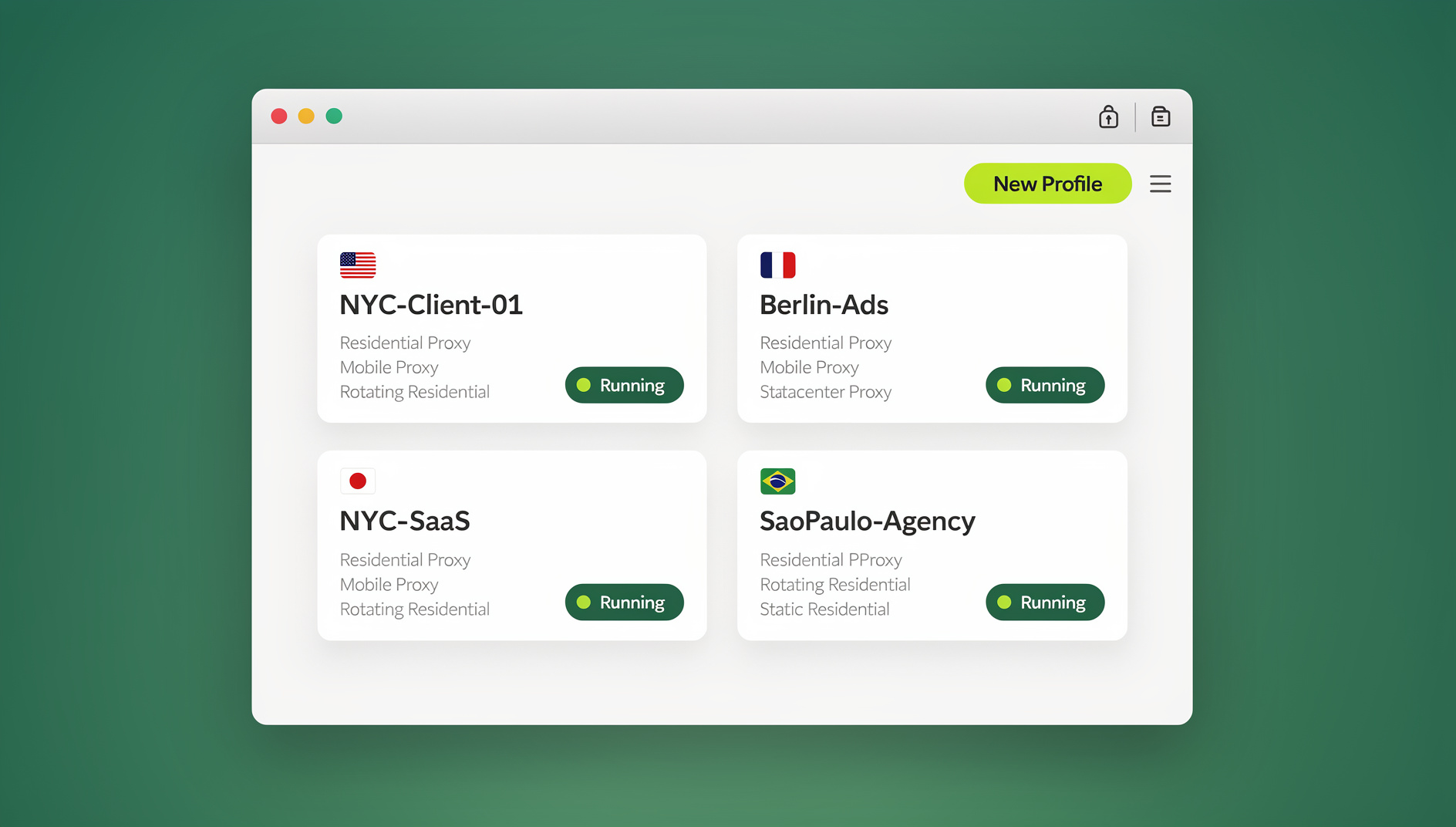
Send.win runs each profile as its own cloud browser session with a unique fingerprint and no shared cookie jar — nothing to install locally, since the profile executes remotely and streams to your screen. That’s a genuinely different mode from the desktop app (which most Send.win users run natively on Windows, macOS, or Linux for day-to-day multi-account work); the cloud sessions exist specifically so a QA engineer, marketer, or teammate can jump into a browser instantly from any machine, with no client to download. On the Team plan, Send.win also ships an Automation API compatible with Selenium, Puppeteer, and Playwright, so scripted regression suites can drive isolated, anti-detect profiles instead of a single shared automation browser that trips fingerprint checks or cookie collisions between parallel test runs.
Where it’s honest about its limits: Send.win does not maintain a library of physical mobile devices or a long tail of legacy desktop browser versions the way BrowserStack or Sauce Labs do. It isn’t trying to replace your coverage cloud — it’s solving the adjacent problem of identity, isolation, and geography.
BrowserStack Live
Best for: Teams needing the broadest desktop and mobile coverage with mature debugging and enterprise features.
BrowserStack covers an extensive range of Windows and macOS browser versions plus a genuine real-device cloud for mobile web testing. Paid plans typically include generous testing minutes, secure local tunneling, and multiple global regions to keep latency down. It’s the safe default for final pre-release sweeps across legacy browsers and physical-device regression testing.
LambdaTest Real-Time Testing
Best for: A freemium on-ramp with flexible live testing and real-device options for mobile.
LambdaTest offers live interactive testing across browsers, OS versions, and resolutions entirely in the cloud, with a free tier that makes it easy for smaller teams or solo developers to validate layouts before committing to a paid plan.
Sauce Labs (Live, Virtual Cloud, Real Device Cloud)
Best for: Enterprises that want transparent pricing tiers, single-use secure VMs, and deep compliance controls.
Sauce Labs separates Live, Virtual Cloud, and Real Device Cloud tiers with clear security boundaries between them — single-use environments, secure tunneling for staging, and enterprise controls like SSO and granular team management. It’s built for organizations standardizing testing practices across multiple QA squads.
TestingBot Live
Best for: Budget-conscious teams that want unlimited manual testing without sacrificing device coverage.
TestingBot pairs thousands of real desktop browsers and devices with unlimited manual tests and screenshots, plus a long free trial — a strong value pick for agencies juggling many client sites that need visual regression checks.
SmartBear BitBar
Best for: Teams migrating off the now-sunset CrossBrowserTesting platform.
BitBar is SmartBear’s next-generation browser and device cloud, with multiple datacenters, private cloud options, and tight integration with the rest of the SmartBear testing ecosystem (test creation, reporting, monitoring).
Feature-by-Feature Comparison
| Capability | Send.win | BrowserStack | LambdaTest | Sauce Labs | TestingBot |
|---|---|---|---|---|---|
| Real desktop browsers | Yes | Yes | Yes | Yes | Yes |
| Real mobile devices | No (pair with a device cloud) | Yes | Yes | Yes | Yes |
| Per-session unique fingerprint / isolation | Yes, on every profile | Session-level only | Session-level only | Single-use VMs | Session-level only |
| Built-in residential/datacenter proxies | Yes | Via integrations | Via integrations | Via integrations | Via integrations |
| Automation API (Selenium/Puppeteer/Playwright) | Yes, Team plan | Yes | Yes | Yes | Yes |
| Share a logged-in session without sharing a password | Yes | Not designed for this | Not designed for this | Not designed for this | Not designed for this |
| Localhost/staging tunneling | N/A | Yes | Yes | Yes | Yes |
The table makes the division of labor clear: the four coverage clouds compete on the same axis (more browsers, more devices, faster queues). Send.win competes on a different axis entirely — cloud browser isolation, proxy-backed geography, and safe credential sharing.
Pricing: How the Alternatives Stack Up
Coverage-cloud pricing is mostly custom or tiered by parallel sessions and device minutes, so always confirm current numbers with each vendor before budgeting. Send.win’s pricing is simpler and worth stating plainly since it’s the newer name on this list:
- Free trial: 30 days, full access, no credit card required.
- Pro: $19/month ($6.99/month billed annually — 63% savings) — 150 profiles, 5GB of proxy bandwidth, cloud sync, and profile sharing.
- Team: $49/month ($20.99/month billed annually — 57% savings) — 500 profiles, 20GB of proxy bandwidth, 16 seats, and the Automation API for Selenium/Puppeteer/Playwright.
- Add-ons: extra proxy bandwidth at $6/GB, extra profiles at $0.05 each.
Both Pro and Team plans include Send.win’s cloud browsing time — the metered allowance that lets you run profiles entirely in the cloud without the desktop app installed, similar in spirit to how proxy bandwidth is metered. It’s a genuinely separate mode from running profiles locally through the desktop client, and it’s the one to reach for when a teammate needs to jump into a test session from a machine that can’t install anything.
Where Browserling Still Fits
To be fair to the tool this whole comparison is built around: Browserling remains a lightweight way to launch a real desktop browser in seconds, with interactive sessions (not just static screenshots), tunnels for local testing, and accessible pricing for solo developers and small teams doing ad-hoc manual checks — especially on older browser versions that are annoying to keep installed locally. If that’s genuinely all you need, Browserling still does it well.
Where it runs out of road is mobile device coverage, parallel session management, team collaboration features, and the kind of deep debugging (persistent console/network capture, video) that larger QA teams expect. That’s the gap the alternatives above — and Send.win’s identity layer — are built to close.
How Send.win Complements Cross-Browser Testing Workflows
Coverage clouds answer “does this render correctly in Safari 15 on an iPhone 12?” They’re generally not built to answer “can I keep five different logged-in test accounts open at once without them contaminating each other’s cookies?” That second question is exactly what a cloud browser for QA testing is for, and it’s where Send.win earns a spot in the stack:
- Parallel personas — keep Admin, Staff, and Customer sessions open simultaneously, each fingerprinted and isolated in its own tab, so checkout flows and role-based permission tests don’t leak state into each other.
- Geo and network variation — assign a proxy per session to validate geo-targeted pricing, currency, shipping rules, or SERP differences without spinning up a full VPN tunnel for each region.
- Share state safely — hand a PM or external stakeholder a live, logged-in session to reproduce a bug behind authentication, without ever telling them the password.
- Automation without fingerprint collisions — Team-plan Selenium, Puppeteer, or Playwright scripts can drive multiple isolated Send.win profiles in parallel, which matters for suites that test multi-account flows (referrals, marketplace listings, ad account management) where a shared automation browser would otherwise trip cookie or session conflicts between runs.
The practical split: run your browser/OS coverage sweep in BrowserStack, LambdaTest, Sauce Labs, or TestingBot, and manage identity, region, and privacy with Send.win. Together they cover both halves of the “does it work, and does it work for this specific logged-in user in this specific place” problem.
Practical Workflows You Can Copy
Workflow A: Reproduce an Authenticated Bug (QA to Dev Handoff)
- In Send.win, open two isolated sessions: one signed in as Customer, another as Admin.
- In your coverage cloud, spin up the exact browser/OS combination where the bug was reported.
- If the issue looks regional, attach a matching proxy to the Send.win session.
- Reproduce the bug, capturing console and network logs in the coverage cloud.
- Share the live Send.win session with the engineer so they can step through the exact same authenticated path — no credentials exchanged.
- Verify the fix in the same isolated session once it ships.
Workflow B: Geo and Localization Testing (Growth/SEO)
- Create three session isolation-backed profiles in Send.win: US-EN, DE-DE, and IN-EN, each on a different proxy.
- Load the landing page, SERP, and checkout flow in each session side by side.
- Compare copy, currency, shipping rules, and hreflang behavior.
- Record findings, then dispose of the sessions so nothing lingers.
Pulling proxies from a mix of proxy browsers and Send.win’s built-in options keeps this workflow honest about IP geography rather than guessing from a VPN’s exit node.
Workflow C: Automating Cross-Browser Regression Checks
- Write your regression suite in Playwright, Puppeteer, or Selenium as usual.
- Point the automation at Send.win’s Team-plan Automation API instead of a single shared headless browser, so each parallel test run gets its own isolated, fingerprinted profile.
- Run the same suite against your coverage cloud’s browser matrix for rendering, and against Send.win’s profiles for anything that depends on session state (logged-in flows, saved carts, multi-account permissions).
- Feed both sets of results into your CI pipeline’s pass/fail gate.
Browserling vs. the Alternatives: Honest Pros and Cons
| Tool | Strengths | Trade-offs |
|---|---|---|
| Browserling | Fast, simple, cheap for ad-hoc manual checks on legacy browsers | No real mobile devices, limited collaboration, thin debugging tools |
| BrowserStack | Best-in-class coverage and real device library | Pricing climbs quickly at scale; no native session-sharing-without-password model |
| LambdaTest | Generous free tier, low barrier to entry | Enterprise features and reliability lag the top-tier vendors at scale |
| Sauce Labs | Enterprise-grade security and single-use VMs | Cost and complexity are overkill for small teams |
| TestingBot | Strong value, unlimited manual sessions | Smaller device library than BrowserStack or Sauce Labs |
| Send.win | Genuine session isolation, proxy-backed geo testing, Automation API, no password sharing | Not a mobile device farm; pair with a coverage cloud for full OS/browser sweeps |
Which Should You Pick?
If your bug reports are mostly “this looks broken on Safari” or “this crashes on an older Android phone,” pick a coverage cloud — BrowserStack for the widest net, TestingBot or LambdaTest if budget matters more than device count. If your bug reports increasingly sound like “this only breaks when I’m logged in as a specific role” or “this only happens for users in Germany,” that’s an identity and geography problem, and it’s where a multi-login browser like Send.win earns its place in the stack. Most mature QA teams eventually run both — one for coverage, one for identity — rather than trying to force a single tool to do both jobs.
🏆 Send.win Verdict
Send.win isn’t a drop-in swap for Browserling’s browser farm — it doesn’t stock legacy IE builds or a shelf of physical mobile devices. What it solves is the problem coverage clouds routinely ignore: keeping multiple authenticated sessions isolated, testing from real proxy-backed geographies without a VPN tunnel, and letting a teammate reproduce a logged-in bug without ever handing over a password. Add the Team-plan Automation API and your Selenium, Puppeteer, or Playwright suite can drive isolated, fingerprinted profiles instead of one shared automation browser that trips itself up between parallel runs.
Try Send.win free today — start your 30-day free trial, no credit card required, and give your QA or growth team isolated cloud browser sessions in minutes.
Frequently Asked Questions
What are the best Browserling alternatives for live cross-browser testing?
BrowserStack Live, LambdaTest, Sauce Labs, and TestingBot are the closest direct alternatives for real-browser, real-device coverage. Send.win is a different kind of alternative — a cloud browser focused on isolated, shareable sessions and proxy-backed geo testing rather than device-farm breadth.
Do these tools use real browsers or emulators?
All the tools in this comparison run actual browser binaries on cloud virtual machines, not emulators. For mobile, vendors like BrowserStack, Sauce Labs, and TestingBot also offer physical devices, which catch hardware and performance issues emulators simply can’t replicate.
Is Send.win a replacement for BrowserStack or Sauce Labs?
No, and it isn’t marketed as one. Send.win doesn’t maintain a real mobile device library or a long tail of legacy browser versions. It’s best used alongside a coverage cloud, handling session isolation, multi-account testing, and geo checks that those tools don’t specialize in.
Can I test localhost or staging environments with these tools?
BrowserStack, LambdaTest, Sauce Labs, and TestingBot all support secure tunneling to local or staging environments. Send.win is designed to be paired with your coverage cloud for that specific need rather than tunneling directly itself.
How does Send.win’s Automation API fit into an existing Selenium or Playwright suite?
The Automation API, included on the Team plan, lets Selenium, Puppeteer, and Playwright scripts drive Send.win’s isolated profiles instead of a single shared browser instance — useful when parallel test runs need distinct fingerprints and cookie stores so they don’t interfere with each other.
What does Send.win’s cloud browser mode actually mean?
It means a profile runs entirely on Send.win’s servers and streams to your screen, with no desktop client installed. It’s billed separately from the desktop app via a monthly cloud browsing time allowance included on paid plans, and it’s the right choice whenever a teammate needs instant access from a machine that can’t install software.
How much does Send.win cost compared to traditional testing clouds?
Send.win starts with a 30-day free trial (no credit card), then Pro is $19/month ($6.99/month billed annually — 63% savings) and Team is $49/month ($20.99/month billed annually, including the Automation API). Traditional coverage clouds like BrowserStack and Sauce Labs are typically priced higher and scale with parallel sessions or device minutes.
Is Browserling still worth using in 2026?
Yes, for quick, low-stakes manual checks — especially on older desktop browsers you don’t want installed locally. Teams with mobile testing needs, collaboration requirements, or authenticated multi-account workflows will outgrow it quickly and should look at the alternatives above.