Make Money Online With Surveys: What Actually Works in 2026
Yes, you can make money online with surveys in 2026 — but the real money is in research panels and UX-testing platforms like Prolific, User Interviews, and Respondent, not in generic “points-for-cash” survey malls. Realistic earners clear $8-$20 per active hour by picking the right platforms, applying the moment studies drop, and tracking their effective hourly rate. Below is the full legit playbook, plus how to manage five-plus research accounts without your browser turning into a cookie-collision mess.
Why Online Surveys Are Still Worth Doing in 2026
Companies, universities, and product teams need fast, high-quality human feedback more than ever — especially now that so much synthetic data is flooding research pipelines. That demand keeps genuine pay rates on reputable platforms stable, and it means a wider mix of work is available: quick screener surveys, moderated interviews, usability tests, and paid diary studies.
Surveys won’t replace a salary. But as a flexible side income that fits around a day job, school, or caregiving, they can genuinely work — if you:
- Pick platforms that pay transparently by the hour, not vague “points”
- Apply within minutes of a study going live
- Track your effective hourly rate, not the advertised one
- Protect your account reputation with careful, honest answers
The Best Legit Survey and Research Platforms in 2026
Not all “surveys” pay the same. The platforms below are the ones people actually recommend after cashing out, ranked roughly by earning potential per hour of effort.
| Platform | Type of work | Typical pay | Best for |
|---|---|---|---|
| Prolific | Academic and market-research surveys | $8-$15/hour | Consistent, transparent short studies |
| User Interviews | Screener leading to a paid interview or usability test | $40-$150 per session | Higher one-off payouts |
| Respondent | Consumer and professional interviews | $50-$400+/hour for niche pros | Specialists (engineering, healthcare, finance, marketing) |
| Points-for-cash “survey malls” | Short questionnaires | $3-$8/hour | Filling quiet gaps in your day |
1. Prolific: The Reliable Daily Anchor
Prolific is known for fair, transparent pay and genuinely interesting studies — behavioral experiments, quick surveys, label-and-annotate work. It’s a strong platform to check every day. Turn on notifications, keep a tab pinned, and apply within the first few minutes of a study posting; slots for well-paid studies fill fast.
2. User Interviews: Bigger Payouts for Less Volume
Here, a “survey” is usually just a screener that qualifies you for a paid interview or usability test — often at a much better hourly rate than a generic survey. A well-filled-out profile with real skills, tools, and job titles gets matched to better-paying studies, so treat your profile like a mini résumé.
3. Respondent: Where Niche Skills Pay Off
Respondent matches you to consumer and professional research based on your background. If you work in engineering, healthcare, finance, or marketing, this is where specialist studies with standout incentives show up. Keep your LinkedIn and résumé details current — verifiable, niche backgrounds get more invites.
4. Points-for-Cash Survey Malls: Useful, But Modest
Classic “points” sites are fine for filling downtime, but pay is lower and rules are stricter. Most restrict you to one account per person and forbid VPNs or proxies entirely — read the terms before you touch these platforms with anything but your normal home connection.
How Much Can You Realistically Earn From Surveys?
Your income depends on four things: which platforms you use, your qualifications (niche skills or verified job titles pay more), how quickly you respond when studies drop, and how disciplined you are about tracking real time spent versus the platform’s estimate. If a “10-minute” study consistently takes 20 minutes, your real hourly rate just got cut in half — drop that requester and move on.
| Weekly effort | Realistic monthly range | Platform mix |
|---|---|---|
| 3-5 hours/week (casual) | $100-$250 | Mostly Prolific + a points site for gaps |
| 8-12 hours/week (consistent) | $300-$700 | Prolific + occasional User Interviews sessions |
| 15+ hours/week (dedicated, niche skills) | $700-$1,500+ | Respondent interviews + Prolific + User Interviews |
Step-by-Step Plan to Start Earning This Week
Step 1: Set Up Accounts the Right Way
- Use your real demographics and keep them current — accuracy reduces screen-outs and protects your reputation.
- Verify payout methods early (PayPal, virtual cards where supported).
- Turn on email and browser notifications for every platform so you catch launches in real time.
Step 2: Prioritize High-Value Work
- Favor platforms with transparent hourly pay and well-rated requesters.
- Skip vague “points” offers that don’t disclose time or cash value up front.
- Do the math before committing: a 15-minute study paying $3 is roughly $12/hour; if it balloons to 30 minutes, that’s $6/hour — know which one you’re actually getting.
Step 3: Be First in Line
Well-paid studies fill their quota within minutes. Keep a pinned tab open per platform, and check right around the top of the hour, when many launches batch together.
Step 4: Protect Your Reputation
Read submission guidelines fully, answer thoughtfully, and pass attention checks. Keep a simple notes file with study IDs, durations, and any issues — patterns in rejected submissions show up fast if you’re not tracking them.
Step 5: Stay Scam-Smart
Red flags: paying to apply, “game-like” tasks that push you to deposit money, unsolicited WhatsApp or text invites, and “You’ve won! Take our Annual Visitor Survey” pop-ups. Close the tab immediately. Stick to platforms with a public help center and a real reputation.
The Real Bottleneck: Managing Multiple Research Accounts Without Chaos
Once you’re juggling Prolific, User Interviews, Respondent, and maybe a points site or two, a new problem shows up: running them all in one local browser profile causes cookie collisions, autofill mixing between accounts, and the occasional accidental cross-login that can cost you a flagged account. This is a browser-hygiene problem, not a survey problem — and it’s exactly what a purpose-built multi-login tool like Send.win is designed to solve.
Give Every Platform Its Own Isolated Session
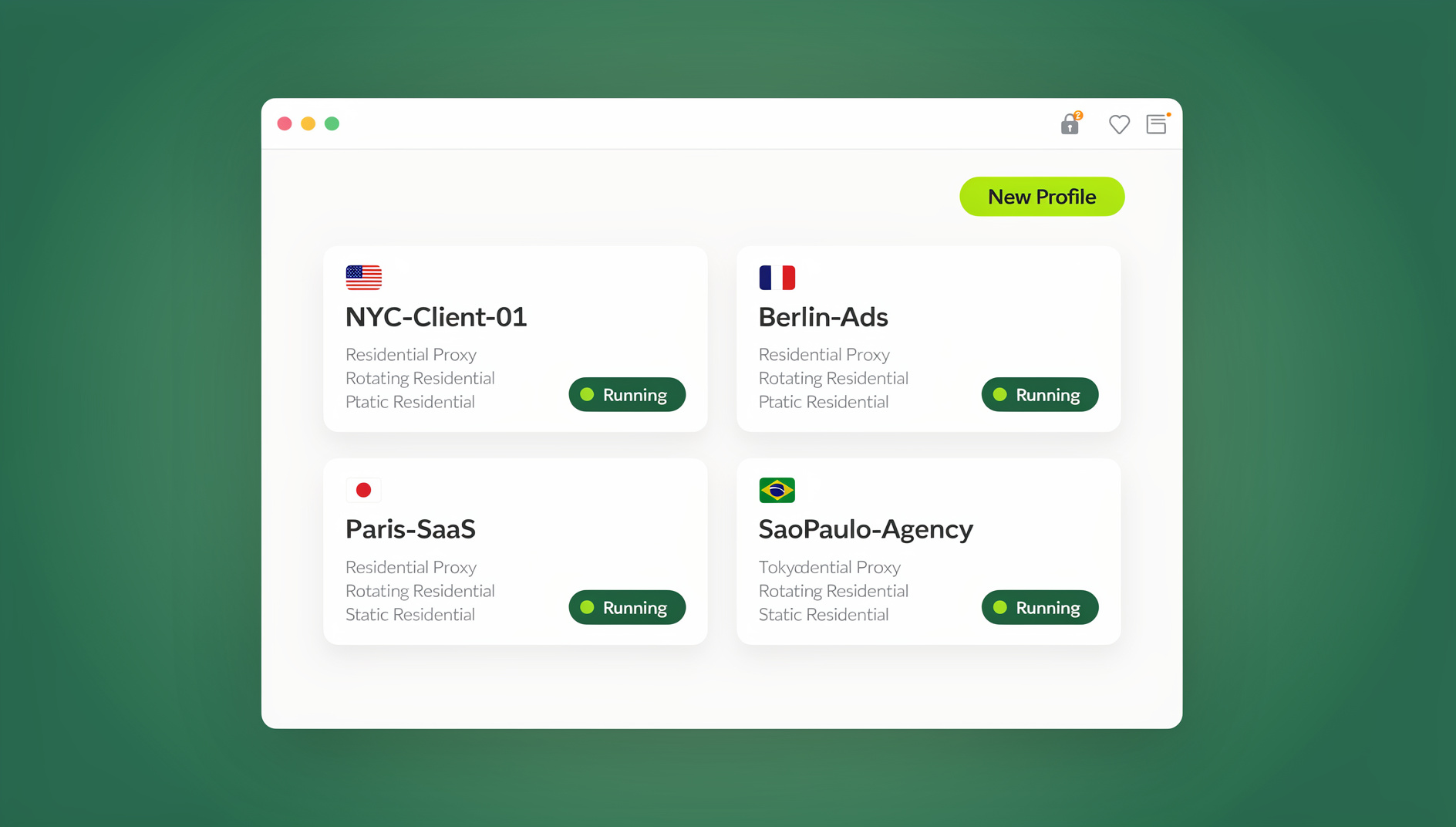
Send.win runs each research platform in its own isolated session — separate cookies, separate storage, separate autofill — all inside one browser window instead of a pile of private-mode tabs you have to re-authenticate constantly. Prolific, User Interviews, and Respondent stay in clean, unique fingerprints per profile, so nothing bleeds between them and nothing looks like duplicate-account activity from the same messy shared session.
Work From Any Device With Cloud Browser Sessions
If you check studies from a laptop in the morning and a different machine at night, Send.win’s cloud browser mode is the relevant feature here — it runs your saved sessions in the cloud with no desktop install needed, so you can pick up exactly where you left off from any device with a browser. Cloud browsing time is metered monthly and included on paid plans alongside cloud sync, session sharing, and team seats, which matters if you’re the kind of person who scans for new studies between a work laptop and a personal one.
Prefer Working Locally? Use the Desktop App
If most of your survey-hunting happens from one machine and you’d rather not touch a cloud dashboard, Send.win also ships a native desktop app for Windows, macOS, and Linux — this is the mode most people run day-to-day, keeping every research profile a click away without opening a browser tab for each one. Cloud sessions and the desktop app are separate, genuinely distinct ways to run the same isolated profiles; pick whichever matches how you work, or use both.
Share Access Without Sharing Passwords
Working with a research partner or collaborating on a shared household account (each using their own permitted login)? Send.win lets you share a session without ever revealing the underlying password, and you can blur or block sensitive pages — like a payout dashboard — before sharing your screen or handing off a session.
Built-In Proxies for Permitted Geo-Sensitive Tasks
Some legitimate research and usability-testing work genuinely calls for location variation — think testing a site’s regional pricing page or a geo-targeted ad flow. Send.win’s built-in proxies let you attach a proxy to one specific session without touching the rest of your browsing, which keeps that one task isolated. For a deeper look at how a proxy can help protect your privacy, it’s worth understanding the difference before you touch one. Just be clear-eyed about where this applies: never use a proxy or VPN on a survey panel that explicitly forbids them — most do, and getting caught costs you the account.
A Realistic Day in the Life
- Morning scan (15-30 minutes): Open Prolific, User Interviews, and Respondent, each in its own isolated session. Sort by pay and time, apply to the best first.
- Midday focus block: Complete one or two studies with full attention. Log actual duration versus the platform’s estimate.
- Admin tidy-up (10 minutes): Confirm payouts, record study IDs, close out sessions you’re finished with.
- Optional, only when explicitly permitted: Attach a proxy to a dedicated session for a legitimate geo-specific research task, keeping every panel that forbids proxies in its own untouched session.
Common Mistakes That Get Survey Accounts Flagged or Banned
| Do | Don’t |
|---|---|
| Use your real, consistent demographics | Create duplicate personal accounts on the same platform |
| Read each platform’s proxy/VPN policy before touching it | Use a proxy or VPN where the platform’s terms forbid it |
| Answer attention checks honestly and carefully | Rush through studies just to hit a payout threshold faster |
| Keep each platform in its own isolated browser session | Run five research accounts inside one shared browser profile |
| Report bugs or unclear instructions politely | Ignore study guidelines and hope it doesn’t get flagged |
Beyond Surveys: Diversifying Your Online Income in 2026
Surveys are a solid starting point, but the same session-isolation habit pays off across other side-income streams too. If you’re also exploring paid opportunities like making money from Reddit marketing using multiple accounts, the exact same isolated-profile setup keeps those accounts from cross-contaminating your research panel logins. And if you’re stacking survey income on top of freelance client work, the approach freelancers use to juggle multiple clients without burning out applies directly: one browser, clean separated sessions, no more re-logging in twelve times a day.
If you’re managing this as a small team — say, a research-ops person supporting several household members’ or teammates’ accounts — it’s worth knowing Send.win’s Team plan is built for small groups sharing sessions. For actual survey-taking, the desktop app or cloud sessions are what you’ll use day to day.
Send.win Pricing for Side-Hustlers
Send.win has no free trial, but paid plans start at $19/month (Pro) or $49/month (Team), and your first card purchase is covered by a 7-day money-back guarantee. You can also preview the isolated-session workflow in the free cloud demo before paying anything.
| Plan | Price | Good for |
|---|---|---|
| Pro | $19/month ($6.99/month billed annually — 63% savings) | Solo survey-takers running 3-5 research platforms |
| Team | $49/month ($20.99/month billed annually — 57% savings) | Small groups sharing sessions |
Both paid plans include a monthly allotment of cloud browsing time, cloud sync, and session sharing — the built-in proxy support is available as needed for permitted geo-specific tasks, and every profile gets a genuinely unique fingerprint rather than a copy of your main browser’s.
🏆 Send.win Verdict
Surveys pay off when you can run several research platforms at once without them tripping over each other’s cookies, autofill, or login state. Send.win handles that specific problem: isolated sessions with a unique fingerprint per profile, cloud browser access when you’re switching devices, a native desktop app when you’d rather work locally, and built-in proxies for the rare task that actually permits them — plus password-free session sharing if you collaborate with a research partner.
Try the free Send.win cloud demo — a 3-minute preview without signup (10 minutes a day with a free account), and keep Prolific, User Interviews, and Respondent in clean, separate sessions from day one.
Frequently Asked Questions
Can you really make money online with surveys in 2026?
Yes, but treat it as flexible side income, not a salary replacement. Realistic earners combine Prolific for daily consistency, User Interviews and Respondent for higher-paying sessions, and occasionally a points-based site to fill gaps, typically clearing $8-$20 per active hour.
What are the highest-paying legit survey platforms?
Respondent tends to pay the most for specialists with niche professional backgrounds (sometimes $50-$400+/hour), followed by User Interviews’ paid interviews and usability tests ($40-$150 per session), then Prolific’s transparent hourly-rate studies ($8-$15/hour).
How do I avoid survey scams?
Never pay to join a platform, ignore unsolicited “task job” invites over text or WhatsApp, and close any “You’ve won!” survey pop-up immediately. Stick to platforms with a public track record and a real help center.
Is it okay to use a VPN or proxy while taking surveys?
Only when the specific platform’s terms explicitly allow it — most research panels forbid VPNs and proxies entirely and will flag or ban accounts that use them. Reserve proxy use for permitted tasks like geo-specific QA or usability testing, in a separate session from your survey accounts.
Can running multiple survey accounts in one browser get me flagged?
Running several platforms in a single shared browser profile increases the risk of cookie collisions and accidental cross-logins, which can look suspicious to a platform’s fraud detection. Keeping each platform in its own isolated session — rather than creating duplicate personal accounts — avoids that entirely while staying within each platform’s one-account-per-person rules.
How do I calculate my real hourly rate from a survey?
Divide the payout by the actual time the study took you, not the platform’s estimate. Track this per requester; if a “10-minute” study regularly runs 20 minutes, its real rate is half of what’s advertised, and it’s worth deprioritizing.
Can I share a research account with someone else?
Only if the platform’s terms permit shared or household access and each person uses their own account where required. Tools like Send.win let you hand off a session without exposing your password, and blur or block sensitive pages like payout dashboards before sharing.
Do I need to install anything to manage multiple survey accounts with Send.win?
It depends which mode you use. The desktop app is a light native install for Windows, macOS, or Linux. Cloud browser sessions need no local install at all — you access your saved profiles entirely through the browser, which is the better fit if you switch between devices often.
Final Word
Online surveys won’t make you rich, but a disciplined mix of Prolific, User Interviews, and Respondent — run in clean, isolated sessions instead of one chaotic shared browser profile — can realistically add a few hundred dollars a month for a modest, consistent time investment. Set your accounts up properly, prioritize studies with a real hourly payoff, stay far away from anything asking for money up front, and keep each platform separated so one flagged session never puts the others at risk.