Sharing a password over Slack or email is one of the fastest ways to lose control of an account: once a teammate, contractor, or client has the plaintext credential, you can’t revoke it, log who used it, or stop them from forwarding it again. Send.win solves this by letting you share sessions without sharing passwords — a teammate gets one-click access to a live, already-logged-in session, while you keep the password, set an expiry timer, and revoke access instantly.
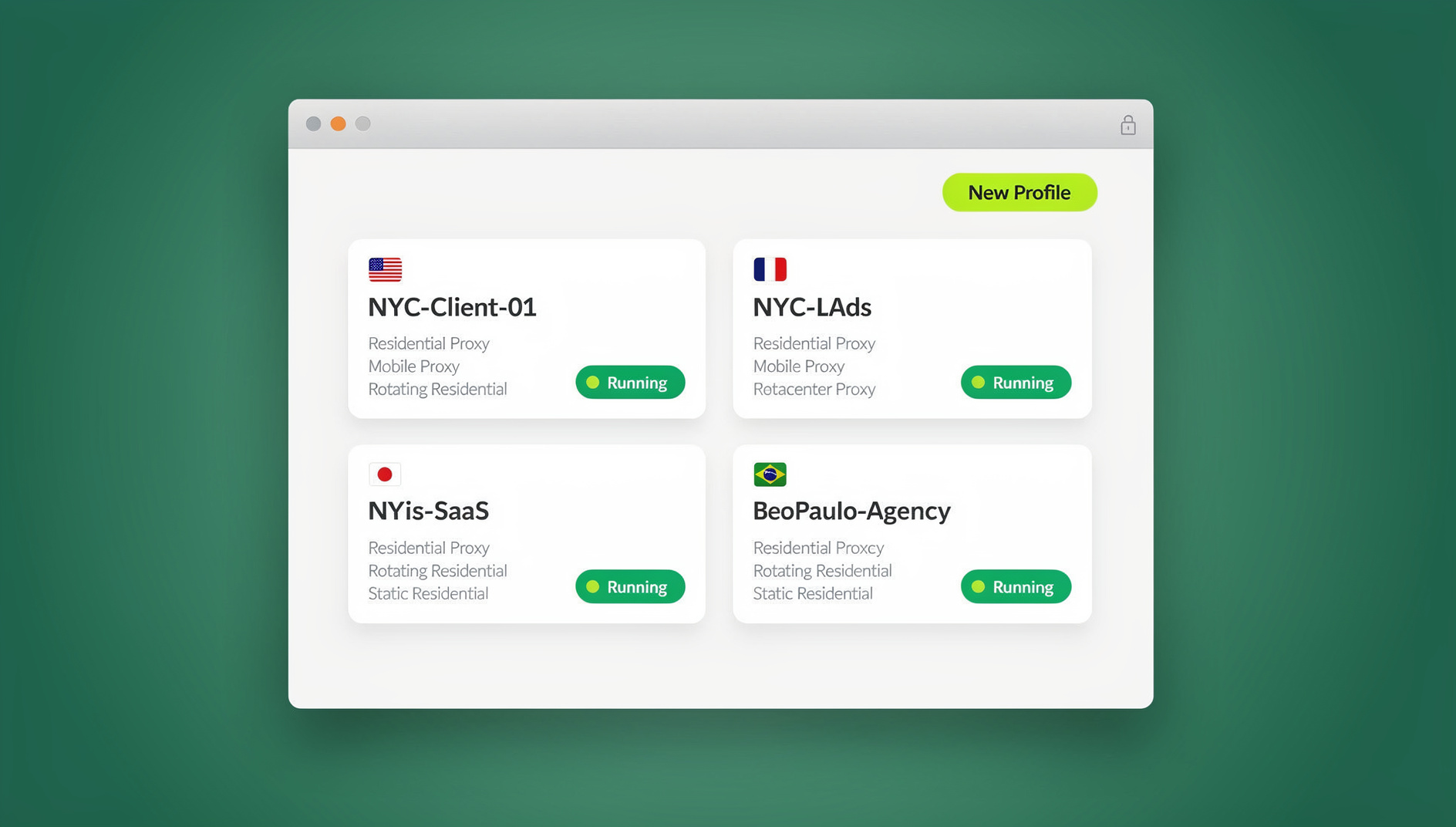
The Real Cost of Password Sharing
Security guidance from bodies like NIST and the UK’s National Cyber Security Centre (NCSC) has moved firmly against traditional password habits — reuse, informal sharing, forced resets, and “complex but memorable enough to text a coworker” strings. These habits create predictable failure modes: credential stuffing against reused passwords, social-engineering resets where an attacker convinces a help desk to hand over access, and account takeovers that ripple across every service tied to that login. The common thread is that a password, once shared, stops being a secret and starts being a liability that keeps existing long after the original reason for sharing it is gone.
There’s a quieter cost too: no audit trail. When three people share one login, “who changed the shipping settings” or “who approved that ad spend” becomes a guessing game. That’s painful during a routine review and worse during an actual incident, when you need to know exactly who touched what and when.
Where password sharing usually creeps in
- Handing off to a contractor or freelancer for a short-term task, then forgetting to change the password afterward.
- Onboarding a new hire onto shared marketing, ads, or analytics logins because provisioning a real seat takes too long.
- Letting a support agent take over a customer or admin session to troubleshoot, with no way to limit what they can see.
- Screen-sharing your own laptop so a colleague can “just click through it themselves,” exposing everything else open in your browser too.
What Send.win Actually Does
Send.win gives you two ways to work, and both support one-click session sharing. The first is the Sendwin Browser, a native desktop app for Windows, macOS, and Linux. It’s local-first — your browsing runs on your own machine — with encrypted cloud sync so your saved sessions, cookies, and settings follow you between devices. The second is a fully cloud browser session: the browser itself runs entirely on Send.win’s infrastructure and streams to whatever device you’re on, with nothing to install locally. Cloud sessions are metered by cloud browsing time, which makes them a good fit for occasional or short-lived access rather than an all-day daily driver.
Either mode gives every login its own isolated profile, so signing into five different Gmail accounts or a dozen client ad accounts doesn’t create cookie or fingerprint bleed between them. That isolation is also what makes remote browser isolation useful beyond privacy — because a shared session only exposes the one tab you hand over, not your whole environment.
How One-Click Session Sharing Works
The workflow is short enough to run mid-meeting:
- Open or launch a session — either in the Sendwin Browser or as a cloud session — and sign into the target site as you normally would.
- Navigate to the exact page your teammate or contractor actually needs, so they land in the right place instead of hunting through menus.
- Click “Share session” and send the generated link to the recipient. They don’t see your password at any point in this flow.
- Set guardrails before you send it: a session timer (30 minutes, 1 hour, or longer), a blur over sensitive widgets like billing or analytics, and a blocklist for pages you don’t want visible at all.
- Revoke or extend with one click the moment the task wraps up — no password rotation required afterward.
Because the recipient is working inside your session, not a screen recording or a copy, they can actually click, scroll, and fill in forms — it behaves like a normal browser tab with a few controls layered on top.
The Security Model Behind the Sharing
Encryption and isolation
Send.win uses modern cryptography — AES-256 for symmetric encryption and RSA-2048 for asymmetric operations — paired with per-profile isolation so that cookies and local storage from one session never cross into another. Each profile behaves like a fresh, sandboxed browser instance rather than a tab bolted onto your main one.
Zero-trust by default
For cloud sessions specifically, the page code executes on Send.win’s servers, not on the recipient’s machine — what reaches their screen is an interactive stream. That matters most when you’re handing a session to someone outside your organization: a vendor, an auditor, a one-off contractor. Even if the destination site were compromised, the blast radius stops at the cloud session instead of spreading to their laptop. This is the same principle covered in more depth in our guide to session isolation for multi-account work.
Nothing leaks the credential itself
The recipient of a shared session never sees the plaintext password, the underlying cookie, or any token they could copy out and reuse elsewhere. When you revoke access, it’s actually gone — not just logged out on their end while still valid if they saved it.
Who Actually Uses This Day to Day
Send.win’s use cases page breaks the audience into a few recurring patterns, and session sharing shows up in nearly all of them.
Marketers and advertisers
Agencies routinely need a client to approve a creative or a budget change inside a live ad account. Instead of emailing a login, they can share access instead of credentials, with billing dashboards blurred and a timer that expires the moment the approval is done.
E-commerce sellers
Running several storefronts or regional seller accounts means occasional handoffs to support staff or auditors. A time-boxed session lets that person do exactly the one task they need — checking an order, verifying a listing — without ever touching payout or bank details.
SEO professionals
Comparing SERPs or localized pricing across regions is easier with several isolated sessions open side by side, each with its own proxy, rather than juggling incognito windows that still share a fingerprint.
Developers, testers, and remote teams
Reproducing a logged-in bug is faster when you can hand a PM or engineer the exact broken state — same cookies, same account tier, same page — instead of describing it in a ticket and hoping they can recreate it with a staging login.
Everyday power users
Even outside work, keeping a side project, a family member’s account you help manage, or a shared streaming login separate from your main browsing profile avoids the constant log-out/log-in cycle.
Feature Deep-Dive: The Controls That Make Sharing Safe
One-click access without the password
Invite someone straight to the page they need, already authenticated. You keep the underlying credential; they get the session.
Session timer
Auto-expire shared access after a set window so a quick favor doesn’t quietly turn into standing access nobody remembers to revoke.
Blur and block sensitive pages
Mask specific elements — an invoice total, an analytics widget — with blur, or blocklist entire pages (like account settings or payout details) so they’re simply unreachable during a shared session.
Bring-your-own proxy
Attach a proxy to an individual session for accurate geo-testing or region-specific browsing, without routing your whole device through a VPN tunnel that can break unrelated apps.
Automation API
Starting on the Pro plan, Send.win also supports a local Automation API for driving the Sendwin Browser with standard tools like Selenium, Puppeteer, or Playwright. It’s a separate feature from session sharing, but teams often pair the two: automate repetitive logged-in tasks during the week, then hand a live session to a human reviewer when something needs a manual eye.
Send.win vs. the Usual Workarounds
| Old way | What goes wrong | Send.win upgrade |
|---|---|---|
| Shared team password in a password manager | No per-user traceability; one leak exposes everything | Share the session, not the secret; revoke on demand |
| Screen-sharing your own laptop | Recipient can’t act independently; exposes everything else open | An isolated session the recipient can actually drive, with your guardrails applied |
| One pooled browser profile for a whole team | Cookies and fingerprints cross-contaminate; easy to link and flag | Per-profile isolation with clean, separate containers |
| Full-tunnel VPN for geo checks | Blunt instrument that can break other apps and attribution | Per-session proxies scoped to just that browsing task |
Send.win Pricing
Send.win offers a straightforward trial-to-paid path: a 30-day free trial with no credit card required, so you can test session sharing and isolation before committing to a plan.
- Pro — $19/month (or $6.99/month billed annually): 150 profiles, 5GB of proxy bandwidth, and access to the Automation API.
- Team — $49/month (or $20.99/month billed annually): 500 profiles, 20GB of proxy bandwidth, the Automation API, and 16 seats for the whole team.
For most agencies and small teams doing regular client handoffs, Pro covers session sharing comfortably; Team makes sense once you need more seats or heavier proxy usage across the group. Full details are on the pricing page.
Getting Started
- Sign up at portal.send.win and start your 30-day trial — no card needed.
- Choose your mode: download the Sendwin Browser for a local-first setup with cloud sync, or launch a cloud session if you’d rather skip installation entirely.
- Log into the account you need, then click “Share session,” set a timer and any blur/block rules, and send the link.
Best-Practice Checklist for Secure Session Sharing
- Never send passwords over chat or email. Default to a timed session link instead.
- Keep MFA enabled on the underlying service, and limit who has full admin rights in the first place.
- Set the shortest timer that still gets the task done — you can always extend it if needed.
- Blur or block anything unrelated to the task before sending the link, not after.
- Audit shared links periodically and revoke anything left over from a finished project.
- Train your help desk on social-engineering red flags, especially around password reset requests — this is where shared-password habits get exploited most.
🏆 Send.win Verdict
If your team is still passing passwords around by chat or email, Send.win removes the reason to keep doing it. One-click session sharing, session timers, blur/block controls, and per-profile isolation let you hand someone exactly the access they need — nothing more, nothing left over once the timer runs out. Whether you work from the native Sendwin Browser or spin up a cloud session, the password never leaves your hands.
Try Send.win free today — start your 30-day trial and share your first session without ever typing out a password.
Frequently Asked Questions
Does the person I share a session with need their own Send.win account?
No. You send them a unique session link, and they access the live session through that link. They don’t need to sign up or install anything to use it.
Can I see who accessed a shared session and when?
Time-boxed session links give you far more accountability than a shared password ever could, since each link is tied to a specific handoff rather than a credential anyone could reuse indefinitely.
What happens when the session timer runs out?
Access simply ends. The recipient is logged out of the shared session, and you can extend it, re-share it, or leave it closed with one click.
Can I limit which pages someone sees during a shared session?
Yes. Use blur to mask specific sensitive elements, like billing widgets, or add pages to a blocklist so they’re completely unreachable for the duration of the share.
Do I need the Sendwin Browser installed, or can I share a session entirely from the cloud?
Both work. The native Sendwin Browser is a local-first desktop app with encrypted cloud sync, while cloud browser sessions run entirely on Send.win’s servers with no local install at all. Session sharing works the same way in either mode.
Is there a free trial before I need to pay?
Yes — Send.win offers a 30-day free trial with no credit card required, which is enough time to test session sharing, isolation, and proxy features on real workflows.
Which plan includes the Automation API?
The Automation API is available starting on the Pro plan ($19/month, or $6.99/month billed annually), and is also included on Team. It lets you drive the desktop app with standard tools like Selenium, Puppeteer, or Playwright.
Is this only useful for teams, or does it help solo users too?
Both. Teams use it for approvals, support handoffs, and QA; solo users use the same one-click sharing to hand a session to a contractor, family member, or one-off collaborator without ever handing over a password.