Choose Send.win if you want a fast, secure multi-login browser with almost zero setup: a native desktop app or fully cloud-hosted sessions, encrypted sync, and an Automation API available starting on the Pro plan. Choose a classic anti-detect browser such as Multilogin, GoLogin, AdsPower, Kameleo, or Incogniton if your priority is deep fingerprint spoofing and large-scale local automation across hundreds of device personas.
What are “multi-login” and “anti-detect” browsers?
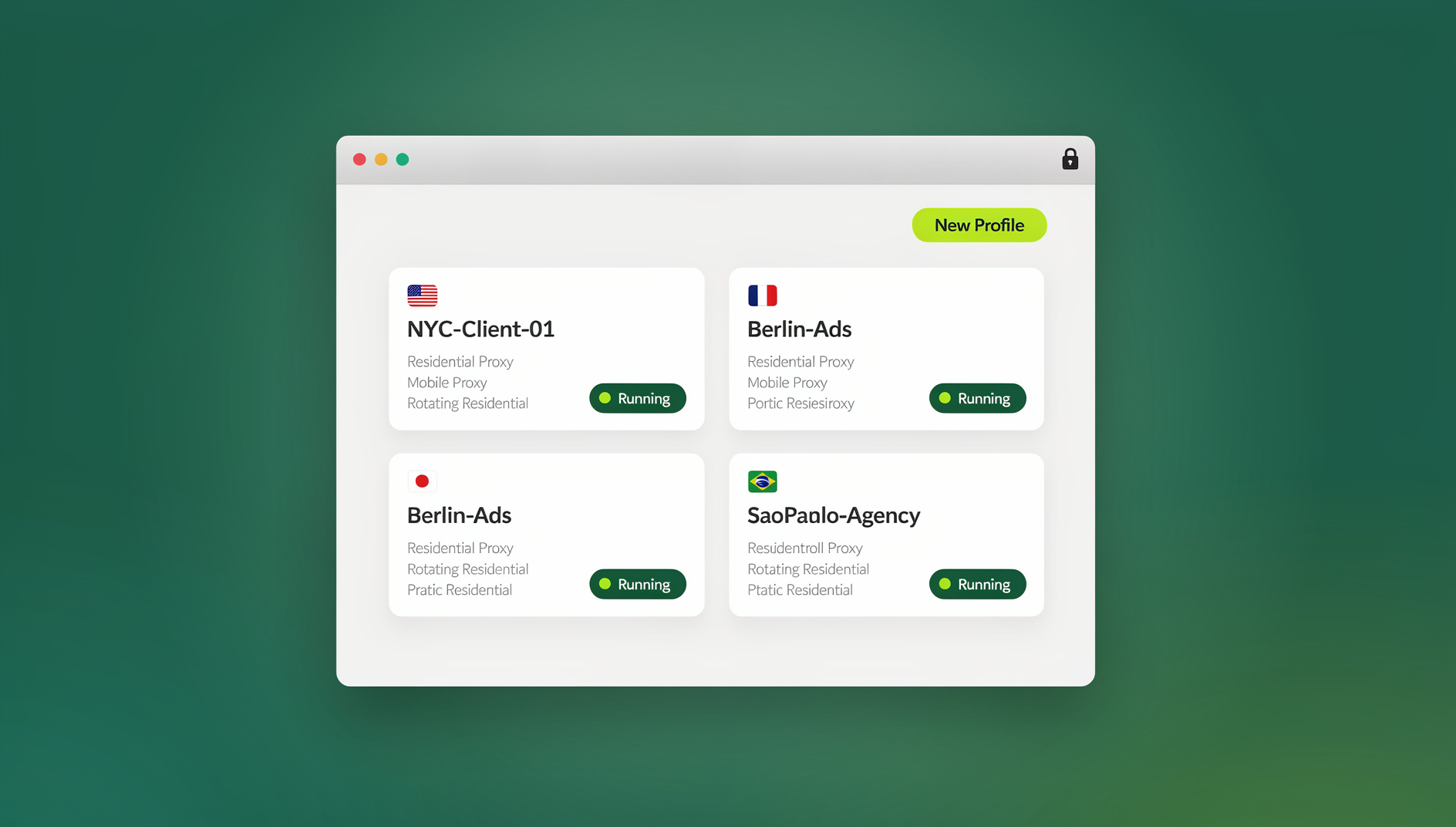
A multi-login browser lets you run many accounts on the same platform at once without them interfering with each other. Each session behaves like its own mini-browser, with separate cookies, local storage, and identity signals. The benefit is straightforward: no cross-pollination between clients, campaigns, or storefronts, and no more forced logouts every time you switch accounts.
Some multi-login products are also marketed as anti-detect browsers. Beyond basic isolation, they add fingerprint controls — tuning or randomizing signals like user-agent, timezone, canvas/WebGL output, installed fonts, and hardware hints. Websites use these subtle signals to tell one device from another, so the more you need to imitate specific device personas, the more a heavy anti-detect tool helps. The trade-off is complexity: more knobs to tune, more profiles to maintain, and more responsibility for keeping everything patched and consistent.
Meet Send.win: two ways to browse, one system for isolation
Send.win gives you two ways to work with multiple logins, and the right one depends on how you work:
- Sendwin Browser — a native, downloadable desktop application for Windows, macOS, and Linux. It’s local-first, meaning your sessions run on your own machine for speed and offline resilience, while your profiles, bookmarks, and settings sync through encrypted cloud sync so you can pick up the same sessions on another device.
- Cloud browser sessions — sessions that run entirely on Send.win’s infrastructure and stream to whatever device you’re on. There’s nothing to install, your laptop never touches the actual page content, and usage is metered by cloud browsing time rather than a device install.
Both modes share the same core idea: every session gets its own isolated identity, so you can run “Client A” and “Client B,” or five different marketplace storefronts, side by side without accounts bleeding into each other. If you want the deeper mechanics of how that isolation actually works under the hood, our session isolation guide breaks down cookies, storage partitioning, and why it matters for account safety.
Why Send.win’s approach feels different
- Multiple logins made easy — Stop serializing work behind a single profile. Open as many isolated sessions as your plan allows and switch between them in one click.
- Session isolation on every tab — Each session keeps its own cookies and storage, so analytics stay clean, social logins stay stable, and admin panels behave predictably.
- Choice of desktop app or cloud sessions — Run the native Sendwin Browser locally for speed and offline flexibility, or spin up cloud sessions when you need zero-install access from any machine.
- Bring your own proxy — Attach your own proxy per session to keep geo and IP signals consistent, with proxy bandwidth included on both paid plans.
- Protect sensitive pages — Blur or block pages you don’t want visible when sharing a session, such as billing or account settings.
- Share sessions, not passwords — Give a teammate or client access to a live session without ever handing over the underlying credentials.
- Session timers — Set access windows (30 minutes, an hour, a day) so shared sessions expire automatically.
- Encrypted cloud sync — Profiles, bookmarks, and settings sync securely so your setup follows you across devices.
- Automation API from the Pro plan — Drive local automation against the desktop app using standard frameworks like Selenium, Puppeteer, or Playwright, without needing to jump to the top-tier plan.
- Generous free trial — Test the full workflow for 30 days without entering a credit card.
Who Send.win is for
Send.win is built for people who need clean separation between accounts more than they need deep device-spoofing:
- Marketers and advertisers managing multiple ad accounts, reviewing creatives, or tracking competitors without cross-account contamination.
- E-commerce sellers running several shops or marketplace accounts without cookie or storage overlap that could trigger a ban.
- SEO professionals checking rankings and SERP features from different regions consistently.
- Developers, QA testers, and remote teams running isolated sessions to reproduce bugs, test flows, or open unfamiliar links in a disposable session.
- Agencies and freelancers juggling client logins who need to hand off access without ever sharing a password.
The common thread: Send.win is positioned as a productivity and privacy tool for people managing real accounts at scale, not a specialized fingerprint-spoofing framework for adversarial automation.
The evaluation checklist: how to compare your options
When you’re weighing Send.win against a traditional multi-login browser or anti-detect suite, judge each option on these dimensions:
- Isolation quality — Do sessions truly keep cookies, storage, and identity signals separate, with no leakage between tabs?
- Fingerprinting depth — Do you need light-touch privacy and clean separation, or heavy spoofing of device fingerprints for specific test scenarios?
- Proxy and location control — Can you bring your own proxies? How much bandwidth is included, and can you choose regional endpoints?
- Team collaboration — How easy is it to share access without passwords, blur or block sensitive pages, set session timers, and revoke access instantly?
- Automation — Do you need a scripting API for Selenium, Puppeteer, or Playwright, and at what plan tier does that unlock?
- Deployment model — Do you prefer a local-first desktop app with cloud sync, fully cloud-hosted sessions, or a mix of both?
- Pricing and scaling — What’s the real cost per profile and per seat? Is there a genuine free trial, and does the model scale as your team grows?
Head-to-head: Send.win vs. popular multi-login browsers (2026)
Isolation, privacy, and security
- Send.win: Every session is isolated by design, whether it’s running locally in the Sendwin Browser app or streamed from a cloud session. Cloud sessions execute remotely, so risky pages never touch your endpoint directly; desktop sessions keep everything local-first with encrypted sync for your profile data.
- Classic anti-detect browsers (local): Isolation happens through browser profiles paired with fingerprint templates. Your own machine executes the code, so you’re responsible for patching, antivirus coverage, and keeping the app itself updated.
Fingerprinting control
- Send.win: Focuses on clean separation and consistent, natural-looking signals rather than aggressive spoofing. It’s a productivity and account-safety tool first, not a fingerprint-engineering platform.
- Multilogin, GoLogin, AdsPower, Kameleo, Incogniton: Offer granular fingerprint controls — user-agent, timezone, canvas/WebGL, fonts, languages — sometimes with headless modes and dedicated rendering kernels. Useful for specialized testing, but always confirm you’re staying within the terms of service of any platform you access. Our browser fingerprint automation guide covers how detection systems actually flag these signals.
Proxies and location
- Send.win: Bring your own proxy per session, with 5GB of proxy bandwidth bundled into the Pro plan and 20GB on Team — enough for most day-to-day account management without a separate VPN subscription.
- Others: Broad proxy support too; some vendors bundle proxy access or partner with third-party proxy providers, often at additional cost.
Team features and collaboration
- Send.win: A genuine standout for collaboration. Share a live session by link, blur or block sensitive pages, set an expiring access timer, and revoke access instantly — without ever exposing the underlying password. Team plans include 16 seats out of the box.
- Others: Team seats and profile sharing vary widely across vendors; some emphasize role-based access or centralized management on higher tiers, often at a steeper price jump.
Automation and APIs
- Send.win: The Automation API lets you drive the desktop Sendwin Browser locally with Selenium, Puppeteer, or Playwright, and it’s available starting on the Pro plan — you don’t need to buy the top tier just to script your sessions.
- Others: Strong automation options in this category too — desktop APIs, REST endpoints, headless kernels, and in some cases built-in RPA. If you need very large-scale, fully headless automation across hundreds of profiles, these tools can still have an edge.
Setup and maintenance
- Send.win: Choose between installing the native desktop app once (with automatic updates and encrypted sync) or launching a cloud session straight from the dashboard with nothing to install at all.
- Others: Desktop installs with more configuration surface — fingerprint templates, proxy assignment, automation frameworks. Powerful, but it takes ongoing maintenance to keep everything current.
Real-world scenarios (so you can decide faster)
“We’re an agency juggling 20+ client accounts across ad platforms.”
Go with Send.win. Share sessions without passwords, blur billing pages before handing access to a client, set time-boxed access for reviewers, and revoke with a click. Pair sessions with your own proxies to keep geo signals consistent across accounts.
“We need scripted tests across many device personas at scale.”
Lean toward a classic anti-detect browser with a mature headless API and large profile counts — that’s where tools like Multilogin or AdsPower still have the edge for pure device-mimicry automation.
“Our security team wants the lowest endpoint risk.”
Use Send.win’s cloud browser sessions. Pages execute remotely on Send.win’s infrastructure, so risky content never lands on your machine. Spin up a disposable session for anything you’re unsure about.
“We mostly need clean separation, occasional automation, and a fast setup.”
Send.win’s Pro plan covers this well: 150 profiles, 5GB of proxy bandwidth, and an Automation API for when you do need to script something — without the overhead of a full anti-detect suite.
Pricing: Send.win vs. the field
Send.win keeps pricing simple and transparent, with a 30-day free trial and no credit card required to start:
| Plan | Monthly | Billed annually | Profiles | Proxy bandwidth | Automation API | Seats |
|---|---|---|---|---|---|---|
| Pro | $19/mo | $6.99/mo | 150 | 5GB | Included | 1 |
| Team | $49/mo | $20.99/mo | 500 | 20GB | Included | 16 |
Compare that against typical anti-detect vendors, most of which price by profile count and gate their APIs behind higher tiers:
- Multilogin — Tiers scaled by profile counts, with headless mode and API access reserved for higher plans.
- GoLogin — A limited free plan plus paid tiers (10/50/100+ profiles) with REST API access on upper tiers only.
- AdsPower — A small free plan plus paid tiers adding team features, a local API, and RPA.
- Kameleo — Tiers with local and cloud profiles, role-based access, and advanced device-masking features.
- Incogniton — A free starter plan plus paid packages with higher profile counts and collaboration controls.
What this means in practice: if your core need is safe, fast multi-login work with strong collaboration and an automation option that doesn’t require the most expensive plan, Send.win’s Pro tier is a low-friction way to equip yourself or a small team. If your priority is very high-volume automation or sophisticated device mimicry across hundreds of personas, budget for an anti-detect suite that specializes in that — with the operational overhead that comes with it.
Feature deep-dive: what you gain with Send.win
1) Multiple logins made easy
Run “Client A” and “Client B” side by side, QA in one session and publish in another, and switch with a single click. Once you stop serializing work behind a single profile, the productivity jump is immediate.
2) Session isolation on every tab
Every session owns its own cookies and storage. That’s the foundation for clean analytics, stable social logins, and predictable admin flows across every account you manage.
3) A choice of desktop app or cloud sessions
Install the native Sendwin Browser once on Windows, macOS, or Linux for local-first speed with encrypted cloud sync, or launch a fully cloud-hosted session when you need zero-install access from a shared or unfamiliar machine.
4) Bring-your-own proxy plus bundled bandwidth
Attach proxies per session to maintain consistent location signals, with 5GB (Pro) or 20GB (Team) of proxy bandwidth included — often more cost-effective than stacking a separate VPN subscription on top.
5) Protect the pages you don’t want to share
Blur or block sensitive pages — billing, account settings, personal data — while sharing a live session with a teammate or client. Combine that with session timers for tight, temporary access control.
6) An Automation API that starts on Pro
Script repeatable workflows against the desktop app using Selenium, Puppeteer, or Playwright. Because the API is available from the Pro plan rather than gated behind a top-tier plan, small teams can automate routine account checks without overpaying for seats they don’t need.
7) Encrypted cloud sync
Your profiles, bookmarks, and settings sync securely across devices, so switching from your desktop to a laptop mid-project doesn’t mean rebuilding your session setup from scratch.
Where classic anti-detect browsers still shine
There are good reasons some teams stick with traditional tools:
- Granular fingerprint controls — Adjust canvas/WebGL output, fonts, language packs, and hardware hints for experiments that need very specific device personas.
- Deep headless automation — Local and REST APIs, headless kernels, and sometimes built-in RPA let you scale testing or data collection well beyond a few hundred profiles.
- Mass profile management — If your bottleneck is sheer identity count rather than collaboration, some of these tools are cost-effective at very high scale.
If that’s your world, it’s worth exploring our broader roundup of the anti-detect browser landscape, which compares fingerprint depth, automation hooks, and pricing across the major players in more detail.
A quick note on ethics and compliance
Fingerprinting and identity controls are powerful tools. Regardless of which product you choose, use it within the terms of service of the platforms you access and in line with applicable law. Send.win positions itself as a safe, responsible way to manage multiple logins and collaborate without ever sharing passwords — it’s built for legitimate multi-account workflows, not for evading platform rules.
Getting started with Send.win
- Sign up — Create your account and start the 30-day free trial; no credit card is required.
- Pick your mode — Download the native Sendwin Browser for Windows, macOS, or Linux if you want a local-first app with encrypted sync, or launch a cloud browser session if you’d rather run everything remotely with nothing installed.
- Start browsing — Create your first isolated session, optionally attach a proxy, name it clearly, and get to work. Share sessions by link when you need to collaborate, add a timer if you want access to expire automatically, and blur any page you don’t want a collaborator to see.
Comparison table: Send.win vs. multi-login browsers (2026)
| Capability | Send.win | Multilogin | GoLogin | AdsPower | Kameleo | Incogniton |
|---|---|---|---|---|---|---|
| Core approach | Native desktop app with cloud sync, or fully cloud-hosted sessions | Local app + headless; deep profiles | Local app; profiles and REST API; limited free plan | Local app; local API and RPA; team controls | Local/cloud profiles; advanced masking | Local app; profiles and team seats |
| Fingerprint focus | Light — clean separation, not heavy spoofing | Heavy — advanced masking | Heavy — fingerprint management | Heavy — custom fingerprints | Heavy — canvas and device controls | Medium — multi-profile management |
| Collaboration | Share by link; blur/block; session timers; 16 seats on Team | Team seats and sharing | Team sharing on paid plans | Team roles and profile sharing | Role-based access; shared cloud profiles | Team seats; profile sharing |
| Proxies/bandwidth | BYO proxies; 5GB (Pro) / 20GB (Team) bundled | Proxies; bundles on some tiers | Proxies; free-plan limits | Proxies; dynamic IP matching | Proxies; local/cloud | Proxies |
| Automation | Automation API (Selenium/Puppeteer/Playwright) from Pro | Desktop/headless plus APIs | REST API on upper tiers | Local API plus RPA | Developer integrations | Scripting options vary |
| Setup and upkeep | One-time desktop install or zero-install cloud sessions | Desktop install; tune profiles | Desktop install | Desktop install | Desktop plus cloud sync | Desktop install |
| Trial | 30 days, no credit card | Varies by plan | Free 3-profile tier | Free 2-profile tier | Varies by plan | Free starter plan |
🏆 Send.win Verdict
If you need a multi-login browser that’s fast to set up, safe to share, and flexible enough to run locally or entirely in the cloud, Send.win is the stronger everyday choice — especially since its Automation API is available from the Pro plan rather than locked behind the most expensive tier. Reach for a dedicated anti-detect browser only if your work genuinely depends on deep fingerprint spoofing or headless automation across hundreds of device personas.
Try Send.win free today — start your 30-day trial, no credit card required.
FAQs
Is Send.win an anti-detect browser?
Not in the heavy fingerprint-spoofing sense. Send.win is a multi-login browser focused on clean session isolation, secure sharing, and safety rather than aggressive device masking. Use any multi-login product responsibly and within the platform rules of the sites you access.
Is Send.win available on Mac and Linux, or just Windows?
The native Sendwin Browser is available as a downloadable desktop application for Windows, macOS, and Linux. If you’d rather not install anything at all, a cloud browser session runs entirely on Send.win’s infrastructure and streams to whatever device you’re using, regardless of operating system.
Can I automate my sessions with Selenium, Puppeteer, or Playwright?
Yes. Send.win’s Automation API is available starting on the Pro plan and lets you drive local automation against the desktop app using standard frameworks like Selenium, Puppeteer, or Playwright.
How much does Send.win cost?
Pro is $19/mo ($6.99/mo billed annually — 63% off) with 150 profiles and 5GB of proxy bandwidth. Team is $49/mo ($20.99/mo billed annually — 57% off) with 500 profiles, 20GB of bandwidth, and 16 seats. Both plans include the Automation API and a 30-day free trial with no credit card required.
Do I need to install anything to try Send.win?
Not necessarily. If you’d rather not install the desktop app, you can start with a cloud browser session, which runs entirely on Send.win’s infrastructure and streams to whatever device you’re using.
How does Send.win protect privacy across sessions?
Each session keeps its own cookies and storage, so nothing bleeds between accounts. Cloud sessions execute remotely rather than on your machine, and profile data syncing between devices is encrypted.
What if I need deep fingerprint customization and mass headless automation?
That’s where classic anti-detect browsers still have an edge. Look at options with mature headless APIs and large profile-scaling plans if that’s your primary workload.
Is there a free trial, and is a credit card required?
Yes — Send.win offers a 30-day free trial and does not require a credit card to start.
The bottom line
If your day revolves around juggling many logins, collaborating smoothly, and keeping your setup simple, Send.win is a strong choice in 2026. You get a native desktop app or fully cloud-hosted sessions, clean per-session isolation, share-by-link with blur/block controls, timed access, bring-your-own proxies, and an Automation API that doesn’t require the top-tier plan — all backed by a 30-day free trial with no credit card required.
If your work hinges on deep fingerprint control and large-scale headless automation across hundreds of device personas, a traditional anti-detect browser may be the better fit — just plan for the operational overhead of profile management, automation frameworks, and constant upkeep that comes with it.