The best productivity software for solo makers isn’t the tool with the most features — it’s a lean stack that removes friction: one place to plan, one place to write, one place to design, and one reliable way to run every login you juggle without re-authenticating all day. Send.win anchors that last piece, letting you manage dozens of accounts from a native desktop app or a metered cloud browser session, so the rest of your stack can stay small and fast.
A Lean Solo-Maker Stack That Actually Saves Time
If you’re a solo maker or indie hacker, time is your real budget. Every extra login, tab, and context switch steals focus until a “quick task” eats the afternoon. The fix isn’t more apps — it’s fewer, better-connected ones. Here’s the shortlist worth building around:
- Multi-login browsing: Send.win — run isolated login sessions from a native desktop app or the cloud, and share access without handing out passwords.
- Planning and projects: Notion (all-in-one docs/tasks) and ClickUp (deeper project structure and automations).
- Writing and knowledge: Google Docs (real-time collaboration) plus Obsidian (local, linked notes).
- Design and shipping: Figma (product/UI) and Canva Pro (templates, brand kits, fast social assets).
- Automation: Zapier (largest integration catalog), Make (visual, complex flows), n8n (open, self-hostable).
- Time tracking: Toggl Track (simple, solid reporting).
- Scheduling: Calendly (frictionless booking).
- Launcher (macOS): Raycast (fast commands, extensions, AI).
Why Most Solo-Maker Stacks Fail (and How to Fix Yours)
Problem #1: Context switching. Jumping between accounts and apps is silent overhead. Re-authenticating, cookie conflicts, and “which account am I in?” moments add up fast.
Problem #2: Tool sprawl. Ten “best” apps that don’t talk to each other will underperform a smaller, tighter stack every time.
Problem #3: Shared credentials. Collaborating with contractors or clients gets messy fast when you’re passing around passwords or screen-sharing all day just to hand off a task.
The fix: consolidate logins and cut the tab gymnastics with Send.win, then pick one tool per job category that plays well with the rest. You get parallel workflows instead of serial ones, clean separation instead of cookie bleed, and fewer surprises when a client or contractor needs temporary access.
The Anchor: Send.win for Multi-Login Browsing
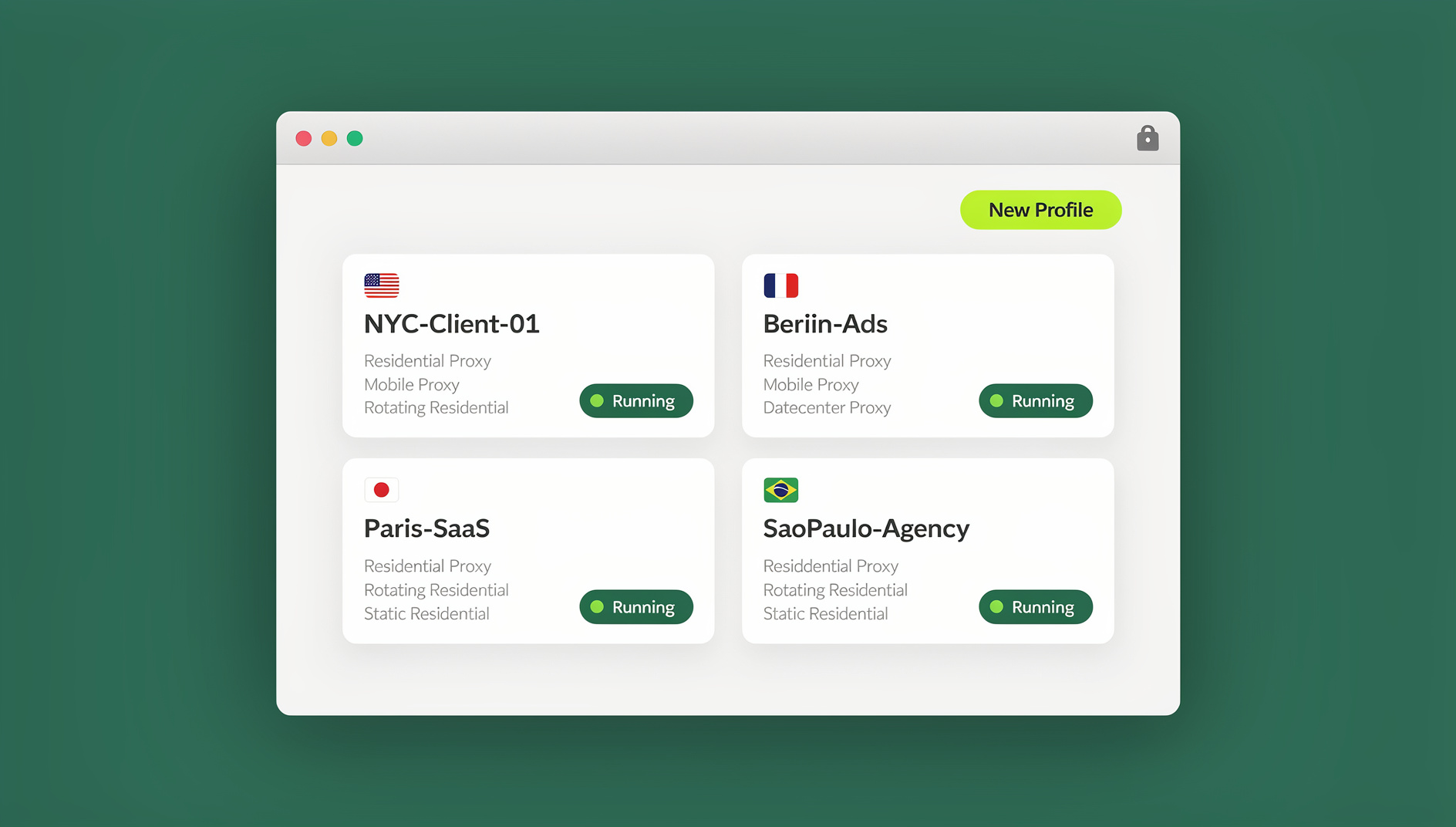
Send.win exists to solve one specific pain point for solo makers: running multiple logins — client accounts, test accounts, ad accounts, marketplace storefronts — without constant sign-outs, cookie conflicts, or shared passwords. It gives you two ways to work, depending on what you need that day.
Two Ways to Run Send.win: Native Desktop App or Cloud Sessions
The Sendwin Browser is a native, downloadable desktop app for Windows, macOS, and Linux. It’s local-first, so browsing happens on your own machine, with encrypted cloud sync keeping your profiles, proxies, and saved sessions backed up and available across devices.
When you don’t want to install anything — a borrowed laptop, a locked-down work machine, a quick job from your phone — cloud browser sessions run entirely in the cloud with zero local install. You launch a session from your dashboard, work inside it like any browser tab, and usage is metered by cloud browsing time rather than a flat monthly cap.
Either way, each profile keeps its own cookies, storage, and, optionally, its own proxy, so switching between a client’s ad account and your own doesn’t bleed data between sessions.
Who Gets the Most Value
Send.win shows up most often for a handful of recurring jobs:
- Freelancers and consultants juggling multiple client logins without mixing up which dashboard belongs to whom — a pain freelancers managing several clients at once know well.
- Marketers and advertisers running multiple ad accounts without logging in and out all day.
- E-commerce sellers running several shops without cross-contamination between storefronts.
- SEO professionals checking rankings and SERPs from different regions.
- Developers and testers reproducing bugs across parallel roles or staging versus production accounts.
- Agencies that need the whole team working from separated, auditable sessions — the kind of setup that scales cloud browser access across a growing agency team.
Pricing, Plans, and Getting Started
Send.win has no free trial, but the first card purchase is covered by a 7-day money-back guarantee, so you can build your real workflow before committing. Two paid plans cover almost every solo-maker and small-team case:
| Plan | Price | Profiles | Proxy Bandwidth | Seats | |
|---|---|---|---|---|---|
| Pro | $19/mo ($6.99/mo billed annually — 63% off) | 150 | 5GB | Included | 1 |
| Team | $49/mo ($20.99/mo billed annually — 57% off) | 500 | 20GB | Included | 16 |
Getting started takes three steps: sign up and pick a paid plan, choose whether to download the native Sendwin Browser desktop app or launch a cloud session for that day’s task, then create a profile for each login you need to keep separate. There’s no wrong choice — most solo makers end up using the desktop app as their daily driver and cloud sessions for one-off jobs on machines they don’t control.
Plan, Think, and Track Work Without Drowning in Tools
Notion — Docs, Wikis, Tasks, and Mini-Databases
For solo makers, Notion can replace several apps at once: notes, project tracker, even a lightweight CRM. Its flexible databases and custom views make a solid “ops hub” for every project you’re running.
Pair it with Send.win by keeping a profile dedicated to your Notion workspace, vendor portals, and finance tools open side by side — and when a contractor needs to see one board, you can share that session’s access without handing over a password.
ClickUp — Deeper Project Management with Automations
If you want Gantt/timeline views, workload tracking, custom statuses, and more structure than a simple to-do list, ClickUp brings real depth without going full enterprise. It complements Notion once you outgrow flat task lists.
Write and Organize Knowledge Your Future Self Will Thank You For
Google Docs — the “Send for Review” Standard
Docs is still the default for collaborative writing: live cursors, comments, and Suggesting mode make it easy for clients or collaborators to review and edit in real time.
Keep separate Google accounts — personal, client, brand — open at once in their own Send.win profile instead of logging in and out or juggling secondary browsers.
Obsidian — Local, Markdown, Networked Notes
For private thinking, Obsidian stores notes as plain-text Markdown on your device. The value is in linking notes together and using the graph view to see how your ideas connect. Optional sync and publish add-ons let you scale up later.
A simple workflow: draft ideas in Obsidian, polish them in Docs for review, then ship through whichever CMS or newsletter tool you use — each with its own isolated Send.win profile so your idea-to-publish pipeline never gets tangled.
Design, Prototype, and Ship Assets Fast
Figma — End-to-End Design for Product UI and Brand Work
Figma is the solo maker’s Swiss Army knife for UI, components, and marketing assets — everything from wireframes to polished visuals. Keep a brand kit handy, export what you need, and move on.
Canva Pro — Templates, Brand Kits, and Speedy Publishing
For quick social graphics, decks, or a one-pager, Canva Pro is fast, template-rich, and beginner-friendly. Brand controls and built-in AI features keep things consistent as your content volume grows.
Automate the Boring Parts (and the Error-Prone Ones)
Zapier — the Biggest Integration Catalog
Zapier connects your scattered tools with “Zaps” — triggers plus actions. It’s often the fastest path to automation because nearly everything integrates with it: lead capture, inbox triage, research handoffs, bookkeeping nudges.
Make — Visual Power for Complex Flows
Make (formerly Integromat) shines when you need multi-branch logic, iterators, or heavier data transforms. It’s built for makers who enjoy designing flows visually and thinking in systems.
n8n — Fair-Code, Self-Host or Cloud
Prefer to own your stack? n8n offers a fair-code license with both hosted and self-host options — useful if you want predictable costs at scale or just don’t like vendor lock-in.
If your automation needs go beyond webhooks and API calls — say, scripting repetitive browser tasks against your own accounts — Send.win is not the tool for that: it has no automation interface, so there is no API, SDK, headless mode or Selenium, Puppeteer or Playwright support on any plan. What Send.win does offer is isolated browser profiles, each with its own cookies, storage, sessions, fingerprint settings and proxy.
Track Your Time, Protect Your Focus
Toggl Track — Simple Time Tracking with Strong Reports
Toggl Track balances minimal effort with useful reporting. Start and stop timers quickly, tag work by client or project, and export what you need for invoicing or retros — a fast way to see where your hours actually went.
Raycast (Mac) — Launch Anything, Anywhere
On macOS, Raycast is a fast launcher with commands, extensions, and built-in AI. Jump straight to the exact Send.win profile, Notion doc, or Toggl timer you need without touching the mouse.
Make Meetings Painless
Calendly — Frictionless Scheduling
Calendly keeps scheduling simple: share a link, let people book within your availability, and skip the back-and-forth. It’s a staple for customer calls, interviews, and demos.
When a prospect books, open a client-specific Send.win profile with your CRM, notes, and billing screens ready to go, isolated from your other logins. If they need to review something behind a login of their own, share session access instead of a password.
A One-Person Workflow: Idea to Shipped in One Sitting
- Capture and plan in Notion (roadmap, tasks) and Obsidian (ideas, research) side by side.
- Design a quick mock in Figma and export the assets you need.
- Write landing page copy in Google Docs with Suggesting mode turned on for a mentor or client.
- Automate a launch checklist in Zapier or Make — duplicate a Notion template, create a ClickUp task, schedule a social post.
- Run it all through Send.win: keep personal, client, and test logins in separate profiles, use a proxy for geo-specific checks, and share a session link with a contractor for QA — no password shared.
- Track time in Toggl Track so you actually know where the day went.
The result: one stack, multiple identities, parallel tasks — and no derailed flow.
Send.win vs. Juggling Separate Browser Profiles or Incognito Windows
Most solo makers start with browser profiles or incognito windows before they hit the wall. Here’s how the approaches stack up:
| Approach | Setup Effort | Session Isolation | Sharing Without Passwords | Best For |
|---|---|---|---|---|
| Incognito windows | None | Weak — shares device context | No | One-off, low-stakes checks |
| Multiple browser profiles | Manual, per-browser | Moderate | No | A handful of accounts |
| Send.win (desktop app or cloud) | Minutes | Strong — per-profile cookies/storage | Yes, with time-boxed links | Dozens of accounts, contractors, agencies |
Once you’re past three or four accounts, profile-juggling stops scaling — that’s usually the point where it’s worth taking ten minutes to compare Send.win against other multi-login browsers and see whether the desktop app or cloud sessions fit your workflow better.
🏆 Send.win Verdict
For solo makers, the best productivity software stack isn’t one giant app — it’s a handful of focused tools plus one reliable way to handle every login without friction. Send.win fills that role well: a native desktop app when you want a permanent daily driver, and disposable cloud sessions when you need a clean environment fast. Layer it under Notion, Figma, Zapier, and the rest of your stack, and you’ll spend a lot less of your week fighting logins.
Try Send.win today — paid plans start at $19/mo, with the first card purchase covered by a 7-day money-back guarantee.
FAQs
What’s the best productivity software stack for solo makers in 2026?
A lean combination works best: one planning tool (Notion or ClickUp), one writing tool (Google Docs or Obsidian), one design tool (Figma or Canva), one automation tool (Zapier, Make, or n8n), and Send.win to keep every login you juggle across clients, ad accounts, and test environments in its own isolated browser profile.
Do I need a separate browser for every account I manage?
No. Send.win gives each login its own isolated profile — with its own cookies and storage — inside a single native app or cloud dashboard, so you don’t need a separate physical browser or a pile of incognito windows to keep accounts from bleeding into each other.
Is Send.win a cloud tool, or something I install?
Both, and you choose per task. The Sendwin Browser is a native desktop app for Windows, macOS, and Linux that syncs your profiles to the cloud. Cloud browser sessions run entirely remotely with zero local install, metered by the cloud browsing time you use.
Can I automate repetitive tasks with Send.win?
No. Send.win has no automation interface: no API, SDK, headless mode or Selenium/Puppeteer/Playwright support on any plan. It’s a browser profile manager, so each profile keeps its own cookies, storage and fingerprint settings for the logins you juggle.
How much does Send.win cost?
Pro is $19/mo or $83.88/yr with 150 profiles and 5GB of proxy bandwidth. Team is $49/mo or $251.88/yr with 500 profiles, 20GB of bandwidth, and 16 seats. There is no free trial; the first card purchase is covered by a 7-day money-back guarantee.
What’s the difference between the desktop app and cloud sessions?
The desktop app runs locally on your machine — faster for daily use, with encrypted cloud sync for backup and cross-device access. Cloud sessions run entirely on Send.win’s infrastructure with no local install at all, which is handy on a borrowed or locked-down device, and they’re metered by cloud browsing time rather than counted against your device.
Is Send.win better than incognito windows or separate browser profiles?
For one or two accounts, incognito is fine. Past that, Send.win’s per-profile isolation, proxy support, and password-free session sharing save real time and reduce the risk of mixing up which account you’re logged into.
Which planning tool should solo makers start with — Notion or ClickUp?
Start with Notion if you want a flexible, all-in-one workspace for docs, tasks, and a lightweight CRM. Move to ClickUp once you need Gantt/timeline views, workload tracking, or more rigorous project structure than a simple database view can offer.