A multi-session cloud browser lets agencies and growth teams run dozens of isolated, parallel logins — one per client account, ad account, or test variant — without local profile clutter, VPNs, or password spreadsheets. Send.win delivers this as fully cloud-hosted browser sessions with zero local install, or as the native Sendwin Browser desktop app with encrypted cloud sync, so teams can scale account switching and secure collaboration without the endpoint risk of shared logins.
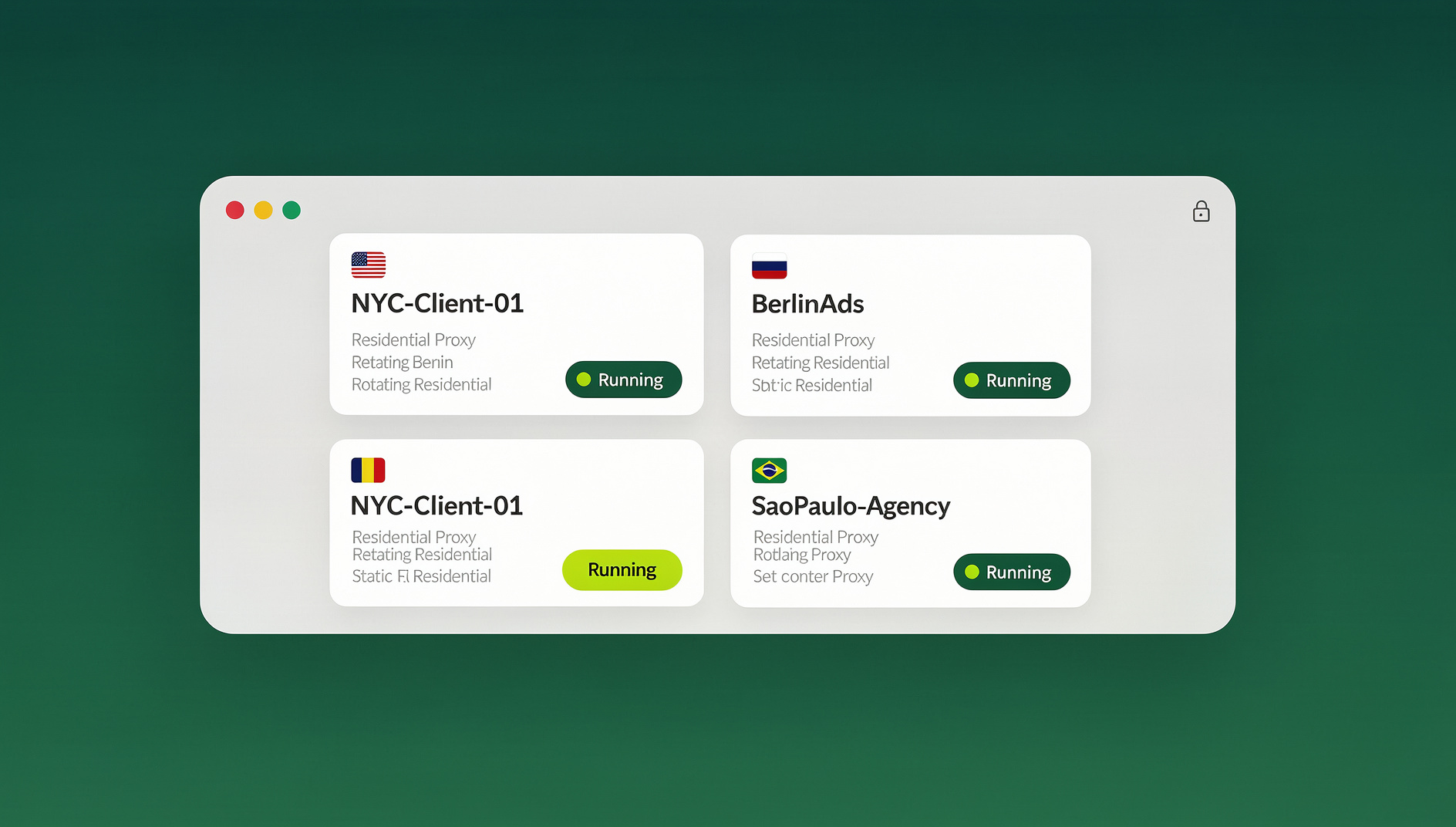
What Is a Multi-Session Cloud Browser (and Why It Beats Local Profiles)
A cloud browser renders websites on remote infrastructure and streams the result to your device. Because code never executes on your laptop, you cut down on malware risk and cookie crossover. For multi-account workflows, that means truly clean, parallel logins — and simpler collaboration, because the “computer” lives in the cloud rather than on one person’s machine. Send.win’s cloud sessions follow a zero-trust approach: each session is sandboxed, isolated from the others, and encrypted in transit and at rest.
Why local Chrome profiles and incognito windows aren’t enough
Standard browser tabs share storage across the whole browser, so you run into cookie bleed and surprise identity carryover — especially when you’re logged into the same platform twice. Incognito windows help a little, but they don’t survive a restart, don’t support proxies per window, and give you no way to hand a session to a teammate. Send.win’s per-session isolation avoids all of that: every session gets its own storage jar that never touches the others.
Why “just use a VPN” doesn’t solve the real problem
A VPN changes your network egress point, but it doesn’t isolate sessions, and it does nothing to simplify team access. With Send.win, you can attach per-session proxies and choose global endpoints across the Americas, Europe, and Asia for realistic geo testing — without installing a VPN client on every laptop or routing your entire team’s traffic through one shared exit node.
How Send.win Works for Agencies and Growth Teams
- Open an isolated session. Each session — whether launched in the cloud or through the native Sendwin Browser app — is its own clean profile with no shared storage with the rest of your browsing.
- Log in and work side by side. Run several logins at once, even for the same platform, without cross-contamination between client accounts.
- Sync or share securely. Cloud sessions live centrally, so you can hand a logged-in session to a teammate without revealing the password, and optionally set it to expire automatically.
Key Features That Matter for Multi-Session Work
Multiple logins, one dashboard
Run as many accounts as you need side by side, switching between them in a click instead of logging in and out repeatedly. For agencies juggling a dozen client accounts across ad platforms and social channels, that alone removes a huge amount of daily friction.
True session isolation, every time
Each session is a clean, isolated environment — ideal for A/B testing creative variants, checking geo-specific landing pages, or keeping client identities completely separate. There’s no more juggling multiple physical browsers or a stack of incognito windows just to stay organized.
Bring your own proxy, per session
Attach your own proxies to individual sessions to control IP, geography, and consistency across accounts, without rolling out a VPN to every device on the team.
Blur or block sensitive pages before you share
Share the session, not the secret. Apply page-level protections — blur or block sensitive screens like billing or account settings — before you hand off a session link, and set a timer (30 minutes, an hour, a day) so access expires automatically.
Share accounts without ever sending a password
Grant one-click access to a live, logged-in session; teammates and contractors never see the underlying credentials, and you can revoke or extend access at any time. It’s a faster and safer pattern than sharing access instead of credentials through a password manager and a spreadsheet of who has what.
Zero-trust execution keeps risk off your device
Cloud sessions execute remotely, and only a safe video stream reaches your device — reducing exposure to malware and phishing. If a tab or session looks risky, close it and start a fresh one in seconds.
Real browsers, not emulators
Cloud sessions run real desktop Chromium browsers on managed infrastructure, and the Sendwin Browser desktop app is a real native application — not an emulated environment — so compatibility with modern, JavaScript-heavy sites stays high.
Encrypted by design
Session data is encrypted using strong, modern algorithms (AES-256 for symmetric operations and RSA-2048 for asymmetric operations), and there’s no shared storage across sessions, which limits cross-session tracking and accidental carryover.
Regular version updates
Both cloud browser images and the native desktop app receive regular updates, so you get compatibility and security fixes without manually patching anything yourself — useful when fast-moving ad and social platforms change their behavior overnight.
Global endpoints for speed and realism
Pick servers across the Americas, Europe, or Asia for lower latency and more accurate location signals during geo-specific testing and QA.
Two ways to run Send.win: cloud sessions or the native desktop app
Send.win gives you a genuine choice instead of forcing one model. Cloud browser sessions run entirely in the cloud with zero local install, metered by cloud browsing time — perfect for occasional use, shared team devices, or disposable testing. The Sendwin Browser is a native, downloadable desktop app for Windows, macOS, and Linux that’s local-first with encrypted cloud sync, better suited to teams that live in the browser all day and want persistent profiles on their own machine.
Who Uses Send.win: Agencies, Marketers, and Growth Teams
Send.win supports a broad set of professional users — marketers and advertisers, e-commerce sellers, SEO professionals, developers and QA teams, and everyday power users — each with a clear, practical win.
Marketers and advertisers
- Keep many ad accounts clean and ready, switching with a click during launches and audits, and learning to manage multiple ad accounts safely instead of risking a shared login getting flagged.
- Share a logged-in view with clients for approvals — no password handoffs or screen-recording sessions required.
E-commerce sellers
- Run multiple storefronts without cross-contamination between store logins, carts, or analytics dashboards.
- Attach stable per-store proxies and choose nearby endpoints for authentic regional browsing and smoother customer-support flows.
SEO professionals
- Test search results and landing pages from different regions quickly, without spinning up a new device or VPN profile for each location.
- Keep each session pristine to avoid polluting rank checks or A/B test cookies with leftover browsing history.
Developers, QA teams, and remote workers
- Launch disposable cloud sessions for risky links or rapid QA, then tear them down when finished.
- Run local browser automation against the desktop app for repeatable regression tests across staging, production, and competitor sites.
Everyday power users
- Consolidate the logins you juggle daily — banking, productivity tools, communities — without leaking cookies between sessions.
Agency-Grade Workflows: From Setup to Scale
Build your workspace structure by brand or project
Group sessions by brand or client. For each one, create separate sessions for publishing, community management, listening, and ads reporting, and attach the brand’s default proxy. This keeps identity signals stable and cuts down on re-authentication friction during busy days.
Parallelize creative and landing page testing
Because each session is isolated, you can load multiple creative or copy variants, schedule posts, and preview landing pages from several regions at once with no bleed-over between them. Agencies running paid social at scale use this to run Facebook, Instagram, and Google ad accounts in parallel without one account’s cookies contaminating another’s.
Replace credential hand-offs with session sharing
Instead of passing passwords around in a shared document, share a time-boxed session link for reviews or edits. Blur or block sensitive pages, and revoke access the moment scope changes. It’s a faster and safer workflow than juggling spreadsheets and a password manager.
Keep regions “boringly consistent”
For platforms sensitive to geo or device signals, pick a stable endpoint — Americas, Europe, or Asia — and stick to it for each brand. If you need finer control, attach per-session proxies on top of the regional endpoint.
Security and Privacy, De-Jargoned
- Zero-trust execution. Risky code runs remotely; your device only receives a video stream. If something looks off, close the session and start again.
- Strong cryptography. AES-256 and RSA-2048 protect session data — industry-standard algorithms used across the web.
- No shared storage. Sessions don’t share cookies or storage with each other, which limits cross-session tracking and surprise carryover.
- Real browsers, real infrastructure. You get high compatibility with real websites rather than a spoofed environment that breaks on modern sites.
A note on responsible use: as with any tool, follow each platform’s terms of service and avoid coordinated inauthentic behavior. Isolation and access control exist for safety and productivity, not for evasion.
Send.win Pricing for Agencies and Teams
Send.win offers paid plans with a 7-day money-back guarantee on your first card purchase, so you can validate your team’s workflow before committing. You can also try the free cloud demo at https://send.win/demo-browser/. Two paid plans cover most agency and growth-team needs:
| Plan | Monthly Price | Annual Price | Profiles | Proxy Bandwidth | Seats | Automation |
|---|---|---|---|---|---|---|
| Pro | $19/mo | $6.99/mo (billed annually) | 150 | 5GB | Individual | Included |
| Team | $49/mo | $20.99/mo (billed annually) | 500 | 20GB | 16 | Included |
Both plans include isolated browser profiles with their own cookies, storage, sessions, fingerprint settings and proxy, so smaller teams aren’t forced onto the highest tier just to organise repetitive workflows. Team adds room for more profiles, more bandwidth, and 16 seats for agencies managing several clients or brands at once.
Getting Started in 3 Steps
- Sign up. Create your account and choose a paid plan — the first card purchase is covered by a 7-day money-back guarantee.
- Choose your plan. Use the trial to validate your workflow, then move to Pro or Team for collaboration features as your account and bandwidth needs grow. Review current details on the pricing page.
- Start browsing. Launch your first cloud session from the dashboard, pick a region, optionally attach a proxy, and begin opening isolated sessions for each login — or download the native Sendwin Browser app if you’d rather work locally with encrypted sync.
Real-World Use Cases (Mini Playbooks)
1. Multi-account social publishing (brands and agencies)
- Open isolated sessions for each brand account.
- Stage posts, UTM-tagged links, and assets per session; preview regions by switching endpoints.
- Share a session with approvers on a 60-minute timer, blurring billing and settings pages.
- Publish, then switch sessions for community replies with no re-authentication loop.
2. SEO and geo-specific QA
- For a location test, spin up sessions on different endpoints — Americas, Europe, Asia.
- Check search results, structured data rendering, and localized pages in parallel.
- Keep each test clean with genuinely fresh storage every time.
3. E-commerce brand operations
- Maintain separate sessions for each storefront and ad channel.
- Attach brand-specific proxies for stable identity and fewer login challenges.
- Bring in contractors through session sharing instead of password hand-offs.
4. Dev, QA, and link triage
- Use disposable cloud sessions for risky links or unfamiliar vendor tools; nothing executes locally.
- Script repeatable regression checks against the desktop app with Selenium, Puppeteer, or Playwright.
- Share exact repro steps with a teammate by handing off the live session instead of writing a report.
Send.win vs. Local Profiles, VPNs, and Ad Hoc Workarounds
Most teams arrive at Send.win after outgrowing a patchwork of Chrome profiles, incognito windows, a shared VPN, and a spreadsheet of shared passwords. It’s worth seeing the tradeoffs side by side, including how a cloud browser scales better than extensions for teams managing dozens of accounts.
| Approach | Session Isolation | Team Sharing Without Passwords | Geo Testing | Local Install |
|---|---|---|---|---|
| Chrome profiles / incognito | Partial — shared browser storage | No | No | Required |
| VPN + shared logins | None | No | Limited, network-wide only | Required |
| Send.win cloud sessions | Full, per session | Yes, time-boxed links | Yes, per-session endpoints and proxies | None |
| Sendwin Browser (desktop app) | Full, per profile | Yes, via encrypted sync | Yes, per-session endpoints and proxies | Native app install |
If your agency’s stack has grown into a patchwork of profiles, VPNs, and remote desktops, consolidating into a purpose-built multi-session cloud browser is a quality-of-life upgrade your team will feel on day one.
🏆 Send.win Verdict
For agencies and growth teams juggling dozens of client and ad accounts, Send.win solves the two hardest parts of multi-account work at once: clean, parallel sessions that never bleed into each other, and secure sharing that never requires handing out a password. Whether you run everything through cloud sessions with zero local install, or prefer the native Sendwin Browser desktop app with encrypted sync, the underlying model — isolated sessions, per-session proxies, and time-boxed sharing — scales cleanly from a solo operator to a sixteen-seat team.
Try Send.win today — plans start at $19/mo, and your first card purchase is covered by a 7-day money-back guarantee.
Frequently Asked Questions
Is running multiple sessions with Send.win allowed by ad and social platforms?
You still need to follow each platform’s own rules. Send.win provides isolation and access control; it doesn’t automate identities for you. Operate like a real team with unique content, steady signals, and human supervision, and you stay within normal platform terms.
Do I need a VPN if I use Send.win?
No. Most teams use per-session proxies and global endpoints to get geo realism without routing an entire office through a single VPN exit node.
Can I use a cloud session all day without hitting a cap?
Cloud sessions are metered by cloud browsing time on your plan, so heavy daily use is best paired with a Pro or Team plan sized to your actual usage. If you need essentially unlimited local hours, the native Sendwin Browser desktop app is designed for sustained, all-day workflows on your own machine.
Will it work for non-technical teammates?
Yes — the dashboard is designed to be clean and intuitive, and you can share a ready-to-use session link instead of sending a teammate a setup checklist.
What’s the difference between cloud sessions and the Sendwin Browser desktop app?
Cloud sessions run entirely on Send.win’s infrastructure with zero local install, which is ideal for occasional use or shared devices. The Sendwin Browser is a native desktop app for Windows, macOS, and Linux that’s local-first with encrypted cloud sync, better suited to teams that want persistent profiles running on their own hardware all day.
Can developers automate workflows inside Send.win?
No. Send.win does not offer an automation interface — there is no API, SDK, headless mode, or Selenium/Puppeteer/Playwright support on any plan.
How is my session data protected?
Session data is encrypted using AES-256 for symmetric operations and RSA-2048 for asymmetric operations, sessions are sandboxed from one another, and cloud sessions execute remotely so only a safe video stream reaches your device.
How much does Send.win cost for an agency with several team members?
Team is the plan built for agencies: $49 per month, or $251.88 per year, with 500 profiles, 20GB of proxy bandwidth, and 16 seats. Smaller teams or solo operators can start on Pro at $19 per month ($83.88 per year) and upgrade once they need more seats or bandwidth.
If you’re an agency lead, growth marketer, or operations owner, your throughput is gated by how quickly your team can switch identities, collaborate safely, and avoid re-authentication churn. Send.win turns the browser into a multi-session control room — isolated sessions for each login, global endpoints for realism, your own proxies for consistency, and share-by-link access that eliminates password sprawl. Start with the free cloud demo to validate your day-to-day flows, then move to Pro or Team as you bring more people and projects into the fold.