Marketers manage multiple ad accounts safely by keeping every account in its own isolated browser profile, backed by a dedicated proxy and encrypted local storage, so cookies, cache, and IP addresses never cross between accounts. Send.win is built specifically for this: it runs as a native desktop app or as a zero-install cloud browser session, with a separate profile for every Facebook, Google, or TikTok ad account, so agencies and advertisers can run campaigns in parallel without tripping the platforms’ linked-account detection.
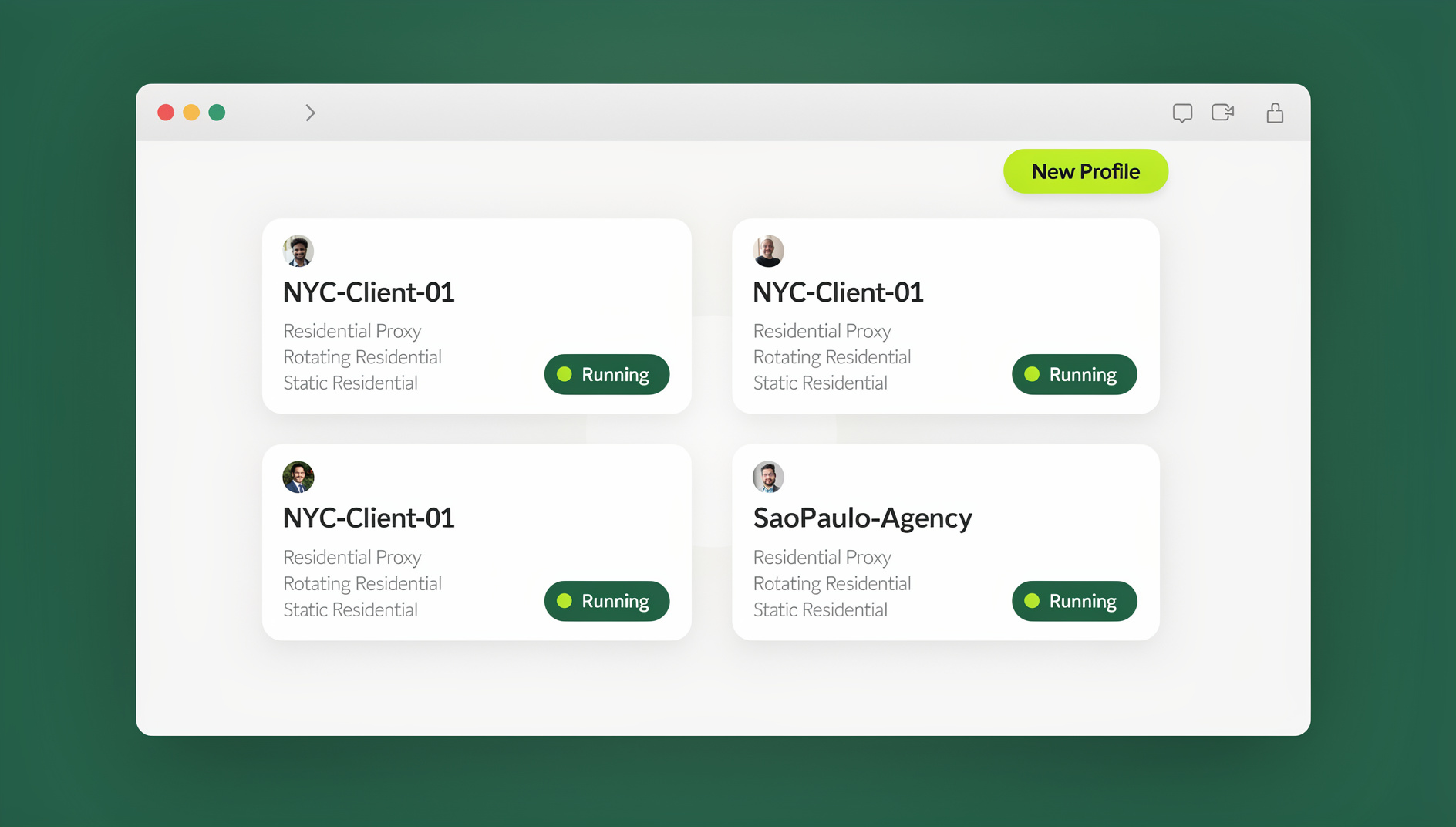
Why Ad Accounts Get Banned When You Scale
Ad platforms have gotten aggressive about shutting down accounts that look connected to each other. Facebook, Google, and TikTok all run automated systems that look for shared signals across accounts — the same browser fingerprint logging into five Business Manager accounts, the same residential IP touching a dozen ad accounts in one afternoon, or cookies that carry a “flagged” status from one account over to another. None of this requires a human reviewer to catch; it’s pattern-matching at scale, and it happens fast.
Shared Cookies and Browser Data
A default browser keeps one cookie jar, one cache, and one local storage bucket for every tab you open. Log into a second Facebook ad account in a new tab of the same browser, and the platform can still see traces of the first session — shared device tokens, shared local storage keys, shared autofill data. That overlap is one of the most common reasons agencies see accounts suspended within days of each other.
IP Address Overlap
The second big signal is IP address. If ten ad accounts all log in from the same home or office IP, that’s a normal and expected pattern for a single business — but the moment those ten accounts belong to ten different clients or ten different “test” identities, it starts to look like exactly what ad platforms are trained to catch: account farming.
Why Incognito Tabs and Separate Browsers Don’t Actually Fix This
Before tools built for this problem existed, the go-to workarounds were incognito windows, a different browser per account (Chrome for one, Firefox for another, Edge for a third), or spinning up virtual machines. Incognito mode still shares the underlying browser fingerprint and doesn’t touch your IP at all. Juggling three or four different browser installs works for a handful of accounts, but it falls apart once you’re managing more than a few clients — and virtual machines are slow, resource-heavy, and painful to keep in sync across a team. None of these approaches solve the actual problem, which is that the account needs a genuinely separate browsing identity, not just a separate window.
What Send.win Actually Is
Send.win gives advertisers two ways to run isolated ad account profiles, and it’s worth being precise about what each one is, since the two get conflated a lot in this space.
Sendwin Browser: The Native Desktop App
Sendwin Browser is a real, downloadable application for Windows, macOS, and Linux — not a browser add-on. It’s local-first, meaning your profiles, cookies, and session data live on your machine, with encrypted sync to the cloud so you can pick up the same profiles from another device. Each profile you create behaves like a fresh, standalone browser: its own cookie jar, its own local storage, its own cache, completely walled off from every other profile running on the same computer.
Cloud Browser Sessions: Zero Local Install
The second mode runs entirely in the cloud. There’s nothing to download — you open a session in your existing browser, and the actual browsing happens on Send.win’s infrastructure, streamed to you. This is metered by cloud browsing time rather than tied to a specific device, which makes it a good fit for teams that want to hand a client or contractor access to one ad account profile without installing anything or handing over a laptop.
How Send.win Keeps Every Ad Account Isolated
Profile-Level Isolation
Every ad account gets its own profile — its own cookies, cache, local storage, and session state. Nothing carries over between profiles, whether you’re logged into three Google Ads accounts or fifteen Facebook Business Manager accounts side by side. If you’re running Facebook, Instagram, and Google Ads in parallel, each platform and each account sits in its own clean profile rather than sharing a single browser’s memory.
Dedicated Proxies Per Profile
Each profile can be assigned its own proxy, so every ad account gets a distinct IP address rather than all of them routing through your office connection. This matters most for agencies managing geographically distributed campaigns or affiliate marketers who need to preview ads the way a user in a specific region would see them, without physically being there. Pro plans include 5GB of proxy bandwidth and Team plans include 20GB, which is generally enough for day-to-day account management and testing across a reasonable number of profiles.
Local-First Storage With Encrypted Sync
Because session data on the desktop app lives locally first, your account credentials and cookies aren’t sitting in a shared server-side pool that could leak across customers. Encrypted sync then lets you carry the same profiles to a second machine when you need to, without exposing the underlying data in transit.
Send.win vs Older Workarounds
Here’s how the common approaches stack up when the goal is running several ad accounts without triggering a ban:
| Approach | True IP Isolation | Cookie/Storage Isolation | Setup Effort | Team Sharing |
|---|---|---|---|---|
| Incognito/Private windows | No | Partial | None | No |
| Separate browsers (Chrome/Firefox/Edge) | No | Yes, per browser | Medium | No |
| Virtual machines | Depends on VPN/proxy setup | Yes | High | Difficult |
| Send.win (desktop app or cloud sessions) | Yes, per-profile proxy | Yes, per profile | Low | Built-in, no password sharing |
How Different Teams Use Send.win to Run Ad Accounts
Agencies Managing Multiple Client Accounts
Agencies handling paid media for several clients used to face a bad trade-off: either give a team member the actual client password, or route everyone through a single shared login. Both create ban risk and both are a headache when someone leaves the team. With Send.win, an agency can create one profile per client account and share access to specific profiles with team members without ever handing over the underlying password — access can be revoked instantly when a contractor’s engagement ends.
Freelancers Running Multiple Google Ads Accounts
A freelance PPC manager juggling several e-commerce clients’ Google Ads accounts benefits from the same isolation on a smaller scale. Each client’s account lives in its own profile with its own proxy, so there’s no risk of one client’s account activity bleeding into another’s, and no need to log out and back in every time you switch clients.
Affiliate and Performance Marketers Testing at Scale
Performance marketers who need to test creative or landing pages across multiple geographies rely heavily on per-profile proxies to preview campaigns from different regions. Because each profile is a genuinely separate browsing identity, marketers can scale affiliate campaigns securely without the account-linking flags that come from testing many variants inside one shared browser.
Managing Ad Account Workflows With Send.win
For teams that need to manage repetitive account tasks — bulk campaign checks, scheduled report pulls, or QA passes across dozens of profiles — Send.win’s desktop app keeps each profile isolated with its own cookies, storage, sessions, fingerprint settings and proxy. This is available starting on the Pro plan, so it’s not locked away behind the highest tier — a solo advertiser or small agency can start organising profile checks without needing a full Team subscription. A good general reference for how browser fingerprints work is this guide to browser fingerprinting.
Setting Up Send.win for Ad Account Management
- Create one profile per ad account. Don’t reuse a profile across accounts even temporarily — this is the single most common source of cross-contamination.
- Assign a dedicated proxy to each profile that needs to appear from a distinct IP, especially for anything client-facing or geo-specific.
- Name and group profiles by client or platform so switching between a dozen or more accounts stays organized instead of becoming a scroll-fest.
- Share specific profiles with teammates or clients instead of distributing the underlying login credentials, and revoke access the moment someone’s role changes.
- Log into each ad platform slowly the first time a new profile is used — logging into ten accounts back-to-back in the same minute is itself a pattern platforms watch for, regardless of how well isolated the profiles are.
- Review session activity periodically and retire profiles for accounts you no longer manage.
Send.win Pricing for Advertisers
Send.win has no free trial, but the first card purchase is covered by a 7-day money-back guarantee, so agencies can test profile isolation and proxy performance against their actual ad accounts before committing. There is also a free cloud demo at send.win/demo-browser for a quick preview.
| Plan | Monthly Price | Annual Price | Profiles | Proxy Bandwidth | Automation | Seats |
|---|---|---|---|---|---|---|
| Pro | $19/mo | $6.99/mo | 150 | 5GB | Included | 1 |
| Team | $49/mo | $20.99/mo | 500 | 20GB | Included | 16 |
For most solo advertisers and small agencies managing a couple dozen ad accounts, Pro’s 150 profiles is plenty. Agencies running client accounts across a larger team should look at Team, both for the higher profile ceiling and the 16 seats for delegating account access without password sharing. If you’re weighing Send.win against other options in this space, this browser for ads management comparison guide breaks down how the category’s tools differ on isolation, proxy handling, and pricing.
Common Myths About Multi-Account Ad Management
Myth: Tools like this are only for people trying to break platform rules. In reality, most agencies and in-house teams use profile isolation because they legitimately manage many client accounts and need to keep them separate — not to evade any policy.
Myth: Using a proxy automatically gets you flagged. A poorly chosen, overused, or low-quality proxy can raise flags. A dedicated proxy assigned consistently to one profile behaves like a normal, stable connection from one location.
Myth: You only need this if you’re managing dozens of accounts. Even two or three ad accounts sharing a browser can lead to unwanted linking. The risk scales with account count, but it exists even at small scale.
🏆 Send.win Verdict
If your ad account management currently means juggling incognito tabs, multiple browsers, or a spreadsheet of shared passwords, Send.win’s per-profile isolation, dedicated proxies, and password-free sharing keep each account’s cookies, storage and fingerprint separate, whether you run it as the native desktop app or as a zero-install cloud session.
Try Send.win today — plans start at $19/mo, the first card purchase is covered by a 7-day money-back guarantee, and you can set up your first isolated ad account profile in minutes.
Frequently Asked Questions
What’s the safest way to manage multiple ad accounts without getting banned?
Give every ad account its own isolated browser profile with its own cookies, cache, and IP address, and avoid logging into several accounts back-to-back from the same shared browser session. Tools like Send.win handle the profile and proxy isolation automatically, so you don’t have to manage it manually.
Can I access the same ad account profiles from more than one computer?
Yes. Sendwin Browser is local-first, but every profile syncs to the cloud with encryption, so you can open the same isolated profiles on a second device without losing the cookie and session separation between ad accounts.
Can I run Facebook, Google, and TikTok ad accounts at the same time in Send.win?
Yes. Each platform and each account can have its own dedicated profile, so you can have several ad accounts across different platforms open and active at once without them sharing cookies or an IP address.
Do I need a proxy for every ad account profile?
Not strictly, but it’s recommended whenever accounts need to appear as coming from different locations, or when you want a genuinely distinct IP per client account rather than routing everything through one office connection.
Does Send.win have an Automation API?
No. Send.win has no automation interface — no API, SDK, headless mode or Selenium/Puppeteer/Playwright support on any plan.
How much does Send.win cost for an agency managing many client accounts?
Pro is $19/month ($6.99/month billed annually — 63% savings) with 150 profiles and 5GB of proxy bandwidth. Team is $49/month ($20.99/month billed annually — 57% savings) with 500 profiles, 20GB of proxy bandwidth, and 16 seats for delegating access across a team.
Can I share an ad account profile with a client or contractor without giving them the password?
Yes. Send.win lets you share access to a specific profile directly, so a teammate or client can work inside an ad account without ever seeing the underlying login credentials, and you can revoke that access at any time.
Is there a free trial before committing to a paid plan?
No. Send.win has no free trial; the first card purchase is covered by a 7-day money-back guarantee, and the only free option is the cloud demo at send.win/demo-browser.