Scaling affiliate campaigns securely comes down to one thing: keeping every social account, proxy, and browser fingerprint completely isolated so platforms can’t link your profiles together. Send.win does this through its native Sendwin Browser desktop app for Windows, macOS, and Linux, or through zero-install cloud browser sessions, so affiliates can run dozens of accounts side by side without triggering the ban waves that wipe out unprotected campaigns.
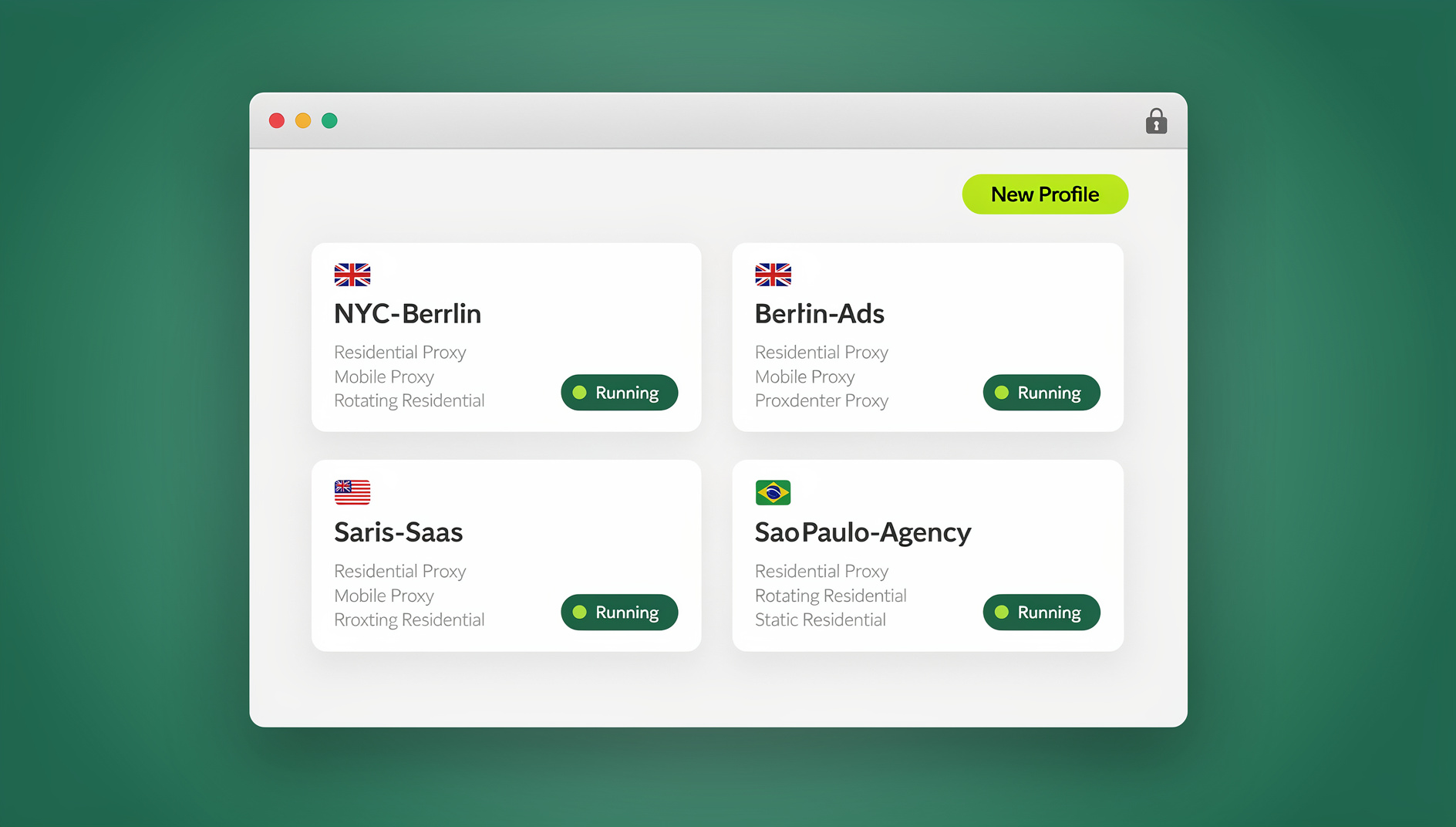
Affiliate marketing in 2026 is bigger, more automated, and more heavily policed than it was even two years ago. Platforms have tightened their detection systems, ad networks are cracking down on duplicate-account abuse, and the affiliates who keep growing are the ones treating account infrastructure as seriously as their creative and offers. This guide breaks down why multi-account isolation matters, what actually causes bans, and how to set up Send.win to scale campaigns across Facebook, Instagram, Reddit, Twitter/X, and beyond without losing accounts to a fingerprint slip-up.
Why Affiliate Marketing Still Runs Through Social Media
Social platforms remain the cheapest, fastest way to put an offer in front of a targeted audience. Organic posts, DMs, group participation, and paid promotion all funnel through the same handful of networks, which is exactly why affiliates need more than one account per platform. A single account limits your reach to whatever that one profile’s algorithmic distribution allows; a properly isolated set of accounts lets you test angles, niches, and creatives in parallel without one underperforming account dragging down the rest.
The catch is that platforms actively hunt for exactly this behavior. Facebook, Instagram, Reddit, and X all run fingerprinting and network-clustering systems designed to spot accounts that share a device signature, IP address, or browser configuration. When several “different” accounts all look identical under the hood, the platform assumes they’re the same operator running a coordinated campaign — and it bans the whole cluster, often within days of launch.
What’s Changed for Affiliates in 2026
- Detection has moved beyond IP checks. Canvas, WebGL, audio, and font-rendering fingerprints are now standard signals used to link accounts even behind different proxies.
- Ad platforms are tying account age and warm-up behavior to trust scores, so freshly created batches of accounts get flagged faster than they used to.
- Affiliate networks themselves are auditing traffic sources more closely, meaning banned social accounts don’t just cost you reach — they can cost you commission holds and program terminations.
- Teams and freelancers running campaigns for clients increasingly need to share account access without ever handing over a password, since credential leaks are one of the fastest ways an account gets locked for “suspicious login.”
None of this means multi-account affiliate marketing is dying — it means the tooling around it has to be better. Ad-hoc solutions like incognito windows, separate physical devices, or juggling logins in one browser profile no longer hold up against modern fingerprinting.
The Real Cost of Account Bans
A ban rarely just costs you one account. It costs you the warm-up time you invested, the audience trust you built, any ad spend tied to that profile, and — in cases where accounts share a payment method or device fingerprint — it can trigger a cascade that takes out your other accounts too. For affiliates running campaigns across several niches at once, a single detection event can undo weeks of work overnight.
This is why experienced affiliates treat account isolation as infrastructure, not an afterthought. The goal is to make every profile look, from the platform’s point of view, like it belongs to a genuinely separate person: separate browser fingerprint, separate cookies and local storage, separate IP via proxy, and no shared session data leaking between tabs.
Where Most Setups Actually Fail
The most common failure isn’t a bad proxy — it’s browser-level leakage. Using the same physical browser profile for multiple accounts (even in different tabs or incognito windows) still shares canvas rendering, installed fonts, GPU signatures, and timezone data across every tab. Platforms read this signal long before they check your IP address. Understanding exactly what a browser fingerprint is made of — and how many data points it actually includes — makes it obvious why “just use a different tab” was never a real solution.
How Send.win Solves Multi-Account Isolation
Send.win gives every profile its own fully isolated browsing environment, and it does this in one of two ways depending on how you want to work:
Sendwin Browser (Native Desktop App)
Sendwin Browser is a downloadable, native application for Windows, macOS, and Linux. It’s local-first, meaning your profiles, cookies, and session data live on your own machine for speed and full control, while encrypted cloud sync keeps everything backed up and available if you move to another computer. This mode is the natural fit for affiliates who want maximum performance and plan to run local browser automation against their profiles.
Cloud Browser Sessions
The second mode runs entirely in the cloud — no download, no local install. Each session opens as a fresh, isolated browser instance on Send.win’s infrastructure, metered by cloud browsing time. This is ideal for affiliates who need to spin up a profile from any device, including machines they don’t want to install software on, or who are managing accounts from a shared team workstation.
| Factor | Sendwin Browser (Desktop App) | Cloud Browser Sessions |
|---|---|---|
| Installation | Native download for Windows, macOS, Linux | None — runs entirely in the cloud |
| Data storage | Local-first, with encrypted cloud sync | Hosted in the cloud |
| Best for | Daily-driver accounts, isolated profiles, speed | Quick access from any device, no-install workflows |
| Billing basis | Included in plan | Metered by cloud browsing time |
| Automation support | No automation interface (no API, SDK, headless mode or Selenium/Puppeteer/Playwright support) | Not the primary automation target |
Both modes give every profile its own isolated fingerprint, cookie jar, and local storage, so an affiliate managing twenty Instagram accounts or a stack of Reddit personas never has to worry about cross-contamination between them.
Key Features That Matter for Affiliate Campaigns
- Session isolation: Each profile keeps its own cookies, cache, and fingerprint, so logging into multiple Facebook, Instagram, or Reddit accounts never triggers “linked account” warnings.
- Proxy assignment per profile: Attach a dedicated proxy to each session so every account also gets its own IP, matching the isolation you get at the browser level.
- Fast profile switching: Jump between dozens of open sessions instantly instead of logging in and out of the same browser window.
- Password-free session sharing: Give a virtual assistant or team member temporary access to a specific account without ever handing over the actual login credentials, and revoke access instantly when the engagement ends.
- Bookmarked and saved sessions: Save a warmed-up profile and its exact state so you can return to it later instead of starting from a cold login.
- Encrypted storage: Profile data is encrypted so account credentials and session details aren’t exposed even if a device is compromised.
Together, these features are what let affiliates run multiple social media campaigns without getting banned, since the entire point of the setup is to make each account look like it belongs to an independent, real user.
Scaling Profiles Without Automation
Once a campaign moves beyond what you can manage by clicking through profiles manually, organisation becomes necessary — keeping each account’s cookies, storage and sessions separate, and assigning the right proxy to each profile. Send.win has no automation interface: there is no API, SDK, headless mode or Selenium/Puppeteer/Playwright support on any plan, so repetitive account tasks stay manual. What the paid plans do give solo affiliates and small teams is room to run more isolated profiles without paying for a full agency-scale plan.
In practice, this looks like opening a specific Sendwin Browser profile, performing a repeatable task — checking DMs, verifying a post went live, working through a warm-up sequence — and closing it cleanly, with Send.win keeping that profile’s cookies, storage, sessions and fingerprint separate from your other profiles.
Real-World Ways Affiliates Use Send.win
A few patterns come up repeatedly among affiliates scaling social-driven campaigns:
- Reddit niche promotion: Building and warming multiple community-specific accounts to promote offers across relevant subreddits without one flagged account taking the rest down with it, a workflow covered in more depth in our guide to Reddit marketing using multiple accounts.
- Instagram and Facebook creative testing: Running several accounts in parallel to test different hooks, captions, and posting cadences, then doubling down on whichever profile’s content performs best.
- Ad account diversification: Affiliates who also run paid traffic use isolated profiles to keep multiple ad accounts from being linked together, similar to the approach outlined for advertisers who manage multiple ad accounts safely.
- Agency and VA delegation: Sharing specific account sessions with virtual assistants or freelance social media managers without ever exposing the underlying password, and pulling access back the moment a contract ends.
The common thread is simple: every one of these workflows depends on accounts staying genuinely separate from the platform’s perspective, not just separate in the affiliate’s own head.
Pricing: What It Actually Costs to Scale
Send.win has no free trial, but the first card purchase is covered by a 7-day money-back guarantee, so affiliates can test profile isolation and proxy setup on a real campaign before committing. Two paid tiers cover most affiliate use cases:
| Plan | Monthly Price | Annual Price | Profiles | Proxy Bandwidth | Seats | |
|---|---|---|---|---|---|---|
| Pro | $19/mo | $6.99/mo billed annually | 150 | 5GB | Included | 1 |
| Team | $49/mo | $20.99/mo billed annually | 500 | 20GB | Included | 16 |
For a solo affiliate running a couple dozen accounts across two or three platforms, Pro is usually enough headroom, with 150 profiles and 5GB of proxy bandwidth. Once you’re managing a roster of accounts across a team — VAs handling engagement, a media buyer running ad accounts, a content person posting across profiles — the Team plan’s 500 profiles, 20GB bandwidth, and 16 seats make it easier to divide work without everyone bottlenecking on one login.
Getting Started: A Practical Setup Walkthrough
- Start with the cloud demo. Try the free demo at https://send.win/demo-browser/ — a 3-minute preview without signup, or 10 minutes a day with a free account — then pick a paid plan when you’re ready.
- Choose your mode. Download the Sendwin Browser desktop app if you want a local-first, daily-driver setup, or launch a cloud browser session if you’d rather work with zero install.
- Create one profile per account. Set up a dedicated, isolated profile for every social account you’re running — don’t reuse a single profile across multiple logins.
- Assign a proxy to each profile. Match each isolated browser fingerprint with its own IP so the two layers of separation reinforce each other.
- Warm up before you promote. Spend the first few days on a new profile browsing and engaging normally before posting affiliate links, the same way a genuine new user would behave.
- Share access, not passwords. If you’re delegating account management, use session sharing so collaborators get access without ever seeing the login credentials.
- Scale by adding profiles, not scripts. Send.win has no automation interface, so once a workflow is proven, repeat it across more isolated profiles — each with its own cookies, storage, sessions, fingerprint and proxy — rather than scripting it.
🏆 Send.win Verdict
For affiliates whose entire funnel runs through social platforms, keeping each account’s cookies, storage and sessions separate isn’t optional — it’s the difference between a campaign that compounds and one that gets tangled up overnight. Send.win’s combination of a native, local-first desktop app and on-demand cloud sessions covers both the “daily driver” and “access from anywhere” use cases, while proxy assignment, password-free sharing, and a consistent fingerprint per profile give affiliates the tools to scale past manual clicking without rebuilding their stack later.
Try the free Send.win cloud demo — a 3-minute preview without signup, or 10 minutes a day with a free account, and see how many isolated profiles you can run in parallel.
Frequently Asked Questions
What makes Send.win different from just using multiple browser tabs or incognito windows?
Regular tabs and incognito windows still share the same underlying browser fingerprint — canvas rendering, fonts, GPU signature, and timezone data all stay identical across them. Send.win gives each profile its own isolated fingerprint and storage, whether you’re running the native Sendwin Browser desktop app or a cloud session, so accounts don’t get silently linked by the platform’s detection systems.
Does Send.win offer an automation interface?
No. Send.win has no automation interface — no API, SDK, headless mode or Selenium/Puppeteer/Playwright support on any plan, including Pro and Team.
How many social accounts can I realistically run per platform?
That depends on your plan’s profile limit and how aggressively you warm up new accounts, but the technical ceiling is generous: the Pro plan supports up to 150 profiles and Team supports up to 500, far more than most affiliates need for a single platform.
Do I still need proxies if I’m using Send.win?
Yes. Browser-level isolation stops fingerprint-based linking, but every profile should also have its own proxy so the IP address matches the rest of the isolated setup. Send.win lets you assign a proxy per profile for exactly this reason.
Can I let a virtual assistant manage some of my accounts without giving them my password?
Yes. Send.win supports sharing session access to a specific profile without exposing the underlying login credentials, and you can revoke that access at any time once the work is done.
Does Send.win work on both Mac and Windows?
Yes. The Sendwin Browser desktop app is available natively for Windows, macOS, and Linux, and the cloud browser sessions work from any device with a web connection since nothing needs to be installed.
What happens after the free trial ends?
Send.win has no free trial. Paid plans are Pro ($19/mo or $83.88/yr) and Team ($49/mo or $251.88/yr), and your first card purchase is covered by a 7-day money-back guarantee. You choose between them based on how many profiles, how much proxy bandwidth, and how many seats your campaigns need.