You can share app access without passwords by handing a teammate a time-boxed, revocable session link instead of your login — the credential never leaves your hands, and the person still gets full working access to the ad account, CMS, or dashboard they need to touch. This guide walks through why credential sharing backfires, how session links and roles fix it, and how Send.win puts links, roles, and logs behind the whole process.
Why Password Sharing Breaks Security (and Productivity)
Handing a coworker your login feels quick in the moment, but it creates brittle workflows that catch up with you later:
- MFA gets sidelined. When people share secrets, they often share second factors too, or disable them temporarily “just for today.” That’s the opposite of good security hygiene.
- There’s no real audit trail. With one shared password, you can’t prove who did what and when. That slows down incident response and makes compliance reviews painful.
- Lockouts and resets pile up. Multiple people using the same secret trigger false-positive security flags and account lockouts. You end up with a shadow spreadsheet of passwords that’s out of date within a week.
- Offboarding is a scramble. When a contractor’s project ends, revoking a shared password means rotating it everywhere it was used — and hoping nobody wrote it down somewhere you don’t control.
Security guidance is consistent on this point: protect secrets, keep MFA strong, and log activity. The simplest way to hit all three at once is to stop sharing passwords and start sharing controlled access instead.
What “Password-Free Access” Actually Means
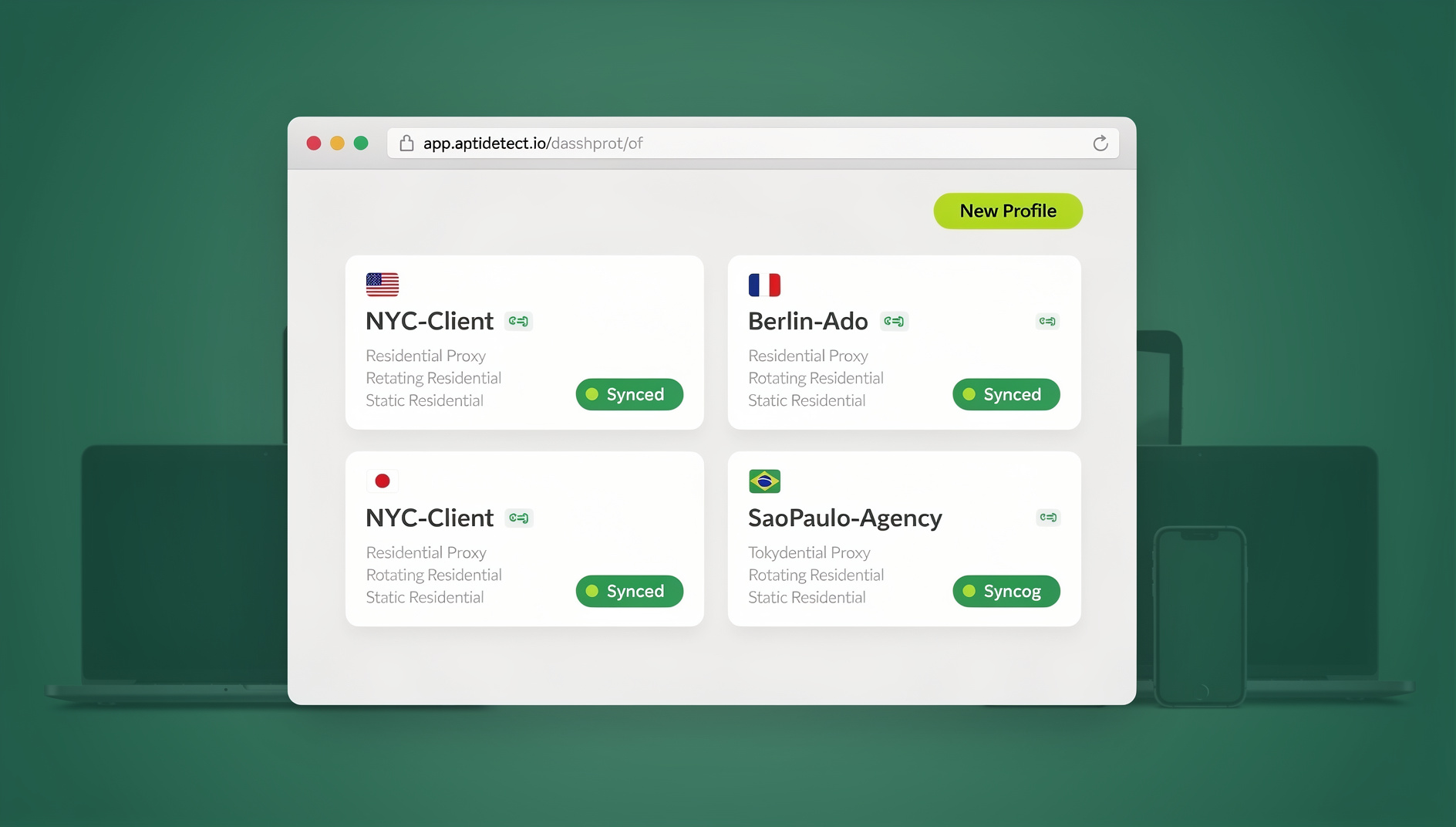
Instead of handing over a password, you grant someone access to a live, isolated browser session for as long as they need it. They open a secure session link, complete the task inside that session, and you decide how long it stays active, what it can see, and when it gets cut off. Your MFA stays on your device. Your password never changes hands. You keep the security and eliminate the login ping-pong that comes from juggling shared credentials across a team.
How Send.win Lets You Share Access Without Sharing Passwords
Send.win gives you two ways to work, and password-free sharing draws on both of them depending on who needs access and for how long.
Sendwin Browser: the native desktop app
Sendwin Browser is a native, downloadable desktop application for Windows, macOS, and Linux. It’s local-first — your profiles and browsing data live on your machine — with encrypted cloud sync so the same profiles follow you between devices. This is where most people do their day-to-day multi-account work: separate, isolated profiles for each client, brand, or ad account, all inside one app instead of a pile of browser windows.
Cloud browser sessions: zero-install access for guests
The second mode is where password-free sharing really shines. Cloud browser sessions run entirely in the cloud and are metered by cloud browsing time, so the person you’re sharing with never installs anything at all. You open the account you want to share, generate a secure session link, set a time limit, and send it over. Your teammate clicks the link and works inside that live session exactly as if they were logged in — but they never see your password, and you can cut off access the moment the task is done.
That combination — a desktop app for your own daily driving and zero-install cloud sessions for anyone you need to loop in temporarily — is what makes sharing access instead of credentials practical for a whole team, not just a single power user.
| Dimension | Sendwin Browser (desktop app) | Cloud browser sessions |
|---|---|---|
| Install required | Yes — native app for Windows, macOS, Linux | No — runs entirely in the browser |
| Where data lives | Local-first, with encrypted cloud sync | In the cloud for the life of the session |
| Best for | Your own daily multi-account work | Sharing access with a teammate, contractor, or reviewer |
| Metering | Profile and plan limits | Cloud browsing time |
| Automation | Not applicable — used for live, human sessions | Not applicable — used for live, human sessions |
Roles: Matching Permissions to Responsibility
The simplest way to reduce risk is to separate who can do what. Send.win supports team workspaces with owner and manager roles, so you can invite people in, assign a role, and share a specific session with a time-boxed access window — all managed from one dashboard.
Pair roles with session links to create a clean separation of duties:
- Owner or manager: Controls credentials, MFA, billing, and the master sessions that everything else is shared from.
- Contributor or contractor: Works inside a session link with the least privilege needed for the task — time-boxed, scoped to specific pages, and revocable at any moment.
Larger teams get more value out of this the more people are involved. On Send.win’s Team plan, up to 16 seats can share the same workspace with distinct roles, which keeps a marketing team, an agency, or an ops group from ever needing a shared login again. If you’ve read about multi-login profiles for teams, this is the natural next step: profiles for your own parallel logins, plus session links for anyone outside your core team.
It’s also worth building in a habit of reauthentication for sensitive actions — billing changes, permission edits, anything touching personally identifiable information — regardless of how access was granted.
Building a Real Audit Trail (Without Credential Chaos)
When you share sessions instead of passwords, you keep MFA intact and gain a cleaner picture of who accessed what, when, and for how long. That clarity speeds up investigations and holds up far better under a compliance review than a shared vault where five different people all appear as the same “user” in the logs. Session isolation is what makes this possible — each session is its own contained environment, so activity inside it doesn’t blend into anyone else’s.
Step-by-Step: Share an Account Without Revealing the Password
- Sign up. Create your account at send.win. Send.win has no free trial; paid plans start at $19/mo (Pro) or $49/mo (Team), and the first card purchase is covered by a 7-day money-back guarantee. You can also preview the cloud demo at https://send.win/demo-browser/ before paying anything.
- Pick your plan. Pro covers solo operators and small teams; Team adds more seats and bandwidth for agencies and larger groups. You can upgrade later as your sharing needs grow.
- Set up the account you want to share. Log into the ad account, CMS, marketplace, or tool inside Sendwin Browser or a cloud session, exactly as you normally would.
- Invite your teammate to the workspace. Add them with an owner, manager, or contributor role so accountability is clear from the start.
- Share a secure session link. Open the exact page they need, generate the link, and set a time limit — 30 minutes, an hour, or a full day, depending on the task.
- Monitor and revoke. They work inside your session without ever touching your credentials. If plans change, cut off access instantly — no password reset, no scramble, no waiting on IT.
Password Sharing vs. Password Managers vs. Session Links
Password managers with team-sharing features are a real improvement over pasting credentials into Slack, but they still hand over the actual secret. Session links solve a different problem: they let someone work inside the account without ever knowing what the password is.
| Approach | MFA stays private | Per-person audit trail | Instant revocation | Setup effort |
|---|---|---|---|---|
| Raw password sharing (chat, spreadsheet) | No | No | No — requires a password change | None, which is the problem |
| Shared password manager vault | Sometimes | Partial | Depends on the tool | Moderate |
| Send.win session link | Yes | Yes | Yes — one click | Low |
Who Benefits Most? Real-World Use Cases

A few groups see the payoff from password-free access almost immediately:
- Marketers and advertisers. Review creative variants, approve campaigns, and switch across ad accounts without constant sign-in and sign-out. Share a 60-minute link with a reviewer and keep the billing page off-limits.
- E-commerce operators. Run multiple storefronts safely. Hand off a support or QA task through a disposable session, then revoke access the moment it’s done.
- SEO and agency teams. Give a freelancer or client temporary access to a shared tool without changing your master login — the same logic that comes up when teams debate whether sharing an Ahrefs account is worth the risk. A session link sidesteps that risk entirely.
- Developers and testers. Reproduce bugs without polluting a local profile, and invite a PM to verify a fix through a time-boxed link instead of a shared staging password.
- Remote teams and everyday power users. Collaborate across time zones with links that expire automatically, while MFA stays on the account owner’s device the entire time.
Security Checklist: Links, Roles, Logs Done Right
Use this checklist to roll out password-free access with real guardrails, not just good intentions:
- Keep MFA on the owner account and prefer phishing-resistant methods where possible.
- Use roles to keep duties clear — owner or manager versus contributor.
- Time-box every session link and scope access to the specific task and page.
- Restrict sensitive pages such as billing and account settings from shared sessions.
- Log access and activity so you have an audit trail ready for incident response or a compliance check.
- Reauthenticate for sensitive operations like payments or permission changes, no matter how the session was granted.
- Revoke immediately when a task, contract, or project ends — don’t wait for a scheduled cleanup.
- Keep your desktop profiles and shared sessions separate so a compromised guest link never touches your main working profile.
Send.win Pricing for Password-Free Access
Send.win has no free trial; paid plans start at $19/mo (Pro) or $49/mo (Team), and the first card purchase is covered by a 7-day money-back guarantee, so you can test session sharing on a real account before committing.
| Plan | Monthly | Billed annually | Profiles | Proxy bandwidth | Seats | Cloud demo |
|---|---|---|---|---|---|---|
| Pro | $19/mo | $6.99/mo | 150 | 5GB | Individual | Included |
| Team | $49/mo | $20.99/mo | 500 | 20GB | 16 | Included |
Send.win has no automation interface — no API, SDK, headless mode or Selenium/Puppeteer/Playwright support on any plan. Plans can change, so check the live pricing page for current details.
🏆 Send.win Verdict
If you want teammates, contractors, or reviewers to get real work done without ever seeing your password, Send.win gives you the pieces to do it properly: a native desktop app for your own daily multi-account work, zero-install cloud sessions for anyone you need to loop in temporarily, roles to keep responsibility clear, and time-boxed links you can revoke in one click. That’s a meaningfully cleaner setup than a shared password vault, and it costs less than the time you’ll lose to a single lockout or credential leak.
Try Send.win today — paid plans start at $19/mo, the first card purchase is covered by a 7-day money-back guarantee, and you can share your first session without ever handing over a password.
Frequently Asked Questions
Do teammates see my password or MFA when I share a session?
No. They work inside a live session you control, and your underlying credentials and MFA stay private to you. Access is limited to what you shared and can be revoked at any time.
Can I limit what a guest can see or do inside a shared session?
Yes. Set a time limit — 30 minutes, an hour, or a day — restrict which pages are reachable, and revoke access the moment the task is finished. Pair these controls with roles so responsibility stays clear.
What’s the difference between Sendwin Browser and a cloud session?
Sendwin Browser is a native app you install on Windows, macOS, or Linux for your own day-to-day multi-account work, with encrypted cloud sync between devices. Cloud browser sessions run entirely in the cloud with no install at all, which is what makes them ideal for sharing temporary access with someone outside your usual setup.
Is session sharing safer than handing out a password manager entry?
For most workflows, yes. A password manager entry still reveals the secret itself, while a session link never does. You also get a per-person record of who accessed the account and when, instead of everyone showing up as the same shared login.
Do I need a Team plan to share access with contractors?
Not necessarily. The Pro plan supports session sharing for an individual account owner working with outside collaborators. The Team plan adds 16 seats, more profiles, and more bandwidth, which makes sense once several people inside your own organization need distinct roles and regular access.
Can automation run alongside shared sessions?
No. Send.win has no automation interface — no API, SDK, headless mode or Selenium/Puppeteer/Playwright support on any plan — so scripted checks are not part of the workflow.
What happens if I forget to revoke a session link?
Time-boxed links expire automatically once their window closes, so a forgotten link doesn’t stay open indefinitely. You can still revoke it manually the moment you remember, well before the timer runs out.
The Bottom Line
If you want teammates, contractors, or reviewers to get work done without sharing credentials, Send.win gives you session links, roles, and logs in one place — a native desktop app for your own work, and zero-install cloud sessions for anyone you need to bring in temporarily. You move faster, and you stay safer while doing it. Start with the free cloud demo, validate the flow against your real accounts, and scale it across your team once you’ve seen how much friction it removes.
Ready to try it? Explore plans and share your first password-free session at send.win.