Ahrefs account sharing is one of the most common workarounds in the SEO world — and one of the riskiest. With Ahrefs seats costing real money and agencies juggling dozens of client logins, the temptation to hand a password to a contractor, a client, or a second team member never really goes away. But in 2026, Ahrefs’ detection systems are sharper, SaaS security scrutiny is higher, and the consequences of a shared login going wrong — account lockouts, leaked client data, even contract breaches — are more expensive than the seat you were trying to save. This guide covers exactly what Ahrefs’ own terms allow, why informal credential sharing keeps backfiring, and how to get the collaborative benefits of “shared access” without ever handing over a password, using session-based tools like Send.win alongside Ahrefs’ own team features.
Why Ahrefs Account Sharing Keeps Coming Up in 2026
Ahrefs remains one of the most capable platforms for backlink analysis, keyword research, site audits, and competitive research — and one of the pricier ones. That combination pushes freelancers, boutique agencies, and distributed marketing teams toward informal Ahrefs account sharing: one login, several people, no extra seat cost. It looks like a simple way to stretch a budget or hand a client temporary visibility into their own campaign data.
The friction is real. Agencies manage dozens of client accounts at once, SEO consultants need to hop between markets and workspaces, and freelancers bring in subcontractors who need “just enough” access to do a task. Buying a full extra seat for a two-hour job feels wasteful, so teams reach for password sharing, screen-share sessions, or ad hoc workarounds instead.
The problem is that none of those workarounds solve the underlying issue: how do you give someone real, functional access to a paid tool without giving them the keys to the whole account? That’s the question this article actually answers.
What Ahrefs Actually Allows: Workspaces, Roles, and Seats
Before reaching for a workaround, it’s worth understanding what Ahrefs’ official model already supports. It is not a rigid single-user tool — it has built-in collaboration features designed for exactly this use case, when configured correctly.
Authorized Users vs. Raw Credential Sharing
Ahrefs lets account owners invite team members as authorized users under defined roles — typically Owner, Admin, and Member — each with its own permission scope. Every action taken by an invited user is attributable to that user specifically. That’s the sanctioned model: individual logins, individual accountability, centrally managed.
Handing out the raw username and password instead — especially to dodge the cost of an extra seat — throws that accountability away. Nobody can tell who ran which query, exported which report, or changed which setting. And because Ahrefs’ systems watch for anomalous login behavior, a shared credential set used from multiple locations at once tends to draw exactly the kind of attention you were trying to avoid.
Enterprise Controls That Reduce the Temptation to Share
For larger teams, Ahrefs’ higher-tier plans add controls specifically meant to remove the incentive to share a single login:
- Shared workspaces with granular invitation and permission settings per project or client.
- Single sign-on (SSO) so identity is centrally governed instead of tied to a shared password.
- Two-factor authentication (2FA) that meaningfully raises the bar against credential-based account takeover.
- Account-level audit visibility so admins can see who did what, without reconstructing it from memory after the fact.
Using these features as intended keeps you inside Ahrefs’ terms of service and avoids the grey-area territory that credential swapping and shadow logins fall into.
The Real Risks of Improper Ahrefs Account Sharing
Even when sharing feels harmless — a quick password handoff to a subcontractor, a login passed to a client “just for the week” — unmanaged sharing patterns introduce risks that compound quietly until something breaks.
Account Takeover and Credential Leakage
Every time a password is typed into a chat app, pasted into a shared document, or emailed to a new collaborator, it exists in one more place it can leak from. Shared credentials are also frequently reused elsewhere, which means a breach on an unrelated, less-secure service can hand attackers the same password they need to log into your Ahrefs account. Once multiple people hold a single credential, there is no clean way to know how many copies of it exist or where they’ve ended up.
Simultaneous-Login Flags and Verification Friction
Ahrefs’ systems watch for the same account logging in from different devices, IP addresses, or geographies in a short window — a classic signature of shared credentials. When that pattern is detected, the platform can trigger step-up verification, force a logout, or temporarily restrict the account while it confirms the login is legitimate. For a team actively mid-audit or mid-report, that’s not a minor annoyance — it’s lost work and a blown deadline.
It also creates a bad feedback loop: collaborators keep re-authenticating, sessions keep dropping, and the “fix” people reach for is often to share the login even more widely to keep something, anything, working — which only escalates the underlying problem.
Client Data Exposure and Contractual Risk
Agencies live inside client data — backlink profiles, keyword strategies, competitive research, sometimes even projected revenue numbers tied to a campaign. If an Ahrefs account is shared loosely across contractors or teams without boundaries, that data can end up visible to people who were never supposed to see it. For agencies bound by client confidentiality clauses or data-handling agreements, that’s not just an embarrassment — it can be a breach of contract.
It’s a SaaS-Wide Problem, Not Just an Ahrefs One
None of this is unique to Ahrefs. Shared logins, shadow SaaS usage, and over-provisioned access are consistently named as top causes of SaaS-related security incidents heading into 2026. The same debate is happening around every subscription tool teams share informally — it’s the same conversation people are having about sharing a ChatGPT account across a team, or splitting logins for any other paid platform. Wherever there’s a per-seat price tag and a shared team, the same three risks show up: no accountability, no audit trail, and a growing attack surface every time a password changes hands.
How Ahrefs Detects Shared Logins (and Why Antidetect Browsers Alone Don’t Fix It)
Some teams try to “solve” shared logins by disguising them — using separate browser profiles, VPNs, or antidetect tools so that concurrent logins don’t look like the same person. That approach runs into both a detection arms race and a set of new complications of its own.
Browser Fingerprinting and Behavioral Signals
Modern SaaS platforms, Ahrefs included, don’t rely on IP address alone. They factor in browser fingerprint signals — canvas rendering, installed fonts, WebGL output, timezone, screen resolution — plus behavioral patterns, to flag accounts that look like they’re being used by more than one person. Masking a session without proper session isolation can backfire: inconsistent or reused fingerprints across “different” logins are themselves a red flag to risk-scoring systems, sometimes a stronger one than a shared IP would have been.
The Antidetect Browser Trap
Purpose-built antidetect and multi-login browsers exist precisely to give each session a clean, unique fingerprint and, often, its own proxy — which genuinely does reduce the chance of two logins being linked together. But that only solves the technical detection problem, not the underlying policy one. If several people are still authenticating with the same set of credentials, you haven’t removed the risk of credential leakage or account-sharing violations — you’ve just made the sharing harder to spot, until it isn’t.
The more durable fix is to stop sharing the credential itself, and instead share controlled access to a working session.
Secure Alternatives to Sharing Your Ahrefs Password
If the actual goal is collaboration, cost efficiency, and avoiding leaked passwords, there are structured ways to get there. Here are three, from simplest to most flexible for complex multi-client setups.
Option 1 — Ahrefs’ Native Team and Workspace Access
The cleanest option, when it fits your budget, is still Ahrefs’ own workspace and invite system: give each collaborator their own authorized-user login, scoped to a role, with individual accountability baked in. It’s the option that requires zero third-party tooling and stays fully inside Ahrefs’ intended usage.
Option 2 — Send.win Cloud Browser Sessions: Share Access, Not the Password
For situations where a full extra seat doesn’t make sense — a client who needs to glance at a report once a month, a contractor doing a single audit, an agency onboarding a new team member before deciding on a permanent seat — Send.win’s cloud browser sessions solve the actual problem instead of working around it. Cloud browser sessions run an isolated Ahrefs login entirely in the cloud, with no desktop install required — you log in once inside Send.win, then hand a controlled link to whoever needs access. They never see the password, because they never need it.
This is a distinct, billed capability on Send.win’s paid plans — metered by monthly cloud browsing time, alongside cloud sync, saved-session sharing, and team seats — not a marketing description of the desktop app. It matters for this exact scenario because “access from anywhere, nothing installed” is precisely the constraint most Ahrefs-sharing situations create: the client is on their own laptop, the contractor is on a machine you don’t control, and installing anything on either isn’t realistic.
What makes it useful specifically for Ahrefs sharing:
- Share the session, not the password: collaborators interact with a live, already-authenticated Ahrefs session without ever seeing the underlying login.
- Unique fingerprint per profile: each cloud session runs in browser isolation with its own fingerprint, so it doesn’t trip the same-credential-different-device flags that plain password sharing does.
- Blur or block sensitive UI elements before sharing — billing pages, unrelated client projects, internal notes — so a contractor or client sees only what they need to.
- Time-limited access: set a session to expire automatically instead of relying on someone remembering to revoke it later.
- Built-in proxies: route sessions through a stable IP so location-based verification prompts don’t fire every time someone new logs in.
- Team sharing and seats so an agency can extend access to specific collaborators without ever distributing the master credential.
Option 3 — Desktop App and Cloud Browser for Agencies at Scale
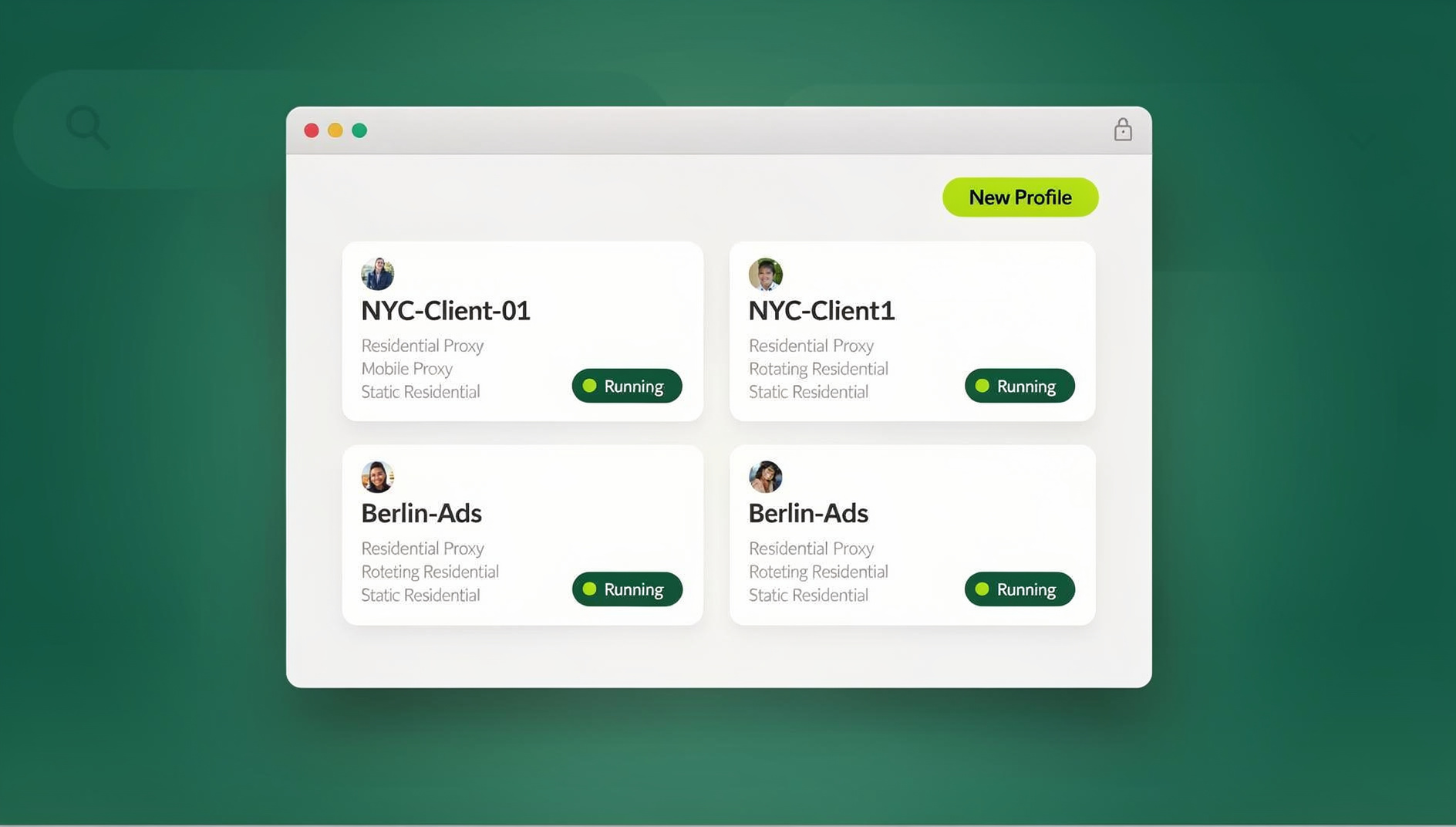
Not every workflow is a one-off share. Agencies running Ahrefs audits across many client accounts often want persistent, locally-installed browser profiles they control day to day — that’s what Send.win’s native desktop app for Windows, macOS, and Linux is for: one isolated, fingerprinted profile per client account, kept separate on your own machine, so different logins never bleed into each other.
And for agencies that need to pull the same Ahrefs reports on a recurring schedule — say, a weekly backlink audit across fifty client sites — manually logging in and clicking through the UI doesn’t scale. That’s where Send.win’s cloud browser sessions come in: each collaborator gets an isolated Ahrefs session with its own cookies, storage and fingerprint, so recurring work can be shared without ever hardcoding a shared password into a script that other people can read.
These two modes — desktop app and cloud browser sessions — solve different problems. Desktop is for persistent local control, while cloud browser is for sharing access to someone without installing anything on their end. Most Ahrefs-sharing situations map cleanly onto cloud browser sessions; agencies working across many clients often end up using both.
Step-by-Step: Sharing an Ahrefs Session Safely With Send.win
- Create a cloud browser session inside Send.win and log into Ahrefs once, exactly as you normally would.
- Configure the session’s fingerprint and proxy so it looks like a normal, consistent login rather than a new device every time.
- Blur or hide any sensitive UI elements — billing details, other clients’ projects — that the person you’re sharing with shouldn’t see.
- Set a session time limit so access expires automatically once the task is done, instead of relying on a manual revoke later.
- Generate the share link and send it to the contractor, teammate, or client — they open it and land straight in the working Ahrefs session, no password prompt involved.
- Revoke or let the session expire when the work is finished; the underlying Ahrefs credentials were never exposed, so there’s nothing to rotate afterward.
For teams doing this regularly rather than as a one-off, Send.win also supports saving and reusing sessions, and you can share sessions with your team directly instead of re-creating one from scratch every time a new collaborator needs access.
Send.win vs. Antidetect Browsers vs. Native Ahrefs Sharing
| Concern | Multilogin / AdsPower / GoLogin | Send.win | Native Ahrefs Workspace |
|---|---|---|---|
| Share access without exposing the password | Usually still requires the credential to log in | Yes — cloud session shared, password never seen | Yes — invited users, no shared credential |
| Unique fingerprint per session | Yes — core feature | Yes — browser isolation, per-profile fingerprint | Not applicable — relies on official user accounts |
| Time-limited, revocable access | Manual, tool-dependent | Yes — built-in session timers | Manual (remove user from workspace) |
| Blur/hide sensitive UI before sharing | Rarely supported | Yes | Not applicable — full account visibility by role |
| No local install required | Usually requires a local client | Yes, for cloud browser sessions specifically | Depends on user’s own browser |
| Scripted/automated access (Selenium, Puppeteer, Playwright) | Varies by product | No | No |
Dedicated multi-login browsers — the same category covered in our best antidetect browser comparison — are genuinely strong at fingerprint isolation and are the right call for running many distinct accounts on other platforms. For the specific problem of sharing one Ahrefs login without leaking the password, though, a tool built around controlled session sharing addresses the actual risk rather than just disguising it.
Best Practices for Safe Ahrefs Collaboration in 2026
- Never send raw credentials over email, chat, or a shared document — use Ahrefs’ own invites or a session-sharing tool instead.
- Assign least-privilege roles. Give each Ahrefs workspace member only the access level their task actually requires, and review the list periodically.
- Turn on 2FA and SSO wherever your plan supports it, so a leaked password alone isn’t enough to get in.
- Put a time limit on any shared access. Whether it’s a workspace invite or a shared session, default to expiring access rather than leaving it open indefinitely.
- Watch for anomaly signals. Repeated verification prompts or unusual-location alerts are early warnings that credentials are being used more broadly than intended.
- Keep client work isolated. Don’t reuse the same login, profile, or session across unrelated client accounts — treat each as its own compartment.
- Train your team. Shared passwords and shadow SaaS usage are consistently cited as leading causes of avoidable SaaS security incidents — most of it comes down to habits, not technology.
- Centralize your audit trail. Whether through Ahrefs’ own role-based logs or a session-sharing tool’s activity history, make sure someone can answer “who did this” after the fact.
If You’re Reconsidering Ahrefs Altogether: Alternatives Worth Knowing
If seat costs or sharing friction are pushing your team to rethink your SEO stack rather than just how you share it, a few tools are worth knowing about: Semrush offers a comparable all-in-one feature set with its own team-seat model; SurferSEO leans harder into AI-assisted content optimization with simpler onboarding; and tools like SE Ranking, Moz, and SpyFu offer more modular, often cheaper slices of backlink and keyword data depending on what you actually need. None of them remove the underlying sharing question, though — whichever platform you land on, the same principle applies: share working access, not the password.
🏆 Send.win Verdict
Sharing an Ahrefs password is almost never the right move in 2026 — it costs you accountability, triggers verification friction, and puts client data at risk. If the goal is genuinely just letting a client or contractor use the tool without buying them a full seat, Send.win’s cloud browser sessions solve that cleanly: the collaborator gets a working, isolated Ahrefs session with its own fingerprint and proxy, on a time limit you control, without ever seeing the underlying credentials. Agencies running audits across many client accounts can pair that with the desktop app for persistent local profiles — no shared passwords required in either case.
Try Send.win’s free cloud demo today — a 3-minute preview without signup, and see how session sharing replaces password sharing for good.
Frequently Asked Questions
Is it safe to share my Ahrefs login with a contractor if I change the password afterward?
It’s technically possible, but it still violates secure credential practice and is likely to trigger Ahrefs’ simultaneous-login checks while the contractor is using it. A better approach is to invite them as an authorized workspace user, or use a session-sharing tool like Send.win so they get functional access without ever seeing the password at all.
Will Ahrefs suspend or ban my account for sharing it?
Ahrefs’ official model is built around workspace roles and authorized users, not password sharing. Sharing raw credentials in ways that trigger concurrent-login detection can lead to forced logouts and repeated verification prompts, and in more extreme or automated abuse cases, closer account scrutiny. Sticking to invited users or session sharing avoids that entirely.
Does using an antidetect browser make shared Ahrefs logins safe?
It reduces the chance of detection by isolating fingerprints, but it doesn’t resolve the underlying issue if multiple people are still using the same credential set. You’ve traded a detection problem for a smaller one — you still have a single point of credential leakage and no per-user accountability. Tools built specifically for password-free session sharing address that gap directly.
What’s the difference between Send.win’s cloud browser sessions and its desktop app?
Cloud browser sessions run entirely in the cloud with no local install, which is what makes them shareable with someone on a device you don’t control — ideal for handing a client or contractor temporary Ahrefs access. The desktop app is a native Windows, macOS, and Linux client for running your own isolated profiles locally, better suited to an agency’s day-to-day, persistent per-client browser setup.
Can I automate Ahrefs data pulls instead of sharing login access for reporting?
Send.win does not offer an automation interface — there is no API, SDK, headless mode or Selenium/Puppeteer/Playwright support on any plan. For agencies pulling the same reports across many client accounts on a schedule, Send.win’s cloud browser sessions instead let each collaborator work in an isolated Ahrefs session with its own cookies, storage and fingerprint, without handing out login access for a repetitive task.
How do I revoke access if someone misuses a shared Ahrefs login?
Remove them from the Ahrefs workspace, rotate the password if raw credentials were ever shared, and review recent account activity for anything unexpected. If you were using a session-sharing tool instead, simply expire or disable that specific session — the underlying Ahrefs password was never exposed in the first place.
What is the single biggest improvement I can make to reduce Ahrefs-sharing risk?
Stop sharing the password, period — whether that means moving to Ahrefs’ own authorized-user model or adopting a zero-password session-sharing approach like Send.win’s cloud browser sessions. Everything else on this list (2FA, audit trails, least-privilege roles) matters, but removing the shared credential removes the root cause.
Is Send.win only useful for Ahrefs, or does this apply to other SaaS tools too?
The same approach applies to any paid tool with per-seat pricing and a team that wants to share access — Send.win is built around browser isolation, unique fingerprints per profile, built-in proxies, and team sharing generally, not one specific platform. Whether it’s Ahrefs, another SEO tool, or something entirely unrelated, the underlying problem — and the fix — is the same.