Safely manage multiple Fiverr accounts and you unlock a genuinely useful growth lever: separating gig categories, testing new niches, isolating higher-risk services from your core income, or running a small agency’s roster of sellers under one workflow. Do it carelessly, and you invite warnings, restrictions, frozen withdrawals, and permanent bans. This 2026 guide walks through Fiverr’s actual policy on multiple accounts, the technical reasons accounts get linked and flagged, and a concrete, tool-by-tool workflow — including where a browser isolation platform like Send.win fits — for running more than one Fiverr profile without putting your freelance income at risk.
Why Freelancers Run Multiple Fiverr Accounts in 2026
Freelancers rarely set out to break rules. The reasons multiple accounts come up are almost always practical:
- Service segmentation — a designer offering both logo design and video editing may want two focused, high-conversion gig pages instead of one cluttered profile.
- Niche testing — trying a new category (say, AI prompt writing) without risking the reviews and Level status built on an established profile.
- Team or family operations — a small studio where two real people, each with their own tax ID and bank account, sell independently.
- Agency management — social media managers, virtual assistants, and marketing agencies who legitimately operate several client or contractor seller accounts on behalf of different businesses.
- Risk isolation — keeping an experimental or adult-adjacent gig category away from a primary income-generating profile.
Every one of these is a real business need. The problem isn’t the intent — it’s that Fiverr’s trust-and-safety systems can’t read intent, only signals: shared IP addresses, shared device fingerprints, shared payment details, and correlated login timing. Get the technical execution wrong and a perfectly legitimate reason for a second account still reads as ban-worthy manipulation.
Fiverr’s Official Policy on Multiple Accounts
Fiverr’s Terms of Service and Community Standards are unambiguous: each individual is generally permitted one seller account. Additional accounts are only tolerated when they represent genuinely separate, verifiable identities (a business partner, a distinct legal entity) and when Fiverr is proactively informed. Undisclosed duplicate accounts — even ones created with good intentions — are treated as a policy violation because the platform can’t distinguish “helpful test account” from “review manipulation” without that transparency.
Enforcement is layered, not instant. Fiverr typically escalates through:
- Automated flags — triggered by shared IPs, device fingerprints, or payment methods across accounts.
- Warnings — an educational notice, often the first response to a first-time, low-severity signal.
- Temporary restrictions — limited gig visibility, withdrawal holds, or feature lockouts.
- Permanent disabling — applied to repeat or high-severity violations, sometimes across every linked account simultaneously.
That last point is the one freelancers underestimate most: Fiverr’s linkage detection doesn’t isolate the violation to one account. If two accounts are correlated, both can go down together — including a primary account that had done nothing wrong on its own.
The Real Risks of Getting Multi-Accounting Wrong
Understanding what’s actually at stake makes the case for proper technical isolation. Here’s how Fiverr’s enforcement model typically maps to common mistakes:
| Mistake | Why It Gets Flagged | Typical Consequence |
|---|---|---|
| Logging into two accounts from the same browser/device without isolation | Shared cookies, cache, and device fingerprint create an obvious correlation trail | Warning, then account review |
| Using the same home Wi-Fi IP for multiple sellers | Shared IP address is one of the strongest linkage signals Fiverr uses | Temporary restriction on newer accounts |
| Sharing a payment/withdrawal method | Financial linkage is treated as near-conclusive proof of common ownership | Frozen withdrawals, account disabling |
| Copy-pasted gig descriptions across profiles | Content duplication signals a single operator running clone accounts | Gig removal, visibility penalty |
| Coordinated reviews between accounts | Interpreted as feedback manipulation, a top-tier integrity violation | Permanent ban, forfeited balance |
None of this means multi-accounting is impossible — it means the technical layer (IP, fingerprint, device, storage) has to be as separated as the business layer (email, payment method, gig content) for it to hold up under Fiverr’s scrutiny.
The Technology Behind Safe Multi-Account Isolation
Browser Fingerprinting: The Silent Linkage Signal
Even with different IPs, most people don’t realize their browser exposes dozens of identifying data points — screen resolution, installed fonts, GPU renderer string, canvas rendering quirks, timezone, and more. Combined, these form a fingerprint that’s often more unique than an IP address, and it persists across incognito windows and cache clears. Two Fiverr accounts opened in the same regular Chrome browser will typically share an identical fingerprint, no matter how carefully you rotate proxies. If this concept is new, it’s worth reading our full browser fingerprint breakdown before setting anything up.
Residential Proxies and IP Isolation
A unique IP per account matters, but not all IPs are equal. Datacenter IPs are cheap but easily flagged as non-residential, triggering extra CAPTCHA and trust friction. Residential proxies route traffic through real ISP-assigned addresses, which look and behave like an ordinary home connection — far lower risk of tripping Fiverr’s abuse detection. For serious multi-account operators, a dedicated residential (or sticky mobile) proxy per profile is close to non-negotiable.
Anti-Detect Browsers vs. Plain Browser Profiles
Chrome’s built-in “Profiles” feature separates cookies and bookmarks, but it does not separate the underlying browser fingerprint — every profile on the same install still reports the same canvas hash, WebGL renderer, and font list. A purpose-built multi-login browser generates a distinct, consistent, and believable fingerprint per profile, pairs it with its own proxy, and keeps cookies/local storage fully partitioned. That’s the difference between “looks like one person with two tabs open” and “looks like two independent people.”
How Send.win Powers Safe Multi-Fiverr-Account Management
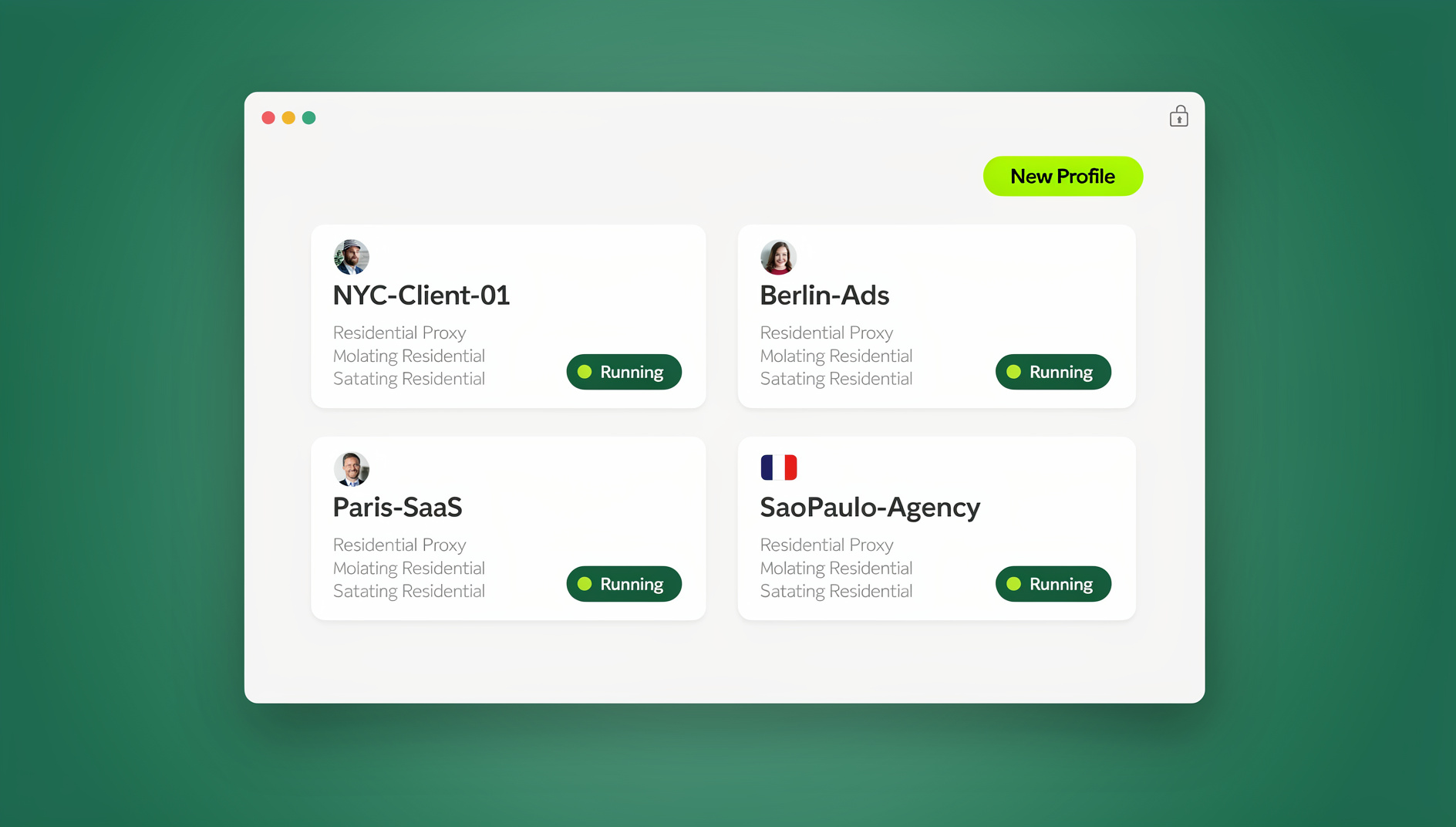
Send.win is built around exactly this problem — running many browser identities in parallel without them bleeding into each other — and it ships three genuinely different ways to do it, each suited to a different kind of Fiverr operator.
| Mode | What It Is | Best For |
|---|---|---|
| Desktop App | Native Windows, macOS, and Linux client where each Fiverr profile runs as an isolated local browser instance with its own fingerprint, cookies, and proxy | Solo freelancers running 2-10 profiles as their daily driver |
| Cloud Browser Sessions | Profiles run entirely in the cloud — nothing to install, accessible from any laptop, tablet, or client computer via the browser; billed as monthly cloud browsing time on paid plans | Freelancers who work from multiple devices, co-working spaces, or client sites and can’t install software everywhere |
| Automation API | No | Agencies that need to script internal QA, reporting, or health-checks across a large roster of seller accounts |
For most individual sellers, the Desktop app is the everyday tool: install it once, spin up a profile per Fiverr account, and each one gets a unique, persistent fingerprint plus a dedicated proxy slot, so the two accounts never share a traceable technical signature. For freelancers who bounce between a home laptop, a work machine, and the occasional client site — genuinely common in the Fiverr world — Cloud browser sessions mean you’re never stuck re-configuring isolated profiles on a device you don’t own; you log into the same isolated session from anywhere, with no local install and no fingerprint reset. Agencies running dozens of seller accounts on behalf of clients can manage each account in its own isolated profile with its own cookies, storage and fingerprint settings.
On top of the three modes, every Send.win plan includes the isolation fundamentals that actually matter for Fiverr specifically: a unique fingerprint per profile, built-in residential proxy support so each profile gets its own IP, AES-256/RSA-2048 encrypted session storage, and password-free team sharing if you need an assistant or partner to help manage a profile without ever seeing the login credentials. If you’re coordinating a small team around several accounts, our session isolation guide covers how to keep that collaboration from re-introducing the exact linkage risk you’re trying to avoid.
Step-by-Step: Setting Up Isolated Fiverr Profiles the Right Way
- Audit the need. Confirm a second account is genuinely necessary — a distinct business, a different real person, or a materially different service line — rather than something achievable inside one profile’s gig catalog.
- Build separate business infrastructure first. Unique email, unique payment/withdrawal method, unique identity verification documents. This is the layer Fiverr’s human reviewers check if an account is ever flagged, so get it right before touching any software.
- Sign up for Send.win. Send.win has no free trial; paid plans start at $19/month, and your first card purchase is covered by a 7-day money-back guarantee. You can also preview it free in the cloud demo at https://send.win/demo-browser/ before committing.
- Create one isolated profile per Fiverr account — via the Desktop app if you work mainly from one machine, or a Cloud browser session if you need to access the same profile from multiple devices.
- Attach a dedicated residential proxy to each profile so every account’s traffic originates from a distinct, consistent IP that matches its claimed location.
- Verify fingerprint consistency — timezone, language, and locale settings inside each profile should match the proxy’s geography, not your real location.
- Log in and operate each account exclusively inside its own profile, every time, with no exceptions — the moment you open a Fiverr account “just quickly” in your regular browser, you’ve reintroduced the correlation risk.
- Pace activity like a human. Avoid instant, simultaneous actions across accounts; stagger logins, message replies, and gig edits.
Best Practices to Avoid Fiverr Bans While Multi-Accounting
Do
- Keep gig titles, descriptions, and portfolio samples fully unique per account — no copy-paste, even between “obviously different” service categories.
- Disclose related accounts (team members, business partners) to Fiverr Support proactively rather than waiting to be asked.
- Rotate or refresh proxies if you notice unusual CAPTCHA prompts or verification requests on any profile.
- Document your setup — which account maps to which real person or entity — in case you ever need to appeal a restriction.
Don’t
- Don’t share a bank account, PayPal, or card across two seller profiles.
- Don’t log into a second account from your regular, non-isolated browser “just this once.”
- Don’t coordinate reviews, ratings, or promotional messaging between accounts — this is Fiverr’s highest-severity violation category.
- Don’t panic and spin up a new “backup” account the moment one gets restricted; uncoordinated shadow accounts almost always make an existing case worse.
Maximizing Earnings Across Multiple Fiverr Profiles
Once isolation is solid, multiple profiles become a genuine growth engine rather than just a risk to manage. Freelancers who scale successfully typically:
- Give each profile a distinct niche or persona so buyers see focused expertise rather than a generalist doing everything.
- Use gig-level SEO — keyword-rich titles and descriptions tailored to each account’s specific service category — to maximize Fiverr search visibility per profile.
- Track performance per account and reallocate effort toward whichever profile converts best, rather than splitting attention evenly by default.
- Layer upsells and custom order extras onto each gig to lift average order value without needing more raw traffic.
This mirrors a pattern we see across gig platforms generally, not just Fiverr — sellers on marketplaces like Etsy and Amazon apply the same segmented-profile strategy for the same reasons. If you’re weighing where else this approach helps your freelance business, our roundup of the best freelance websites in 2026 is a useful companion read for deciding where to diversify beyond Fiverr itself.
Monitoring, Maintenance, and Recovery
Isolation is not “set and forget.” Fiverr’s detection models update, and a setup that worked six months ago can start throwing flags if a proxy pool gets reused or a fingerprint configuration goes stale. Build in a simple maintenance rhythm:
- Weekly dashboard checks across every profile for warning banners, unusual login alerts, or sudden visibility drops.
- Quarterly proxy refresh if you’re on longer-lived residential IPs, to avoid an address slowly accumulating a negative reputation.
- Immediate pause, not escalation, on a flag. If one account is restricted, don’t touch the others reactively — assess the root cause first, since panicked cross-account activity is itself a correlation signal.
- Documented appeals — if a restriction seems to be a false positive, a clear written explanation of your legitimate, separated setup gives Fiverr Support something concrete to review.
Ethical Considerations for Long-Term Secure Freelancing
It’s worth being explicit about where the line sits. Technical isolation tools exist to let legitimate businesses and individuals operate without their independent activity being wrongly correlated — not to disguise fake reviews, sockpuppet accounts, or client manipulation. Fiverr’s integrity policy covers honest representation as much as it covers account count. Use isolation as a productivity and privacy layer, document your reasons, and you’re operating well within both the letter and the spirit of the platform’s rules.
🏆 Send.win Verdict
Safely running multiple Fiverr accounts comes down to one thing: making each profile technically indistinguishable from an independent user, not just a separately logged-in tab. Send.win handles that with a dedicated fingerprint, proxy, and encrypted storage per profile — via the Desktop app for your everyday setup, or Cloud browser sessions when you need the same isolated profile accessible from any device with zero local install. Agencies managing several seller accounts can keep each account in its own isolated profile with its own cookies, storage and fingerprint settings.
Try Send.win today — paid plans start at $19/month, and your first card purchase is covered by a 7-day money-back guarantee, so you can test full profile isolation across your Fiverr accounts.
Frequently Asked Questions
Is it illegal to have multiple Fiverr accounts?
It’s not illegal in a legal sense, but it violates Fiverr’s Terms of Service unless the accounts represent distinct, disclosed individuals or entities. Undisclosed duplicate accounts risk warnings, restrictions, or permanent bans rather than legal consequences.
How does Fiverr detect multiple accounts?
Fiverr correlates signals like shared IP addresses, browser fingerprints (canvas, WebGL, fonts, screen resolution), device identifiers, payment methods, and behavioral patterns such as simultaneous logins or duplicated gig content.
Can I use a VPN instead of an anti-detect browser for Fiverr?
A VPN alone only changes your IP address — it does nothing to change your browser fingerprint, which is often the stronger linkage signal. A dedicated multi-login or anti-detect browser combined with a residential proxy is significantly more reliable for genuine isolation.
What happens if Fiverr bans one of my linked accounts?
Because Fiverr’s detection treats linked accounts as a single case, disabling one account frequently triggers a review of any account correlated to it, including funds holds. This is exactly why full technical separation from day one matters more than damage control after the fact.
Do I need a residential proxy for every Fiverr account?
For any setup beyond a single, fully disclosed secondary account, yes — a unique residential IP per profile is one of the strongest signals of genuine independence and substantially reduces flagging risk compared to sharing an IP or using datacenter proxies.
What’s the difference between Send.win’s Desktop app and Cloud browser sessions for Fiverr?
The Desktop app installs natively on Windows, macOS, or Linux and runs isolated profiles locally on that machine. Cloud browser sessions run the same isolated profiles remotely, with no software installed at all, so you can access the identical Fiverr session from any device — useful if you switch between a home computer, a laptop, and client machines.
Can agencies automate Fiverr account management with Send.win?
How much does Send.win cost for managing multiple Fiverr accounts?
Send.win has no free trial. The Pro plan is $19/month (or $83.88/year) with 150 profiles and 5GB of proxy bandwidth, while the Team plan is $49/month (or $251.88/year) with 500 profiles, 20GB bandwidth, and 16 seats — well suited to an agency managing accounts for multiple clients. The first card purchase is covered by a 7-day money-back guarantee.