The best Multilogin alternatives in 2026 are GoLogin, AdsPower, Incogniton, Kameleo, Dolphin Anty, and Send.win — each one isolates browser profiles so you can run dozens of accounts without cross-contamination or bans. Send.win is the standout pick for most solo operators and small teams: a native desktop app (or a fully cloud-hosted session with zero install) with per-profile proxies, one-click sharing, and an Automation API, starting at $19/month with a 30-day free trial and no credit card required.
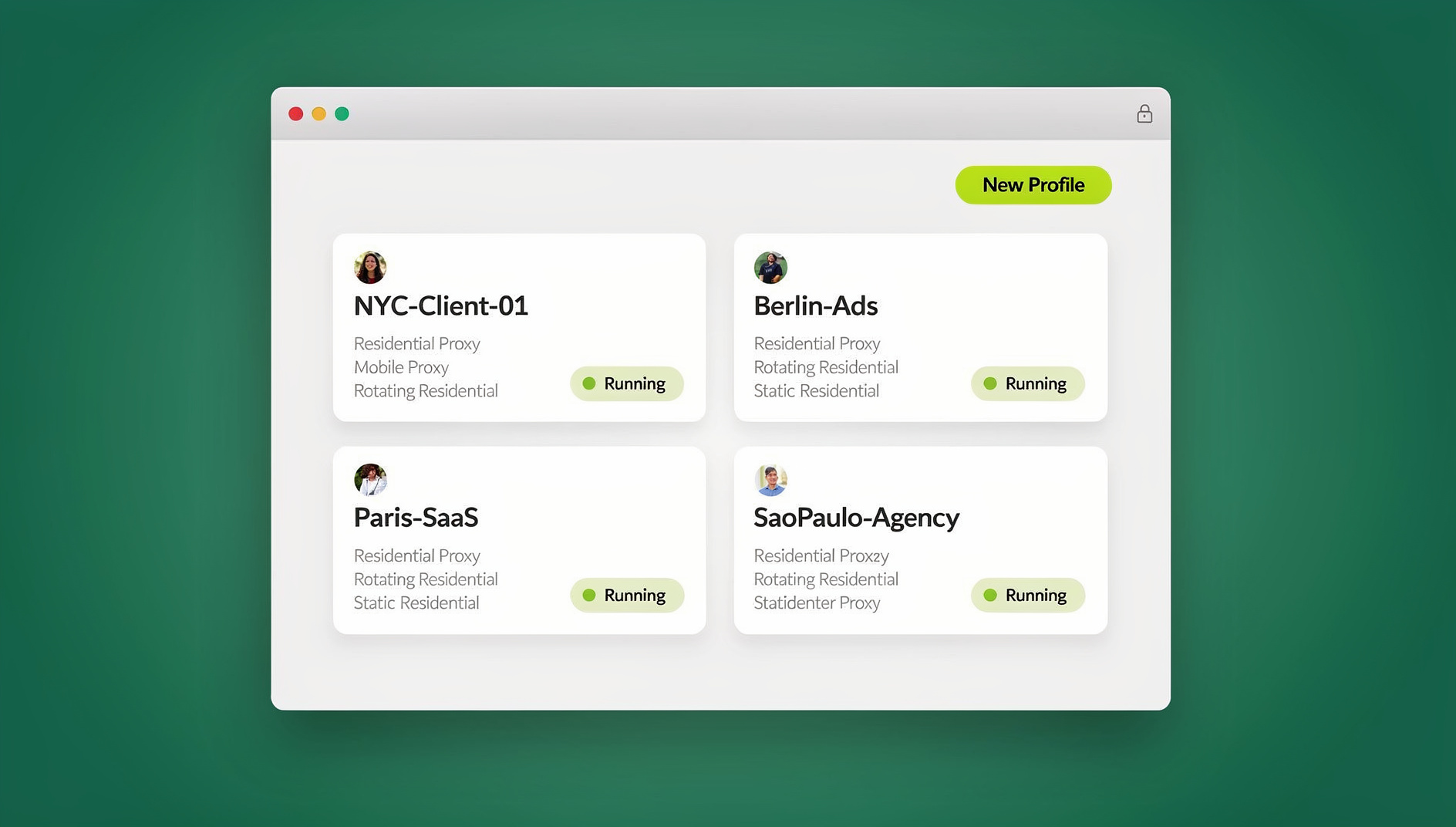
What Is Multilogin and Why Do People Look for Alternatives?
Multilogin is one of the original anti-detect browsers. It lets you create separate browser profiles, each with its own configurable fingerprint — user agent, screen resolution, fonts, WebGL renderer, timezone, and more — so that websites can’t easily link separate sessions back to the same person. It runs on two engines: Mimic (Firefox-based) and Stealthfox (Chromium-based), and it supports proxy assignment per profile plus API-driven automation for teams that script their workflows.
The catch is cost and complexity. Multilogin’s entry plans run around €9/month for a handful of profiles, but scale quickly toward €150+/month once you need dozens or hundreds of profiles for a team. The interface also has a real learning curve — fingerprint templates, proxy configuration, and cloud/local storage settings are powerful but not exactly beginner-friendly. That combination pushes a lot of freelancers, small agencies, and everyday multi-account users to look elsewhere for something cheaper and simpler that still keeps sessions properly isolated.
The reasons people search for multilogin alternatives usually boil down to three things: budget (not everyone needs enterprise-grade fingerprint tuning), ease of use (a tool that a non-technical team member can pick up in minutes), and modern conveniences like cross-device cloud sync or instant session sharing without emailing passwords around.
Top Multilogin Alternatives in 2026
Here’s a rundown of the tools people compare most often against Multilogin, based on what shows up repeatedly in forums, review sites, and real user feedback. Each one takes a slightly different angle on profile isolation, pricing, and who it’s actually built for.
GoLogin: User-Friendly and Cloud-Focused
GoLogin is a solid starting point if you want multi-login without a steep learning curve. Its interface is clean, profile setup is quick, and cloud syncing means you can pick up a session on a different computer without losing your configuration. Fingerprint spoofing covers the essentials — canvas and WebGL randomization, proxy rotation, and some built-in automation for repetitive tasks. Team plans add profile sharing with view/edit permissions.
Pricing starts with a limited free tier, then paid plans run from roughly $24/month for around 100 profiles up to $99/month for unlimited profiles. It’s intuitive enough for a social media manager juggling a dozen client accounts, but the free tier is thin, and advanced features often sit behind higher-priced add-ons.
AdsPower: Built for Ad Account Management
AdsPower is aimed squarely at people running multiple ad accounts on Facebook, Google, or TikTok. It pairs anti-detect fingerprinting with robotic process automation (RPA) for repetitive tasks like logging in or posting updates, plus real-time team collaboration and profile grouping for larger operations.
Plans start around $59/month for roughly 100 profiles, climbing higher for enterprise tiers. That’s a meaningful jump over budget tools, but for agencies managing dozens of ad accounts through Black Friday-style spikes, the automation and team tooling can pay for itself. It’s overkill, though, if you just need a handful of isolated logins.
Incogniton: Budget-Friendly and Versatile
Incogniton keeps things affordable while still covering bulk profile creation, cookie import/export, and proxy integration. It’s a common pick for freelancers managing several clients’ SEO or ad accounts without needing enterprise pricing.
It’s free for up to 10 profiles, then around $30/month for 50 profiles, scaling to roughly $150/month for unlimited. The interface is functional if a little dated, and its API options are more limited than developer-focused competitors — fine for most users, less so if you need deep scripting control.
Kameleo: Deep Fingerprint Control
Kameleo goes further on fingerprint customization, including mobile device emulation and geolocation spoofing, which matters if you’re testing how sites behave on different device types or need very precise identity separation — crypto exchange traders managing multiple accounts are a common use case.
Plans start around $59/month for 50 profiles, with no free tier. It’s precise but has a steeper setup process than most alternatives on this list.
Dolphin Anty: The Budget Basics Option
Dolphin Anty covers fingerprint masking, proxy integration, and extension support at a lower price point, with a focus on social media use cases. It’s free for 10 profiles, then around $10/month for 50, up to roughly $89/month for unlimited. It’s light on advanced features and sync can occasionally lag, but for straightforward social account management it gets the job done cheaply.
Nstbrowser: The Newer, Cheaper Entrant
Nstbrowser is a newer name offering unlimited profiles on pro plans from around $10/month, with anti-detect basics and collaboration features baked in. It’s fast and reasonably private, though being newer on the market means less of a track record on edge cases and long-term reliability compared to the more established names above.
Send.win: A Native App or a Cloud Browser Session
Send.win takes a different structural approach than most of the tools above. Instead of one rigid setup, it gives you two ways to work: download the native Sendwin Browser app for Windows, macOS, or Linux for a local-first experience with encrypted cloud sync, or skip installation entirely and run a session that lives fully in the cloud, metered by cloud browsing time. There’s no in-between setup to reconcile — it’s either a dedicated desktop application or a complete cloud-hosted browser, which keeps profile isolation and browser fingerprint handling consistent regardless of which mode you pick.
Core features include unlimited isolated profiles with no data leakage between sessions, per-profile proxy assignment for extra anonymity, encrypted cloud sync so you can jump between devices, and one-click session sharing with expiring timers — useful for handing a client or teammate temporary access without ever handing over a password. For anyone comparing tools by capability rather than just price, it’s worth reading a full Multilogin alternative comparison to see how the isolation models differ in practice.
For developers and QA teams, Send.win’s Automation API is available starting on the Pro plan (it isn’t locked to the top-tier Team plan). It works with local automation frameworks — Selenium, Puppeteer, or Playwright — pointed at the desktop app, so existing automation scripts can drive isolated profiles the same way they’d drive a standard local browser instance, without switching to a browser-specific SDK.
Pricing is straightforward: a 30-day free trial with no credit card required, then Pro at $19/month ($6.99/month billed annually — 63% savings) for 150 profiles and 5GB of proxy bandwidth, or Team at $49/month ($20.99/month billed annually — 57% savings) for 500 profiles, 20GB of bandwidth, and 16 seats — both tiers include the Automation API. For solo operators, freelancers, and small teams who want most of what Multilogin offers without the steep learning curve or per-seat cost creep, that combination of native app plus optional cloud sessions covers a lot of ground. If you’re deciding between dedicated hardware-level fingerprint tuning and a simpler, cheaper isolation model, this Send.win vs multi-login browsers breakdown walks through the trade-offs in more depth.
Send.win vs Multilogin and the Rest: Feature and Pricing Comparison
Here’s how the main options stack up side by side on the things that actually drive a decision — price, profile limits, automation support, and who each tool is really built for.
| Tool | Starting Price | Free Trial | Automation API | Cloud Sync | Best For |
|---|---|---|---|---|---|
| Send.win | $19/mo ($6.99/mo annual — 63% off) | 30 days, no card | Yes, from Pro | Yes | Everyday users, small teams |
| Multilogin | ~€9/mo | Short trial | Yes, higher plans | Partial | Advanced anti-detect users |
| GoLogin | ~$24/mo | Free tier | Limited | Yes | Beginners |
| AdsPower | ~$59/mo | Free tier | RPA-based | Yes | Ad account management |
| Incogniton | ~$30/mo | Free for 10 profiles | Limited | Yes | Budget-conscious freelancers |
| Kameleo | ~$59/mo | None | Yes | Yes | Precision fingerprint control |
| Dolphin Anty | ~$10/mo | Free for 10 profiles | Limited | Yes | Social media basics |
A few patterns stand out. Send.win undercuts most of the field on price while still including automation from its entry paid tier — Kameleo and Multilogin gate serious API access behind pricier plans, and budget options like Dolphin Anty and Incogniton trade away automation depth to hit their low price points. If your workload is mostly about running clean, isolated sessions for social, e-commerce, or client accounts rather than heavy-duty ad automation, Send.win and GoLogin sit in the sweet spot. If you need deep, granular fingerprint tuning for high-stakes anti-detect work, Multilogin and Kameleo still lead on raw customization.
How to Choose the Right Multilogin Alternative
A few questions narrow the decision quickly, and it helps to work through a dedicated best browser for multiple accounts comparison alongside your own checklist:
- How many profiles do you actually need? A solo freelancer with five client logins doesn’t need the same tool as an agency running 200 ad accounts.
- Do you need automation? If you’re scripting logins or data collection with Selenium, Puppeteer, or Playwright, confirm the plan tier that unlocks API access before you commit.
- Local app or cloud session? A native desktop app with encrypted sync gives you more control and offline access; a cloud-hosted session needs no install and leaves zero footprint on the machine you’re using, which matters on shared or locked-down computers.
- How technical is your team? Tools with deep fingerprint templates (Multilogin, Kameleo) reward technical users; simpler isolation-first tools (Send.win, GoLogin) are easier to hand to a non-technical teammate.
- What’s your real budget ceiling? Price per profile changes a lot between tiers — run the math on your actual profile count rather than comparing headline monthly prices.
Real-World Scenarios
A solo dropshipper running five supplier and marketplace accounts doesn’t need Kameleo-level device emulation — a cheaper, simpler isolation tool like Send.win or Dolphin Anty covers the need without unnecessary complexity. A marketing agency juggling dozens of client ad accounts across Facebook and Google, on the other hand, often leans toward AdsPower’s RPA tooling or Multilogin’s deeper fingerprint control, accepting the higher price for the added automation depth.
A freelancer managing SEO or social accounts for multiple clients typically wants something in between: enough isolation to avoid flags, easy one-click sharing so a client can review work without a password handoff, and a price that doesn’t eat into margins — which is where Send.win’s Pro plan tends to land well. A small QA or engineering team testing how a product behaves across accounts and regions benefits from Send.win’s Automation API paired with Selenium or Playwright, running scripted checks against isolated profiles without maintaining a farm of separate physical machines.
🏆 Send.win Verdict
Multilogin remains the deepest tool for teams that need granular, device-level fingerprint tuning, and AdsPower still leads for heavy ad-account automation. But for the majority of freelancers, small agencies, and everyday multi-account users, Send.win hits the best balance: a native desktop app or zero-install cloud session, per-profile proxies, one-click sharing, and an Automation API available from the Pro plan — all at a fraction of Multilogin’s team pricing, backed by a 30-day free trial with no credit card required.
Try Send.win free today — set up your first isolated profile in minutes and see the difference for yourself.
Frequently Asked Questions
What are the best Multilogin alternatives in 2026?
The most commonly recommended options are GoLogin for ease of use, AdsPower for ad account management, Incogniton for budget-conscious freelancers, Kameleo for deep fingerprint control, Dolphin Anty for basic social media needs, and Send.win for an affordable, simple native-app-or-cloud-session setup with built-in automation support.
How does Send.win compare to Multilogin?
Send.win is significantly cheaper and easier to set up for everyday multi-account use, offering isolated profiles, proxy support, and cloud sync starting at $19/month. Multilogin offers deeper, more granular fingerprint customization but at a higher cost and with a steeper learning curve, making it better suited to advanced anti-detect workflows.
Is there a free trial for Send.win?
Yes. Send.win offers a 30-day free trial with no credit card required, so you can test profile isolation, proxy setup, and session sharing before choosing between the Pro and Team plans.
Does Send.win support automation with Selenium or Playwright?
Yes. Send.win’s Automation API is available starting on the Pro plan, letting you connect existing Selenium, Puppeteer, or Playwright scripts to the desktop app to automate isolated profiles.
Are anti-detect and multi-login browsers legal to use?
Yes, for legitimate purposes such as managing separate client accounts, running approved ad campaigns, or testing software across regions. They’re tools for account isolation and privacy, not a license to violate a platform’s terms of service.
Do I need a local install, or can I use a cloud-only session?
Send.win offers both. You can download the native Sendwin Browser app for Windows, macOS, or Linux for a local-first setup with encrypted cloud sync, or run a session entirely in the cloud with no local install, metered by cloud browsing time — useful on shared or locked-down machines.
What’s the difference between Send.win’s Pro and Team plans?
Pro is $19/month ($6.99/month billed annually — 63% savings) with 150 profiles and 5GB of proxy bandwidth. Team is $49/month ($20.99/month billed annually — 57% savings) with 500 profiles, 20GB of bandwidth, and 16 seats. Both plans include the Automation API.
Which alternative is best for a small team on a budget?
For small teams that need reliable isolation, cloud sync, and simple sharing without a steep learning curve, Send.win’s Team plan generally offers the best balance of price and features. If your team’s core need is ad-account automation specifically, AdsPower is worth the higher price instead.