Browsing protection is the combined set of browser settings, extensions, network safeguards, and isolation techniques that stop malware, phishing, tracking, and session hijacking before they reach your device. No single setting covers everything — real protection is layered, running from your browser’s built-in defenses through DNS filtering, cookie isolation, and full browser or session isolation for higher-risk and multi-account browsing.

Why Browsing Protection Matters More Than Ever
Your browser is the single most-used application on any device, and it’s also the most exposed. It touches untrusted code from thousands of websites every day, stores your login sessions, and often holds saved passwords, payment details, and personal data. Attackers know this, which is why browser-based attack vectors — phishing pages, malicious downloads, malvertising, and fingerprinting-based tracking — remain the dominant way both individuals and businesses get compromised.
For anyone managing more than one online identity — a freelancer juggling client logins, a seller running several marketplace storefronts, or a marketing team operating multiple ad accounts — browsing protection also means keeping those identities cleanly separated so a single leaked cookie or a shared fingerprint can’t link, expose, or get every account flagged at once.
The Biggest Browser Threats in 2026
| Threat | How It Works | Risk Level | Protection Needed |
|---|---|---|---|
| Phishing | Fake websites steal your credentials | Critical | URL filtering, Safe Browsing |
| Drive-by downloads | Malware downloads automatically from compromised sites | High | Browser isolation, sandboxing |
| Browser fingerprinting | Sites track you via unique browser characteristics | Medium | Fingerprint protection, isolated profiles |
| Malicious extensions | Extensions with hidden data-stealing code | High | Extension auditing, minimal permissions |
| Cross-site scripting (XSS) | Injected code steals cookies and session data | High | Content Security Policy, session isolation |
| Man-in-the-middle | Intercepted traffic on public WiFi | High | HTTPS enforcement, VPN/proxy |
| Cryptojacking | Sites use your CPU to mine cryptocurrency | Medium | Script blocking, browser isolation |
| Cookie theft / session hijacking | Session cookies stolen via malware, XSS, or shared profiles | Critical | Cookie isolation, session management |
Built-In Browser Protection Features
Google Chrome
- Safe Browsing: Warns about known malicious sites and downloads
- Enhanced Protection: Real-time URL checking against Google’s threat database
- Site Isolation: Each site runs in a separate process
- Sandboxed renderer: Browser rendering runs with minimal OS permissions
- Automatic HTTPS upgrades: Redirects HTTP to HTTPS when available
Mozilla Firefox
- Enhanced Tracking Protection (ETP): Blocks known trackers, fingerprinters, and cryptominers
- Total Cookie Protection: Isolates cookies per website
- Firefox Fission: Site-per-process isolation architecture
- DNS over HTTPS: Encrypts DNS queries to prevent snooping
- SmartBlock: Prevents tracking while maintaining site functionality
Microsoft Edge
- Microsoft Defender SmartScreen: Phishing and malware detection
- Application Guard: Opens untrusted sites in a Hyper-V container
- Password Monitor: Alerts when your saved passwords appear in data breaches
- Tracking Prevention: Three levels (Basic, Balanced, Strict)
These built-in defenses catch the majority of everyday threats, but they were never designed to solve a different problem: keeping dozens of separate logins, cookies, and fingerprints from bleeding into each other. That’s where dedicated isolation tools come in, and it’s the gap that secure browsing practices are meant to close.
Essential Browsing Protection Extensions
| Extension | Browser | Protection Type | Free |
|---|---|---|---|
| uBlock Origin | Chrome, Firefox, Edge | Ad/tracker/malware blocking | Yes |
| Bitwarden | All browsers | Password management, phishing prevention | Yes |
| Privacy Badger | Chrome, Firefox | Intelligent tracker blocking | Yes |
| NoScript | Firefox, Chrome | Script blocking per site | Yes |
| ClearURLs | Chrome, Firefox | Strips tracking parameters from URLs | Yes |
| Canvas Blocker | Firefox | Prevents canvas fingerprinting | Yes |
Extensions are useful for baseline hygiene, but they all run inside the same browser profile, sharing the same cookie jar, the same fingerprint, and the same local storage. If you only ever use one identity online, that’s fine. If you manage several accounts on the same platform, extensions alone won’t stop those accounts from looking linked to the site you’re logging into.
Advanced Browsing Protection Techniques
1. Browser and Session Isolation
The strongest protection is isolating your browsing entirely so that whatever happens in one session can never touch your device or your other accounts. In practice this comes in a few forms:
- A native, local-first desktop app that keeps each profile’s cookies, storage, and fingerprint in its own encrypted container on your machine, syncing securely to the cloud so your sessions follow you across devices.
- Fully cloud-hosted browser sessions that run entirely on remote servers with zero local install — nothing downloaded, nothing cached, and nothing left behind on the device you used.
- Local sandboxing or VM-based isolation for developers and IT teams who want to run a disposable environment for a single risky task.
Send.win covers the first two natively: Sendwin Browser is a downloadable desktop app for Windows, macOS, and Linux that keeps every profile local-first with encrypted cloud sync, while its cloud browser sessions run entirely off-device and are simply metered by cloud browsing time. Between the two, you get isolation whether you want your sessions on your own machine or fully offloaded to the cloud. It’s the same core idea behind remote browser isolation, broadened from enterprise threat containment to everyday multi-account browsing.
2. DNS-Level Protection
Block threats before they even load by using protective DNS services:
- Cloudflare 1.1.1.2 (Families): Blocks malware and adult content at the DNS level
- NextDNS: Customizable DNS filtering with analytics
- Quad9 (9.9.9.9): Blocks known malicious domains
- Pi-hole: Self-hosted DNS sinkhole for network-wide ad blocking
3. Network-Level Protection
- VPN: Encrypts all traffic and hides your IP from websites
- Proxy per session: Each browsing session uses a different IP for privacy and account separation
- Firewall rules: Block browser access to known malicious IP ranges
- Network segmentation: Isolate browsing traffic from sensitive internal networks
4. Cookie and Session Management
Cookies remain one of the biggest attack vectors because a stolen session cookie can grant full account access without ever needing a password. Solid cookie hygiene includes:
- Clearing cookies automatically when closing tabs or the browser
- Blocking third-party cookies entirely (now default in most browsers)
- Using separate, isolated profiles so cookies from one account group never mix with another
- Understanding exactly how session isolation keeps each login’s cookies, cache, and fingerprint walled off automatically
Browsing Protection for Multi-Account Users
Managing multiple accounts creates security challenges that generic browsing protection tools were never built to solve.
The Risks
- Cookie leakage: One compromised account can expose others through shared cookies
- Fingerprint linking: Platforms detect multiple accounts from the same browser fingerprint
- IP correlation: All accounts from the same IP address appear linked
- Session hijacking: Stolen session cookies can give attackers access to every account open in that browser
The Solution: Isolated Profiles
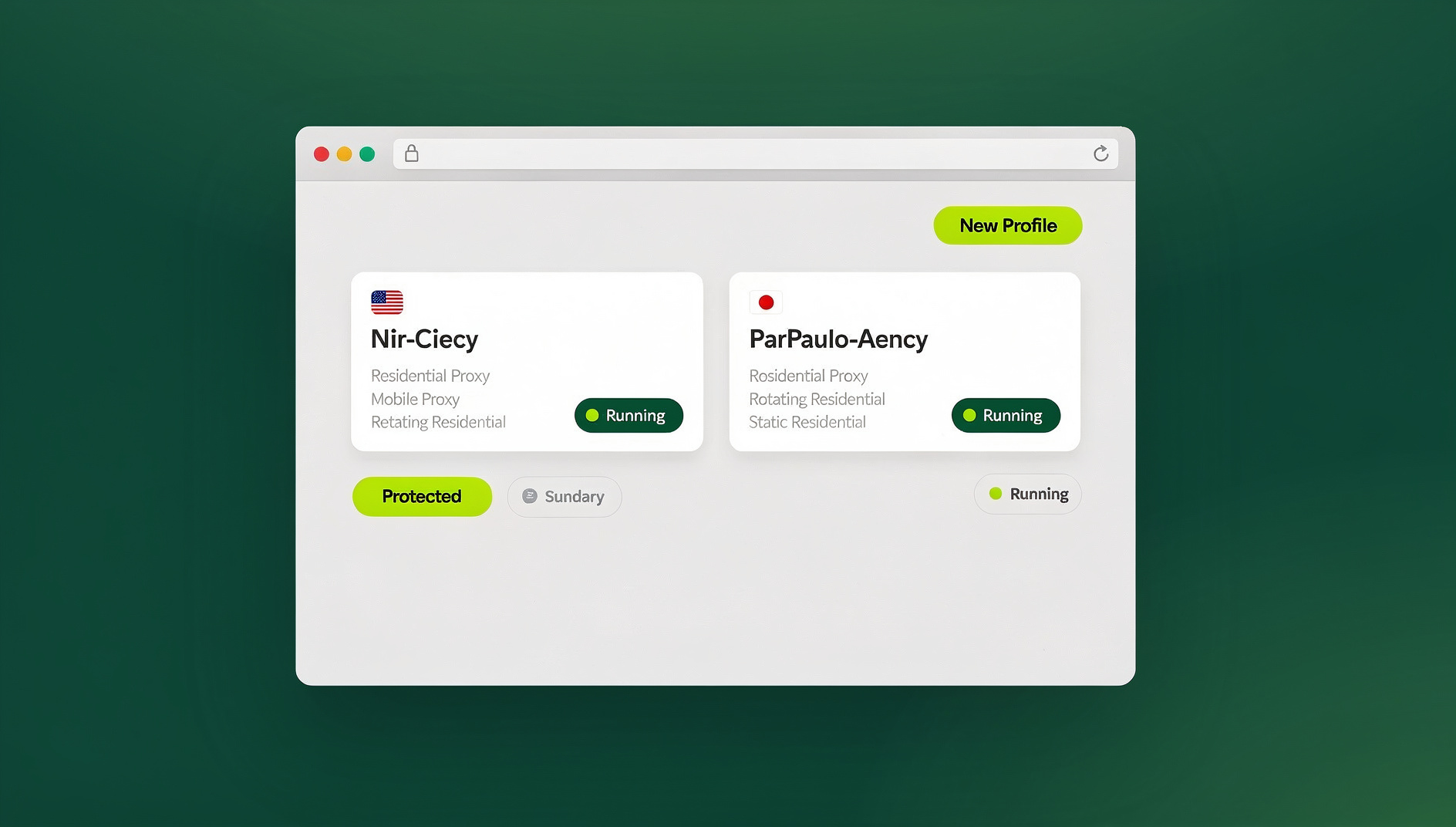
Each account needs its own isolated environment with separate cookies and local storage, a unique browser fingerprint, an optional dedicated proxy or IP, and independent session management — no cross-contamination between profiles. Send.win builds all of this into both its desktop app and its cloud sessions, so you don’t need to hand-configure separate extensions, containers, and proxies for every account. That matters for individuals, but it matters even more for teams — the same isolation principle is what stops running multiple accounts from turning into a compliance or ban-risk headache for a whole business.
For teams that also need to script repetitive logins, form fills, or QA checks across those isolated profiles, Send.win’s Automation API lets you drive the desktop app with familiar tools like Selenium, Puppeteer, or Playwright — available starting on the Pro plan, so it isn’t locked behind a Team-only tier. Automation still runs against your local, isolated profiles rather than a shared browser, which keeps the same protection guarantees intact even when the browsing is scripted instead of manual.
Browsing Protection Checklist
Essential (Everyone Should Do)
- Keep your browser updated to the latest version
- Enable Safe Browsing / SmartScreen
- Use a password manager (Bitwarden, 1Password)
- Install uBlock Origin for ad and tracker blocking
- Enable two-factor authentication on all accounts
- Only install extensions from official stores and check permissions
- Look for HTTPS (the padlock icon) before entering sensitive data
Intermediate (Privacy-Conscious Users)
- Use DNS-level protection (NextDNS, Cloudflare Families)
- Block third-party cookies
- Clear cookies and cache regularly
- Use separate browser profiles for different activities
- Enable DNS over HTTPS
- Review and minimize extension permissions
Advanced (Maximum Security or Multi-Account Use)
- Use isolated profiles — either a local-first desktop app or a fully cloud-hosted session
- Per-profile proxies for different accounts or activities
- Fingerprint protection (canvas, WebGL, font randomization) per profile
- Hardware security keys for critical accounts
- Network-level monitoring for suspicious connections
- Regular security audits of installed extensions
Enterprise Browsing Protection
Remote Browser Isolation (RBI)
Enterprise-grade browsing protection moves the browser off the endpoint entirely:
- Web content executes on remote servers, not employee devices
- Only safe pixels or reconstructed pages reach the endpoint
- Zero-day browser exploits can’t reach corporate machines
- Integrated with DLP, CASB, and SIEM platforms in larger deployments
Secure Web Gateway (SWG)
- URL filtering blocks access to known malicious or inappropriate sites
- SSL inspection decrypts and scans HTTPS traffic
- Cloud-delivered protection scales to any number of endpoints
- Policy enforcement applies uniformly across all employee browsers
Where Send.win Fits, and What It Costs
Send.win is built around exactly two modes, and browsing protection benefits from both: the Sendwin Browser desktop app for Windows, macOS, and Linux, which keeps profiles local-first with encrypted cloud sync, and fully cloud-hosted browser sessions that run with zero local install and are metered by cloud browsing time. You choose per task which one fits — local isolation for day-to-day account management, cloud sessions when you don’t want anything touching the device at all.
There’s a 30-day free trial with no credit card required, so you can test isolated profiles before committing. The Pro plan is $19/month ($6.99/month billed annually — 63% savings) and includes 150 profiles, 5GB of proxy bandwidth, and Automation API access. The Team plan is $49/month ($20.99/month billed annually — 57% savings) and steps up to 500 profiles, 20GB of bandwidth, Automation API access, and 16 seats for teams that need shared, isolated access across multiple people.
🏆 Send.win Verdict
Built-in browser defenses and a good ad-blocker cover the basics, but they can’t isolate multiple identities or guarantee a session’s cookies and fingerprint never cross into another account. Send.win closes that gap with a native desktop app plus fully cloud-hosted sessions, giving every profile its own cookies, fingerprint, and optional proxy — with an Automation API on the Pro plan for anyone who needs to script the workflow instead of clicking through it manually.
Try Send.win free today — start your 30-day trial, no credit card required.
Frequently Asked Questions
Is built-in browser protection enough?
For basic safety, yes — Chrome’s Safe Browsing and Firefox’s Enhanced Tracking Protection catch most common threats. For privacy-conscious users or anyone managing multiple accounts, you need additional layers like isolated profiles, fingerprint protection, and per-session proxies.
Do I need antivirus if I already have browsing protection?
Browsing protection and antivirus serve different roles. Browsing protection focuses on web-based threats — phishing, malicious downloads, tracking, and session hijacking. Antivirus protects against malware that reaches your system through any channel, including outside the browser. Both are recommended together.
Can browsing protection stop all phishing attempts?
No. Newly created phishing sites may not yet be listed in threat databases. Awareness remains critical — always verify URLs, be suspicious of urgent messages, and use a password manager that won’t autofill credentials on a fake site.
Does isolating browser profiles slow anything down?
Minimally. A local desktop app with isolated profiles runs about as fast as your normal browser. Fully cloud-hosted sessions may add slight latency depending on server proximity, but that trade-off buys you zero local footprint.
What’s the best browsing protection setup for teams?
Teams generally do best with a mix of isolated profiles per employee and centralized plan management rather than manually configuring extensions and proxies on every machine. Send.win’s Team plan supports 500 profiles and 16 seats specifically for this kind of shared, isolated access.
Do I have to install anything to use Send.win?
That depends on which mode you pick. Choose the Sendwin Browser desktop app for Windows, macOS, or Linux if you want profiles stored locally with encrypted cloud sync, or pick a cloud-hosted browser session if you’d rather run everything remotely with nothing installed on your device at all.
Can I automate tasks inside isolated Send.win profiles?
Yes. The Automation API, available starting on the Pro plan, lets you drive the desktop app with standard tools like Selenium, Puppeteer, or Playwright, so scripted workflows still run against your isolated local profiles rather than a shared, unprotected browser.
What’s the minimum I should do today if I do nothing else?
Update your browser, turn on Enhanced/Safe Browsing, install a password manager, and enable two-factor authentication everywhere it’s offered. Those four steps alone close off the majority of everyday browser attacks.
Conclusion
Browsing protection is a layered defense, not a single toggle. It starts with keeping your browser updated and extends through DNS filtering, extension-based blocking, cookie management, and — for anyone juggling more than one account — full profile isolation. Casual users need the basics; multi-account managers, freelancers, and teams need real separation between identities. Send.win handles that separation natively, whether you want it running locally on your machine or entirely in the cloud, turning browsing protection from a manual checklist into something that’s simply built in.