Send.win vs Browser.lol at a Glance
Send.win and Browser.lol both let you run multiple isolated browser profiles for multi-account work, but they take different paths to get there: Send.win runs profiles through its native Sendwin Browser desktop app or metered cloud browser sessions, with proxy integration and password-free team sharing built in, while Browser.lol spoofs fingerprint parameters on a browser installed locally on your own machine. If you manage 10+ accounts across devices or need a team to hand off sessions safely, Send.win scales better; if you want full local control over an existing proxy setup, Browser.lol may fit.
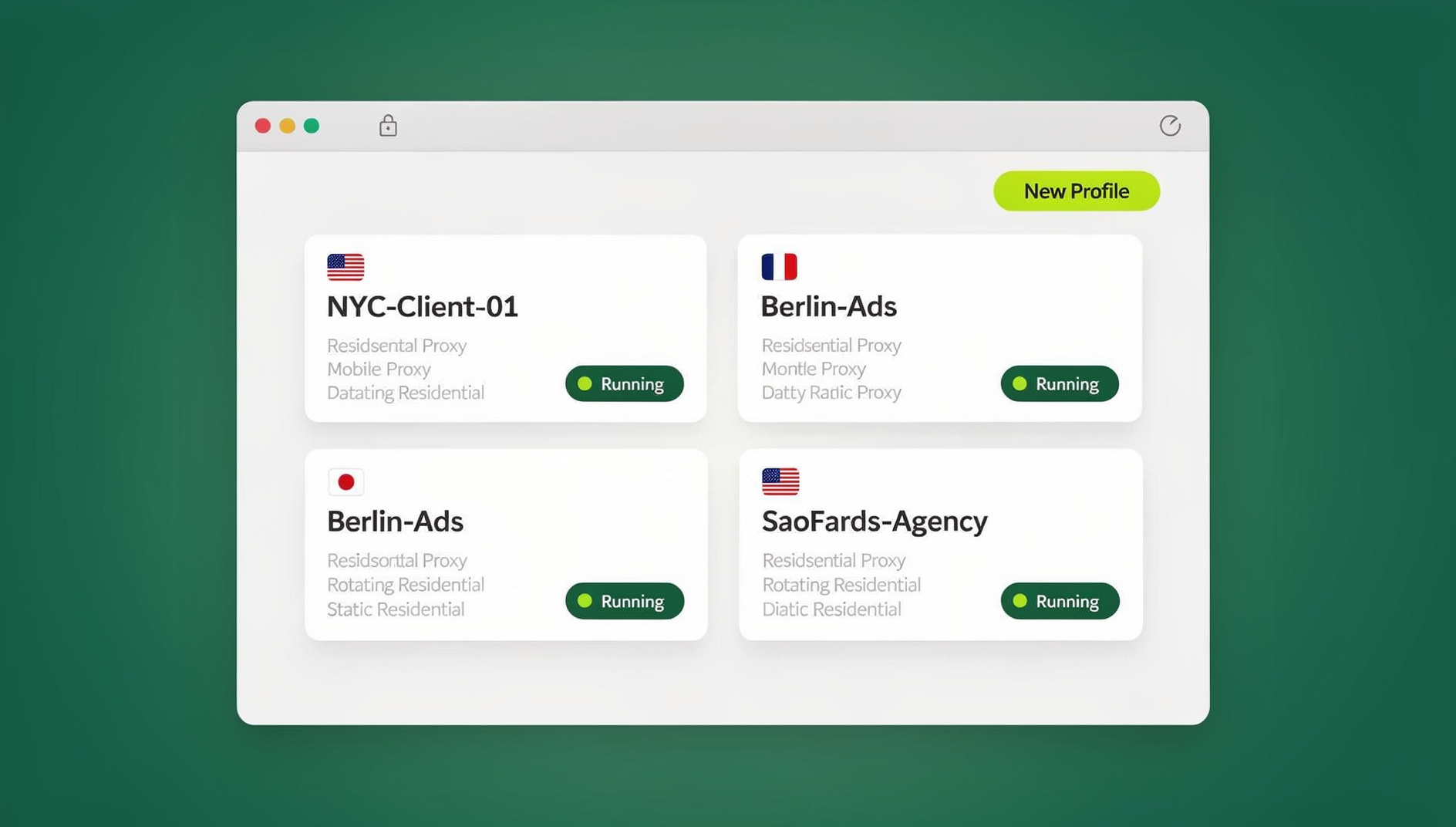
Quick Verdict: Which Should You Pick?
| Criteria | Send.win | Browser.lol |
|---|---|---|
| Profile execution | Native Sendwin Browser app, or metered cloud browser sessions | Local browser instance on your own machine |
| Fingerprint approach | Consistent, profile-level isolation | Spoofed fingerprint parameters |
| Team sharing | Share a live session without sharing the password | Manual profile export/import |
| Automation | No automation API | No first-party automation API |
| Proxy handling | Assign a proxy per profile inside the app | Manual proxy configuration per profile |
| Free trial | No free trial; 7-day money-back guarantee on first card purchase | Varies by plan |
| Entry price (paid) | Pro from $6.99/mo billed annually | Varies by plan |
How Each Platform Actually Works
Send.win: Sendwin Browser and Cloud Browser Sessions
Send.win gives you two distinct ways to run isolated profiles, and it’s worth being precise about which one applies to which claim. The Sendwin Browser desktop app installs natively on Windows, macOS, and Linux and is the primary way most people run profiles day to day — each profile keeps its own cookies, local storage, and fingerprint configuration separate from every other profile on the same machine. When you don’t want to install anything locally, cloud browser sessions run the profile remotely and stream it to whatever device you’re on, metered by monthly cloud browsing time on paid plans. Local daily account switching tends to feel snappier through Sendwin Browser, while cloud sessions solve the “I’m on a device I can’t install software on” problem.
Browser.lol: Local Fingerprint Spoofing
Browser.lol takes a local-first approach: a browser installs on your computer, and its parameters — canvas output, WebGL renderer strings, installed fonts, user-agent — are modified so each profile presents differently to the sites you visit. Profiles live entirely on your machine, and how many you can run at once depends on your local CPU and RAM. Profiles can be exported to a file and moved to another device, but nothing runs unless the browser is installed there too.
Fingerprint Quality Compared
Fingerprint handling is the single biggest factor separating a genuinely usable browser profile manager from one that gets flagged after a few sessions. Send.win keeps a consistent, internally coherent fingerprint tied to each profile rather than assembling one from spoofed values injected at the JavaScript layer on every page load. Browser.lol’s approach — rewriting parameters at the API level — works fine against basic checks, but occasionally produces mismatches that more advanced detection systems pick up on: a canvas hash that doesn’t line up with the claimed GPU renderer, or a font list that doesn’t match the reported operating system.
Session Persistence and Reliability
Send.win
- Sessions and profile state persist between visits without you needing to babysit local storage.
- Because Sendwin Browser profiles and cloud sessions are managed by the app rather than scattered across ad hoc browser folders, a machine wipe or reinstall doesn’t quietly wipe your accounts with it.
- Cloud sessions in particular are unaffected by local disk issues, since the session itself isn’t stored on your device.
Browser.lol
- Profile data lives in local storage on your machine.
- Profiles persist as long as that local storage is intact.
- A disk failure, OS reinstall, or accidental folder deletion can take profile data with it — backups are manual.
Team Collaboration
For agencies split across multiple staff, being able to hand off a logged-in account without handing off the password matters. Send.win lets teammates share accounts without sharing passwords — a teammate gets access to the session itself, and access can be revoked from your side at any time without a password reset. Browser.lol’s collaboration model relies on exporting a profile file and sending it to a teammate, which works, but has no built-in access control or revocation once that file has left your hands — whoever has the file has the profile, indefinitely.
Proxy Integration
Send.win lets you attach a proxy to a profile directly inside the app, keeping a consistent IP tied to that identity across sessions instead of juggling separate proxy software. If you’re weighing dedicated proxy browsers more broadly, how a tool handles proxy assignment is usually the biggest day-to-day differentiator once fingerprinting quality is roughly equal. Browser.lol supports HTTP, SOCKS5, and SSH proxies, but sourcing and maintaining that proxy infrastructure is entirely on you — more flexible if you already run your own proxy pool, more setup overhead if you don’t.
Performance and Resource Use
Because Sendwin Browser isolates profiles without duplicating a full browser stack for every identity, and cloud sessions offload rendering to Send.win’s infrastructure entirely, modest hardware can comfortably manage a large number of profiles. Browser.lol runs a genuine, separate browser instance per profile locally, which typically consumes 500MB-2GB of RAM each. Ten profiles running at once can require 5-20GB of RAM, which will strain a machine with 8GB of memory or less.
Automation and Scripting Support
Browser.lol doesn’t ship a first-party automation API; scripting it means pointing whatever automation tooling you already use at the locally installed browser and hoping the spoofed parameters hold up under a headless or automated context, which is a separate reliability question from manual browsing.
Use Case Comparison
Social Media and Agency Management
Agencies juggling client logins benefit most from Send.win’s session-sharing model: log into a client’s account once, then hand access to whichever staff member is on shift that day without ever typing the password into a second device.
E-Commerce and Marketplace Accounts
Both platforms are used for multi-store or multi-seller setups, but the platforms sellers worry about most — marketplaces and payment processors — tend to scrutinize fingerprint consistency closely, which favors Send.win’s profile-level isolation: each profile keeps its own cookies, storage and consistent fingerprint.
QA Testing and Web Scraping
Browser.lol can be scripted, but you’re assembling that pipeline yourself rather than connecting to a documented API.
Content Creators and Affiliate Marketers
Creators running separate niche accounts, and affiliate marketers keeping each network’s account isolated from the others, both lean on consistent fingerprinting more than raw local performance — an area where Send.win’s profile-level isolation tends to hold up better across long-running accounts than parameter spoofing does.
Getting Started: Setup Time Compared
Setting up Send.win means signing up, choosing a paid plan (the first card purchase is covered by a 7-day money-back guarantee), and creating a profile through either the Sendwin Browser desktop app or a cloud browser session — proxy assignment and fingerprint isolation are handled by the app itself, so a first profile is usually ready within a few minutes. Browser.lol’s setup involves installing the local browser, configuring a profile’s spoofed parameters, and separately sourcing and entering proxy details for each profile, which takes longer per profile but gives you full control over exactly which proxy provider and settings each one uses.
Security Considerations
Because Send.win profile data lives on Send.win’s infrastructure rather than your device, a lost laptop or a compromised local machine doesn’t expose the underlying sessions the way it could with a fully local setup. Browser.lol profiles are only as secure as the machine they’re stored on — if that device is compromised, whoever has access to it has access to every profile stored there, including any saved logins.
Where Browser.lol Holds Its Own
Credible comparisons admit where the other tool wins. Browser.lol has real advantages for a specific kind of user:
- Full local control over an existing proxy pool, without routing through anyone else’s infrastructure.
- No dependency on a vendor’s cloud rendering or bandwidth allotment — everything runs on hardware you already own.
- Lower-latency local automation for scripts that hammer the DOM directly rather than over a streamed connection.
The tradeoff is that all of that control comes with the maintenance burden of running and securing that infrastructure yourself.
Pricing Comparison
| Plan | Send.win | Browser.lol |
|---|---|---|
| Trial | No free trial; 7-day money-back guarantee on first card purchase | Varies by plan |
| Entry paid tier | Pro: $19/mo or $83.88/yr | Varies by plan |
| Team tier | Team: $20.99/mo billed annually, more seats and shared sessions | Varies by plan |
| Proxy costs | Proxy assignment built into the app | External proxy infrastructure, sourced separately |
When comparing sticker prices, remember to factor in what each plan actually includes. Send.win’s Pro plan bundles per-profile proxy assignment into a single $19/month (or $83.88/year) price, and the first card purchase is covered by a 7-day money-back guarantee, so you can test fingerprint quality on your own accounts before committing.
Which Should You Choose?
If you manage client or team accounts and want session sharing and built-in proxy assignment without assembling your own infrastructure, Send.win’s Sendwin Browser and cloud sessions cover more ground with less setup. If you already run your own proxy pool, prefer everything local, and don’t need team-based session handoffs, Browser.lol’s local-first model gives you more granular control at the cost of doing more of the maintenance yourself.
🏆 Send.win Verdict
For most agencies, social media managers, and e-commerce sellers comparing Send.win vs Browser.lol, Send.win’s combination of the native Sendwin Browser app, metered cloud sessions, password-free team sharing, and consistent per-profile fingerprinting adds up to less setup work and stronger fingerprint consistency than Browser.lol’s local spoofing model. Browser.lol still makes sense if you already run your own proxy infrastructure and want everything local.
Try the free Send.win cloud demo — a 3-minute preview without signup, and see how your accounts hold up.
Frequently Asked Questions
Is Send.win better than Browser.lol for beginners?
Most new users find Send.win faster to get running because proxy assignment and profile isolation are handled inside the app itself, rather than requiring you to source and configure proxy infrastructure separately the way Browser.lol does.
Can I move my profiles from Browser.lol to Send.win?
There’s no direct profile migration between the two, since they’re built on fundamentally different models — one local, one native app plus cloud sessions. You’ll need to re-create profiles in Send.win and re-authenticate each account.
Does Send.win have a free trial?
There’s no free trial, but the first card purchase is covered by a 7-day money-back guarantee, and you can preview the cloud browser in the free demo — long enough to test fingerprint consistency and session sharing on your own accounts before deciding on Pro or Team.
Does Send.win have an Automation API?
No. Send.win has no automation interface — no API, SDK, headless mode or Selenium/Puppeteer/Playwright support on any plan.
Do I need to install anything to use Send.win?
It depends which mode you use. The Sendwin Browser desktop app does install natively on your machine; cloud browser sessions run remotely and need no local install at all.
Which platform handles proxies better?
Send.win lets you assign a proxy per profile inside the app itself. Browser.lol supports HTTP, SOCKS5, and SSH proxies too, but you’re responsible for sourcing and maintaining that proxy infrastructure yourself.
Can teams share a single Instagram or Amazon login safely with either tool?
With Send.win, yes — a session can be shared with a teammate without exposing the underlying password, and access can be revoked at any time. Browser.lol requires exporting the profile file itself, which offers no revocation once shared.
Which tool is more resource-friendly on a low-spec laptop?
Send.win, especially through cloud browser sessions, since rendering happens on Send.win’s infrastructure rather than your machine. Browser.lol runs a full browser instance per profile locally, which adds up fast in RAM usage.