How Your Keyboard and Mouse Timing Become a Device Signature
Device fingerprinting with peripheral timestamps measures the tiny, repeatable delays between a physical action — a key press, a mouse move, a scroll — and the moment the browser hands that event to a page. Those delays cluster around low-frequency components that differ per machine, so a script collecting roughly 30 events can estimate a device’s clock behaviour and keep it as a stable identifier. No permission prompt appears; ordinary DOM event callbacks are enough.
📌 TL;DR Executive Summary
- Core Takeaway: Peripheral timestamp fingerprinting infers a device’s clock skew from the arrival times of DOM input events, turning a timing side channel into an identifier that survives cookie clearing, private windows and IP changes.
- Key Risk/Challenge: The signal is narrow and noisy. You need enough events, a time source fine enough to see sub-millisecond behaviour, and an honest reading of entropy — a single timing value is rarely unique on its own.
- Recommended Solution: Measure on hardware you own, log raw samples before you aggregate, and keep each browser profile’s fingerprint settings consistent so one machine does not present a single shared identity across unrelated accounts.
Peripheral Timestamp Fingerprinting, Defined
Every input event travels a physical path before JavaScript sees it. A key switch closes, a USB controller polls the port, the operating system’s human-interface driver packages a report, the browser’s input pipeline queues it, the compositor schedules a frame, and only then does your keydown listener run. Each stage has its own oscillator or scheduler, and each drifts slightly from its nominal rate.
The technique does not read those oscillators directly. It reads arrival times and works backwards. The result is a fine-grained estimate of the pipeline’s fundamental frequency — a nominal 125 Hz USB device that actually runs at 125.001 Hz, for instance. That deviation is clock skew, and it is stable enough for a given piece of hardware to be worth storing.
Device fingerprinting with peripheral timestamps measures something different from canvas or WebGL fingerprinting. Those read what a device renders; this reads when a device reports input. For the broader picture of how these signals stack, start with what a browser fingerprint is.
Two properties make the signal worth taking seriously. It needs no permission — callbacks for keydown, mousemove, wheel and touchmove are ordinary web development. And it works on desktops, laptops and phones, with the measured power spectral density differing by physical device, device type, browser family, OS family and peripheral bus: a USB keyboard and a PS/2 keyboard on the same machine do not produce the same profile.
Under the Hood: From Key Press to Clock Skew
The pipeline that creates the delay
Each stage adds a characteristic delay. The USB polling interval is usually the coarsest — 8 ms at 125 Hz, 1 ms at 1000 Hz. The OS scheduler ticks on its own cadence, the display refreshes at its own fixed rate, and the browser batches and dispatches. None of these rates divides cleanly into the others, so they beat against each other, and that beat pattern is what a page can observe.
Human variation sits on top and is far larger in amplitude. A typist’s inter-key intervals vary by tens or hundreds of milliseconds, which would bury a microsecond-scale device effect. The technique works because human variation is broadband while the device contribution concentrates in a few low-frequency peaks. A power spectral density estimate separates them: the human component spreads across the spectrum, the hardware component stands up as a narrow spike.
Why the low frequencies survive
Noise in a timing pipeline is mostly high-frequency — scheduling jitter, garbage collection, network interrupts. Transforming across many events attenuates that noise while preserving a stable low-frequency peak. That explains the event-count threshold: roughly 30 events give a usable estimate, and it sharpens as more accumulate. The live peripheral timing demo plots these densities in real time for keyboard, mouse, wheel and touch input, and it is the clearest way to see the effect on your own hardware.
Which time source you read from
The measurement is only as good as the clock you read it with, and browsers have spent years deliberately degrading that clock. After Spectre’s 2018 disclosure, engines coarsened performance.now() under the hr-time-3 specification, in steps of tens or hundreds of microseconds and up to a full millisecond in some engines.
| Time source | Resolution a page can expect | Fit for peripheral timing |
|---|---|---|
performance.now() in an ordinary page |
About 100 microseconds per hr-time-3, often clamped harder by the engine | Fine for event counting; sub-millisecond detail may be quantised away |
performance.now() in a cross-origin isolated page |
About 5 microseconds, requires COOP same-origin plus COEP require-corp |
Best in-page source, but only on a page you control and only if you opt in |
Date.now() |
1 millisecond, unchanged by isolation | Too coarse for skew estimation |
| External server timestamp relayed over a WebSocket | Sub-millisecond relative to the server’s clock | Lets a script time its own execution when in-page clocks are frozen; resolution depends on the link |
The clamp is a speed bump, not a wall. In August 2026 Cloudflare reported that Spectre-class attacks against Workers could still recover sub-millisecond timing through an external server’s WebSocket timestamps, even with Date.now() and performance.now() frozen during CPU-only execution. The lesson for anyone assessing this technique: the clamp raises the cost of measurement and shrinks what one page can see, but it does not remove the underlying side channel.
Date.now(). Its 1 ms floor swallows the effect you are trying to observe, and it gains no precision under cross-origin isolation. For production measurements use performance.mark(), performance.measure() and PerformanceObserver rather than ad-hoc probes.
How Many Events, and How Stable Is the Estimate?
Thirty events is the entry point, not the finish line. Because the estimate is statistical, its variance shrinks as sample size grows, and a longer collection window captures more of the beat between the polling clock and the display refresh. A short burst may land entirely inside one phase of that beat and look artificially clean.
Stability across sessions is what makes the value useful as an identifier. Clock skew comes from a physical oscillator, so it does not reset when you close the browser, clear cookies or restart the machine. That persistence is the whole point of device fingerprinting with peripheral timestamps: the value outlives the session that produced it. It can shift with temperature and with the peripheral you plug in — swapping a keyboard changes the profile — which is why implementations often store a distribution of estimates rather than a single number.
Entropy is the honest part of the conversation. A fingerprint is a vector, and any single element is rarely unique; uniqueness emerges from the combination. The 2018 study published as “Hiding in the Crowd” found only 33.6% of fingerprints unique, and 18.5% on mobile against 81% in earlier data — era-specific figures rather than a trend line. Earlier work pointed the other way: the 2016 AmIUnique study reported 89.4% unique, and the original EFF sample of 470,161 fingerprints measured at least 18.1 bits of entropy back in 2010. If you are sizing the contribution of one timing signal, read fingerprint entropy calculations before quoting a number.
Active vs Passive: Two Ways to Read the Same Machine
Device fingerprinting with peripheral timestamps belongs to the active family, because a script has to run in the page and register listeners. The passive family reads metadata the client cannot easily alter without breaking protocol compliance, and it works with no JavaScript at all.
| Approach | Where it reads | Typical signals | Notes |
|---|---|---|---|
| Active, script-driven | Inside the page, via DOM and web APIs | Peripheral event timing, canvas rendering, WebGL parameters, installed fonts, media device lists | Needs JavaScript; blocked by script blockers and by browsers that partition or restrict the API |
| Passive, network-level | Transport and network layers | TCP timestamp behaviour, TLS ClientHello shape, QUIC transport parameters | No JavaScript required; visible to any server or middlebox on the path |
The passive side has a long history. In 2005, researchers at UCSD showed that TCP timestamps could estimate a device’s clock skew and derive a hardware-level fingerprint — the same idea as peripheral timestamps, applied one layer down. On the TLS side, JA4 arrived from FoxIO in 2023 as the production successor to JA3 and is now deployed by Cloudflare, Fastly and Akamai for ClientHello analysis at wire speed. Newer surfaces keep appearing: WebGPU, stable in Chromium 113 and later, exposes adapter feature flags and pipeline timing, and HTTP/3 transport jitter is an active area of work.
Sensor-derived signals belong in the same mental model. Accelerometer fingerprinting exploits calibration offsets the way peripheral timing exploits oscillator offsets — both read a physical imperfection the manufacturer never intended to expose.
Who This Affects in Day-to-Day Work
The people most exposed to timing-based fingerprinting are not anonymous browsers of the web. They are teams running several identities from a small number of machines.
- QA and test engineers who sign in as different user types and regions on the same laptop, and need each session to behave like a separate person rather than one device wearing several hats.
- Agencies managing client accounts, where several brands’ properties are worked from the same office hardware and each client’s tooling expects a consistent, plausible environment.
- Support teams reproducing a customer’s issue as that customer, where the session is expected to resemble the account’s usual setup rather than a support agent’s desktop.
- Fraud and trust teams on the other side of the same measurement, scoring a device vector against a baseline population of legitimate traffic.
- Privacy-conscious individuals who assume that clearing cookies, opening a private window or switching networks resets their visibility. On this signal, none of those actions changes anything.
How Send.win Helps With Device Fingerprinting With Peripheral Timestamps
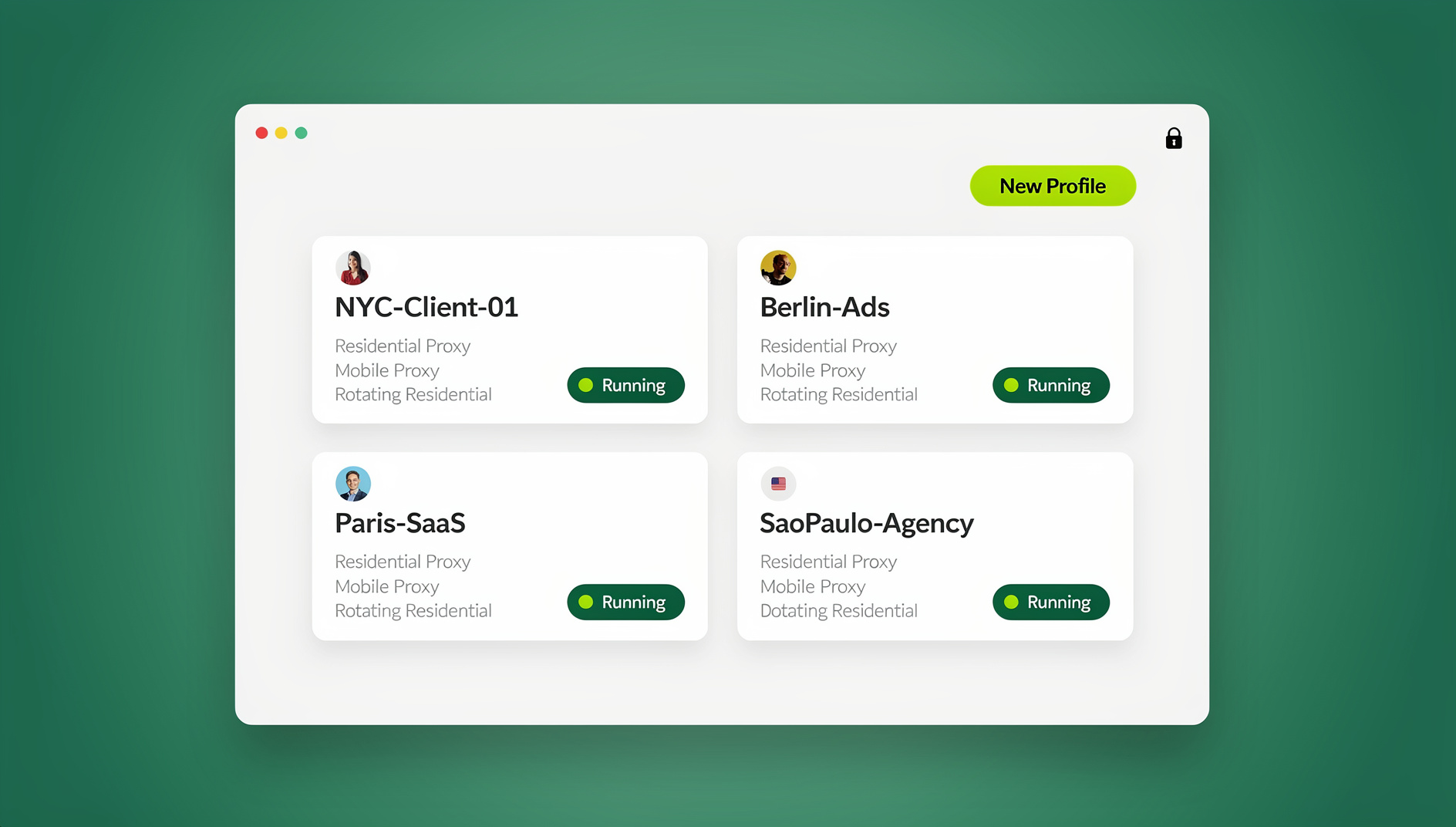
Send.win is a browser profile manager for professionals and teams: every account gets its own isolated browser profile.
- Isolated profiles – separate cookies, storage and sessions per profile
- Fingerprint protection – each profile keeps its own consistent browser fingerprint, so profiles never share one browser identity
- Desktop app + cloud browser – native app for Windows, macOS and Linux, or run profiles in the cloud with no install
- Residential proxies included – on Pro and Team, with timezone and locale matched to the proxy
- Team sharing – share a signed-in profile with a teammate without sharing the password
Try the free cloud demo — no install — or download the desktop app. Paid plans start at $19/month, and your first card purchase is covered by a 7-day money-back guarantee (see pricing).
That last point is the one to internalise: timing is a property of the machine, not of the session. A VPN changes the exit IP; it does not change the oscillator your keyboard reports through. A different browser on the same laptop still inherits the same hardware.
One boundary to respect. If a platform limits how many accounts one person or organisation may hold, the answer is the platform’s own route — Amazon’s approval process for an additional seller account, or Business Manager roles for agencies on Meta — not a second identity. Measurement is a diagnostic tool for accounts you own or are authorised to manage.
A Practical Checklist for Testing Your Own Hardware
Run this on devices you own, on a page you control, and treat it as an audit of what your setup exposes rather than a tool for anything else.
- Pick the right event stream.
mousemoveandwheelfire continuously while the device reports, so their intervals reflect the polling clock.keydownis dominated by human rhythm unless you control the input source. - Confirm your time source. Check whether the page is cross-origin isolated. If it is not, expect roughly 100 microseconds of resolution at best, and expect the engine to clamp harder.
- Collect before you aggregate. Store raw timestamps in an array and compute statistics at the end.
- Take at least a few hundred samples. Thirty events gives a rough estimate; a few hundred gives you a shape you can trust.
- Look at the modal interval, not just the mean. Browsers coalesce pointer events, so intervals often land near multiples of the true report period. The most common bucket is frequently more informative than the average.
- Repeat on a second peripheral and a second machine. If the profiles are indistinguishable, your measurement is probably too coarse.
- Record the session context. Browser version, OS and whether the page was isolated all change the numbers.
Here is a minimal collector you can paste into a page you control. It records pointer intervals, finds the modal bucket and prints a summary.
// Measure inter-event intervals from pointer movement on a page you control.
const intervals = [];
let lastStamp = null;

function handleMove() {
  const now = performance.now();
  if (lastStamp !== null) intervals.push(now - lastStamp);
  lastStamp = now;
  if (intervals.length >= 400) {
    window.removeEventListener('mousemove', handleMove);
    summarise();
  }
}

function summarise() {
  const sorted = [...intervals].sort((a, b) => a - b);
  const mean = intervals.reduce((sum, value) => sum + value, 0) / intervals.length;
  const variance =
    intervals.reduce((sum, value) => sum + (value - mean) ** 2, 0) / intervals.length;

  const buckets = new Map();
  for (const ms of intervals) {
    const key = (Math.round(ms * 10) / 10).toFixed(1); // 0.1 ms buckets
    buckets.set(key, (buckets.get(key) || 0) + 1);
  }
  const modal = [...buckets.entries()].sort((a, b) => b[1] - a[1])[0];

  console.log('samples:', intervals.length);
  console.log('mean interval (ms):', mean.toFixed(3));
  console.log('std dev (ms):', Math.sqrt(variance).toFixed(3));
  console.log('median (ms):', sorted[Math.floor(sorted.length / 2)].toFixed(3));
  console.log('min / max (ms):', sorted[0].toFixed(3), sorted[sorted.length - 1].toFixed(3));
  console.log('modal bucket (ms) and count:', modal[0], modal[1]);
  console.log('crossOriginIsolated:', self.crossOriginIsolated);
}

window.addEventListener('mousemove', handleMove);If you want the wider set of building blocks — canvas, fonts, WebGL and the rest — the device fingerprinting in JavaScript walkthrough covers the common probes step by step.
Common Mistakes When Assessing This Signal
Measuring keystroke dynamics and calling it device timing. Human variance is orders of magnitude larger than the device effect. Without a controlled input source, a keyboard test tells you about the typist, not the hardware.
Reading Date.now(), or assuming performance.now() is microsecond-accurate everywhere. One millisecond granularity is fatal here, and in an ordinary page the finer clock is clamped by design.
Treating one value as a unique identifier. Timing is one axis in a multi-dimensional vector, compared and scored against a baseline population. Quoting a uniqueness percentage for a single signal overstates what it can do.
Trusting vendor capability claims without a test. Blogs run by browser vendors have an interest in making fingerprinting sound total. The published research is more measured, and the 2018 uniqueness figures sit far below the 2016 ones — evidence that technique and population both move the answer.
Leaving the estimate unversioned. A single stored number silently rots. Store a timestamp, the collection conditions and a confidence measure alongside it, or you will not be able to tell drift from a new device.
Assuming storage is cheap. Fingerprint hashes and their vectors live in a server-side database, not on the client, and the volume grows with every device you see. Calculating and storing them is computationally intensive at scale, which is a real constraint if you plan to build this yourself.
🏆 Send.win Verdict
Peripheral timestamps are a reminder that a browser profile is not an identity on its own — the hardware underneath keeps signing the same name. Send.win is a browser profile manager for teams that run several accounts they own or are authorised to manage from one machine. In the Sendwin Browser desktop app, every profile keeps its own cookies, storage, sessions, fingerprint settings and proxy, with that fingerprint handled consistently inside the Chromium engine so profiles do not share one browser identity. Timezone, locale, WebRTC and geolocation follow the proxy’s exit IP automatically. When a profile needs to run somewhere other than your laptop, the cloud browser executes it on Send.win’s cloud server in Helsinki, Finland, from any device. Pro covers 150 saved profiles with 20 residential proxies and 5 GB of bandwidth a month; Team covers 500 profiles with 20 GB and 16 seats.
See Send.win plans — Pro from $19/mo with a 7-day money-back guarantee on your first card purchase, or take the free cloud demo at 10 minutes a day with nothing to install.
Frequently Asked Questions
What is device fingerprinting with peripheral timestamps?
It is a technique that estimates a device’s clock behaviour from the arrival times of DOM input events such as key presses, mouse moves, wheel scrolls and touches. The estimate — clock skew, expressed as a deviation from a nominal frequency — is stored and compared across visits, so it can identify a machine even when cookies are unavailable.
Does it require any permission prompt?
No. Registering callbacks for keydown, mousemove, wheel or touchmove is standard web development and needs no browser-level consent. That low barrier is exactly why the technique is widely applicable, and why it belongs in any honest privacy assessment.
How many events are needed before the estimate is useful?
About 30 events produce a rough estimate, and quality improves as more accumulate. A few hundred samples give a shape you can trust, and a longer window captures more of the beat between the peripheral’s polling clock and the display refresh.
Can a VPN, private window or cookie clear change the signal?
No. A VPN changes your exit IP; a private window and a cookie clear remove client-side state. Clock skew comes from a physical oscillator in the machine and its peripherals, so it persists across all three, and switching browsers on the same laptop does not change the hardware underneath.
How accurate is the measurement, really?
Accuracy is bounded by your time source. In an ordinary page, hr-time-3 allows about 100 microseconds of resolution and engines may clamp harder; a cross-origin isolated page gets closer to 5 microseconds. Treat any single-page measurement as an estimate with a visible noise floor.
What is the difference between active and passive fingerprinting here?
Active techniques run script in the page and read DOM or web APIs, which is where peripheral timing lives. Passive techniques read network and transport metadata without executing JavaScript — TCP timestamp behaviour, TLS ClientHello shape, QUIC transport parameters — and are visible to any server on the path.
Did the Spectre timer clamp make this technique obsolete?
No, it raised the cost. Coarsening performance.now() reduced what a single page can resolve, but 2026 work showed sub-millisecond timing can still be recovered through external server timestamps when in-page clocks are frozen during CPU-only execution. Defenders should treat the clamp as a mitigation, not a fix.
Where does Send.win fit into this?
Send.win gives each browser profile its own cookies, storage, sessions, fingerprint settings and proxy, with that fingerprint handled consistently per profile inside the Chromium engine — privacy protection for teams running accounts they own or manage, not a way to alter hardware timing. Profiles that need to run away from your local machine can use the cloud browser, which executes on Send.win’s cloud server in Helsinki.