Multi-account management for freelancers means running every client’s logins, cookies, and sessions in their own isolated space so nothing crosses over — no stray autofill, no wrong-account tweet, no re-login roulette. Send.win solves this with a native desktop app (Sendwin Browser) or a zero-install cloud browser session, letting freelancers keep every client profile side by side in its own sandbox, without touching incognito mode or juggling three separate browsers.
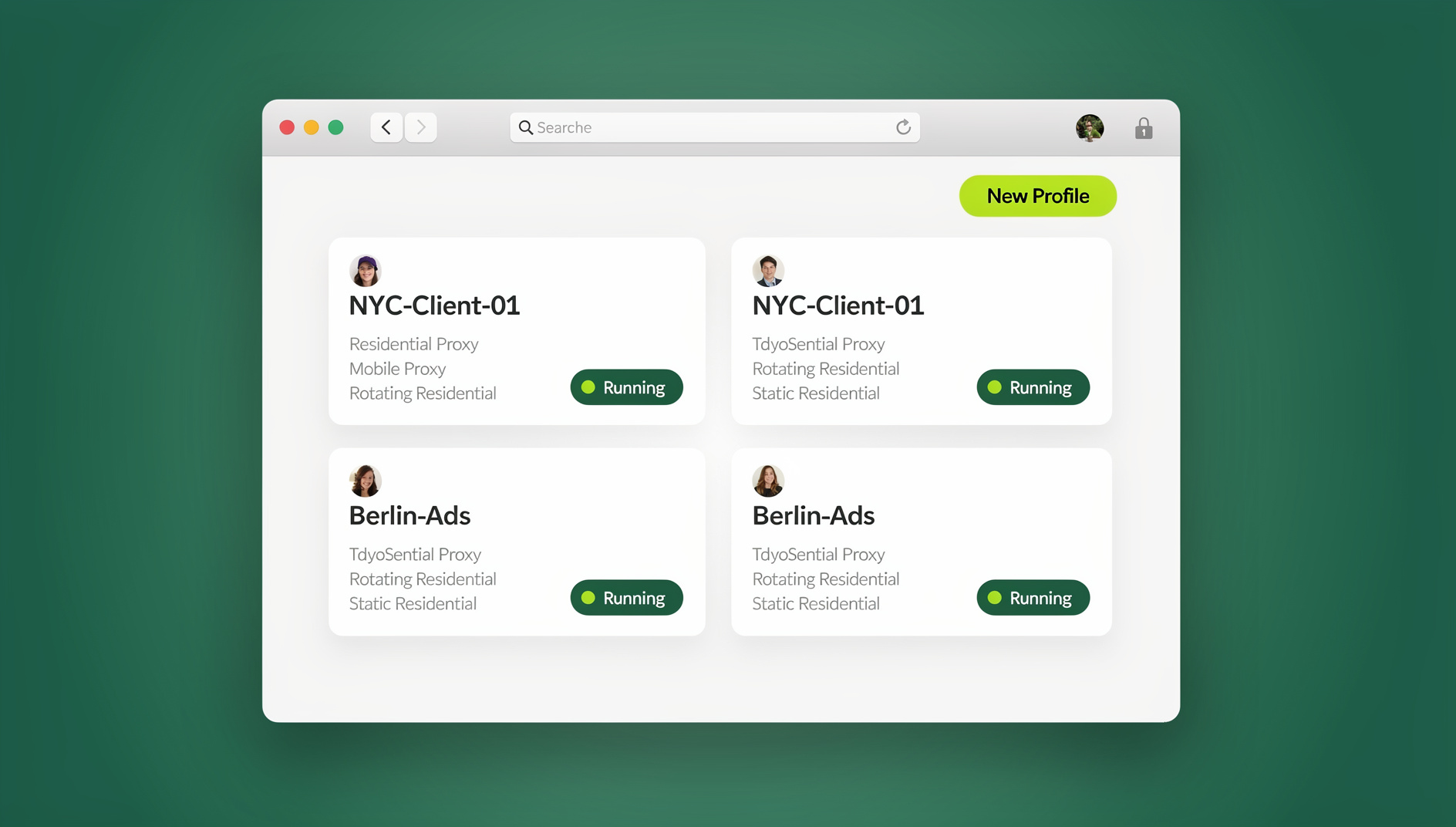
If you freelance for more than one client at a time, you already know the tax: the ten open tabs, the wrong Gmail you logged into by accident, the Upwork proposal you almost submitted from the wrong workspace. None of that is a personality flaw. It’s a tooling problem, and it has a fairly boring, fairly mechanical fix — session isolation. This guide walks through what multi-account management actually requires, how Send.win’s two modes handle it, what it costs, how it stacks up against the alternatives, and how to set it up in the next ten minutes.
The Real Cost of Juggling Multiple Clients in One Browser
Freelance platforms keep growing — tens of millions of active users across Upwork, Fiverr, and adjacent marketplaces — and most of that growth is solo operators stacking clients to increase income. The math makes sense on paper: five clients at 10 hours a week beats one client at 40. In practice, though, a single browser wasn’t built to hold five separate identities at once, and freelancers end up paying an invisible tax in the form of admin time, cognitive load, and the occasional catastrophic mistake.
Consider what a single browser profile actually shares across every tab: cookies, local storage, saved passwords, autofill data, and often browsing history used for ad targeting. Open Client A’s Instagram in one tab and Client B’s in another, and the platform sees the same fingerprint touching two accounts — at best that’s confusing bookkeeping, at worst it’s a flag for suspicious activity. Freelancers have historically patched around this with incognito windows (which forget everything, including your work-in-progress), multiple separate browsers (which eat RAM and force you to remember which app has which client), or entirely separate machines (overkill for anyone without a dedicated office).
The hidden cost isn’t just time lost switching contexts, though that adds up fast. It’s the mental tax of context-switching itself — closing tabs, clearing caches, double-checking you’re logged into the right account before you hit send on a message or a post. Every one of those checks is a moment your brain spends on plumbing instead of the actual work you’re being paid for. Multiply that by every client, every day, and burnout stops being a mystery.
What Multi-Account Management Actually Requires
Solving this properly means more than “open another tab.” A workable system for managing multiple client accounts from one browser needs to handle a short list of non-negotiables:
- True session isolation — each client’s cookies, cache, and local storage live in their own sandbox, with zero bleed between them.
- Persistence — sessions need to survive a restart. Incognito’s amnesia is the opposite of what a working freelancer needs.
- Fast switching — moving between Client A’s Trello board and Client B’s Slack workspace should take one click, not a logout-login cycle.
- Optional network-level separation — for clients where IP consistency matters (ad accounts, marketplace seller accounts), a per-session proxy assignment.
- Safe collaboration — the ability to hand a session to a subcontractor, VA, or the client themselves without ever typing a password into a shared document.
- Cross-device access — checking in from a laptop, then a different machine, without re-building your setup from scratch.
That last point is where a lot of “just use browser profiles” advice falls apart — native browser profiles are tied to one machine and don’t scale past a handful of clients before the profile switcher itself becomes its own management headache.
How Send.win Handles It: Two Modes, One Workflow
Send.win is built around exactly this problem, and it ships in two forms rather than one, so freelancers can pick whichever fits their setup.
Sendwin Browser: the native desktop app
Sendwin Browser is a downloadable, native application for Windows, macOS, and Linux. It’s local-first — your sessions live on your machine — with encrypted cloud sync layered on top, so a session you build on your desktop shows up, encrypted, when you sign in from your laptop later. Each client gets a named session with its own cookies, storage, and (if you choose) its own proxy, all running inside the same app window instead of spread across separate browser installs. For freelancers who work primarily from one or two personal machines, this is the natural default: no per-hour usage cost, full offline access to cached sessions, and a single app to open every morning.
Cloud browser sessions: zero install
The second mode runs entirely in the cloud — nothing to download, nothing to configure locally. You spin up a session from any device with a web connection, and the browsing itself happens on Send.win’s infrastructure, streamed to you. This is the option for freelancers on a locked-down work laptop, a Chromebook, or a client-provided machine where installing software isn’t an option, and it’s billed by cloud browsing time rather than a flat seat fee. It’s also handy for quick client handoffs — spin up a session, share access, tear it down when the project’s done.
Most freelancers end up using both: Sendwin Browser as the daily driver on their own laptop, with a cloud session in reserve for the rare job on someone else’s hardware.
Core Features That Matter Day to Day
Underneath both modes, the same session-isolation engine does the heavy lifting. Here’s how the pieces map to actual freelance work:
| Feature | What It Solves | Typical Use Case |
|---|---|---|
| Session isolation | Prevents cookie/login bleed between clients | Running Client A and Client B’s Upwork accounts side by side |
| Per-session proxy assignment | Keeps IP consistent per client where it matters | Managing ad accounts or marketplace seller profiles |
| Password-free sharing | Hands off access without exposing credentials | Looping in a VA or subcontractor on a live session |
| Encrypted cloud sync | Keeps sessions available across your own devices | Checking a client dashboard from a second laptop |
| Session bookmarking | Jump straight back into a saved workspace | Reopening a dormant client’s account weeks later |
The session isolation piece is really the foundation everything else sits on — it’s what makes it safe to have five client logins open at once without one platform’s cookie ever touching another’s.
Sharing Access Without Sharing Passwords
A quieter but very real freelance pain point is collaboration. Bringing on a subcontractor, a VA, or looping a client into a staging environment traditionally means one of two bad options: hand over the actual password (now they can change it, lock you out, or reuse it elsewhere), or set up a whole new account (which the client platform may not even allow). Send.win sidesteps this by letting you generate a link to a live or saved session that a collaborator can open without ever seeing the underlying credentials, and you can revoke that access at any time. If you’re onboarding a new VA or handing a project off temporarily, that’s the difference between a five-minute handoff and an afternoon of credential gymnastics — and it’s worth reading up on how to share account access without passwords before you hand anyone your first session.
Automation for Power Users
Some freelancers — particularly those doing repetitive data entry, listing management, or scheduled posting across many client accounts — want to script parts of their workflow rather than click through it manually. Send.win supports this starting on the Pro plan through a local Automation API that lets standard tools like Selenium, Puppeteer, or Playwright drive the desktop app directly. In practice, that means you write your automation against the same well-documented APIs those frameworks already expose — element selectors, waits, form fills — while Send.win handles keeping each client’s session isolated underneath the script. It’s not a Team-only feature, which matters for solo freelancers who want automation without paying for a multi-seat plan they don’t need.
Send.win vs. the Alternatives
None of this exists in a vacuum, so here’s how the realistic options compare for a freelancer managing several clients:
| Option | Session Persistence | Isolation Quality | Cross-Device Access | Cost |
|---|---|---|---|---|
| Incognito / private windows | None — wiped on close | Temporary only | No | Free |
| Multiple separate browsers | Yes, per browser | Weak — same OS-level fingerprint | No | Free, but heavy on RAM |
| Native browser profiles | Yes | Moderate | Limited, same machine | Free |
| Send.win (Sendwin Browser) | Yes, encrypted sync | Full sandbox per session | Yes | From $19/mo |
| Send.win (cloud sessions) | Yes, cloud-hosted | Full sandbox per session | Yes, any device | Metered by browsing time |
Incognito is fine for a quick, one-off check but useless for daily client work since it forgets everything on close. Separate browsers technically isolate cookies but not much else, and they don’t scale past three or four clients before your laptop fan starts complaining. Native browser profiles are a reasonable free option for light use, but they live and die on one machine and get unwieldy once you’re past a handful of clients — which is usually when freelancers start looking for something purpose-built.
Setting Up Your First Client Workspace
Getting started takes about ten minutes:
- Sign up at send.win and choose Sendwin Browser (download for your OS) or start a cloud browsing session directly from the dashboard — the 30-day free trial doesn’t require a credit card either way.
- Create a new session and name it after the client or project — “Client A – Upwork” beats “Session 3” the first time you have twelve of them.
- Log into that client’s platforms inside the session. Everything — cookies, saved logins, local storage — stays contained there.
- Assign a proxy to the session if the client needs consistent geography or you’re managing an account sensitive to IP changes.
- Bookmark sessions you return to often, and use password-free sharing if a VA or subcontractor needs access.
From there it’s just repeating step 2 for every new client. There’s no per-client software install, no separate password manager entry to juggle, and no incognito window to remember to reopen.
Pricing
Send.win offers a 30-day free trial with no credit card required, so you can test the actual workflow before committing:
| Plan | Monthly Price | Annual Price | Profiles | Proxy Bandwidth | Automation API | Seats |
|---|---|---|---|---|---|---|
| Pro | $19/mo | $6.99/mo billed annually | 150 | 5GB | Yes | 1 |
| Team | $49/mo | $20.99/mo billed annually | 500 | 20GB | Yes | 16 |
For a solo freelancer with a handful of clients, Pro comfortably covers it — 150 profiles is far more than most people need even at a dozen active clients with several platforms each. Team makes more sense once you’re subcontracting or running an agency-style setup with multiple people needing session access, since it adds seats on top of the bigger profile and bandwidth allowance.
Who This Setup Is (and Isn’t) For
This kind of session-isolated workflow pays off fastest for freelancers juggling three or more clients with overlapping platforms — social media managers running several brands’ Instagram and Facebook accounts, virtual assistants handling multiple inboxes and Slack workspaces, e-commerce consultants with several Shopify or marketplace logins, and marketers running client ad accounts in parallel. If you have exactly one steady client and rarely touch a second login, a single well-organized browser profile is probably enough, and there’s no reason to add another tool to your stack. The tipping point tends to arrive around the third or fourth simultaneous client, right when the mental overhead of remembering “which browser has which login” starts costing more time than it saves.
It’s also worth building good habits early — even freelancers who only manage two or three clients today tend to add more over time, and it’s easier to start with isolated sessions from day one than to migrate a tangle of shared logins later. Pairing session isolation with basic time management tools for freelancers tends to compound the benefit — less time lost to context-switching means the time-blocking and calendar discipline you’re already trying to practice actually holds up.
🏆 Send.win Verdict
If you’re managing more than two clients across overlapping platforms, session isolation isn’t a nice-to-have — it’s the difference between a controlled workflow and a slow-motion mistake waiting to happen. Send.win covers both ends of the spectrum: Sendwin Browser for freelancers who want a persistent native app on their own machine, and cloud browser sessions for anyone who needs to work from a device they don’t control. Either way, every client stays in their own sandbox, sharing access never means sharing a password, and the 30-day free trial makes it a no-risk way to see whether it actually saves you the hours it promises.
Try Send.win free today — set up your first client session in minutes, no credit card required.
Frequently Asked Questions
What is multi-account management for freelancers, exactly?
It’s the practice of keeping each client’s logins, cookies, and browsing data completely separate so that working on one account never affects, leaks into, or gets confused with another. Instead of one browser holding every client’s data in a shared pool, each client gets an isolated session.
Do I need to install anything to use Send.win?
Only if you want to. Sendwin Browser is a native downloadable desktop app for Windows, macOS, and Linux with encrypted cloud sync, but you can skip the install entirely and run a fully cloud-hosted browsing session from any device instead.
Do I need a separate device for each client?
No — that’s exactly what session isolation replaces. Each client gets a sandboxed session inside the same app or cloud session, so one device comfortably handles as many clients as your plan’s profile limit allows.
Can I use Send.win if my work laptop won’t let me install software?
Yes. Cloud browser sessions run entirely on Send.win’s infrastructure and stream to any device with a browser, so a locked-down or client-provided machine isn’t a blocker.
How do I share a client session with a VA or subcontractor without giving them my password?
Send.win lets you generate access to a live or saved session that a collaborator can open without ever seeing the underlying login credentials, and you can revoke that access whenever the work is done.
Does Send.win support automation tools like Selenium or Playwright?
Yes, starting on the Pro plan. The Automation API lets standard frameworks such as Selenium, Puppeteer, and Playwright drive the desktop app locally, which is useful for freelancers automating repetitive tasks across several client accounts.
What does Send.win cost for a solo freelancer?
The Pro plan is $19/month ($6.99/month billed annually — 63% savings) and includes 150 profiles, 5GB of proxy bandwidth, and Automation API access — more than enough for most freelancers managing several clients. There’s also a 30-day free trial with no credit card required.
When should I upgrade from Pro to Team?
Team makes sense once you’re bringing on subcontractors or building an agency-style setup that needs multiple people with their own session access — it adds 16 seats, 500 profiles, and 20GB of bandwidth for $49/month ($20.99/month billed annually — 57% savings).