The best browser for multiple accounts in 2026 is Send.win, because it gives every profile its own isolated fingerprint, cookie jar, and proxy — whether you run it as a native desktop app with encrypted cloud sync or as a fully hosted cloud browser session. That isolation is what stops Amazon, Facebook, Instagram, and other platforms from linking your accounts and banning them all at once.
This guide compares the seven leading multi-account browsers of 2026, breaks down what actually matters when choosing one, and explains why Send.win’s dual native-app-plus-cloud approach solves problems that pure desktop tools and pure cloud tools each struggle with on their own.
Why You Need a Specialized Browser for Multiple Accounts
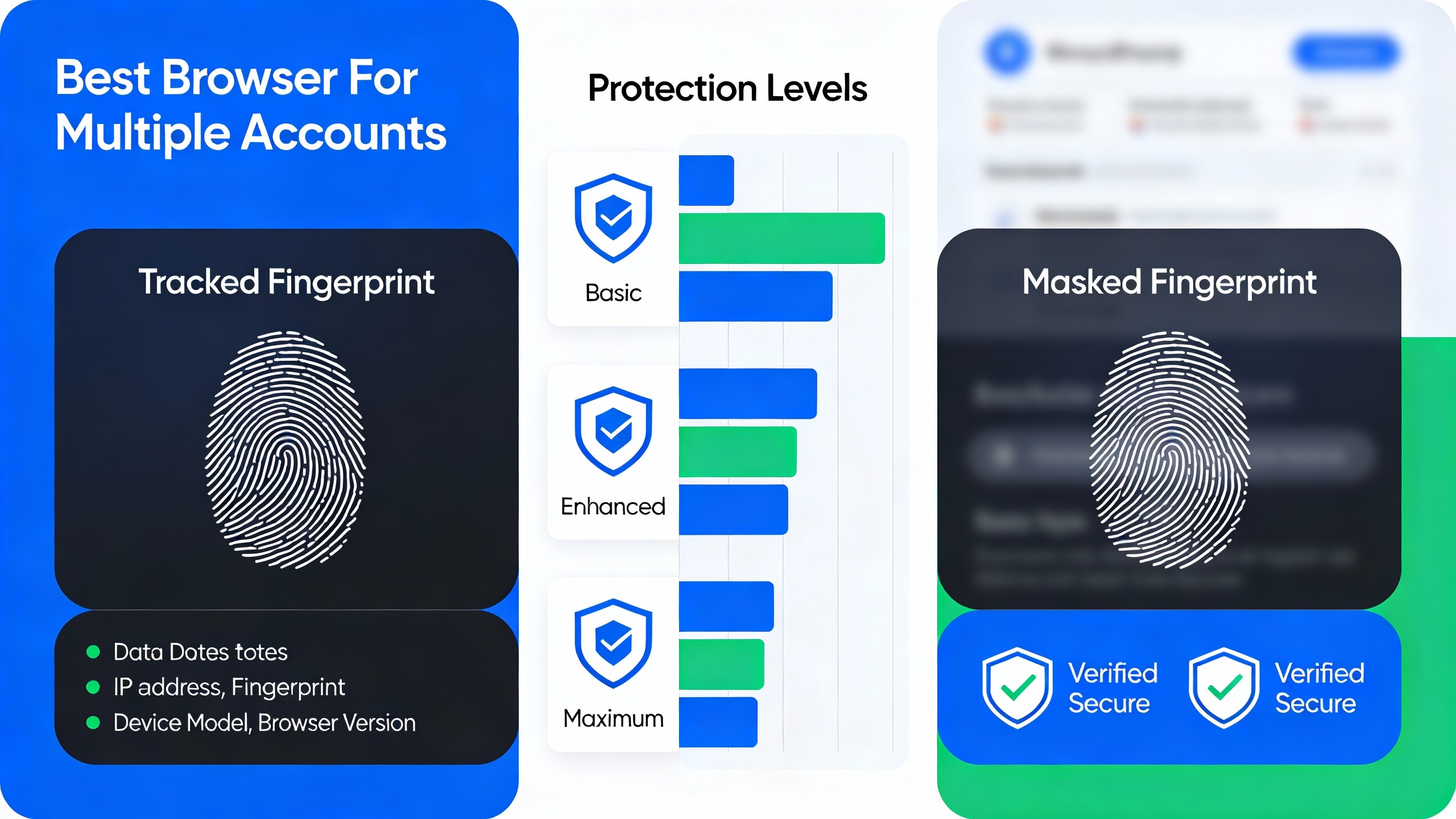
Regular browsers like Chrome or Firefox were never designed to manage more than one identity at a time. Even Chrome’s built-in “profiles” share the same underlying machine fingerprint. When you log into multiple accounts on the same platform through a standard browser, or even through separate Chrome profiles, you risk:
- Account linking: Platforms detect shared cookies, canvas/WebGL fingerprints, and IP addresses across your profiles
- Mass bans: One flagged account can trigger a review — and suspension — of everything connected to it
- Session conflicts: Logging into one account logs you out of another on the same site
- Cookie contamination: Ad trackers and analytics scripts bleed session data between tabs
- Fingerprint detection: Your device’s unique signature (fonts, GPU, screen size, timezone) ties every “separate” account back to the same person
A dedicated multi-account browser solves this by giving each profile a genuinely separate environment — its own fingerprint, its own cookie storage, and, ideally, its own IP address through a proxy. That’s true whether you’re managing multiple Instagram accounts for clients or running a handful of storefronts side by side.
The 7 Best Browsers for Multiple Accounts in 2026
1. Send.win (Editor’s Choice)
Send.win is the best browser for multiple accounts in 2026 because it’s the only tool on this list that lets you choose how you want to run isolated profiles instead of locking you into one architecture. You get two modes:
- Sendwin Browser (native desktop app): A downloadable application for Windows, macOS, and Linux. It’s local-first — profiles and sessions live on your machine for speed and full control — but everything syncs to the cloud in encrypted form, so you never lose a profile if your laptop dies.
- Cloud browser sessions: No install at all. The browser runs entirely on Send.win’s servers and streams to any device with a web browser, metered by cloud browsing time. This is the option for Chromebooks, shared computers, or anyone who wants zero footprint on the local machine.
Key features:
- Complete profile isolation: unique fingerprints, separate cookie jars, and independent local storage per profile
- Fingerprint randomization: canvas, WebGL, fonts, and plugin lists are unique per profile
- One-click proxy integration: HTTP, SOCKS5, residential, and mobile proxies supported
- Team collaboration: share profiles and sessions with role-based permissions and no password sharing
- No free trial: paid plans start at $19/month, with a 7-day money-back guarantee on your first card purchase; try the free cloud demo at send.win/demo-browser
Pricing:
- Pricing: No free trial; Pro $19/mo or $83.88/yr, Team $49/mo or $251.88/yr, first card purchase covered by a 7-day money-back guarantee. Free cloud demo available.
- Pro: $19/month or $83.88/year — 150 profiles, 5GB proxy bandwidth
- Team: $49/month or $251.88/year — 500 profiles, 20GB proxy bandwidth, 16 seats
Best for: Social media managers, e-commerce sellers, affiliate marketers, and agencies who want the flexibility to run profiles locally when they need speed and offline reliability, or in the cloud when they need to work from a device that shouldn’t hold any of the data.
2. Multilogin
Multilogin is an established desktop antidetect browser that helped pioneer the category. It’s powerful, but its pricing and desktop-only footprint limit who it makes sense for.
Key features:
- Two browser cores: Mimic (Chromium-based) and Stealthfox (Firefox-based)
- Strong fingerprint masking
- API for automation
- Desktop installation required, no cloud/hosted option
- No free trial
Pricing: Starting around $99/month. Best for: Enterprise teams with larger budgets who want a mature, desktop-only tool. If you’re comparing it against lighter alternatives, our Multilogin alternative comparison breaks down the tradeoffs in more depth.
3. GoLogin
GoLogin is a more affordable step down from Multilogin, with both desktop and browser-based access.
Key features:
- Free plan with a handful of profiles
- Web and desktop client options
- Solid fingerprint protection
- Free plan is quite limited; performance can be inconsistent under heavier use
Pricing: Free tier available, paid plans from roughly $24/month. Best for: Solo users testing a multi-account workflow before committing to a paid tool.
4. AdsPower
AdsPower leans into e-commerce and affiliate use cases with built-in automation (RPA) features.
Key features:
- Free plan with a small number of profiles
- Built-in RPA automation
- Good fit for e-commerce workflows
- Desktop software only; interface can feel cluttered for new users
Pricing: Free plan available, paid from roughly $5–9/month. Best for: E-commerce sellers who want automation baked in from day one.
5. Incogniton
Incogniton offers one of the more generous free tiers in the category, aimed at beginners.
Key features:
- Generous free-profile allowance
- Simple, approachable interface
- Bulk profile creation
- Fingerprinting is less sophisticated than category leaders; desktop only
Pricing: Free tier, paid plans from around $30/month. Best for: Beginners with straightforward, low-volume multi-account needs.
6. Dolphin Anty
Dolphin Anty is popular with Facebook advertisers and social media managers specifically.
Key features:
- Free profiles for light use
- Strong reputation in social/Facebook ad management circles
- Team features available
- Less tailored to e-commerce; desktop installation required
Pricing: Free tier, paid plans from roughly $89/month. Best for: Social media and Facebook ad managers specifically.
7. Kameleo
Kameleo stands out for mobile-device fingerprinting and deep automation support.
Key features:
- Mobile fingerprint emulation
- Selenium/Puppeteer integration
- Local profile storage
- No free plan; setup has a steeper learning curve
Pricing: Starting around $59/month. Best for: Developers who specifically need mobile fingerprint emulation for automated testing.
Feature Comparison: Best Multi-Account Browsers
| Browser | Entry Price | Runs In Cloud | Free Trial/Tier | Automation API |
|---|---|---|---|---|
| Send.win | $19/mo | Yes (or native app) | No free trial; 7-day money-back guarantee; free cloud demo | No |
| Multilogin | ~$99/mo | No, desktop only | No free trial | Yes |
| GoLogin | ~$24/mo | Limited web client | Free tier (few profiles) | Yes, paid plans |
| AdsPower | ~$5–9/mo | No, desktop only | Free tier (few profiles) | Yes, built-in RPA |
| Incogniton | ~$30/mo | No, desktop only | Free tier | Limited |
| Dolphin Anty | ~$89/mo | No, desktop only | Free tier | Yes, paid plans |
| Kameleo | ~$59/mo | No, desktop only | No free plan | Yes |
What to Look for in a Multi-Account Browser
1. Fingerprint Isolation
The core job of a multi-account browser is generating a unique, believable fingerprint per profile. Look for canvas fingerprint randomization, WebGL spoofing, font enumeration masking, plugin list modification, screen resolution spoofing, and timezone/language configuration.
2. Proxy Integration
Each profile should be able to run behind a different IP address. Check for HTTP/HTTPS proxy support, SOCKS5 support, residential and mobile proxy compatibility, and easy proxy rotation.
3. Session Persistence
Your logins and cookies should survive between sessions — saved cookies and local storage, remembered login states, and cloud backup so a crashed device doesn’t wipe out weeks of warmed-up accounts.
4. Ease of Use
The best browser for multiple accounts should be quick to set up: fast profile creation, an intuitive interface, reusable profile templates, and support for bulk operations when you’re managing dozens of accounts at once.
5. Team Collaboration
Agencies need profile sharing without password sharing, role-based access control, activity logs, and centralized billing across seats.
6. Automation Support
If you need to script repetitive tasks — bulk posting, price checks, lead generation — you’ll want an Automation API that plugs into standard tools like Selenium, Puppeteer, or Playwright rather than a proprietary scripting language you have to learn from scratch. For a deeper look at how automation and fingerprinting interact, see our guide on Selenium browser fingerprint detection.
Common Use Cases for Multi-Account Browsers
Social Media Management
Manage multiple client accounts on Facebook, Instagram, X, LinkedIn, and TikTok without risking account linking or bans. This covers social media agencies, influencer managers, brand managers, and community managers running several profiles at once.
E-Commerce Operations
Run multiple seller accounts on Amazon, eBay, Etsy, and other marketplaces — a common need for Amazon FBA sellers, dropshipping businesses, wholesale arbitrage operations, and multi-brand retailers. Our guide on running multiple Amazon accounts covers the platform-specific rules to stay compliant.
Affiliate Marketing
Create and manage multiple affiliate accounts across traffic sources, segment campaigns, run A/B tests at scale, and diversify across ad networks without cross-contaminating tracking data.
Web Scraping and QA Testing
Run automated data collection, price monitoring, lead generation, and SEO research tasks without a single flagged fingerprint taking down your whole scraping operation.
Native App or Cloud Session: Which Send.win Mode Fits You
Most competitors force a single architecture on you. Send.win is different because it offers both, and picking the right one depends on how you work:
Choose the Sendwin Browser (native desktop app) if:
- You want the snappiest possible performance, since the browser runs on your own hardware
- You need to work offline or on an unreliable connection, then sync once you’re back online
- You want your profiles encrypted and backed up to the cloud automatically, without living there full-time
Choose cloud browser sessions if:
- You’re on a shared, locked-down, or low-powered machine (a Chromebook, work laptop, or internet café PC)
- You want zero local footprint — nothing to install, nothing left behind on the device
- You need to hand a session to a teammate instantly without them installing anything
- You’re comfortable being metered by cloud browsing time rather than a flat monthly seat
Because both modes live under the same account, you can mix them — run your core accounts through the desktop app for speed, and spin up a cloud session on the road when you’re away from your main machine.
Getting Started with Send.win
Step 1: Choose a paid plan or try the free cloud demo
Visit send.win and pick a plan: Pro starts at $19/month, and your first card purchase is covered by a 7-day money-back guarantee.
Step 2: Pick your mode
Download the Sendwin Browser desktop app for Windows, macOS, or Linux, or launch a cloud browser session straight from your account dashboard — no installation needed.
Step 3: Create your first profile
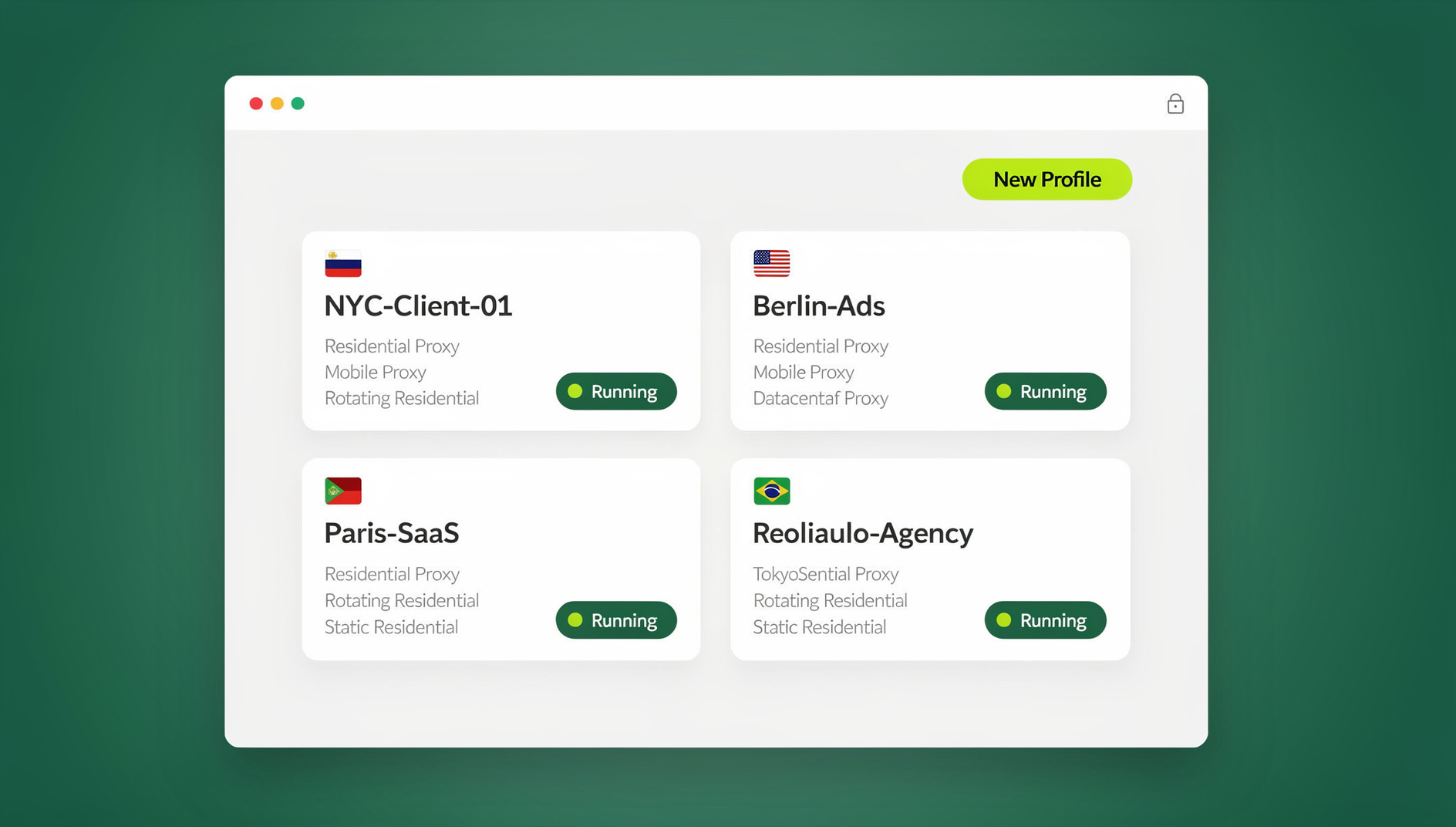
Click “New Profile” and Send.win generates a unique fingerprint automatically. Name it something memorable so you can find it later.
Step 4: Add a proxy (optional but recommended)
For full isolation, attach a proxy to the profile. Send.win supports HTTP, SOCKS5, residential, and mobile proxies with one-click setup.
Step 5: Launch, log in, and repeat
Open the isolated session, log into the account, and your session saves automatically. Repeat for each additional account — every profile stays completely separate from the others.
🏆 Send.win Verdict
For most people searching for the best browser for multiple accounts, Send.win is the strongest overall pick in 2026. It’s the only tool here that doesn’t force a tradeoff between local performance and cloud flexibility — you get a native desktop app with encrypted sync when you want full control, and zero-install cloud sessions when you don’t. With paid plans starting at $19/month and a 7-day money-back guarantee on your first card purchase, it undercuts desktop-only rivals like Multilogin and Dolphin Anty on both price and flexibility.
Try the Send.win cloud demo — a 3-minute preview without signup, 10 minutes a day with a free account.
Frequently Asked Questions
What is the best free browser for multiple accounts?
Several desktop tools offer limited free tiers with a handful of profiles, but Send.win has no free trial — paid plans start at $19/month, with a 7-day money-back guarantee on your first card purchase. The free cloud demo at send.win/demo-browser lets you preview a real multi-account workflow before paying.
Can I just use Chrome profiles for multiple accounts?
No. Chrome profiles share the same underlying device fingerprint, so platforms can still link them together. For real isolation you need a dedicated multi-account browser like Send.win that randomizes canvas, WebGL, fonts, and other fingerprint signals per profile.
Will I get banned using a multi-account browser?
Used correctly, with unique proxies per profile and realistic browsing behavior, tools like Send.win significantly reduce ban risk. No tool eliminates risk entirely — platforms still watch for suspicious behavior patterns, so pacing your activity matters as much as the technology.
Does Send.win work on Mac and Linux, or just Windows?
The Sendwin Browser desktop app is available natively for Windows, macOS, and Linux. If you’d rather not install anything at all, the cloud browser session mode runs entirely on Send.win’s servers and streams to whatever device you’re using, regardless of operating system.
Does Send.win offer an Automation API?
No — Send.win has no automation interface: no API, SDK, headless mode or Selenium/Puppeteer/Playwright support on any plan. Each profile keeps its own separate cookies, storage and fingerprint, so you can organise multiple accounts without sharing one browser identity.
How many profiles can I manage on Send.win?
The Pro plan includes 150 profiles with 5GB of proxy bandwidth, and the Team plan scales to 500 profiles with 20GB of bandwidth and 16 seats — enough for most agencies managing accounts across several clients.
Is Send.win safe to use for account management?
Send.win encrypts profile data both locally and in cloud sync, and never requires you to hand your platform passwords to a third party the way some session-sharing workarounds do. Combine it with sensible proxy hygiene and you get a genuinely isolated setup per account.
What’s the difference between Send.win’s desktop app and cloud sessions?
The Sendwin Browser desktop app is local-first — it installs on your machine and syncs encrypted profile data to the cloud in the background. Cloud browser sessions skip installation entirely and run the whole browser on Send.win’s servers, metered by cloud browsing time. Both use the same account and the same profile isolation.
Final Verdict
For most people evaluating the best browser for multiple accounts in 2026, Send.win is the clear recommendation. Instead of forcing you to pick between a heavyweight desktop install and a cloud-only tool, it gives you both — a native app when you want speed and offline reliability, and hosted cloud sessions when you’d rather leave nothing on the local machine. With paid plans starting at $19/month and a 7-day money-back guarantee on your first card purchase, it beats desktop-only competitors like Multilogin, Dolphin Anty, and Kameleo on flexibility and price alike.
Get started at send.win today — paid plans start at $19/month with a 7-day money-back guarantee on your first card purchase, and you can be running your first isolated profile within minutes.