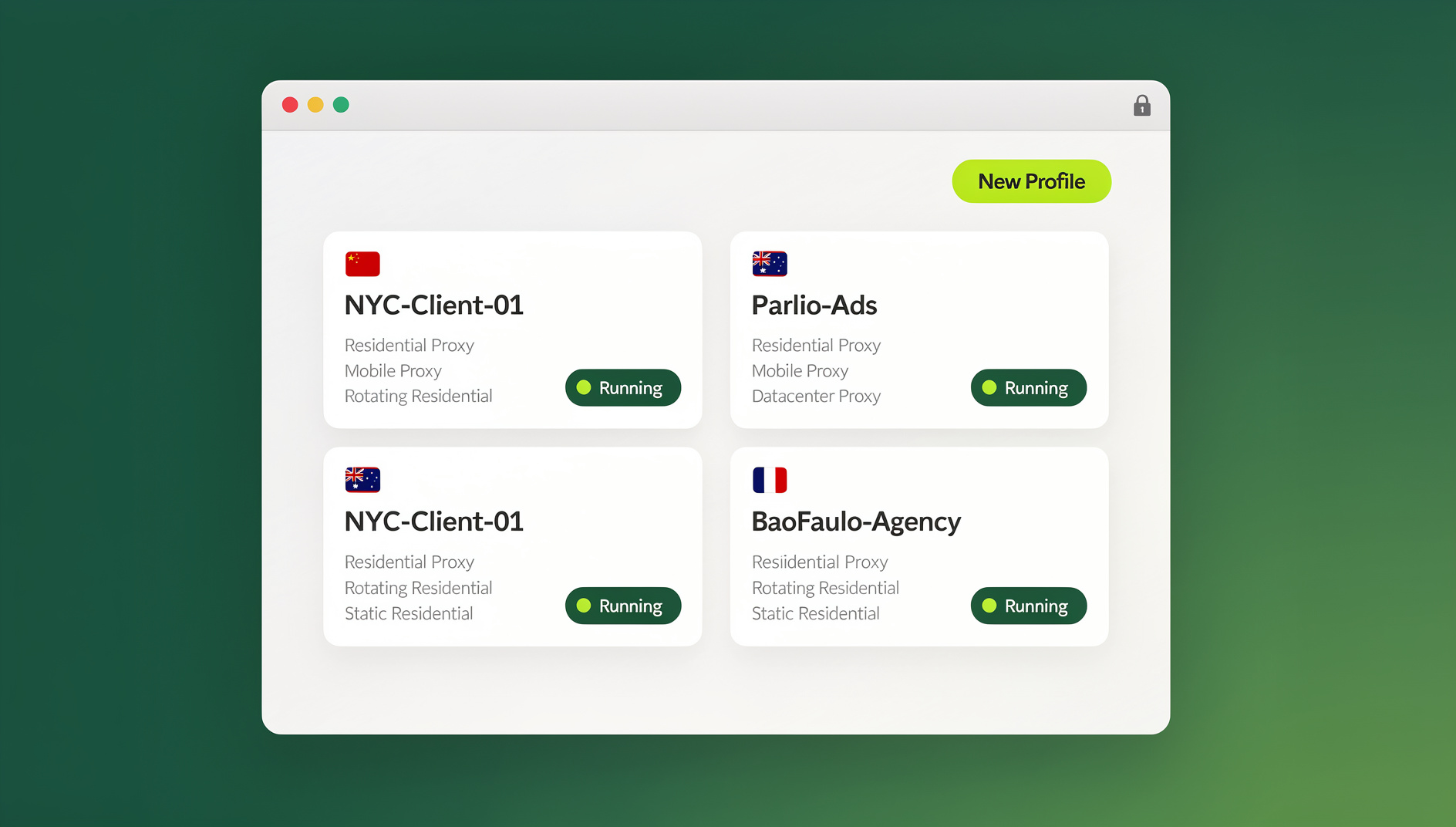
The fastest way to manage multiple Instagram accounts from one browser is to give every account its own isolated session — separate cookies, cache, and browser fingerprint — instead of relying on Instagram’s built-in switcher, which shares data across every login on the same device. Purpose-built tools such as Send.win create a dedicated profile (or cloud session) per account, so you can run five, fifty, or more Instagram logins side by side without session conflicts, forced logouts, or extra security checks.
Why Instagram’s Native Account Switcher Falls Short
Instagram lets you add multiple accounts through its “Add Account” option, both in the app and on the web, and you can tap between them from your profile icon. It’s convenient for two or three personal accounts, but it was never built for professional multi-account management. All accounts added this way share the same browser cookies and local storage, so logging out of one can silently log you out of another. Notifications from every account land in the same interface, making it hard to tell which profile actually needs attention, and browser password managers can misapply saved credentials between profiles.
The bigger problem is behavioral. Because every account switch happens inside the same browser, on the same device, with the same IP address, Instagram’s fraud and bot-detection systems see one machine cycling through many identities in quick succession. That pattern is exactly what triggers CAPTCHAs, temporary holds, or “unusual activity” checks — even when a real person is behind every account. Instagram officially supports up to five accounts per device through this method, and in practice, that ceiling, plus the shared-cookie quirks, is where most agencies, social media managers, and brand teams hit a wall.
Browser-Native Workarounds: Profiles, Containers, and Private Windows
Before reaching for dedicated software, most people try to solve the problem with features already built into their browser. Each approach isolates cookies to some degree, but none of them touch the underlying device fingerprint or IP address that Instagram also tracks.
- Separate browser profiles — Chrome, Edge, and most Chromium browsers let you create distinct user profiles, each with its own cookies, cache, and extensions. This keeps one Instagram account per profile window, but every profile still runs on the same hardware, so fonts, GPU, and system fingerprints stay identical across “different” accounts. Running several profiles simultaneously also eats noticeably more RAM and CPU.
- Firefox Multi-Account Containers — Firefox’s container feature lets you open Instagram in separate tabs that each keep their own storage, which is lighter than full browser profiles. The device fingerprint is still shared, though, and some sites behave oddly under container isolation.
- Incognito or private windows — Each private window starts with a clean cookie jar, but the session disappears the moment you close it, and every window still shares the same IP and hardware fingerprint. It’s not a workable setup for accounts you need to stay logged into long-term.
- Tab aggregators and session extensions — Apps like Rambox or Franz, and browser extensions that manage sessions, organize multiple logins into labeled panes. They’re convenient for keeping track of accounts visually, but they don’t change the fact that every session still originates from one browser instance and one IP address.
These methods can separate cookies well enough for casual use, but they don’t hide the fact that all your sessions come from the same device. For anyone managing Instagram professionally — agencies, influencer managers, multi-brand teams — that shared-device fingerprint is where the real risk sits.
Antidetect Browsers vs. Cloud-Based Multi-Login Platforms
Once cookie isolation alone isn’t enough, the next tier of tools focuses on masking the device fingerprint itself and routing each profile through its own IP address.
Antidetect browsers like GoLogin, Multilogin, and Incogniton generate a unique, randomized fingerprint — canvas, WebGL, fonts, screen metrics — for every profile, and let you attach a separate proxy to each one. They’re genuinely effective at making dozens of accounts look like dozens of different people. The trade-off is cost and overhead: entry-level plans typically start around $50–$100 per seat per month, each profile launches a full local browser engine that’s heavy on RAM, and configuring proxies and fingerprint settings profile-by-profile takes real setup time. If you’re comparing options in this category, our breakdown of the best browser for multiple accounts covers how the major players stack up on price and features.
Desktop aggregators such as Rambox and Wavebox solve the organizational problem — one dashboard for every logged-in service — but every pane still shares your single machine’s IP, so they don’t address Instagram’s device-fingerprinting concerns at all.
For most people managing Instagram accounts day-to-day, a cloud-native multi-login platform hits a better balance: fingerprint and proxy isolation without the cost or local resource drain of a full antidetect browser suite.
How Send.win Handles Multiple Instagram Accounts
Send.win gives you two ways to run isolated Instagram sessions, and it’s worth knowing the difference so you pick the right one for your workflow:
- Sendwin Browser — a native desktop app for Windows, macOS, and Linux. It’s local-first, meaning your profiles run on your own machine for speed and reliability, while your session data, cookies, and settings sync to the cloud in encrypted form so you can pick up the same profiles from another installed device.
- Cloud browser sessions — fully hosted, disposable browser sessions that run entirely in Send.win’s cloud with zero local installation. You open one from your dashboard in any modern browser, and it’s metered by cloud browsing time rather than tied to your local hardware. This is useful for quick, temporary Instagram logins or for working from a shared or locked-down computer.
Whichever mode you use, every Instagram profile gets true session isolation — separate cookies, cache, and local storage per profile — plus its own randomized browser fingerprint, so Instagram doesn’t see forty accounts converging on one canvas or WebGL signature. Our guide to browser fingerprinting protection goes deeper into why this matters for account safety. You can also attach a dedicated residential proxy to each profile, so every Instagram account appears to log in from its own IP and location.
For agencies and teams that need to go beyond manual clicking, Send.win focuses on isolated browser profiles rather than scripting: each profile keeps its own cookies, storage, sessions and fingerprint settings, and you can assign a dedicated proxy per profile. There is no automation interface — no API, SDK, headless mode or Selenium/Puppeteer/Playwright support on any plan — so profile setup and session management stay manual, while Send.win manages the isolated browser environment underneath.
Comparing Your Options
| Method | Device Fingerprint | Proxy Support | Typical Cost | Best For |
|---|---|---|---|---|
| Instagram’s native switcher | Shared across all accounts | Not available | Free | 2–3 personal accounts |
| Browser profiles / containers | Shared | Manual, per-browser only | Free | Light multitasking |
| Antidetect browser (GoLogin, Multilogin) | Unique per profile | Yes, manual setup | $50–$100+/seat/month | Large agencies with big budgets |
| Send.win (desktop app or cloud sessions) | Unique per profile | Yes, built in | From $19/month (Pro) | Individuals, agencies, and teams of any size |
Send.win Pricing for Multi-Account Instagram Management
Send.win’s plans scale with how many Instagram profiles you need to run in parallel, not with arbitrary feature gates:
| Plan | Price | Profiles | Proxy Bandwidth | Seats | |
|---|---|---|---|---|---|
| Free Trial | $0 for 30 days, no credit card required | Trial allowance | Trial allowance | — | 1 |
| Pro | $19/mo ($6.99/mo billed annually — 63% off) | 150 | 5GB | Included | — |
| Team | $49/mo ($20.99/mo billed annually — 57% off) | 500 | 20GB | Included | 16 |
For most people running five to twenty Instagram accounts, Pro’s 150 profiles and 5GB of proxy bandwidth is plenty of headroom. Agencies juggling client accounts across a whole team tend to outgrow Pro’s single-seat model and move to Team for the extra profiles, bandwidth, and 16 shared seats.
Step-by-Step: Setting Up Instagram Profiles in Send.win
- Choose a paid plan. Sign up at send.win — there is no free trial, but your first card purchase is covered by a 7-day money-back guarantee, so you can test isolation and proxy setup before committing.
- Pick desktop app or cloud session. Download the Sendwin Browser desktop app for daily, heavy Instagram use on Windows, macOS, or Linux, or launch a cloud session straight from your dashboard if you’d rather not install anything locally.
- Create a profile for each Instagram account. Give it a clear name (for example, “Instagram — Brand A”) so you’re not guessing which profile is which later.
- Attach a residential proxy (recommended). In the profile’s settings, add a proxy so this account logs in from its own IP rather than sharing yours with every other profile.
- Log into Instagram inside that profile. Cookies, session tokens, and local storage stay contained to this profile only.
- Repeat for every additional account. Each new profile is fully independent — nothing carries over between them.
- Switch between accounts instantly. Click between profiles or tabs; there’s no logout/login cycle and no risk of one session breaking another.
- Set an auto-expiry on cloud sessions (optional). For temporary logins, let a cloud session clear itself after a set period instead of leaving it open indefinitely.
Best Practices for Managing Multiple Instagram Accounts Safely
- Use a unique residential proxy per account. Instagram trusts residential IPs far more than data-center ones, and separate IPs prevent the platform from linking accounts by network origin.
- Stagger your logins. Don’t open every profile at the exact same moment — spacing session starts by a minute or two looks more human and draws less scrutiny.
- Vary activity patterns across accounts. Posting, liking, or commenting on a rigid schedule across every profile can resemble bot behavior; mix up timing and actions instead.
- Match timezone and locale to each account’s real region. Consistent geography between an account’s usual activity and its session settings reduces security flags.
- Enable two-factor authentication on every account, ideally with distinct phone numbers or authenticator apps, so a compromise on one profile can’t cascade to the rest.
- Use Send.win’s blur feature when sharing access. If a teammate needs to work inside an Instagram profile, blur sensitive fields like DMs or linked payment pages before handing over session access, instead of sharing the password itself.
Instagram’s biggest red flags come from one IP serving many accounts and from behavior that looks automated rather than human. Proxies, staggered activity, and solid 2FA hygiene address both, while Send.win’s per-profile isolation removes the shared-device problem entirely.
Scaling the Same Approach Beyond Instagram
The profile-per-account model isn’t Instagram-specific — the same isolation logic applies anywhere you’re juggling more than one login on one device. Teams already using Send.win for Instagram commonly extend the same dashboard to other platforms, including managing multiple Facebook accounts, ad platforms, and marketplace storefronts, instead of juggling a separate tool for every network.
Send.win Verdict
If you’re managing more than two or three Instagram accounts, Instagram’s native switcher and basic browser profiles will eventually cause session conflicts or security flags. Send.win solves this with true per-profile isolation — separate cookies, storage and fingerprint settings per profile, optional dedicated proxies, and your choice of a local desktop app or a cloud session — without the cost or setup overhead of a full browser management suite.
Try Send.win today — plans start at $19/mo for Pro, your first card purchase is covered by a 7-day money-back guarantee, and you can set up your first isolated Instagram profile in minutes.
Frequently Asked Questions
How many Instagram accounts can I realistically manage in one browser?
Instagram’s native switcher caps out around five accounts per device before shared cookies and bot-detection checks become unreliable. With profile-based isolation in Send.win, the practical limit is your plan’s profile allowance rather than Instagram’s built-in switcher — the Pro plan supports up to 150 profiles, and Team supports up to 500.
Is it against Instagram’s rules to run multiple accounts in one browser?
Instagram permits multiple accounts per user and even supports account switching natively, so having several accounts isn’t itself a violation. What gets flagged is behavior that looks automated or coordinated — identical posting times, shared IPs across accounts, or rapid-fire switching — which is exactly what proper isolation and varied activity patterns are meant to avoid.
Do I need a proxy for every Instagram profile?
Not strictly, if you’re only managing a couple of personal accounts. But once you’re running several accounts for brands, clients, or growth work, a unique residential proxy per profile is strongly recommended — it’s the difference between all your accounts appearing to log in from one IP versus each looking like it belongs to a different, independent user.
What’s the difference between Send.win’s desktop app and its cloud sessions?
The Sendwin Browser is a native app you install on Windows, macOS, or Linux — it’s local-first, so your profiles run on your own machine with encrypted cloud sync for backup and cross-device access. Cloud browser sessions instead run entirely on Send.win’s servers with no local install at all, and are billed by cloud browsing time, which is a better fit for occasional or temporary logins.
Is it safe to store Instagram logins inside Send.win?
Send.win encrypts session data and keeps each profile sandboxed, so credentials and cookies for one account aren’t exposed to other profiles or sessions. As with any tool holding login data, you should still use strong, unique passwords and enable two-factor authentication on each Instagram account.
Can I automate Instagram profile management with Send.win?
No — Send.win has no automation interface: no API, SDK, headless mode or Selenium/Puppeteer/Playwright support on any plan. Profiles are managed manually, and each one keeps its own cookies, storage, sessions and fingerprint settings, with an optional dedicated proxy. Instagram’s own automation rules still apply to whatever you do inside the account.
What happens if Instagram logs one of my profiles out unexpectedly?
Because each profile is isolated, an unexpected logout or verification challenge on one account has no effect on your other profiles. Simply reopen that profile, complete Instagram’s verification if prompted, and log back in — the rest of your accounts stay untouched.
Is there a free way to try this before committing to a paid plan?
No. Send.win has no free trial, but your first card purchase is covered by a 7-day money-back guarantee, which is enough time to set up several Instagram profiles, test proxy assignment, and confirm the workflow fits your needs before choosing between the Pro and Team plans.