What Is NetworkChuck’s Cloud Browser, And Why Are People Looking For Alternatives?
The best NetworkChuck alternatives in 2026 are cloud and multi-profile browsers that isolate risky links, mask your device fingerprint, and let you run multiple accounts safely — with Sendwin leading the pack thanks to per-profile session isolation, unique fingerprints on every profile, built-in proxies, and genuine zero-install cloud browsing. NetworkChuck’s videos popularized a simple idea: open suspicious links, test sketchy downloads, and do OSINT research inside a disposable cloud browser instead of risking your real machine. That’s a smart habit — but most viewers hit the same wall after a few weeks. The demo tooling he showcases is built for one-off disposable sessions, not persistent multi-account workflows, team sharing, or scripted automation. This guide compares the strongest alternatives and gives an honest, feature-by-feature breakdown of where Sendwin fits — and where it doesn’t.
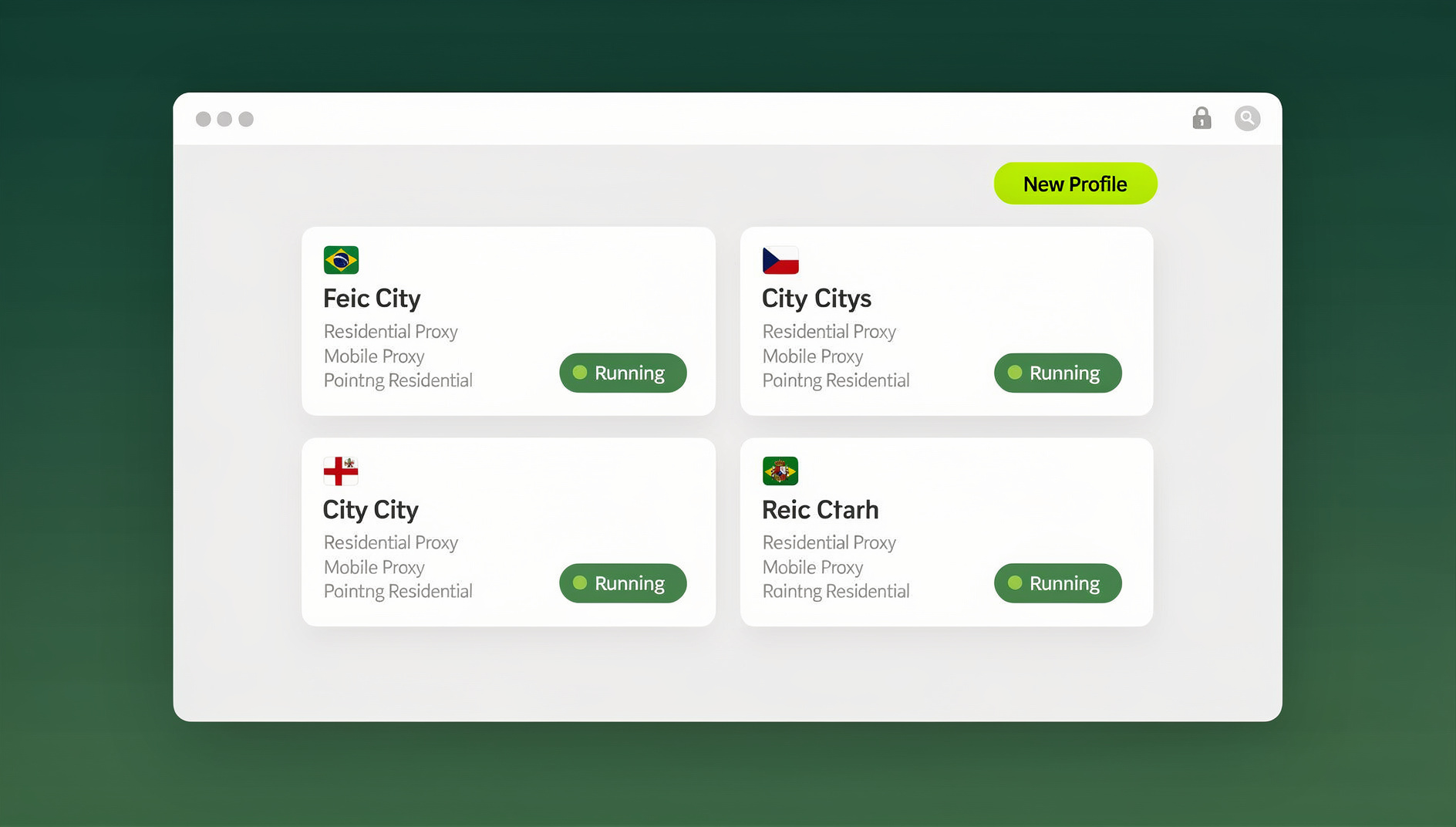
NetworkChuck’s cloud browser concept sits inside a broader category called remote browser isolation (RBI) — running the actual browser session on a remote server and streaming the rendered page back to you, so nothing risky ever touches your local disk. It’s a legitimate security pattern used by IT teams, penetration testers, and cautious power users alike. The gap most people run into is that a security-education demo isn’t a product roadmap: there’s no persistent profile library, no fingerprint control per session, no proxy management panel, and no way to hand a session to a teammate without also handing over the underlying credentials. That’s exactly the gap tools like Sendwin were built to close.
Quick Comparison: Top NetworkChuck Alternatives At A Glance
Before the deep dive, here’s how the leading options stack up on the things that actually matter once you move past casual link-testing: persistent profiles, per-profile fingerprints, proxy handling, and team access.
| Tool | Best For | Persistent Profiles | Unique Fingerprints | No-Install Access |
|---|---|---|---|---|
| NetworkChuck Cloud Browser | One-off disposable link testing | No | No | Yes |
| Sendwin | Multi-account management + secure browsing | Yes | Yes, per profile | Yes (cloud browser sessions) |
| Kasm Workspaces | Enterprise remote browser isolation | Limited (admin-configured) | No (shared container image) | Yes (self-hosted) |
| Browserling | Cross-browser QA/testing | No | N/A | Yes |
| Firefox Multi-Account Containers | Light personal tab separation | No (local extension, not cloud) | No | No — requires Firefox install |
Sendwin: The Most Complete NetworkChuck Alternative
Sendwin is a browser profile manager built for people who need more than a single disposable session — marketers running several ad accounts, e-commerce sellers operating multiple storefronts, agencies sharing client logins, and developers working across repetitive browser tasks. Where NetworkChuck’s demo browser gives you one clean session that disappears when you close the tab, Sendwin gives you a library of persistent, isolated profiles, each with its own fingerprint, cookies, local storage, and optional proxy — so each profile keeps its own separate cookies, storage and browser identity.
Three Ways To Run Sendwin (Pick What Fits Your Workflow)
A detail that’s easy to miss in comparison articles: Sendwin isn’t one single mode of access, it’s three distinct capabilities depending on how you want to work.
- Desktop app (Windows, macOS, Linux): a native client you install locally to launch and manage isolated profiles on your own machine — the most common way people run day-to-day profiles when they want full local control and no dependence on an internet-streamed session.
- Cloud browser sessions: run profiles entirely in the cloud with no desktop install at all — you open a browser tab, load a saved profile, and browse. This is the mode that maps most directly onto what NetworkChuck’s videos demonstrate, and it’s metered by monthly “cloud browsing time” included on paid plans, alongside cloud sync, profile sharing, and team seats. It’s the right answer for “access from anywhere,” shared/borrowed devices, or teams that don’t want to manage installs across a fleet of laptops.
Key Features That Set Sendwin Apart
- Browser isolation by design: every profile is sandboxed from your host device and from every other profile — a compromised or flagged session can’t leak into the rest of your setup.
- Unique fingerprints per profile: canvas, WebGL, fonts, timezone, and other fingerprint signals are set independently per profile, so ten accounts don’t look like ten browser windows on the same machine.
- Built-in proxies: attach residential, datacenter, or your own “bring your own proxy” connection per profile to control IP, geography, and network attribution.
- Team sharing without password handoff: invite a teammate to a specific session or profile without ever revealing the underlying login credentials — useful for agencies, VAs, and distributed teams.
- Cloud sync and profile sharing: saved profiles and sessions are available across devices, so you’re not locked into the one machine you first set them up on.
NetworkChuck Cloud Browser Vs. Sendwin: Feature Comparison
For readers who came here specifically to compare against the NetworkChuck workflow — as covered in our dedicated Sendwin vs Kasm vs NetworkChuck comparison — here’s the capability-by-capability breakdown.
| Capability | NetworkChuck Cloud Browser | Sendwin |
|---|---|---|
| Isolation & Privacy | Strong session-level cloud isolation | Strong isolation with a unique fingerprint per profile |
| Persistent Sessions | Disposable; resets on close | Persistent, saved profiles that sync across devices |
| Local Install Option | Not offered | Optional native Desktop app for Windows/macOS/Linux |
| No-Install Cloud Access | Yes, the core feature | Yes, via Cloud browser sessions, metered monthly |
| Team Collaboration | Not built for sharing | Share sessions without sharing passwords; team seats |
| Proxy Support | Not built-in | Built-in proxies plus bring-your-own-proxy |
| Automation / Scripting | Not supported | Not supported |
| Pricing Transparency | Demo/project-based, not a standalone product | Published plans with a 7-day money-back guarantee on the first card purchase |
Other Notable NetworkChuck Alternatives Worth Knowing
Sendwin isn’t the only option, and a fair comparison should say so. Depending on your exact use case, one of these might genuinely serve you better than a multi-account browser like Sendwin:
- Kasm Workspaces: a strong enterprise remote browser isolation platform, especially if you’re already running your own infrastructure. Its containers are typically shared images rather than per-profile fingerprints, so it’s better suited to IT-managed isolation than to running many distinct-looking marketing or seller accounts. If you’re evaluating it directly, our Kasm Web alternatives breakdown covers the tradeoffs in more depth. It also requires either self-hosting or an enterprise contract, which is a real barrier for solo operators and small teams.
- Browserling: excellent for quick cross-browser rendering checks during QA, but it’s not designed for persistent account management, proxies, or team session sharing — it solves a narrower problem well rather than trying to be a full multi-account browser.
- Firefox Multi-Account Containers: a free, well-loved extension for separating tabs into color-coded containers inside one local Firefox install. It’s genuinely useful for light personal use, but containers share the same underlying browser fingerprint, run only on the machine where Firefox is installed, and offer no built-in proxy or team-sharing layer.
- SessionBox-style tools: browser extensions that let you juggle multiple logins to the same site in separate tabs. Convenient for casual multi-account browsing, but most rely on the local browser’s fingerprint, so accounts can still be correlated by sites that fingerprint aggressively.
For a broader survey of the category beyond just NetworkChuck’s tool, our remote browser isolation tools comparison ranks a wider set of cloud browsers on the same criteria used above.
Which Alternative Should You Actually Pick?
The “best” alternative depends entirely on what you were using NetworkChuck’s cloud browser to do:
- If you’re doing OSINT research or testing suspicious links/files: you mainly need strong isolation and a disposable-feeling session. Sendwin’s cloud browser sessions cover this, and our guide to a disposable cloud browser for QA testing shows how to pair fresh environments with repeatable checks.
- If you’re managing multiple marketing, seller, or social accounts: you need persistent profiles with unique fingerprints and proxies — the Desktop app or Cloud browser sessions in Sendwin’s Pro plan, not a one-off disposable browser.
- If you’re an agency or team sharing access with clients or VAs: you need session sharing without password handoff — Sendwin’s team seats and shared profiles on the Pro and Team plans.
- If you’re a large enterprise with dedicated infrastructure staff: Kasm Workspaces or a similar self-hosted RBI platform may be worth the operational overhead for full control over deployment.
Getting Started With Sendwin’s Cloud Browser: Step By Step
Switching over from ad-hoc disposable sessions to a proper multi-account setup takes about ten minutes:
- Start with a paid plan at send.win — the first card purchase is covered by a 7-day money-back guarantee, so you can test cloud sessions, profiles, and fingerprinting before committing. You can also try the free cloud demo at send.win/demo-browser/.
- Create your first profile and give it a name tied to the account or task it’s for (e.g., “Client A — Instagram” or “OSINT — throwaway research”).
- Attach a proxy if you need geographic or network separation — use a built-in proxy or bring your own.
- Launch the profile either through a Cloud browser session (no install, works from any device) or through the Desktop app if you want a locally installed client for daily use.
- Invite teammates to specific profiles if you’re working with a VA, contractor, or team — they get access to the session, not your password.
Sendwin Pricing Compared To A Free Demo Tool
One reason NetworkChuck’s cloud browser can’t be directly compared on price is that it isn’t sold as a standalone product — it’s a demonstration of a technique. Sendwin, by contrast, publishes clear plans:
| Plan | Price | Includes |
|---|---|---|
| Free trial | 30 days, no credit card | Full access to test cloud sessions, profiles, and fingerprinting |
| Pro | $19/mo ($6.99/mo billed annually — 63% off) | 150 profiles, 5GB proxy bandwidth, cloud sync, profile sharing |
| Team | $49/mo or $251.88/yr | 500 profiles, 20GB proxy bandwidth, 16 seats |
Extra bandwidth is billed at $6/GB and additional profiles at $0.05 each, so you can scale a plan up gradually instead of jumping straight to the next tier.
Security, Privacy, And Compliance Notes
Whichever alternative you choose, keep these points in mind: cloud browsers reduce local endpoint risk by keeping the actual rendering off your machine, but they don’t make an account “unbannable” — platforms still watch for behavioral patterns, not just fingerprints. Reputable multi-account browsers, Sendwin included, isolate cookies and storage per profile and don’t share fingerprint data across sessions, but no tool replaces sound account hygiene: use dedicated proxies per profile, avoid logging into the same real-world identity across “separate” accounts, and don’t share raw credentials with collaborators when session sharing is available instead. For regulated or sensitive workflows, confirm where session data and proxy traffic are routed before committing to any provider — most established tools, including Sendwin, publish this in their trust or security documentation.
🏆 Send.win Verdict
NetworkChuck’s cloud browser is a great introduction to remote browser isolation, but it’s a demo, not a product built for repeatable multi-account work. Sendwin covers the same “browse risky things safely” use case through Cloud browser sessions, then goes further with persistent per-profile fingerprints, built-in proxies, password-free team sharing, and separate cookies and storage per profile — all backed by a real pricing page instead of a one-off tutorial.
Try Send.win today — the first card purchase is covered by a 7-day money-back guarantee, and you can preview the cloud browser free at send.win/demo-browser/.
Frequently Asked Questions
What are the best NetworkChuck alternatives in 2026?
The strongest overall alternative is Sendwin, which combines cloud browser sessions with persistent, uniquely fingerprinted profiles, built-in proxies, and team sharing. For enterprise-managed remote isolation, Kasm Workspaces is a solid self-hosted option. For pure cross-browser QA testing rather than account management, Browserling remains a good narrow-purpose tool.
Is Sendwin the same thing as NetworkChuck’s cloud browser?
No. NetworkChuck’s cloud browser is a demonstration of remote browser isolation for one-off, disposable sessions like testing suspicious links. Sendwin is a full multi-account browser platform with persistent profiles, unique fingerprints, proxies, and team features — it can replicate the disposable-session use case through its Cloud browser sessions, but it also supports ongoing multi-account workflows that NetworkChuck’s demo tool was never designed for.
Do I need to install anything to use Sendwin?
It depends on the mode you choose. Sendwin’s Cloud browser sessions run entirely in the cloud with no local install needed — you access profiles straight from a browser tab. If you prefer, Sendwin also offers a native Desktop app for Windows, macOS, and Linux for users who want a locally installed client for daily use. Both are real, supported modes; pick whichever matches how you work.
Can I run automated scripts with Sendwin like I would with Selenium or Puppeteer?
No. Sendwin does not offer an Automation API, SDK, headless mode, or Selenium, Puppeteer, or Playwright support on any plan. Each Sendwin profile keeps its own cookies, storage, sessions, fingerprint settings and proxy, so manual browsing stays isolated per profile.
How does Sendwin protect against browser fingerprinting?
Each Sendwin profile is assigned its own unique fingerprint signals — including canvas, WebGL, fonts, and timezone — so that separate accounts don’t appear to be running from the same physical browser, even when they’re accessed from the same device.
Can I share a Sendwin session with a teammate without giving them my password?
Yes. Sendwin lets you share specific profiles or sessions with team members without exposing the underlying login credentials, which is one of the clearest gaps in NetworkChuck’s original demo workflow and in most browser-extension-based alternatives.
What does Sendwin cost, and is there a free trial?
Sendwin has no free trial. Paid plans are Pro for $19/month or $83.88/year and Team for $49/month or $251.88/year, and the first card purchase is covered by a 7-day money-back guarantee. The only free option is the cloud demo at send.win/demo-browser/ — a 3-minute preview without signup, or 10 minutes a day with a free account.
Which alternative is best for OSINT work or testing suspicious links safely?
For that specific use case, Sendwin’s Cloud browser sessions provide the same “keep it off my real machine” isolation NetworkChuck demonstrates, while also letting you save a dedicated research profile instead of starting from zero every time. Kasm Workspaces is also a credible option if your organization already manages its own isolation infrastructure.
Final Thoughts
NetworkChuck deserves credit for popularizing cloud-based browser isolation as an easy habit for anyone who clicks risky links or downloads unknown files. But a security demo and a daily-driver multi-account browser are different tools solving overlapping problems. If your needs have grown past a single disposable session — persistent profiles, unique fingerprints, proxies, or team sharing — Sendwin covers the access modes people actually need: a native Desktop app and genuinely install-free Cloud browser sessions. Start with a paid plan, covered by a 7-day money-back guarantee on the first card purchase, or preview the cloud browser free at send.win/demo-browser/. Keep your existing NetworkChuck-style habit for quick one-off checks if you like it, and let Sendwin handle everything that needs to persist.