Which Cloud Browser Is Safest for Suspicious Links?
For opening a suspicious link, Sendwin, Kasm Workspaces, and NetworkChuck Cloud Browser are all safer than your local Chrome tab because they execute the page on remote infrastructure instead of your device. Sendwin’s cloud browser sessions are the best all-around pick for professionals who need isolation plus multi-profile privacy and team sharing, with no desktop install required. Kasm wins when you need self-hosted enterprise policy controls. NetworkChuck’s Cloud Browser is the simplest one-click option for solo researchers doing ad-hoc OSINT. Below, we break down exactly why.
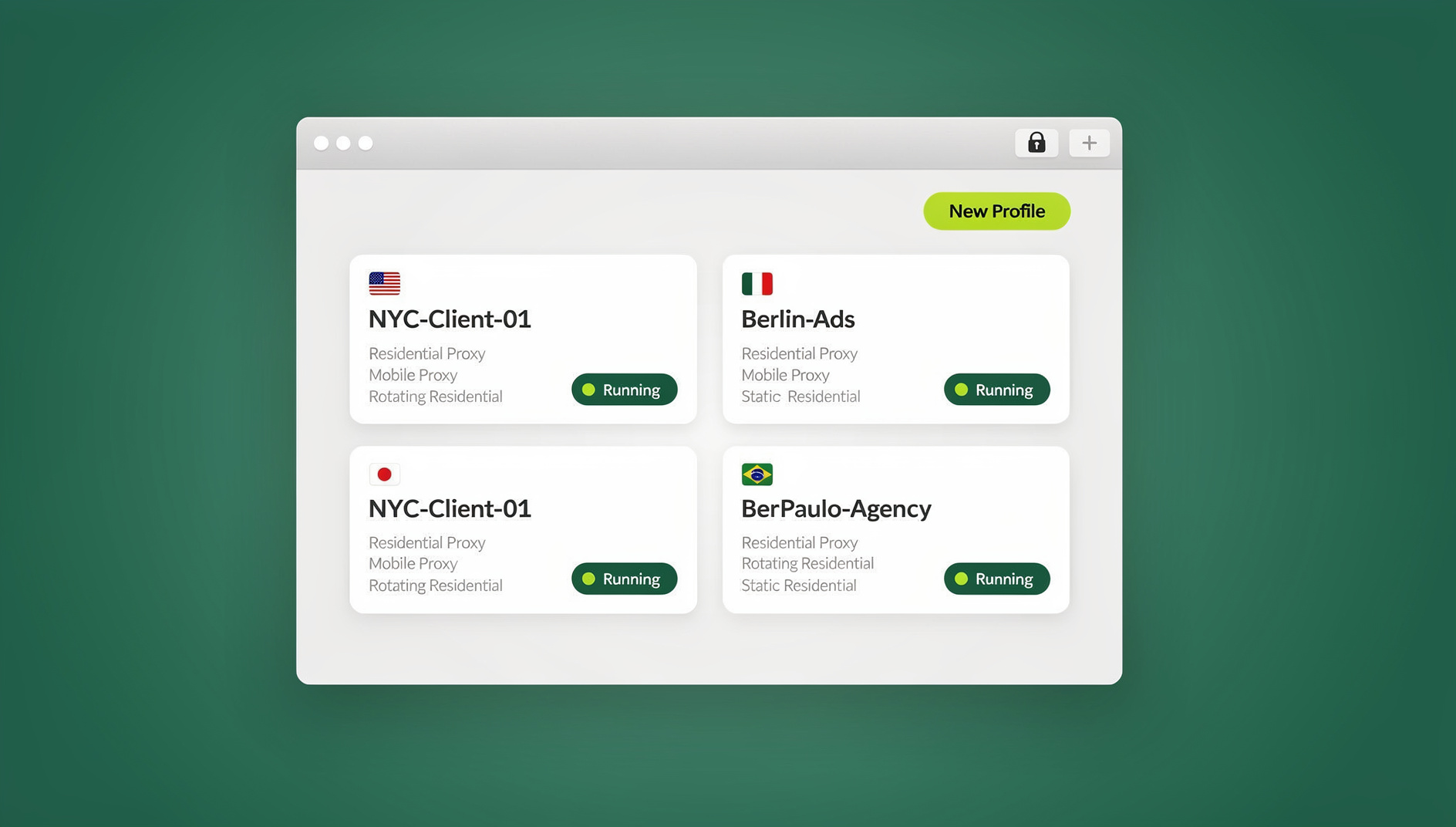
Every day, security teams, marketers, e-commerce sellers, and researchers click links they can’t fully vet — a competitor’s landing page, a DM from a stranger, a “click here to verify” email, an unfamiliar domain surfaced during OSINT work. Opening any of those directly in your everyday browser risks malware, tracking pixels, credential-stealing redirects, or simple IP/identity exposure. A cloud browser solves this by moving the actual page rendering off your machine entirely.
Why Cloud Browsers Matter for Suspicious Links
A cloud browser streams a live, interactive view of a website back to your screen while the page itself runs on a remote server. If the site tries to drop malware, run a drive-by download, or fingerprint your device, it’s fingerprinting a disposable remote container — not your laptop. That’s a fundamentally different security posture than “hope your antivirus catches it.”
What a modern cloud browser should give you:
- Remote execution in an isolated container or session, separate for every tab or profile
- Optional IP/geo controls so the site can’t tie the activity back to your real location or office network
- Disposable sessions that vanish completely once you’re done, leaving no local trace
- Controls over file uploads/downloads, clipboard, and data persistence so nothing leaks back to your device
This is precisely where Send.win’s cloud browser sessions come in. Unlike Send.win’s native Desktop app (the Windows/macOS/Linux client most users run profiles through locally), cloud browser sessions run entirely in the cloud with no desktop install needed at all — you open a session from the dashboard in a browser tab, click the suspicious link inside it, and close it when you’re done. It’s metered by monthly “cloud browsing time,” similar to how proxy bandwidth is metered, and it’s bundled on paid plans alongside cloud sync, profile sharing, and team seats. That distinction matters: if your goal is “access from anywhere, nothing to install,” the cloud session is the correct Send.win feature to reach for — not the desktop client.
How We Judged “Safest for Suspicious Links”
When you’re about to click something you don’t trust, the tool that protects you best should do five things:
- Isolate the page from your endpoint — ideally per tab or per session, not a shared container
- Control data flows — uploads, downloads, clipboard, and persistence should be governable, not automatic
- Minimize attribution — IP/location masking and no cross-tab tracking or fingerprint bleed
- Fit real workflows — launch fast, easy to share with a teammate, simple to repeat daily
- Scale and price sensibly — transparent limits, team features or self-hosting options as you grow
TL;DR: Sendwin vs Kasm vs NetworkChuck
If you only read one section, read this one. Here’s the quick verdict before the deep dive:
| Tool | Best for | Isolation approach | Team sharing | Starting price |
|---|---|---|---|---|
| Sendwin | Professionals opening risky links daily, plus multi-account/multi-profile work | Per-tab/per-profile cloud sessions with unique fingerprints and built-in proxies | Yes — share sessions without sharing passwords | No free trial; Pro $19/mo or $83.88/yr, Team $49/mo or $251.88/yr; 7-day money-back guarantee on first card purchase; free cloud demo |
| Kasm Workspaces | IT/security teams needing self-hosted policy control and DLP | Containerized browser streaming with granular admin policies | Yes — SSO, group policies, quotas | Free Community Edition; paid enterprise tiers |
| NetworkChuck Cloud Browser | Solo researchers doing ad-hoc OSINT or quick safe-opens | Disposable cloud containers via browser extension | Individual-centric, limited | Single subscription with monthly hour cap |
All three genuinely improve safety over opening a link locally. The differences show up in how much control you get, how well it fits a team, and whether it doubles as a privacy/multi-account tool — not just a one-off safety button.
Sendwin: Cloud Browser Sessions at a Glance
What it is: Send.win is a browser profile manager with three distinct ways to run profiles — a native Desktop app for Windows/macOS/Linux, a cloud browser that runs on Send.win’s server in the EU, and cloud browser sessions that run entirely in the cloud with zero local install. For suspicious-link safety specifically, the cloud session mode is what you want: open the Send.win dashboard in any browser, launch a session, and the risky page renders remotely while you interact with a safe stream.
Standout strengths that matter for risky-link workflows:
- Browser isolation by default: every session runs remotely, so nothing hostile ever touches your device.
- Unique fingerprints per profile: each session gets its own canvas/WebGL/font fingerprint, so a malicious or tracking-heavy site can’t correlate today’s investigation with your real browsing identity or a previous session.
- Built-in proxies: route the session through a residential or datacenter IP so the site can’t geolocate you back to your office or home network — no separate VPN needed.
- Share sessions, not passwords: hand a session to a teammate or analyst for a second opinion without exposing credentials or your real account.
- Disposable, isolated sessions: spin one up for a single suspicious URL, then discard it — no persistent local footprint.
- Team seats and cloud sync: useful when a whole security or marketing team needs to triage risky links together.
Current Send.win Pricing
| Plan | Price | Includes |
|---|---|---|
| Trial | Free — 30 days, no credit card | Full feature access to evaluate cloud sessions and profiles |
| Pro | $19/mo ($6.99/mo billed annually — 63% off) | 150 profiles, 5GB proxy bandwidth, cloud sessions |
| Team | $49/mo or $251.88/yr | 500 profiles, 20GB bandwidth, 16 seats, cloud sync & sharing |
Add-ons scale cleanly: extra proxy bandwidth runs about $6/GB and extra profiles about $0.05 each, so you’re not forced into the next tier just because you need a handful more sessions.
Start with a Sendwin paid plan and open your next risky link safely.
Kasm Workspaces at a Glance
What it is: Kasm Workspaces is a container streaming platform that delivers browser isolation, virtual desktops, and app streaming. It’s highly configurable and popular with IT and security teams that want to run their own infrastructure. If you’re comparing it directly, our Kasm Workspaces complete guide walks through setup in more depth.
Genuine strengths:
- Policy-driven isolation: fine-grained data-loss-prevention controls for uploads, downloads, clipboard, and device access — exactly what a SOC wants to lock down.
- Admin-friendly at scale: group policies, SSO, and web/email gateway integrations for large organizations.
- Deployment choice: self-host on your own infrastructure or run in the cloud, depending on compliance requirements.
- Free Community Edition: a legitimate free tier (with concurrent session limits) for testing and small labs.
Honest tradeoffs: Kasm is powerful but it’s infrastructure, not a plug-and-play tool. Self-hosting means you own patching, scaling, and uptime — there’s real ops overhead compared to a hosted service. It also isn’t built around multi-profile workflows the way Sendwin is: you won’t get unique per-profile fingerprints or a “share this login without sharing the password” flow out of the box. For a security team that already runs container infrastructure and needs governance above all else, that tradeoff is worth it. For a marketer or solo researcher who just wants to click a link safely today, it’s a lot of setup for the job.
NetworkChuck Cloud Browser at a Glance
What it is: A streamlined, agentless cloud browser aimed squarely at safe link opening, OSINT, and quick research — popularized through NetworkChuck’s cybersecurity content. See our dedicated comparison of NetworkChuck alternatives if this is your primary use case.
Genuine strengths:
- Zero-trust, disposable sessions: open an unknown link without ever touching your local browser.
- Dead-simple workflow: a browser extension adds a right-click “Open in Cloud Browser” action — about as low-friction as this category gets.
- Clear usage model: one subscription, a monthly hour cap, and idle-timeout guardrails so sessions don’t run forever unattended.
Honest tradeoffs: it’s built for individual use, not teams — there’s no meaningful way to share a session or coordinate a triage workflow across analysts. There’s also no persistent profile system, so if you need to revisit the same disguised login across multiple days (common in longer OSINT investigations or account-safety work), you’re starting from scratch each time. It’s a great “safe-open” button; it isn’t a multi-account platform.
Feature Face-Off: Which Cloud Browser Fits Your Risky-Link Workflow?
| Capability | Sendwin | Kasm Workspaces | NetworkChuck Cloud Browser |
|---|---|---|---|
| Isolation model | Per-session cloud isolation with unique fingerprints per profile | Containerized browsers streamed to users; enterprise policy engine | Disposable containers for ad-hoc safe clicks |
| Attribution control | Built-in proxies, IP/geo control per session | Depends on network egress configuration you set up | Basic; less configurable per session |
| Data controls (DLP) | Blur/protect pages, share sessions without passwords, BYO proxy | Granular DLP toggles for uploads, downloads, clipboard; SSO | Focused on safe-open; lighter DLP options |
| Automation | No automation interface — no API, SDK, headless mode or Selenium/Puppeteer/Playwright support | API exists but oriented to admin/orchestration, not browser scripting | Not a focus |
| Team features | Shared sessions, cloud sync, seats on Team plan | SSO, quotas, policies, self-hosting | Individual-centric |
| Setup effort | Sign up, launch from dashboard — no install | Requires infrastructure setup/hosting decisions | Install extension, right-click to open |
| Pricing signal | No free trial; Pro $19/mo, Team $49/mo; 7-day money-back guarantee on first card purchase; free cloud demo | Free Community Edition; paid enterprise tiers | Single subscription with monthly hour cap |
Deep Dive: Security and Privacy That Actually Matter
Isolation Is Non-Negotiable
All three tools move execution away from your device, which is the single largest risk reduction you can buy against a suspicious link. When an unknown page tries something malicious, it happens in a remote environment you can simply close and discard — not on your laptop’s filesystem or browser profile. For a broader look at how this compares to running isolation locally, see our guide on remote browser isolation for safe web access.
Data Egress Is the Next Frontier
Isolation is step one; preventing data from leaving your environment accidentally is step two.
- Kasm gives IT teams fine-grained DLP to lock down uploads, downloads, and clipboard traffic — ideal when compliance requires an audit trail.
- Sendwin lets you blur or protect sensitive page content before sharing a session, and share access without ever exposing the underlying password.
- NetworkChuck keeps things simple with fewer egress knobs, which is fine for a quick solo check but thinner for regulated environments.
Attribution Control and Privacy Posture
A cloud browser that isolates execution but still leaks your real IP or lets a site fingerprint-link your sessions together hasn’t fully solved the problem. This is where Sendwin’s unique fingerprints per profile plus built-in proxies pull ahead for privacy-sensitive research — each session looks like a genuinely distinct visitor, with no cross-session tracking. Kasm’s attribution control depends heavily on how you configure network egress in your own deployment. NetworkChuck is reasonably private for a single ad-hoc session but doesn’t offer the same per-profile fingerprint separation for repeat use.
Step-by-Step: Safely Open a Suspicious Link with Sendwin’s Cloud Browser
- Start with a paid Send.win plan — the first card purchase is covered by a 7-day money-back guarantee, or try the free cloud demo first.
- Open the dashboard in any regular browser tab; no download or extension install is needed for cloud sessions.
- Launch a new cloud browser session and, if the link needs a specific location, attach a built-in or BYO proxy for that region.
- Paste the suspicious URL into the session’s address bar and let it load remotely — you’re viewing a stream, not executing the page locally.
- Share the session with a teammate if you want a second set of eyes, without ever sharing your real login credentials.
- Close and discard the session once you’re done. Nothing persists locally, and the profile’s fingerprint doesn’t carry over to your everyday browsing.
Decision Guide by Persona
| You are… | Best pick | Why |
|---|---|---|
| Marketer or e-commerce team vetting competitor links/ads | Sendwin | Multi-profile management plus disposable isolated sessions in one tool |
| SOC analyst or IT security team with compliance requirements | Kasm Workspaces | Self-hosted policy control, DLP, and audit logging |
| Solo OSINT researcher checking one link occasionally | NetworkChuck Cloud Browser | Fastest, simplest one-off workflow with no setup |
| Dev/QA team automating link or fingerprint checks at scale | Kasm Workspaces | API exists but oriented to admin/orchestration, not browser scripting |
| Agency sharing access across multiple analysts | Sendwin | Team seats, shared sessions without password exposure |
Common Pitfalls When Evaluating Cloud Browsers
- Assuming isolation alone equals safety. Isolation stops malware from reaching your device, but it doesn’t stop data you type or upload from leaking if the tool lacks DLP controls.
- Confusing a Desktop app with a cloud session. Not every “cloud browser” claim actually means zero local install — verify which mode you’re getting before assuming no-install access.
- Ignoring fingerprint reuse. If every session from a tool shares the same fingerprint, a sophisticated tracker can still correlate your visits even though execution is remote.
- Underestimating self-hosting overhead. A “free” Community Edition can cost more in engineering time than a modestly priced hosted plan.
- Skipping team-sharing needs. A great solo tool can become a bottleneck the moment a second analyst needs to review the same suspicious link.
Security Checklist for Opening Suspicious Links
- Never open an unverified link directly in your everyday, logged-in browser.
- Use a disposable, isolated cloud session for anything you can’t vet in advance.
- Route through a proxy if the link might be geo-restricted or you want to avoid revealing your real IP.
- Avoid pasting real credentials into any suspicious page, even inside an isolated session.
- Discard the session immediately after use — don’t let disposable sessions linger.
- If you’re on a team, share the session itself rather than screenshots or descriptions, so a colleague can independently verify what you saw.
Real-World Use Cases
A marketing team receives a suspicious partnership email with a link to “verify payment details” — instead of clicking it locally, they open it in a Sendwin cloud session routed through a neutral IP, confirm it’s a phishing page, and discard the session. A SOC analyst at a regulated bank uses Kasm’s self-hosted deployment to review a batch of reported phishing URLs under strict DLP policy, with every action logged for compliance. A solo bug-bounty researcher clicks NetworkChuck’s browser-extension button to check an unfamiliar domain during a quick evening research session, with no setup required. Each workflow is legitimate — the right tool depends on team size, compliance needs, and how often you’re doing this.
🏆 Send.win Verdict
For most professionals opening suspicious links regularly — marketers, e-commerce teams, agencies, and researchers who also need multi-account privacy — Sendwin’s cloud browser sessions offer the best combination of isolation, unique per-profile fingerprints, built-in proxies, and password-free team sharing, with zero desktop install required. Kasm Workspaces remains the right call for enterprises that need self-hosted governance, and NetworkChuck Cloud Browser is a fine lightweight option for solo, occasional use. But if you want one tool that handles safe link-opening and everyday multi-login productivity, Sendwin is the easiest win.
Try Send.win today — start a paid plan covered by a 7-day money-back guarantee on your first card purchase, or preview it free in the cloud demo, and open your next suspicious link without risking your device.
Frequently Asked Questions
Does a cloud browser make any link “safe” to click?
It dramatically reduces risk by isolating execution away from your device, but no tool makes a malicious link “safe” in an absolute sense. Treat cloud browsers as a strong containment layer, not a replacement for basic caution like avoiding credential entry on unfamiliar pages.
Will I need to install anything to use Sendwin’s cloud browser sessions?
No. Cloud browser sessions run entirely in the cloud and are accessed from the Send.win dashboard in any regular browser tab — no desktop install required. This is different from Send.win’s native Desktop app, which is a separate, locally installed client for users who prefer to run profiles on their own machine.
Can I share a suspicious link investigation with a teammate without sharing my password?
Yes. Sendwin lets you share a live or saved session directly, so a colleague can view or continue an investigation without ever receiving your login credentials — useful when a second analyst needs to confirm what you found.
What if I need to check a link from a specific country or region?
Sendwin includes built-in proxy options and supports bring-your-own proxy, so you can route a cloud session through a specific location — helpful for confirming geo-targeted phishing pages or region-locked ad content behave as reported.
Will my browsing be tracked across different sessions?
With Sendwin, no — each profile gets a unique fingerprint and there’s no shared storage between sessions, so a tracking script can’t correlate one investigation with another or with your real identity.
Is Kasm Workspaces free to use?
Kasm offers a free Community Edition with concurrent session limits, suitable for testing and small labs. Larger deployments with SSO, advanced policies, and support typically move to a paid enterprise tier.
How does Send.win relate to opening suspicious links?
Send.win has no automation interface — no API, SDK, headless mode or Selenium/Puppeteer/Playwright support — so suspicious links are opened interactively in isolated profiles, each with its own cookies, storage, fingerprint settings and proxy.
Which tool is best if I’m not part of an IT or security team?
Sendwin or NetworkChuck Cloud Browser are both easier starting points than Kasm, which assumes some infrastructure comfort. Sendwin adds multi-account and team-sharing features you’ll likely use beyond just safe-link checking, while NetworkChuck is the simplest single-purpose option.
The Final Word
All three tools solve the core problem — keeping a suspicious link’s execution off your device — but they’re built for different scales of use. Kasm Workspaces is the enterprise-grade, self-hosted choice for teams that need policy control above all else. NetworkChuck Cloud Browser is the fastest single-click option when you just need to check one link and move on. Sendwin sits in between and, for most individuals, marketers, and small teams, ahead of both: cloud browser sessions with no install, unique fingerprints per profile, built-in proxies, and password-free sharing, with paid plans covered by a 7-day money-back guarantee on the first card purchase and a free cloud demo to preview. If you’re weighing broader alternatives beyond these three, our cloud browser and remote isolation tools comparison covers the wider field.