Search for “cheapest Chrome extensions” and you will find thousands of results promising free tools, but very few articles tell you what “cheap” actually costs once you factor in your data, your time, and the accounts you are trying to manage. The original version of this list, written back in 2023, named ClickUp, SessionBox, Toggl Plan, and Bitly as budget picks — a fine snapshot of its time, but several of those tools have since been discontinued, merged into other products, or quietly pushed users toward paid tiers with far less generous limits.
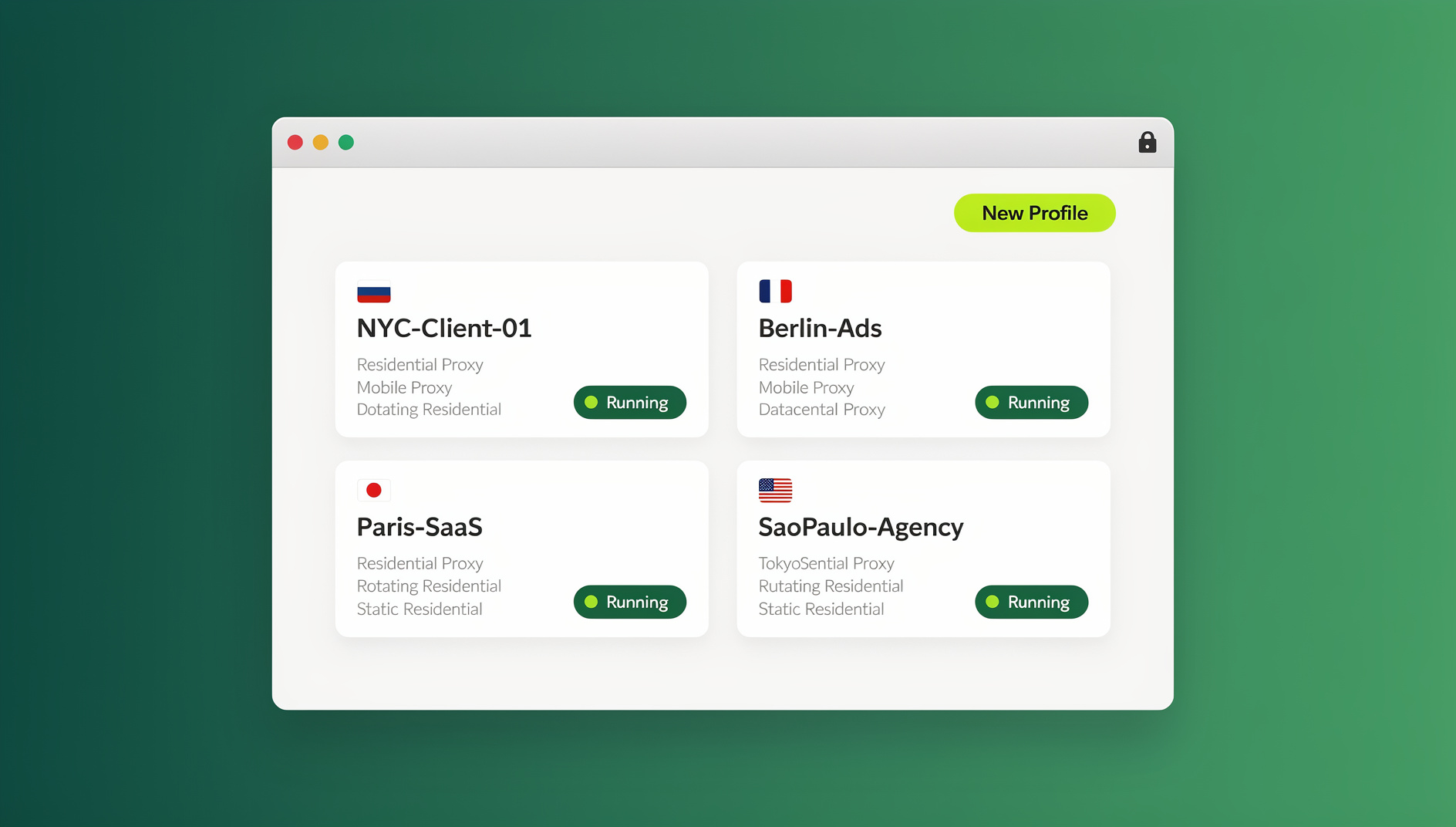
This is the 2026 update: the same buyer’s-guide angle — genuinely affordable Chrome extensions for productivity and multi-account browsing — rebuilt with current pricing, current alternatives, and an honest look at what “free” costs you in privacy and stability. We also dig into why a browser extension alone often is not enough anymore, and where a dedicated multi-login browser like Send.win fits into a budget-conscious stack.
Why “Cheap” Extensions Look Different in 2026
The Chrome Web Store has matured a lot since the early days of single-purpose free add-ons. Three shifts changed what “cheapest” means today:
- Freemium creep — most popular extensions now gate their genuinely useful features behind a subscription, so a “free” tool can still cost you $8-15/month once you need the feature that made you install it.
- Data monetization — extensions with broad permissions (reading all site data, tracking browsing history) increasingly monetize that access instead of charging a fee, which is its own hidden cost.
- Consolidation — several extensions from 2022-2023 roundups (SessionBox included) have shut down, been acquired, or folded into larger suites, leaving users searching for alternatives mid-workflow.
If you are rebuilding your browser toolkit this year, it pays to compare not just sticker price but what happens when the free tier runs out. Our earlier roundup of the best Chrome extensions for productivity covers the broader landscape if you want a wider list beyond just the cheapest options.
What Actually Makes an Extension “Cheap” (Not Just Free)
Before ranking anything, it helps to define the criteria. A genuinely cheap Chrome extension should satisfy most of the following:
- A usable free tier — not a 7-day trial disguised as “free forever,” but a plan you could realistically stick with long-term.
- Transparent, low-friction paid pricing — a clear monthly price under $15 rather than “contact sales” enterprise gating.
- No aggressive data harvesting — the business model should not depend on selling your browsing behavior.
- Longevity — active development and a company that is not likely to disappear in 12 months.
- Room to scale — the ability to add a proxy, a teammate, or an automation workflow without switching tools entirely.
With that lens, here is the updated list for 2026.
The 5 Cheapest Chrome Extensions Worth Installing in 2026
Below is a quick-reference table, followed by a closer look at each pick.
| Extension | Category | Free Plan | Paid Price | Best For |
|---|---|---|---|---|
| Send.win | Browser profile manager | No | $19/mo (Pro) | Running multiple accounts safely |
| ClickUp | Project & task management | Free forever (limited) | ~$7-10/mo | Small teams and solo project tracking |
| Bitwarden | Password manager | Free forever (unlimited passwords) | $10/year | Secure password storage on a budget |
| Todoist | Task management | Free (5 projects) | ~$4/mo | Simple personal to-do lists |
| OneTab | Tab management | 100% free | N/A | Decluttering dozens of open tabs |
1. Send.win — Multi-Account Browsing Without the Ban Risk
Send.win is a browser profile manager built for logging into several accounts on the same site with isolated cookies, storage and fingerprint settings per profile. It’s available as a native Desktop app for Windows, macOS, and Linux, or as a cloud browser session you can run entirely online with zero local install — and the pricing has stayed genuinely affordable. There is no free trial; the Pro plan runs $19/month ($83.88/year) for isolated browser profiles, and the first card purchase is covered by a 7-day money-back guarantee. You can also preview it for free in the cloud demo at send.win/demo-browser. The Team plan ($49/month, $251.88/year) adds more profiles and seats for teams.
What separates Send.win from a plain “cheap” extension is that each profile gets its own isolated fingerprint (canvas, WebGL, fonts, timezone, and more), so you are not just opening new tabs — you are running genuinely separate browser identities. That matters for anyone managing multiple client ad accounts, multiple marketplace stores, or several social profiles from one machine. If you are weighing it against Chrome’s native profile switcher, our comparison of Send.win vs Chrome profiles breaks down exactly when each approach makes sense.
2. ClickUp — Free Project Management That Scales
ClickUp remains a strong pick for task and project tracking. Its free tier is generous for solo users and small teams — unlimited tasks, basic dashboards, and a Chrome extension that lets you create tasks directly from any webpage or email. Paid tiers (roughly $7-10/month per user) unlock more automation, custom fields, and reporting, but most freelancers and small teams never need to leave the free plan.
3. Bitwarden — The Cheapest Real Password Manager
Bitwarden’s free plan is genuinely unlimited — unlimited passwords, unlimited devices, no artificial cap designed to push you toward upgrading. The paid Premium tier is $10 per year (not per month), adding features like encrypted file attachments and emergency access. For anyone managing logins across multiple accounts and devices, this is about as cheap as password security gets without compromising on encryption standards.
4. Todoist — Simple, Affordable Task Management
Todoist’s free plan covers up to five active projects with reminders and recurring due dates, which is enough for most individuals. The Pro tier, at roughly $4/month, removes the project cap and adds reminders, labels, and productivity trends. It is a lighter-weight alternative to ClickUp if you just need a clean personal to-do list inside the browser.
5. OneTab — Free Tab Management With No Catch
If your browser regularly has 40+ tabs open, OneTab converts them into a single list with one click, cutting memory usage dramatically and making it trivial to restore a whole session later. It is completely free with no premium tier, no accounts, and no data collection beyond what is needed to store your tab list locally. It is one of the rare extensions on this list that has stayed simple instead of adding a subscription layer over time.
Step-by-Step: Setting Up an Affordable Multi-Account Workflow With Send.win
Because managing multiple accounts is the single most common reason people search for “cheap Chrome extensions” in the first place, here is exactly how to get a multi-login setup running in a few minutes:
- Try the free cloud demo. Go to send.win/demo-browser/ for a 3-minute preview without signup — or 10 minutes a day with a free account.
- Download the Desktop app or start a cloud session. The native Desktop app (Windows, macOS, Linux) is best if you plan to run several profiles side by side or need offline stability; a cloud browser session runs entirely online with zero local install, ideal for quick, lightweight use.
- Create your first profile. Each profile gets its own isolated fingerprint (canvas, WebGL, fonts, timezone, screen resolution) so sites see it as a distinct, consistent device.
- Attach a proxy. Pair each profile with its own residential or datacenter proxy so the IP address matches the profile’s assigned location.
- Log in and save the session. Once logged in, the profile retains cookies and session data, so you don’t need to re-authenticate every time you switch.
- Invite teammates (optional). On the Team plan, share specific profiles with colleagues without ever handing over the underlying password.
This workflow replaces what used to require several separate extensions (a session manager, a proxy switcher, and a fingerprint spoofer) with a single affordable tool. For a broader list of extensions built specifically around this use case, see our roundup of Chrome extensions for managing multiple login sessions.
Free vs. Paid: The Hidden Costs of “Free” Extensions
Before you install the cheapest option available, it is worth asking how a free extension actually makes money. A meaningful share of “free forever” browser extensions monetize through one of these routes:
- Selling anonymized browsing data to analytics or ad-targeting firms — legal, but rarely disclosed clearly.
- Injecting affiliate links or ads into pages you visit, sometimes silently rewriting outbound links.
- Broad permission requests (“read and change all your data on all websites”) that go far beyond what the extension’s stated function requires.
- Sudden ownership changes — a popular free extension gets acquired, and the new owner monetizes the existing user base through updated terms.
None of this means every free extension is bad — OneTab and Bitwarden’s free tiers are good counterexamples — but it does mean “cheapest” should include a quick check of what data an extension requests, not just its price tag. Tools like Send.win take a different approach: the business model is a transparent subscription (no free trial; $19/month Pro, with the first card purchase covered by a 7-day money-back guarantee), so there is no need to monetize your data on the side. If you want a deeper look at how browser profile managers compare on privacy design generally, our best antidetect browser comparison for 2026 is a useful next read.
How to Choose the Right Budget Extension for Your Workflow
With dozens of “cheap” options available, use this quick checklist to narrow things down:
- Define the job first. Task management, password storage, and multi-account browsing are different problems — don’t pick a tool because it’s popular, pick it because it matches your actual need.
- Check the real free-tier limits. A “free” plan capped at 3 tasks or 1 profile is not a genuine option for daily use.
- Look at annual pricing, not just monthly. Most tools (Send.win included) offer meaningfully lower rates when billed yearly.
- Consider your growth path. If you might need a teammate, a proxy, or automation later, pick a tool that supports that now rather than migrating your workflow twice.
- Read what permissions it requests. Chrome shows you exactly what an extension can access before you install it — don’t skip that screen.
🏆 Send.win Verdict
For anyone whose “cheapest Chrome extension” search is really about managing multiple accounts, ad campaigns, or client logins safely, Send.win is the pick that keeps costs low without cutting corners on isolation or security. Transparent $19/month Pro pricing, a native Desktop app for Windows, macOS, and Linux, and a Team plan at $49/month mean it scales from a solo side hustle to a full agency workflow without switching tools.
Try the Send.win cloud demo — set up your first isolated profile in minutes, no signup needed.
Frequently Asked Questions
What is the cheapest Chrome extension for managing multiple accounts?
Send.win is currently the most affordable dedicated option, with a Pro plan starting at $19/month ($83.88/year) for isolated browser profiles and a 7-day money-back guarantee on the first card purchase. Generic solutions like Chrome’s built-in profile switcher are free but lack fingerprint isolation, proxy support, and team sharing.
Is Send.win really free to use?
Send.win has no free trial, but you can preview it for free in the cloud demo at send.win/demo-browser/ (3 minutes without signup, 10 minutes a day with a free account), so you can test profile creation, proxy setup, and session management before paying anything. The Pro plan is $19/month and the Team plan is $49/month, and the first card purchase is covered by a 7-day money-back guarantee.
Are free Chrome extensions actually safe to install?
Not always. Many free extensions monetize through data collection, ad injection, or overly broad permissions rather than a direct fee. Before installing, check the permissions Chrome lists during install and research who currently owns and maintains the extension.
What happened to SessionBox, which used to appear on lists like this?
SessionBox scaled back significantly and is no longer a reliable long-term pick for session and multi-account management, which is why many 2023-era “cheapest extensions” roundups (including the original version of this article) are outdated. Multi-login browsers like Send.win have become the more stable modern alternative.
Does Send.win have a desktop app, or is it a Chrome extension?
Send.win is not a browser extension — it’s a native Desktop app for Windows, macOS, and Linux, and it also offers cloud browser sessions you can run entirely online with no installation required.
Can I automate Send.win profiles with Selenium or Playwright?
No. Send.win has no automation interface — no API, SDK, headless mode or Selenium/Puppeteer/Playwright support on any plan. The Team plan ($49/month) is for teams that need more profiles and seats.
What is the cheapest way to run multiple accounts on one computer without getting flagged?
A dedicated multi-login browser is generally cheaper and more reliable than juggling multiple free extensions, VPNs, and incognito windows. Send.win’s Pro plan at $19/month bundles fingerprint isolation and proxy support into one subscription, which usually costs less than stitching together several separate free tools plus a proxy service.
Do any of these extensions require a credit card to try?
No — ClickUp’s free plan, Bitwarden’s free tier, Todoist’s free plan, and OneTab are all accessible without entering payment details up front. Send.win has no free trial, but its cloud demo at send.win/demo-browser/ is free (3 minutes without signup, 10 minutes a day with a free account). You only need a card if you choose to upgrade to a paid tier after testing the free option.