Cookie-based tracking is the least of your worries in 2026. Modern browser fingerprinting combines canvas rendering, WebGL signatures, installed fonts, screen geometry, audio stack quirks, and dozens of other signals into an identifier that survives incognito mode, VPN switching, and even a factory reset. If you manage more than one account on any platform — ad accounts, marketplace stores, social profiles, research logins — a plain browser plus a VPN is not enough. You need a purpose-built anonymous browsing browser that isolates sessions, spoofs fingerprints, and routes traffic through dedicated proxies.
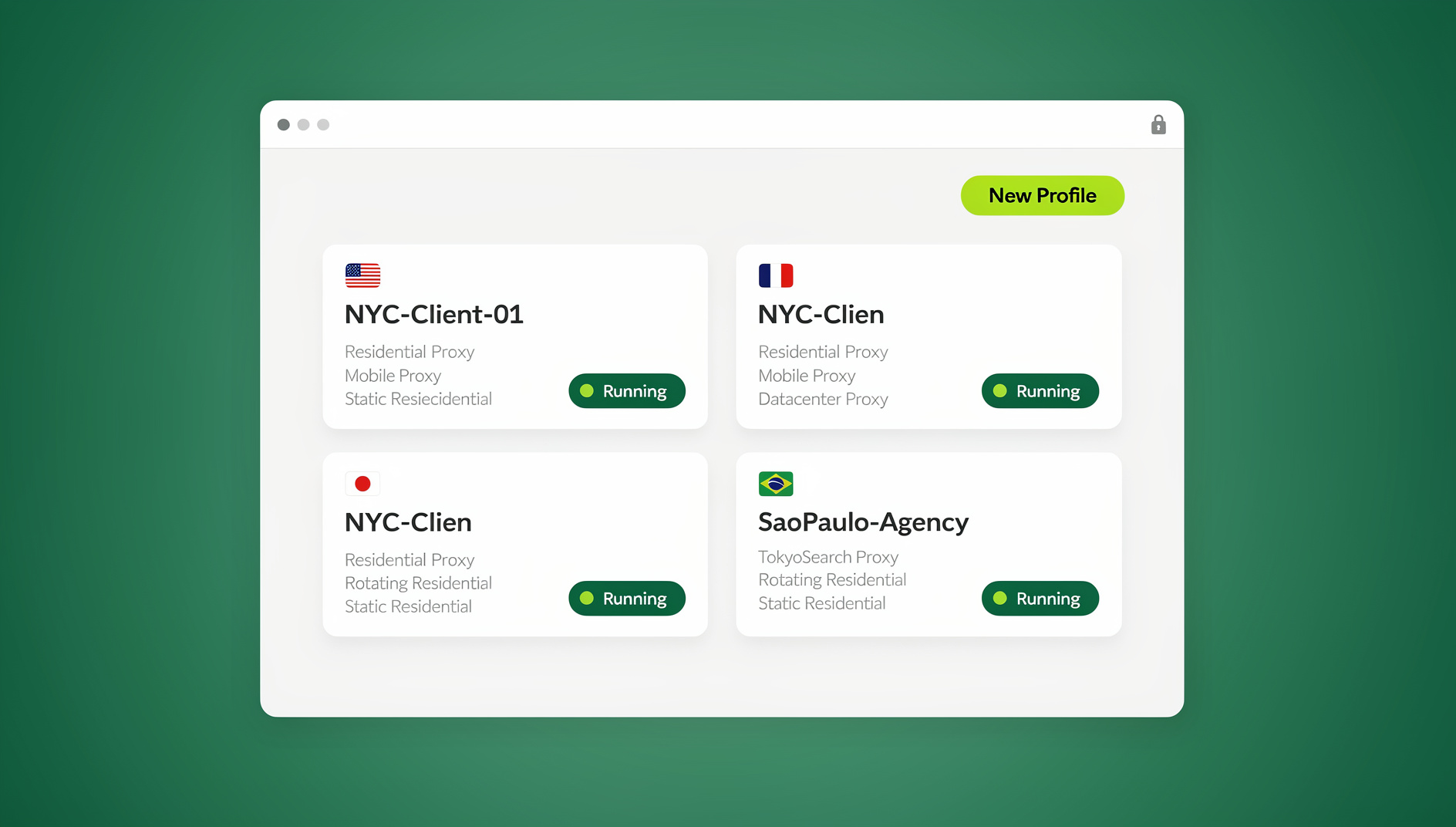
This guide ranks and reviews the top 8 browsers for true anonymous browsing in 2026, covering antidetect heavyweights, privacy-first mainstream browsers, and cloud-based alternatives. If you’ve already narrowed things down to dedicated antidetect tools, our deeper best antidetect browser review is worth reading alongside this one. Here, we’ll break down fingerprint spoofing depth, proxy integration, session isolation, team features, and current pricing for each — plus show you exactly how to evaluate which one fits your workflow.
What “True” Anonymous Browsing Actually Requires in 2026
Anonymous browsing is often misunderstood as “hide my IP.” In reality, IP masking is only one layer. Websites and ad platforms build a composite fingerprint from dozens of client-side signals that persist independently of your IP address. A browser genuinely built for anonymity needs to control all of the following simultaneously:
- Fingerprint spoofing — randomized or masked canvas, WebGL, AudioContext, font enumeration, and hardware concurrency values so no two profiles look identical. For a deeper technical breakdown of these signals, see our browser fingerprinting protection guide.
- Proxy binding — a unique residential, mobile, or datacenter IP tied to each profile, matched to the correct timezone and locale.
- Session isolation — cookies, local storage, cache, and service workers that never leak between profiles, even when they’re open in the same window.
- Leak protection — WebRTC leak blocking, DNS leak prevention, and HTTPS enforcement baked in rather than bolted on with an extension.
- Team-safe sharing — the ability to hand a profile to a teammate, freelancer, or client without exporting the underlying password.
Why does this matter more in 2026 than it did a few years ago? Platforms like Meta Business Manager, Amazon Seller Central, and Google Ads now cross-reference device fingerprints against account history in real time — not just at signup. A shared fingerprint across “different” accounts is treated as evidence of ban evasion, even when the accounts are legitimately owned by the same person or agency. Meanwhile, marketers doing competitive research need clean, unlinked sessions to see undistorted search results and ad creative by region. Journalists and researchers need the same isolation for source protection. The stakes for getting this wrong range from account suspension to compromised safety.
How We Evaluated Each Browser
Every entry below was scored against the same six criteria:
| Criterion | What It Measures |
|---|---|
| Fingerprint control | Depth of canvas/WebGL/audio/font spoofing and how convincing the resulting fingerprint is |
| Proxy integration | Built-in proxy support, rotation, and per-profile binding |
| Session isolation | How completely cookies, cache, and storage are separated between profiles |
| Access model | Desktop install vs. cloud/no-install access, and whether automation is supported |
| Team features | Profile sharing, role-based permissions, and credential-free collaboration |
| Pricing | Entry cost for solo users and scalability for teams |
The Top 8 Browsers for True Anonymous Browsing in 2026
1. Send.win — Best All-Around Browser Profile Manager for Individuals and Teams
Send.win tops this list because it’s the only option here that genuinely covers two separate access modes instead of forcing a single workflow. Depending on how you work, you can run profiles through the native Desktop app on Windows, macOS, or Linux; or spin up a session in the cloud browser with zero local install when you’re on a locked-down or shared machine.
Core capabilities:
- Unique fingerprint per profile — canvas, WebGL, fonts, and hardware signals are generated independently for every profile so accounts never share a device signature.
- Built-in proxies — attach residential, mobile, or datacenter proxies per profile directly in the dashboard, with automatic timezone and locale matching. If you’d rather bring your own, the platform’s step-by-step proxy setup guide walks through binding a custom proxy to any session.
- True browser isolation — every profile runs as a fully separate browser instance; cookies, local storage, and cache never cross between them, whether you’re running two profiles or two hundred.
- Cloud browser sessions — run profiles entirely in the cloud, streamed to your browser tab, with no desktop install required. This mode is metered by monthly cloud browsing time (similar to how proxy bandwidth is metered) and is included on paid plans alongside cloud sync, profile sharing, and team seats — genuinely useful when you’re working from a shared computer, a Chromebook, or simply don’t want a client footprint on the machine.
- Team sharing without password exposure — invite teammates, VAs, or clients into a specific profile with role-based permissions; nobody ever sees the underlying login credentials.
Pricing: Send.win’s Pro plan is $19/month or $83.88/year. The Team plan is $49/month or $251.88/year. The first card purchase is covered by a 7-day money-back guarantee. There is no free trial; the only free option is the cloud demo at https://send.win/demo-browser/.
Best for: Freelancers, agencies, e-commerce sellers, and marketing teams who need genuine session isolation, flexible access (desktop, cloud, or automated), and a pricing structure that doesn’t punish growth.
2. Multilogin — The Professional’s Antidetect Powerhouse
Multilogin remains one of the most technically deep antidetect browsers on the market, with granular control over browser fingerprint parameters and a long track record with affiliate marketers and account managers. It supports Selenium and Puppeteer automation and offers a “Quick” fingerprinting engine with reasonable defaults for less technical users. The tradeoff is a steeper learning curve and pricing that starts noticeably higher than newer entrants — it’s built for power users who will use every dial on the fingerprint config screen, not for someone who wants to be running sessions five minutes after signup.
3. GoLogin — Budget-Friendly Multilogin Alternative
GoLogin positions itself directly as a lower-cost Multilogin alternative, and it largely delivers: solid fingerprint masking, a cleaner interface, cloud profile storage, and a free tier for very light usage. Proxy integration is straightforward, and it supports the major automation frameworks. Where it falls short of the top two entries here is in team collaboration depth and enterprise-grade support — it’s a strong pick for solo operators and small teams on a tight budget, less so for agencies managing dozens of client accounts.
4. Tor Browser — The Open-Source Anonymity Standard
Tor Browser routes traffic through a volunteer-run relay network, making it the gold standard for network-level anonymity and censorship circumvention. It’s free, open-source, and doesn’t require trusting a commercial vendor with your traffic. However, Tor is the wrong tool for multi-account management: it doesn’t offer per-profile fingerprint spoofing, session isolation across concurrent accounts, or proxy-to-account binding, and its onion routing makes it noticeably slower and frequently triggers CAPTCHAs and account-verification challenges on mainstream platforms. Use it for anonymous research and censorship-resistant access, not for running business accounts.
5. Brave Browser — Mainstream Privacy with Optional Tor Integration
Brave bakes tracker blocking, fingerprinting resistance, and an optional Tor-powered private window into a familiar Chromium-based browser. For everyday privacy — blocking third-party cookies, ad trackers, and basic fingerprinting scripts — it’s an easy, free upgrade over Chrome or Edge. It is not, however, designed for running multiple isolated business profiles; there’s no built-in proxy-per-profile system and no session cloning, so it sits in a different category from the antidetect tools on this list. Think of Brave as a strong daily-driver privacy browser, not a multi-account solution.
6. Ghost Browser — Tab-Based Multi-Account Management
Ghost Browser takes a lighter-weight approach: instead of full virtualized profiles, it uses tab-level session containers so you can be logged into multiple accounts on the same site within one window. It’s a genuinely useful tool for social media managers juggling several accounts on the same platform and for basic proxy-per-tab assignment. Its fingerprint spoofing is shallower than dedicated antidetect browsers, though, so it’s better suited to convenience-driven multi-account work than to platforms with aggressive fingerprint-based ban detection.
7. Octo Browser — Collaboration-First Antidetect for Agencies
Octo Browser leans into team workflows, with shared team profile libraries, role permissions, and a fingerprint engine that’s competitive with Multilogin and GoLogin. It supports the standard proxy types and automation frameworks, and its onboarding for teams is noticeably smoother than some of the more technical competitors. It’s a solid mid-market choice for agencies that need several people working inside the same set of client profiles.
8. AdsPower — E-Commerce and Social Media Power Tool
AdsPower has built a strong following among e-commerce sellers and social media marketers running high volumes of accounts across platforms like Amazon, TikTok Shop, and Facebook. It bundles RPA (robotic process automation) scripts specifically for repetitive social and marketplace tasks, on top of standard fingerprint spoofing and proxy support. The RPA layer is a genuine differentiator if your workflow is heavy on repetitive account actions, though the interface can feel cluttered compared to more streamlined competitors.
Side-by-Side Comparison
| Browser | Best For | Access Model | Automation Support | Starting Price |
|---|---|---|---|---|
| Send.win | Individuals + teams wanting flexibility | Desktop app or cloud browser | No | $19/mo |
| Multilogin | Power users, deep fingerprint control | Desktop app | Selenium/Puppeteer | Higher-tier pricing |
| GoLogin | Budget-conscious solo operators | Desktop app, cloud profile storage | Selenium/Puppeteer | Free tier + paid plans |
| Tor Browser | Network-level anonymity, censorship circumvention | Desktop app | None | Free |
| Brave Browser | Everyday privacy browsing | Desktop/mobile app | None | Free |
| Ghost Browser | Lightweight multi-account tab management | Desktop app | Limited | Paid plans |
| Octo Browser | Agencies needing shared team profiles | Desktop app | Selenium/Puppeteer | Paid plans |
| AdsPower | E-commerce/social RPA workflows | Desktop app | Built-in RPA + Selenium | Free tier + paid plans |
How to Choose the Right Browser for Your Use Case
Rather than picking the “most popular” name, match the tool to how you actually work:
- Running client or team accounts? Prioritize tools with role-based, credential-free sharing — Send.win and Octo Browser both handle this well.
- Working from a shared, locked-down, or non-primary device? Look for a genuine cloud browser mode rather than assuming a desktop app will work — this is where Send.win’s cloud sessions specifically apply, since nothing gets installed locally.
- Doing anonymous research or accessing censored content? Tor Browser is purpose-built for this and free; don’t overpay for an antidetect suite you don’t need.
- Just want safer everyday browsing, no multi-account requirement? Brave alone covers tracker and basic fingerprint resistance without any subscription.
- Running high account volumes on e-commerce or social platforms? Weigh the built-in RPA scripting in AdsPower against the broader flexibility of a platform like Send.win that also offers isolated profiles with their own cookies, storage and fingerprint settings.
Setting Up Your First Anonymous Browsing Session
Whichever tool you choose, the setup sequence is broadly similar. Here’s the general flow using Send.win as the reference, since it covers desktop and cloud paths in one platform:
- Create your account and choose a paid plan (the first card purchase is covered by a 7-day money-back guarantee), or try the free cloud demo first.
- Choose your access mode — install the Desktop app for Windows/macOS/Linux if you want profiles running locally, or launch a Cloud browser session directly from the dashboard if you’re on a shared or restricted machine.
- Create a new profile and let the platform generate a unique fingerprint (canvas, WebGL, fonts, hardware signals) automatically.
- Attach a proxy — bind a residential, mobile, or datacenter proxy to the profile so its IP, timezone, and locale line up with the fingerprint.
- Log in and save the session so cookies and storage persist for that profile only, isolated from every other profile you run.
- Share access if needed — invite a teammate or client into the specific profile with role-based permissions, without ever exposing the account password.
Best Practices for Staying Genuinely Anonymous in 2026
- Never mix proxy geolocation and system timezone. A US residential IP with a browser reporting a different timezone is one of the easiest fingerprint mismatches for detection systems to flag.
- Don’t reuse the same fingerprint across unrelated accounts. Even with proxy rotation, an identical canvas/WebGL signature across “different” profiles undermines isolation.
- Let sessions expire or reset periodically rather than letting cache and storage accumulate indefinitely — stale data increases the odds of fingerprint drift.
- Audit team access regularly. When someone leaves a project, revoke their profile access rather than assuming a shared password change is sufficient.
- Match your access mode to your risk profile. A cloud browser session leaves no local trace on the device you’re using — useful on shared or public computers — while a desktop app suits daily, high-frequency solo work.
🏆 Send.win Verdict
For true anonymous browsing in 2026, Send.win earns the top spot on this list because it doesn’t force you into one access mode. You get a native Desktop app for daily solo work and genuine Cloud browser sessions when you need zero local footprint — all backed by unique per-profile fingerprints, built-in proxies, and credential-free team sharing.
Try Send.win today — choose a paid plan (the first card purchase is covered by a 7-day money-back guarantee), or start with the free cloud demo, and see how quickly isolated profiles with their own fingerprint settings come together.
Frequently Asked Questions
Is a VPN enough for anonymous browsing in 2026?
No. A VPN only masks your IP address. Modern tracking relies heavily on browser fingerprinting — canvas rendering, WebGL signatures, fonts, and hardware details — which persists regardless of your IP. True anonymous browsing requires a browser that also spoofs or randomizes these fingerprint signals per profile.
What’s the difference between an antidetect browser and incognito mode?
Incognito mode only prevents your own device from saving browsing history and cookies locally — it does nothing to change the fingerprint your browser presents to websites. Antidetect browsers actively generate unique, isolated fingerprints for each profile, so sites cannot link separate sessions back to the same device.
Do I need to install anything to browse anonymously?
It depends on the tool. Most antidetect browsers, including Multilogin, GoLogin, and Octo Browser, require a desktop install. Send.win is the exception on this list that also offers genuine cloud browser sessions — you can run a fully isolated profile directly in your existing browser tab with nothing installed locally, which is useful on shared or restricted machines.
Can I automate anonymous browsing sessions with scripts?
Yes, if your chosen tool supports it. Multilogin, GoLogin, and Octo Browser all support Selenium, Puppeteer, or Playwright automation to varying degrees. Send.win does not offer an automation interface.
Will using an antidetect browser get my accounts banned faster?
No — the opposite is true when configured correctly. Antidetect browsers exist specifically to prevent platforms from linking multiple legitimately-owned accounts through a shared fingerprint, which is what typically triggers automated bans. Misconfiguration (mismatched timezone/proxy, reused fingerprints) is what causes problems, not the tool itself.
Is Tor Browser a good choice for managing multiple business accounts?
Not really. Tor Browser is excellent for network-level anonymity and censorship circumvention, but it lacks per-profile fingerprint spoofing and session isolation for concurrent accounts, and its relay routing is slow enough to trigger extra verification challenges on mainstream platforms. It’s better suited to anonymous research than account management.
How much does an antidetect browser cost in 2026?
Pricing varies widely. Send.win’s Pro plan is $19/month or $83.88/year, and the Team plan is $49/month or $251.88/year; the first card purchase is covered by a 7-day money-back guarantee. Other tools on this list range from free tiers with limited profiles up to enterprise pricing for the more technical suites.
Can I share an anonymous browsing profile with my team without giving out the password?
Yes. Platforms like Send.win and Octo Browser support role-based profile sharing, where a teammate or client can access and use a specific isolated session without ever seeing the underlying account credentials — useful for agencies managing client accounts or teams onboarding freelancers.
Anonymous browsing in 2026 is no longer a single-tool decision — it’s a question of matching fingerprint control, proxy strategy, and access flexibility to how you actually work. Whether that means a desktop antidetect suite, a no-install cloud session, or a fully scripted automation pipeline, the eight browsers above cover the realistic range of what’s available today.