The best Workona alternatives fall into three groups: free built-in browser tab tools (Chrome, Edge, Safari, Firefox) for basic organization, dedicated session managers (Toby, Session Buddy, OneTab) for saving huge research sets, and multi-account cloud browsers like Send.win for anyone who needs to keep dozens of client logins isolated and shareable without re-authenticating all day. Which one fits depends on whether your real bottleneck is tab clutter or account switching.
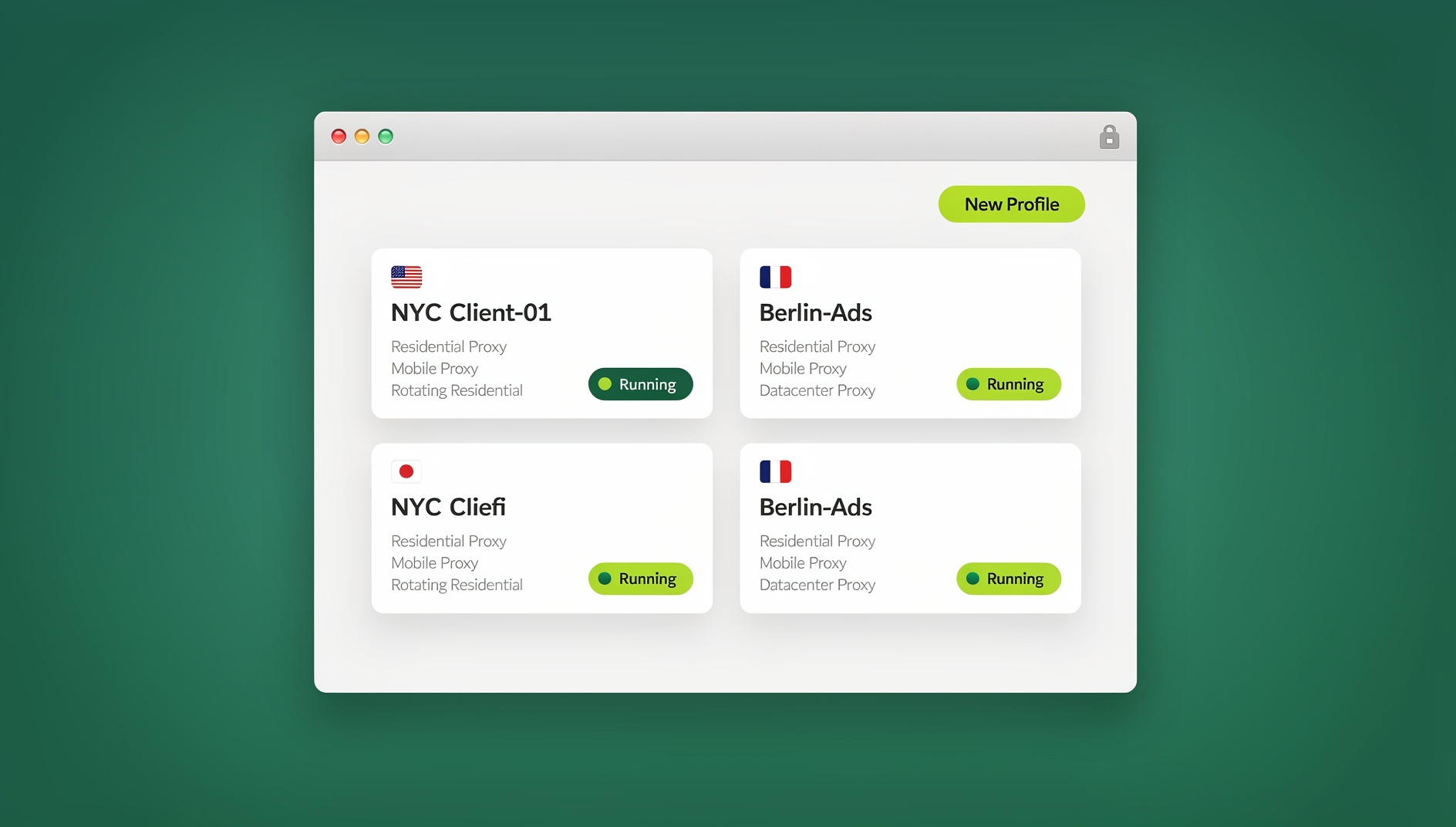
Why Look for a Workona Alternative
Workona is a capable workspace manager, but it’s built around one job: organizing browser tabs into saved workspaces. If your actual daily friction is jumping between ten different logins for the same platform — five ad accounts, three client CMS dashboards, two analytics logins — a tab organizer alone won’t fix that. You’ll still be logging in and out, clearing cookies, or juggling separate browser profiles just to keep sessions from colliding. Price is another factor: Workona’s paid tiers scale with team size, and some users find the feature set overlaps with what their browser already does for free.
The alternatives below fall into three practical buckets. Native browser features (Chrome Tab Groups, Edge Workspaces) are free and require zero setup. Dedicated tab/session managers focus on saving and restoring large research sets. And multi-account cloud browsers solve a different problem entirely — running several isolated identities or logins in parallel, safely, and sharing access without handing out passwords.
What to Look For in a Workona Alternative
Match the tool to your real bottleneck first
Before comparing feature lists, be honest about what’s actually slowing you down. “Too many tabs open” and “too many accounts to log into” are different problems with different solutions, and picking the wrong category means paying for features you’ll never use.
Evaluation checklist
- Context switching: Can you jump between a project, client, or account in one click without re-authenticating?
- Session isolation: Can several logins to the same website stay open side by side without cookies colliding?
- Recovery and autosave: If the browser crashes, do your tabs, groups, and open sessions come back intact?
- Sharing and collaboration: Can you hand a teammate or contractor access to a live session without giving them your password?
- Resource usage: Does the tool actually reduce RAM/CPU load, or does it add another background process?
- Platform coverage: Does it work the same way on Windows, macOS, and Linux, or does switching machines break your setup?
The Best Workona Alternatives in 2026
1. Send.win — best for multi-account teams and secure session sharing
If your pain point is “I need six Facebook Ads accounts, four Shopify stores, and three analytics logins open at once without them fighting each other,” a tab organizer isn’t the right tool — you need real session isolation. That’s what Send.win is built for.
Send.win works in two modes. The Sendwin Browser is a native, downloadable desktop app for Windows, macOS, and Linux — it’s local-first, so your sessions live on your machine, and it syncs encrypted profile data to the cloud so you can pick up where you left off on another device. The second mode is cloud browser sessions, which run entirely in the cloud with zero local install; you open a session in your browser tab and Send.win’s infrastructure does the heavy lifting, metered by cloud browsing time. Teams that want a cloud browser instead of juggling extensions for multi-login tend to land here because it scales past what a single machine can comfortably run.
Each profile in Send.win keeps its own cookies, storage, and (optionally) proxy, so logging into the same site from multiple accounts keeps each account’s data separate. You can also share a live session with a contractor or teammate without ever exposing the underlying password — useful for agencies that need one-click account switching across client accounts.
Pricing starts at $19/mo for Pro, or $83.88/yr, and $49/mo for Team, or $251.88/yr. The first card purchase is covered by a 7-day money-back guarantee, and the only free option is the cloud demo at send.win/demo-browser. Pro includes 150 profiles and 5GB of proxy bandwidth. Team includes 500 profiles, 20GB of bandwidth, and 16 seats — built for agencies and growth teams managing client accounts at scale.
2. Native browser tab and workspace tools — zero-install simplicity
If grouping and quick switching is genuinely all you need, your browser probably already has it built in.
Chrome Tab Groups let you name, color, collapse, and sync groups across devices, with newer builds even suggesting groups based on what’s open. Microsoft Edge Workspaces go further, creating dedicated windows with their own tabs and favorites that autosave and can be shared live with a team — closer to what Workona itself does, but free and native. Safari Tab Groups sync across Apple devices and support shared, collaborative groups, which is ideal if your whole team is Apple-first. Firefox Multi-Account Containers separate cookies and logins per tab (work, personal, banking), giving you a lightweight, local form of multi-login without installing anything extra, and Firefox Profiles extend that with fuller per-profile isolation. Opera and Vivaldi both ship power-user workspace features, including tab tiling and stacking, for people who want structured layouts without extensions.
These are the right pick if your problem is genuinely “too many open tabs,” not “too many accounts.”
3. Dedicated tab and session managers — best for saving and restoring big research sets
Session Buddy is a long-time favorite for snapshotting huge tab sets and restoring them after a crash — the safety net for anyone whose worst nightmare is losing a research pile before a client call. Toby organizes tabs into clean visual collections that are easy to share, which works well for teams building research or onboarding boards. Partizion focuses on cloud-synced sessions that auto-update, handy if you move between machines a lot. Tab Session Manager automatically saves and restores windows and tabs, with manual snapshots for milestones. OneTab is the fastest option when you just need to declutter: one click collapses every open tab into a single list, freeing memory instantly.
None of these solve multi-account isolation — they’re built for organizing what you already have open, not for running parallel logins safely.
4. Multi-app workspace hubs
Wavebox and Shift both bundle web apps, tabs, and multiple accounts into a single desktop hub. They’re worth a look if you want one unified window for email, chat, and a handful of web apps, though neither is purpose-built for the kind of large-scale session isolation that agencies and marketplace sellers typically need.
Workona Alternatives Compared
| Tool | Category | Best for | Multi-account isolation | Save/restore sessions | Team sharing |
|---|---|---|---|---|---|
| Send.win | Native desktop app + cloud browser sessions | Agencies, e-commerce, QA teams managing many logins | Yes — isolated profiles with optional per-profile proxy | Yes, via encrypted cloud sync or cloud sessions | Yes — share a live session without exposing passwords |
| Chrome Tab Groups | Built-in | Lightweight grouping | Basic (profiles only) | Labels, sync, smart grouping | Limited |
| Edge Workspaces | Built-in | Live shared windows | Basic (profiles only) | Autosave | Yes — shared workspace |
| Safari Tab Groups | Built-in | Apple-centric teams | N/A | Sync across devices | Yes — shared groups |
| Firefox Containers | Built-in | Privacy, separate cookies | Yes — containerized | N/A | Limited |
| Session Buddy | Extension | Crash recovery, big research sets | No | Yes | Export/share |
| Toby | Extension | Visual boards and collections | No | Collections | Yes — collections |
| Partizion | Extension | Cloud-synced sessions | No | Yes — cloud | Basic |
| OneTab | Extension | Emergency declutter and speed | No | List restore | Share via web page |
| Wavebox | Desktop app | App-centric workspaces | Yes — workspaces/profiles | Yes | Team-friendly |
| Shift | Desktop app | Multi-app hub | Yes — per workspace | Yes | Team features |
How Send.win Solves What Workona Can’t
Workona’s workspaces are excellent at grouping tabs by project, but they still run on a single logged-in browser identity. The moment you need three different logins to the same ad platform open at the same time, you’re back to separate browser profiles, incognito windows, or constant sign-out/sign-in cycles. Send.win’s profile-based isolation exists specifically to remove that ceiling: each profile behaves like its own clean browser, complete with its own cookies and, if you need it, its own proxy, so session isolation is handled automatically instead of manually.
The other gap is collaboration. Workona lets a team see the same tab layout, but it doesn’t solve the “I need to hand this account to a freelancer for an afternoon without giving them my password” problem. Send.win’s session sharing does exactly that — a teammate gets working access to a live session, and you revoke it whenever the task is done. Send.win covers a layer of the workflow that tab managers were never designed to touch. If you’re still deciding between a lightweight tab tool and a full multi-login platform, this rundown of the best browser for multiple accounts breaks down the trade-offs in more depth.
Real-World Workflows
Social media manager: You run fifteen brand accounts across Instagram, LinkedIn, and TikTok. With Send.win, each brand lives in its own isolated profile, so there’s no cross-login risk. You share one live session with a freelance designer without ever sharing a password, while a Toby board holds evergreen post ideas for the team.
SEO lead: Research happens in bursts, so you group by client with Chrome Tab Groups and snapshot each cluster with Session Buddy before calls. When it’s time to log into several Google Analytics, Search Console, or CMS accounts back to back, you switch to Send.win so credentials stay separated and switching is instant instead of a re-login every time.
QA tester: Cross-region checkout testing needs fresh environments constantly. Send.win’s cloud browser sessions spin up disposable, isolated profiles with regional proxies attached, so tests never pollute one another — when you’re done, you close the session and the next run starts clean. A Partizion board keeps test docs and ticket links synced across machines.
Migrating From Workona: A Step-by-Step Plan
1. Identify your real center of gravity. If the pain is too many tabs, a session manager solves it. If the pain is too many logins, a multi-account cloud browser like Send.win solves it. If you just want something simple, native browser features may be enough on their own.
2. Recreate your projects as groups or profiles. In Chrome, build a Tab Group per project. In Edge, create a Workspace per active initiative. In Send.win, create a profile per client or account and keep logins isolated from day one.
3. Snapshot your research before you switch. Use Session Buddy or Partizion to save your current state — open tabs, groups, and collections — so nothing gets lost mid-migration.
4. Share access safely. Use Edge Workspaces or Safari Shared Tab Groups for live collaborative viewing of tabs. For actual account access, use Send.win’s session sharing so you’re never emailing passwords around.
5. Keep it sustainable. Once a week, collapse stale research into OneTab or archive it with Session Buddy. Fewer open tabs means fewer distractions and a faster browser.
🏆 Send.win Verdict
Workona is a solid pick if grouping tabs and syncing workspaces across a team is genuinely your only problem. But if the real drag on your day is switching between dozens of logins, sharing account access without handing out passwords, or running QA and ad accounts in parallel without cross-contamination, Send.win closes that gap — as a native desktop app or a zero-install cloud browser session, with profile isolation and secure sharing built in from the start.
Try the Send.win cloud demo — a 3-minute preview without signup, 10 minutes a day with a free account.
Frequently Asked Questions
What’s the best Workona alternative for managing multiple accounts?
For simple tab grouping, Chrome Tab Groups or Edge Workspaces cover most needs for free. If your real problem is running multiple logins to the same site — ad accounts, storefronts, client CMS logins — Send.win is built specifically for that, with isolated profiles and secure session sharing.
Is there a free Workona alternative?
Yes. Chrome Tab Groups, Safari Tab Groups, and Firefox Multi-Account Containers are all free and built into browsers you’re likely already using. They handle grouping and basic multi-login well, though they don’t offer the deeper isolation or sharing features a dedicated multi-account browser provides.
How do I keep several logins to the same website open at once?
Firefox Multi-Account Containers offer a basic, local way to do this. For heavier use — many accounts, proxy support, and secure sharing with teammates — Send.win’s isolated profiles are built for exactly this scenario, whether you run the native desktop app or a cloud browser session.
Which tool is best for crash recovery and restoring tabs?
Session Buddy is purpose-built for saving and restoring large sets of tabs and windows, so you can recover instantly after a browser crash or an accidental close.
Can I share account access with a contractor without giving them my password?
Yes. Send.win lets you share a live session with a teammate or freelancer so they can complete a task without ever seeing the underlying credentials — you can revoke access the moment the work is done.
Does Send.win support automation and scripting?
How much does Send.win cost, and is there a free trial?
Send.win has no free trial. Pro is $19/mo or $83.88/yr, and Team is $49/mo or $251.88/yr. The first card purchase is covered by a 7-day money-back guarantee, and the only free option is the cloud demo at send.win/demo-browser.
Is Send.win available on Windows, Mac, and Linux?
Yes. The Sendwin Browser is a native desktop app available for Windows, macOS, and Linux, and it’s local-first with encrypted cloud sync. If you’d rather skip installing anything, Send.win’s cloud browser sessions run entirely in the cloud and are metered by cloud browsing time instead.
Conclusion
Match the tool to your actual bottleneck. For grouping and focus, Chrome, Edge, Safari, and Firefox’s built-in features are free and fast. For saving and restoring big research sets, Session Buddy, Toby, Partizion, and OneTab each do that job well. But if your Workona search started because you’re drowning in logins — client accounts, ad platforms, storefronts, or QA environments that need to stay isolated — Send.win is the alternative purpose-built for that problem, with a native desktop app, cloud browser sessions, and secure session sharing.