Sendwin vs SessionBox: Which Multi-Login Browser Actually Wins in 2026?
If you manage more than one account on the same website — think agencies running dozens of client ad accounts, e-commerce sellers juggling multiple marketplace stores, or freelancers switching between client logins all day — you’ve probably bumped into SessionBox and Send.win in the same search results. Both promise to solve the same headache: logging into multiple accounts on one site without constantly logging out, opening incognito windows, or keeping five different browsers installed.
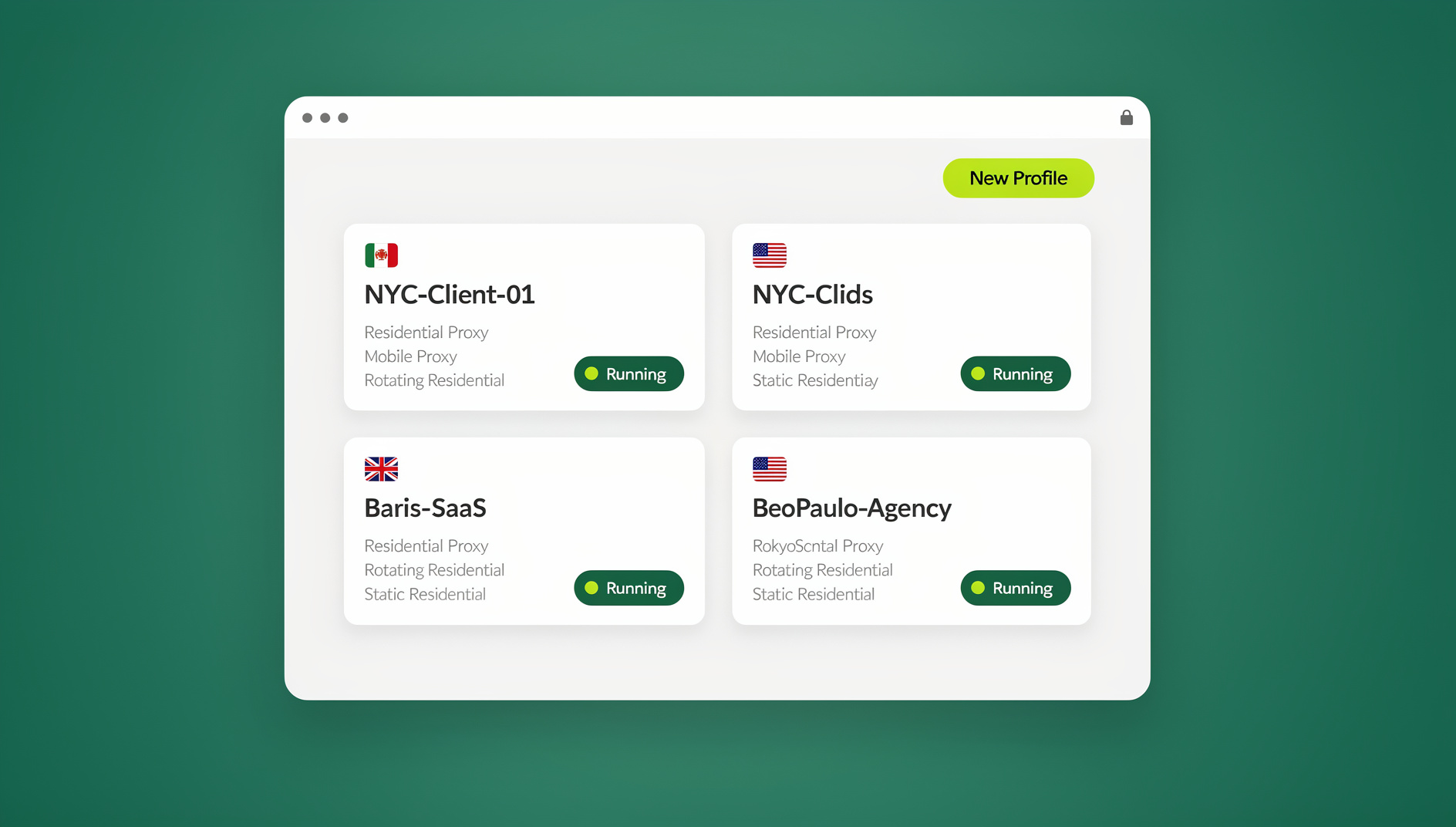
But “multi-account browsing” means very different things depending on how a tool actually works under the hood. SessionBox is a browser extension that creates separate session tabs inside your existing Chrome or Firefox window. Send.win is a browser profile manager with a native desktop app and cloud browser sessions that need no local install at all. That architectural difference is the whole story — and it’s what this guide breaks down in detail, feature by feature, so you can pick the right tool instead of guessing.
What Is SessionBox?
SessionBox is a browser extension (available for Chrome and Firefox) that lets you open multiple “session tabs” for the same website inside a single browser window. Each session tab behaves like a separate login — you can be logged into two Gmail accounts or three Amazon seller accounts at once without using separate browser profiles or incognito windows.
It’s a lightweight, install-in-seconds solution, and for casual users who just need to juggle two or three personal accounts, it does the job. The catch is that SessionBox runs entirely inside your existing browser engine. All those session tabs still share the same underlying browser fingerprint — canvas rendering, WebGL signature, fonts, screen resolution, and hardware details all look identical across every “separate” session, because they’re really just cookie-jar partitions inside one browser instance, not truly isolated browser environments. For a closer look at how these tools compare on a broader level, our multi-login browser guide walks through the category as a whole.
What Is Send.win?
Send.win takes a fundamentally different approach. Instead of partitioning cookies inside one browser tab, it creates genuinely separate browser profiles — each with its own isolated fingerprint, cookie jar, local storage, and (optionally) its own IP address via a built-in proxy. Send.win gives you three distinct ways to actually run those profiles, and knowing which one fits your workflow matters:
- Desktop app — a native application for Windows, macOS, and Linux. This is how most individual users and small teams run their day-to-day profiles locally, with full control over each browser instance on their own machine.
- Cloud browser sessions — profiles that run entirely in the cloud, with zero desktop installation required. This is the option for anyone who needs to access a profile from a Chromebook, a locked-down work laptop, a shared machine, or simply while traveling without their main computer. Cloud sessions are metered by monthly “cloud browsing time,” similar to how proxy bandwidth is metered, and are included on paid plans alongside cloud sync, profile sharing, and team seats.
On top of those three modes, every Send.win profile gets a unique fingerprint, built-in proxy support (residential, datacenter, or your own), and one-click team sharing so an entire agency can work from the same set of profiles without ever handing out a password.
Sendwin vs SessionBox: Feature-by-Feature Comparison
Here’s how the two tools stack up when you put them side by side on the features that actually matter for multi-account work:
| Feature | SessionBox | Send.win |
|---|---|---|
| How it runs | Browser extension (Chrome/Firefox add-on) | Native desktop app or cloud browser sessions |
| Fingerprint isolation | Shared browser fingerprint across all sessions | Unique fingerprint per profile (canvas, WebGL, fonts, audio, etc.) |
| Install required? | Yes — extension install in every browser you use | No — cloud browser sessions run with zero local install; desktop app available when you want local control |
| Automation / scripting | Not supported | Not supported |
| Built-in proxy support | Limited/add-on based | Native proxy assignment per profile, residential & datacenter options |
| Team sharing | Basic session sharing | Full team seats, profile sharing, and cloud sync across a whole agency |
| Cross-platform | Browser-dependent (Chrome/Firefox only) | Windows, macOS, Linux desktop app + browser-based cloud access |
| Free trial | Limited free tier | No free trial; 7-day money-back guarantee on first card purchase |
Fingerprinting and Browser Isolation: Why It Actually Matters
This is the part most comparisons skip, and it’s the single biggest reason people eventually outgrow extension-based tools. Every website you visit can read dozens of small signals from your browser — canvas rendering quirks, WebGL renderer strings, installed fonts, screen size, timezone, audio stack fingerprint, and more. Combined, these signals form a fingerprint that’s often unique enough to identify “you” even if you’re logged into a different account with a fresh set of cookies.
Because SessionBox’s session tabs all run inside the same underlying browser, that fingerprint stays identical across every session. A platform doing basic fraud or multi-account detection can — and often does — link “separate” sessions right back to the same device. That’s fine for low-stakes personal use, but it’s a real risk for anyone managing accounts on platforms that actively police multi-accounting, like ad networks, marketplaces, or social platforms.
Send.win’s browser isolation model avoids this by giving every profile its own distinct fingerprint surface, not just a separate cookie jar. Combined with a dedicated proxy per profile, each browser instance looks like a genuinely different device browsing from a genuinely different location — which is the actual bar that platforms are checking against, not just “am I logged into a different account.” If you want the deeper technical picture of how cookies, storage, and fingerprints are kept apart between profiles, our guide to session isolation covers it end to end.
Running Send.win: Desktop App vs Cloud Browser Sessions
One thing worth being precise about: Send.win’s desktop app and its cloud browser sessions are two separate, real modes — not the same feature marketed twice. Here’s how to pick between them.
When to use the Desktop app
- Download and install the Send.win desktop app for your OS (Windows, macOS, or Linux).
- Sign in and create a new profile from the dashboard.
- Assign a proxy to the profile (residential, datacenter, or your own) so its IP matches its fingerprint region.
- Launch the profile — it opens as its own isolated browser window on your machine, with its own cookies, extensions, and fingerprint.
- Repeat for every account you manage, and organize profiles into folders or tags for quick access.
This is the right choice when you’re working from your own computer day-to-day and want full local control, offline access to saved profiles, and the fastest possible performance.
When to use Cloud browser sessions instead
- Log into your Send.win account from any web browser — no desktop install needed.
- Open a cloud session for the profile you need; it launches and runs entirely on Send.win’s servers.
- Work inside the session exactly as you would locally — cookies, fingerprint, and proxy are all preserved.
- Close the tab when finished; usage is metered against your plan’s monthly cloud browsing time, much like proxy bandwidth.
Cloud sessions are the answer for “I need to access this profile from a Chromebook / a client’s office computer / my phone’s browser / while traveling without my laptop.” No installation, no admin rights required, no local footprint left behind — genuinely different from the desktop app, and worth knowing about specifically if “access from anywhere” is your priority.
When to reach for cloud browser sessions
If you’re running repetitive account actions — QA testing a web app across dozens of accounts, checking data, or working through scheduled tasks — Send.win’s profiles keep each account’s cookies, storage and fingerprint separate, with the same proxy setup as your manual sessions.
Step-by-Step: Migrating From SessionBox to Send.win
If you’ve decided the deeper isolation is worth it, migrating is straightforward:
- Sign up for a paid Send.win plan (Pro at $19/month or Team at $49/month); the first card purchase is covered by a 7-day money-back guarantee.
- Create a profile for each account you currently manage in SessionBox’s session tabs.
- Log into each account fresh inside its new Send.win profile rather than transferring old session cookies — this gives each profile a clean fingerprint from day one.
- Assign a proxy to each profile that matches the account’s expected location.
- Set up team sharing if colleagues need access — share the profile itself, not the password, so nobody ever sees the underlying credentials.
- Uninstall SessionBox once you’ve confirmed every account is working correctly inside its new profile, to avoid any fingerprint overlap between the two tools.
Pricing: What You’re Actually Paying For
Extension-based tools like SessionBox are cheap because they’re doing comparatively little — cookie partitioning inside a browser you already have. Send.win’s pricing reflects a broader platform: Pro at $19/month for individuals and small operations needing separate cookies, storage and fingerprint settings per profile plus proxy management, and Team at $49/month for agencies and larger teams that need more seats and higher cloud browsing/proxy allowances. There is no free trial; the first card purchase is covered by a 7-day money-back guarantee, and the free cloud demo at send.win/demo-browser/ offers a preview without signup.
The comparison isn’t really “cheaper vs. more expensive” — it’s “cookie partitioning” vs. “isolated profiles with proxies, cloud access, team sharing, and automation baked in.” For anyone whose accounts get flagged or banned even occasionally, the cost difference is trivial compared to what a single suspended ad account or marketplace store costs in lost revenue.
Who Should Use SessionBox, and Who Should Use Send.win?
SessionBox still makes sense if:
- You’re managing two or three personal accounts (e.g., a work and personal Gmail) with no risk of ban enforcement based on fingerprinting.
- You don’t need proxies, team sharing, or automation.
- You want the absolute lightest, fastest install with no learning curve.
If SessionBox is starting to feel limiting but you’re not sure Send.win is the only option out there, our roundup of SessionBox alternatives compares several other tools worth considering alongside it.
Send.win is the better fit if:
- You’re running an agency managing multiple clients’ ad accounts on Meta, Google, or TikTok.
- You sell across multiple marketplace or e-commerce storefronts and need each store to look like a genuinely separate seller.
- Your team needs to share access to accounts without ever sharing passwords.
- You sometimes need to work from a device where you can’t install a browser extension or desktop app — cloud browser sessions solve exactly this.
Common Mistakes When Switching Multi-Login Tools
A few avoidable errors show up constantly when people move from extension-based tools to a full multi-login platform:
- Copying old cookies into new profiles. This drags the old, potentially flagged fingerprint context along with you. Log in fresh instead.
- Skipping proxies. A perfectly isolated fingerprint browsing from the same shared IP as ten other profiles still looks suspicious. Match a proxy to every profile.
- Ignoring timezone and locale matching. A profile with a US proxy but a browser timezone set to another continent is an easy, obvious mismatch for any fraud system to catch.
- Sharing logins instead of sharing profiles. Handing out a password defeats the purpose — use Send.win’s built-in profile sharing so teammates get access without ever seeing the credentials.
- Running everything through one mode. Forcing every use case through the desktop app when a cloud session would fit better just adds friction.
🏆 Send.win Verdict
SessionBox is a fine lightweight extension for casual multi-tab logins, but it stops short of solving the actual problem: shared browser fingerprints across every “separate” session. Send.win closes that gap with genuinely isolated profiles, built-in proxies, a desktop app for local control, and cloud browser sessions for zero-install access from anywhere. If you’re managing accounts that matter — client ad spend, marketplace stores, or anything a platform might flag — Send.win is the more complete upgrade from SessionBox.
Try Send.win today — start with Pro at $19/month or Team at $49/month, covered by a 7-day money-back guarantee on your first card purchase, and see the difference true fingerprint isolation makes.
Frequently Asked Questions
Is SessionBox still a good option in 2026?
SessionBox works fine for casual users managing a couple of personal accounts where fingerprint detection isn’t a concern. For anything involving ad accounts, marketplace stores, or platforms that actively police multi-accounting, its shared-fingerprint architecture is a real limitation worth knowing about before you rely on it.
Does Send.win work without installing any software?
Yes. Send.win’s cloud browser sessions run entirely in the cloud with no desktop install required — you can open and use a profile from any device with a browser. The native desktop app is a separate option for users who prefer running profiles locally.
What’s the real difference between SessionBox’s session tabs and Send.win’s browser profiles?
SessionBox partitions cookies inside your existing browser, so every session tab still shares the same underlying fingerprint. Send.win creates fully separate browser profiles, each with its own unique fingerprint, cookie storage, and optional dedicated proxy — a much deeper level of isolation.
Can I automate Send.win profiles with Selenium or Playwright?
No. Send.win has no automation interface — no API, SDK, headless mode or Selenium/Puppeteer/Playwright support on any plan. Each profile keeps its own cookies, storage and fingerprint settings, which you manage through the desktop app or the cloud browser.
Is Send.win more expensive than SessionBox?
Send.win’s Pro plan starts at $19/month and Team is $49/month for agencies needing more seats. There is no free trial; the first card purchase is covered by a 7-day money-back guarantee. It costs more than a basic extension because it’s solving a deeper problem — separate cookies, storage and fingerprint settings per profile, proxies, cloud access, and team sharing — not just cookie partitioning.
Can multiple team members share the same Send.win profile?
Yes. Send.win supports profile sharing and team seats so colleagues can access a shared profile directly, without ever seeing or receiving the underlying account password.
Do I need a separate proxy for every profile?
It’s strongly recommended. A perfectly isolated browser fingerprint browsing from the same IP address as several other profiles is still an easy pattern for fraud detection to catch. Send.win lets you assign a residential or datacenter proxy to each profile individually.
Which tool is safer for managing e-commerce or ad accounts?
Send.win, because it addresses the actual detection surface — fingerprint plus IP plus behavior — rather than just cookie separation. For accounts where a ban or suspension has real financial consequences, the deeper isolation is worth the switch.