Send.win vs SessionBox is one of the most common searches among people who manage more than one account on the same website — marketers running client ad accounts, sellers juggling multiple storefronts, freelancers logging into several client dashboards, or anyone tired of constantly signing out and back in. Both tools promise the same basic outcome: open multiple logged-in sessions of the same site without cookies colliding. But under the hood they solve the problem in very different ways, and that difference matters a lot once you scale past two or three accounts.
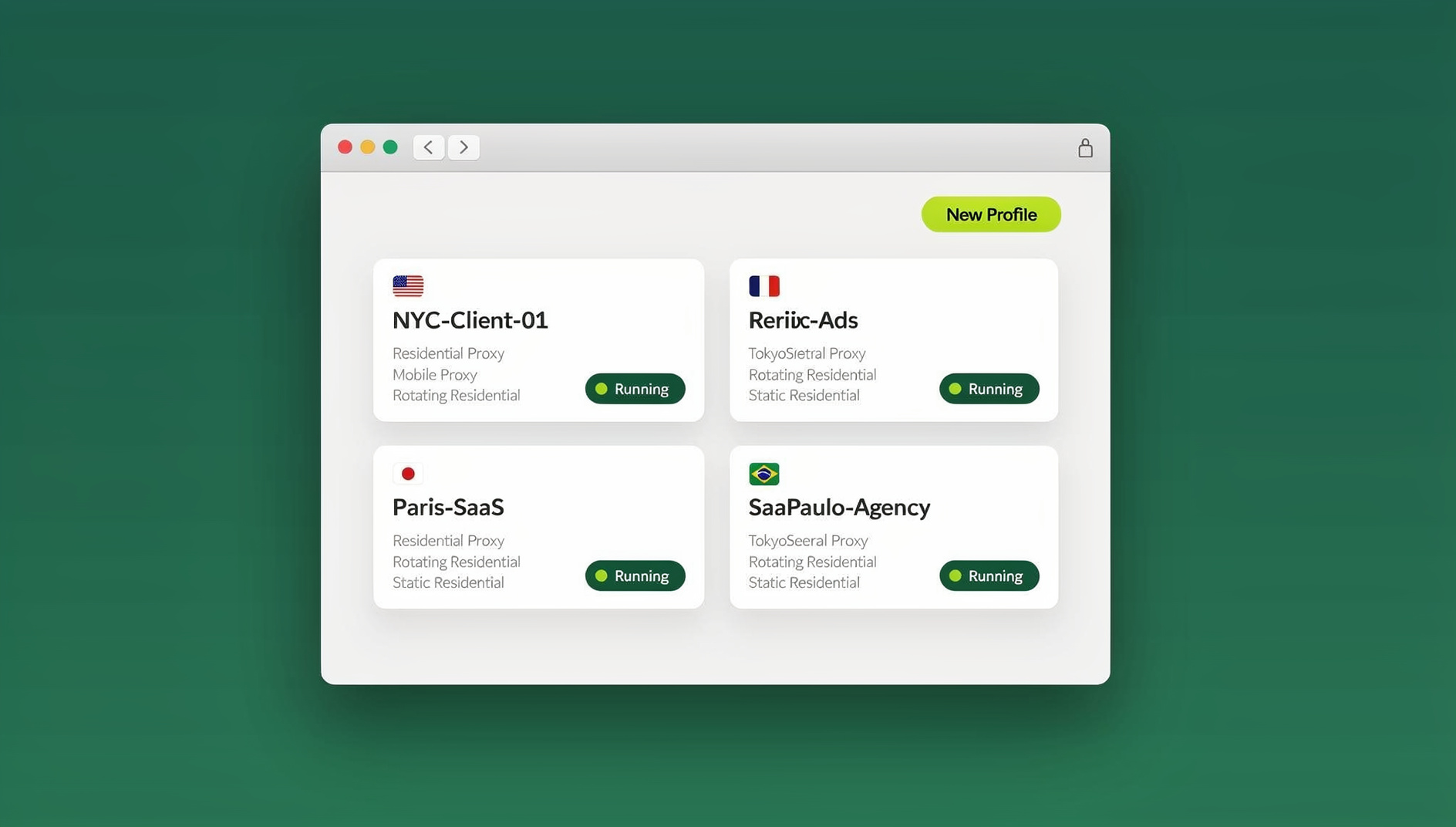
This guide breaks down what SessionBox actually is, what Send.win actually is (including the two distinct ways you can run it — a native desktop app and browser-based Cloud browser sessions), how the two compare feature-by-feature, and which one makes more sense depending on what you’re actually trying to do in 2026.
What Is SessionBox?
SessionBox is a browser extension that lets you open multiple independent, logged-in sessions of the same website inside a single browser window. Instead of opening a second browser or an incognito window every time you need a second account, SessionBox spins up an isolated “session tab” with its own cookie jar. Your sessions can sync across devices, and you can share a session link with a teammate so they can log in without ever seeing your password.
For a long time, this was genuinely useful — especially for people managing two or three social accounts. But because SessionBox lives entirely inside your existing browser as an extension, it inherits a structural limitation: it can isolate cookies and local storage, but it cannot change the underlying browser fingerprint that every site can still see (canvas rendering, WebGL signature, installed fonts, screen resolution, hardware concurrency, and so on). Every “session” you open still reports the exact same fingerprint to the website, because it’s still the exact same browser engine underneath.
What Is Send.win?
Send.win is a browser profile manager built to do what SessionBox does — and go considerably further. Instead of just isolating cookies inside your existing browser, Send.win creates fully separate browser profiles, each with its own consistent fingerprint, its own proxy, its own cookie storage, and its own local cache. Each profile keeps its own separate browser identity, cookies and storage.
Send.win isn’t one single app — it’s actually three distinct ways of working, and it’s worth understanding all three before you decide which one fits your workflow:
1. The Native Desktop App
This is how most people run Send.win day to day. It’s a real installed application for Windows, macOS, and Linux that launches isolated browser profiles locally on your machine. Each profile gets its own fingerprint (canvas, WebGL, audio, fonts, timezone, and more), its own proxy binding, and persists between sessions — so a profile you set up for a client’s ad account still looks and behaves exactly the same the next time you open it, weeks later.
2. Cloud Browser Sessions
If you don’t want to install anything — you’re on a shared or locked-down machine, switching between a laptop and a Chromebook, or you just want to hand a session to a teammate without giving them a download link — Send.win also runs profiles as cloud browser sessions. The profile itself lives on Send.win’s servers and streams to whatever device you open it from, with no local install required. This is metered by monthly “cloud browsing time” (similar to how proxy bandwidth is metered) and comes bundled on paid plans alongside cloud sync, profile sharing, and team seats. If your search intent is “access my accounts from anywhere without installing software,” this — not the desktop app — is the actual feature that answers it.
3. The Cloud Browser
For agencies and dev teams that need to work across dozens or hundreds of profiles rather than click through them manually, Send.win’s Team plan lets you manage profiles with separate cookies, storage and fingerprint settings, and its Cloud browser runs on Send.win’s servers in the EU for zero-install access. SessionBox has no equivalent — it has no cloud browser surface at all, since it’s designed around manual, human browsing inside session tabs.
Send.win vs SessionBox: Feature-by-Feature Comparison
| Feature | SessionBox | Send.win |
|---|---|---|
| How it runs | Extension inside your existing browser | Native desktop app + Cloud browser sessions |
| Cookie/session isolation | Yes, per session tab | Yes, per full browser profile |
| Fingerprint spoofing (canvas, WebGL, fonts, audio) | Not addressed — same underlying browser fingerprint every time | Yes, unique and consistent per profile |
| Built-in proxy management | Requires a separate add-on/manual setup | Built-in, one-click proxy binding per profile |
| No-install / access-from-anywhere option | Extension must sync across each browser install | Cloud browser sessions — stream a profile with zero local install |
| Automation / scripting support | None | None |
| Team/session sharing | Shareable session link | Profile sharing, team seats, role-based access without exposing passwords |
| Free trial | Limited free tier | No free trial; paid plans from $19/mo with a 7-day money-back guarantee on the first card purchase |
Fingerprint Protection: Why Extension-Based Tools Fall Short
The single biggest structural gap between SessionBox and Send.win is fingerprinting. Cookies are only one signal a website uses to recognize you. Modern platforms — especially ad networks, marketplaces, and social sites that actively hunt for multi-accounting — also fingerprint your canvas rendering output, WebGL renderer string, installed font list, screen resolution, hardware concurrency, audio stack, and timezone. Because a browser extension operates inside one shared browser engine, every “isolated” session it creates still reports an identical fingerprint underneath the different cookies.
This is exactly why a growing share of account bans and “suspicious activity” flags happen even when people are diligently using session-isolation extensions — the platform sees ten different logins arriving from what is, fingerprint-wise, the same single device. Send.win’s profile-based model closes that gap: each profile gets a distinct, internally consistent fingerprint that persists across sessions, which is what actually convinces a site it’s looking at separate devices rather than separate cookie jars on one device.
If you want a deeper technical breakdown of how this works, our guide on session isolation covers exactly what cookie-level isolation can and can’t protect against.
Pricing: What You Actually Get
SessionBox has historically priced around its extension tiers and session-count limits, with premium features gated behind recurring add-ons. Because pricing pages change often, always check the vendor’s current page before comparing dollar-for-dollar — but the structural point holds regardless of the exact numbers: you’re paying for cookie isolation and sync, not fingerprint protection, proxy management, or automation.
Send.win’s current pricing (2026):
- Money-back guarantee: 7 days on first card purchase
- Pro: $19/mo (or $6.99/mo billed annually — 63% off) — 150 profiles, 5GB of proxy bandwidth
- Team: $49/mo (or $251.88/yr) — 500 profiles, 20GB bandwidth, and 16 team seats
- Add-ons: $6/GB for extra bandwidth, $0.05 per extra profile beyond your plan’s included count
Both Pro and Team plans include cloud sync, profile sharing, and Cloud browser sessions — so even solo users on the Pro plan get the “run it from anywhere without installing” option, not just the desktop app.
Which One Should You Choose?
Choose SessionBox if…
- You only manage two or three accounts on non-fingerprint-sensitive sites
- You’re not worried about ban risk on platforms that actively detect multi-accounting
- You want the lightest possible setup and don’t need proxies or automation
Choose Send.win if…
- You manage accounts on platforms known to fingerprint and ban multi-accounters (ad platforms, marketplaces, social networks)
- You want built-in proxy management instead of stitching together a separate proxy tool
- You need to hand off sessions to teammates or clients without ever sharing a password
- You want the option to run profiles from any device with zero local install (Cloud browser sessions)
- You or your team manage many profiles and want each one to keep its own separate cookies, storage and fingerprint settings
For agencies specifically, our head-to-head with other extension-style tools in the SessionBox alternative comparison goes deeper on how the major players stack up beyond just these two.
How to Switch from SessionBox to Send.win
If you’ve decided the fingerprint and automation gaps matter for your use case, moving over is straightforward:
- Start on a paid plan at send.win — the first card purchase is covered by a 7-day money-back guarantee, or try the free cloud demo first.
- Create your first profile for the account you use most, and assign it a proxy so its IP and timezone are consistent with the account’s real usage pattern.
- Log into the target site inside that profile exactly as you normally would. The profile remembers the login, cookies, and fingerprint going forward.
- Repeat for each account, or use the desktop app’s bulk profile tools if you’re migrating a large batch at once.
- Decide between desktop and cloud per profile — keep frequently-used profiles on the desktop app for speed, and use Cloud browser sessions for anything you need to access from a device where you can’t install software.
- Share access, not passwords, by inviting teammates to specific profiles instead of handing out login credentials.
- Retire your SessionBox sessions once you’ve confirmed each migrated profile logs in cleanly and retains its session between visits.
For a walkthrough with screenshots, see our step-by-step tutorials on creating sessions in Send.win’s cloud browser and on sharing sessions with your team.
🏆 Send.win Verdict
SessionBox popularized the idea of session tabs inside a single browser, but it stops at cookie isolation. Send.win goes further with a separate, consistent fingerprint per profile, built-in proxies, a desktop app for daily driving, and Cloud browser sessions for zero-install access from anywhere. If you’ve outgrown “just isolate my cookies,” Send.win is the more durable choice for 2026.
Try Send.win today — pick a paid plan covered by the 7-day money-back guarantee, or start with the free cloud demo, and migrate your first profile in under five minutes.
Frequently Asked Questions
Is Send.win a replacement for SessionBox?
Yes. Send.win covers everything SessionBox does — multiple logged-in sessions of the same site — and adds a separate, consistent fingerprint per profile, built-in proxy management, and cloud browser access.
Does SessionBox protect against browser fingerprinting?
No. SessionBox isolates cookies and local storage per session tab, but every session still runs inside the same browser engine, so canvas, WebGL, font, and audio fingerprints remain identical across “separate” sessions.
Do I need to install anything to use Send.win?
Not necessarily. The native desktop app is the most common way to run Send.win, but Cloud browser sessions let you run the same fingerprinted profiles entirely in the cloud, streamed to whatever device you’re using, with no local install required.
Can I use Send.win for automation and scripting?
No. Send.win has no automation interface — no API, SDK, headless mode or Selenium/Puppeteer/Playwright support on any plan.
Which is cheaper, SessionBox or Send.win?
It depends on which SessionBox tier you compare against, since extension-only pricing changes over time. Send.win’s Pro plan starts at $19/mo ($6.99/mo billed annually — 63% off) and includes fingerprint isolation, proxy management, and cloud sync — features that typically require stitching together multiple tools on an extension-based setup.
Can I share a Send.win profile with a teammate without giving them my password?
Yes. Send.win lets you share specific profiles or sessions with teammates or clients, so they get access to the logged-in account without ever seeing the underlying password.
Is Send.win safe for managing multiple accounts on ad platforms or marketplaces?
Send.win’s per-profile fingerprint isolation and built-in proxies are specifically designed to make each account look like a genuinely separate device and browser, which is the standard approach used by professionals managing multiple ad or seller accounts. As always, follow each platform’s own terms of service.
Does Send.win offer a free trial like SessionBox’s free tier?
No. Send.win has no free trial; paid plans start at $19/mo, and the first card purchase is covered by a 7-day money-back guarantee. The only free option is the cloud demo at send.win/demo-browser/.