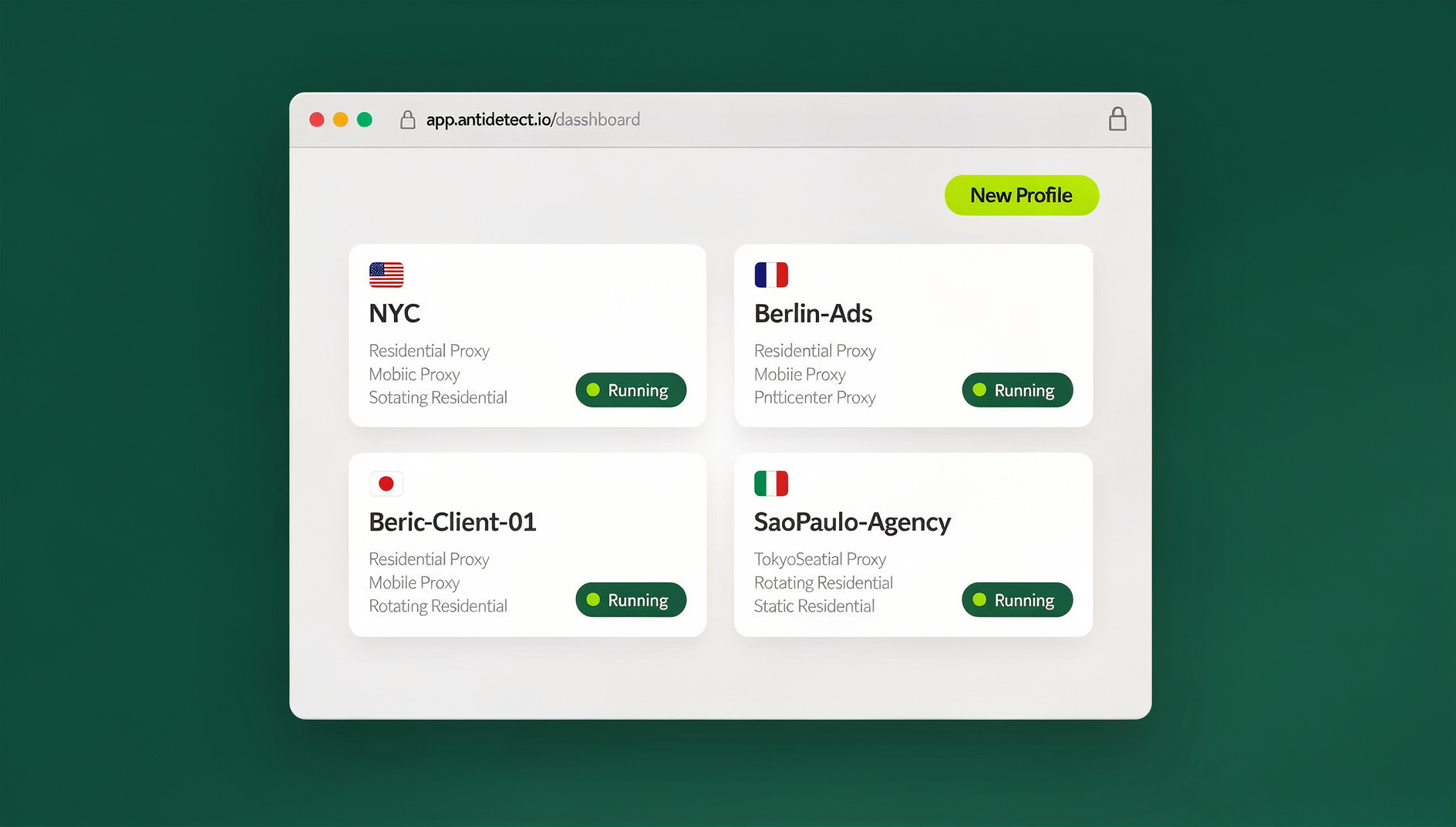
Session isolation means keeping every browser session’s cookies, storage, cache, and fingerprint completely separate so nothing leaks between them. It’s what lets you run five Gmail accounts, a dozen ad accounts, or a client’s project without any of them contaminating each other. True session isolation goes further than incognito mode — it requires unique fingerprints, separate IP addresses, and profiles that persist between logins, which is exactly what a tool like Send.win is built to provide.
What Is Session Isolation, Really?
A “session” is everything a website stores about your visit: cookies, cached scripts, local storage entries, authentication tokens, and the unique combination of browser and hardware signals known as your fingerprint. When two sessions share any of that data, a site can connect them — even if you logged in with two different email addresses.
Session isolation is the practice of making sure none of that happens. Each session gets its own cookie jar, its own storage buckets, and ideally its own fingerprint and IP address, so that from the website’s point of view, each one looks like a completely different visitor on a completely different device.
This matters far beyond “avoiding ads.” Agencies running multiple client ad accounts, sellers operating several marketplace storefronts, QA engineers testing role-based permissions, and privacy-conscious individuals who simply don’t want every account linked to one digital fingerprint all depend on real session isolation.
Why Session Isolation Matters
Privacy Protection
Without session isolation, persistent data enables pervasive tracking:
- Cross-Site Tracking — third-party cookies and fingerprints follow you across the web
- Session Persistence — websites remember you indefinitely unless data is deliberately separated
- Data Aggregation — ad networks stitch together a single profile from fragments of shared session data
- Account Linking — platforms connect accounts that were meant to stay separate
Multi-Account Management
Platforms detect multiple accounts through shared session data far more often than through anything a human reviewer notices. Cookies that reveal a previous login, local storage entries that carry an account identifier, cached files from another session, or a session token that persists across logins are all enough to trigger a flag. This is why a proper multi-account browser setup treats each profile as a fully separate environment rather than just a separate login tab.
Security Testing
Developers and security professionals need isolated sessions to test applications as different user roles, verify authentication and permission flows, debug session-management bugs, and run security assessments without one test session’s cached state bleeding into the next.
Automation, Scraping, and QA at Scale
Anyone running browser automation with Selenium, Puppeteer, or Playwright runs into the same problem at a larger scale: a shared browser profile means shared cookies, shared storage, and shared fingerprints across every automated run, which makes it trivial for a target site to correlate — or block — every session that comes from the same environment. Isolated, disposable profiles solve this by giving every automated run (or every test suite pass) a clean, independent session.
The Building Blocks of a Browser Session
1. Cookies
Cookies are the original session-tracking mechanism. Session cookies expire when the browser closes; persistent cookies remain until their expiration date; first-party cookies are set by the site you’re visiting; and third-party cookies are set by embedded content like ads and trackers.
2. Local Storage & Session Storage
HTML5 storage APIs provide additional persistent data that most people never think to clear. Local storage persists indefinitely and can hold 5–10MB per origin, while session storage clears when the tab closes. Both frequently contain user preferences, authentication tokens, and cached application state — and neither is wiped when you clear cookies.
3. IndexedDB
IndexedDB is a full browser database used by modern web apps for offline functionality and complex data structures. It persists across sessions and is almost never cleared by ordinary users, making it a quiet but effective way for a site to remember you.
4. Cache Storage & Service Workers
Cached resources can identify users too: JavaScript files with unique identifiers baked in, tracking pixels embedded in images, service worker caches, and HTTP caches carrying ETags that function almost like extra cookies.
5. Browser Fingerprint
Beyond stored data, every browser exposes hardware and software characteristics that combine into a unique fingerprint — canvas and WebGL rendering quirks, audio stack signatures, installed fonts, screen resolution, and color depth. Clearing cookies does nothing to change this. If you want the deeper technical picture, our guide to canvas fingerprinting breaks down exactly how sites extract this signal from a single line of rendering code.
Four Ways to Isolate Browser Sessions
1. Browser Profiles (Basic)
Chrome and Firefox both support multiple user profiles.
Pros: separate cookies and storage per profile; free and built-in; easy to set up.
Cons: identical browser fingerprint across every profile; shared IP address; manual switching between profiles; all profiles stored on the same physical device.
2. Firefox Multi-Account Containers (Better)
Firefox’s container extension provides tab-level isolation within a single window.
Pros: isolation without opening separate windows; color-coded containers for organization; automatic site-to-container assignment; free.
Cons: no fingerprint isolation; Firefox-only; same IP address across all containers; limited to cookie and storage data.
3. Incognito / Private Mode (Limited)
Private browsing gives you a fresh, temporary session.
Pros: a clean session every time you open a window; no persistent cookies; automatic cleanup on close.
Cons: identical fingerprint to your normal browsing session; same IP address; no way to run several isolated sessions side by side; extensions can still leak data across the “private” boundary.
4. Dedicated Multi-Profile Browsers (Professional)
Purpose-built tools go further than any built-in browser feature, generating a distinct fingerprint and network path per profile rather than just separating cookies.
Pros: complete session and storage isolation; a unique fingerprint per profile; per-profile proxy support; profiles that persist between sessions instead of resetting.
Cons: a monthly cost; more setup than a stock browser; usually requires installing dedicated software. Our roundup of the best antidetect browsers compares this category in more depth if you want to see how the major players stack up.
How Send.win Delivers Real Session Isolation
Send.win gives you two ways to run isolated sessions, depending on how much local footprint you want:
- Sendwin Browser — a native, downloadable desktop app for Windows, macOS, and Linux. It’s local-first, meaning your profiles live on your machine, with encrypted cloud sync so the same profiles are available if you move to another computer.
- Cloud browser sessions — run entirely in the cloud with zero local install. Nothing touches your device; you’re metered by cloud browsing time rather than by what you download or install.
What’s Isolated in Every Profile
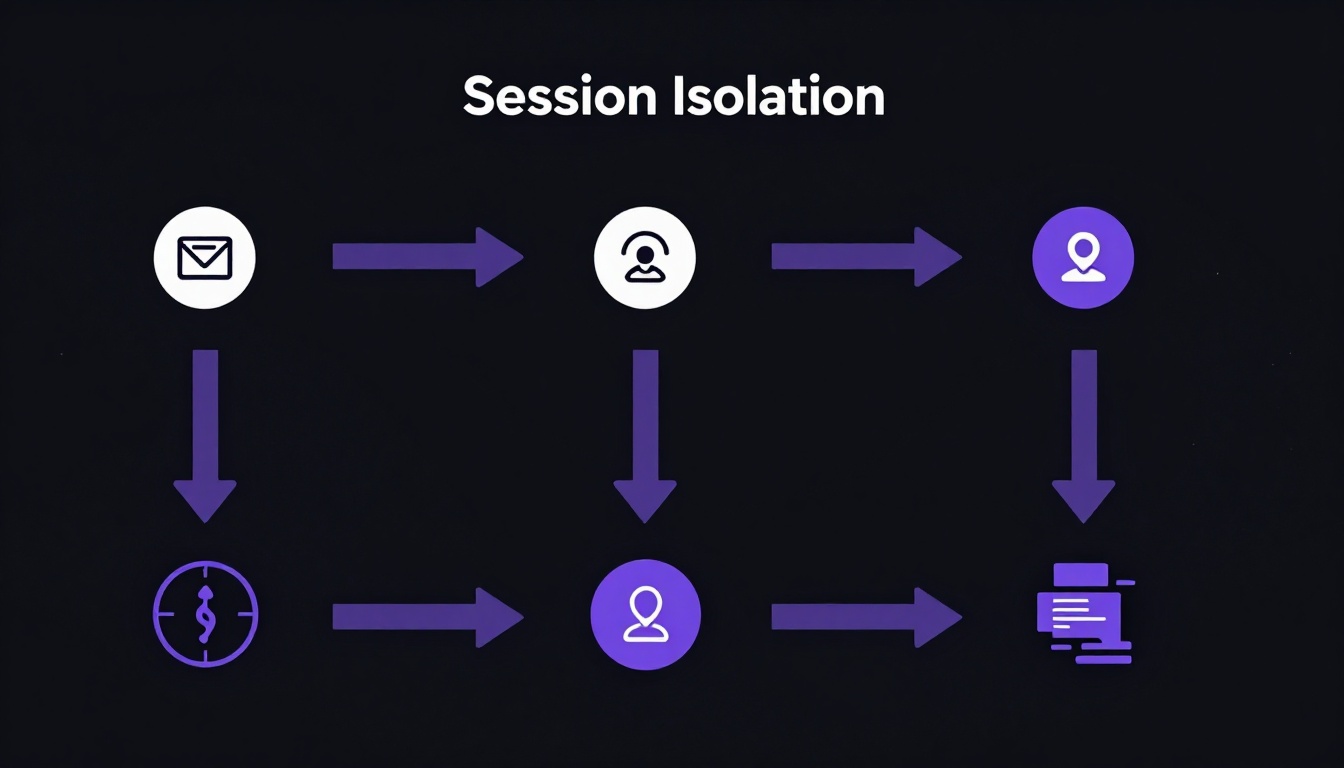
Whichever mode you choose, each profile keeps its own cookie jar, its own local storage and IndexedDB, its own cache, and no shared browsing history with any other profile. On top of that data-level separation, Send.win generates a unique browser fingerprint per profile, which is the piece that browser profiles, containers, and incognito mode all skip. Pair that with our browser fingerprinting protection guide if you want to understand exactly which signals get randomized and why that matters for account safety. You can also assign a dedicated proxy to each profile with one click, so IP address is isolated along with everything else.
Automation API for Testing and Scraping
Starting on the Pro plan, Send.win includes an Automation API that lets you drive the desktop app locally with standard tools — Selenium, Puppeteer, or Playwright — exactly as you would drive a normal Chromium instance. Each automated session inherits the isolation of its profile: its own cookies, storage, and fingerprint, so scripted runs don’t share a footprint the way they would in a single shared browser instance. This is useful for QA teams running the same test suite under multiple account roles, or for anyone automating repetitive account-based workflows without every run looking identical to the target site.
Persistent Profiles, Not Just One-Time Cleanup
Unlike incognito mode, Send.win profiles persist between uses. Log into an account once and stay logged in — the isolation is maintained continuously rather than being reset (and lost) every time you close a window.
Session Isolation Comparison
| Feature | Browser Profiles | Firefox Containers | Incognito | Send.win |
|---|---|---|---|---|
| Cookie Isolation | Yes | Yes | Yes | Yes |
| Storage Isolation | Yes | Yes | Yes | Yes |
| Fingerprint Isolation | No | No | No | Yes |
| IP Isolation | No | No | No | Yes (with per-profile proxies) |
| Session Persistence | Yes | Yes | No | Yes |
| Automation API | No | No | No | Yes (Pro plan and up) |
| Cross-Device Access | No | No | No | Yes (encrypted cloud sync / cloud sessions) |
Send.win Plans and Pricing
Send.win offers a 30-day free trial with no credit card required, so you can test whether session isolation actually holds up on the sites you care about before paying anything. After the trial, there are two plans (full details on the pricing page):
| Plan | Price | Profiles | Proxy Bandwidth | Automation API | Seats |
|---|---|---|---|---|---|
| Pro | $19/mo ($6.99/mo billed annually — 63% off) | 150 | 5GB | Included | 1 |
| Team | $49/mo ($20.99/mo billed annually — 57% off) | 500 | 20GB | Included | 16 |
Best Practices for Airtight Session Isolation
1. Choose the Right Tool for Your Needs
- Casual privacy: Firefox Containers or plain browser profiles
- Multi-account business use: Send.win
- One-time isolation: incognito mode
- Automated testing at scale: Send.win’s Automation API on Pro or Team
2. Never Mix Sessions
Even with isolated profiles, avoid logging into multiple accounts within the same session, clicking links that open in the wrong profile, copy-pasting data between isolated sessions, or reusing the same bookmarks across profiles.
3. Use Dedicated Proxies
Data isolation is incomplete without IP isolation. Assign a unique proxy per profile, use sticky sessions for consistency across a browsing session, and match the proxy’s location to the region the account was originally registered in.
4. Practice Regular Session Hygiene
Even with strong isolation in place, periodically clear unused profiles, review stored credentials, update proxy assignments, and check that fingerprints haven’t drifted or been reused between profiles.
Common Session Isolation Mistakes
1. Trusting Incognito Mode
Incognito doesn’t hide your fingerprint or your IP address. A site can still track and identify you for the duration of that “private” session.
2. Reusing Extensions Across Profiles
Extensions can leak data between profiles or carry their own identifiable signature. Keep extensions minimal — and separate — in any isolated session.
3. Logging Into Linking Services
Signing into Google, Facebook, or any other identity provider inside an isolated session can silently link it back to your main identity, undoing the isolation you set up.
4. Ignoring DNS Leaks
Even behind a proxy, DNS requests can reveal your real location if they aren’t routed through the same path as your traffic. Make sure DNS resolution is isolated along with your proxy configuration.
🏆 Send.win Verdict
Browser profiles, Firefox containers, and incognito mode all isolate cookies — but none of them touch your fingerprint or your IP address, which is where real detection happens. Send.win closes that gap with a native desktop app or zero-install cloud sessions, unique fingerprints per profile, one-click proxy assignment, and an Automation API for teams running Selenium, Puppeteer, or Playwright at scale, all backed by a 30-day free trial with no credit card required.
Try Send.win free today — set up your first fully isolated profile in minutes.
Frequently Asked Questions
Does clearing cookies provide session isolation?
Only partially. Clearing cookies removes tracking cookies but leaves local storage, IndexedDB, cached files, and your browser fingerprint untouched. Complete isolation requires a tool that separates all of those, not just cookies.
Can websites detect when I use multiple isolated sessions?
With basic isolation — browser profiles or containers — yes, usually through fingerprinting, since the fingerprint stays identical across every profile. With a tool like Send.win that randomizes the fingerprint per profile, that specific detection method is closed off.
How many isolated sessions can I run at once?
With local desktop software, you’re limited by your machine’s resources, typically somewhere around 5–20 active sessions before performance suffers. With cloud browser sessions, the limit is mostly how much cloud browsing time your plan includes rather than your own hardware.
Is session isolation legal?
Yes, session isolation tools are legitimate privacy and productivity tools. That said, using them to violate a specific platform’s terms of service — for example, creating multiple accounts somewhere that explicitly prohibits it — can still get those accounts suspended, independent of whether the isolation itself was legal.
Does Send.win work if I only need a couple of isolated profiles?
Yes. The Pro plan supports up to 150 profiles, which is far more than most solo users or small teams need for a couple of accounts, and the 30-day free trial lets you try it with no commitment first.
Do I need the Automation API, or is it only for developers?
If you’re not scripting anything, you can ignore it entirely — normal browsing and manual profile switching don’t touch it. It only matters once you’re driving sessions programmatically with something like Selenium, Puppeteer, or Playwright, at which point having isolated, automatable profiles becomes genuinely useful rather than optional.
What’s the difference between the desktop app and cloud sessions?
The desktop app (Sendwin Browser) runs locally on Windows, macOS, or Linux with encrypted cloud sync, so your profiles live primarily on your machine but stay backed up and portable. Cloud browser sessions run entirely on remote infrastructure with no local install at all, which is useful on shared or locked-down machines, and are billed by cloud browsing time instead.
Does session isolation slow down my browsing?
Locally, running several isolated profiles at once uses more memory than a single browser window, the same way multiple browser windows would. Cloud sessions shift that resource load off your device entirely, at the cost of depending on your internet connection to the cloud session.