What Is Stealth Automation?
Stealth automation is browser automation built to be indistinguishable from a real human — scraping, QA testing, or account management scripts that patch out the telltale signs of Selenium, Puppeteer, or Playwright and layer on human-like timing and mouse behavior so anti-bot systems wave the traffic through instead of blocking it. Without this layer, standard automation gets flagged within minutes on any site running modern bot detection.
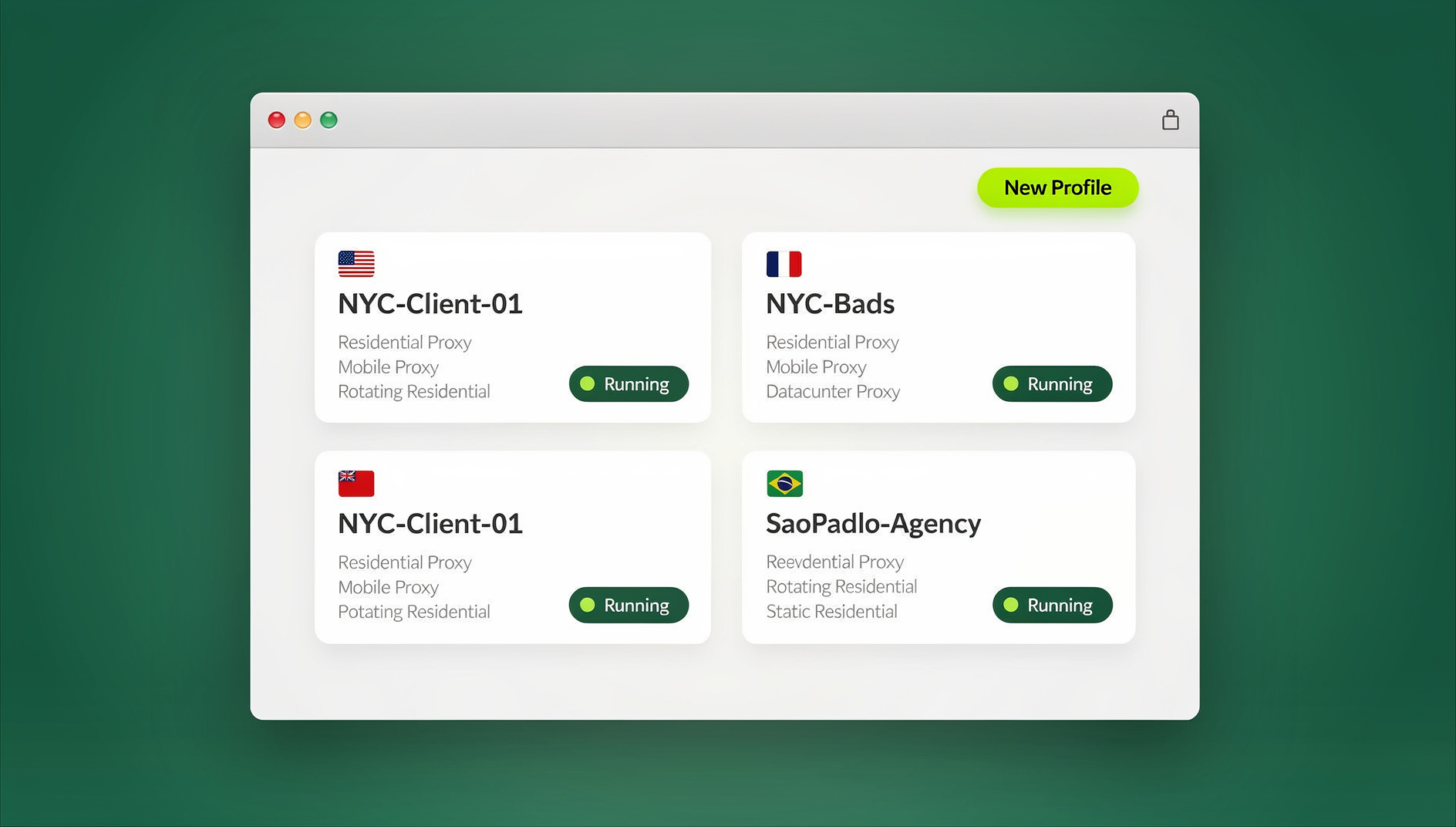
Whether you’re running QA tests, monitoring competitor prices, managing social media accounts, or automating repetitive data collection, your scripts need to look human end to end — browser fingerprint, network fingerprint, and behavior — or they get blocked, rate-limited, or hit with a CAPTCHA on every request.
Why Stealth Automation Has Become Necessary
The Detection Arms Race
Modern anti-bot systems don’t check one signal — they cross-reference dozens of them simultaneously, and a mismatch in any single layer is enough to flag a session:
| Signal Category | What Gets Analyzed | Detection Difficulty |
|---|---|---|
| Browser Properties | WebDriver flag, plugin list, permission state | Easy to spoof |
| Browser Fingerprint | Canvas, WebGL, installed fonts, AudioContext | Medium |
| TLS Fingerprint | JA3/JA4 hash, cipher suite order, extensions | Hard to spoof |
| Behavioral Analysis | Mouse movement, typing cadence, scroll patterns | Very hard to spoof |
| Network Patterns | Request timing, volume, IP reputation | Hard to avoid |
| Machine Learning Models | Aggregate behavioral models across sessions | Extremely hard |
What Happens When You Get Detected
- IP bans: your IP address or entire subnet gets permanently blocked
- Account suspension: flagged accounts get disabled, sometimes with funds or data locked
- CAPTCHA walls: every subsequent request triggers a verification challenge
- Data poisoning: some sites quietly serve fake data to detected bots instead of blocking outright
- Legal exposure: aggressive or unauthorized scraping can trigger cease-and-desist letters or lawsuits
Stealth Automation Tools and Frameworks
1. Undetected ChromeDriver
import undetected_chromedriver as uc

options = uc.ChromeOptions()
options.add_argument('--disable-blink-features=AutomationControlled')

driver = uc.Chrome(options=options)
driver.get('https://target-site.com')
This library patches Selenium’s ChromeDriver binary at runtime to strip out the automation indicators that give away a scripted session. It handles basic Selenium browser fingerprint checks well, but it still struggles against sites doing deep behavioral analysis, since the underlying mouse and keyboard events are still generated programmatically.
2. Playwright with Stealth
from playwright.sync_api import sync_playwright
from playwright_stealth import stealth_sync

with sync_playwright() as p:
    browser = p.chromium.launch(headless=False)
    context = browser.new_context(
        viewport={'width': 1920, 'height': 1080},
        user_agent='Mozilla/5.0 (Windows NT 10.0; Win64; x64)...'
    )
    page = context.new_page()
    stealth_sync(page)
    page.goto('https://target-site.com')
Playwright’s stealth plugin patches a similar set of JavaScript-detectable properties (WebDriver flag, permissions API, plugin arrays) and pairs well with a realistic viewport and user agent. Running headful rather than headless closes another common detection gap.
3. Puppeteer Extra with Stealth Plugin
const puppeteer = require('puppeteer-extra');
const StealthPlugin = require('puppeteer-extra-plugin-stealth');
puppeteer.use(StealthPlugin());

const browser = await puppeteer.launch({ headless: false });
const page = await browser.newPage();
await page.goto('https://target-site.com');
The stealth plugin ecosystem for Puppeteer bundles more than a dozen individual evasion modules — everything from spoofing navigator.plugins to normalizing WebGL vendor strings. It’s the most actively maintained of the three frameworks, but each new detection technique still requires a plugin update to counter.
4. Real Browser Profiles Instead of Patched Frameworks
The ceiling with any patched automation framework is the same: you’re still running a scripted Chromium instance, and every patch is a reaction to a detection method someone already found. The more durable approach is to automate against a genuinely real browser environment rather than trying to disguise a fake one.
This is the model behind Send.win. It ships in two forms: Sendwin Browser, a native desktop app for Windows, macOS, and Linux that runs locally on your machine with encrypted cloud sync of your profiles, and fully cloud browser sessions that run entirely on Send.win’s infrastructure with zero local install, billed by cloud browsing time. Either way, each profile is a real, isolated browser fingerprint — not a patched automation binary — which sidesteps the whole category of WebDriver-flag and plugin-mismatch detection that stealth plugins spend their time chasing.
Core Stealth Automation Techniques
Human-Like Mouse Movement
Real humans never click instantly on a fixed coordinate — the cursor travels in a curved path with variable acceleration. Bezier-curve interpolation with randomized control points approximates this:
import random, time

def human_move(page, x, y, steps=25):
    """Move mouse in a smooth curve to target coordinates."""
    current = page.mouse._position or {'x': 0, 'y': 0}

    for i in range(steps):
        t = i / steps
        cx = current['x'] + random.randint(-50, 50)
        cy = current['y'] + random.randint(-50, 50)

        nx = (1-t)**2 * current['x'] + 2*(1-t)*t*cx + t**2 * x
        ny = (1-t)**2 * current['y'] + 2*(1-t)*t*cy + t**2 * y

        page.mouse.move(nx, ny)
        time.sleep(random.uniform(0.005, 0.02))

    page.mouse.click(x, y)
Natural Typing Patterns
def human_type(page, selector, text):
    """Type text with human-like delays and occasional corrections."""
    page.click(selector)
    for char in text:
        if random.random() < 0.02:  # occasional typo + correction
            wrong_char = random.choice('abcdefghijklmnopqrstuvwxyz')
            page.keyboard.type(wrong_char, delay=random.randint(50, 100))
            time.sleep(random.uniform(0.1, 0.3))
            page.keyboard.press('Backspace')

        page.keyboard.type(char, delay=random.randint(30, 150))

    time.sleep(random.uniform(0.2, 0.5))
Randomized Delays and Browsing Patterns
- Use a normal distribution for delays between actions, not uniform random values
- Add idle periods that simulate a person reading the page
- Scroll gradually with variable speed rather than jumping straight to an element
- Visit a few unrelated pages occasionally to build a plausible browsing history
- Vary session length and time of day — perfectly regular 24/7 activity is itself a signal
Proxy and IP Management
| Proxy Type | Stealth Level | Relative Cost | Best For |
|---|---|---|---|
| Datacenter | Low — easily flagged | $ | High-speed scraping of lenient sites |
| Residential | High — real ISP IPs | $$ | Account management, social platforms |
| ISP / Static residential | Very high | $$$ | Persistent accounts needing a stable IP |
| Mobile | Highest | $$$$ | Highest-security platforms |
Building a Stealth Automation Architecture
Single-Account Setup
Browser (stealth-patched or real profile)
    -> Residential proxy (consistent IP)
    -> Human-like behavior layer
    -> Target site
Scaling to Multi-Account Automation
Account Manager
    |-- Profile 1: unique fingerprint + Proxy A + behavior model
    |-- Profile 2: unique fingerprint + Proxy B + behavior model
    |-- Profile 3: unique fingerprint + Proxy C + behavior model
    `-- Profile N: unique fingerprint + Proxy N + behavior model
Each account needs fully isolated infrastructure — its own fingerprint, its own proxy, its own cookie jar. This is where hand-rolled automation stacks hit a wall: managing 50+ unique fingerprints, proxies, and cookie states with raw Selenium scripts becomes a maintenance job in itself. Platforms built around session isolation handle this natively, keeping every profile's cookies, storage, and fingerprint separated without custom scripting.
Where Send.win Fits
Send.win is a browser profile manager: each profile keeps its own cookies, storage, sessions and fingerprint settings, so profiles do not share one browser identity. It has no automation interface — no API, SDK, headless mode or Selenium/Puppeteer/Playwright support on any plan.
Send.win's paid plans are Pro at $19/month or $83.88/year, and Team at $49/month or $251.88/year. The first card purchase is covered by a 7-day money-back guarantee. The only free option is the cloud demo at https://send.win/demo-browser/ — a 3-minute preview without signup, 10 minutes a day with a free account.
DIY Stealth Stack vs. Send.win
| Factor | DIY Stack (Selenium/Puppeteer + patches + proxies) | Send.win |
|---|---|---|
| Fingerprint consistency per account | Manual — requires custom fingerprint randomization scripts | Built in per profile, no scripting needed |
| Keeping up with new detection methods | Ongoing — stealth plugins need constant updates | Each profile keeps its own consistent fingerprint |
| Proxy integration | Bring your own, wire it in per script | Assignable per profile inside the app |
| Session/cookie isolation at scale | Custom-built account manager required | Native session isolation across profiles |
| Scripted automation | Full control, full maintenance burden | No |
| Setup cost | Free frameworks, but engineering time is not free | No free trial; Pro $19/month or $83.88/year, first card purchase covered by a 7-day money-back guarantee |
Common Stealth Automation Mistakes
| Mistake | Why It Gets Detected | Fix |
|---|---|---|
| Running headless mode | Different rendering path, missing browser features | Use a headful browser or proper headed emulation |
| Perfectly consistent timing | Humans are never that regular | Normal-distribution delays with real variance |
| No scrolling or reading pauses | A bot clicks links instantly without "reading" the page | Add scroll simulation and idle time |
| Same fingerprint across accounts | Multiple accounts sharing one browser signature | Unique fingerprint per profile |
| Datacenter proxies on sensitive sites | IP ranges are publicly known and blocklisted | Switch to residential or ISP proxies |
| Ignoring the TLS fingerprint | JA3/JA4 hash can reveal the automation framework | Use a real browser engine or TLS randomization |
| No cookie persistence | A "returning visitor" with no cookies looks suspicious | Save and restore cookies between sessions |
Ethical and Legal Considerations
Legitimate Use Cases
- QA and testing: automated testing of your own applications
- Price monitoring: tracking publicly available competitor pricing
- Account management: efficiently managing multiple business accounts without cross-contamination
- Academic research: web scraping conducted for research purposes
- Accessibility testing: automated accessibility compliance checks
Staying Within Legal Guidelines
- Respect
robots.txtdirectives where they apply - Don't overload servers with aggressive request rates
- Check a site's Terms of Service before automating against it
- Personal data collection must comply with GDPR/CCPA
- The CFAA (US) and Computer Misuse Act (UK) govern unauthorized access — know where the line is
None of this is about evading detection to break rules — it's about not letting an overzealous anti-bot system block legitimate, permitted activity just because it looks automated. Sites that specifically bypass anti-bot systems for unauthorized access sit in very different legal territory than running your own QA suite or managing accounts you own.
🏆 Send.win Verdict
Patched Selenium and stealth-plugin Puppeteer setups can work for small, low-stakes scraping jobs, but they're a permanent maintenance burden — every new detection method means another plugin update. For anything running at scale, or for accounts and data you can't afford to lose, working from a genuinely isolated, real browser profile beats disguising a fake one. Send.win gives you that foundation directly: a native desktop app or cloud browser sessions with separate cookies, storage and fingerprint settings per profile.
Try Send.win today — plans start at $19/mo, and your first card purchase is covered by a 7-day money-back guarantee.
Frequently Asked Questions
What's the most undetectable automation approach?
Automating against real, isolated browser profiles with unique fingerprints and residential proxies — effectively making each automated session look like a genuine user rather than trying to disguise a scripted one. A real browser environment is inherently harder to flag than a patched Selenium or Puppeteer instance, since there's no automation binary to fingerprint in the first place.
Can AI-based systems detect stealth automation?
Advanced machine-learning detection can pick up on behavioral anomalies that rule-based systems miss, especially patterns that only show up over many sessions. The best defense is making each session's behavior statistically indistinguishable from a real user — randomized timing, natural mouse movement, and varied browsing patterns, not just a patched WebDriver flag.
How fast can I automate without triggering detection?
This varies by target site, but a safe general rule is no more than one action every 3-5 seconds, with natural pauses between tasks. Mirror real usage patterns — a hundred actions back-to-back with no breaks is a red flag on its own, regardless of how well individual actions are disguised.
Do I need a separate proxy for every automated account?
Yes. Sharing one IP across multiple accounts is one of the fastest ways to get all of them banned together. Use one unique, consistent residential IP per account, ideally tied to a stable geographic location over time.
Is stealth automation illegal?
Automation itself is not illegal. Violating a site's Terms of Service, accessing systems without authorization, scraping copyrighted content, or collecting personal data without consent can carry legal consequences depending on jurisdiction. Stay inside those boundaries regardless of how good your stealth setup is.
Does Send.win replace tools like Selenium or Puppeteer?
Not exactly — it complements them. Send.win is a browser profile manager: each profile keeps its own cookies, storage, sessions and fingerprint settings, so profiles do not share one browser identity. It has no automation interface — no API, SDK, headless mode or Selenium/Puppeteer/Playwright support on any plan.
What's the difference between the Sendwin Browser app and cloud sessions?
Sendwin Browser is a native, downloadable desktop app for Windows, macOS, and Linux that runs locally with encrypted cloud sync of your profiles. Cloud browser sessions run entirely on Send.win's infrastructure with no local install at all, and are metered by cloud browsing time instead of a flat seat price.
How much does Send.win cost for automation workflows?
Pro is $19/month or $83.88/year. Team is $49/month or $251.88/year. The first card purchase is covered by a 7-day money-back guarantee. The only free option is the cloud demo at https://send.win/demo-browser/ — a 3-minute preview without signup, 10 minutes a day with a free account.
Conclusion
Stealth automation is ultimately about making automated browser activity indistinguishable from human behavior — patching WebDriver flags, simulating natural mouse and typing patterns, and giving every session its own fingerprint and proxy. Each layer matters, because anti-bot systems only need one mismatch to flag a session.
For production-scale work where accounts and data actually matter, the more durable path is to stop disguising a fake browser and start working from a real one. Send.win's native desktop app and cloud browser sessions give every profile its own cookies, storage, sessions and fingerprint settings.