Can You Safely Run Multiple Twitter (X) Accounts?
Yes — you can manage multiple Twitter accounts (now branded X) safely, but only if you keep each account’s browser fingerprint, IP address, and phone number separate from the others. X’s anti-spam system links accounts through shared devices and IPs far more aggressively than most platforms, so treating every account as its own isolated session is the only reliable way to avoid a linked suspension.
Brands run a support handle alongside a marketing handle. Creators keep a public account next to an anonymous commentary profile. Agencies manage a roster of client handles. Growth marketers spin up niche accounts to build topical authority. X officially allows switching between up to five accounts in its own apps — the moment you go beyond that, or start managing accounts for clients, you enter territory its security systems watch closely.
How X’s Anti-Spam Detection Actually Works
Unlike platforms that focus mainly on content moderation, X leans heavily on behavioral and device signals to catch coordinated account networks:
- Rate-limited actions — tweets, follows, likes, and DMs are capped per hour and per day. Combined activity across accounts that exceeds these thresholds gets every associated account flagged together.
- IP linking — if ten accounts are active from the same residential IP, especially performing similar actions in quick succession, X’s system links them as one network and restricts all of them.
- Phone verification reuse — X increasingly requires phone verification for new or suspicious accounts. One phone number tied to several accounts is one of the fastest routes to a mass suspension.
- Cookie and session overlap — logging into several accounts in the same browser, even across separate logins, leaves shared storage artifacts X’s systems can read as a link between accounts.
The Official Route: TweetDeck / X Pro
X’s own multi-account tool, now branded X Pro, is bundled with X Premium and gives you a multi-column dashboard for monitoring and posting across accounts side by side.
What X Pro Gets Right
- It’s the official tool, so there’s no terms-of-service risk in using it as intended.
- Real-time multi-column view of timelines, mentions, and DMs across every connected account.
- Fast switching for posting and light engagement.
Where X Pro Falls Short
- Requires an X Premium subscription per controlling account (roughly $8-16/month).
- No fingerprint or IP isolation — every connected account is visibly tied to one login session.
- If the primary account managing the workspace is suspended, every connected account loses access with it.
- Not suitable for accounts that must never be linked — competitor-research accounts, anonymous commentary handles, or client accounts that need to stay independent of your agency’s main login.
The Professional Route: Isolated Browser Profiles
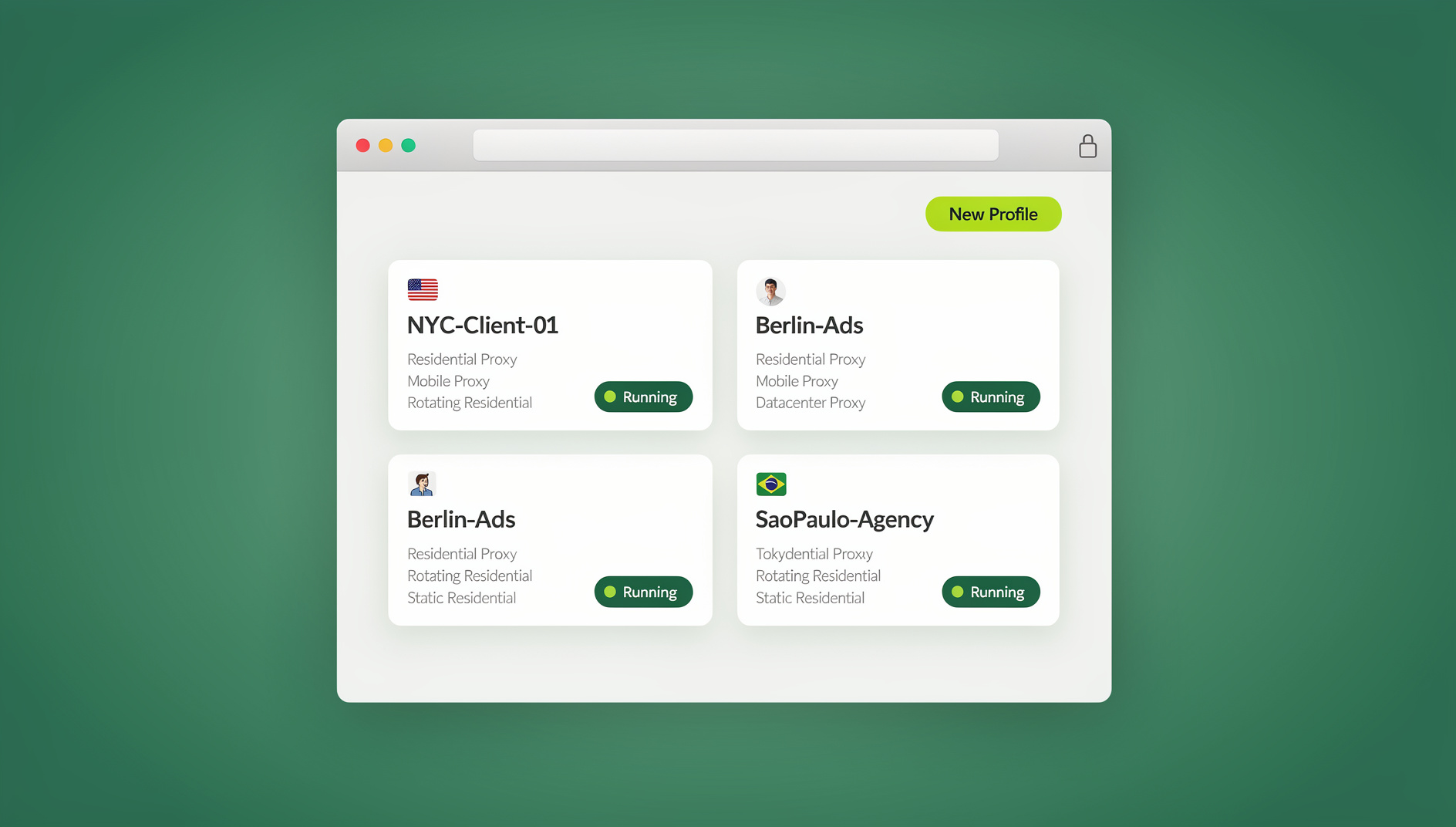
To manage multiple Twitter accounts with genuinely zero cross-linking risk, professionals run each account inside its own isolated browser profile rather than a shared login session. Sendwin Browser, the native desktop app, builds this in as the default way to work: every profile gets a distinct fingerprint, its own cookie storage, and — when assigned — its own residential proxy. If you’d rather skip the local install entirely, cloud browser sessions give you the same per-account isolation running in the browser itself.
This mirrors how agencies handle other multi-account platforms — the isolation principle behind managing several client Facebook pages is the same one that makes multi-account Twitter management safe, and the same multi-login browser approach applies whether you’re logging into a handful of accounts or dozens.
How It Works Step by Step
- Create one profile per account — name each clearly (“Brand A – X,” “Personal – X,” “Research – X”).
- Assign a dedicated proxy — Brand A logs in from a New York IP, Brand B from Los Angeles, your personal account from wherever you actually are.
- Let each profile generate its own fingerprint — this is where genuine browser fingerprint protection matters: X should see distinct devices, not one machine wearing different hats.
- Authenticate once per account — handle phone verification a single time; the session persists, so tomorrow’s login is instant.
Use Case: Agencies Managing Client Handles
Picture a digital PR agency running X presence for 15 clients. A typical day includes posting scheduled content through an API scheduler, replying to mentions and DMs natively, joining industry Spaces on a client’s behalf, and monitoring competitor activity from a secondary account. Without isolation, logging into 15 client accounts from one agency IP in a single afternoon is close to a guaranteed way to get flagged. With one isolated profile per client, the agency’s own IP never touches a client account directly, and one client’s issue never becomes every client’s problem.
Use Case: Personal Branding with an Anonymous Second Account
Plenty of professionals run a public brand account next to an anonymous one for candid commentary or market research. The rule that matters here is simple: these accounts must never be algorithmically linked. Separate Chrome profiles alone don’t solve this, since the underlying hardware fingerprint stays identical across profiles on the same machine. A genuinely isolated profile guarantees mathematical separation between a public handle and a private one.
Use Case: Growth Marketing with Niche Accounts
Growth marketers frequently run several topical accounts — one curating tool launches, one sharing discount codes, one posting productivity tips — each building its own following that funnels back to a shared product. Isolation matters most here: a ban on one niche account should never cascade into the others, and it won’t if each one lives in its own container with its own proxy.
Best Practices for Multi-Account Twitter Management
1. Respect the rate limits
X enforces daily caps on tweets, follows, and DMs. When several accounts are active at once, it’s easy to blow past these limits without realizing it. Space activity out with at least a 15-minute gap between switching profiles.
2. Never reuse a phone number
Use a separate number, or a reputable virtual number service, for every account’s verification step.
3. Warm up new accounts deliberately
An account that immediately follows 200 people and posts 50 tweets a day reads as automated no matter who’s actually clicking. Start with 5-10 follows and 2-3 posts a day, and scale up over two to three weeks.
4. Delegate without sharing the password
If a VA handles day-to-day posting, don’t send them the raw credentials. Use a workflow built to share accounts without passwords, so they work inside an already-authenticated profile and you can revoke access the moment the engagement ends.
5. Watch for early suspension signals
Unexpected phone-verification prompts or a sudden drop in impressions (a possible shadowban) are early warnings. Check the account’s health in its isolated profile immediately rather than waiting for a full suspension.
6. Keep a setup record per account
Log which profile, proxy, phone number, and recovery email belong to which account. When an agency is juggling fifteen or more client handles, a simple spreadsheet mapping profile name to proxy location and verification details prevents accidental cross-use months later, especially after staff turnover.
API Schedulers vs. Browser Isolation
| Feature | API Tools (Typefully, Hypefury) | Browser Isolation (Sendwin Browser) |
|---|---|---|
| Scheduling tweets | ✅ Excellent | ❌ Not built in |
| Analytics | ✅ Advanced | ❌ Use native X analytics |
| Native DM replies | ⚠️ Limited | ✅ Full access |
| Twitter Spaces participation | ❌ | ✅ |
| Fingerprint isolation | N/A | ✅ |
| Account-linking prevention | ❌ | ✅ |
The two aren’t competitors — use an API scheduler for content broadcasting, and isolated profiles for anything that requires a native, authenticated presence on the platform. Many agencies running the same pattern across other networks, including those who log into multiple Facebook accounts for clients, apply the identical split.
Common Mistakes That Trigger Linked Suspensions
Most multi-account suspensions on X trace back to a handful of repeated habits rather than one dramatic error:
- Switching accounts in the same tab session. Logging out of one account and immediately into another in the same browser window leaves shared cache and storage artifacts that X’s systems can still read, even after logout.
- Running identical automation patterns across accounts. If five accounts all like, follow, and reply in the exact same sequence within minutes of each other, that pattern itself is a signal — independent of any device or IP overlap.
- Ignoring the daily action caps. X enforces limits around 2,400 tweets, 400 follows, and 500 DMs per day per account. Aggregate activity across several accounts run from one location can quietly exceed what looks safe even when each individual account stays under its own cap.
- Buying pre-verified or bulk-created accounts. Accounts created in bulk from the same source typically already share device and network fingerprints from before you ever touched them, making isolation after the fact far less effective.
- Leaving a former team member’s session active. If a VA or freelancer’s access to a shared profile isn’t revoked the day their contract ends, that door stays open indefinitely.
The fix for nearly all of these is the same discipline described above: one account per isolated profile, a proxy that matches the account’s expected location, and deliberate, human-paced activity rather than rapid-fire bursts.
🏆 Send.win Verdict
X Pro handles basic multi-account visibility and API schedulers cover content distribution, but neither solves account linking. For true independence — managing client handles, anonymous accounts, or growth-marketing profiles — Sendwin Browser’s isolated profiles keep every account’s cookies, storage and fingerprint separate, whether you run it as the native app or through a no-install cloud browser session.
Try Send.win today — plans start at $19/month, and your first card purchase is covered by a 7-day money-back guarantee.
Frequently Asked Questions
How many Twitter (X) accounts am I allowed to have?
X’s Terms of Service don’t set a hard cap on the number of accounts. What they prohibit is using multiple accounts for “platform manipulation” — coordinated inauthentic behavior, spam, or ban evasion. Legitimate multi-account use for brands, agencies, or personal projects is allowed.
Can X detect that I’m using TweetDeck / X Pro for multiple accounts?
Using X Pro as designed carries no ToS risk, since it’s X’s own tool. The tradeoff is that every account connected through it is inherently linked in X’s system — fine for accounts that are supposed to be associated, not ideal for ones that need to stay independent.
What kind of proxy should I use for Twitter/X accounts?
Residential proxies from a reputable provider. Avoid free VPNs and datacenter proxies — X maintains extensive blocklists for known proxy IP ranges, and using one is often worse than using none. Assign one dedicated residential IP per important account profile.
Will using separate Chrome profiles instead of full browser isolation work?
Not reliably. Separate Chrome profiles change your cookies and history, but the underlying hardware and browser fingerprint stays identical across all of them on the same machine, which X’s systems can still read as one device running several accounts.
Is it safe to log into a client’s Twitter account from my own device?
Only inside an isolated profile with its own fingerprint and a proxy matching the client’s location. Logging in through your everyday browser links the client’s account to your personal fingerprint and IP, which becomes an agency-wide risk if any client account triggers a review.
What should I do if X asks for unexpected phone verification?
Treat it as an early warning, not a formality. Complete it promptly with a number unique to that account, and check the account’s recent activity for anything that might have triggered increased scrutiny — a sudden spike in follows or DMs is the usual culprit.
Do I need Sendwin Browser installed, or can I use it without installing anything?
Both options exist. Sendwin Browser is the native desktop app most people run day to day for isolated profiles. If you’d rather not install anything locally, cloud browser sessions provide the same isolated-profile model directly in the browser.
Can I still use analytics tools alongside isolated profiles?
Yes. Native X analytics work the same inside an isolated profile as they would in a normal login. Third-party analytics platforms that connect via X’s official API are unaffected by browser-level isolation, since they authenticate through the API rather than the browser session.