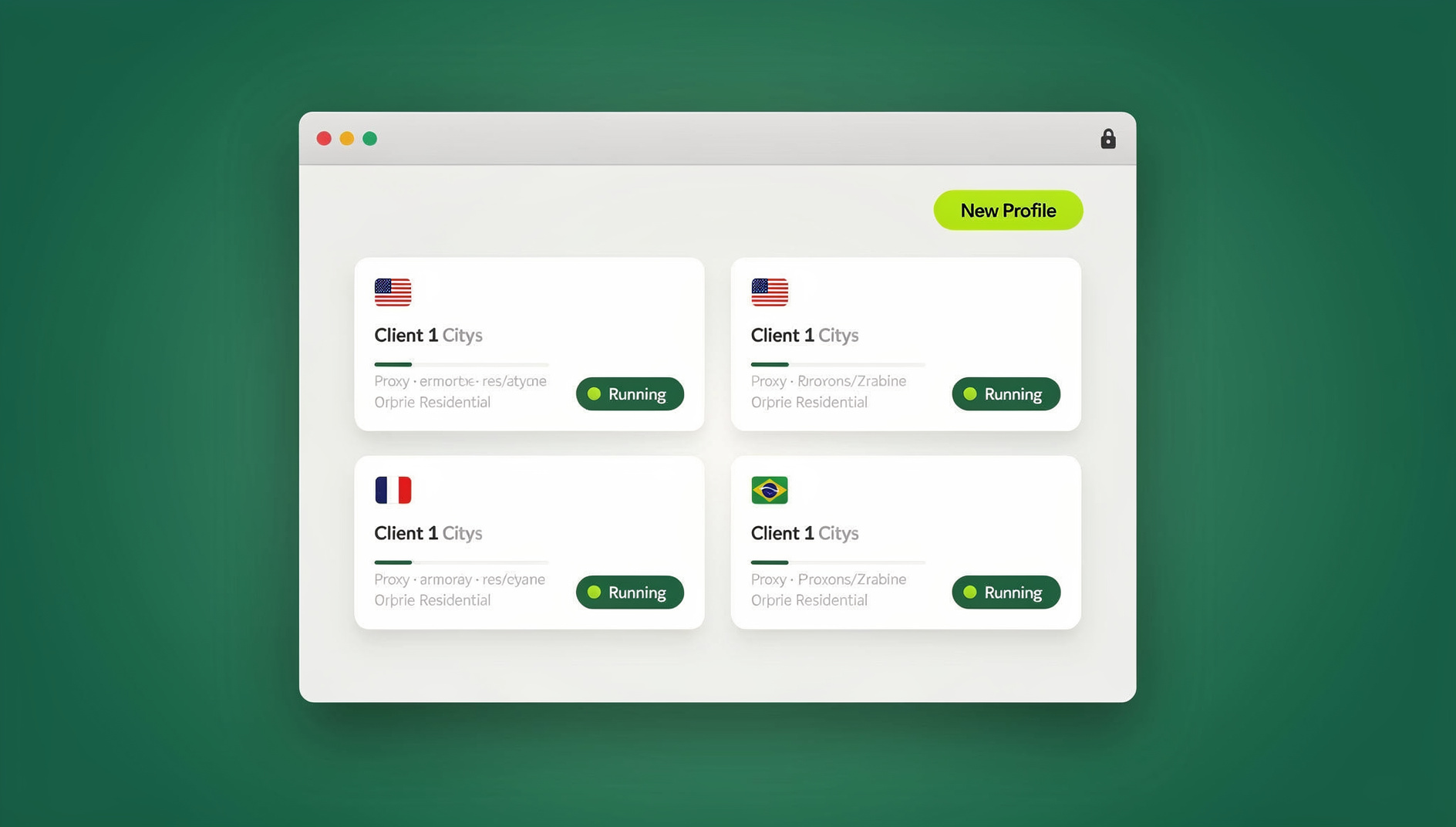
An antidetect browser is software that gives every browser profile its own consistent, isolated fingerprint — canvas, WebGL, fonts, timezone, and dozens of other signals — so platforms like Facebook, Amazon, and Google Ads see separate, unrelated users instead of one person running multiple accounts. It solves a problem that regular Chrome profiles and incognito windows can’t: real fingerprint isolation, not just cookie separation.
What Is an Antidetect Browser?
Every browser you open leaks a surprising amount of identifying information: screen resolution, installed fonts, GPU rendering quirks, audio stack behavior, language settings, timezone, and more. Combined, these signals form a “fingerprint” that’s often unique enough to identify a device even with cookies cleared and a VPN turned on.
An antidetect browser intercepts and normalizes these signals so each profile presents a coherent, believable — and different — fingerprint. Instead of one browser trying to hide who you are, you get many isolated identities that each look like an ordinary, unique visitor. That distinction matters: platforms don’t ban “hidden” users, they ban users who look linked to other flagged accounts. Antidetect browsers exist to prevent that link from forming in the first place.
Why Do People Use Antidetect Browsers?
The demand for antidetect browsers comes from a handful of very practical, very common needs:
- Managing multiple accounts — e-commerce sellers, social media managers, and affiliate marketers routinely need dozens of accounts on the same platform without triggering multi-account detection
- Ad account safety — media buyers running Facebook, Google, or TikTok ad accounts in parallel need each account isolated so one suspension doesn’t cascade into all of them
- Privacy protection — everyday users want to stop cross-site tracking and fingerprint-based profiling
- QA and localization testing — teams need to see how a site renders from different regions, devices, or browser configurations without juggling physical hardware
- Web scraping and research — data teams need to avoid anti-bot systems that fingerprint and block repeat automated visits
How Antidetect Browsers Actually Work
Most antidetect tools operate on the same handful of fingerprinting vectors. Understanding them helps you evaluate whether a given tool — free or paid — is actually doing its job:
- Canvas fingerprinting — how your GPU renders a hidden image; antidetect browsers add controlled noise so each profile renders it slightly differently
- WebGL fingerprinting — reveals GPU model and driver details; needs to be spoofed consistently or it becomes its own tell
- Audio context fingerprinting — audio stack processing has measurable variance that’s just as identifying as canvas
- Font enumeration — the list of installed fonts is often unique enough on its own to fingerprint a device
- Timezone and locale — mismatches between IP geolocation and system timezone are one of the easiest ways platforms catch spoofed profiles
- WebRTC leaks — can expose your real IP address even behind a proxy if not properly blocked
A tool that only randomizes the user-agent string isn’t an antidetect browser — it’s providing a false sense of security. Genuine fingerprint isolation has to be consistent across every one of these vectors, every session, for a profile to hold up under scrutiny.
Free vs. Paid Antidetect Browsers: What You Actually Get
Several tools advertise a “free” antidetect browser, but the free tier almost always comes with meaningful trade-offs. Here’s how the most commonly searched options actually compare:
| Tool | Free Offering | Profile Limit (Free) | Credit Card Required | Typical Paid Price |
|---|---|---|---|---|
| Kameleo | 5-day trial | Unlimited during trial only | Yes | $59–$399/mo |
| Multilogin | 14-day trial | 10 profiles | Yes | $99–$399/mo |
| GoLogin | 7-day trial | 3 profiles | No | $24–$149/mo |
| AdsPower | Forever-free plan | 2 profiles | No | $9–$100+/mo |
| Dolphin Anty | Forever-free plan | 10 profiles | No | $99–$399/mo |
| Send.win | No free trial; 7-day money-back guarantee on first card purchase; free cloud demo | No free profiles; Pro plan $19/mo or $83.88/yr | No | $19–$49/mo |
Kameleo
Kameleo’s 5-day free trial unlocks the full feature set, including mobile fingerprint emulation for Android and iOS and support for Chrome, Firefox, Edge, and Safari engines. The catch is the short window and the requirement to hand over a credit card before you can even test it — and pricing jumps steeply once the trial ends.
Multilogin
Multilogin is one of the most established names in the space, with two purpose-built browser cores (Mimic for Chromium, Stealthfox for Firefox). Its 14-day trial is generous in length but capped at 10 profiles, and the paid tiers start high, making it a tool aimed squarely at agencies rather than individuals.
GoLogin
GoLogin doesn’t require a card to start its 7-day trial, and cloud-hosted profiles mean you can pick up a session from any device. Three free profiles is workable for testing but not for running a real operation, and fingerprint quality on lower tiers lags behind the premium competitors.
AdsPower
AdsPower’s permanently free plan (2 profiles, no expiration) is genuinely useful for very small operations and is purpose-built around social media and e-commerce workflows. Automation and bulk-profile features, however, are locked behind paid plans.
Dolphin Anty
Ten free profiles with no time limit makes Dolphin Anty one of the more generous free tiers, and it includes basic team collaboration. Fingerprint consistency is reported as uneven across updates, and the interface has a steeper learning curve for newcomers.
The Hidden Costs of “Free” Antidetect Browsers
Free tiers exist to get you in the door, not to run a business on. Before committing to one, weigh these recurring limitations:
1. Profile Limitations
Most free plans cap you at 2–10 profiles. If you’re managing dozens of marketplace stores, social accounts, or ad accounts, you’ll outgrow this within days.
2. Weak Fingerprint Protection
Free-tier fingerprinting is frequently a stripped-down version of the paid engine. Platforms with sophisticated detection — Meta Ads Manager, Amazon Seller Central, Google Ads — are specifically built to catch cheap or inconsistent spoofing.
3. No Technical Support
When a profile gets flagged or an account gets suspended, free users are typically on their own. Paid tiers usually include priority support that can be the difference between recovering an account and losing it.
4. Missing Advanced Features
Automation hooks, bulk profile creation, team roles, and proxy management are almost always paid-only additions, which matters the moment you try to scale past manual, one-at-a-time account management.
5. Security Risks
Not every “free antidetect browser” is run by a transparent company. Handing session cookies and account credentials to an unknown developer’s software is a real risk — always check who built the tool before trusting it with anything valuable.
How to Choose the Right Antidetect Browser
Whether you’re evaluating a free tier or a paid plan, run it through the same checklist:
- Profile count — does the plan actually cover how many accounts you need to run, today and in six months?
- Fingerprint depth — does it cover canvas, WebGL, audio, fonts, timezone, and WebRTC consistently, not just the user-agent string?
- Proxy support — can you attach residential, datacenter, or mobile proxies per profile without fighting the interface?
- Automation — if you need to script repetitive logins or data pulls, is there a real automation path, or is that locked behind an enterprise tier?
- Where sessions live — local software gives you more control over data, while cloud sessions mean nothing to install and access from anywhere
- Company transparency and support — is there a real team behind the product, and do they respond when something breaks?
If you’re comparing named tools head-to-head, this best antidetect browser comparison breaks down feature parity across the major players, and this look at the best browser for multiple accounts is useful if profile management, not fingerprinting alone, is your main pain point.
Send.win: A Practical Middle Ground
Send.win is built around two straightforward ways to run isolated profiles, rather than one bolted-on feature:
- Sendwin Browser — a native desktop application for Windows, macOS, and Linux. It’s local-first, meaning your profiles and data live on your machine, with encrypted cloud sync so you can pick up the same sessions on another installed copy.
- Cloud browser sessions — profiles that run entirely in the cloud with zero local installation, ideal for jumping between devices or working from a machine you don’t control. These are metered by cloud browsing time rather than a flat monthly cap.
Each profile gets its own isolated fingerprint across canvas, WebGL, audio, fonts, and timezone, so accounts don’t cross-contaminate. If you’re weighing whether scripting matters for your use case at all, this teams-focused piece on managing multiple accounts safely is a good next read.
Send.win Pricing
Send.win has no free trial; the first card purchase is covered by a 7-day money-back guarantee, and you can preview the cloud browser for free at send.win/demo-browser.
| Plan | Monthly Price | Annual Price | Profiles | Proxy Bandwidth | Seats | |
|---|---|---|---|---|---|---|
| Pro | $19/mo | $6.99/mo | 150 | 5GB | Yes | 1 |
| Team | $49/mo | $20.99/mo | 500 | 20GB | Yes | 16 |
Compared to Multilogin or Kameleo’s $99+/month entry points, Send.win’s Pro plan covers 150 profiles — well beyond what most free tiers offer across the board — at a fraction of the cost, and the Team plan adds enough seats and bandwidth for an agency running client accounts side by side. Full plan details are on the pricing page.
If you’re currently on a different tool and comparing your options, this Multilogin alternative comparison lays out where the trade-offs land for teams making the switch.
Getting Started with Send.win
- Go to send.win/download and grab the native Sendwin Browser for your OS, or start a cloud session directly if you’d rather skip installation entirely.
- Create your first isolated profile and assign a proxy if you’re managing region-specific or platform-specific accounts.
- Log in to the account you want to isolate — the profile keeps its fingerprint and session data separate from every other profile you run.
- Repeat for each account, organizing profiles into groups if you’re managing them for clients or across platforms.
Send.win has no free trial, but the first card purchase is covered by a 7-day money-back guarantee, so you can validate fingerprint quality against your actual platforms — Amazon, Meta, TikTok, Google Ads — before deciding whether to keep it.
🏆 Send.win Verdict
Free antidetect browsers are fine for testing the concept or running two or three accounts, but the profile caps and weak fingerprinting catch up fast once you’re managing a real operation. Send.win sits in the practical middle: a native desktop app or zero-install cloud sessions, and Pro at $19/month or $83.88/year.
Try the Send.win cloud demo — a 3-minute preview without signup, 10 minutes a day with a free account.
Frequently Asked Questions
Is using an antidetect browser legal?
Yes. Antidetect browsers are legal software tools. What matters is what you use them for — running multiple legitimate business accounts is generally fine, while using them to evade a platform’s terms of service for fraud or abuse can still get accounts banned or, in serious cases, create legal exposure regardless of the browser used.
Can free antidetect browsers pass Facebook or Amazon detection?
Some can, for a while. Free tiers generally use a lighter version of the fingerprinting engine, so detection risk rises the more accounts you run and the longer you use them. Platforms specifically built to catch multi-accounting invest heavily in detecting exactly this kind of inconsistent spoofing.
What’s the difference between an antidetect browser and a VPN?
A VPN changes your IP address and location. An antidetect browser changes your device fingerprint — canvas, fonts, WebGL, audio, and more. You typically need both: a proxy or VPN for the IP layer, and an antidetect browser for the fingerprint layer.
How many browser profiles do I actually need?
It depends entirely on how many accounts you’re running. A solo seller managing three marketplace stores needs far fewer profiles than an agency running dozens of ad accounts across clients — size your plan to your current accounts plus reasonable growth room, not just today’s number.
Do I need to install anything to use Send.win?
Not necessarily. You can install the native Sendwin Browser desktop app for Windows, macOS, or Linux if you want profiles stored locally with encrypted cloud sync, or skip installation entirely and run a cloud browser session that lives entirely on Send.win’s infrastructure. Which one fits depends on whether you want local control or zero-setup access from any device.
Can I automate tasks inside isolated profiles?
No. Send.win has no automation interface — no API, SDK, headless mode or Selenium/Puppeteer/Playwright support on any plan.
Is a paid antidetect browser worth it over a free one?
For serious, ongoing account management, generally yes. The math is simple: one banned Amazon store, ad account, or client account typically costs far more in lost revenue than a monthly subscription, and paid plans include the profile headroom, fingerprint depth, and support that free tiers deliberately withhold.
What proxy types work with antidetect browsers?
Residential, datacenter, ISP, and mobile proxies all typically work, though residential and mobile proxies pass platform scrutiny better since their IPs look like real consumer connections rather than flagged datacenter ranges.