Managing multiple accounts means running several separate logins on the same platform — different Amazon stores, client social media profiles, or ad accounts — without the platforms linking them together and shutting them down. The safest way to do it is to give every account its own isolated browser profile, its own fingerprint, and its own proxy, using a dedicated tool such as Send.win rather than juggling logins in a single copy of Chrome.
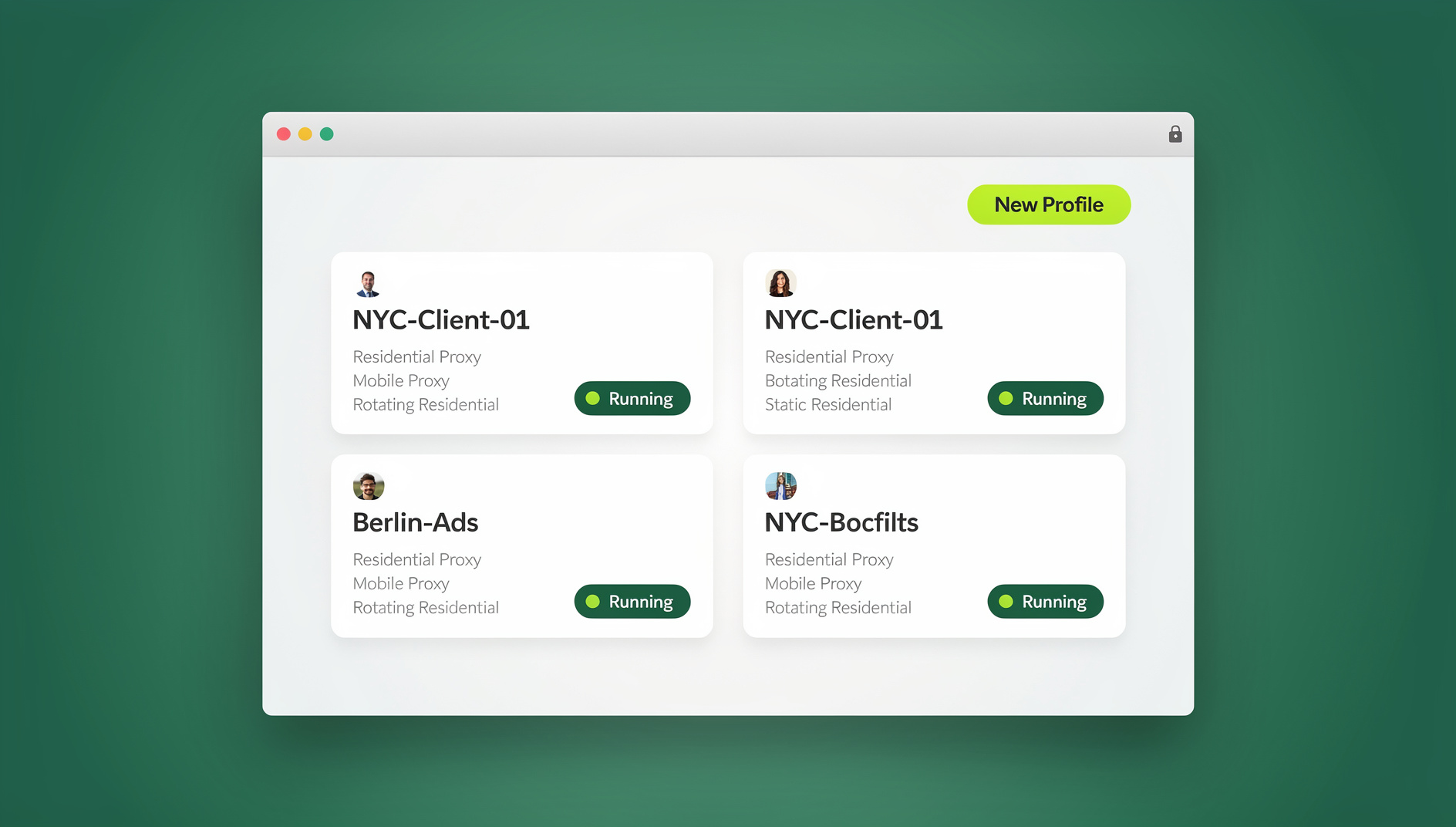
What Is Multi-Account Management?
Multi-account management is the practice of operating several user accounts on one or more platforms at the same time, in a way that keeps each account looking like it belongs to a separate, independent person or business. It matters most on platforms that actively hunt for duplicate accounts — Amazon, eBay, Facebook, Google, and most ad networks — because getting caught usually means a suspension, not a warning.
Whether you’re running five client social profiles or fifty Amazon seller accounts, the underlying problem is the same: your browser leaks identifying details (cookies, cache, fonts, screen size, IP address) that platforms use to connect accounts that are supposed to be unrelated. Solving that requires more than opening a new incognito tab.
Why Businesses Need to Manage Multiple Accounts
Multi-account setups aren’t a loophole — they’re a normal part of how modern teams operate:
- E-commerce sellers running multiple storefronts on Amazon, eBay, Shopify, or Etsy to test markets or separate product lines
- Agencies managing dozens of client accounts across Facebook, Instagram, LinkedIn, X, and TikTok from one team
- Performance marketers running parallel Google Ads or Meta Ads accounts to test creative and budgets without one account’s history affecting another
- Sales and business development teams keeping prospecting, outreach, and support activity on separate identities
- Content creators maintaining several brand personas or niche channels that shouldn’t appear connected
The Real Challenges of Managing Multiple Accounts
Traditional browsers were never built for this, which is why most of the pain in multi-account work comes down to four recurring problems.
1. Platform Detection and Account Linking
Facebook, Google, Amazon, and eBay all run detection systems that look for signs the same person controls “separate” accounts. The main signals are a browser fingerprint match (canvas, WebGL, audio, and font rendering that’s identical across profiles), a shared IP address, overlapping cookies, and login patterns that repeat across accounts — same device, same timezone, same click cadence. Get flagged and the consequences range from a single suspension to a permanent, cross-account blacklist.
2. Password and Credential Management
Once you’re past a handful of accounts, spreadsheets stop working. Teams lose credentials, reuse passwords out of convenience, and burn hours hunting for login details — and that’s before you factor in two-factor codes and recovery emails that need to stay organized per account.
3. Workflow Inefficiency
Manually logging in and out, switching browser profiles, and re-establishing context every time you jump between a client account and your own is slow. It also makes it hard to tell, after the fact, which account actually performed which action.
4. Team Collaboration
Sharing logins with teammates means sharing passwords, which means no audit trail, no granular permissions, and a real risk that two people working the same account simultaneously will trip a platform’s fraud detection on their own.
Best Practices for Managing Multiple Accounts Safely
None of the above is unsolvable — it just requires deliberate systems instead of ad hoc habits.
1. Use Dedicated Account Isolation Tools
Chrome and Firefox profiles were designed for personal use, not for keeping fifty business identities apart. A proper isolation tool gives each account its own cookies, cache, and storage, a unique fingerprint, its own proxy, and a session that stays logged in without conflicting with any other profile.
2. Rotate and Assign Proxies Correctly
Logging into ten accounts from one IP address is one of the fastest ways to get linked. Assign one proxy per account, use sticky sessions so the IP doesn’t change mid-session, and match the proxy’s geographic location to where the account claims to operate. Skip free or shared proxies — they’re usually already blacklisted.
3. Keep Account Behavior Consistent and Human
Platforms watch for behavioral patterns, not just technical fingerprints. Log in from the same proxy location every time, avoid firing identical actions across every account at once, vary posting times and engagement, and let new accounts build up a normal-looking history before you push them hard.
4. Use Clear Naming Conventions
A simple structure — ClientName_Platform_Purpose, ProductLine_Marketplace_Region, or Function_Platform_Number — turns a folder of confusingly similar profiles into something you can navigate at a glance, especially once you’re past ten or twenty accounts.
5. Store Credentials in a Real Password Manager
Individual users are fine with 1Password or Bitwarden; teams need shared vaults with per-person access controls rather than a spreadsheet everyone edits. Most dedicated multi-account browsers also include profile-level credential storage, which removes a manual step entirely.
6. Document Every Account
Keep a central record of registration emails, phone numbers, recovery details, proxy assignments, 2FA backup codes, account purpose, and last-activity dates. When an account gets flagged, this is what lets you respond in minutes instead of hours.
Comparing the Top Multi-Account Management Tools
A handful of tools dominate this space, each with a different trade-off between price, control, and ease of use.
| Tool | Best For | Starting Price | Notable Limitation |
|---|---|---|---|
| Multilogin | Large agencies running 50+ profiles | ~$99/month | Steep price, complex setup for small teams |
| GoLogin | Social media managers, affiliates | ~$24/month | Cloud profile sync can lag on heavy use |
| AdsPower | Amazon/eBay sellers wanting automation | Free tier, then ~$9/month | Free tier capped at 2 profiles |
| Incogniton | Small businesses, freelancers | Free tier, then ~$49/month | Advanced fingerprinting locked behind higher tiers |
| Send.win | Anyone who wants a native app or a zero-install cloud session | $19/month ($83.88/yr) | Newer entrant than legacy browser profile managers |
Send.win: A Native App and Cloud Sessions Built for Multi-Account Work
Send.win gives you two ways to work, and which one you pick depends on how you like to operate. The first is Sendwin Browser, a native desktop app for Windows, macOS, and Linux that runs locally on your machine and keeps everything encrypted and synced to the cloud, so your profiles follow you to a new device without living entirely online. The second is a cloud browser session that runs the entire browser remotely — nothing installs on your computer, and usage is metered by cloud browsing time rather than a per-seat license.
Each profile — local or cloud — gets its own isolated cookies, cache, and storage, plus a distinct fingerprint across canvas, WebGL, WebRTC, audio, fonts, and hardware signals, so accounts don’t share the technical fingerprints that trigger session isolation failures on other setups. Proxies attach per profile with a couple of clicks, so residential or datacenter IPs can be assigned account by account instead of being configured by hand.
For teams that need to manage parts of the workflow, Send.win’s desktop app keeps each profile isolated with its own cookies, storage, sessions, fingerprint settings and proxy, so repetitive tasks stay organised per account. Team plans add shared profile access, permission controls, and activity logs across 16 seats, which covers most agency structures managing client accounts.
Pricing starts with Pro at $19/month ($83.88/year) for 150 profiles and 5GB of proxy bandwidth, or Team at $49/month ($251.88/year) for 500 profiles, 20GB of bandwidth, and the 16 team seats. There is no free trial; the first card purchase is covered by a 7-day money-back guarantee, and the only free option is the cloud demo at https://send.win/demo-browser/.
| Feature | Legacy Browser Profile Managers | Send.win |
|---|---|---|
| Access model | Desktop software only | Native desktop app or zero-install cloud session |
| Device flexibility | Tied to one installed machine | Encrypted cloud sync, or run entirely in the cloud |
| Automation | Often Enterprise-only | No |
| Entry pricing | $99-$399/month | $19/month ($6.99/mo annually) |
| Free trial | Varies, often limited profiles | No |
Step-by-Step Workflow for Managing Multiple Accounts with Send.win
Step 1: Choose Your Mode and Create a Profile
- Decide whether you want the native Sendwin Browser app or a cloud session for this account
- Open the dashboard and create a new profile
- Name it using a consistent convention (e.g., ClientName_Platform_Purpose)
- Set the fingerprint parameters for that profile
Step 2: Configure Account Settings
- Assign a proxy that matches the account’s expected location
- Set timezone, language, and screen resolution to match
- Enable WebRTC leak protection
- Save the profile
Step 3: Log In and Work
- Launch the profile
- Log into the account as normal — credentials save to that isolated profile
- Return to the same profile later and the session picks up where you left off
Step 4: Scale and Hand Off to Your Team
- Create additional profiles as new accounts come online
- Group and tag profiles by client, platform, or purpose
- Share specific profiles with teammates on the Team plan without handing over passwords
- Review activity logs to see who did what and when
Common Mistakes That Get Accounts Linked or Banned
Reusing the Same Email Provider
A dozen Gmail addresses created back-to-back is an easy pattern for platforms to spot. Mix providers, use domain-based email for business accounts, and consider forwarding services for lower-stakes signups.
Sharing Payment Methods
The same credit card behind five “unrelated” accounts is a near-instant red flag. Virtual cards, separate business cards, and per-entity payment accounts solve this cleanly.
Skipping the Warm-Up Period
New accounts that immediately run at full volume — ads, high-value listings, mass outreach — look like fraud to automated detection. Build two to four weeks of ordinary activity first.
Running Identical Actions Across Accounts at Once
Posting the same content or firing the same action across every profile simultaneously is one of the easiest patterns to detect. Vary timing, wording, and creative between accounts.
🏆 Send.win Verdict
If you need to manage multiple accounts, Send.win covers the two things that actually matter: a genuinely isolated profile per account (unique fingerprint, dedicated proxy, separate storage) and the flexibility to run that profile as a native desktop app or as a zero-install cloud session, whichever fits your setup. Pricing starts well below the legacy browser profile managers, and there is no automation interface on any plan.
Try the Send.win cloud demo — a 3-minute preview without signup, 10 minutes a day with a free account.
Frequently Asked Questions
Is managing multiple accounts legal?
Yes, for legitimate business purposes — running separate stores, client accounts, or ad campaigns is normal. What gets you in trouble is violating a specific platform’s terms of service, such as creating fake accounts for spam or fraud, which can lead to bans regardless of the tools you use.
How many accounts can I realistically manage at once?
With proper isolation tools, the limit is usually your team’s time and organization rather than the technology. Send.win’s Pro plan supports 150 profiles and Team supports 500, which covers most agencies and sellers comfortably.
Do I need a separate proxy for every account?
For platforms that actively track IP addresses — Facebook, Amazon, Google Ads — yes, a dedicated proxy per account is close to essential. For lower-scrutiny platforms it’s optional but still recommended as a baseline habit.
What actually happens if my accounts get linked?
Outcomes range from a single account suspension to a full cross-account ban, and in severe cases a platform-wide blacklist that blocks you from creating new accounts entirely. Prevention through isolation is far cheaper than recovery.
Can I automate multi-account workflows?
No. Send.win has no automation interface — no API, SDK, headless mode or Selenium/Puppeteer/Playwright support on any plan. Automation should still mimic realistic human timing rather than firing identical actions instantly across accounts.
What’s the difference between the native app and a cloud session?
The native Sendwin Browser installs locally and syncs your encrypted profiles to the cloud, so you get local performance with backup and portability. A cloud session runs entirely on Send.win’s infrastructure with zero local install, billed by cloud browsing time — better if you’re on a low-power device or want to avoid installing anything at all.
Is there a free way to try Send.win before committing?
No, Send.win does not offer a free trial. The first card purchase is covered by a 7-day money-back guarantee, and the only free option is the cloud demo at https://send.win/demo-browser/, which gives you a 3-minute preview without signup or 10 minutes a day with a free account.
Conclusion
Managing multiple accounts well comes down to three things: isolating each account technically, behaving consistently and believably within each one, and using a system built for scale rather than a stack of browser tabs. Tools built specifically for this — including the best browser for multiple accounts options on the market — remove most of the manual risk, and the practices above cover the rest. Whether you’re just starting with a second Amazon store or already managing multiple Facebook accounts for clients, the combination of proper isolation and disciplined behavior is what keeps accounts alive long term.