Which Bookkeeping Software Fits Multi-Client Accountants?
QuickBooks Online Accountant and Xero are the strongest picks for bookkeeping software for accountants managing multiple clients, because both give your firm a single practice-wide dashboard, one-click switching between client files, and role-based access for staff — QBOA leads for US-based small-business clients, Xero for international or app-integration-heavy practices. FreshBooks, Sage, and Wave round out the field for specific client profiles and budgets. None of these platforms, however, solve the parallel problem of logging into 20-50 clients’ banking and tax portals from the same browser without tripping fraud alerts — that takes isolated browser profiles alongside whichever accounting software you choose.
Why Multi-Client Bookkeeping Needs Purpose-Built Software
Generic bookkeeping tools built for a single business create real friction the moment a firm needs to move between dozens of client files in a day. A platform designed for multi-client work needs four things a single-entity tool doesn’t: a centralized dashboard that shows every client’s status at a glance, batch reconciliation so you’re not opening and closing the same modules repeatedly, standardized chart-of-accounts templates so onboarding a new client doesn’t mean rebuilding from scratch, and role-based access so junior staff can work assigned clients without ever seeing the rest of the book of business.
The five platforms below are the ones accounting firms actually standardize on, followed by the browser-access problem that sits underneath all of them regardless of which one you choose.
Top Bookkeeping Platforms for Multi-Client Firms
1. QuickBooks Online Accountant (QBOA)
| Feature | Details |
|---|---|
| Multi-client dashboard | Centralized client list with status indicators |
| ProAdvisor benefits | Free QBO access for your firm, discounts for clients |
| Bank feeds | Automated bank transaction imports |
| Reconciliation | Bank reconciliation with auto-matching |
| Payroll integration | QuickBooks Payroll add-on |
| Pricing | $35-235/mo per client (firm gets free access) |
| Best for | Firms with small-business clients in the US |
Why accountants choose it: QBOA is the most widely adopted platform among US-based accounting firms, largely because most small-business clients already run on QuickBooks Online. The ProAdvisor program throws in free firm access, client discounts, and a centralized dashboard listing every client company with its bookkeeping status. One-click switching between client files eliminates the constant log-in/log-out cycle that eats time on high-volume days.
2. Xero
| Feature | Details |
|---|---|
| Multi-client dashboard | Xero HQ with practice-wide overview |
| Bank reconciliation | AI-powered transaction matching |
| App marketplace | 1,000+ third-party integrations |
| Multi-currency | Native multi-currency support |
| Pricing | $15-78/mo per client organization |
| Best for | Firms with international clients or heavy app stacks |
Why accountants choose it: Xero HQ is a practice management dashboard built specifically for accountants, surfacing every client organization alongside key health metrics — overdue invoices, reconciliation status, and upcoming tax obligations. Xero’s open API and app marketplace make it the most integration-friendly option for firms that layer receipt capture, payroll, or inventory tools on top.
3. FreshBooks
| Feature | Details |
|---|---|
| Multi-client | Accountant’s hub for managing clients |
| Time tracking | Built-in, billable to clients |
| Invoicing | Professional invoicing with online payment |
| Expense tracking | Receipt scanning and categorization |
| Pricing | $10-55/mo per client |
| Best for | Service-based small-business clients |
FreshBooks leans hardest into time tracking and invoicing, which makes it a natural fit for solo consultants and agencies who bill hourly and need clean, client-facing invoices more than deep general-ledger functionality.
4. Sage Business Cloud Accounting
| Feature | Details |
|---|---|
| Multi-client | Sage Accountant edition |
| Compliance | Making Tax Digital (UK), VAT returns |
| Cash flow forecasting | AI-powered projections |
| Pricing | $10-25/mo per client |
| Best for | UK and international firms with compliance needs |
Sage’s edge is regulatory: firms filing under Making Tax Digital or juggling VAT across multiple UK entities get compliance workflows baked in rather than bolted on.
5. Wave
| Feature | Details |
|---|---|
| Multi-client | Multiple businesses under one login |
| Invoicing | Unlimited free invoicing |
| Bank connections | Automated imports |
| Pricing | Free (core), paid add-ons for payroll and payments |
| Best for | Budget-conscious firms with micro-business clients |
Wave’s core ledger and invoicing are free, which matters for firms whose client roster is heavy on very small businesses that can’t absorb per-seat software costs.
Feature Comparison Matrix
| Feature | QBOA | Xero | FreshBooks | Sage | Wave |
|---|---|---|---|---|---|
| Multi-client dashboard | Yes | Yes | Yes | Yes | Yes |
| Bank reconciliation | Yes | Yes | Yes | Yes | Yes |
| Payroll | Add-on | Via Gusto | No | Add-on | Add-on |
| Inventory | Yes | Yes | No | Yes | No |
| Multi-currency | Yes | Yes | Yes | Yes | No |
| API access | Yes | Yes | Yes | Yes | Limited |
| Free tier | Firm only | No | No | No | Yes |
The Hidden Risk: Accessing Client Portals From One Browser
Bookkeeping software only covers half of an accountant’s daily browser use. Beyond the ledger platform itself, accountants log into dozens of web portals per day per client: banking portals for transaction verification, tax authority sites for filings, payroll platforms for processing, and client document portals for file exchange.
Doing all of that from the same browser session creates real operational and security risk:
- Session conflicts: banking portals aggressively terminate active sessions the moment they detect activity from another financial site in the same browser.
- Fraud alerts: banks track browser fingerprints, and the same fingerprint touching 15 different corporate bank accounts is exactly the pattern that trips a fraud investigation.
- Credential confusion: browser autofill across open tabs can silently populate the wrong client’s login into the wrong portal — a mistake that’s hard to notice until it’s already caused a problem.
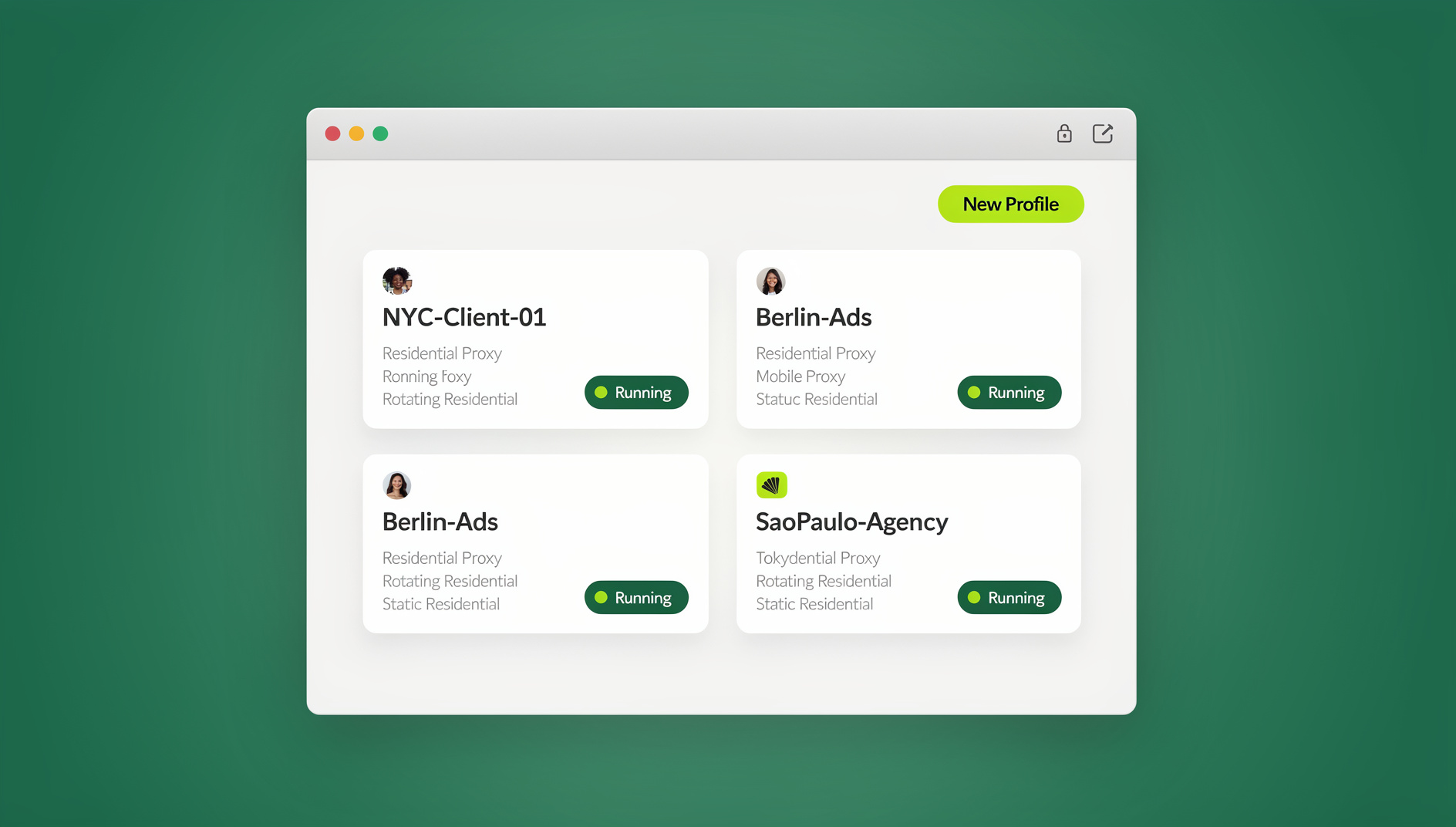
This is the part of the workflow accountants juggling client after client tend to underrate until it bites them — a firm quietly juggling multiple clients without a structural fix ends up burning hours re-authenticating or, worse, getting a client’s bank account temporarily frozen over a false fraud flag. The practical fix is an isolated browser profile per client: create a “Client A – Financial” profile, log into their bank, payroll portal, and tax system inside it, then switch to “Client B – Financial” with completely separate cookies, fingerprint, and session — zero cross-client contamination, whether you run it through the Send.win Sendwin Browser desktop app or spin up a cloud browser session with nothing to install.
Under the hood, this is the same session isolation mechanism that keeps social and ad accounts from cross-contaminating — applied here to the far higher-stakes context of client banking and tax data. Because it’s a genuinely separate profile rather than an incognito tab or a second browser install, it holds up across a full workday of client switching, not just a single session.
Building a Repeatable Multi-Client Workflow
Daily Reconciliation Batch
- Open each client’s bookkeeping file in your accounting platform.
- Review imported bank transactions and categorize unmatched items.
- For transactions needing verification, open that client’s isolated multi-login browser profile to access their banking portal directly.
- Mark reconciliation complete and move to the next client — the profile switch takes seconds, not a fresh login.
Monthly Close Checklist
- Reconcile all bank and credit card accounts.
- Review and categorize all transactions.
- Post adjusting journal entries (accruals, prepayments, depreciation).
- Generate financial statements (P&L, balance sheet, cash flow).
- Send reports to the client through a secure portal.
Delegating Access Without Sharing Passwords
For firms with multiple staff accountants, client access needs to be assigned deliberately, not handed out ad hoc:
- Assign clients to specific staff in your practice management tool.
- Use role-based access inside your bookkeeping software so each staff member only sees their assigned clients.
- For banking and other sensitive portals, let staff share accounts without passwords so they can work inside a client’s financial accounts without ever holding the raw login credentials — useful both for day-to-day delegation and for offboarding a staff member cleanly when they leave the firm.
Automating the Repetitive Parts
Bank Rules and Auto-Categorization
Both QuickBooks and Xero support bank rules — when a transaction matches specific criteria (vendor name, amount range, description keywords), it’s categorized automatically. Set up rules for each client’s recurring transactions:
- Rent payments → Rent Expense
- Stripe deposits → Sales Revenue
- Gusto payroll → Payroll Expense
- Amazon purchases → Office Supplies (or a client-specific category)
Receipt Capture and Matching
Modern platforms support receipt scanning through mobile apps. Clients photograph receipts, the software uses OCR to extract vendor, amount, and date, and matches the result to the corresponding bank transaction — cutting the accountant’s manual data-entry time considerably, especially across a large client roster where the volume of receipts adds up fast.
Onboarding a New Client Without Disrupting Your System
Onboarding is where multi-client firms lose the most time, because every new client arrives with its own chart of accounts, its own bank, and its own set of portal logins that need to be set up correctly on day one — get it wrong here and you’re cleaning up the mess for months.
- Set the client up in your bookkeeping platform using your firm’s standardized chart-of-accounts template, adjusting only what the client’s industry genuinely requires.
- Connect bank feeds and confirm the historical transaction import matches the client’s last statement before you build on top of it.
- Create a dedicated isolated browser profile for the client covering their bank, payroll platform, and any tax authority portals they use, so day-one access never touches another client’s session.
- Set up bank rules for the client’s known recurring transactions (rent, payroll provider, common vendors) so month one already has partial automation instead of starting from zero.
- Document the client’s specific quirks — a second bank account, a foreign-currency vendor, a seasonal revenue pattern — in your practice management tool so any staff member covering the client later isn’t starting cold.
Firms that skip the browser-profile step in onboarding are the ones that end up discovering the risk the hard way, usually when a bank flags unusual activity mid-tax-season and the resulting account freeze costs far more staff time than setting up the profile would have taken.
🏆 Send.win Verdict
Your bookkeeping platform choice — QBOA, Xero, or otherwise — solves the ledger side of multi-client work. It does nothing for the browser side, where logging into 20+ clients’ banks and tax portals from one session is what actually triggers fraud flags and session conflicts. Send.win gives each client their own isolated profile, whether run through the Sendwin Browser desktop app or a cloud browser session with no install, so your firm can switch clients without switching risk.
Try Send.win’s free cloud demo — a 3-minute preview without signup, with Pro plans starting at $19/mo or $83.88/yr.
Frequently Asked Questions
Which bookkeeping software is best for a new accounting firm?
QuickBooks Online Accountant is the safest starting point for US-based firms, since most prospective clients already run on QuickBooks Online and the ProAdvisor program covers your own firm’s access for free. Xero is the better call if you expect international clients or need deeper API integrations from day one.
How many clients can one bookkeeper handle?
With automation and standardized workflows in place, a full-time bookkeeper can typically manage 30-50 monthly clients. Without those systems, that number drops to 10-15. The bottleneck is almost always reconciliation and client communication — not the raw capacity of the software.
Should I use the same bookkeeping software for every client?
Ideally, yes. Standardizing on one platform cuts training costs, builds staff familiarity, and simplifies your firm’s tech stack. Some clients will insist on their own preferred platform, though — in that case, isolated browser profiles for each platform-client combination keep access secure no matter which software a given client already uses.
Is it safe to log into multiple clients’ bank accounts from the same browser?
It’s risky in practice, even if nothing goes visibly wrong at first. Banks fingerprint the browser accessing an account, and the same fingerprint hitting many different business accounts in a day is a recognized fraud-detection trigger. Isolated profiles per client — each with its own fingerprint, cookies, and session — remove that pattern entirely.
Can I give a staff bookkeeper access to a client’s bank portal without handing over the password?
Yes. Session- and profile-sharing tools let a staff member operate inside a client’s logged-in banking session without ever seeing or storing the underlying credentials, which also makes offboarding a departing staff member far cleaner — you revoke the shared profile instead of resetting client passwords.
What’s the real difference between QuickBooks Online Accountant and plain QuickBooks Online?
QBOA is the free, firm-facing wrapper around QuickBooks Online: it adds the multi-client dashboard, ProAdvisor discounts, and one-click switching between client companies. The client’s own books still run on regular QuickBooks Online — QBOA is how your firm accesses and manages many of those instances at once.
Do I still need separate browser profiles if I already use Xero HQ or the QBOA dashboard?
Yes, because those dashboards only cover the accounting platform itself. The moment you leave the ledger to verify a transaction on the client’s actual bank website, file with a tax authority, or check a payroll portal, you’re back to browsing outside the practice dashboard — which is exactly where isolated profiles matter most.
Conclusion
The best bookkeeping software for accountants managing multiple clients depends on your firm’s market: QBOA dominates for US-based practices, Xero leads internationally, and FreshBooks, Sage, or Wave serve narrower client profiles well. But whichever ledger platform you standardize on, it only solves half the problem — the other half is the dozens of banking, tax, and payroll portals your team logs into every day across every client. Pairing your bookkeeping software with isolated browser profiles through Send.win closes that gap, preventing the session conflicts, fraud flags, and credential mix-ups that come from running a multi-client practice out of a single browser.